Apollo's Templates
HomeBusinessFax Cover Sheet
Printable fax templates · PDF & Word

Fax Cover Sheet Templates

Pick a format — fillable PDF or editable Microsoft Word — and a style. Add your logo, update your contact details, and print.

Free download · PDF + Microsoft Word

How the fax cover sheet downloads work.

Every cover sheet ships in two formats: a fillable PDF you can complete in any modern reader (Adobe Reader, macOS Preview, Chrome, Firefox), and an editable Microsoft Word .docx for full layout control. Free for personal and commercial use, no signup, no email, no watermark.

Fill it out in seconds. Click into the To, From, Date, Pages, Re, and Comments fields, type, and save. The Word version goes further — change the colors, swap the font, drop in your company logo, then save as a reusable .dotx template for the whole team.

Print and fax, or send digitally. Print the completed cover sheet, place it on top of your documents, and feed it into any office fax machine. Or upload the saved PDF to an e-fax service (eFax, HelloFax, RingCentral, FaxBurner, Microsoft Teams Fax) for a fully digital, paperless send.

Where fax still matters in 2026. Healthcare offices send millions of HIPAA-compliant faxes every day. Legal practices, government filings, real-estate closings, insurance claims, and banks still rely on fax for signed documents that need a verifiable transmission record. A clean, professional cover sheet sets the tone before the first page transmits.

Office worker feeding a printed Apollo's Templates fax cover sheet into a desktop fax machine
Build your own

In-browser fax cover sheet generator.

Upload a logo, type your company name and contact details, pick one of three logo-friendly designs, and download a fully fillable PDF. No signup. No upload to our servers — your logo never leaves your browser.

Print-and-go

Pre-designed PDF + Word templates.

One thumbnail per format. Open the file, fill the per-fax fields, and print — no customization step.

All six styles

Browse the full design set.

Click any style to land on the matching PDF page — every design is also available as a Microsoft Word document.
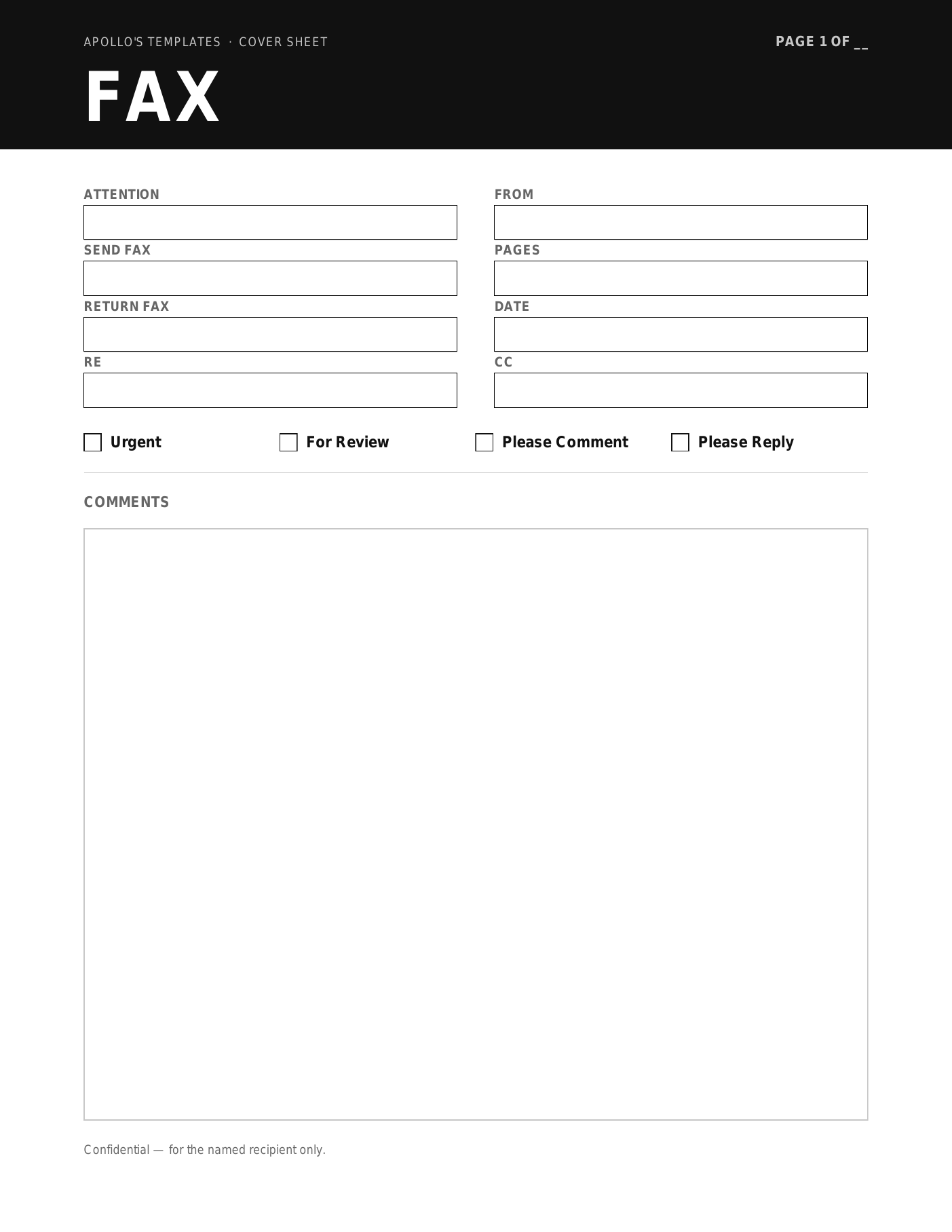
Onyx fax cover preview
Onyx
Bold black header band with a reverse-out title — newsroom-modern.
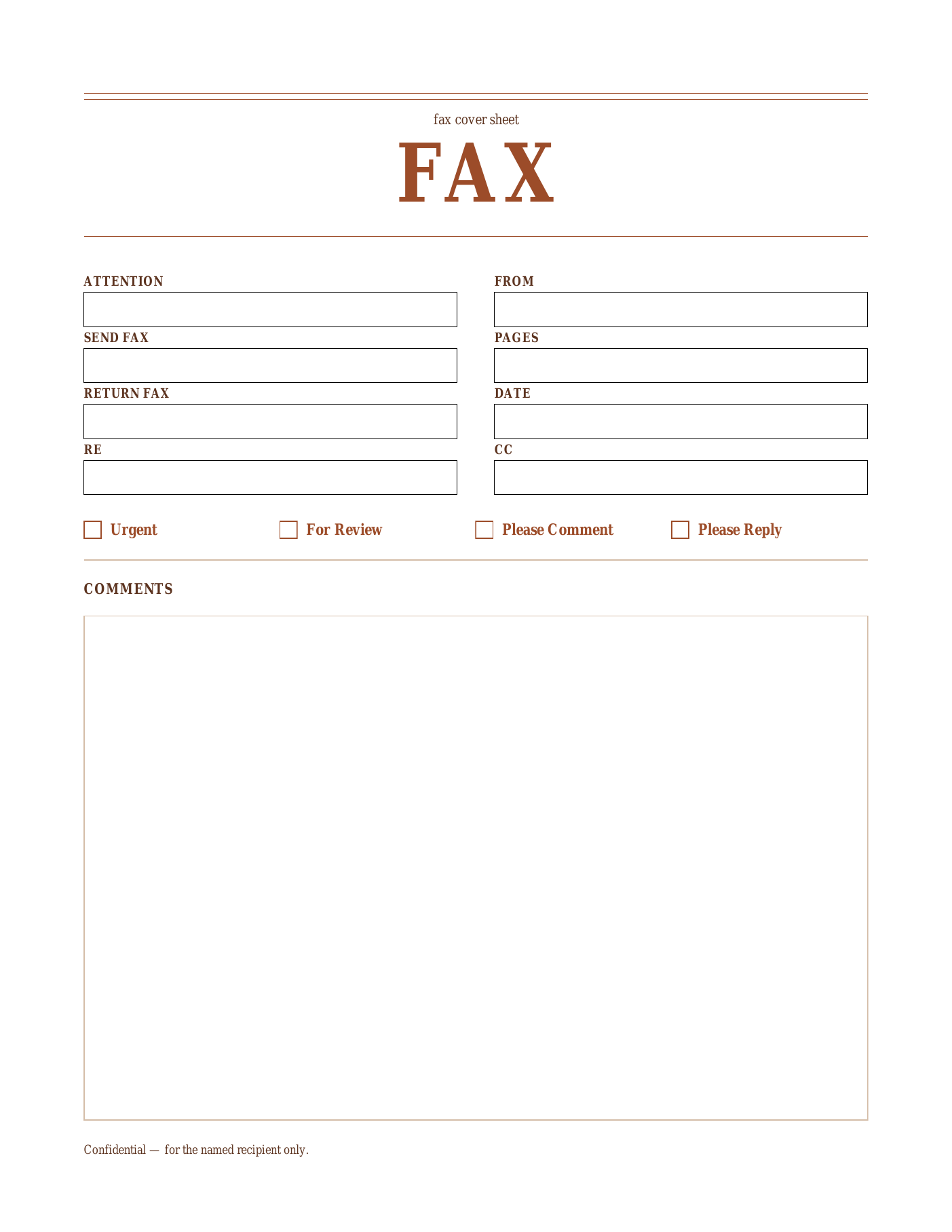
Sienna fax cover preview
Sienna
Warm terracotta accents and a centered classical serif title.
Sage fax cover preview
Sage
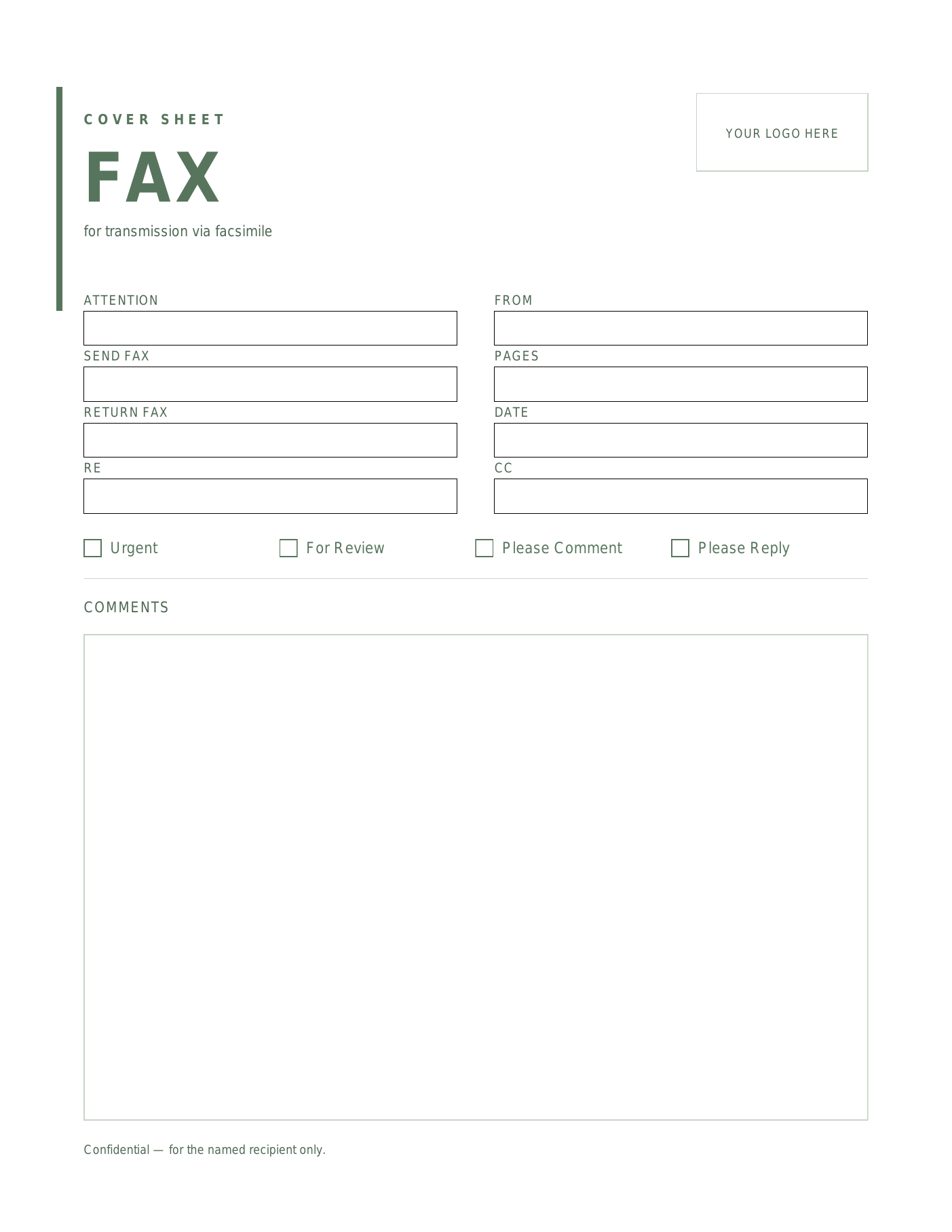
Muted-green vertical rule with a calm modern sans-serif title.
Indigo fax cover preview
Indigo
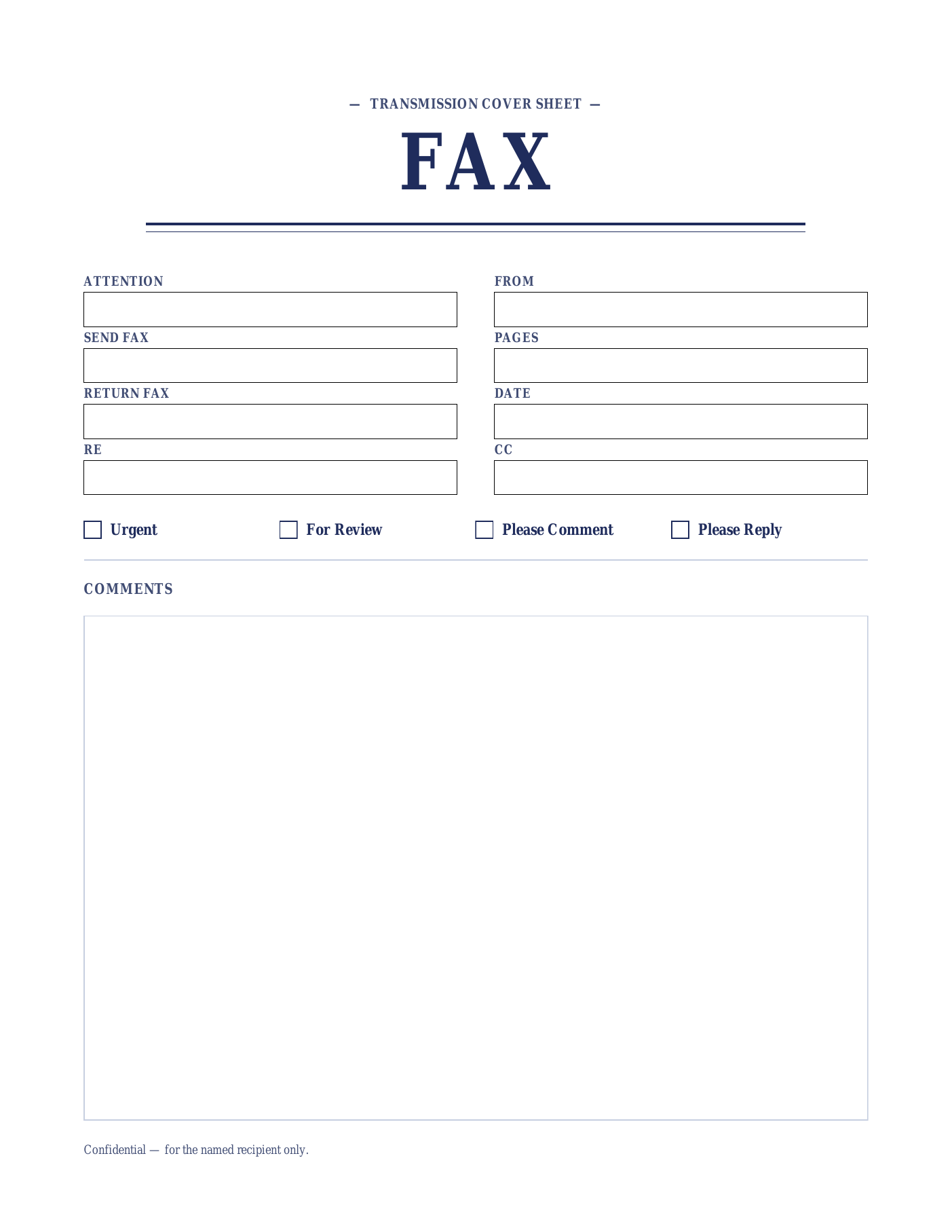
Deep navy formal letterhead with a classical serif title and double rule.
Marigold fax cover preview
Marigold
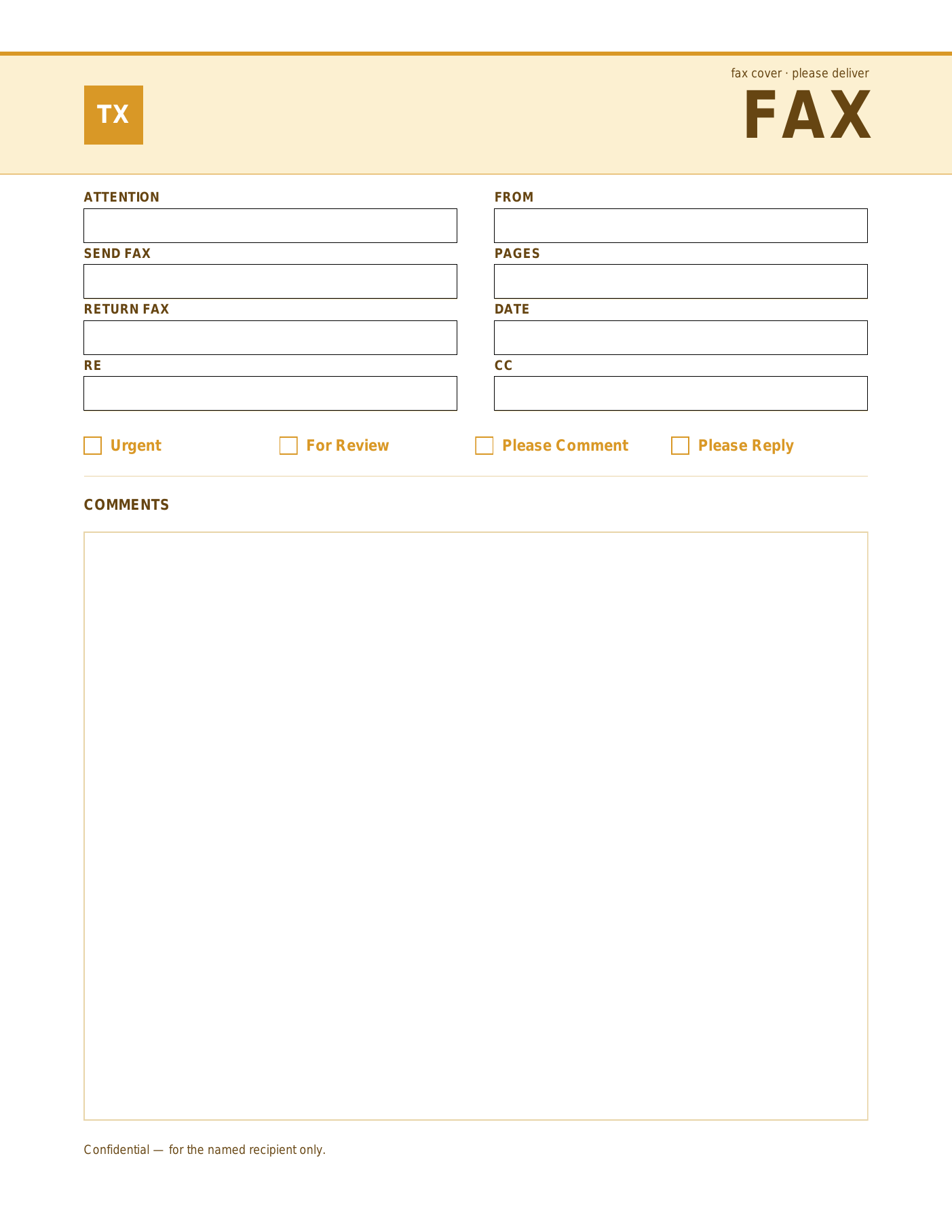
Warm amber band with a TX badge and right-aligned heavy sans title.
Slate fax cover preview
Slate
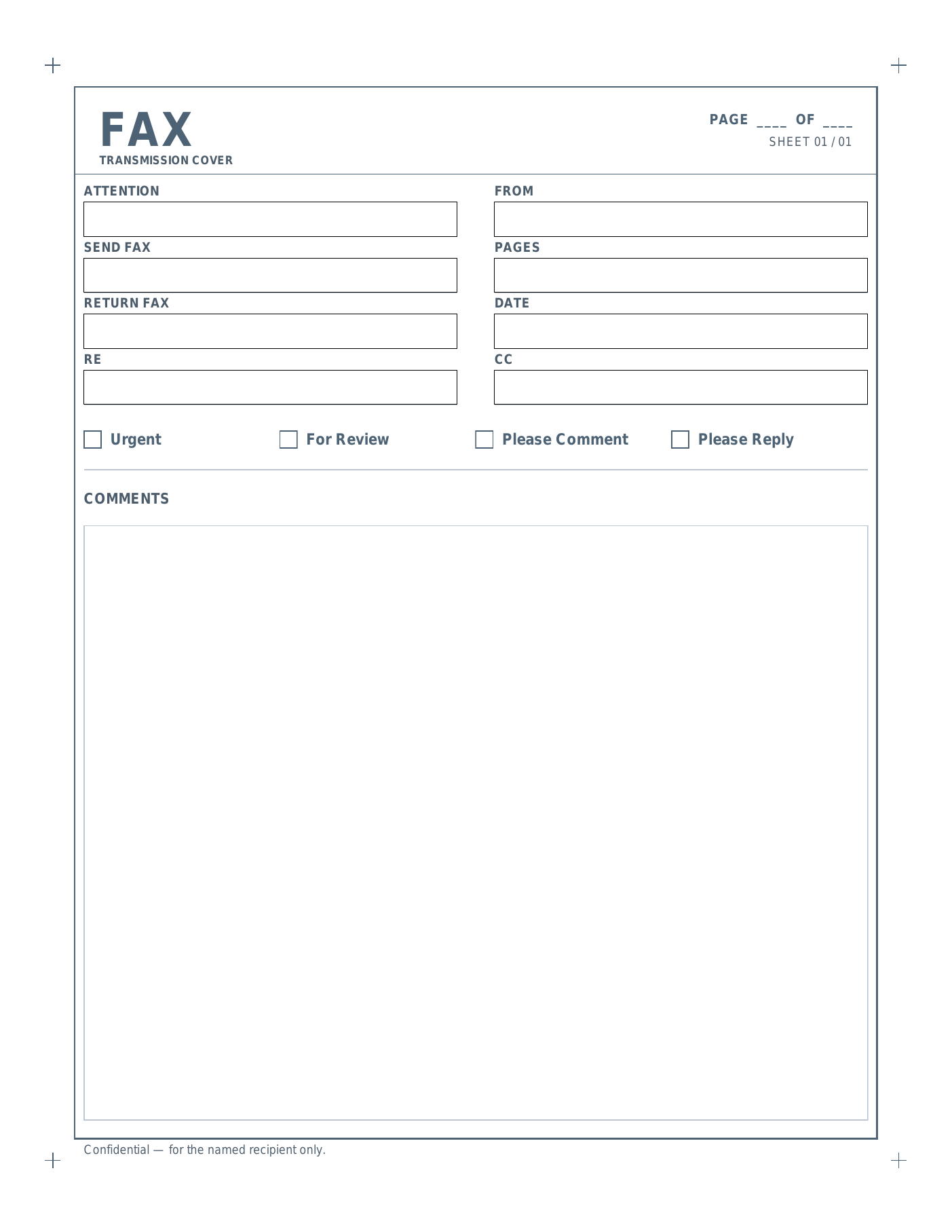
Architectural title-block with a bordered frame and corner registration marks.
Healthcare · HIPAA
Static HIPAA fax cover sheet templates
Four pre-designed cover sheets with a pre-printed PHI confidentiality notice — fillable PDF and editable Microsoft Word.
Open HIPAA collection
Okay, so everyone says the fax machine is dead — but let's face it, we still use the thing now and then. And if you like vinyl records (which I do), then sending a fax now and then helps us relive the old days!
— David, Apollo's Templates

Frequently asked questions

Do you need a fax cover sheet?
A cover sheet isn't legally required to send a fax, but most professional senders include one. It tells the recipient who the fax is for, who sent it, how many pages to expect, and gives a way to flag delivery problems. Without one, the receiving end has no easy way to triage an incoming page.
What information goes on a fax cover sheet?
The standard fields are: To (Attention), From, the destination fax number, the sender's return fax, today's date, the page count, an RE / subject line, and an optional comments block. Most cover sheets — including all six Apollo's Templates designs — also include checkboxes for Urgent, For Review, Please Comment, and Please Reply.
How do I fill out a fax cover sheet?
Open the PDF in any modern browser or PDF reader, click into each field (To, From, Date, Pages, RE, Comments) and type. Tick the appropriate delivery checkbox, print the page, and place it on top of the documents you're faxing. The Word version works the same way — open the .dotx in Word, type into the cells, and print.
What is a HIPAA-compliant fax cover sheet?
A HIPAA-compliant fax cover sheet includes a confidentiality notice telling unintended recipients that the fax contains protected health information (PHI), they must not read or distribute it, and how to return or destroy it. It also typically includes the sender's contact details so misdirected faxes can be reported. The notice doesn't make the cover sheet "HIPAA-certified" — but using one is part of meeting HIPAA's reasonable-safeguard expectation.
Does HIPAA require a fax cover sheet?
HIPAA doesn't mandate a specific cover-sheet format, but it does require covered entities to take reasonable safeguards to protect PHI in transit — including faxes. A cover sheet with a confidentiality notice is a widely accepted way to meet that expectation. Many healthcare offices treat it as required by policy.
Do I count the cover sheet in the page total?
Yes — the cover sheet is page 1 of the transmission. If you're sending two pages of contract behind a one-page cover sheet, the cover sheet says "Pages: 3." Some senders omit the cover sheet from the count and write "1 + 2"; both conventions are read correctly in practice.
What's the difference between a fax cover sheet and a fax cover letter?
They're often used interchangeably. A fax cover sheet is the short header page with To/From/Pages fields and a brief comments block. A fax cover letter is a full letter explaining what's being sent and why — typically used in formal correspondence (legal demands, contract drafts) where the letter itself is part of the message. Apollo's Templates ships cover sheets in both PDF and Word formats.
Can I fax from my computer without a fax machine?
Yes — services like eFax, HelloFax, FaxBurner, RingCentral Fax, Notifyre, and Microsoft Teams Fax let you upload a PDF and send it to a fax number from a browser. Save the filled-out cover sheet as a PDF (or print to PDF), upload it as the first page, attach the document pages, and send. Most services keep delivery receipts you can save for audit.
What should a confidentiality notice say?
A standard confidentiality notice tells unintended recipients three things: this fax is privileged or confidential, they must not read or copy it, and they should contact the sender to arrange return or destruction. Avoid wording that claims a specific compliance certification (like "HIPAA-certified"). Adapt the boilerplate to your business and have a lawyer review it for legal or healthcare contexts.
Why does my page say "FACSIMILE" instead of "FAX"?
Both wordings are correct — "facsimile" is the formal/legal term, "fax" is the everyday shorthand. Apollo's Templates ships every design in both wordings: pick FACSIMILE for legal, government, or formal business correspondence; pick FAX for everyday use. The fields, layout, and downloadable formats are identical between the two.
Updated through June 2026