Apollo's Templates
HomeBusinessFax Cover SheetCover Sheet — PDF
Printable fax · fillable PDF

Fax Cover Sheet — PDF

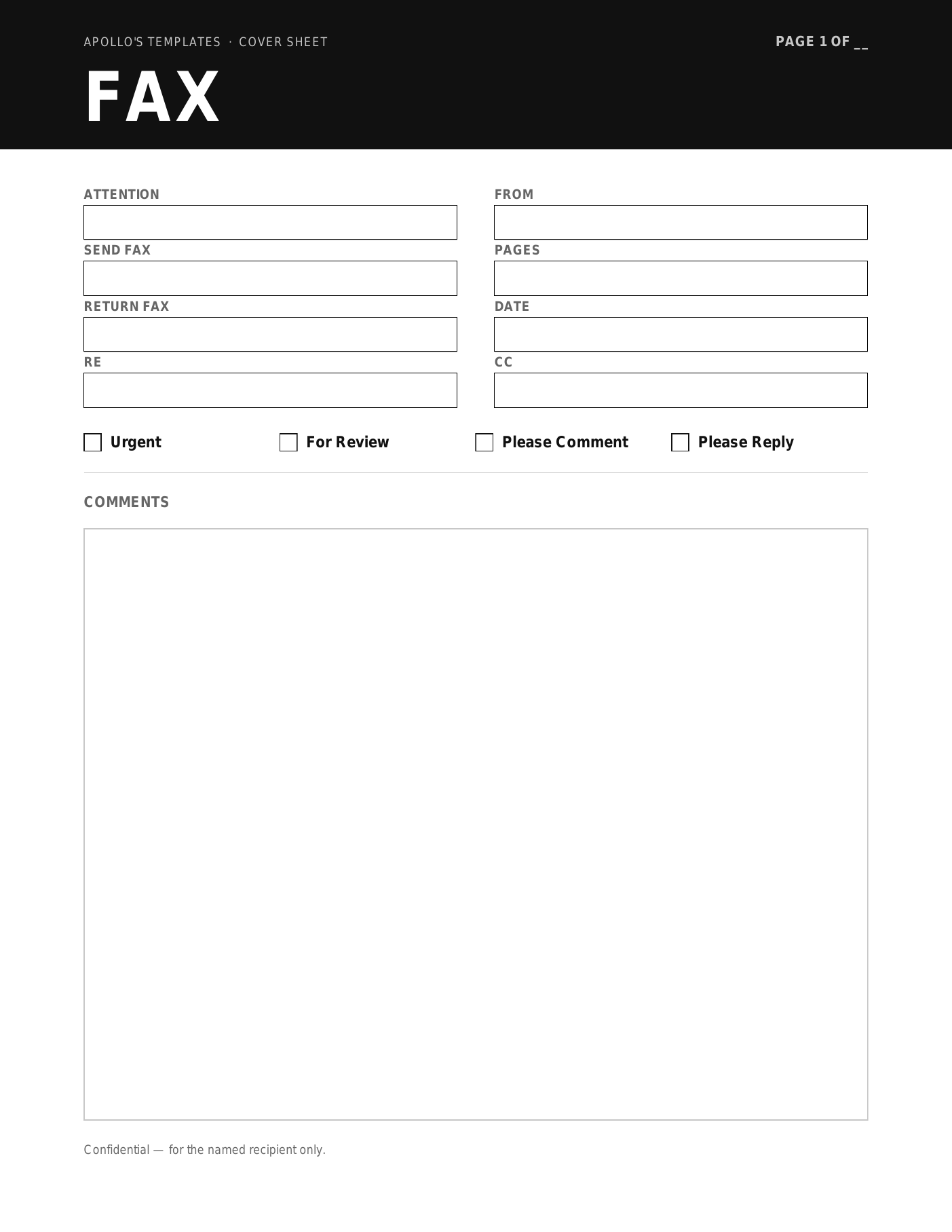
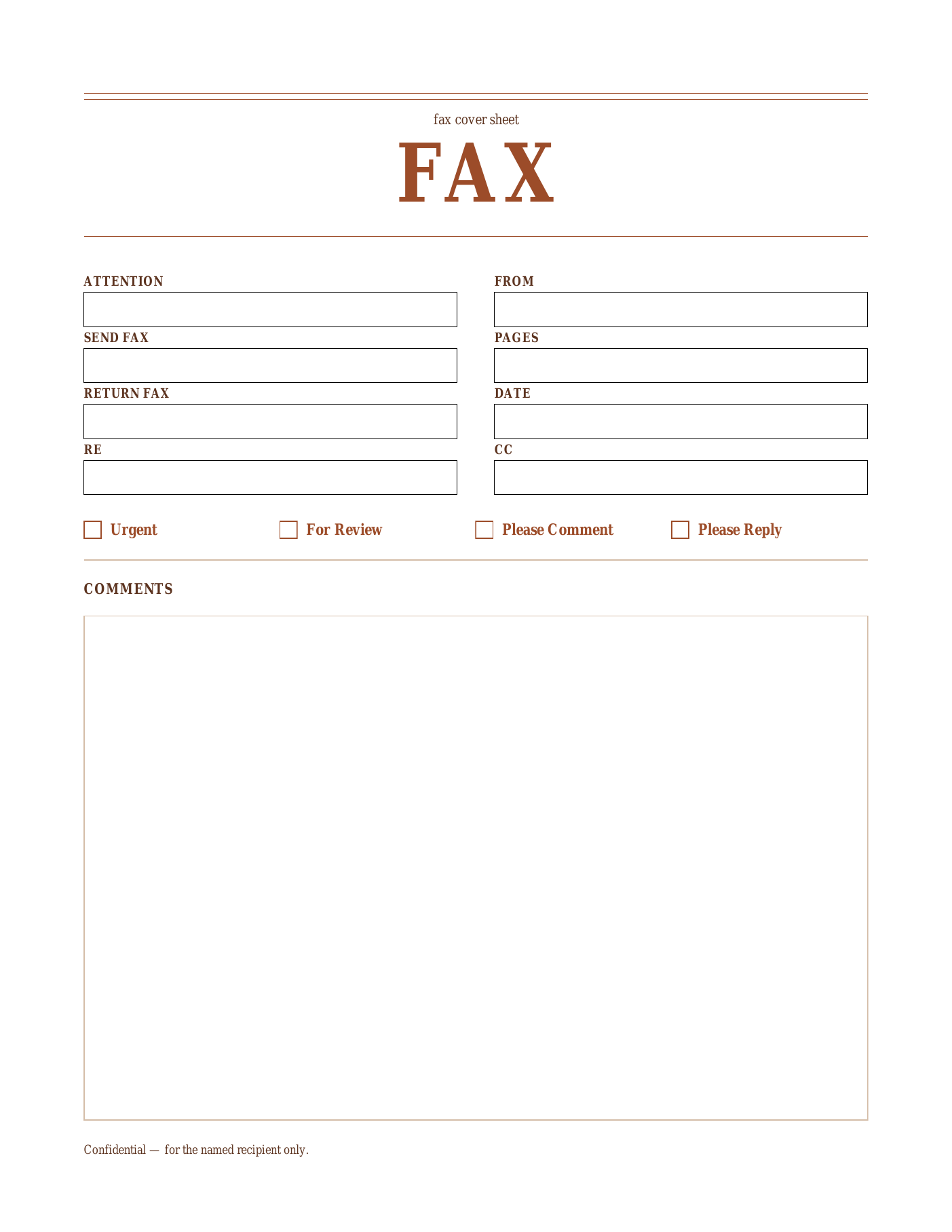
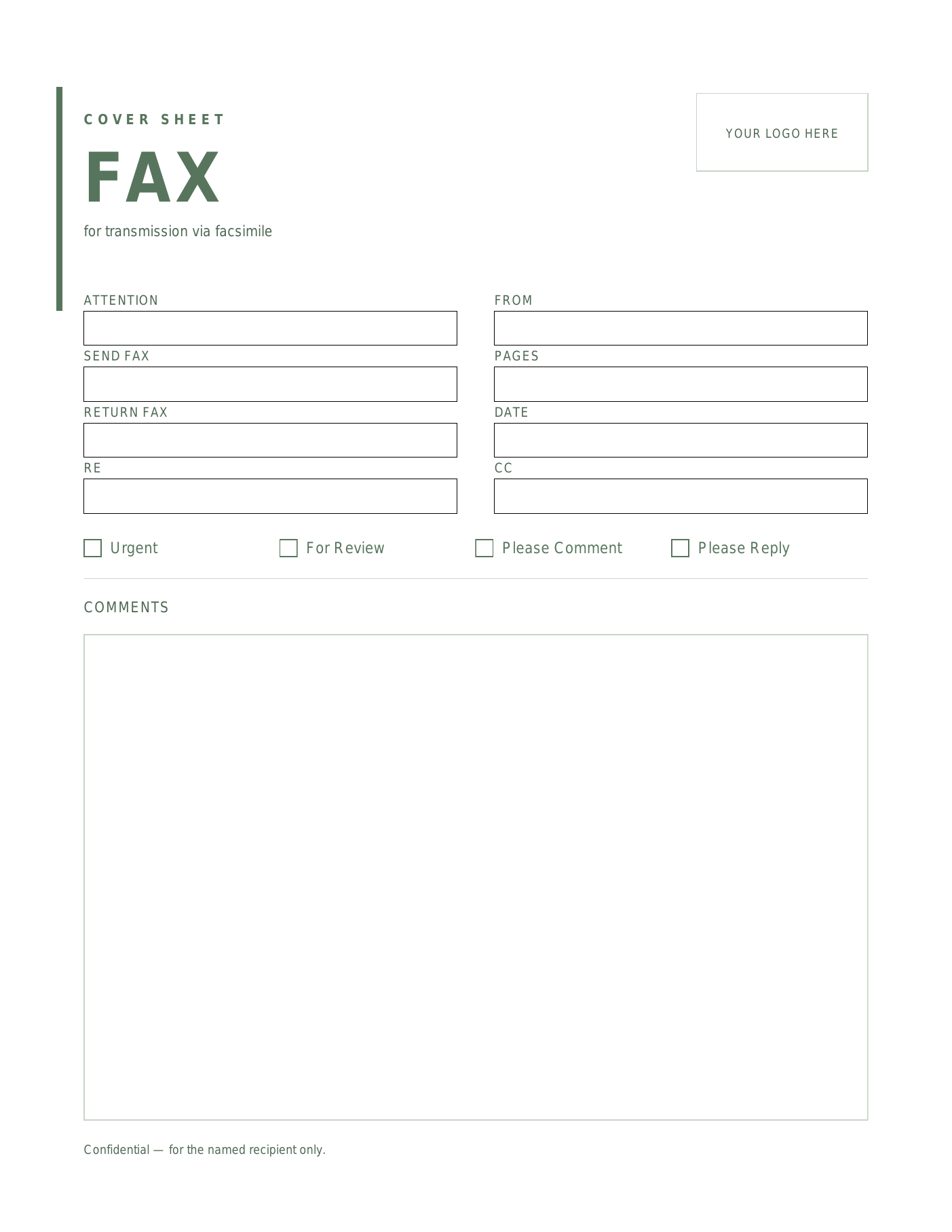
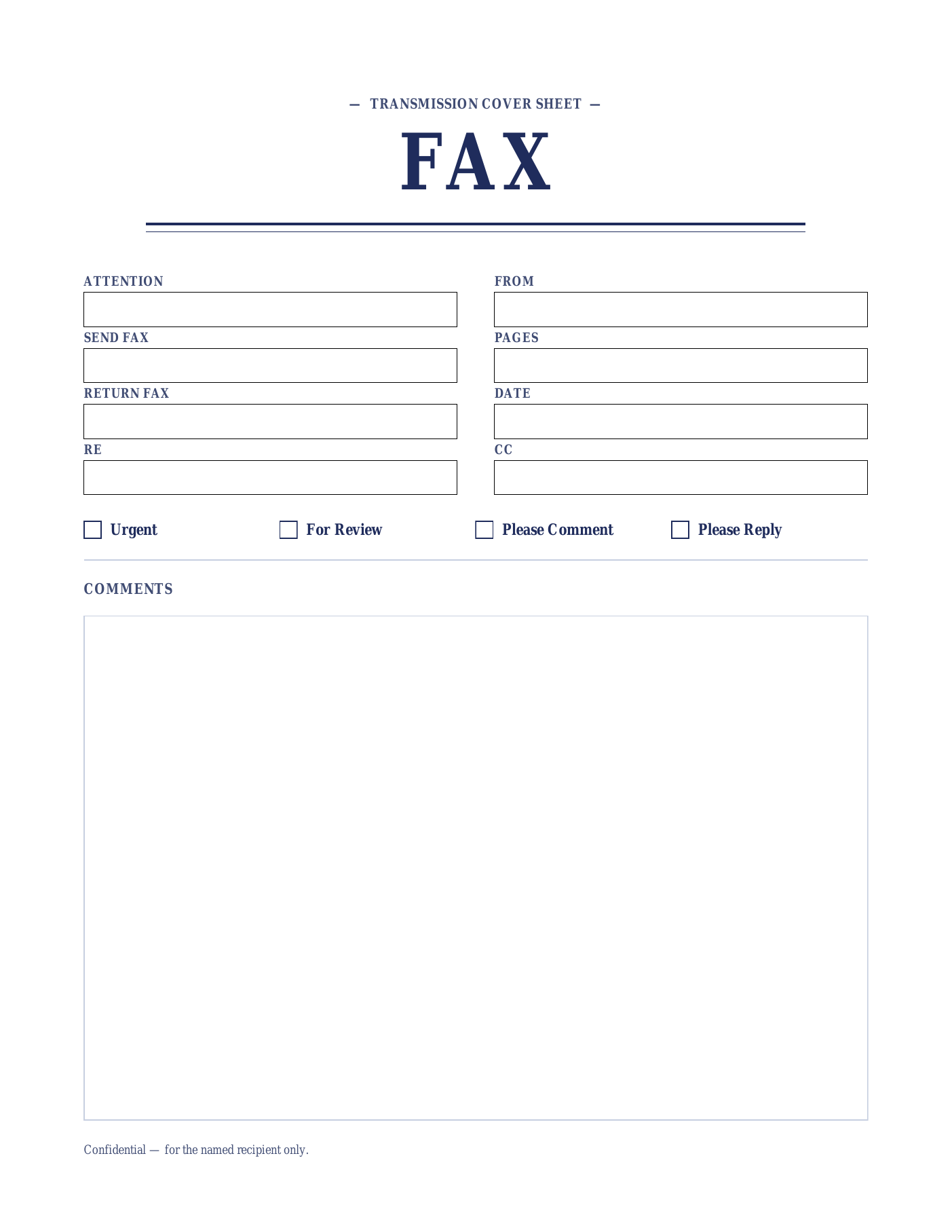
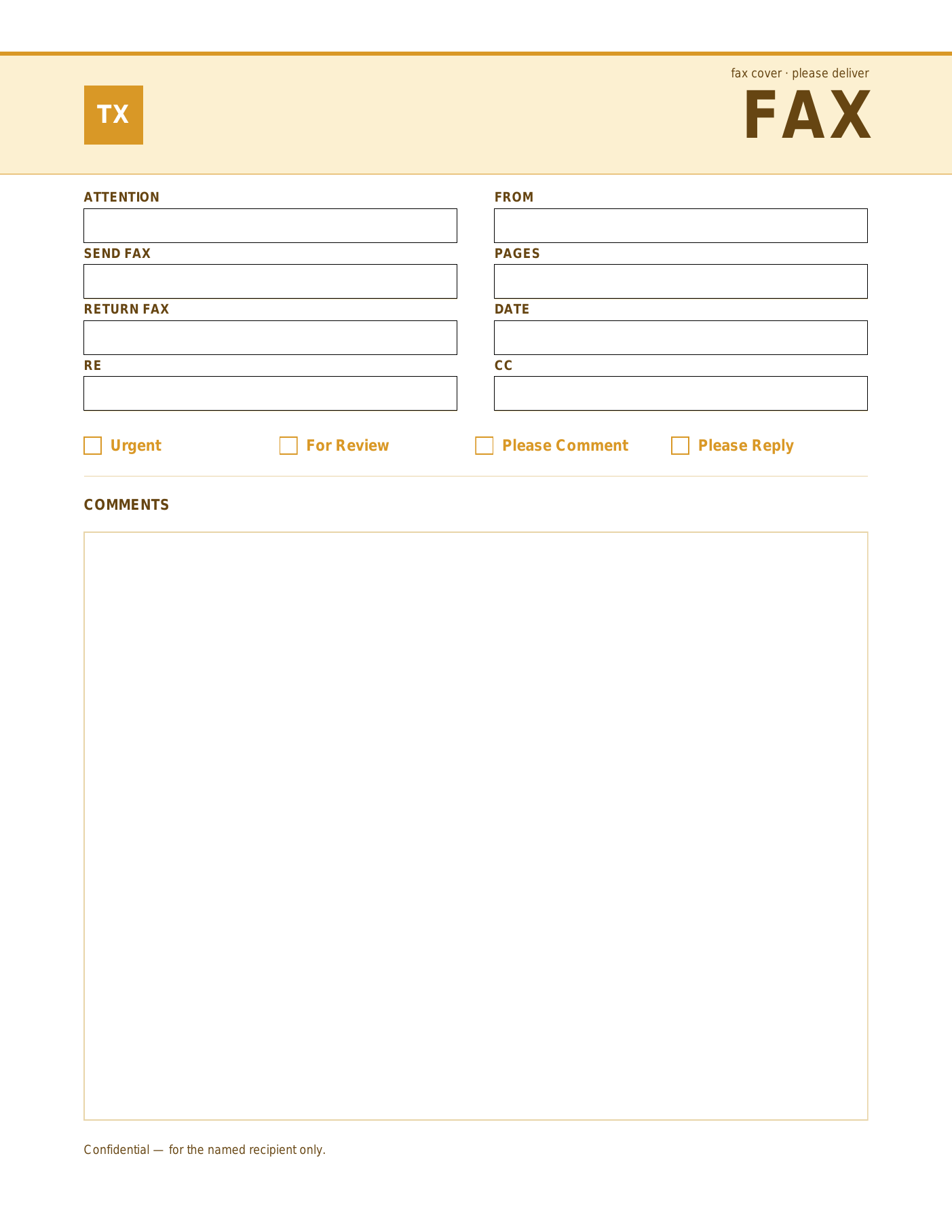
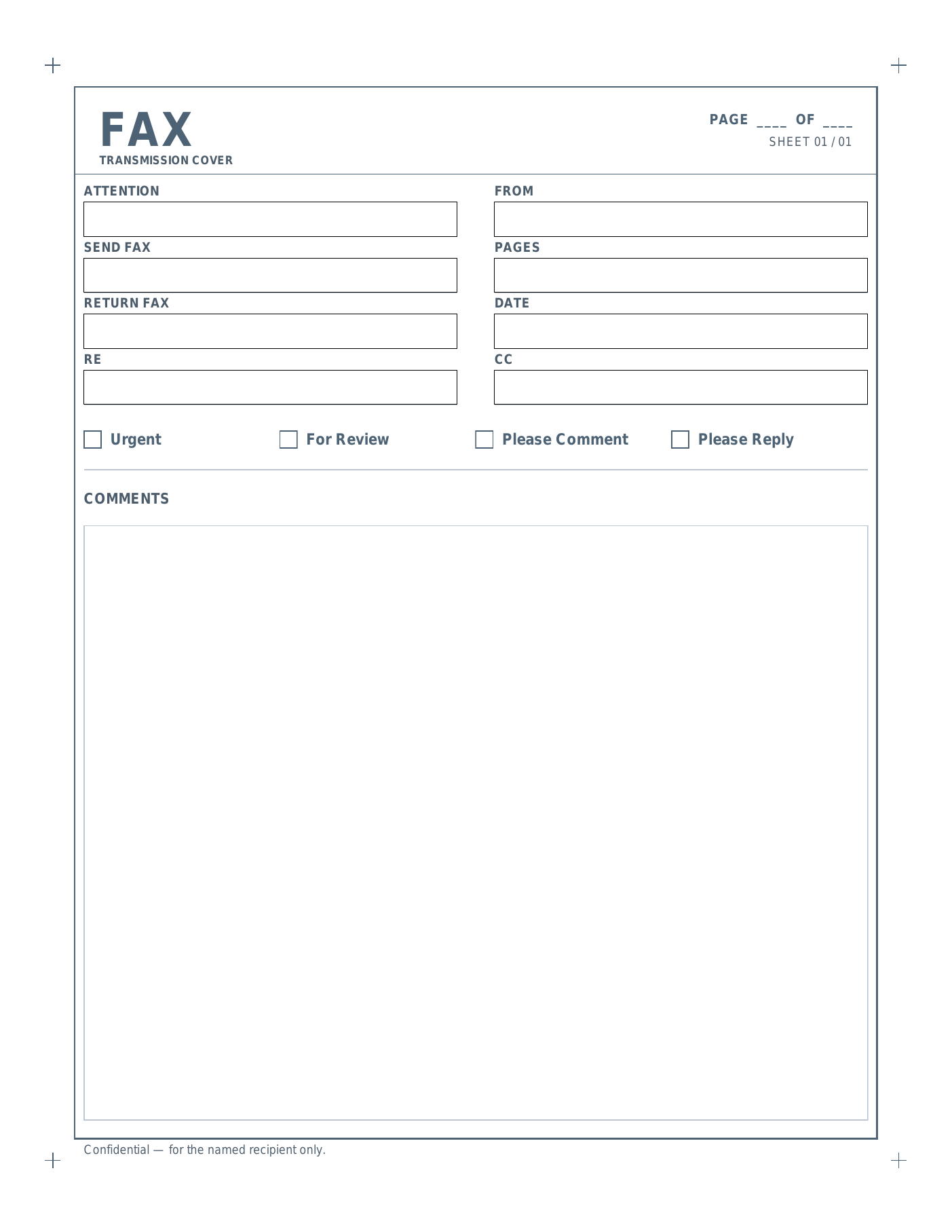
Six fillable PDF fax cover sheets in distinct styles. Edit the title text, fill in the To / From fields, and print.

Pick a style

Six layouts.

About this format

Why the fillable PDF version.

Fastest path from blank cover sheet to printed page.

The fillable PDF is for users who just need to fill, print, and fax. Open it in Chrome, Firefox, Safari, Adobe Reader, macOS Preview, or any other modern PDF viewer — there’s nothing to install, no signup, and the same file works on Windows, macOS, Linux, iOS, and Android.

Click into each named field (Attention, From, Send Fax, Return Fax, Date, Pages, RE, CC), type, tick the delivery checkbox, and print. To save a filled copy for your records, use your browser’s “Print to PDF” option (Acrobat Reader without Acrobat Pro can’t save filled forms directly).

The trade-off vs. the Word version: you can’t change colors, fonts, or field labels — those are baked into the PDF. If you need a branded cover sheet with your logo, or you fax often enough to want a saved company template, the editable Microsoft Word .dotx is the better starting point.

All six designs (Onyx, Sienna, Sage, Indigo, Marigold, and Slate) are AcroForm-fillable PDFs — the modern, universally supported format. They render correctly in every PDF viewer we’ve tested.

How to use

Open, fill, print.

  1. Open the PDF in any modern browser or PDF viewer.
  2. Click into a field (To, From, Subject, Comments, etc.) and type.
  3. Tick the appropriate checkbox (Urgent / For Review / Please Comment / Please Reply).
  4. Print, or save a filled copy via your browser’s “Print to PDF” option.
Saving edits: Acrobat Reader can’t save filled PDFs without Acrobat Pro. Use your OS’s “Print to PDF” option to save a filled copy, or save a blank master and just type into it each time.
Want to customize the layout?
Editable Microsoft Word version
Change colors, swap fonts, drop in your logo, then save a reusable .dotx for the whole team.
Open Word version
Need formal wording?
Facsimile cover sheet — PDF
Same six designs with the formal FACSIMILE title — common in legal, government, and financial services correspondence.
Open Facsimile PDF

Frequently asked questions

Can I save the filled-out PDF, or only print it?
Free Adobe Reader can't save a filled AcroForm PDF unless you have Acrobat Pro. The simplest workaround: fill the fields in your browser or Preview and use "Print to PDF" to save a flattened copy. Or keep the blank template as your master and re-type the per-fax fields each time — it only takes a few seconds.
Which apps open these fillable PDF fax cover sheets?
All six are standard AcroForm PDFs, so they're fillable in Chrome, Firefox, Safari, Edge, macOS Preview, and Adobe Reader — on Windows, macOS, Linux, iOS, and Android. There's nothing to install and no signup.
Can I add my company logo to the PDF version?
Not in the fillable PDF itself — the layout (including any header artwork) is baked into the file. If you need a logo, the in-browser fax cover sheet generator at /fax/generator/ adds one for you, or the editable Microsoft Word .dotx at /fax/cover-letter-word/ lets you Insert → Picture and save a branded master.
These don't have a confidentiality notice — where do I get one?
This is the standard (non-HIPAA) collection, so there's no pre-printed notice. For healthcare sends, use the HIPAA collection at /fax/hipaa/, which ships with a pre-printed PHI confidentiality notice. For one-off legal sends, type a short notice into the Comments field before printing.
Updated through June 2026