
Free PowerPoint Templates
Twenty-nine free PowerPoint templates spanning business, educational, Christmas, and startup pitch decks — every design ships as a 16:9 widescreen .potx. Most include eight ready-made slides; pitch decks ship with the investor-standard ten. Every template is also available for Google Slides.
Twelve modern designs across four families.
Waves, Squares, Lines, and The Basic — three colorways each. All eight-slide widescreen layouts.




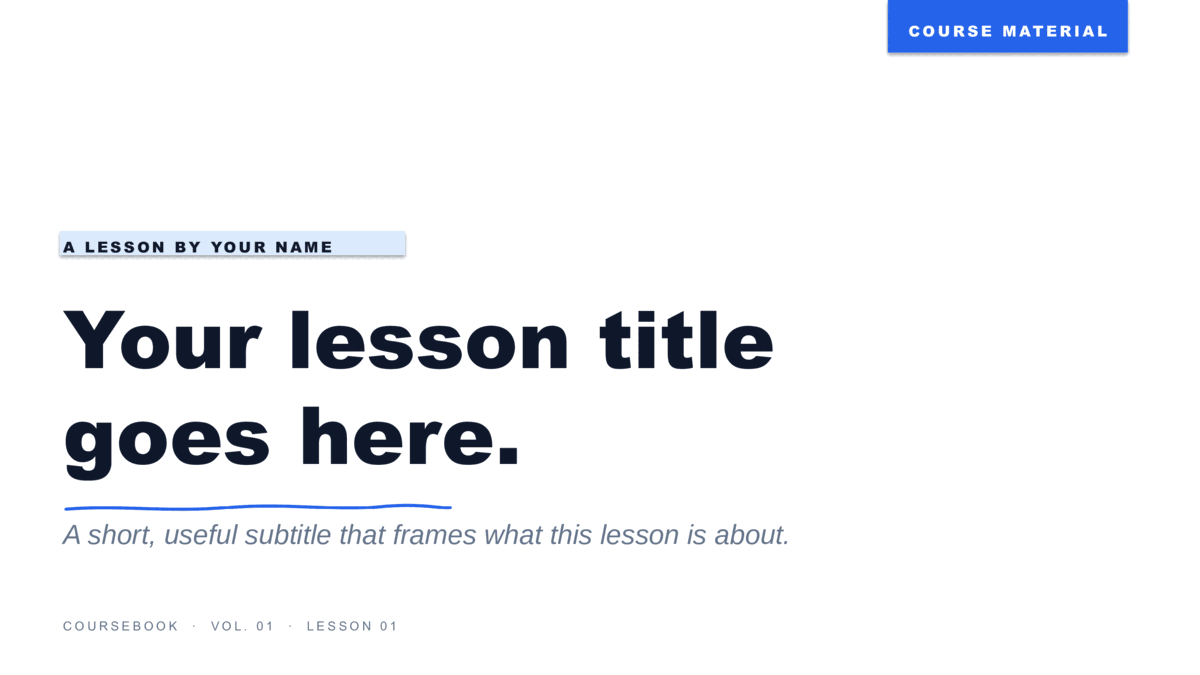
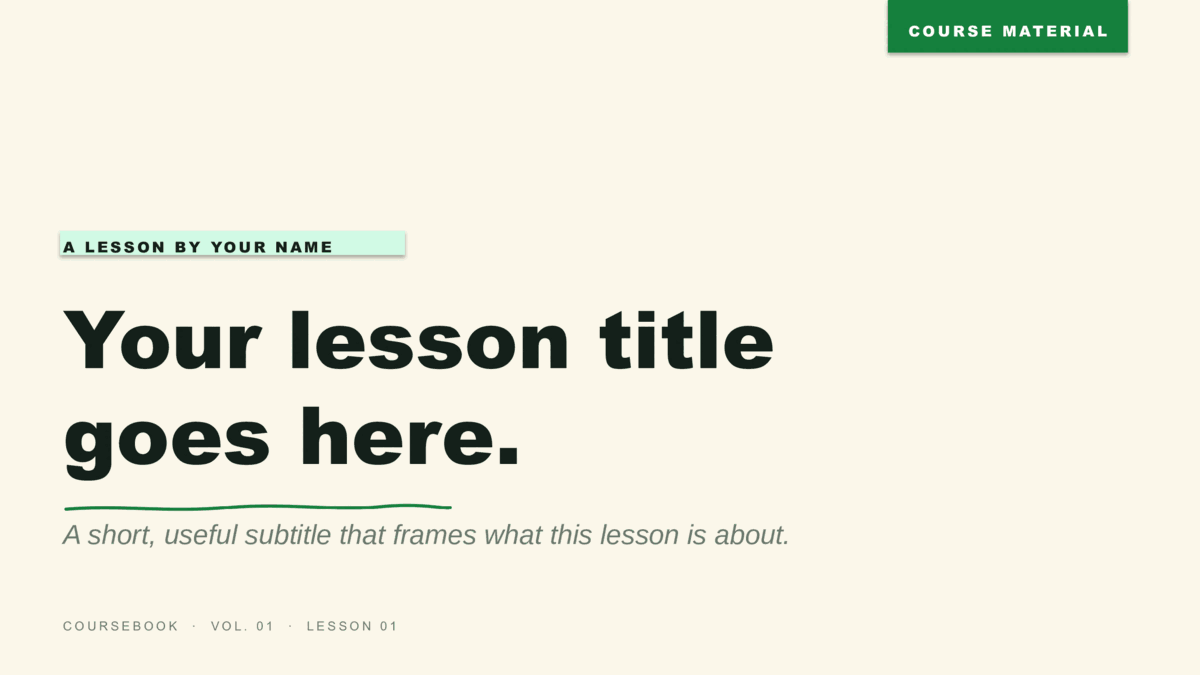
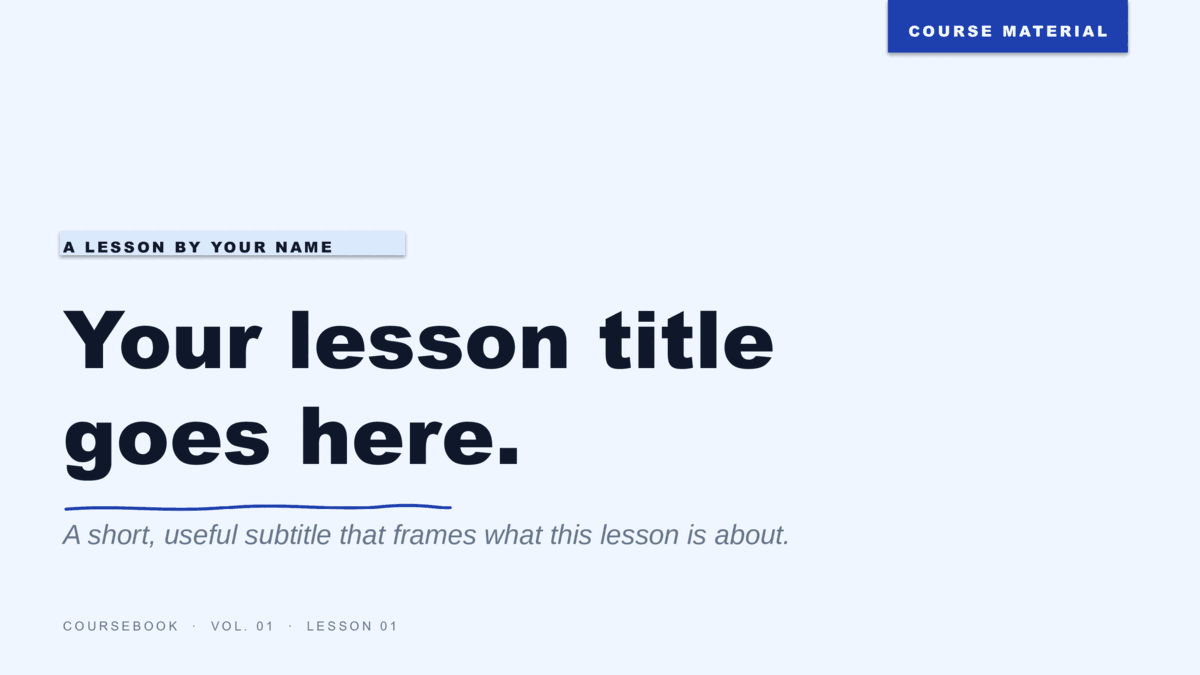
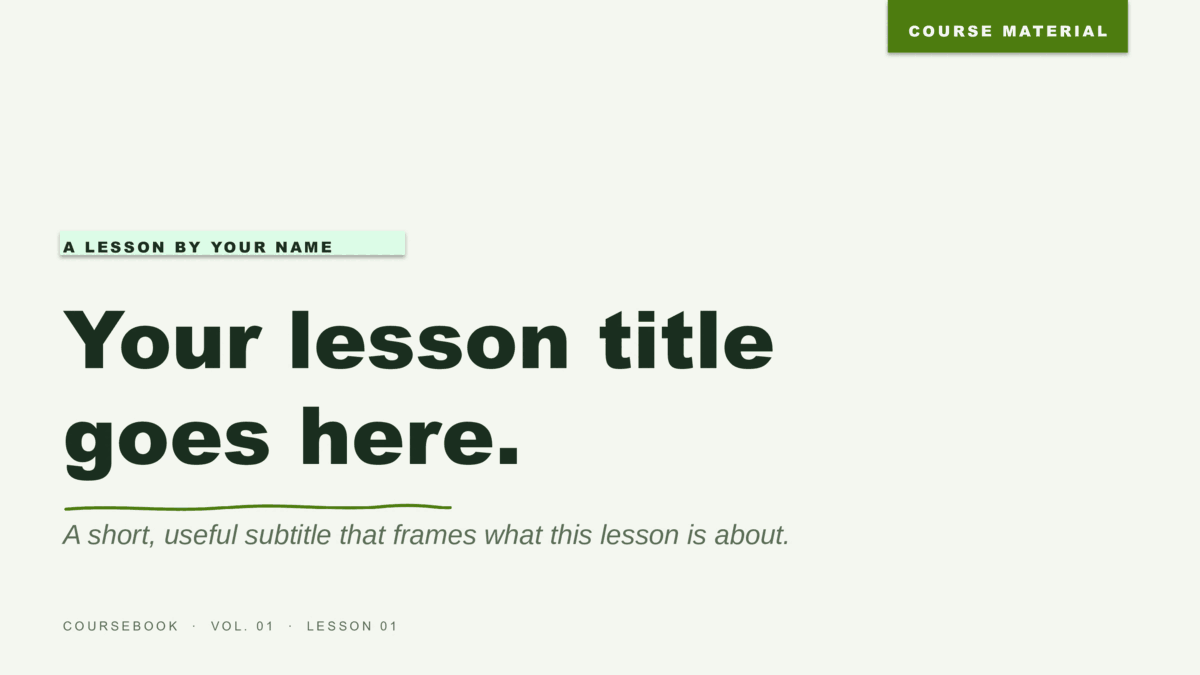
Eight templates for teachers and instructors.
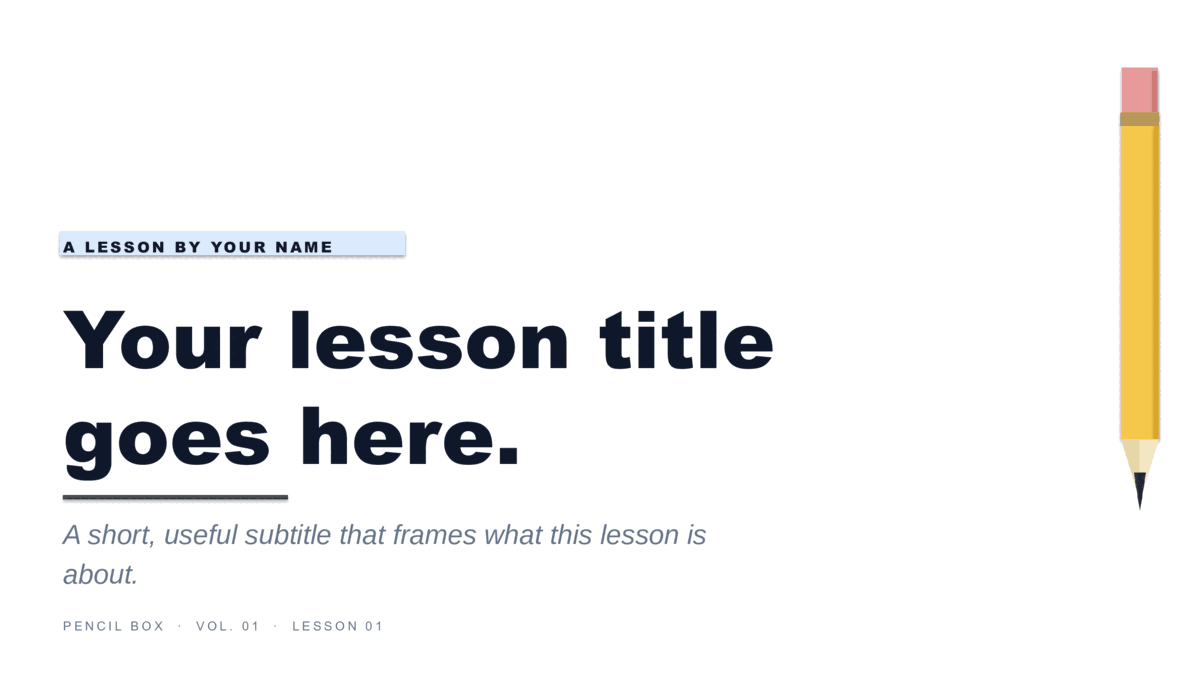
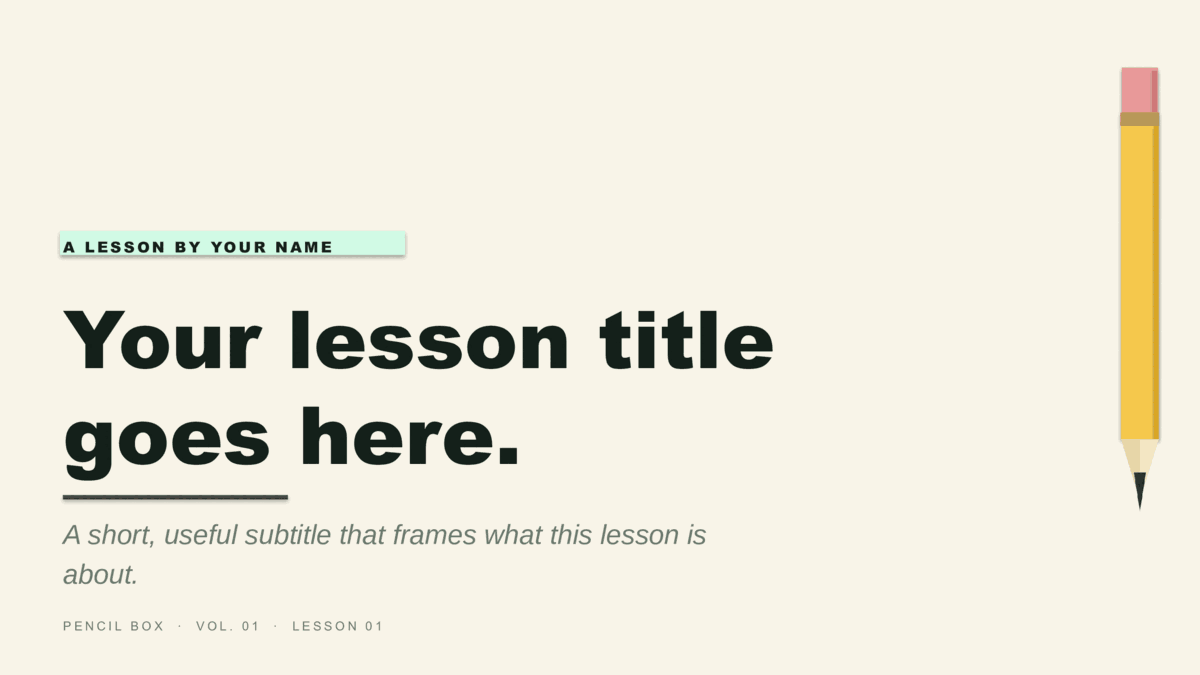
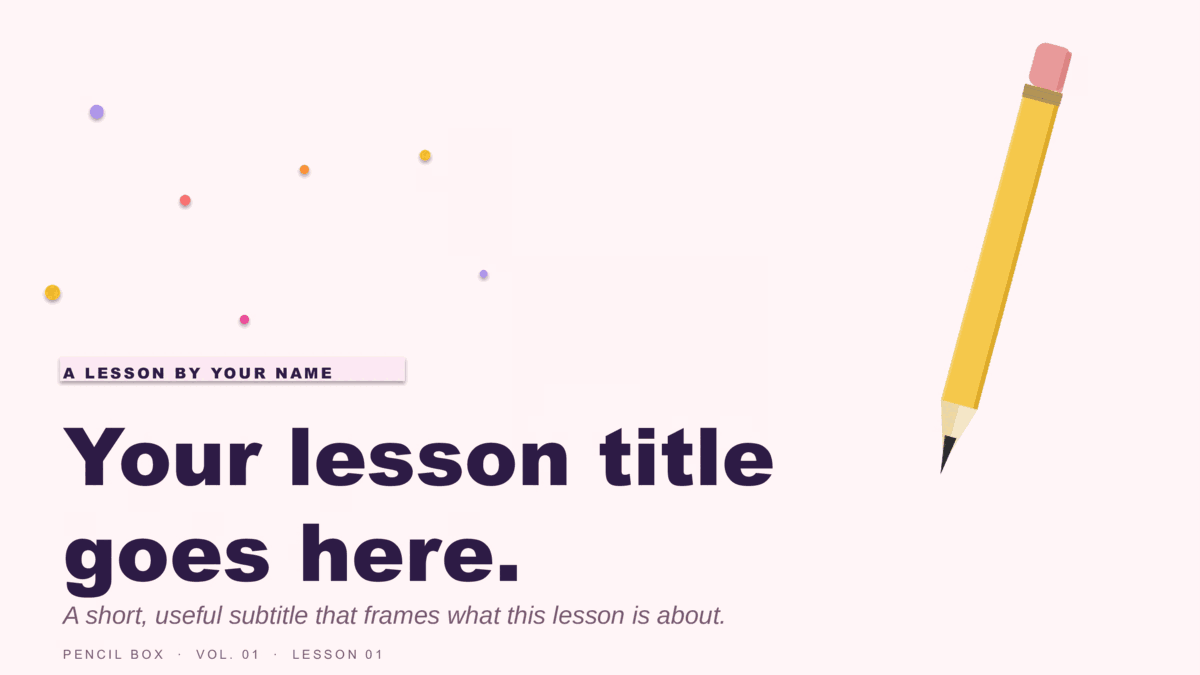
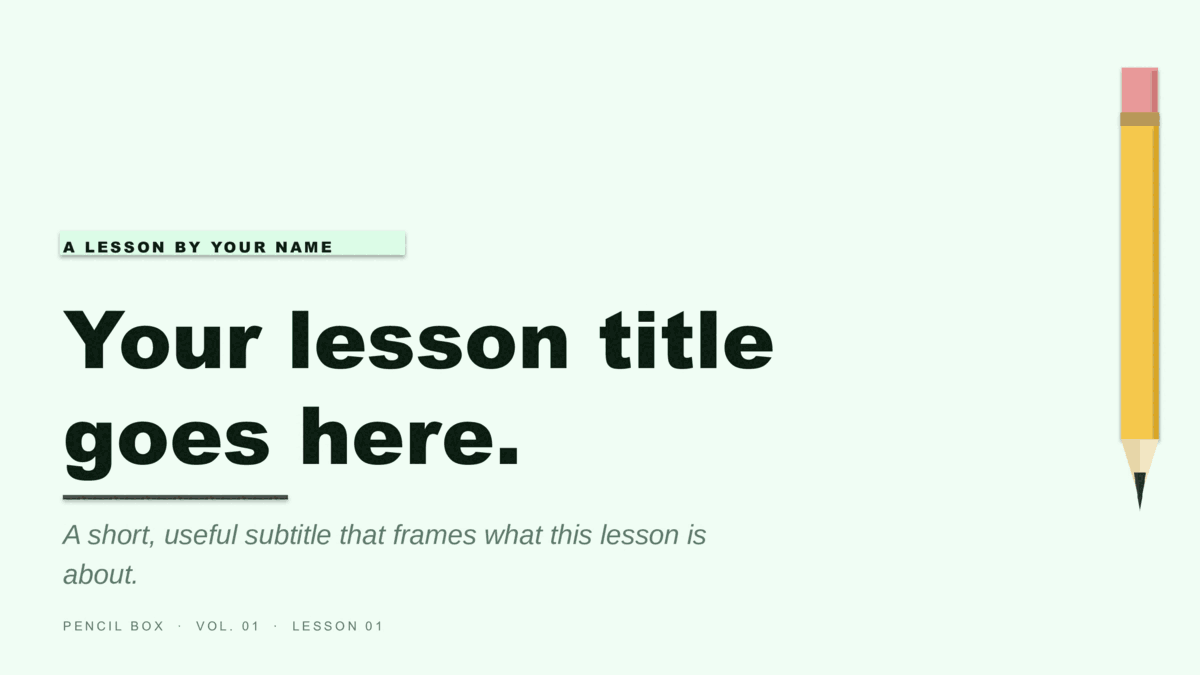
Coursebook (notebook-paper aesthetic) and Pencil Box (illustrated #2-pencil motif), each in four colorways. Built for lessons.
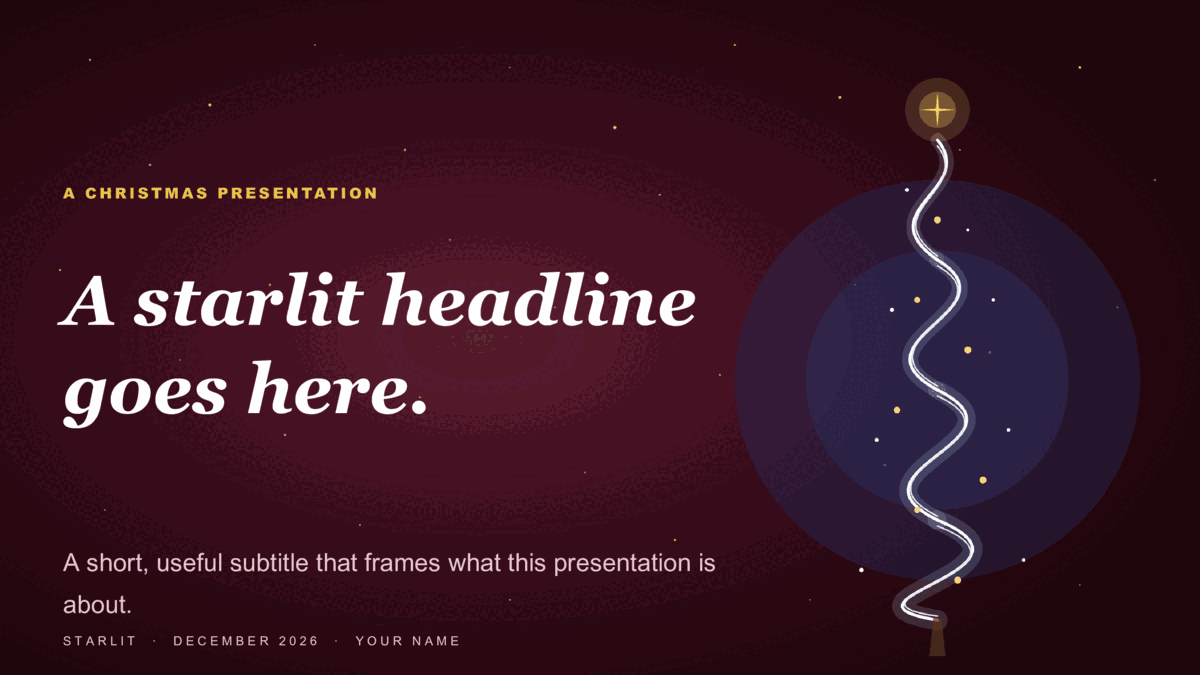
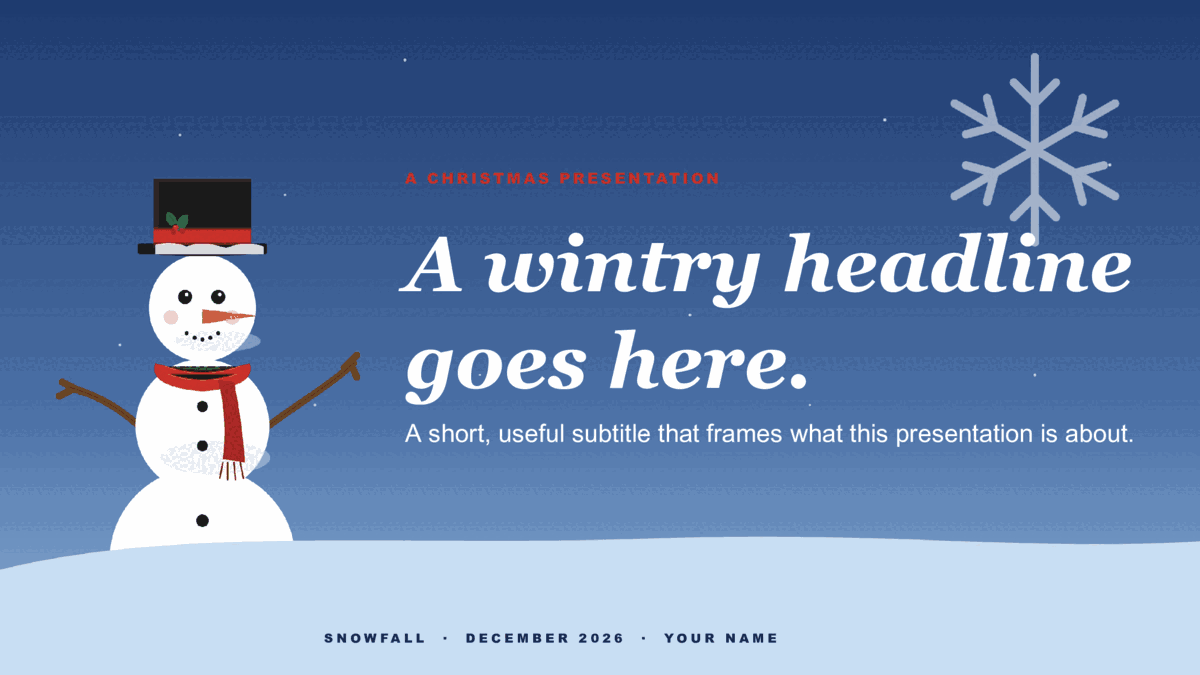
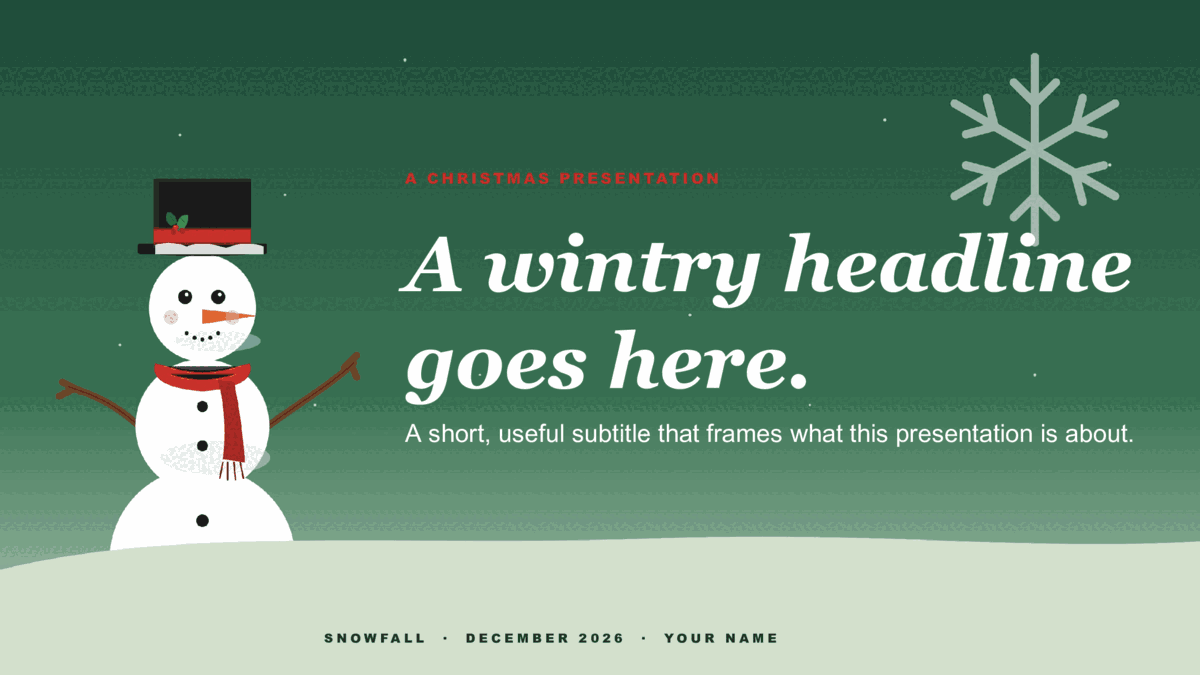
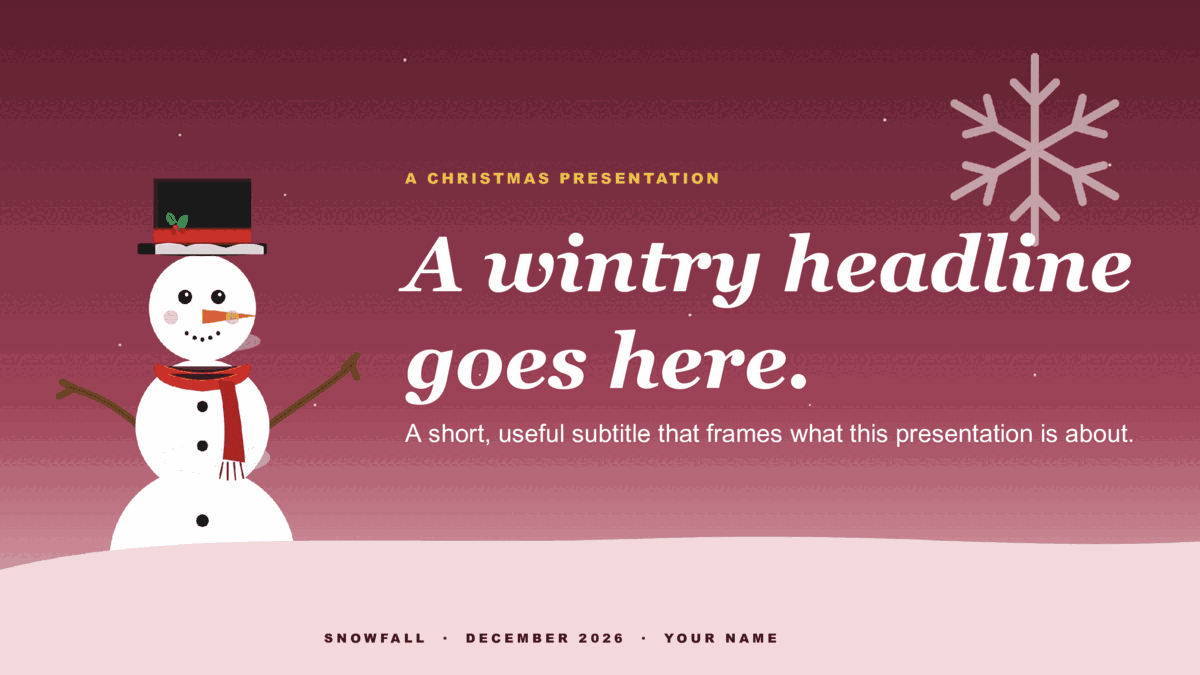
Six holiday designs, three colorways each.
Starlit (ribbon Christmas tree on a starry sky) and Snowfall (illustrated snowman with snow drift) — three festive colorways per design.


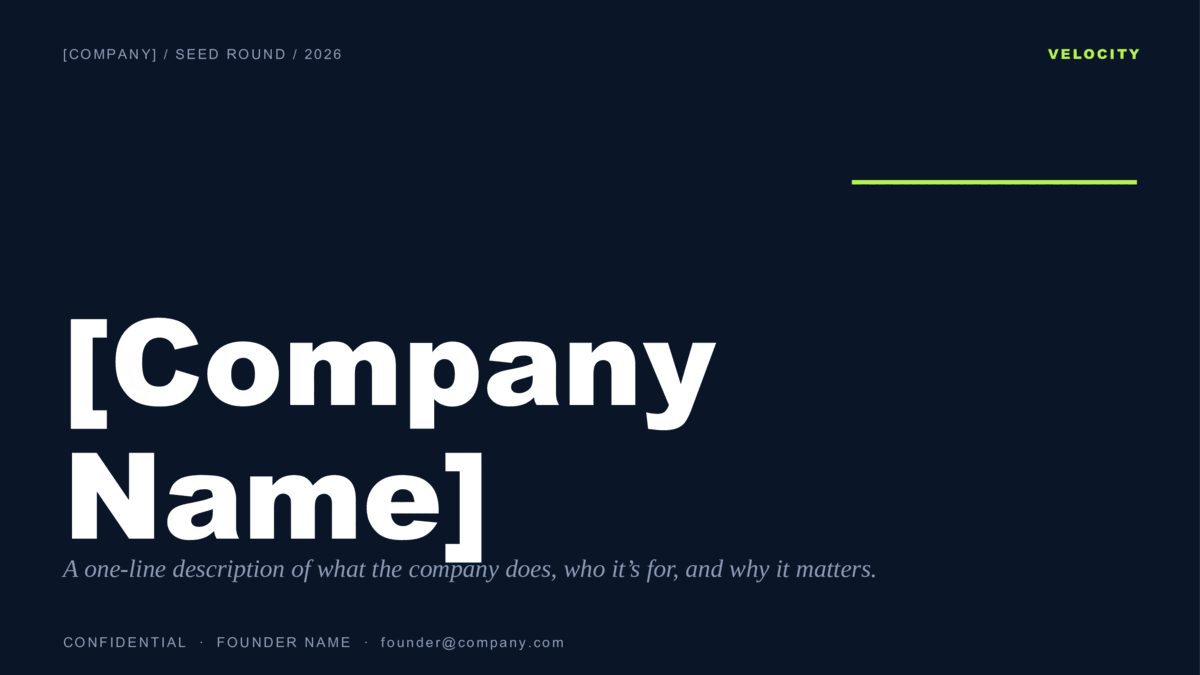
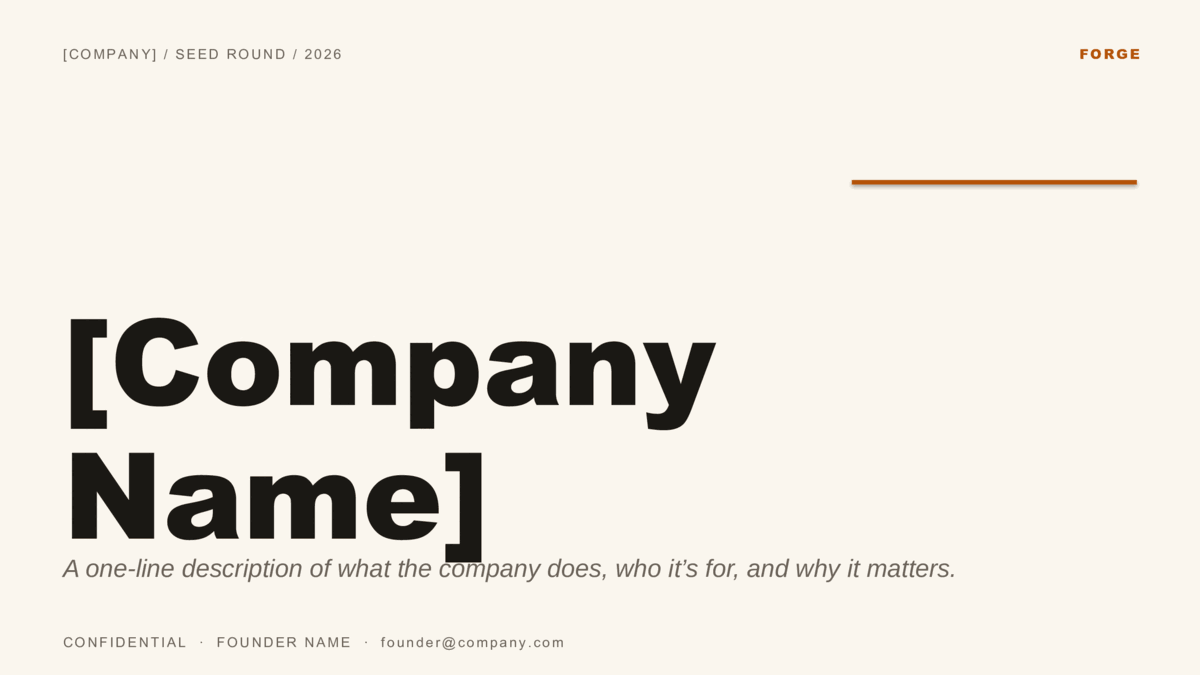
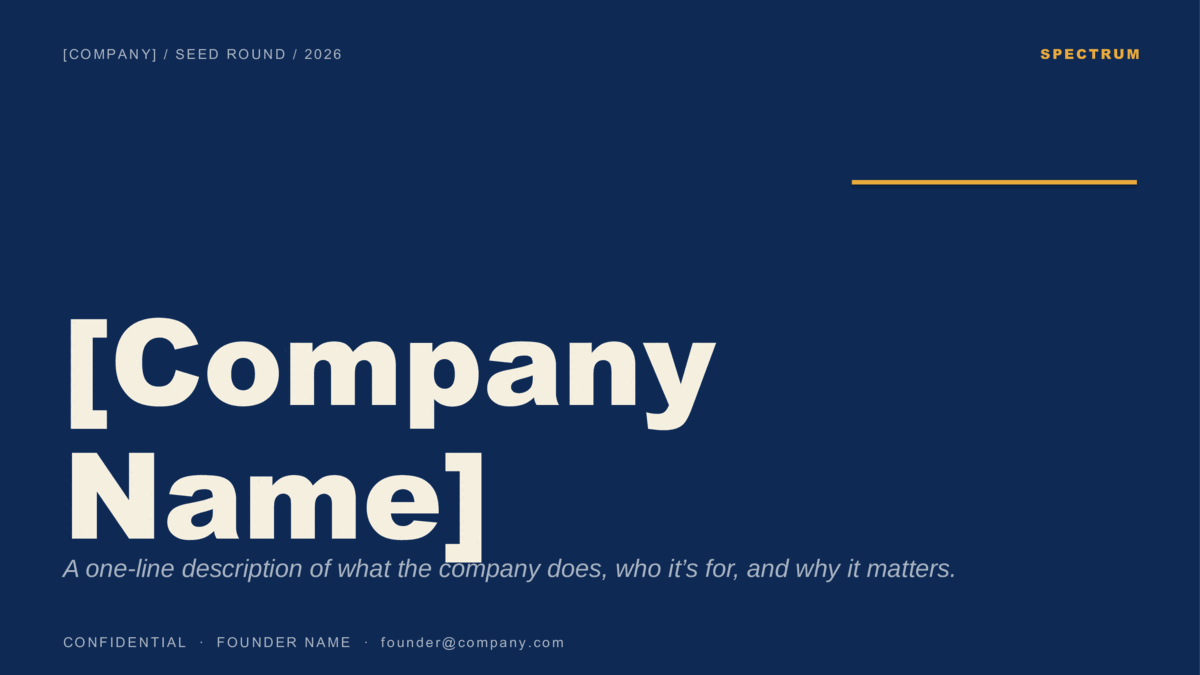
Three founder pitches, ten slides each.
Velocity (B2B SaaS), Forge (editorial / consumer), and Spectrum (curated color per slide). Built on the investor-standard 10-slide structure.
Original Christmas designs.
The four legacy 4:3 holiday templates — kept available for users who prefer the classic aspect ratio.


Open. Edit. Present.
- Every download is a
.potx— the PowerPoint template format. Double-clicking a .potx creates a new untitled presentation based on the design, so the original template stays untouched and reusable. - Business, educational, and Christmas templates ship with eight ready-made 16:9 slides (title, section divider, content, two-column, image + caption, pull quote, three-stat, closing). Pitch decks ship with ten (Cover, Problem, Solution, Market, Product, Business Model, Traction, Competition, Team, Ask). Duplicate the slides you need, replace placeholder text, and remove the rest.
- Want to re-tint a whole deck at once? Open View → Slide Master and update the accent color on the master. Every slide picks up the change automatically.