
A free blank bingo card printable with fillable PDF cells. Two downloads to choose from: the Numbers PDF uses a big bold single-line font sized for one- and two-digit numbers, and the Words PDF uses smaller text with multi-line word-wrap so longer entries like “Spanish verbs” or “photosynthesis” fit inside the square. Open either PDF in Adobe Acrobat Reader or macOS Preview, type into each cell, then print. Pick a border color from any of the ten swatches, pick a size (Small = 4 per page, Medium = 2, Large = 1), and optionally enable a FREE center space. No signup, no watermark.
Blank bingo card templates in three border colors
Each preview is an empty 5x5 grid with the BINGO header and a FREE SPACE center. Type into the cells in Acrobat or Preview, or print and hand-write.
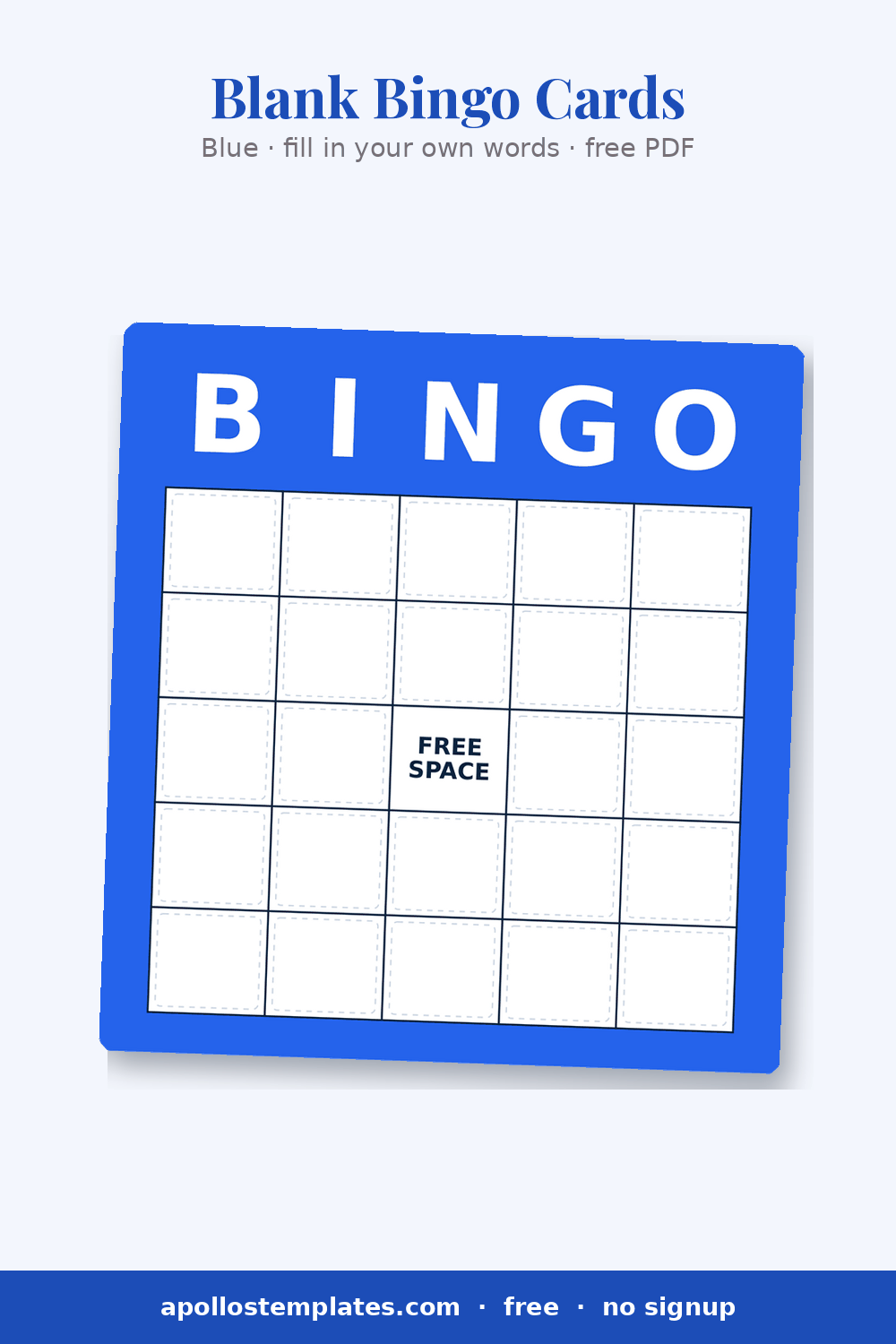
Blue
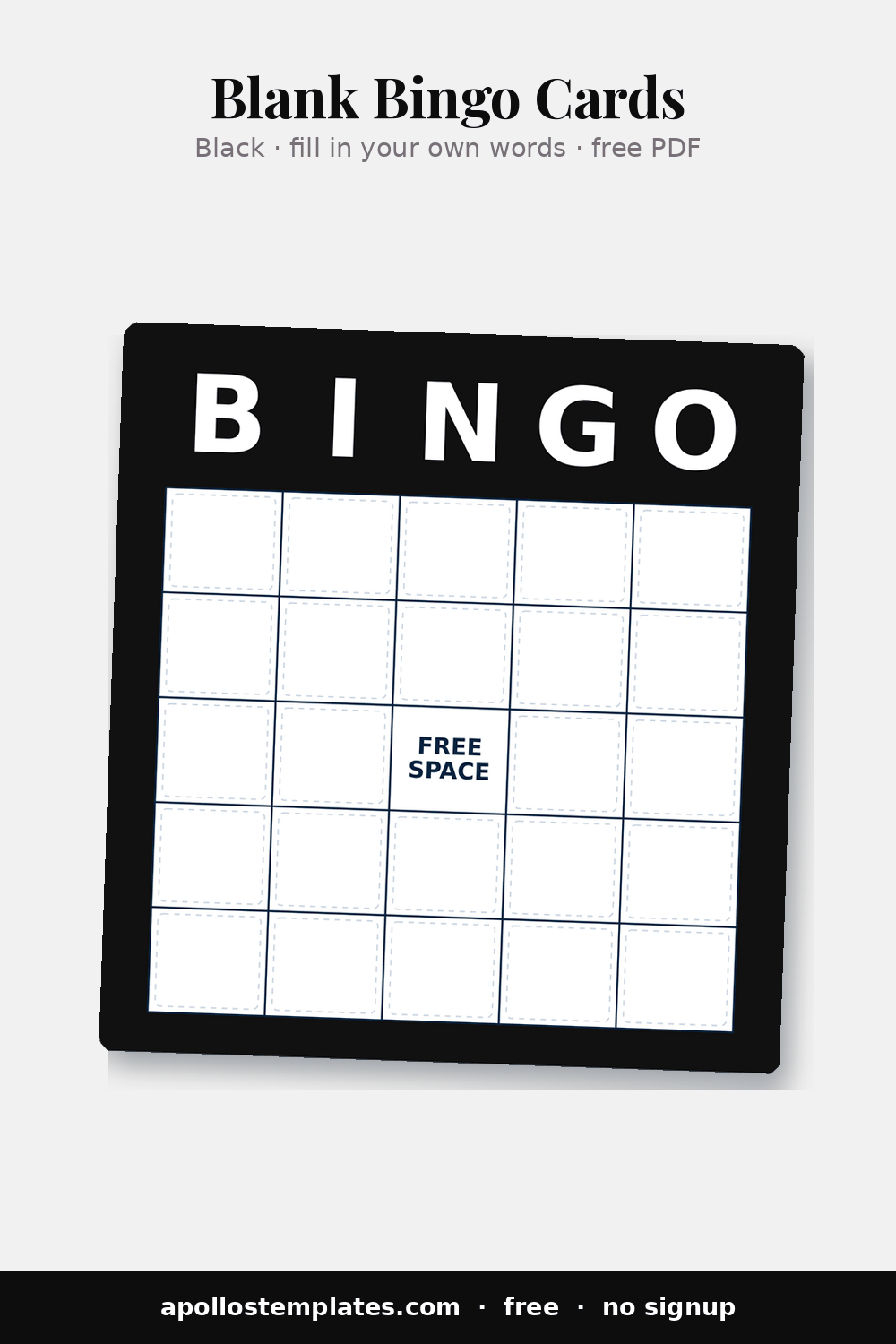
Black
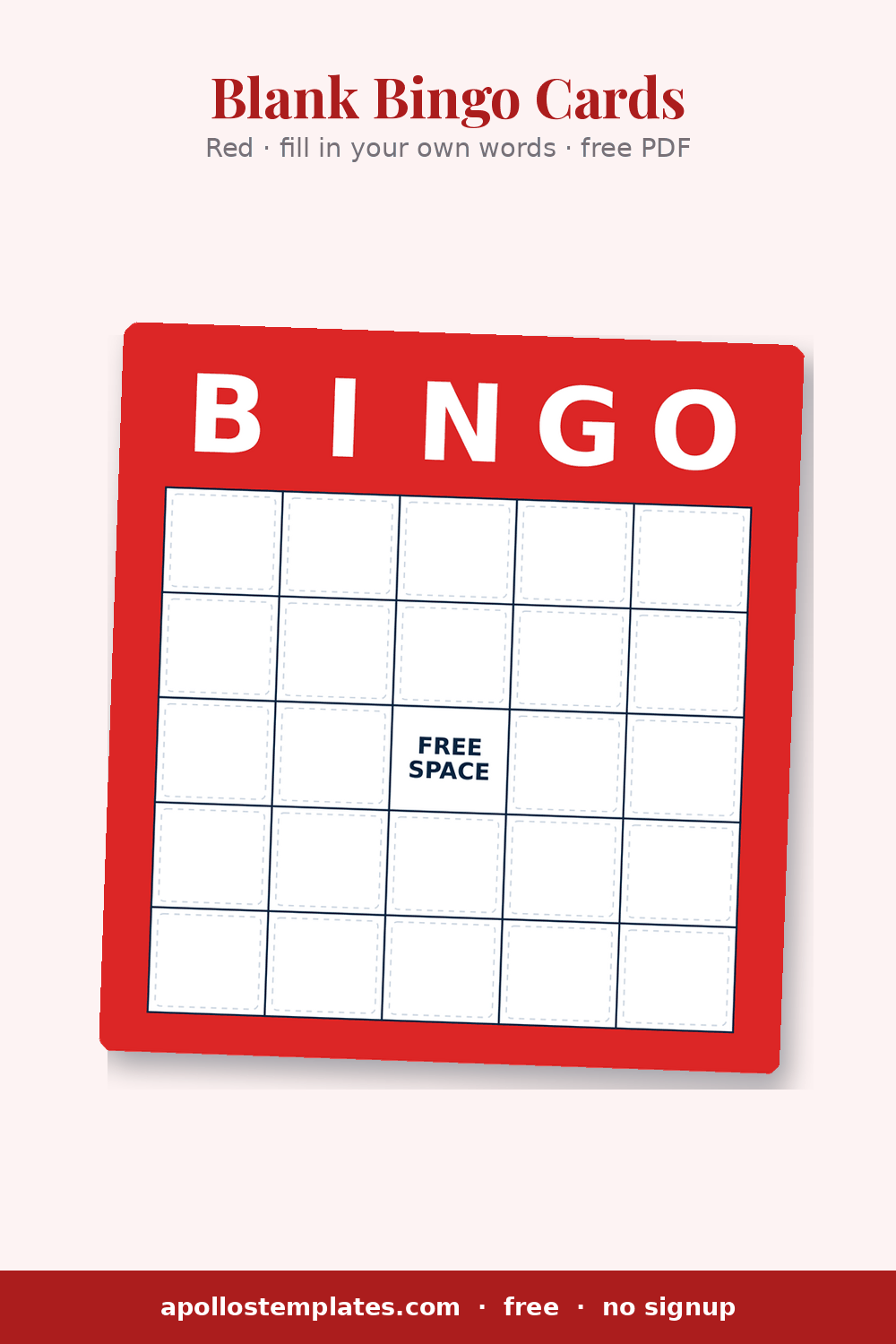
Red
How to fill in the blank bingo card template
- Pick the right PDF: Numbers for one- or two-digit numbers, Words for vocabulary, names, prompts, or anything multi-word.
- Open it in Adobe Acrobat Reader or macOS Preview.
- Click any cell and type. Tab moves to the next field. The Words PDF wraps long entries onto a second line automatically.
- Print when all cells are filled. Each card is a complete, ready-to-play bingo board.
Print the PDF without filling it in first. Pass out the blank cards to players and let everyone write in their own numbers. The standard pattern for classroom “make-your-own-bingo” activities and review-game days.
Blank bingo, frequently asked.
Does the fillable PDF work in macOS Preview?
Yes. Preview supports the form-fill fields the same way Acrobat Reader does. Click, type, Tab, save.
Can I type words instead of numbers?
Yes — use the Words PDF download. The cells in the Words PDF use a smaller font with multi-line word-wrap, so a phrase like “Spanish verbs” or “photosynthesis” fits inside the square. The Numbers PDF uses a big bold single-line font that's really only usable for one or two-digit numbers — anything longer clips off the right edge of the cell. Pick the PDF that matches what you're typing.
Is the FREE center optional?
Yes. Toggle in the generator. Off if you want all 25 cells fillable, on for the standard center-square convention.
Why three sizes?
Small (4-per-page) is the church/fundraiser standard. Medium (2-per-page) is bigger cells for kids or daubers. Large (1-per-page) is desktop game-night size.
What’s the big-border style?
An alternative frame with a thicker, more visible border. Better for cards meant to be displayed on a wall or held up across a room.
Why use a blank bingo card template
A fillable bingo PDF is the best of both worlds. You get a clean, designed bingo template with the B-I-N-G-O header in the color of your choice, but you control what goes in the cells — numbers, words, vocabulary terms, inside jokes for an event, or whatever your group needs. Open the file in Acrobat Reader or Preview, click any cell, type, tab to the next cell, and print when done.
Or print blank and write by hand. This is the standard pattern for classroom “make-your-own-bingo” activities. Hand cards to students and let them write their own vocabulary terms (or the teacher writes prompts on the board and students copy). It doubles as a soft writing exercise.
Looking for ready-to-play cards? The full bingo template hub covers every major holiday and event. For auto-randomized number cards instead, use the classic 1-75 generator or logo bingo for branded fundraiser cards.