
Apollo's Templates
HomeCalendarsProject Timeline
Calendars

Project Timeline

NEW
Project timeline · simple Gantt

Map out your project, day by day.

A printable single-page project timeline — tasks down the left, calendar dates across the top. Shade the bars by hand or use the fillable cells to mark start and end dates.
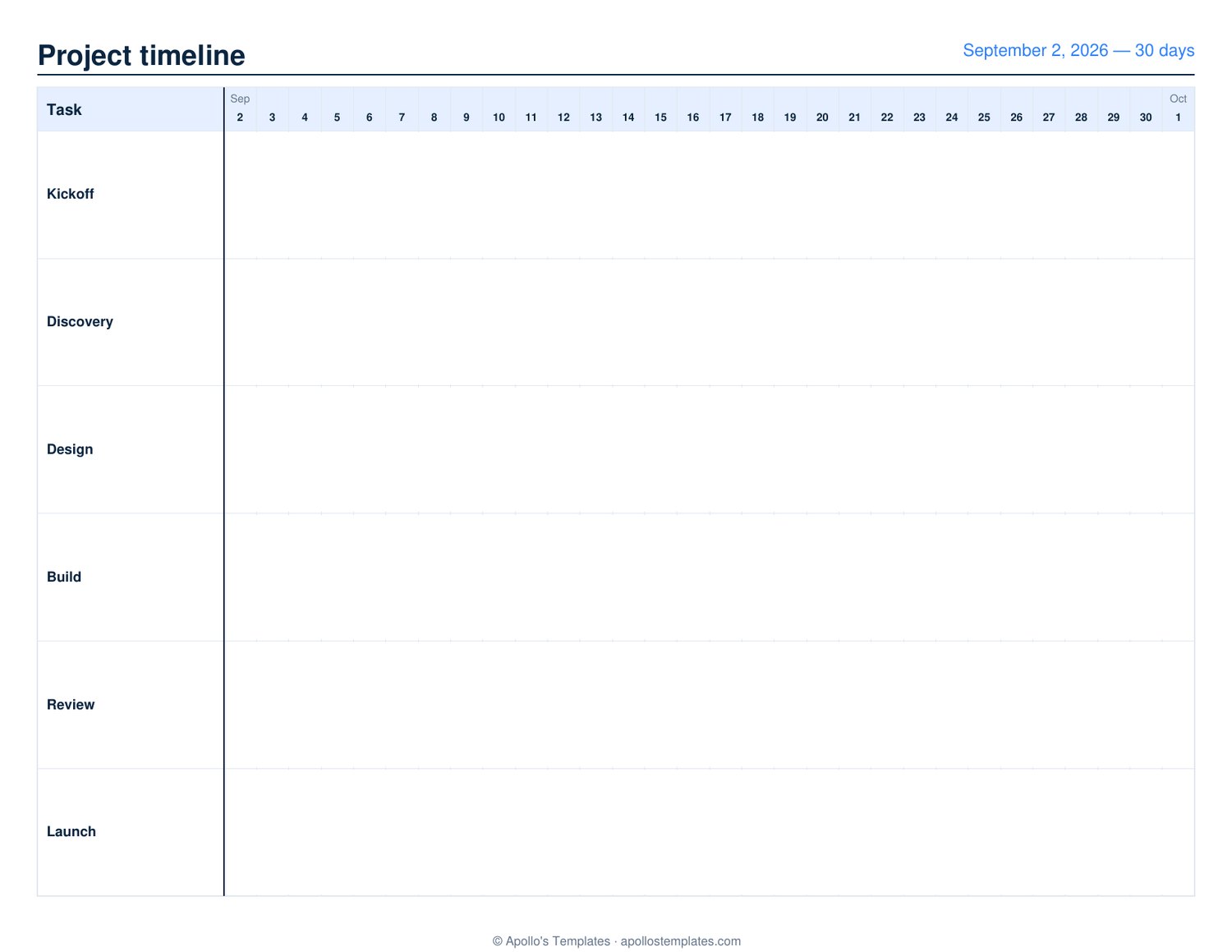
1-page PDF · US Letter landscape · fillable cells

Tips for the best result

Color by task type. Design tasks blue, dev tasks green, QA red, ops yellow. The page becomes a map of where the workload concentrates by week.

Mark the milestones. Use a star or diamond symbol to mark milestone dates (launch, demo, review). Stand out from the bar fills.

Print at kickoff, redraw at midpoint. The first printed Gantt is always too optimistic. At project midpoint, redraw with what you've actually learned — half the lines should shift.

Tape it on the wall. Put the printed Gantt where the team works. A timeline on the wall is referenced 10× more than one in a folder.

Three-month strategic view
Quarterly Calendar
Three months on one page — pair with the project timeline for sprint-vs-quarter planning.
Open
Document the meetings
Meeting Agenda
Free printable meeting agenda — pair with the timeline for project status meetings and sprint reviews.
Open

Frequently asked questions

What's a Gantt chart and why use one?
A Gantt chart is a horizontal timeline that shows tasks on the vertical axis and dates on the horizontal axis. Each task is drawn as a bar spanning its start and end dates. It makes dependencies, parallel work, and the critical path visible at a glance — the format every project manager since the 1910s has relied on.
How does this compare to MS Project, Asana, or Smartsheet?
Apps win on dependency calculations, resource leveling, baseline comparisons, and live updates. The printed Gantt wins on shareability (everyone in a room can see it on a wall), planning brain space (paper engages a different mode of thinking than apps), and meeting prep (a printed timeline prompts better discussion than a screen-share). Most PMs use the printed version for kickoff and weekly status; apps for the source of truth.
What's a reasonable number of tasks per page?
Up to 12-15 tasks fit comfortably as readable rows. For larger projects, break into sub-projects (each on its own page) or roll up to milestones ("Phase 2 — discovery," "Phase 3 — design") instead of individual tasks.
How do I show dependencies?
On a printed Gantt, draw arrows by hand from the end of a predecessor task to the start of its successor. The visual is exactly the value — "if Task A slips, you can see Task B is already at risk because the arrow connects them."
Can I use this for sprint planning?
Yes — a 2-week or 4-week sprint maps cleanly. Tasks/stories down the left, days across the top, color-fill the cells where each task is in flight. Standups become a 30-second visual review.
What date range fits on one page?
Roughly 4-13 weeks fits readably (a sprint, a quarter). Longer projects (6 months+) crunch the daily resolution to where individual cells are too narrow — better to print multiple pages by phase or use the Quarterly Calendar for higher-level view.
Updated through May 2026