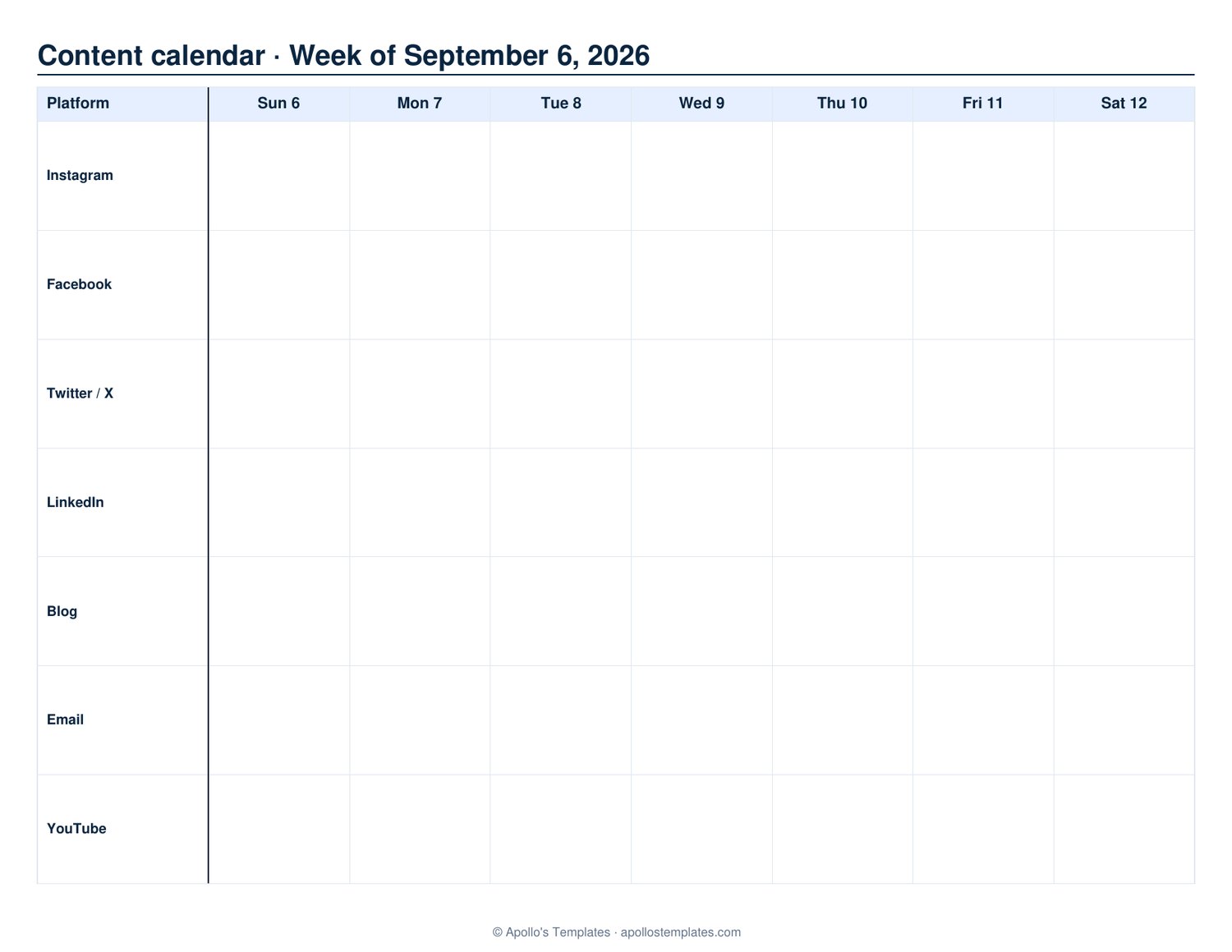
Plan a week of social media and content — at a glance.
Rows are your platforms (Instagram, LinkedIn, Blog, etc.), columns are the days of the week. Map the content schedule across channels.
PDF · US Letter landscape · one week per page · fillable
Sample output
Sample
Sample shows one week of posts. Pick your start date above. The generator above builds yours from the options you choose.
Social media content calendar — plan a week of posts per platform
Each row is a channel — Instagram, Facebook, LinkedIn, TikTok, your blog, your email list — and each column is a day, so a week of content sits on one page. Type the post ideas into the fillable cells, or print and pencil them in during the planning meeting. Generate several weeks at once for a month-long content calendar.
Printable planning calendar vs. a spreadsheet
Marketing teams often keep the master content calendar in Google Sheets and use a printed weekly sheet for the actual planning session — this is that sheet. It's a fillable PDF, not a Sheets template, so there is no account and no download beyond the file. For the longer view, the project timeline template maps campaigns across weeks.
Tips for the best result
Theme by day, not by chaos. "Mondays = motivation, Tuesdays = tutorial, Thursdays = throwback" gives the week structure and reduces the daily "what should I post?" decision.
One color per platform. Helps the eye scan: blue for Instagram, green for LinkedIn, purple for blog. After a week you can see your channel mix at a glance.
Plan, then batch. Use Sunday for planning the week (this calendar). Use a separate batch session (Tuesday afternoon, say) to actually create the content for the week. Keeping planning and creation separate is faster than mixing them.
Mark the gaps in red. An empty Tuesday Instagram cell is a gap; visible red prompts the question "what's going there?" before posting day arrives.
Match where you actually post. For most solo creators or small businesses: Instagram, TikTok, LinkedIn, blog/email — 4 rows. Larger teams might add Facebook, X/Twitter, YouTube, podcast, Pinterest. Don't add a row for a platform you can't realistically post to weekly; it just makes the empty cells louder.
How far in advance should I plan?
One week is the minimum useful planning horizon. Two weeks is the sweet spot — enough lead time to coordinate visuals and copy without committing to topics months out. Quarterly themes ("July is launch month") set direction; weekly fills it in.
Should each post be planned in detail, or just the topic?
On the printed planner: topic + format ("Instagram reel: morning routine"). Detailed copy lives elsewhere (drafts in Notion, Asana, or Buffer). The calendar is for visibility — what's shipping when, what gaps need filling.
How is this different from Buffer, Hootsuite, or Later's content calendars?
Apps schedule and publish; the printed calendar plans. Most pro creators use both — paper for the strategic week-ahead view (where the content brain works best), apps for the actual queue and publish times. Pinning the printed sheet next to the desk keeps the week visible without reopening an app.
Should weekends be on the calendar?
If you post weekends, yes. For most professional accounts, weekend posting is lower-engagement; many planners blank Saturday/Sunday or use them as repurposing days ("Saturday: re-post Tuesday's reel as a story").
How do I plan around campaigns or launches?
Block the launch date in red across the row(s) where it'll happen. Work backward from there — pre-launch teasers, launch day, post-launch follow-ups. The printed weekly view is best at making the run-up visible at a glance.