
Apollo's Templates
HomeCalendarsDaily Planner
Calendars

Daily Planner

NEW
Daily planner

One page per day, hourly time blocks.

A fillable daily planner. Each page is one day with a time-blocked schedule, top priorities, to-do list, and a big notes area. Works in any PDF viewer.
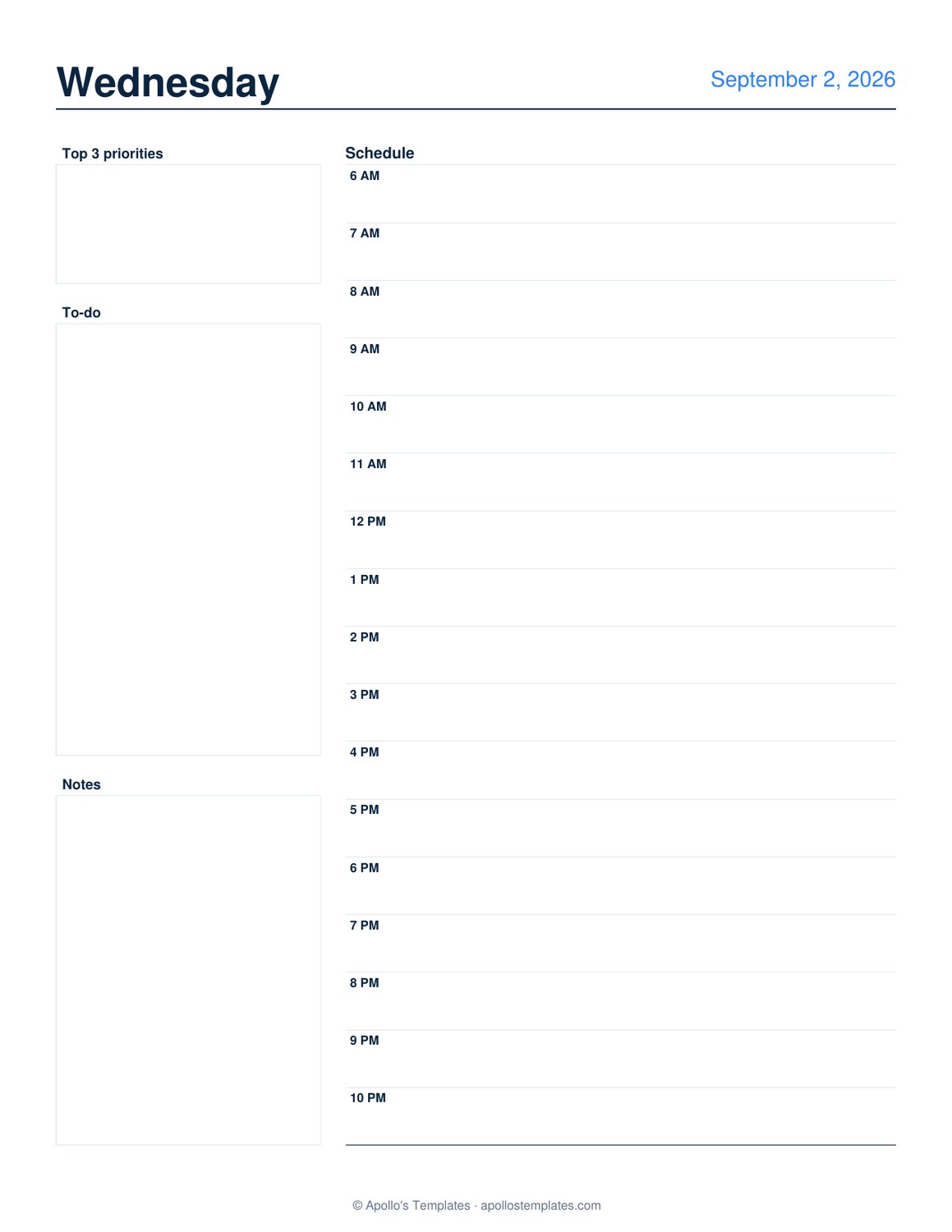
PDF · US Letter portrait · one day per page, fillable in any viewer

Tips for the best result

Time-block your schedule. The schedule column gives you a fillable slot for each hour — click, type the appointment or task, tab to the next hour.

Write top priorities first. Research shows 3 priorities is the sweet spot: enough to give structure, not so many that nothing gets finished. The priorities box is sized for exactly that.

Pick your hour range. Early starters can begin at 5 or 6 AM; night owls can end at 11 PM. Shorter ranges give bigger hourly slots.

Fillable in any PDF viewer. Works in Adobe Reader, Mac Preview, Chrome, Firefox, and most mobile PDF viewers — no Adobe Acrobat required.

Batch print a week at a time. Generate 5 or 7 days at once and you've got a week of planner pages ready to use.

Need a week view?
Weekly Planner
One column per day, less detail per day — better when your days are more open.
Open
30-minute appointments?
Appointment Calendar
Weekly view with 30-minute slots — better for stylists, therapists, tutors, or anyone booking client appointments.
Open

Frequently asked questions

When should I use a daily planner instead of a weekly one?
Use a daily planner when you have meaningful schedule complexity — multiple meetings, time-blocked deep-work sessions, appointments to track, or you're doing the GTD / time-blocking productivity methods. Use a weekly planner when your days are more open and you mostly need to track what's happening that week, not by hour.
What's the time-blocking method?
Time-blocking means assigning specific time ranges to specific tasks ("9-11 AM: focused writing" rather than just "writing" on a list). The hourly schedule column is sized for this. The benefit: you confront the actual time available before over-committing your to-do list.
Can I customize the start and end hours?
Yes — pick any start hour from early morning (5 AM) and any end hour up to late evening (11 PM). A shorter range gives bigger hourly slots; a longer range packs more hours per page in smaller slots.
Why only 3 priority slots?
Productivity research consistently lands on 3 as the sweet spot — enough to give the day structure, not so many that nothing gets fully finished. The Ivy Lee Method (1918), the Eisenhower Box, and modern methods like "3 Most Important Tasks" all converge on this number. The 3-slot priorities box reflects that consensus.
Should I print a week at a time, or one day at a time?
Most people generate 5 or 7 days at once and print them as a batch — Sunday evening, set up the upcoming week. Daily generation works if you prefer to start each morning fresh.
Will the filled-in form save with my entries?
Yes — Adobe Reader, Mac Preview, and Chrome's PDF reader all save filled form fields. Open the PDF later and your priorities, to-do, and time blocks are still there.
Updated through May 2026