
Plan your week, one page at a time.
A fillable weekly planner — each page is one week with a column per day, space for notes and priorities, and US holidays auto-marked. Works in any PDF viewer.
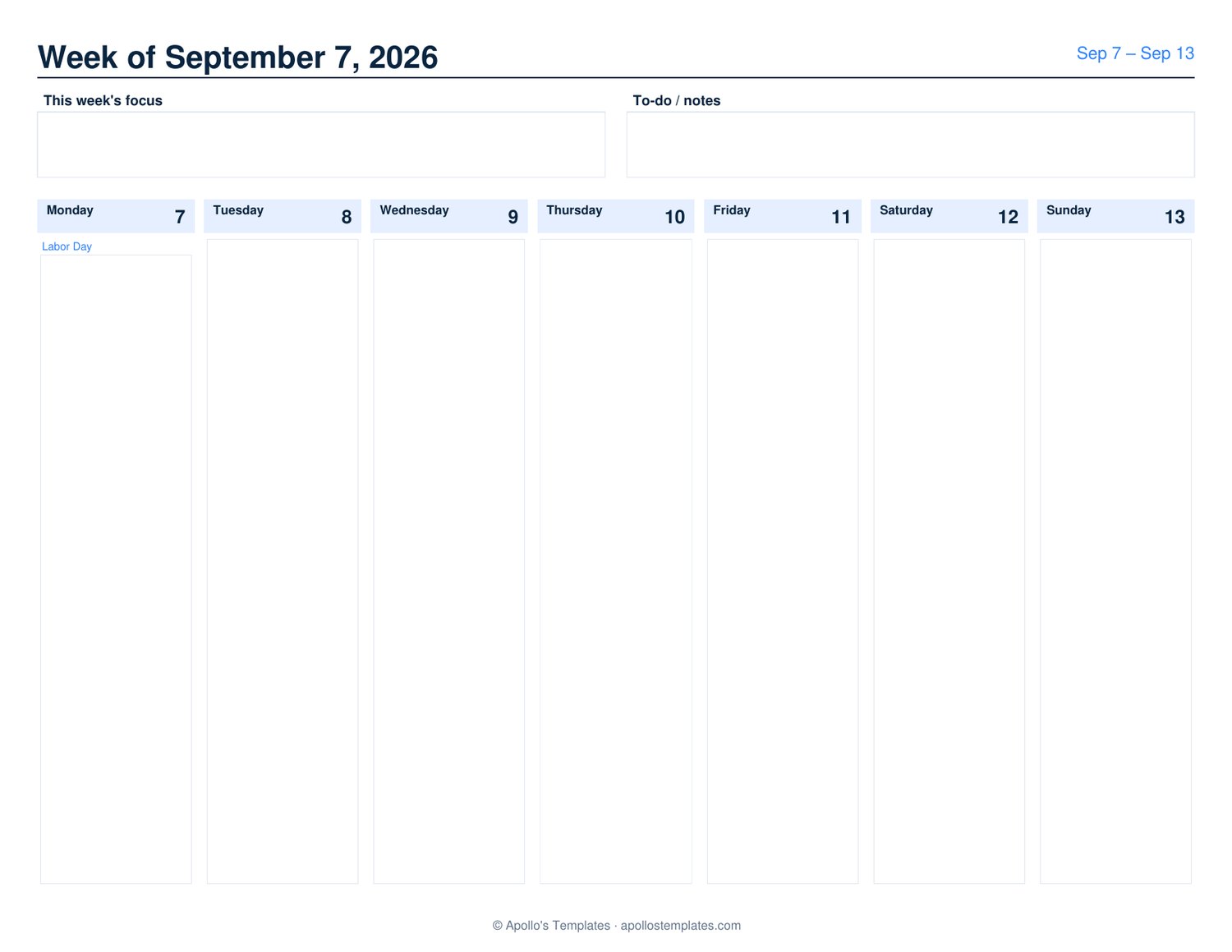
Printable weekly planner — Sunday or Monday start, any number of weeks
Every page is one week: seven day columns, a weekly focus box and a to-do list, all fillable. Choose the start date, the week-start day and how many weeks to generate — four for a month, thirteen for a quarter — and print the batch for a binder. US holidays print under their dates.
Weekly planner PDF vs. Word, Excel or Google Docs versions
Ours is a fillable PDF you type into (Adobe Reader, Preview, Chrome) rather than a Word or Excel file — no Office needed, nothing to install, and it prints the same on every machine. For hour-by-hour time blocking use the daily planner template; for a row per person, the family calendar; for meals, the weekly meal planner.
Tips for the best result
Pick any start date. The planner lines up to your chosen week-start day (Sunday or Monday). The first page covers whichever week contains the date you picked.
Type notes right in the PDF. Every day column, plus the weekly focus and to-do boxes, are fillable AcroForm text fields. Works in Adobe Reader, Mac Preview, Chrome, Firefox — no Adobe Acrobat required.
Save a filled copy. Most PDF viewers let you save a copy with your notes intact, so you can plan ahead and come back to it.
Print a batch. Generate a month or a quarter of weekly pages at once and print them in one go.
Holidays are marked. US federal holidays plus popular observances (Easter, Mother's Day, Halloween, Thanksgiving, etc.) show under the date of the day they fall on.