
Plan the homeschool week, subject by subject.
Rows are subjects, columns are the days of the week. Fill each cell with the day's lesson, reading, or assignment.
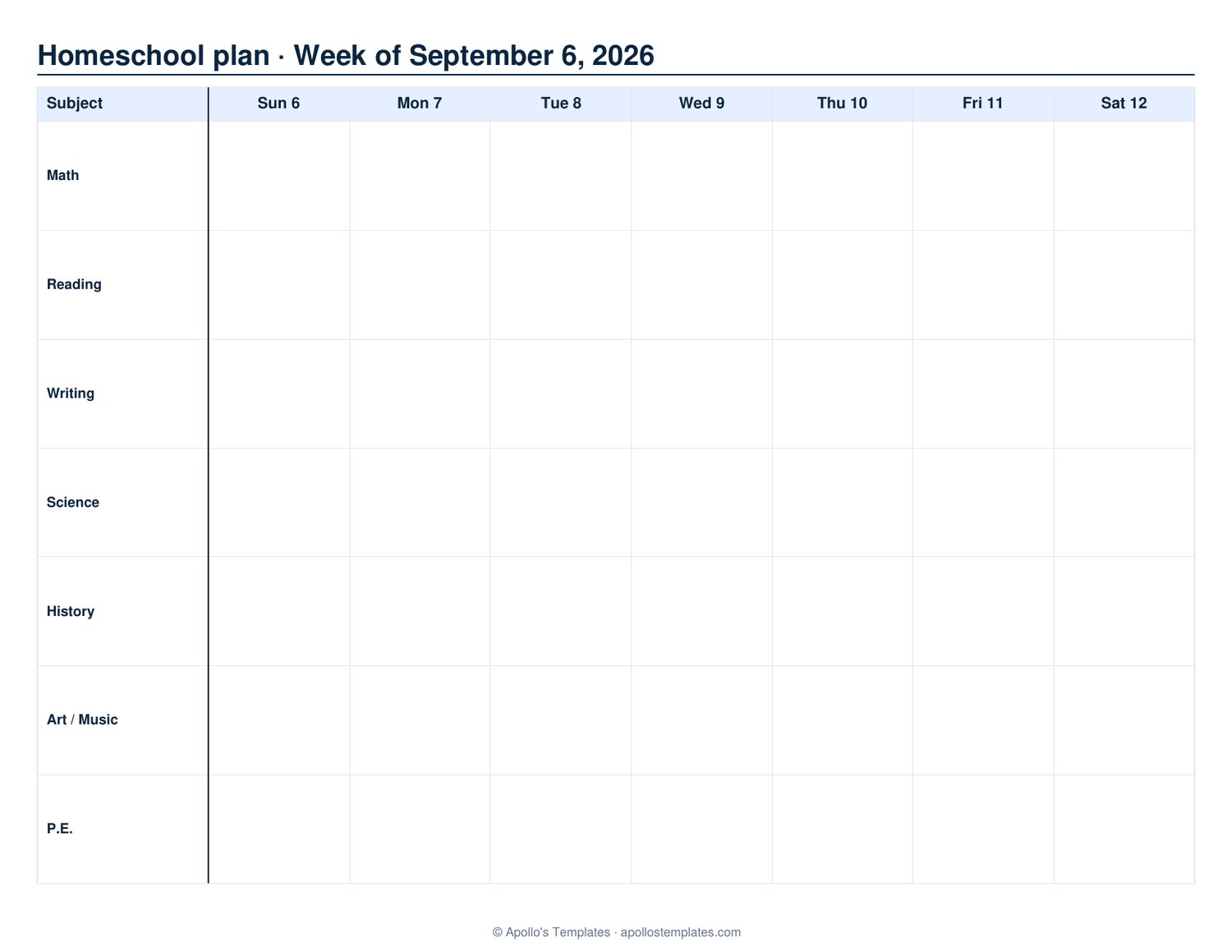
Free homeschool planner printable — weekly, by subject
List the subjects (math, reading, science, history, art) down the left; the columns are the school days. Type the week's lessons and assignments into the fillable cells or write them in, and generate as many weeks as your term needs. Print one sheet per student for a multi-child homeschool.
Homeschool lesson planner, attendance and the school year
This is the weekly planning sheet. For a formal period-by-period layout use the lesson plan template; for a record of days taught, the attendance sheet; and for the whole August-to-July year on one page, the academic calendar template.
Tips for the best result
Plan the week on Sunday evening. 20-30 minutes with the previous week's plan + the curriculum gives you the upcoming week. Doing it day-by-day during morning chaos rarely works.
Block subjects, don't just list them. "Math 9-10am" lets the kid see when, not just what. The cells are big enough for a time + activity ("9-10 Math: pp 87-92").
Mark what didn't get done in red. Reschedule into next week's plan. The visible red is honest — it tells you which subject is consistently slipping and might need re-budgeting.
Friday is for catch-up, not new content. The family-friendly schedule plans Mon-Thu for new material and uses Friday for finishing what slipped, library / field trips, or co-op. Builds in a buffer.