
Free educational Google Slides · 2 designs
Educational Google Slides Templates
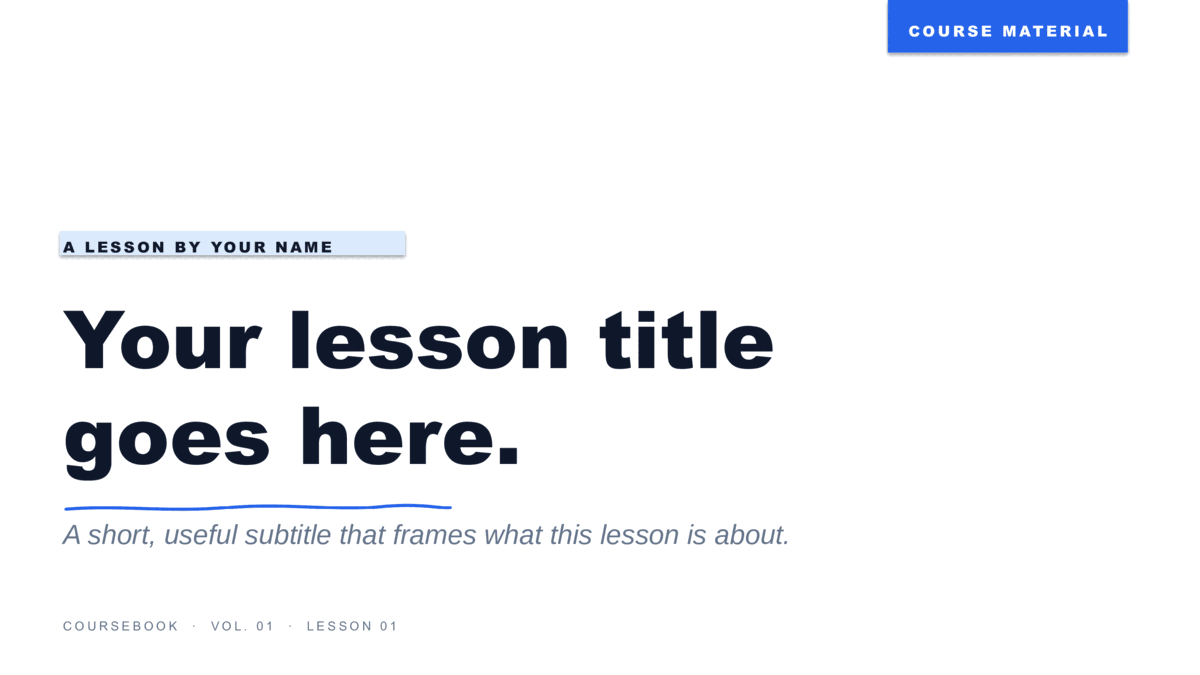
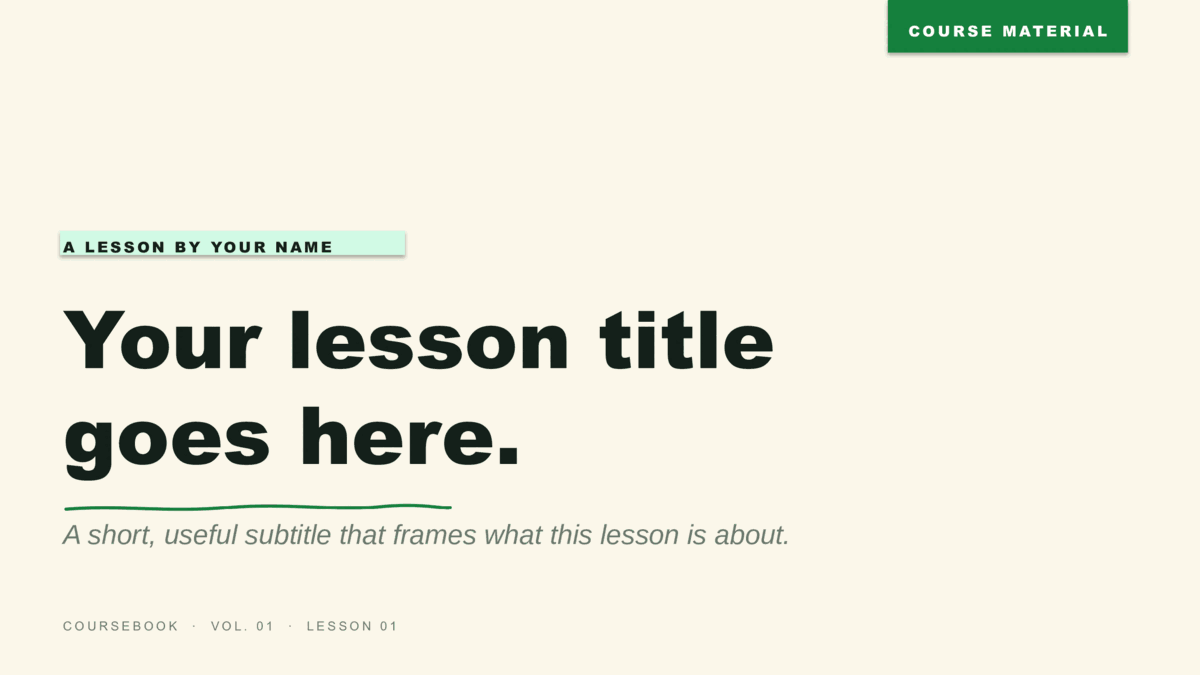
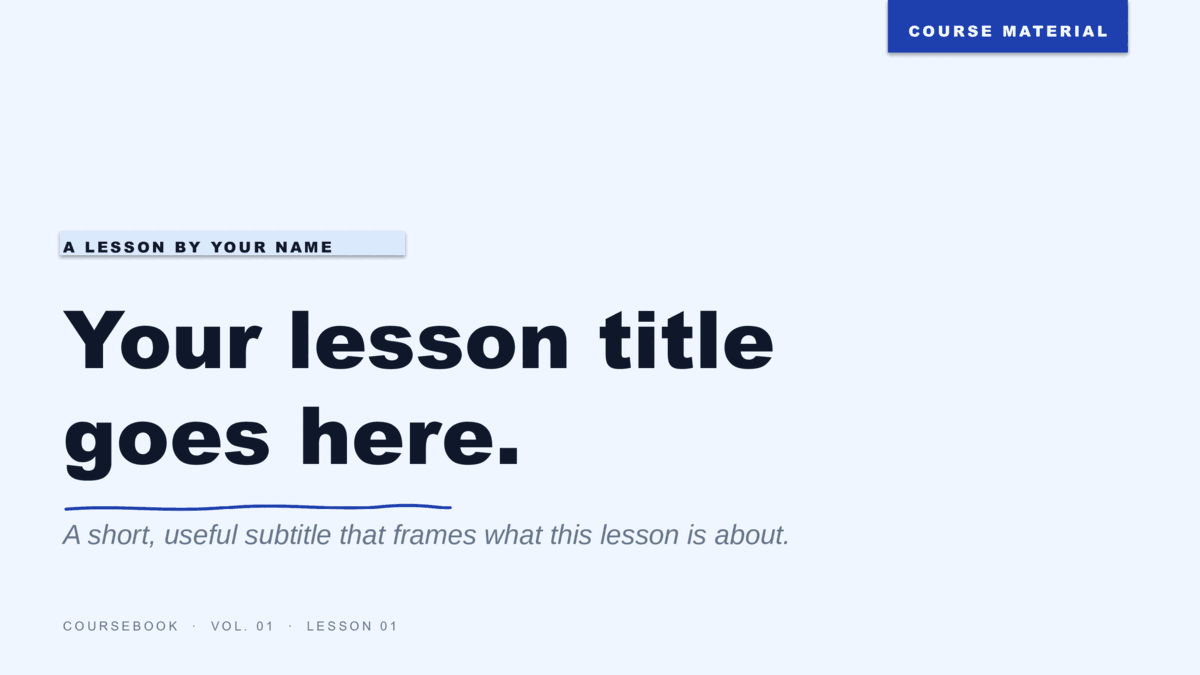
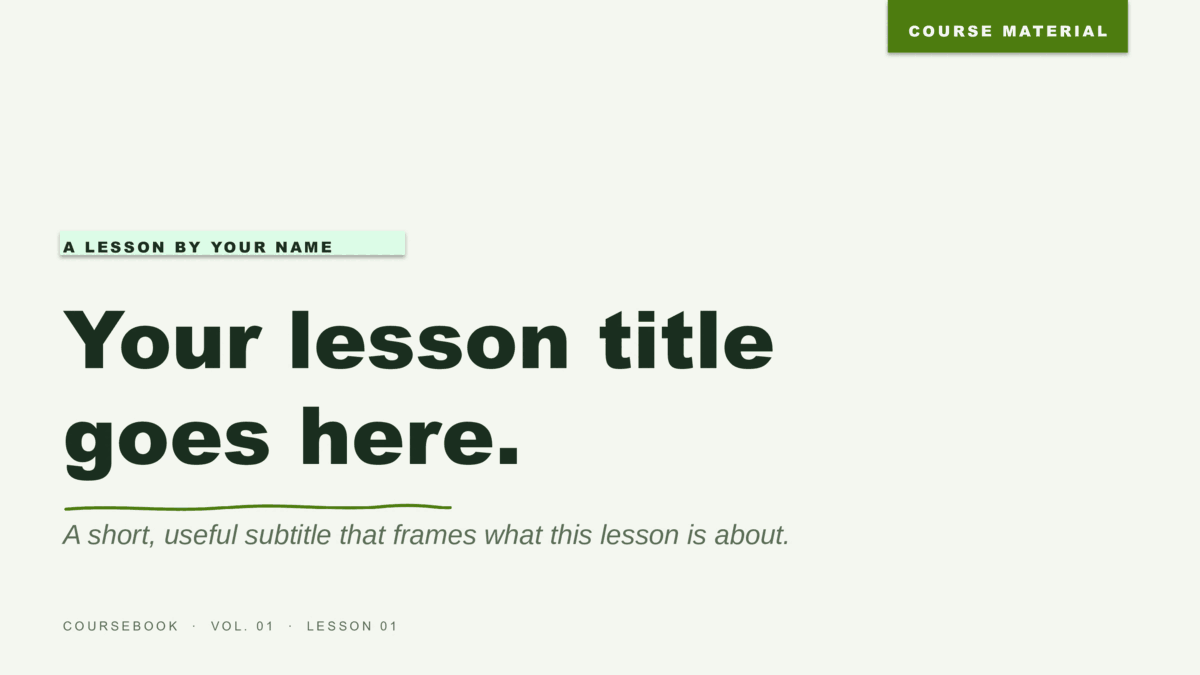
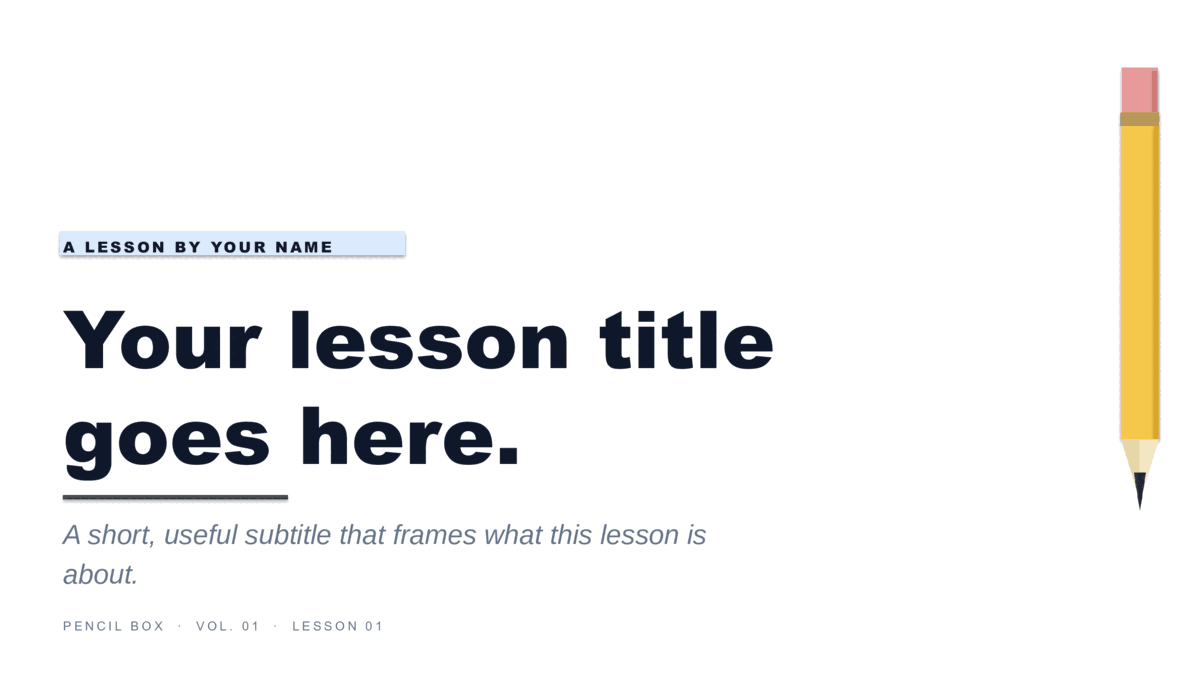
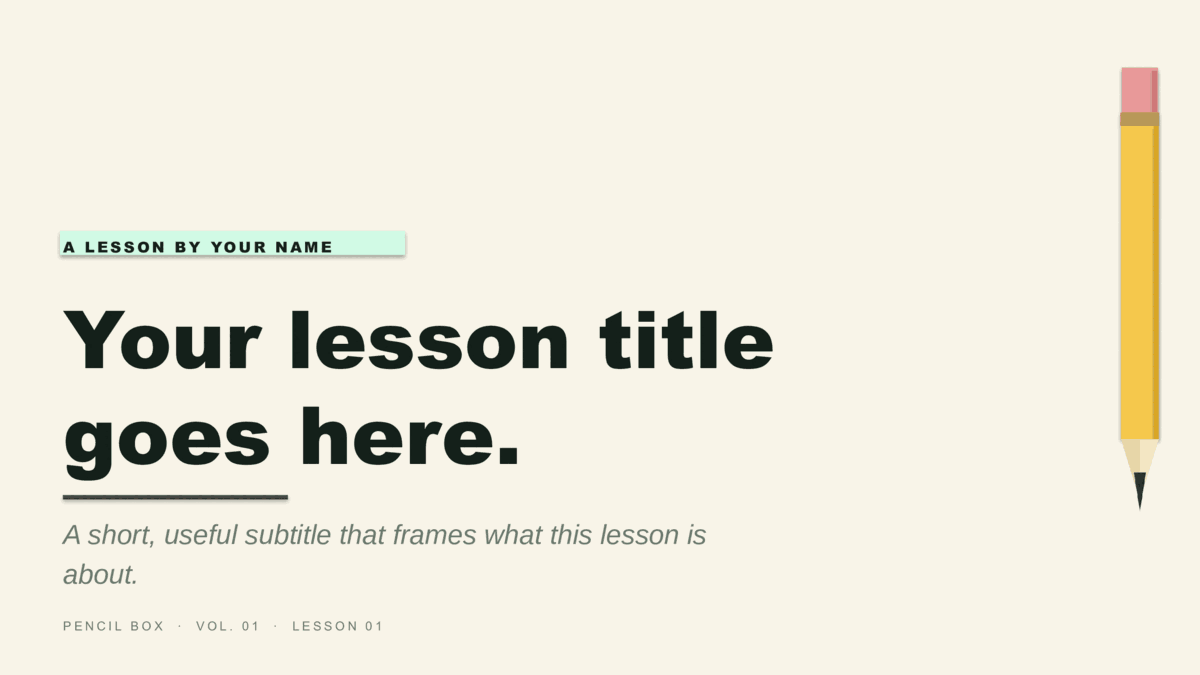
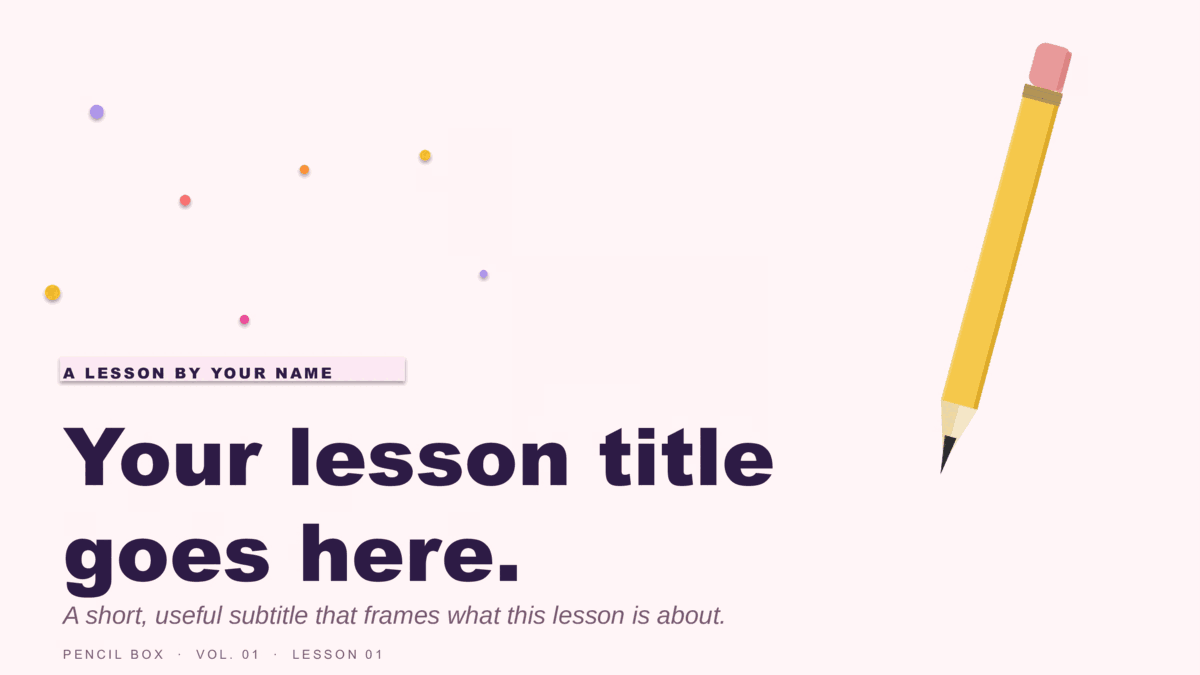
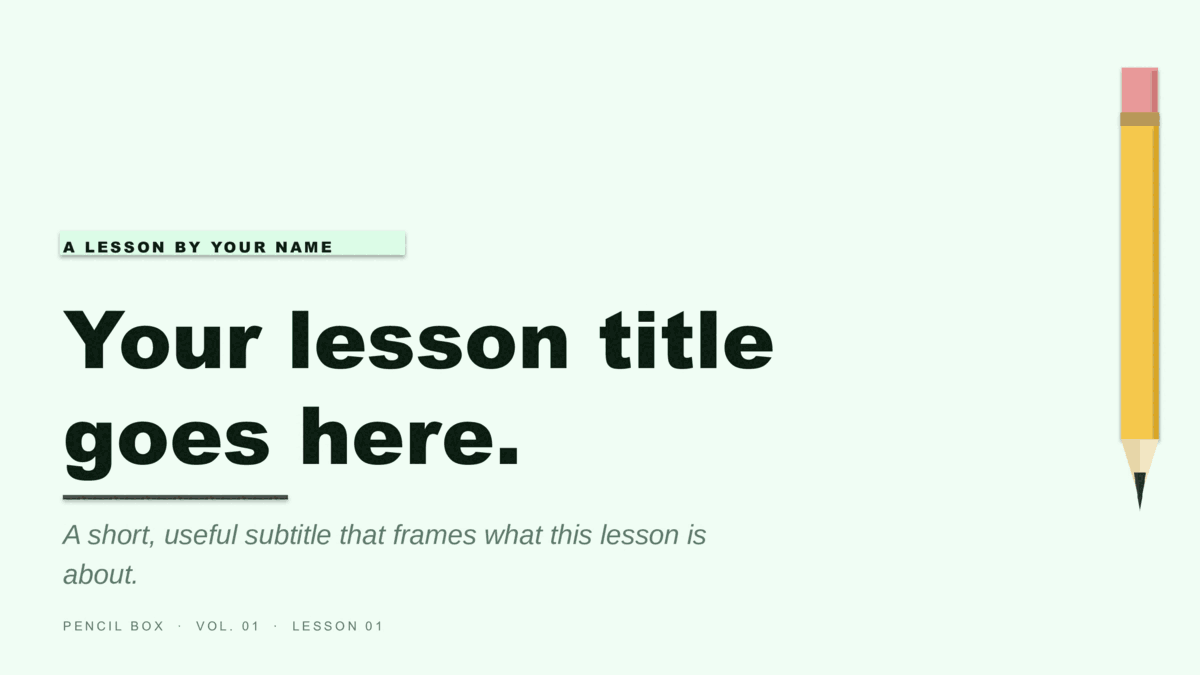
Eight free presentation templates for Google Slides built for teachers and instructors. Two designs — Coursebook (notebook-paper aesthetic) and Pencil Box (illustrated #2-pencil motif) — each in four blue or green colorways. 16:9 widescreen with eight pre-built slides per template. Click any card to copy directly into your Google Drive.
Step 1 · Pick a design
Two designs, eight color options.
Coursebook for a warm, notebook-paper classroom feel. Pencil Box for an illustrated #2-pencil motif. All eight templates use the same eight-slide structure (title, module divider, lesson, two-concept compare, image + caption, key quote, three-stat, and closing Q&A) so you can pick a look and start customizing immediately. Click any card to open in Google Slides and make a copy to your Drive.
Step 2 · Customize
Make a copy. Edit. Teach.
- Click Use Google Slideson any card above. You’ll see the template preview — click Use template to copy it to your Google Drive.
- Each slide ships as a single background image with the full design baked in. To customize, click any slide and either add your own text boxes on top, or delete the background image to start fresh on that slide’s blank canvas.
- Need a fully-editable version with text fields, accent colors, and the ability to re-tint via the Slide Master? Download the PowerPoint
.potxversion from /presentations/education/ and import it into Google Slides via File → Import slides → Upload.
Free for classroom and personal use. No attribution required.