
Free education presentation templates · 2 designs
Education Presentation Templates
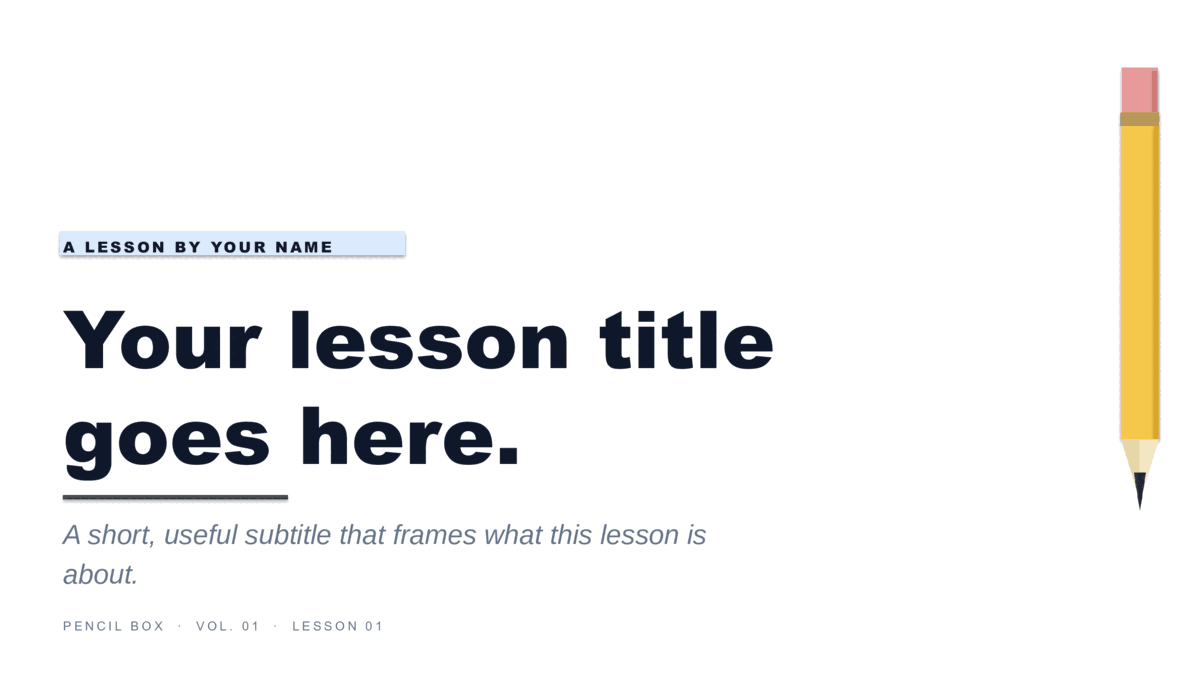
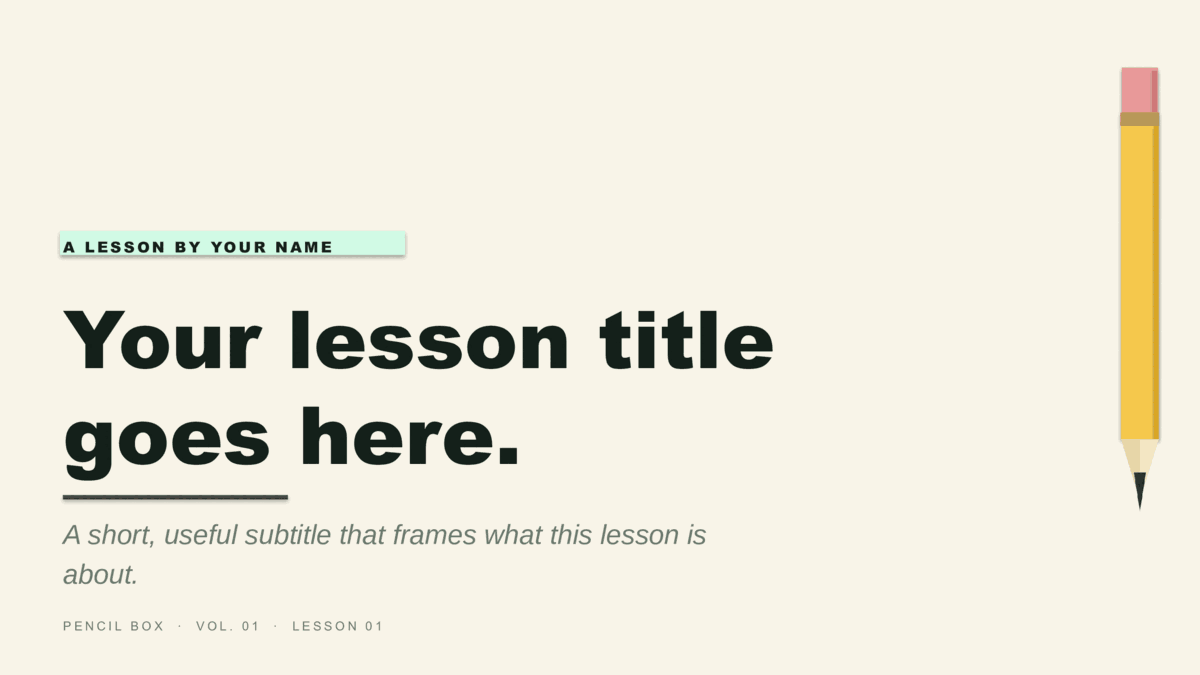
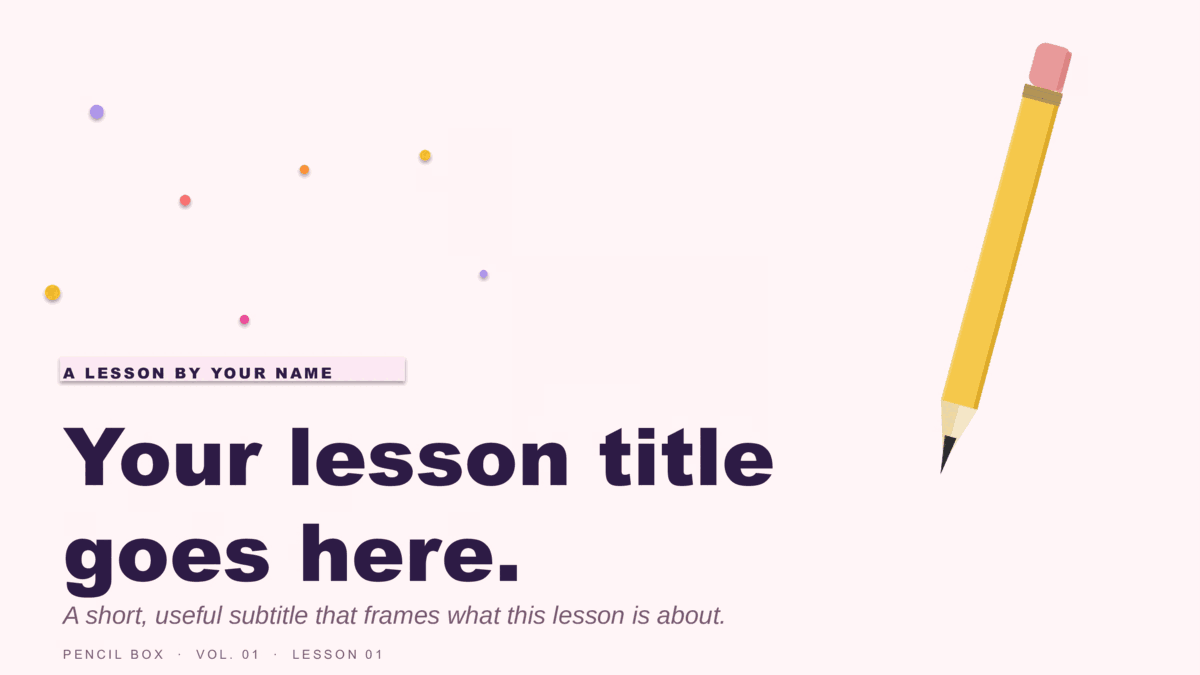
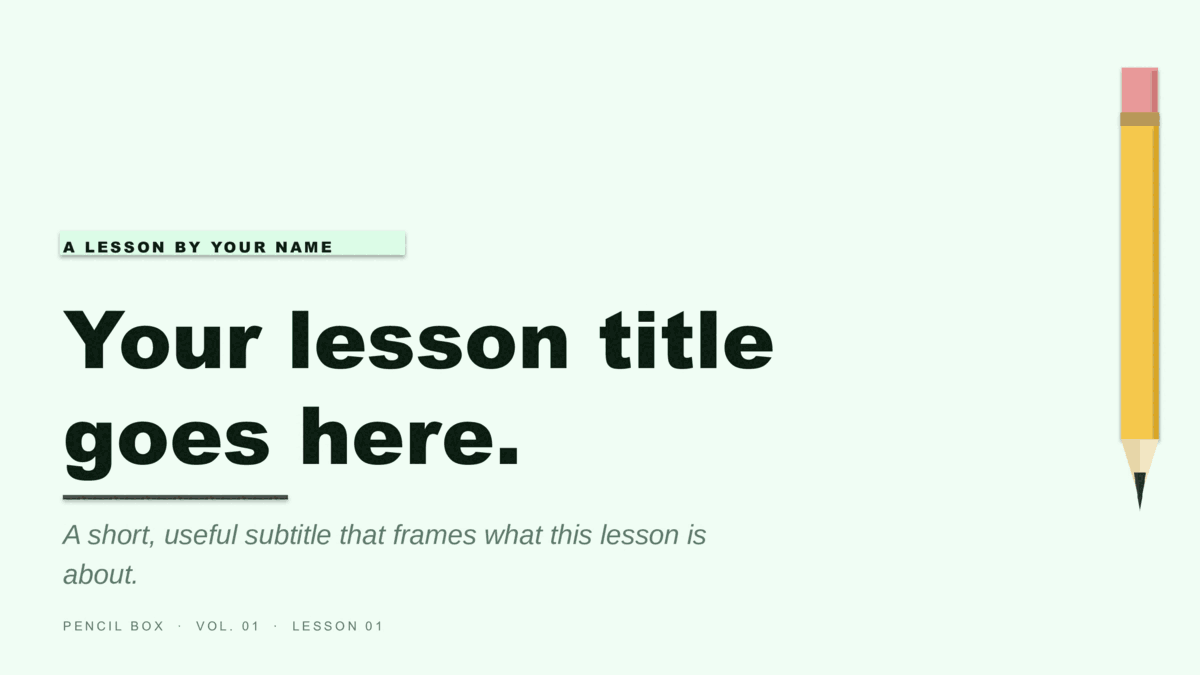
Eight lesson decks in two friendly designs — Coursebook (notebook-paper look with a hand-drawn underline) and Pencil Box (an illustrated #2-pencil motif) — four colorways each. Subject-neutral and built for any lesson, they work for teachers and students alike. Copy to Google Slides to assign in Google Classroom, or download for PowerPoint.
✓ Assign in Google Classroom✓ Free for teachers & commercial use✓ No login or subscription✓ PowerPoint + Google Slides
Pick a lesson design
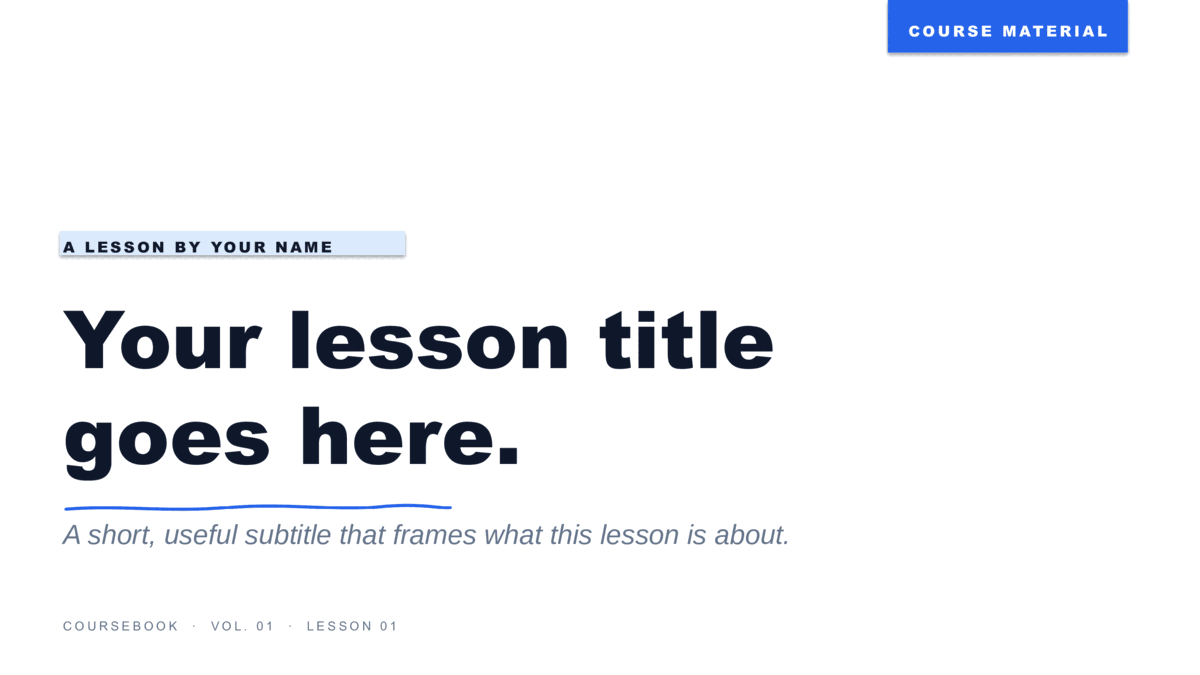
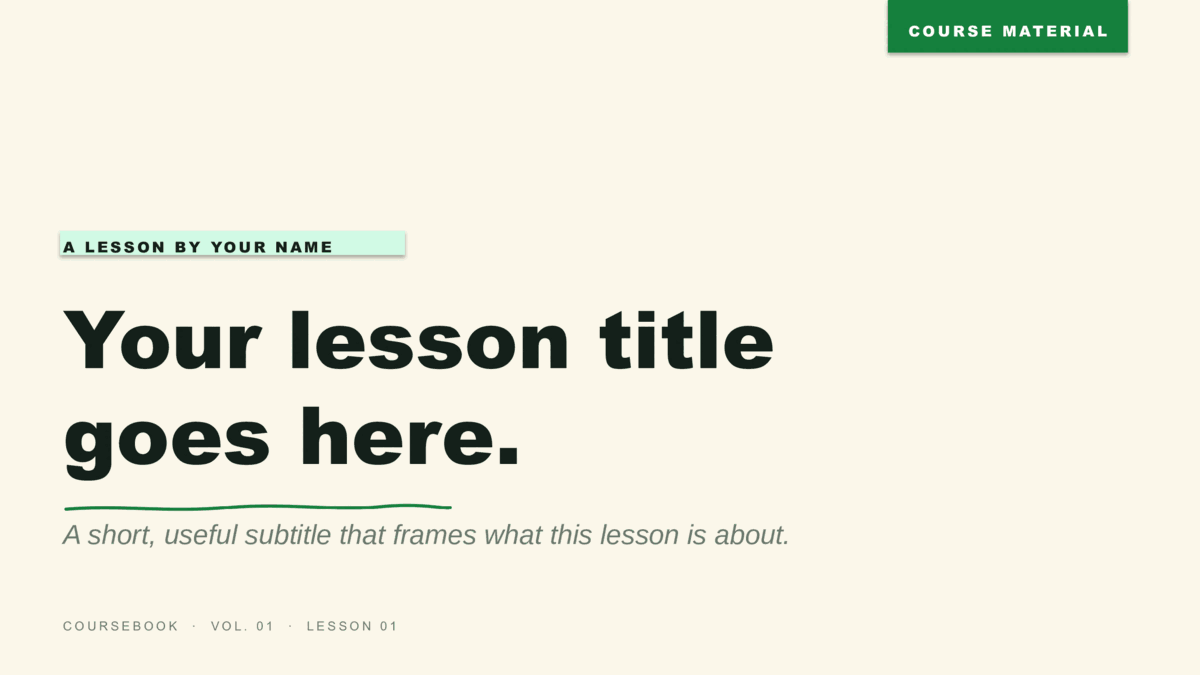
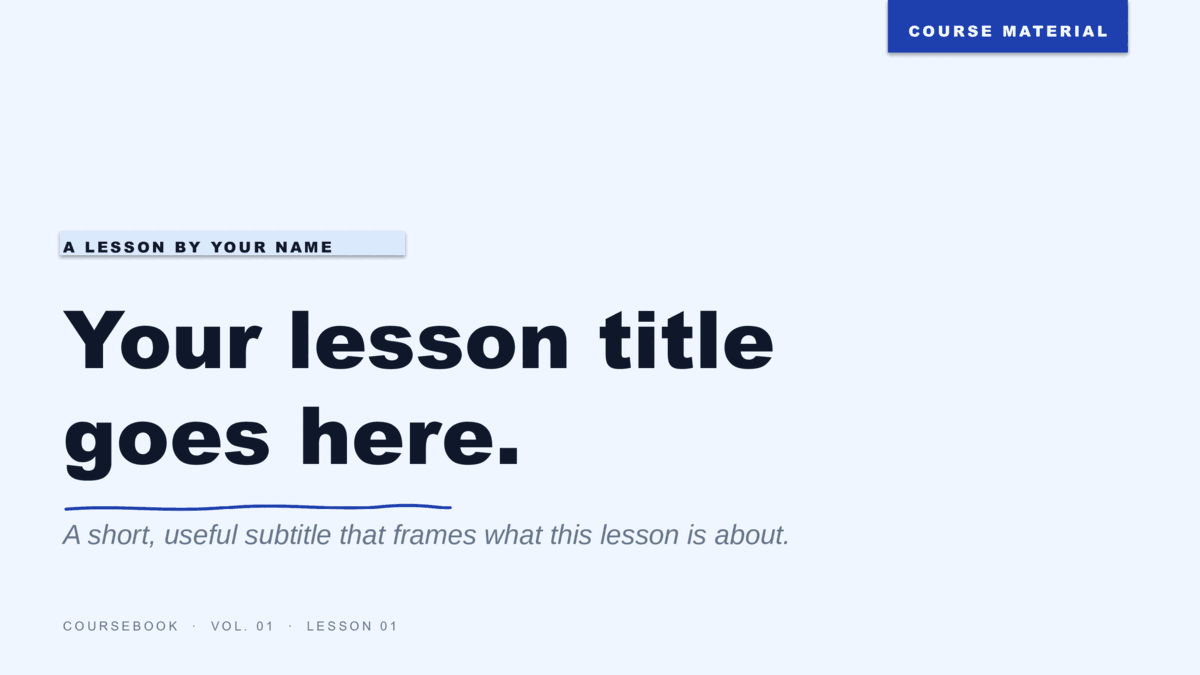
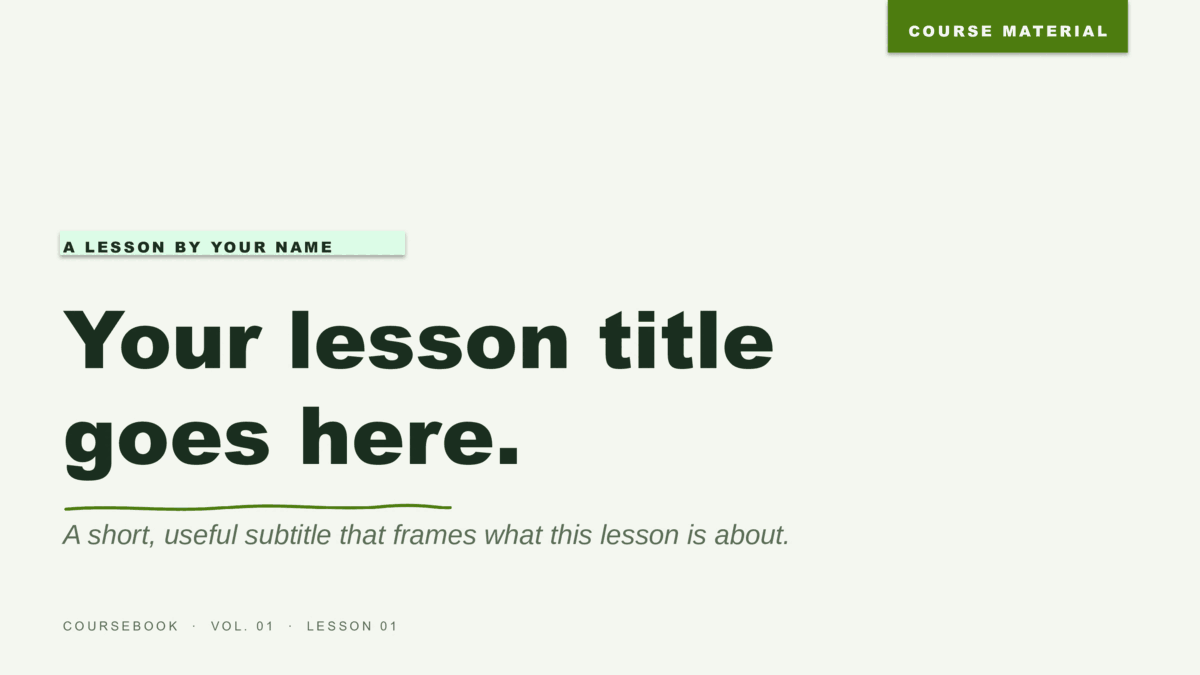
Two designs, eight color options.
Coursebook brings a warm, hand-drawn classroom feel; Pencil Box adds a playful illustrated motif that reads well for younger students. Each ships eight ready-made 16:9 slides for any subject. Open a card to preview all eight and choose your format.
Two formats
Build your lesson.
- Google Slides: open a template, click Use in Google Slides, then Use template to drop a copy in your Drive. From there, assign it straight through Google Classroom — no download, no student accounts to manage on our side.
- PowerPoint: the
.potxis a template — double-click to start a fresh lesson deck. Eight slides are pre-laid-out (title, module divider, content, compare, image + caption, quote, three-stat, closing); duplicate what you need and replace the text. - Re-tint a whole deck at once from View → Slide Master in PowerPoint, or Slide → Edit theme in Google Slides — handy for color-coding by subject or unit.
Free for classroom, tutoring, and commercial use — no attribution required.
For the classroom
Teacher and student questions.
Can I use these in Google Classroom?
Yes. Copy a design to Google Slides, then share or assign it through Google Classroom like any other Slides file. There's nothing to download and no account to create on our end.
Are they free for teachers, tutoring, and paid courses?
Yes — free for classroom, tutoring, and commercial use such as paid online courses or workshops. No signup, no email, and no attribution required.
What subjects do they work for?
Any of them. Coursebook and Pencil Box are subject-neutral by design, so the same layouts carry a science unit, a history lesson, a math review, or a language-arts class equally well.
Can students use them for a project or thesis defense?
Absolutely. The eight-slide structure — title, dividers, content, comparison, data — fits a class project, a book report, or a capstone/thesis defense.
Can I recolor a template to match my classroom or subject?
Each design comes in four colorways, and you can adjust further — change the accent on the PowerPoint Slide Master or under Slide → Edit theme in Google Slides.
Updated through May 2026
Keep browsing
More presentation templates.
Business presentations
Free business templates for PowerPoint and Google Slides
Waves, Squares, Lines, and The Basic — twelve colorways for reports, proposals, and meetings.
Open
Christmas presentations
Free christmas templates for PowerPoint and Google Slides
Starlit and Snowfall — six illustrated holiday decks, plus the four legacy 4:3 originals.
Open
Pitch Deck presentations
Free pitch deck templates for PowerPoint and Google Slides
Velocity, Forge, and Spectrum — three ten-slide decks in the order investors expect.
Open
Or browse by style
Guides
- How to build a startup pitch deck — The ten-slide order, what goes on each slide, and how pre-seed, seed, and Series A decks differ.
- How to edit a PowerPoint template — Opening a template, applying it to a deck you already have, changing colors on the Slide Master, and saving your own.
- How to use a Google Slides template — Copying a template to your Drive, editing the theme, bringing in a PowerPoint file, and sharing a template with a team.