






ATS-Friendly Resume Templates
Most applications go through an applicant tracking system before a person sees them — and the ATS doesn't care how your resume looks, only whether it can read it. These twelve layouts are the ones built to parse cleanly: single columns, standard headings, real text, no text boxes. One page, free in Word and Google Docs, and the guide below tells you how to check your own resume before you send it.
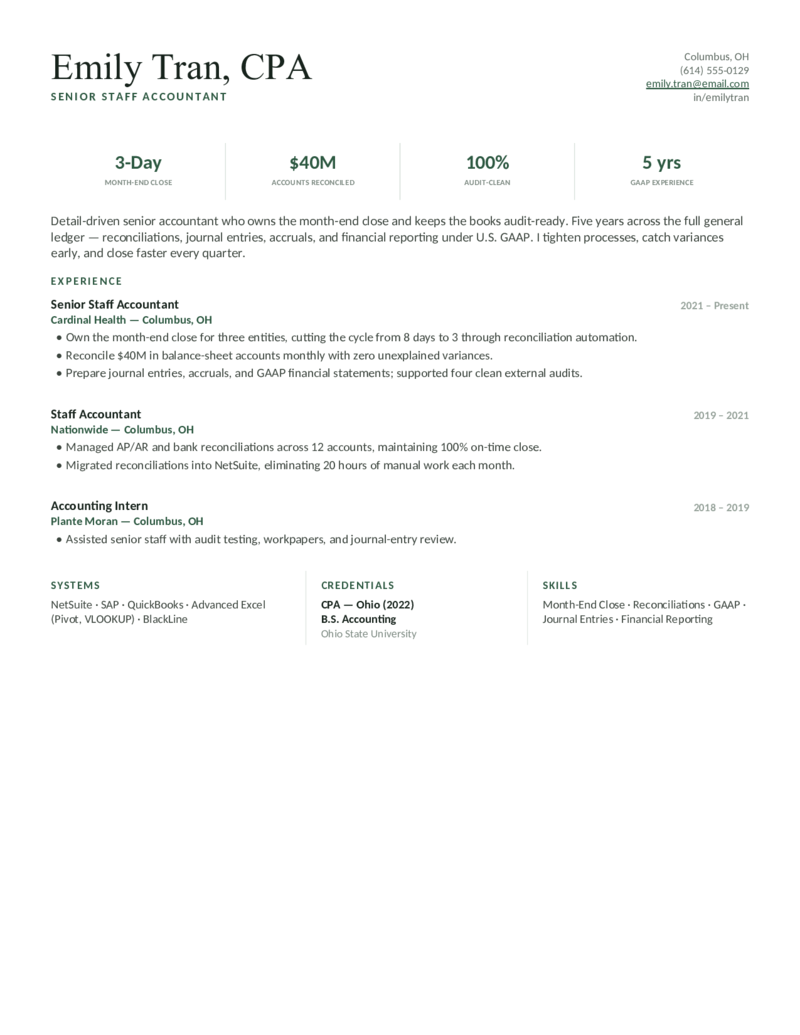
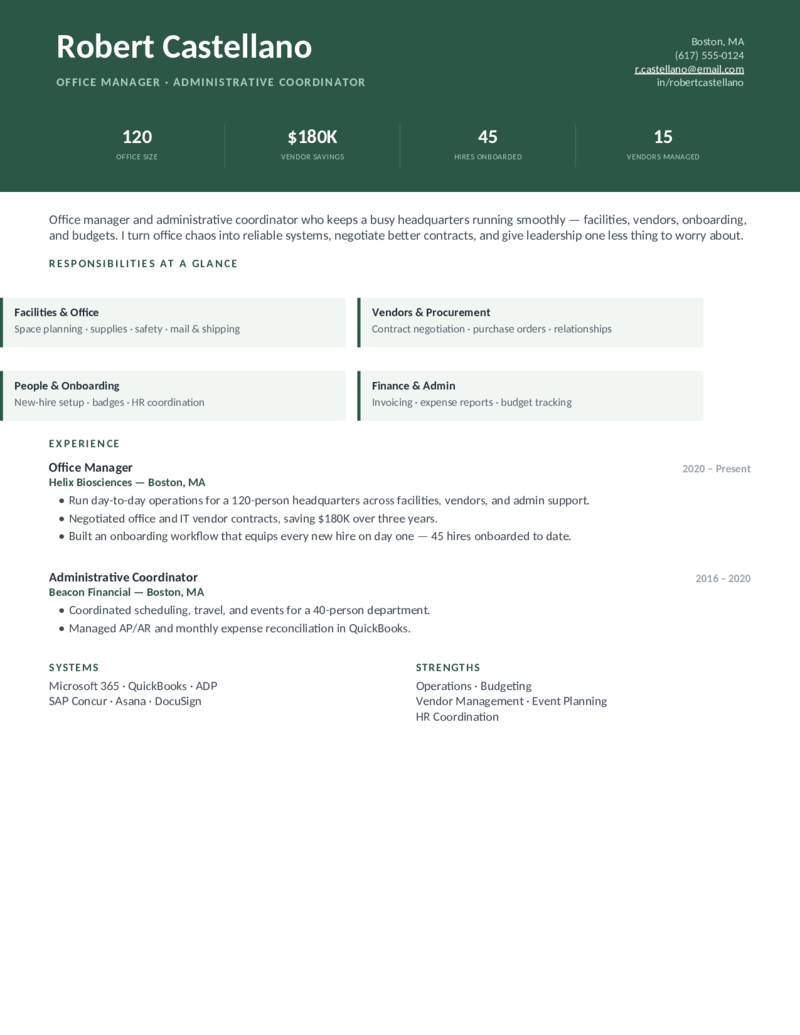
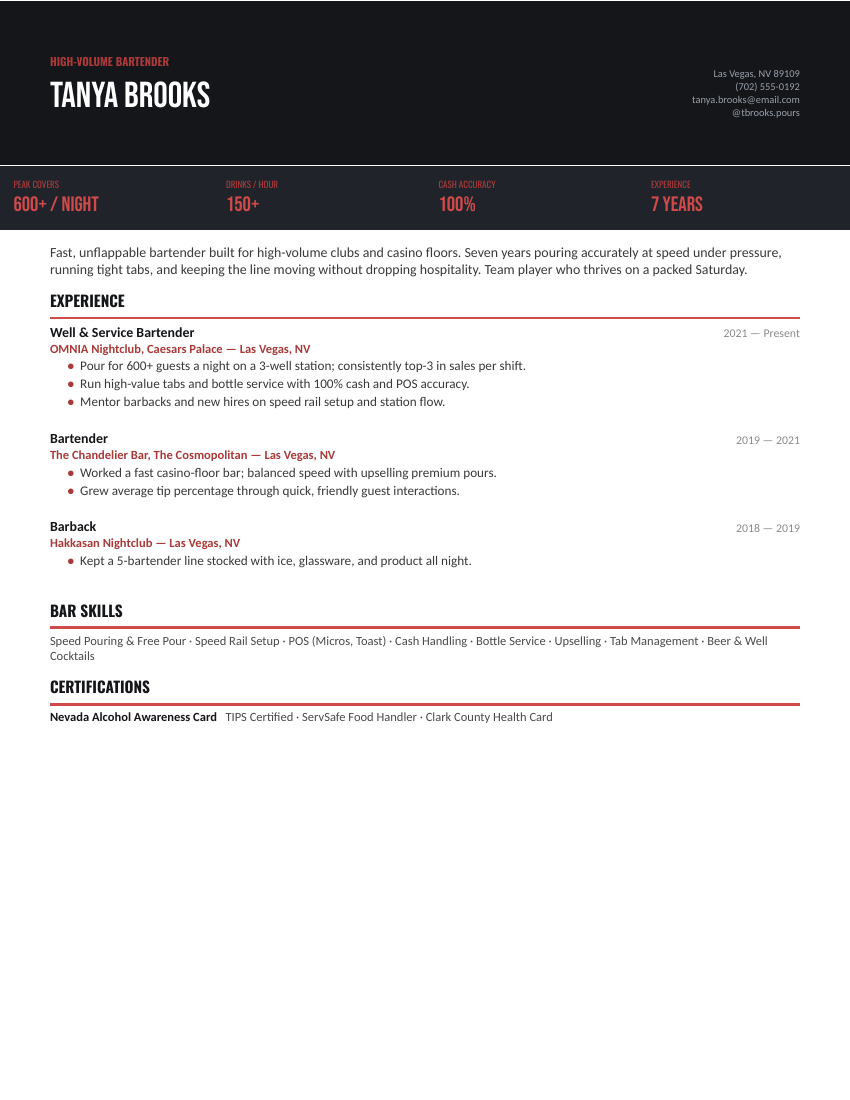
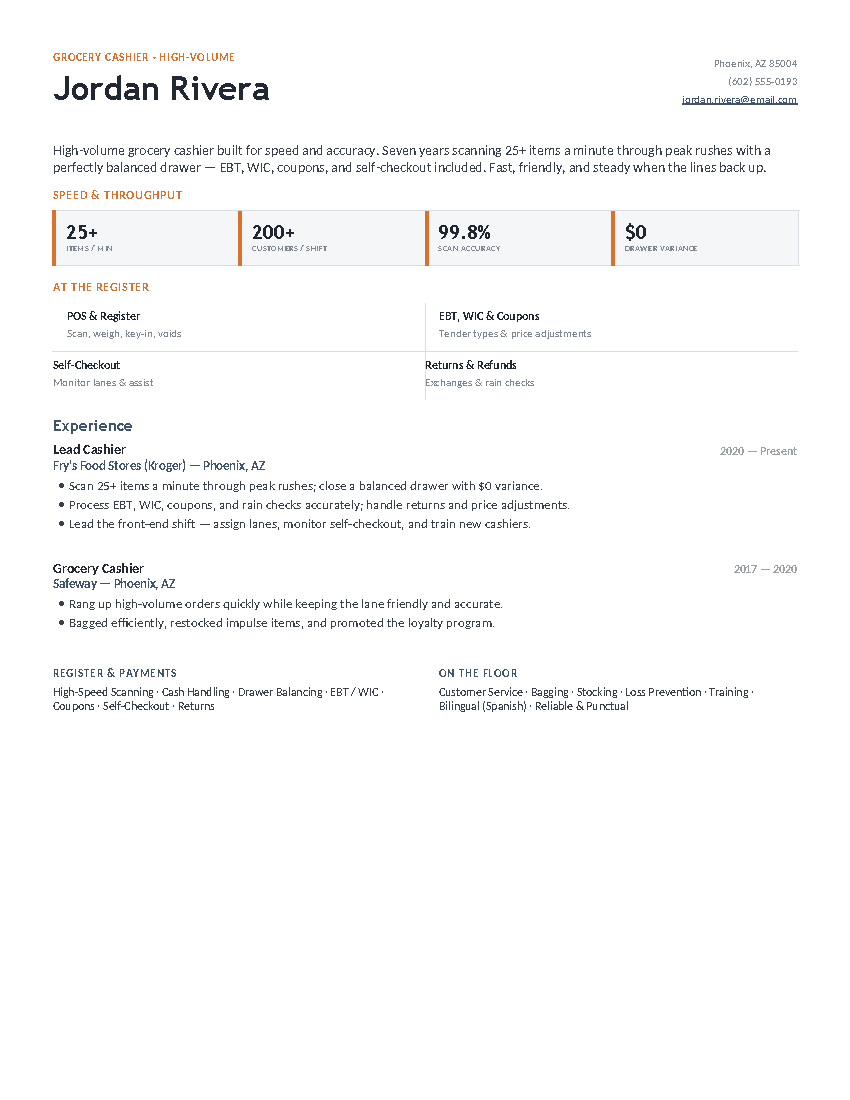
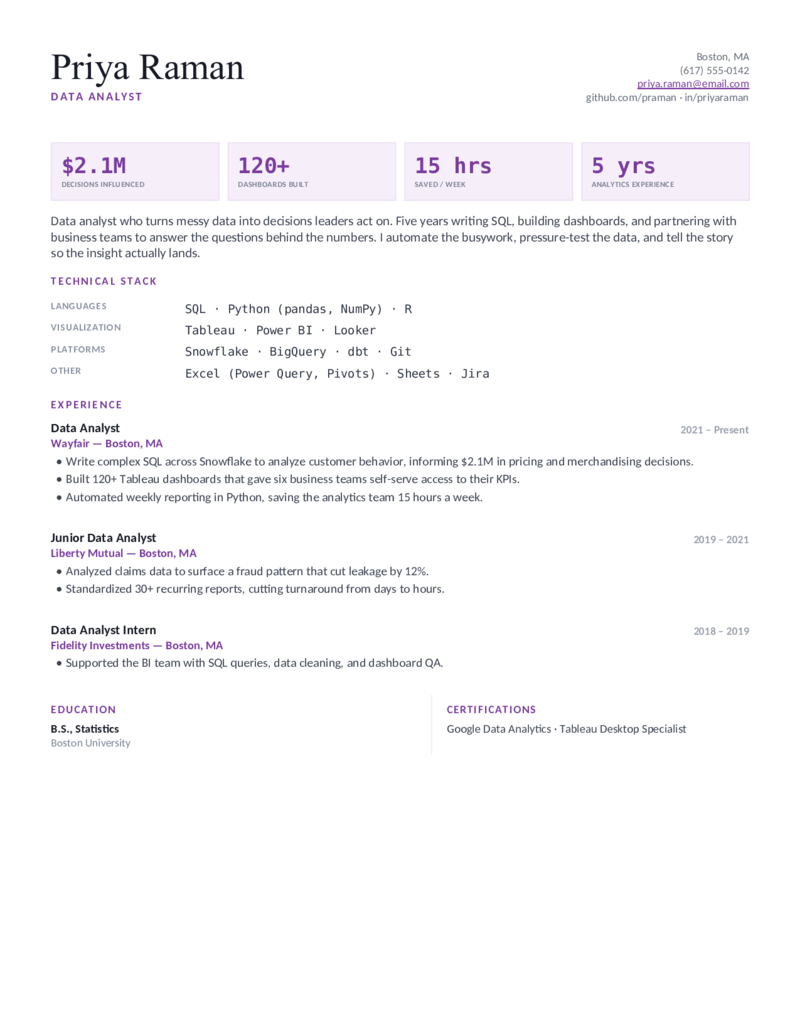
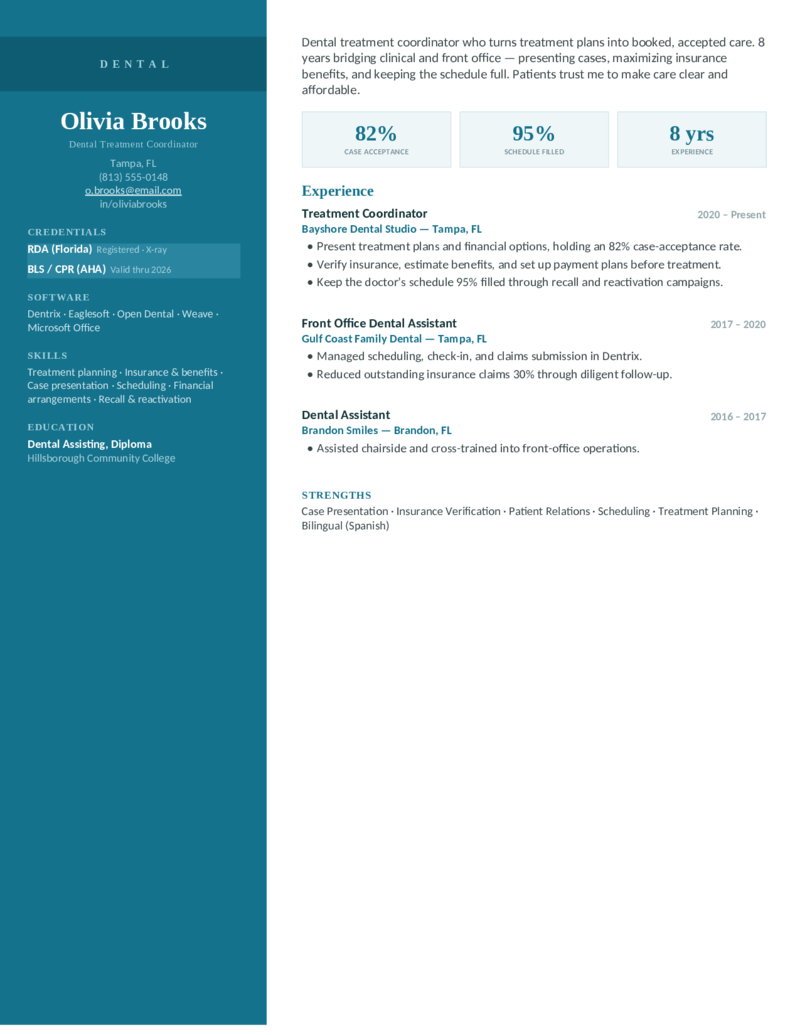
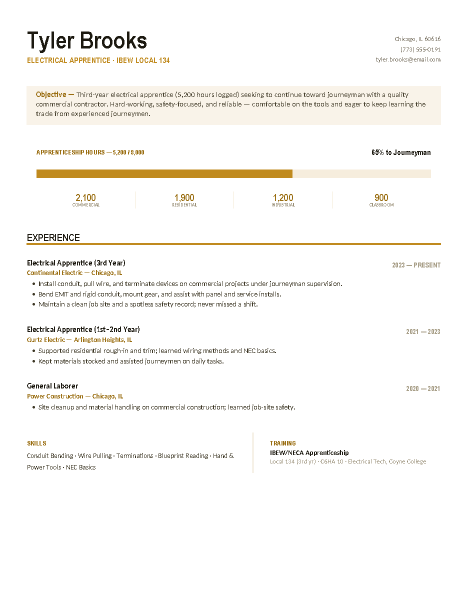
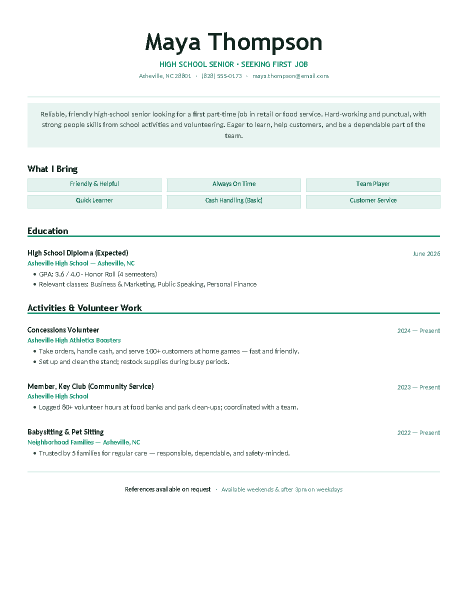
The ATS-friendliest template in each field.
Single-column, standard-heading designs — one per career — that read the same to a parser as they do to a person.
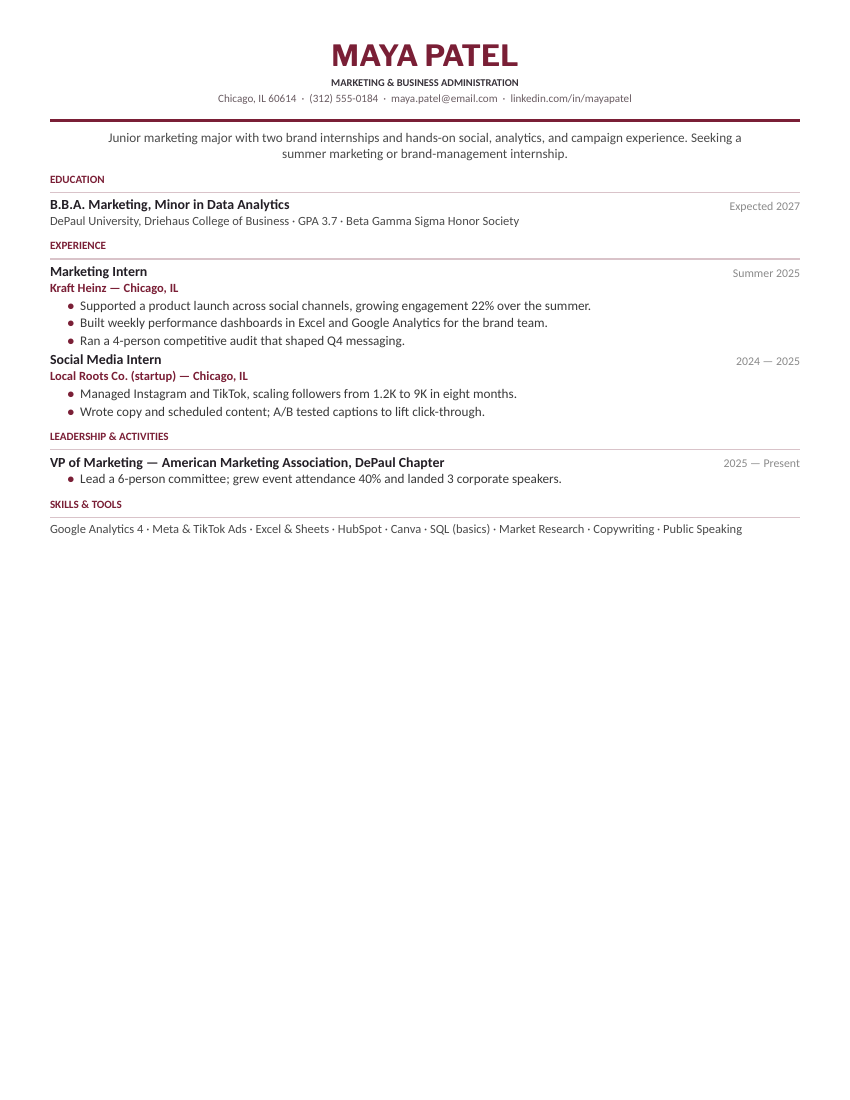
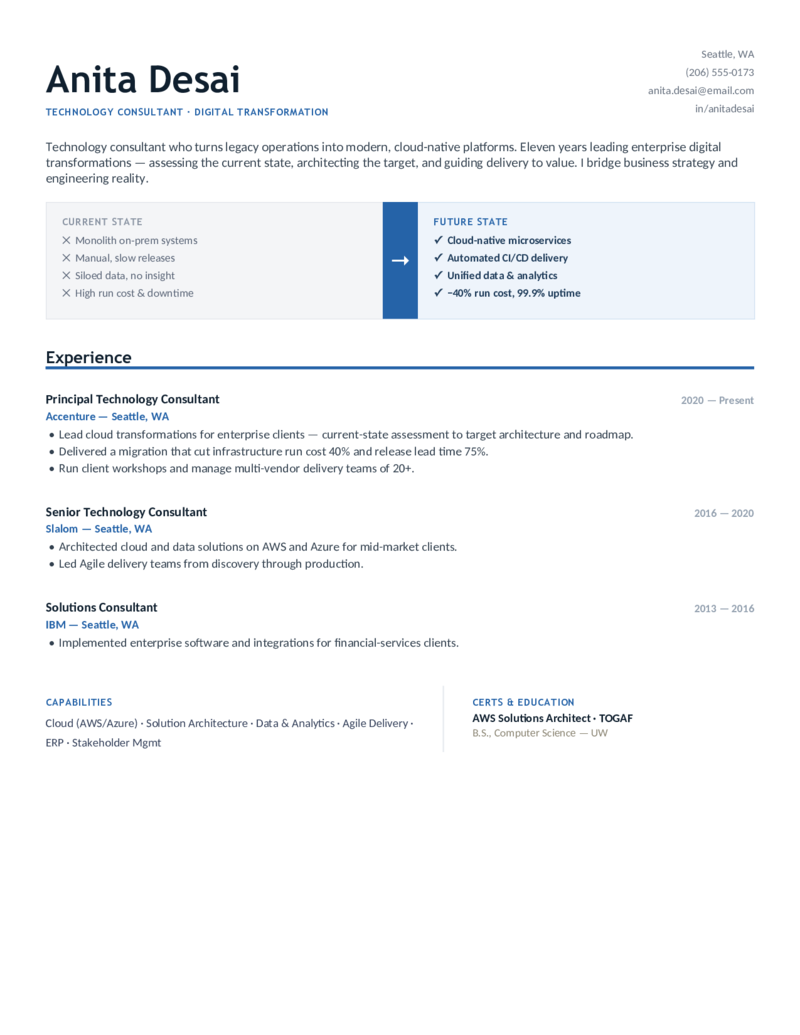
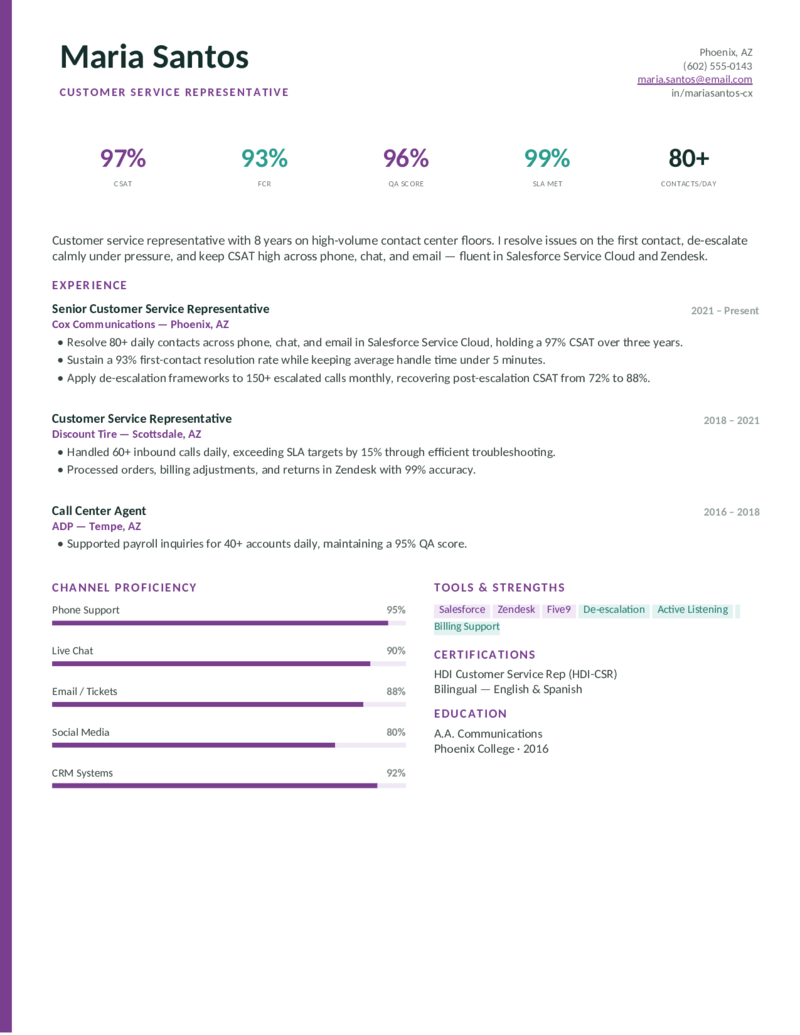
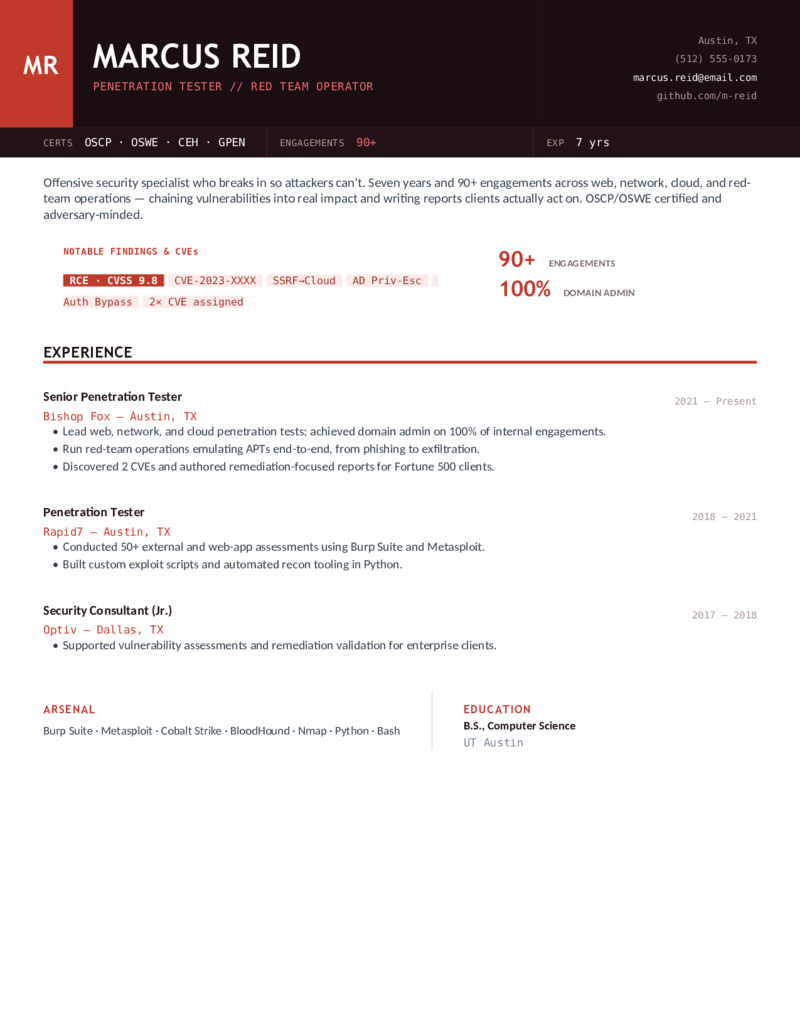
What makes a resume ATS-friendly.
An ATS converts your file to plain text, then looks for sections and keywords. Everything that goes wrong goes wrong in that conversion. The rules that keep it clean:
- Standard section headings. Experience, Education, Skills, Summary — parsers are trained on those words. ’Where I’ve Been’ is charming and invisible.
- Real text everywhere. No text boxes, no headers/footers holding your contact info, no images with text in them. If you can’t select it with the cursor, the ATS can’t read it.
- One reading order. Single column, or a two-column table with a clear left-to-right order. Every template on this page is single-column.
- Dates and titles in the same order each time. Job title, company, dates — consistently. Parsers build your work history from that pattern.
- Keywords from the posting, spelled the same way. If the job says ’Salesforce’ and ’account management’, say exactly that. Don’t rely on synonyms.
Every design in the library is built on these rules; the twelve above are the strictest. Sending a PDF? Fine — every major ATS parses PDF text. Sending Word? Also fine; some portals prefer it. Just never send an image or a scan. For tech applicants, the software engineer templates are single-column by design.
A free ATS test you can run in thirty seconds.
You don’t need an ATS scanner to know how a parser sees your resume. Open your finished PDF, select all, copy, and paste into a plain text editor (Notepad, TextEdit in plain mode, or a blank Google Doc with formatting cleared).
What you see is roughly what the ATS gets. Check three things: is the order right (name, then summary, then experience — not a sidebar jumbled into the middle)? Is anything missing (contact details that lived in a header, text that was inside a box)? Are the headings intact?
If all three pass, the resume is ATS-friendly. If not, the template above for your field fixes it — every one passes this test by construction.
Three steps.
- Pick the ATS-friendly layout for your field.
- Fill it in using the job posting’s own words for skills and tools.
- Export a PDF, run the copy-paste test above, and send.
ATS resume FAQ
What is an ATS resume?
What is the best ATS-friendly resume format?
Do applicant tracking systems read tables and columns?
Is there a free ATS resume checker or scanner?
Should I send an ATS resume as PDF or Word?
Do keywords really matter for ATS?
Are these ATS-friendly resume templates free?
ATS-Friendly Resume Templates · Updated September 2026