






Religious & Church Letterhead Templates
Free printable church letterhead templates for Microsoft Word and Google Docs — Latin cross, stained-glass arch, Celtic cross, dove and olive branch, scripture sidebars and a minimalist Alpha & Omega. Universal symbols, so they suit any congregation.
9 church letterhead samples
Every template ships in both Microsoft Word (.dotx) and Google Docs. The .dotx download opens in Word as a fresh document; the Google Docs link opens a copy directly in your browser.
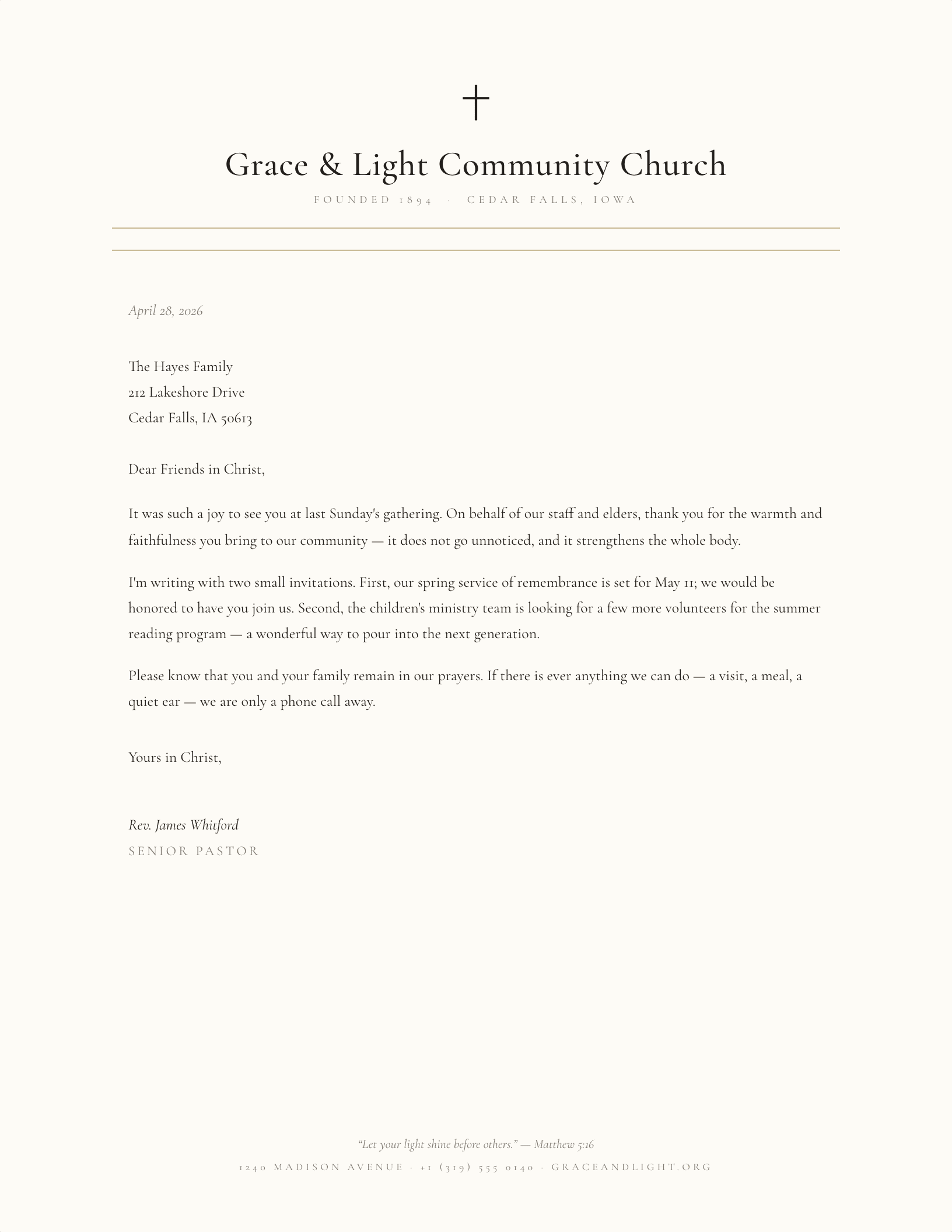
Classic Parish, Latin Cross
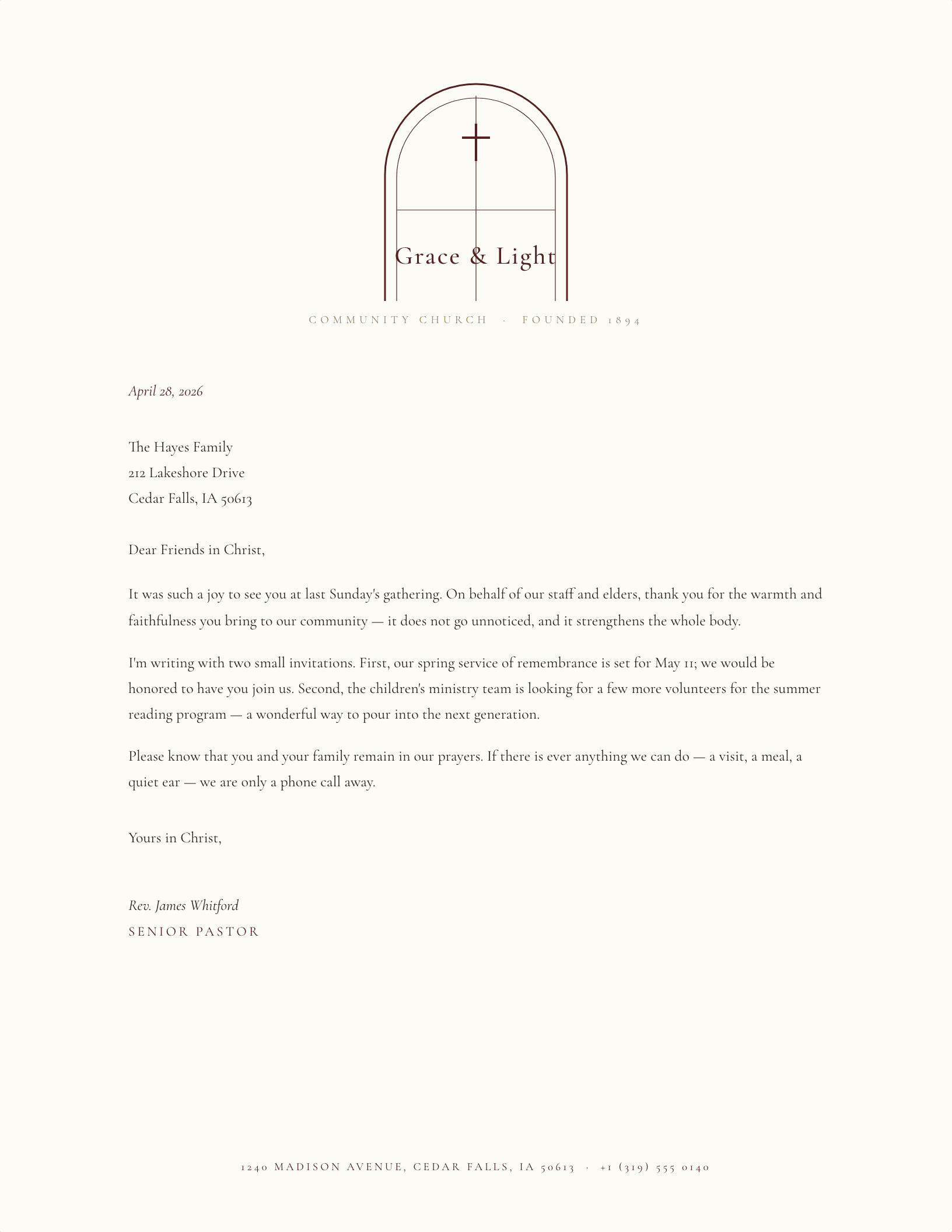
Stained-Glass Arch Header
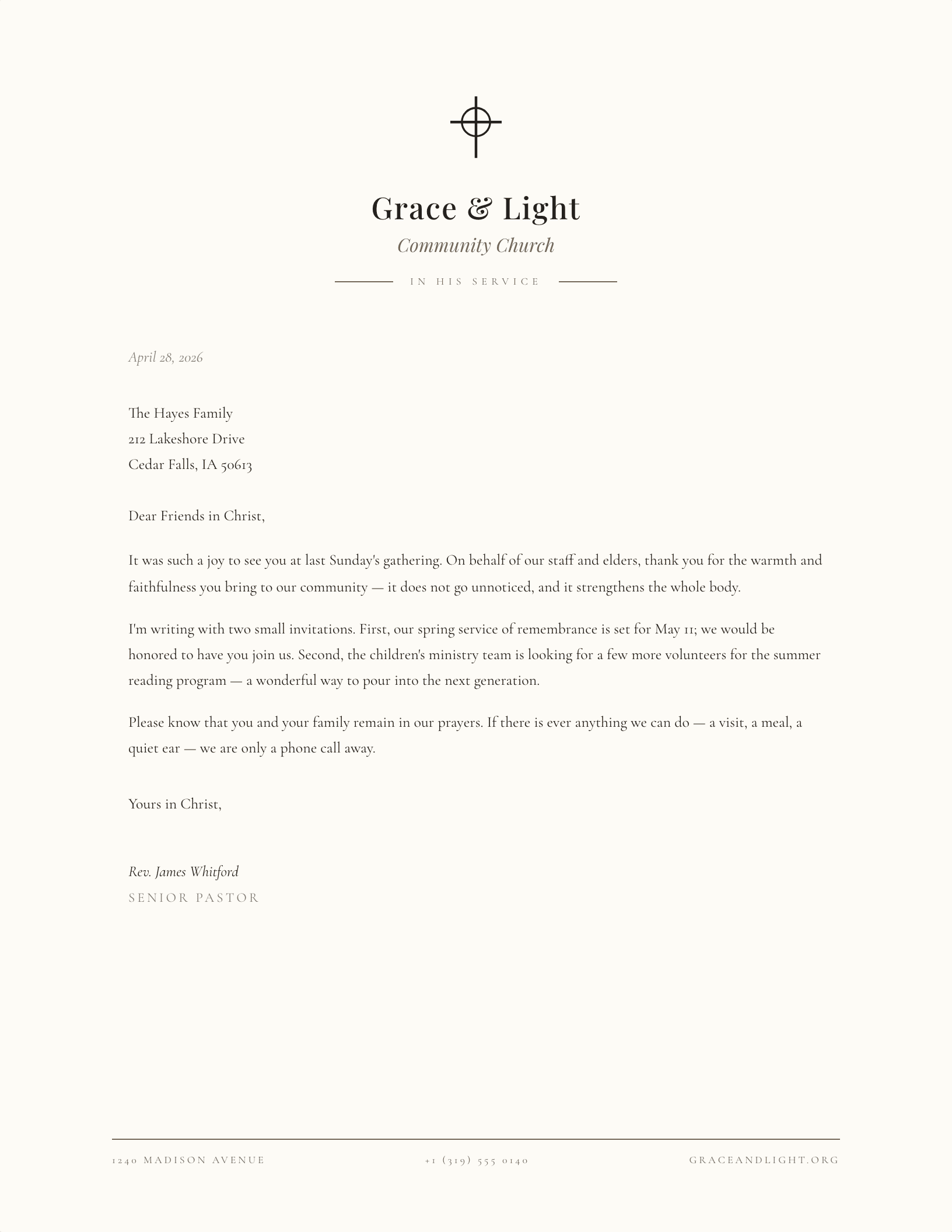
Celtic Cross Crest
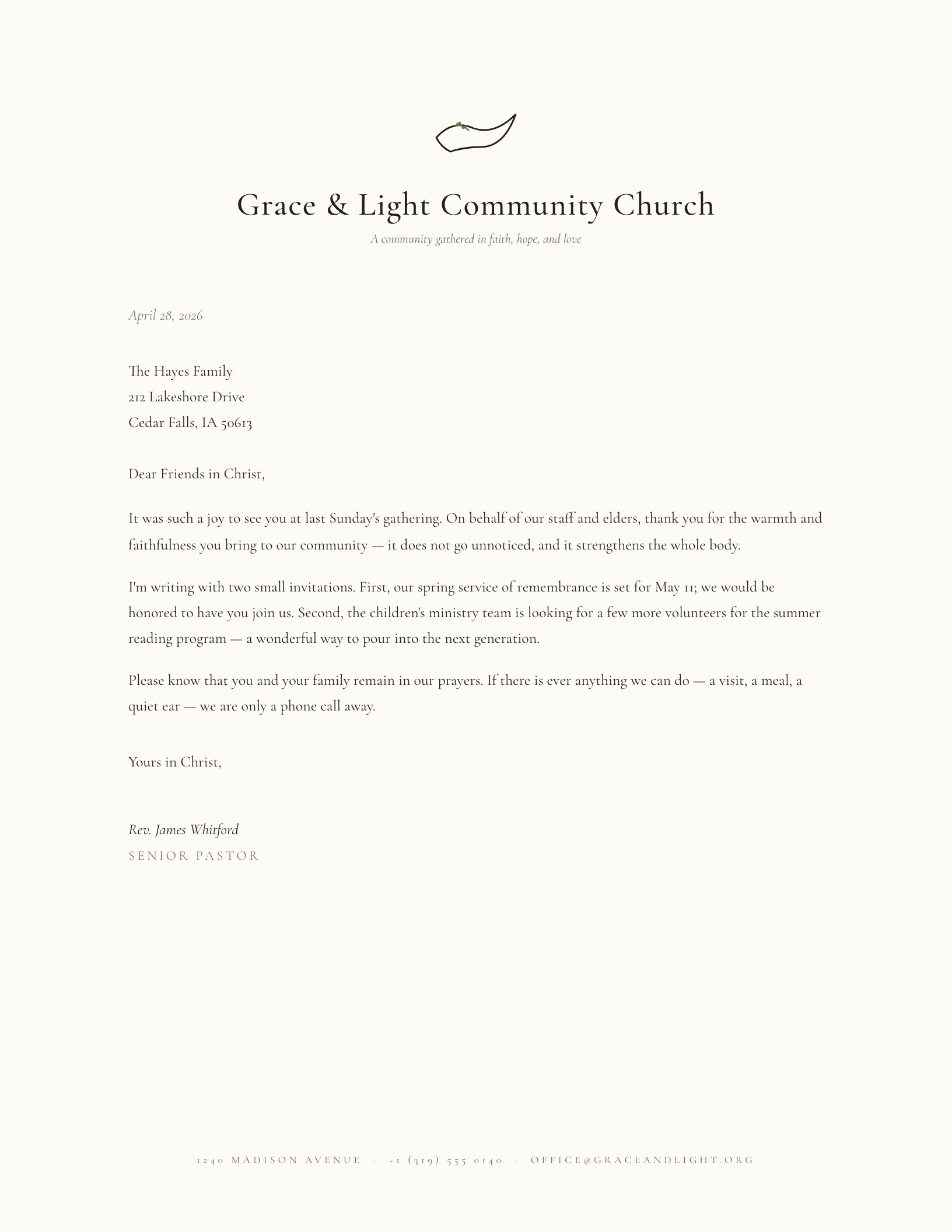
Dove & Olive Branch
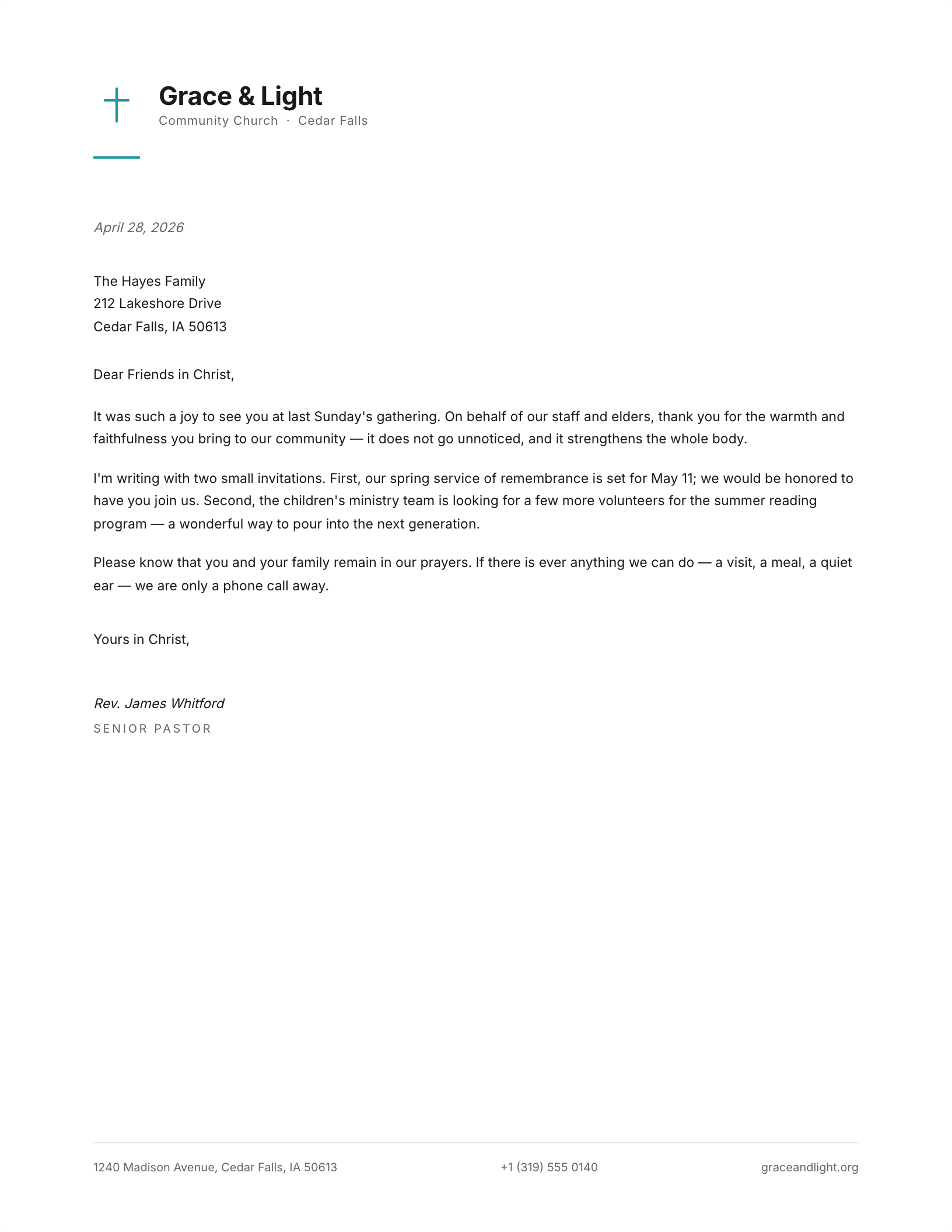
Modern Contemporary
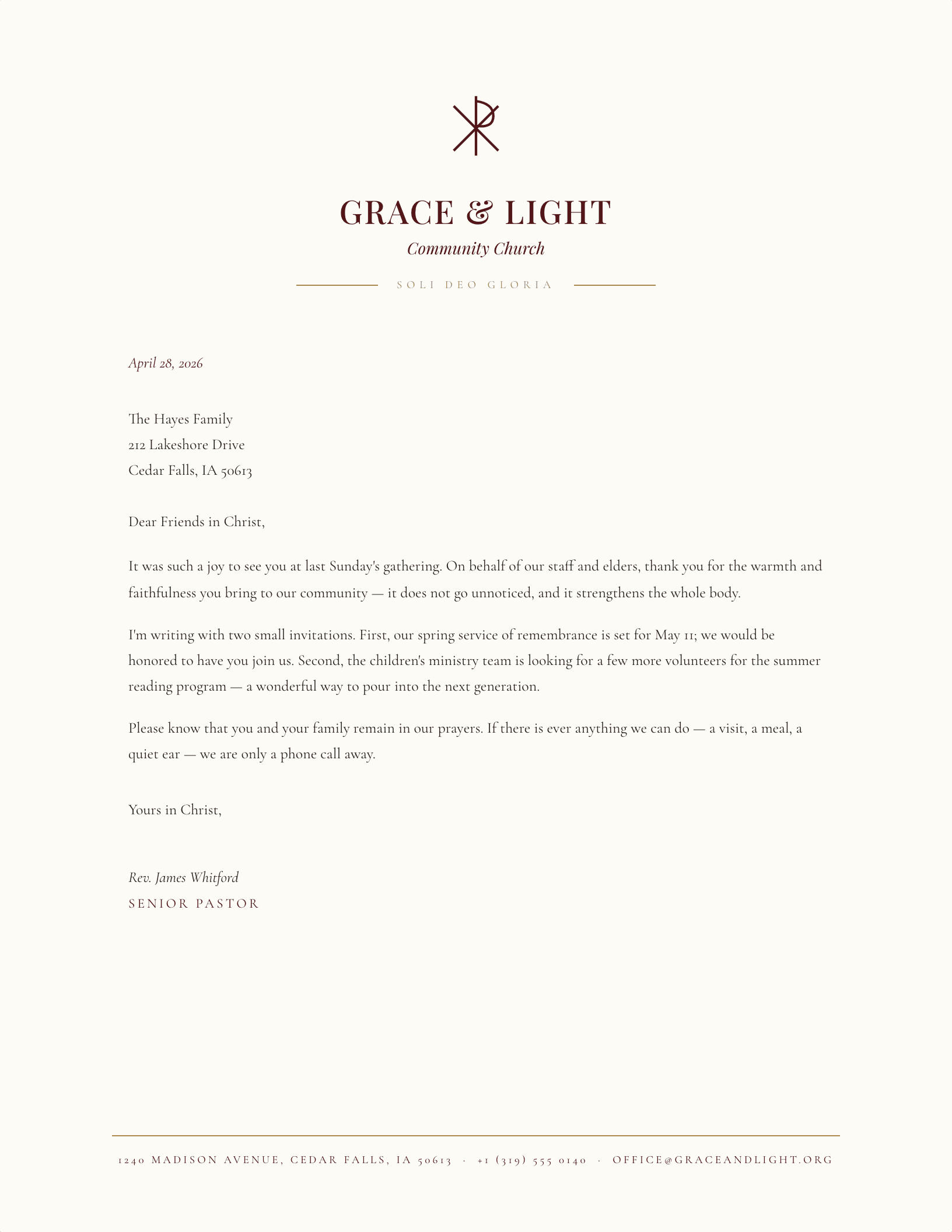
Burgundy & Gold (Chi-Rho)
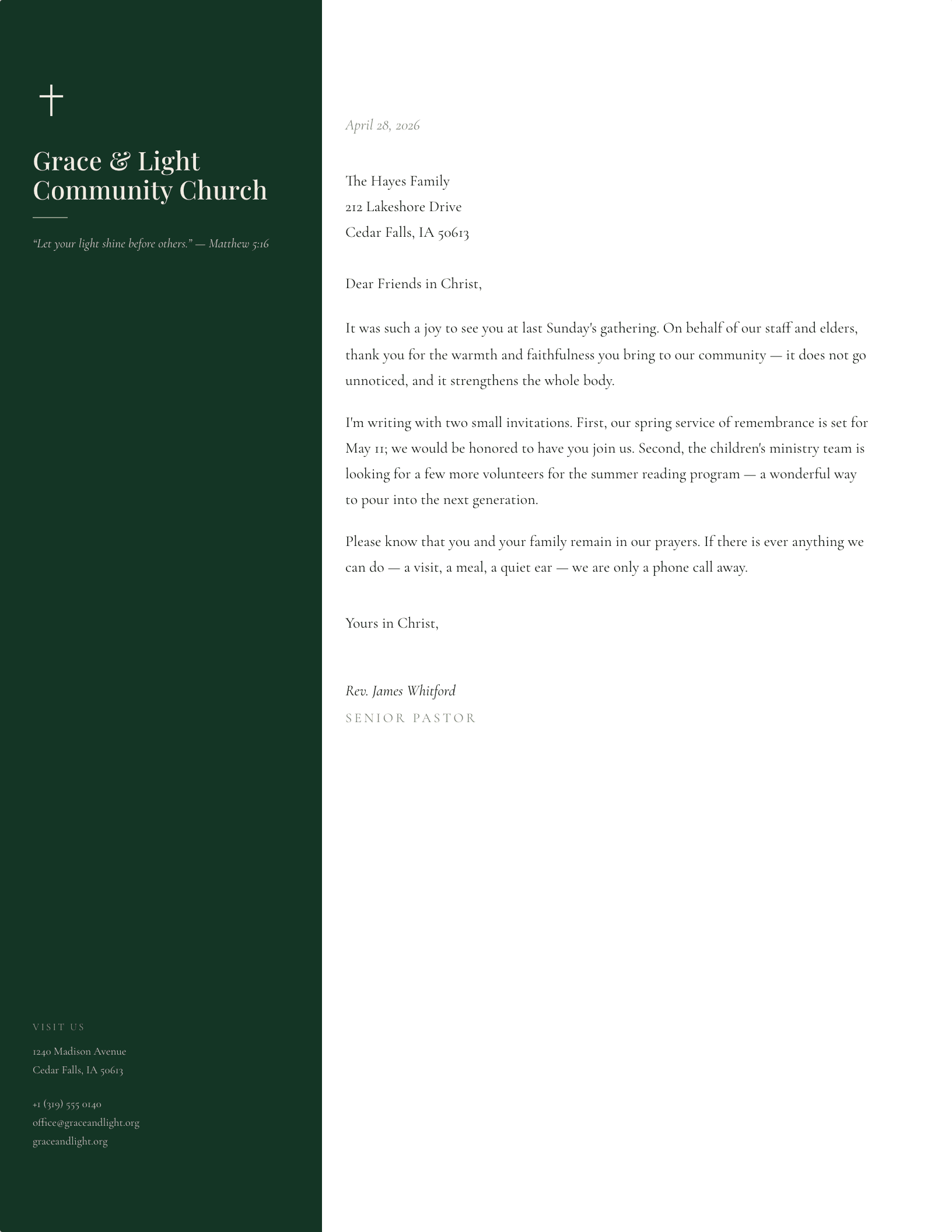
Sidebar with Verse
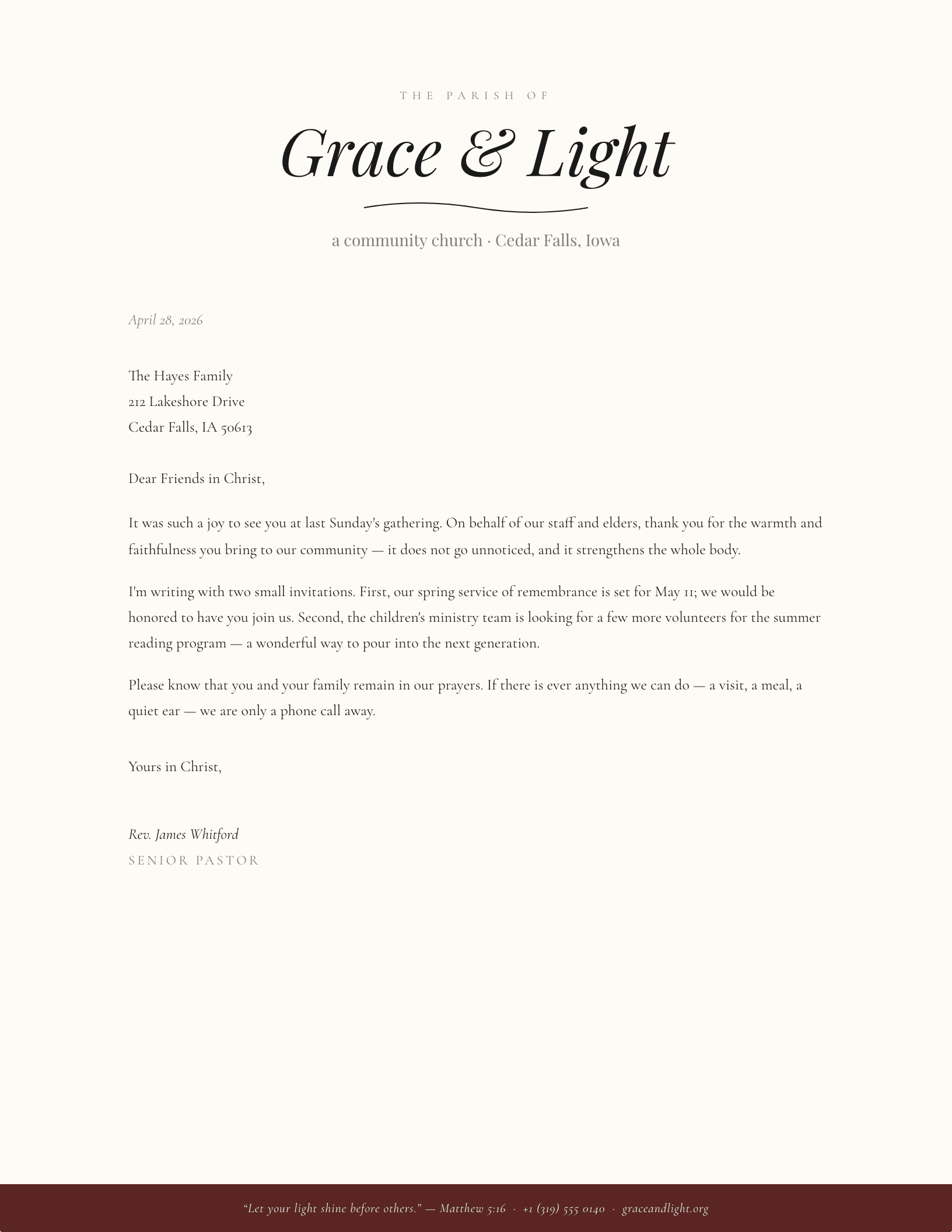
Hand-Drawn Scripture Banner
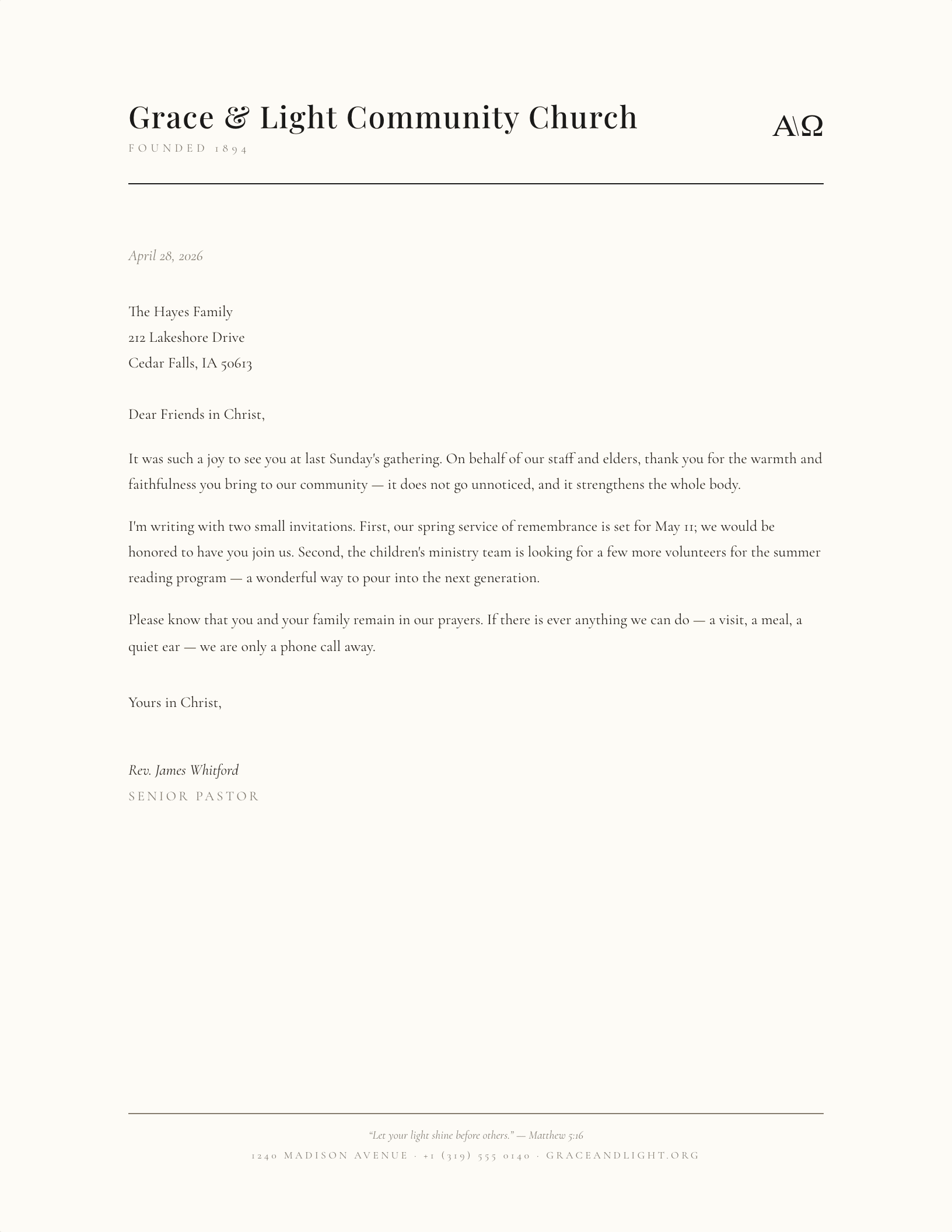
Alpha & Omega, Minimalist
Which church letterhead fits your parish?
A church office writes more letters than most small businesses — pastoral notes, giving statements, baptism and marriage records, newsletters, letters to the district or diocese. All of it goes out on the same sheet, which is why the design has to work as hard for a condolence note as it does for a building-fund appeal.
Universal symbols, so any congregation can use them
Every design here uses imagery shared across Christian traditions — the cross, the dove, the open book, Alpha and Omega — rather than anything tied to one denomination. A United Methodist congregation, a Baptist or Presbyterian church, a Lutheran or Catholic parish, a Church of Christ, an LDS ward, or a nondenominational fellowship can all use the same sheet without it reading as borrowed. Where a tradition has its own official emblem, that emblem is administered by the denomination and should come from them — drop it in over the placeholder rather than approximating it.
Long church names, and where they break
Church names are longer than almost any other kind of organization name, and that is the single most common reason a letterhead ends up looking wrong. “Holy Trinity Lutheran Church of the Resurrection” is not going to sit on one line at display size, and forcing it there shrinks the type until it stops reading as a masthead. Two things fix it. Break the name where it breaks when spoken — Holy Trinity Lutheran Church on the first line, the qualifier on a second, smaller line. And drop the display size rather than the tracking; letterspacing a long name tighter to make it fit is what makes it look cramped.
Music ministry, and other departments
Music ministries usually need their own sheet — choir schedules, organ recital notices, rehearsal letters, guest musician arrangements. Rather than a separate design, use the quietest layout on this page and change the subline under the church name to the ministry: Music Ministry, Youth, Missions, Building Committee. It keeps one visual identity across the whole church while letting each department write on something that is recognisably theirs.
Common questions
Can I add our church logo?
Yes. Right-click the placeholder graphic and choose Change Picture in Microsoft Word, or click it and choose Replace image in Google Docs. If you would rather position and scale your logo live before downloading, the logo letterhead makers do that in the browser.
Do you have Microsoft Publisher versions?
No — these are Microsoft Word (.dotx) and Google Docs only, and we would rather say so than ship a Publisher file we have not tested. For the letters a church office actually sends, Word does everything Publisher would, and far more people in the building already have it.
Are these printable, and do they cost anything?
Free to download, free to print, and no signup. They are built at US Letter with printer-safe margins, so a parish office machine handles them without scaling. Print a stack and write on them by hand if that suits the letter better.
What about fax cover sheets and Christmas letters?
Church offices still fax more than most — the fax cover sheets are free too. For Advent and Christmas correspondence, the Christmas letterheads include religious designs rather than only secular ones.
Stepping down from a ministry or staff role? Our church resignation letters pair naturally with this letterhead — gracious, orderly, and free like everything else here.
Everything here is free for your congregation to download, edit, print and use. Please do not redistribute the template files themselves elsewhere on the web.
Updated through September 2026.
Add your church name and print
- Pick a design and choose your editor — Microsoft Word downloads the template (a
.dotxfile; opening it creates a fresh document and leaves the original intact for next time), or Google Docs prompts you to make a copy in Drive. - Replace the placeholder tokens —
[Your Name],[Family Name],[Street Address],[Recipient], etc. Embedded graphics (monograms, crests, ornaments) can be replaced with your own — right-click → Change Picture (Word), or click → Replace image (Google Docs). - Type your letter where the sample paragraph is. Save and print on standard 8.5 × 11 paper, or send as a PDF.
Specifications: US Letter, 8.5 × 11 inches, portrait. Word downloads are .dotx templates and open in Word 2007 through Microsoft 365, including Word for Mac. Google Docs versions open as a copy in your own Drive. Every file is one page, fully editable, and free to use — no account and no watermark.