Apollo's Templates
HomeBusinessTimesheet TemplatesCalculator
Add up the week in seconds

Timesheet Calculator

Type the week's clock-in, lunch, and clock-out times and the calculator totals each day, sums the week, splits regular from overtime at 40 hours, and computes gross pay from an hourly rate — the same arithmetic our Excel timesheets run, done live. Overnight shifts total correctly, minutes convert to decimals, and the filled sheet downloads as a PDF with signature lines. Nothing is uploaded; the math runs in your browser.

The calculator

Enter times, get hours, overtime, and pay.

DayTime inLunch outLunch inTime outHours
Monday
Tuesday
Wednesday
Thursday
Friday
Saturday
Sunday
Total hours0.00 h0:00
Regular (≤40)0.00 h
Overtime0.00 h
Nothing is uploaded — the math runs in your browser.
Minute conversion — decimal hours ↔ hours:minutes
Payroll systems want decimals: 15 min = 0.25, 30 min = 0.50, 45 min = 0.75. The full minute table is below the calculator.
Keep it as a spreadsheet

The same calculator as a reusable Excel or Google Sheets timesheet.
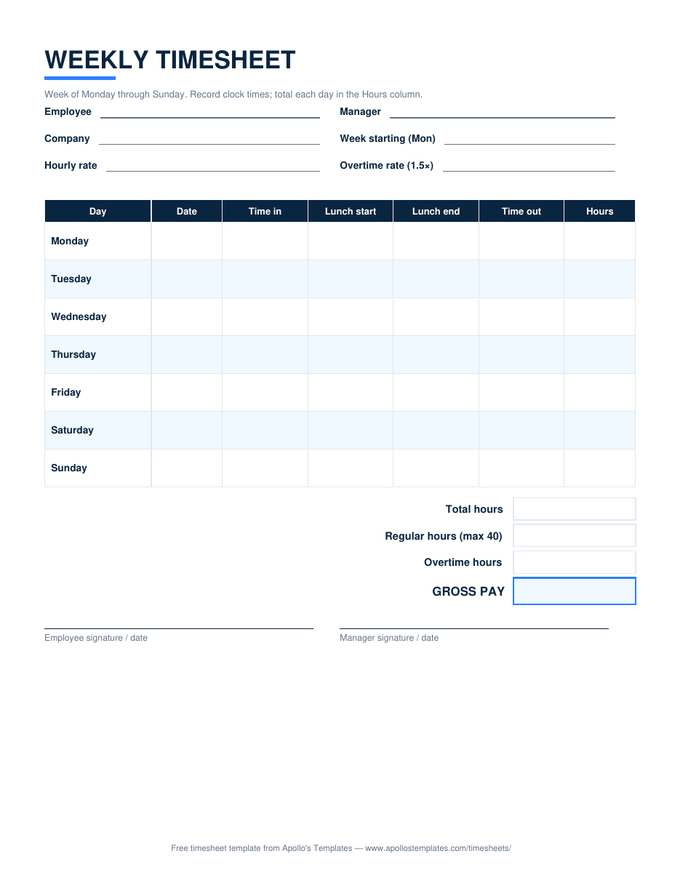
Excel timesheet calculator

The same math as a reusable spreadsheet: clock times in, daily hours, the 40-hour split, and gross pay out — every week.

Employee timesheet calculator

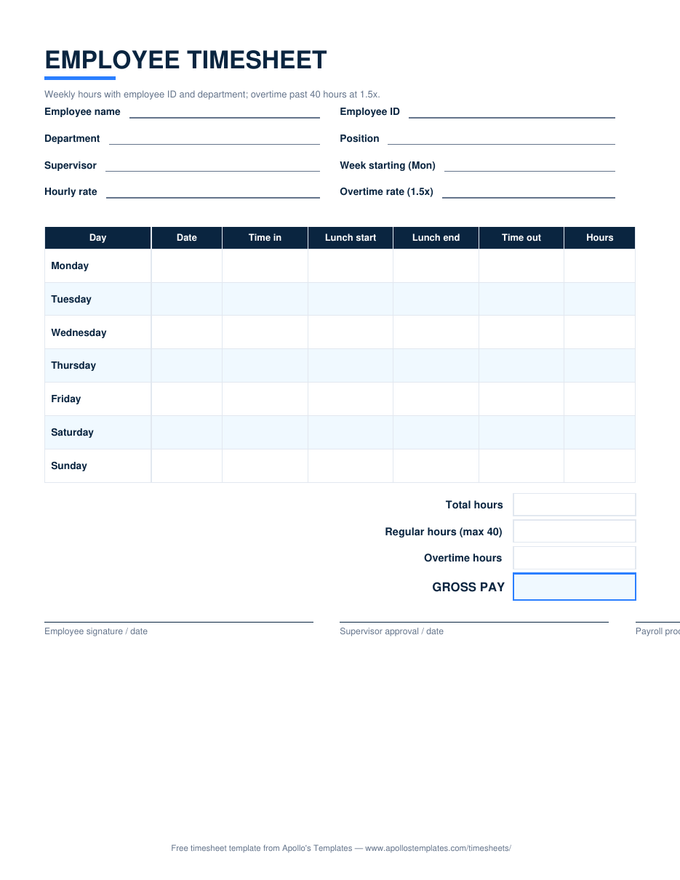
The employer's version — ID and department fields plus the three-signature approval block, calculating as it fills.

Biweekly timesheet calculator

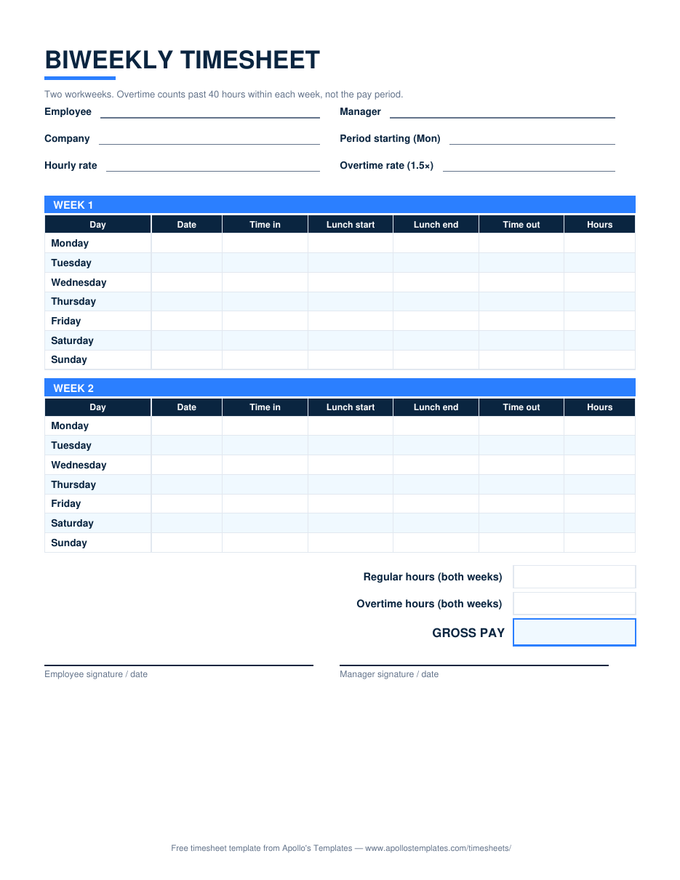
Two week blocks with overtime split inside each workweek, then the period total — the FLSA-correct biweekly math.
Minute conversion chart

Timesheet minutes to decimal hours.

Payroll multiplies hours by a rate, so minutes have to become decimals: divide by 60. The quarter-hours everyone remembers are 15 = 0.25, 30 = 0.50, 45 = 0.75; the rest are below. Round to two places — 7 hours 20 minutes is 7.33.

MinDecimalMinDecimalMinDecimalMinDecimal
10.02160.27310.52460.77
20.03170.28320.53470.78
30.05180.30330.55480.80
40.07190.32340.57490.82
50.08200.33350.58500.83
60.10210.35360.60510.85
70.12220.37370.62520.87
80.13230.38380.63530.88
90.15240.40390.65540.90
100.17250.42400.67550.92
110.18260.43410.68560.93
120.20270.45420.70570.95
130.22280.47430.72580.97
140.23290.48440.73590.98
150.25300.50450.75601.00
How the math works

Forty hours is a workweek rule, not a pay-period rule.

Federal overtime is owed on hours past 40 in a single fixed workweek. The calculator applies that rule to the seven days you enter; for a biweekly or semi-monthly pay period, total each workweek on its own rather than averaging — a 48-hour week beside a 32-hour week is eight hours of overtime, not zero. Lunch breaks subtract only when you enter both the out and back times, so an unbroken shift never needs a fake zero-minute lunch.

If your state computes overtime daily — California past eight hours, with double time past twelve — the weekly split here understates the premium; the California overtime timesheet does the per-day math. And the 7-minute rounding rule is optional: exact minutes are always compliant, which is what this calculator uses.

The reusable version
Weekly Timesheet Template
Excel and Google Sheets with the same formulas, plus PDF and Word.
Open
Daily overtime states
California Overtime Timesheet
Per-day 1.5× and 2× splits plus the weekly cap.
Open
Two-week pay periods
Biweekly Timesheet Template
Overtime split per workweek, then period totals.
Open

Frequently asked questions

How does the timesheet calculator figure overtime?
It totals each day from your clock times (lunch out and back subtract automatically when you enter them), sums the seven days, then splits the week at 40 hours: regular hours up to 40, everything above at the overtime multiplier — 1.5× by default, the federal time-and-a-half rule. Gross pay is regular hours times your rate plus overtime hours times rate times the multiplier. States with daily overtime, like California, need the per-day split on our California overtime timesheet.
How do I convert timesheet minutes to decimal hours?
Divide the minutes by 60: 15 minutes is 0.25, 30 is 0.50, 45 is 0.75, and 7 hours 20 minutes is 7.33. Payroll systems multiply decimal hours by a rate, which is why they won't take 7:20 directly. The converter above does it both ways, and the table below the calculator lists every minute value from 1 to 60.
Can I download the result?
Yes — the button builds a one-page PDF of the filled timesheet with your times, daily hours, the overtime split, pay if you entered a rate, and signature lines, entirely in your browser. For a spreadsheet that does the same math every week, download the weekly timesheet in Excel or open it in Google Sheets; nothing you type here is uploaded anywhere.
What about the 7-minute rounding rule?
This calculator uses the exact minutes you enter. Federal rules permit rounding clock times to the nearest quarter hour as long as it's neutral over time (1–7 minutes down, 8–14 up); if your workplace rounds, enter the rounded times and the math follows. Exact minutes are always defensible; rounding is a convenience, not a requirement.
Does it handle overnight shifts and biweekly pay?
Overnight, yes — a 10 PM in and 6 AM out computes as eight hours, not negative sixteen. For a biweekly period, run each workweek separately: federal overtime is computed per workweek, never averaged across two, so a 48-hour week followed by a 32-hour week is 8 hours of overtime, not zero. The biweekly timesheet template does this split automatically.
Updated through September 2026