
Biweekly Timesheet Template
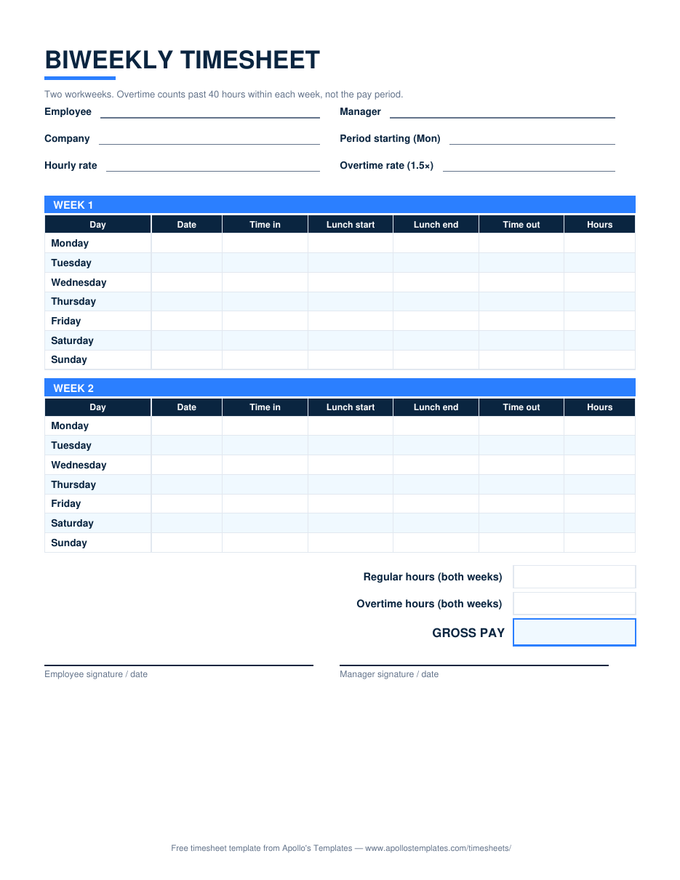
Built for the most common American pay schedule: two Monday-through-Sunday week blocks on one page — lunch-break columns included — each with its own overtime subtotal — because federal overtime is figured inside each workweek, never averaged across the period. Enter the period's first date and an hourly rate; the Excel version handles the rest, down to gross pay.
One download, three formats.
A 50-hour week can't borrow from a 30-hour one.
Here’s the arithmetic the sheet automates, using a real pattern: week one is 50 hours, week two is 30. The period totals 80 — exactly two 40-hour weeks — and it is still not an overtime-free paycheck. Week one contributes 40 regular hours plus 10 overtime hours at 1.5×; week two contributes 30 regular. The period’s summary rows show 70 regular, 10 overtime.
If your crew’s hours never cross 40 in a week, the split simply never activates and the sheet behaves like a plain two-week hour log. Nothing to configure either way — that’s the point.