
16 Free Timesheet Templates
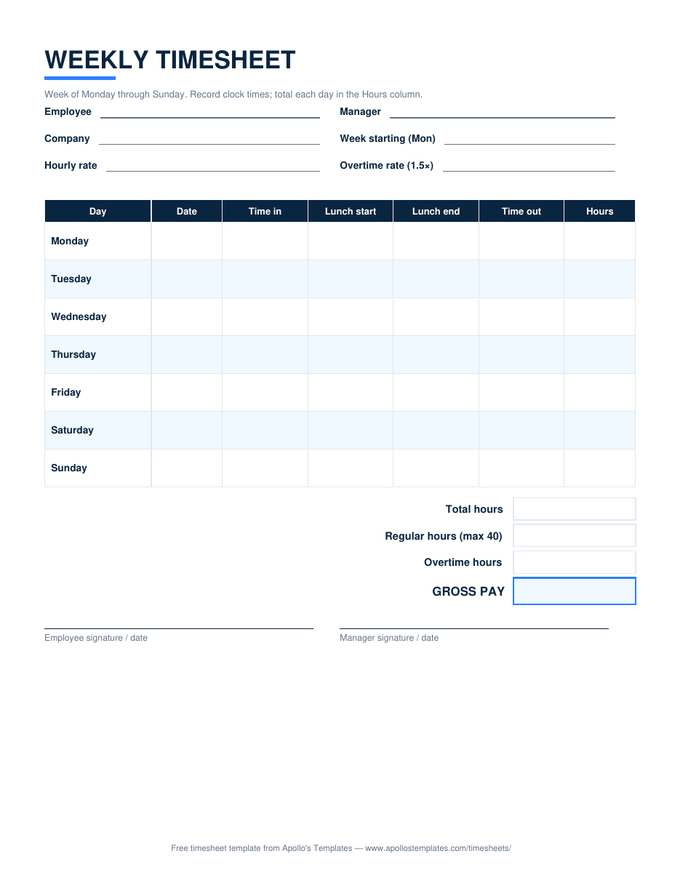
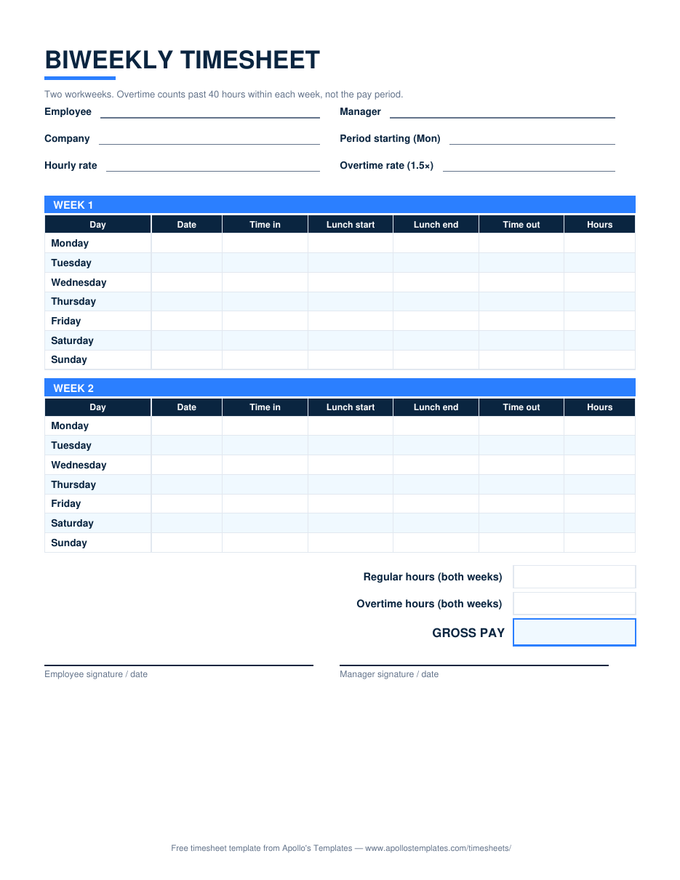
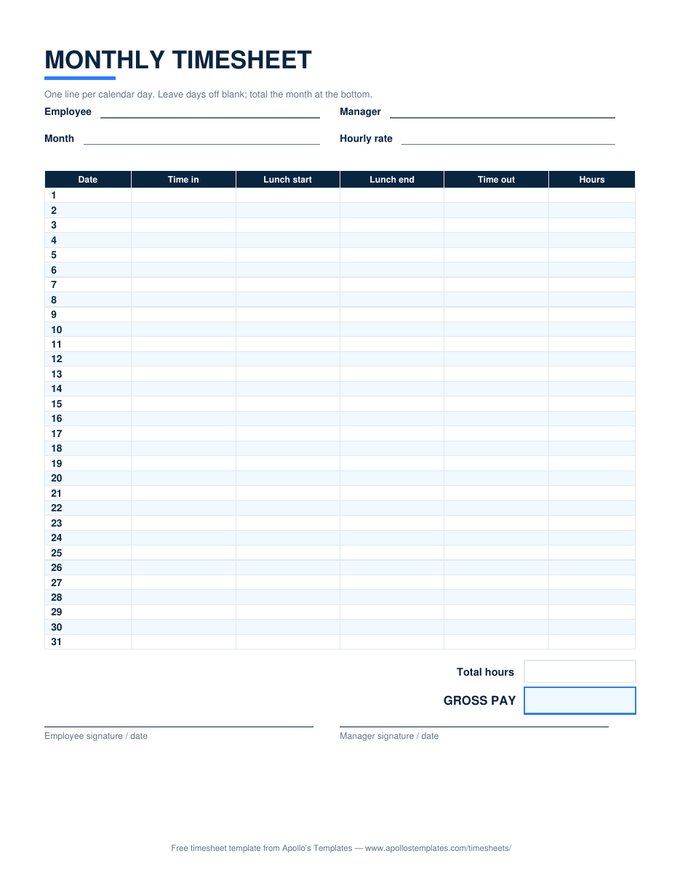
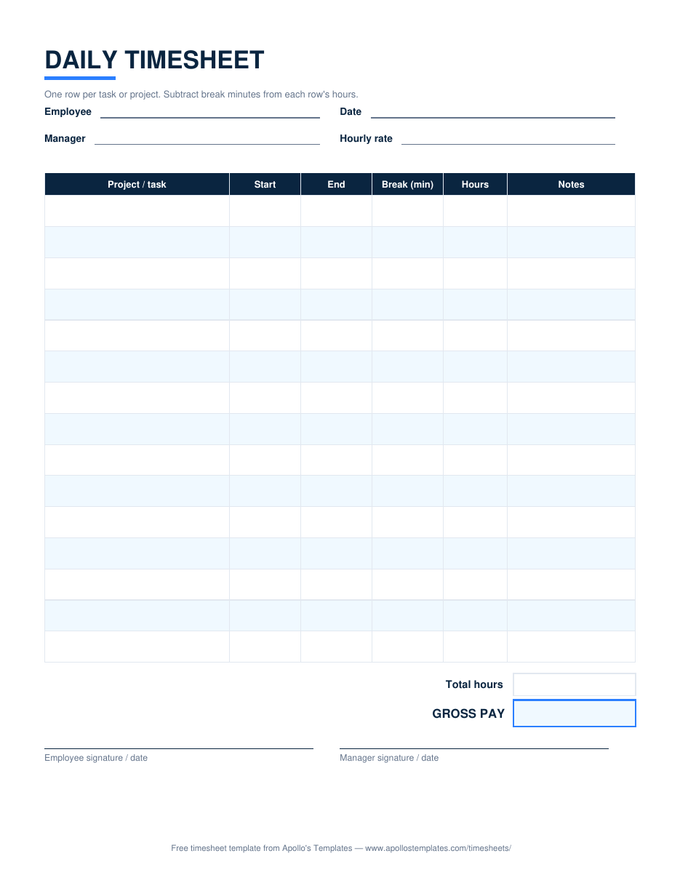
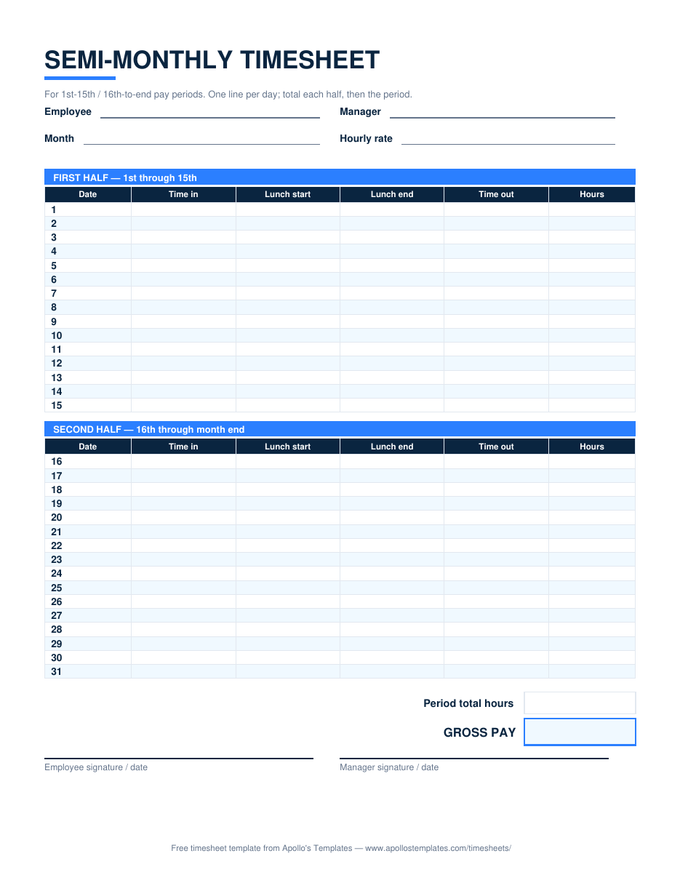
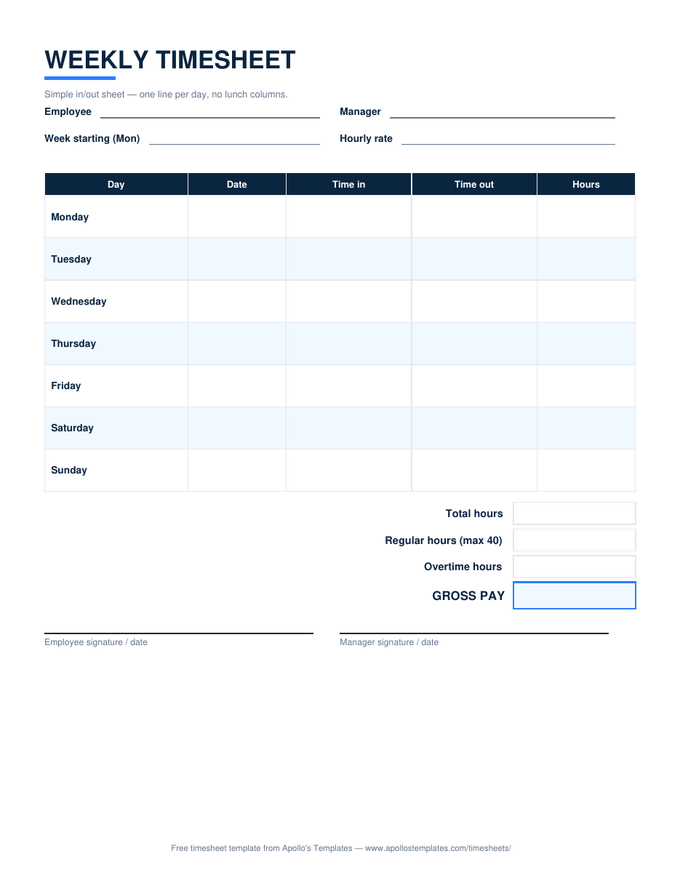
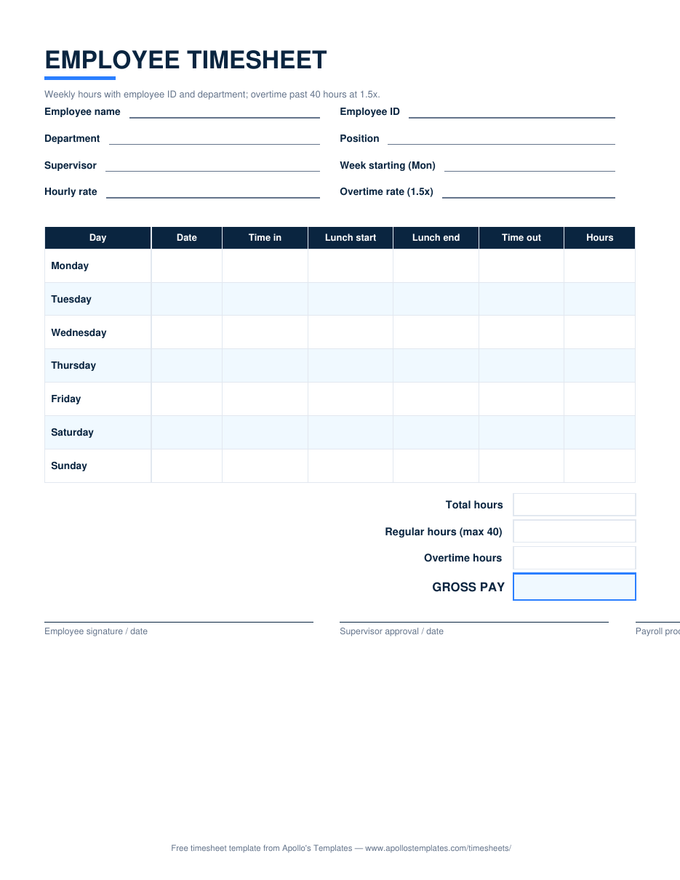
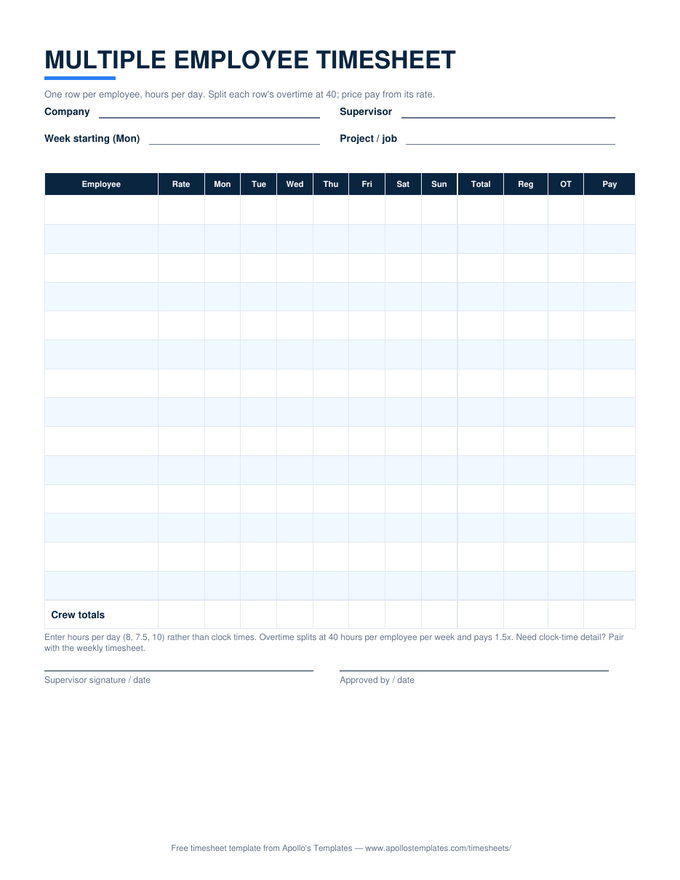
A timesheet only has one job: record the hours accurately enough that payday is boring. These templates do that job in whichever format your workplace actually uses — a printable PDF for the clipboard by the time clock, a Word file you can put your company name on, an Excel spreadsheet that totals hours and calculates overtime and gross pay by itself, or a Google Sheets copy that lands straight in your Drive. Every sheet has lunch columns, a 40-hour overtime split, and signature lines for both sides of the paycheck.
Every timesheet we make.
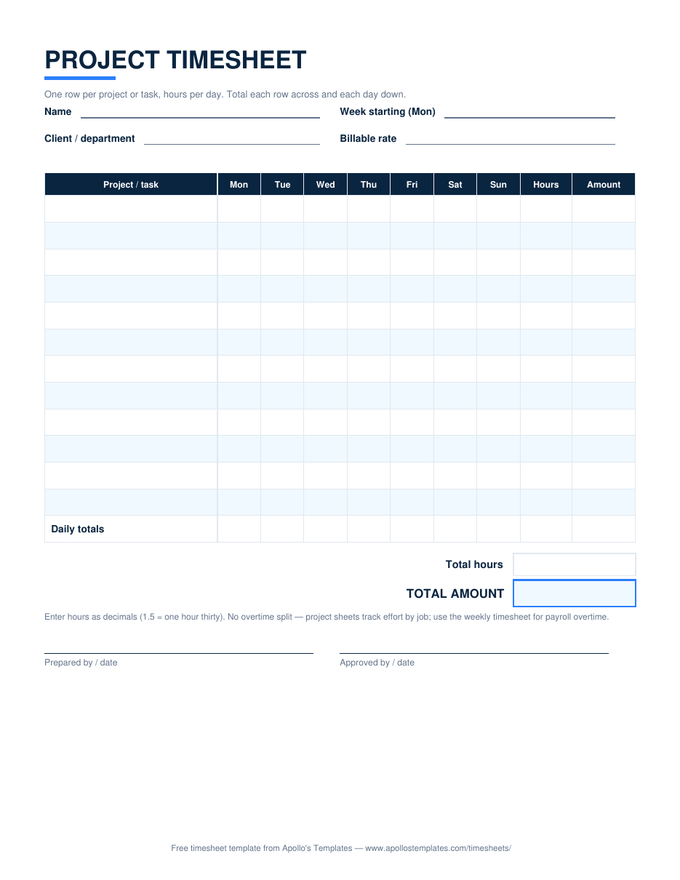
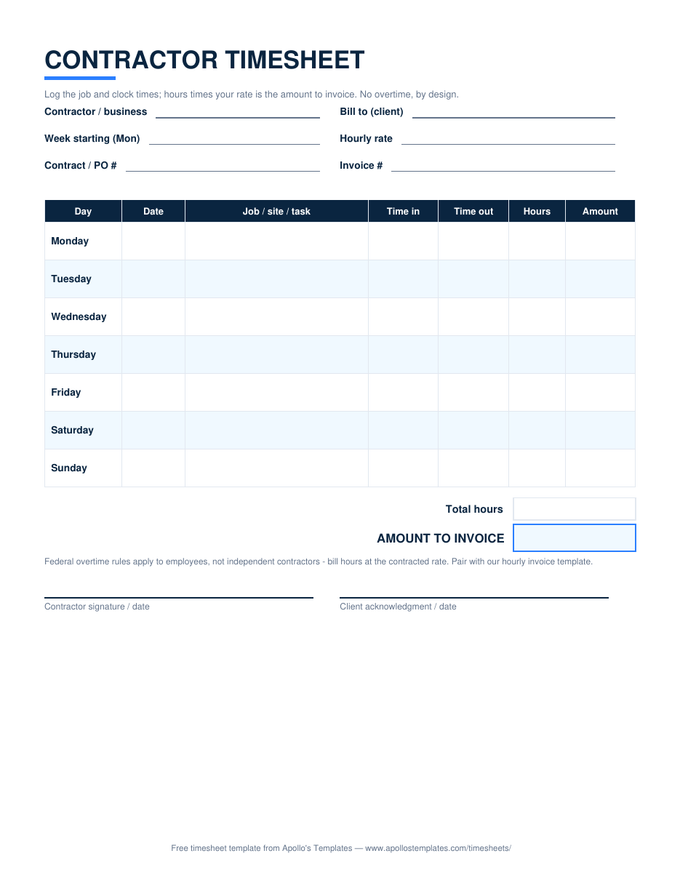
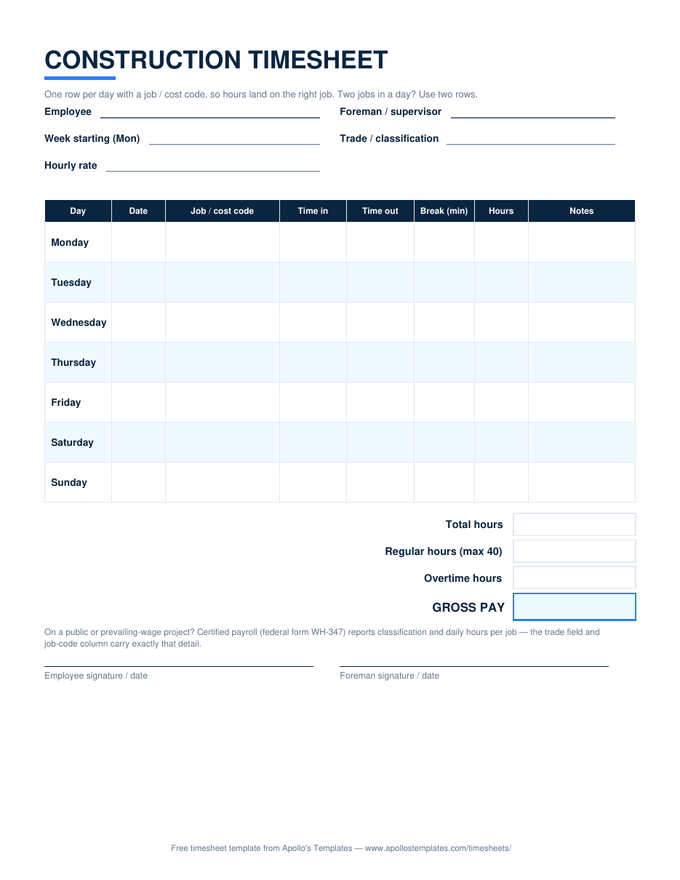
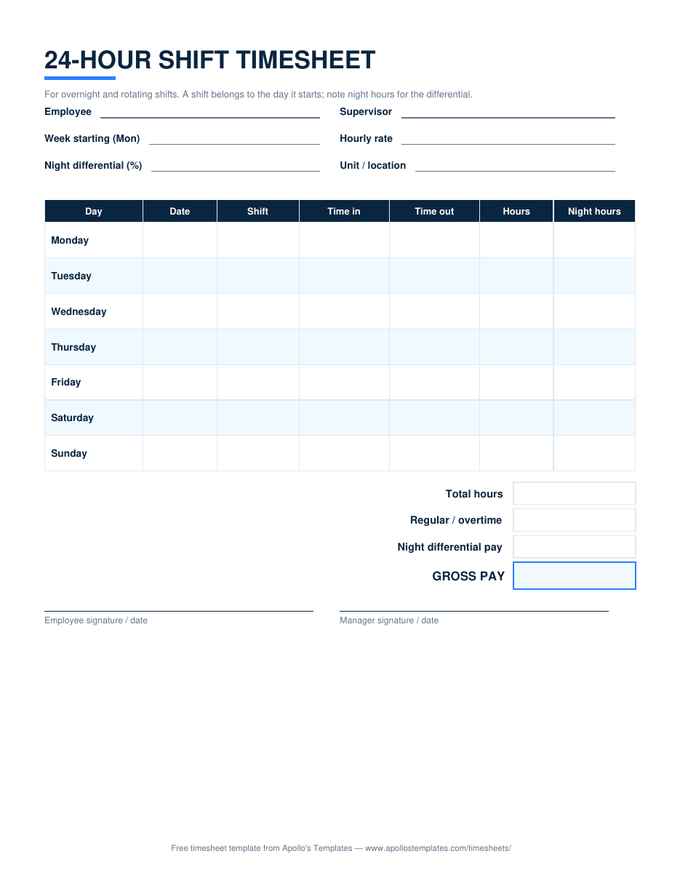
Sixteen sheets, every pay cycle and every job.
Each card downloads the Excel version with working formulas — or opens a Google Sheets copy in your own Drive. The printable PDF and Word versions of every sheet live on the period pages below.
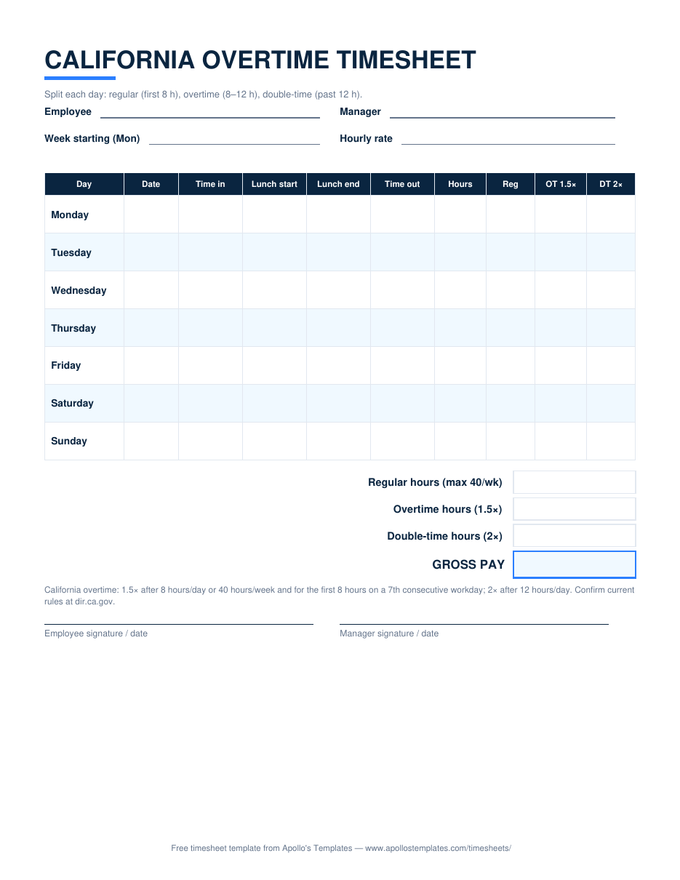
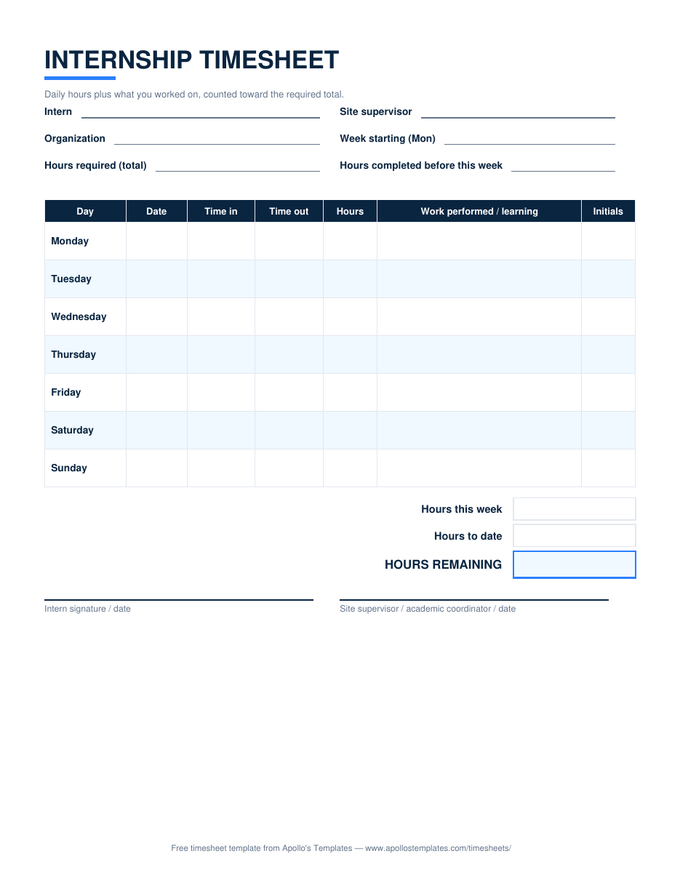
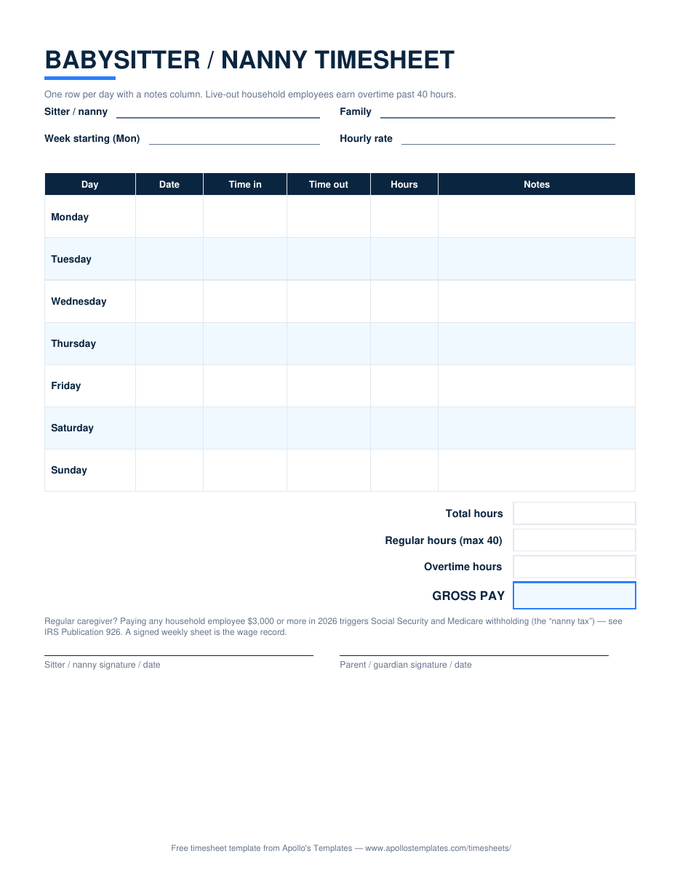
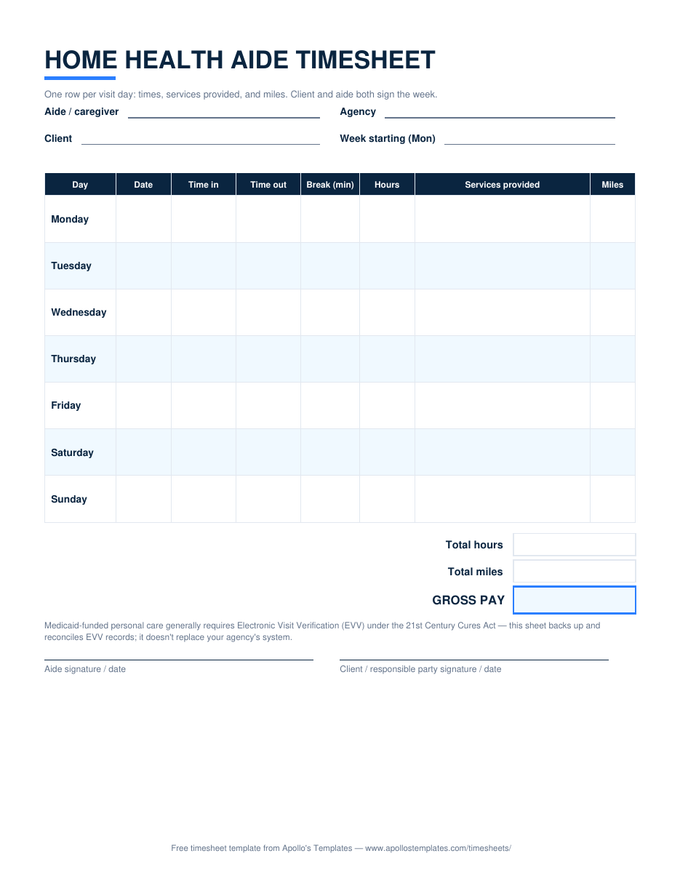
Why these sheets calculate the way they do.
“Apollo’s Templates is one person, not a time-tracking company — there’s no app to upsell, so the working formulas just ship. The house rule for this section: arithmetic a paycheck depends on gets done by the spreadsheet, never in somebody’s head at the end of a long week.”— David, Apollo’s Templates
A few deliberate choices, so you don’t have to reverse-engineer them:
- Overtime splits at 40 hours per workweek — the federal FLSA rule. The biweekly sheet runs the split inside each week separately, because a 30-hour week can’t “lend” hours to a 50-hour one.
- Lunch columns are optional per row. Skip them on a day with no break and the sheet totals straight time-in to time-out.
- Both signature lines are printed on every sheet. A timesheet that only one side signed is an argument waiting to happen.
- Overnight shifts don’t break the math. Clock out after midnight and the Excel formulas still count forward correctly.
Working under California’s daily-overtime rules? That state does its own arithmetic — use the California overtime sheet instead of the standard weekly one.
The two federal rules worth knowing.
The FLSA doesn’t require any particular form — a handwritten sheet is as valid as a payroll system — but it does require that the record exist and survive. Two rules cover most small-business situations:
Retention. Payroll records: three years. The timesheets the pay was computed from: two years. Scan the signed sheet at the end of each period and the requirement is met with a phone camera.
Rounding. Rounding to the nearest quarter hour is allowed if it’s neutral — 1–7 minutes down, 8–14 up, applied the same way every day for everyone. Systematic rounding in the employer’s favor is the pattern that loses lawsuits. Source for both: U.S. Department of Labor, Fact Sheet #21.
Download, copy, or print.
- Excel: download the
.xlsx, enter times with AM/PM (like8:00 AM), and the hours, overtime, and gross pay calculate as you type. - Google Sheets: click “Open in Google Sheets,” then Make a copy — the formulas come with it, in your own Drive.
- Paper: print the PDF version from the period pages and keep it where people clock in. Same layout, hand-totaled.
Timesheet FAQ
What's the difference between a timesheet and a time card?
Should I use a weekly, biweekly, or monthly timesheet?
Are these timesheet templates really free?
How long does an employer need to keep timesheets?
Is it legal to round clock-in and clock-out times?
Free timesheet templates · Updated September 2026 · by David Nelsen — built for the small shops that still run payroll from a signed sheet of paper.