Apollo's Templates
HomeBusinessTimesheet TemplatesExcel
Formulas included

Excel Timesheet Templates

Every timesheet in the library as a working spreadsheet — not a grid that happens to open in Excel, but formulas that total each day from clock times, split regular from overtime, and turn an hourly rate into gross pay while you type. No macros, no locked cells, no upgrade nag. Download the .xlsx, or send any of them straight to Google Sheets.

The Excel fleet

Six spreadsheets, all self-calculating.
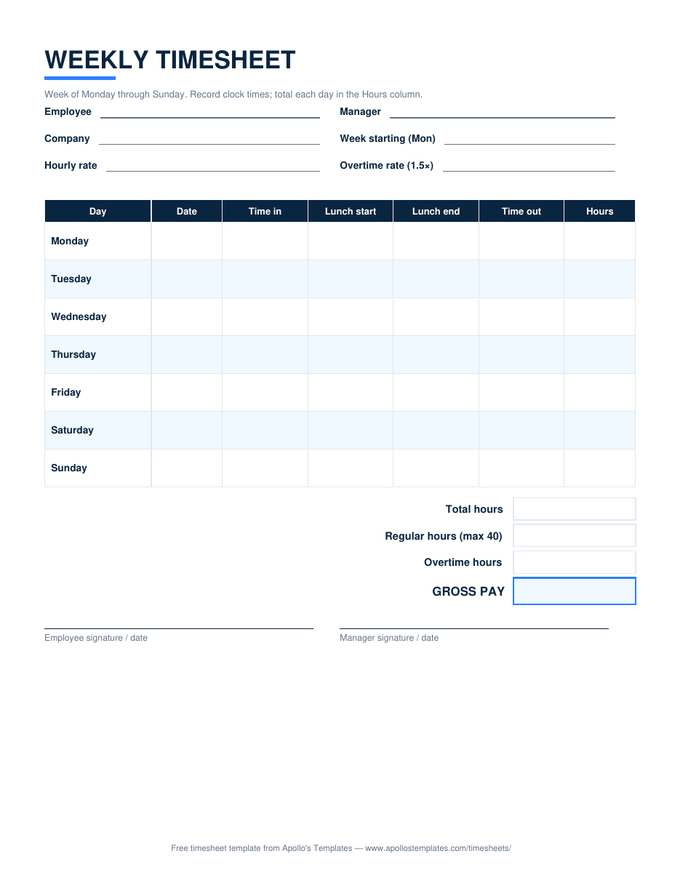
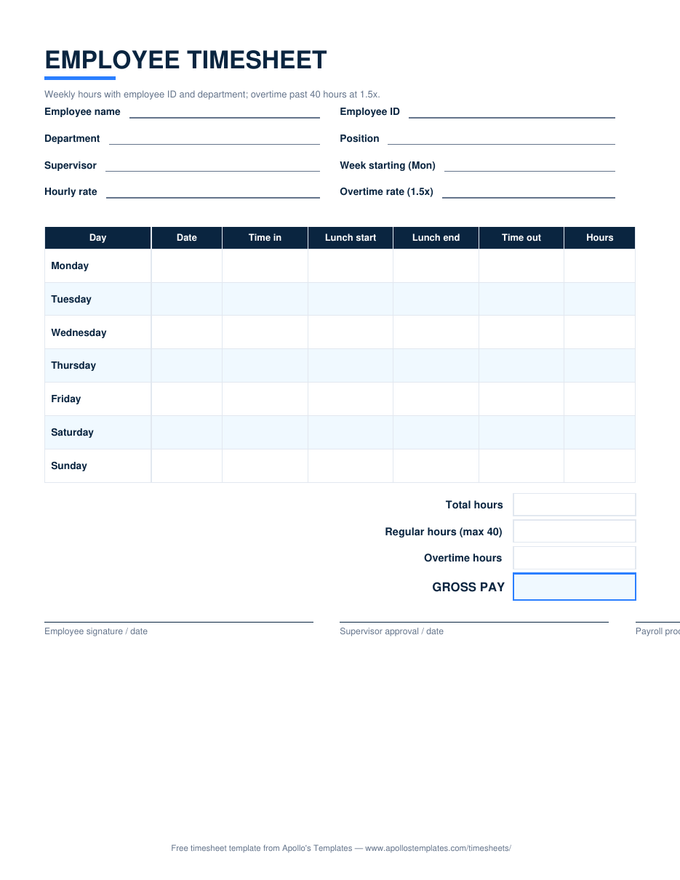
Weekly — with lunch columns
The standard: daily totals from clock times, overtime split at 40, gross pay from your rate.
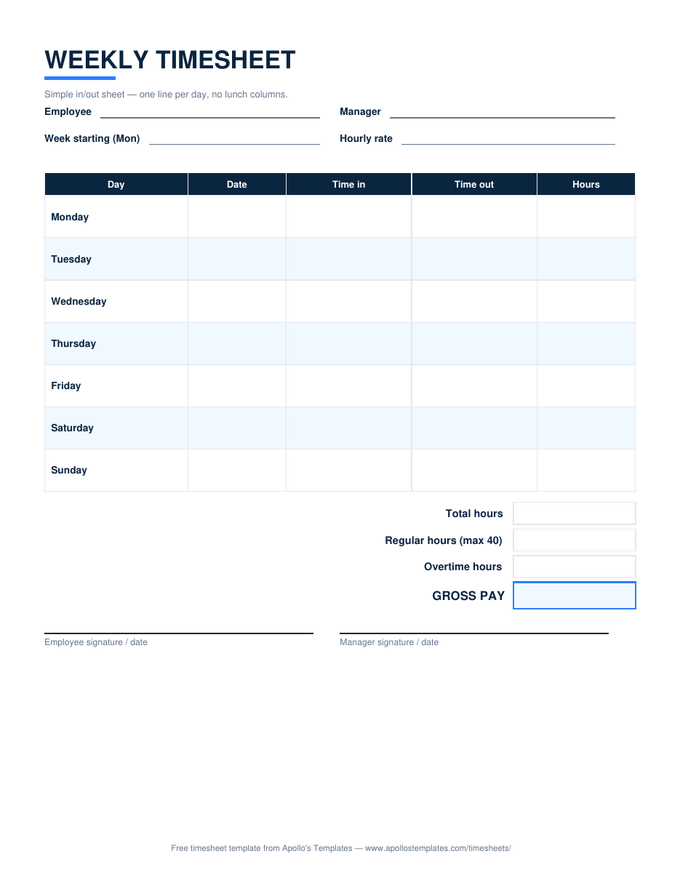
Weekly — simple in/out
Five columns, same math. For shifts without an unpaid break.
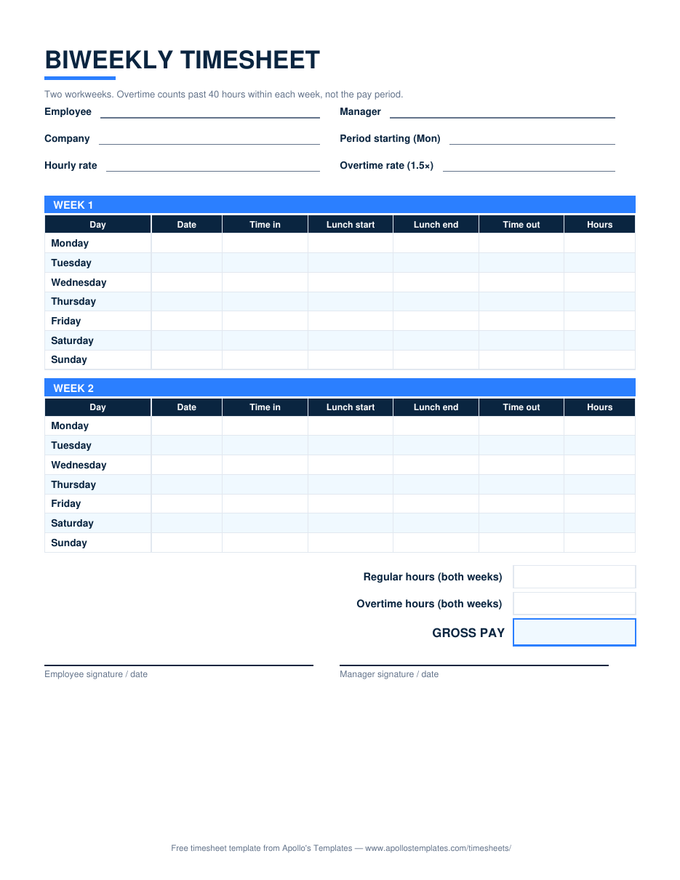
Biweekly — two week blocks
Overtime split inside each workweek, then period totals — the FLSA-correct way.
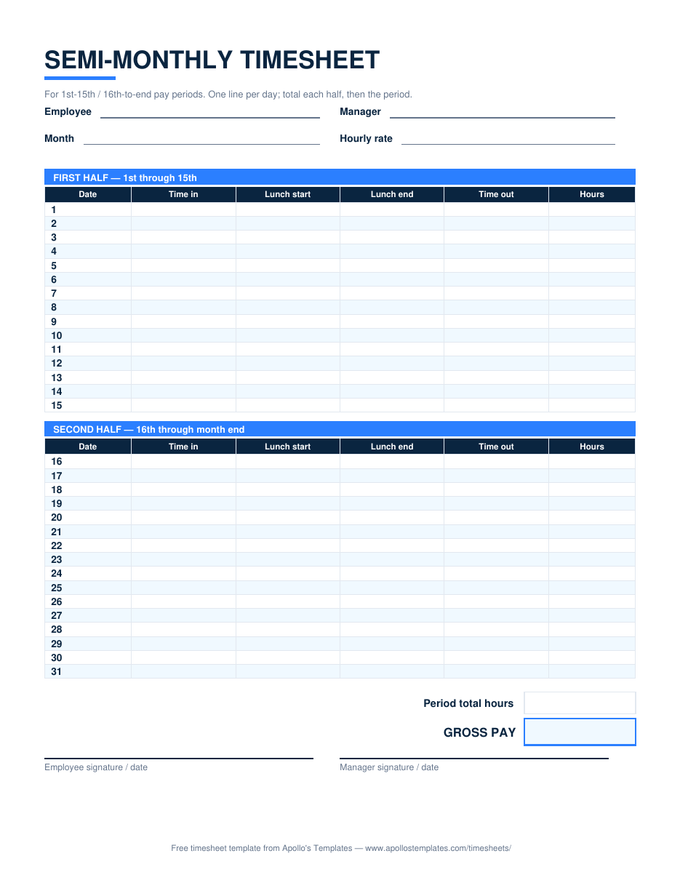
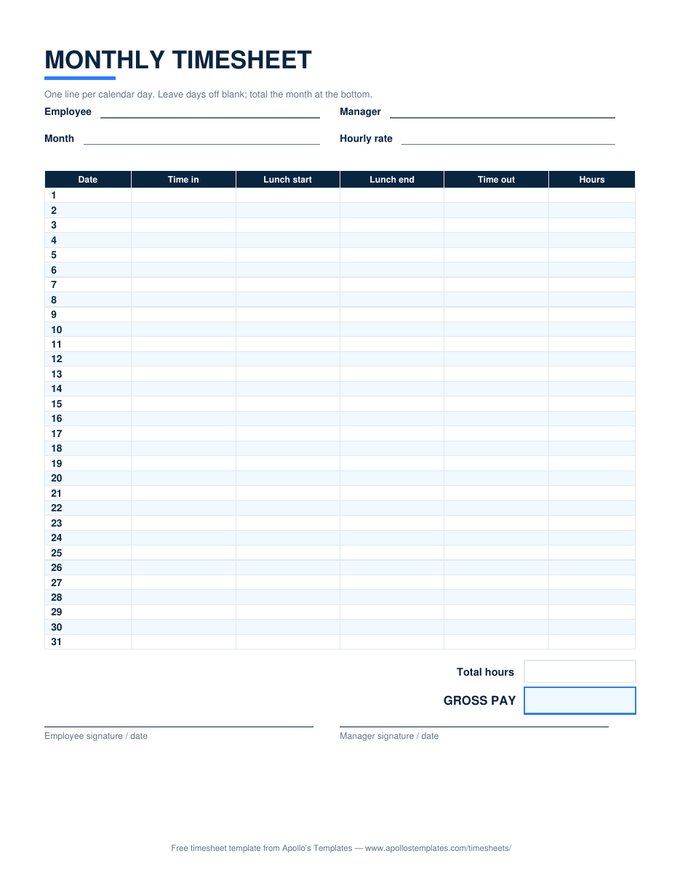
Monthly — 31 self-dating rows
Enter the month's first date; short months blank their extra rows automatically.
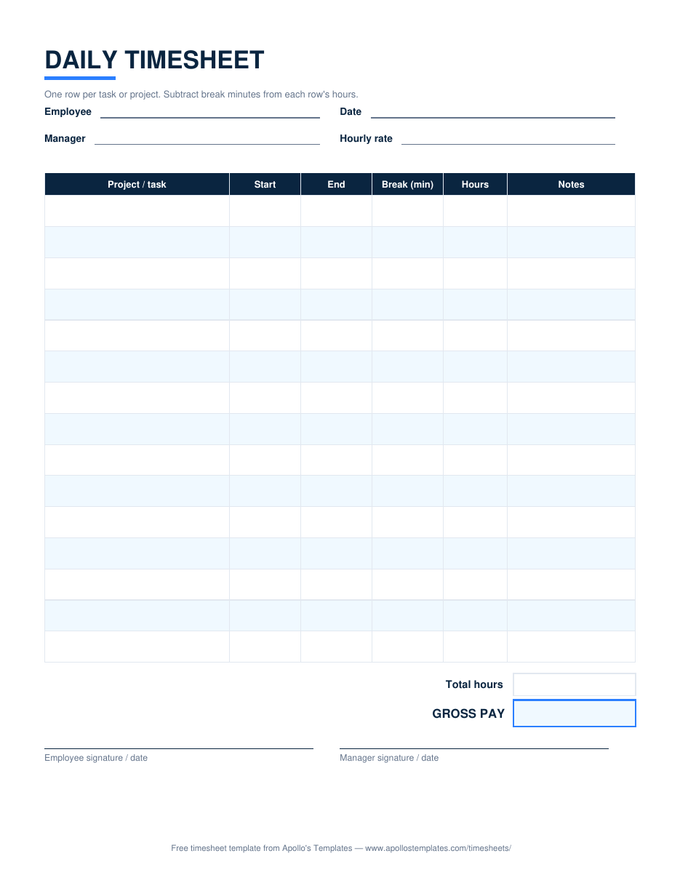
Daily — per-task rows
Start, end, break minutes per task — hours net of breaks, day total priced at your rate.
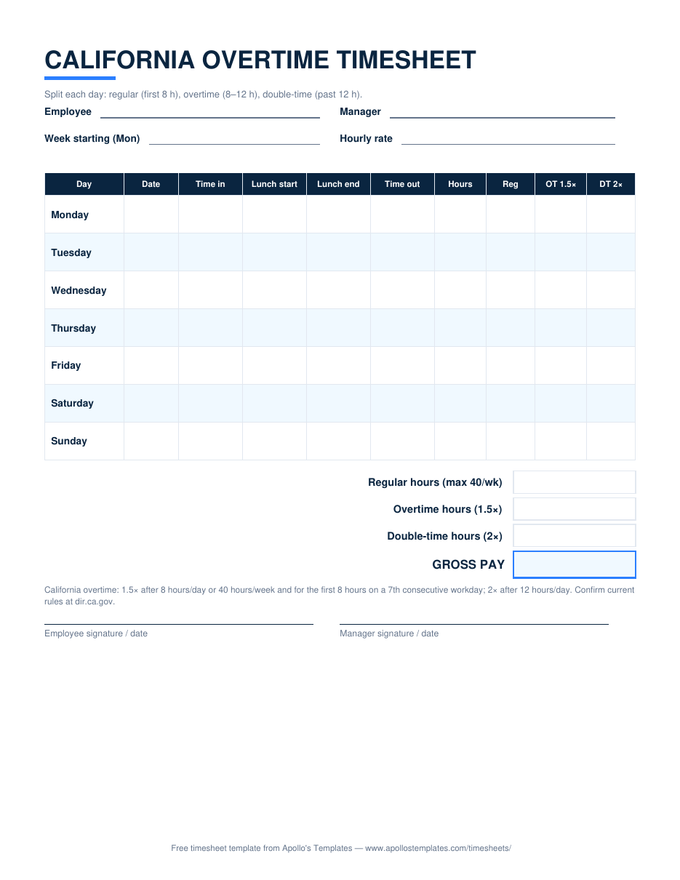
California — daily OT & double-time
Regular, 1.5×, and 2× split per day, then the 40-hour weekly cap. CA's math, automated.
Under the hood

The three formulas doing the work.

Nothing exotic — which is why these files open anywhere. Daily hours are(lunch start − in + out − lunch end) × 24with a modular wrap for shifts past midnight. The overtime split isMIN(total, 40)andMAX(total − 40, 0). Pay is those two numbers against your rate, overtime at 1.5×.

Cells stay blank — not zero — until a row has both an in and an out time, so a half-filled week never shows misleading totals. And because none of it is protected, you can extend any sheet: add a job-code column, reformat the header, change the overtime multiplier if your policy is more generous than the law.

Same formulas, zero installs
Google Sheets Timesheets
Make-a-copy versions of all six spreadsheets, verified after conversion.
Open
For the clipboard
Weekly Timesheet
The weekly page includes the printable PDF and Word versions.
Open
Daily-overtime math
California Overtime Timesheet
The one sheet where the formulas split hours three ways per day.
Open

Frequently asked questions

Which versions of Excel do these work in?
Any Excel from 2010 onward, including Microsoft 365 and the free Excel for the web, plus LibreOffice Calc and Apple Numbers. The files are plain .xlsx with ordinary formulas — SUM, MIN, MAX, IF, MOD — no macros, no add-ins, no external links, nothing that triggers a security prompt. That's deliberate: a timesheet that makes IT nervous doesn't get used.
How do I enter times so the formulas calculate?
Type clock times with AM or PM — 8:00 AM, 12:30 PM, 5:15 PM — and press Enter; the cell formats itself and the Hours column updates immediately. The one entry that trips people is typing bare “8:00” for an evening time, which Excel reads as morning. If an Hours cell shows something obviously wrong, check the AM/PM on that row first; it's the cause nine times out of ten.
Do overnight shifts calculate correctly?
Yes. The hours formulas use modular time math, so a shift that clocks in at 10:00 PM and out at 6:30 AM counts forward across midnight to 8.5 hours instead of producing a negative number. Log the shift on the row for the day it started. This works in every sheet in the fleet, including the per-task rows on the daily sheet.
Will the formulas survive if I open these in Google Sheets?
Yes — and you don't even need to convert anything yourself. Every card above has an “Open in Google Sheets” button that puts a native Sheets copy in your Drive with the formulas verified working; we test the computed totals after conversion, not just the file open. If you'd rather import the .xlsx manually into Sheets, that works too. Either way the math is identical to Excel's.
Updated through August 2026