Apollo's Templates
HomeBusinessTimesheet TemplatesGoogle Sheets
Straight to your Drive

Google Sheets Timesheet Templates

Every timesheet in the library as a one-click Google Sheets copy — no download, no import, no file to email around. Click, make a copy, and the sheet lives in your own Drive with the formulas running: daily hours from clock times, the overtime split, gross pay from your rate. Fill it in from a phone at the end of a shift or share one copy with the whole crew.

Copies, not downloads

Six sheets, one click each.
Weekly — with lunch columns preview
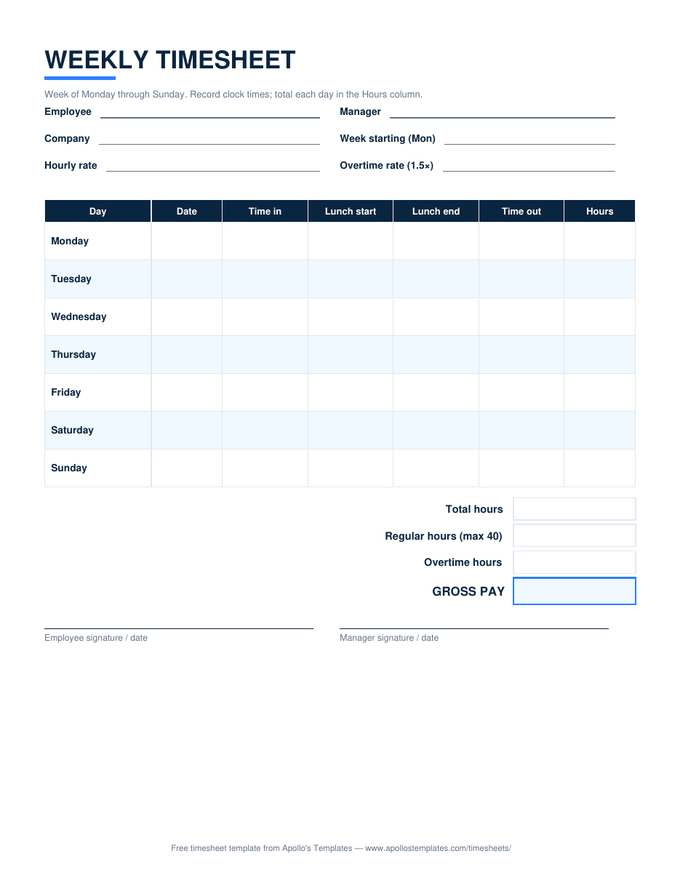
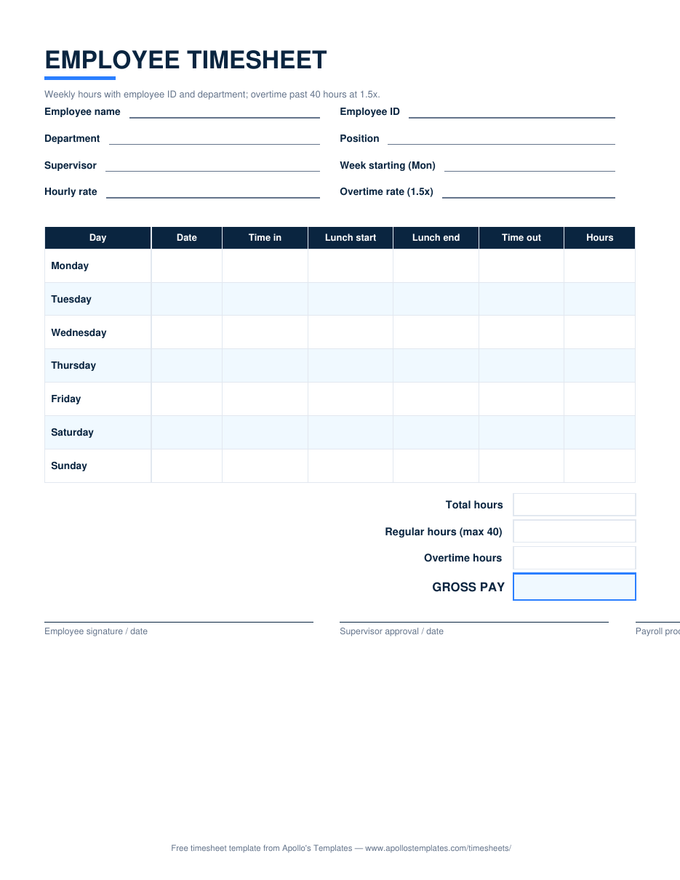
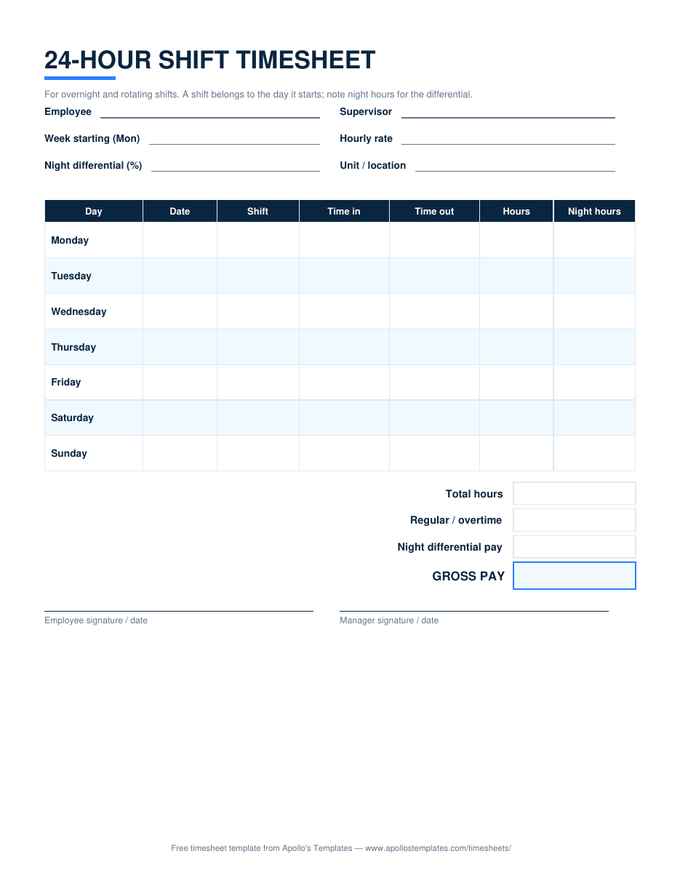
Weekly — with lunch columns
The standard weekly sheet: daily totals, the 40-hour overtime split, gross pay from your rate.
Weekly — simple in/out preview
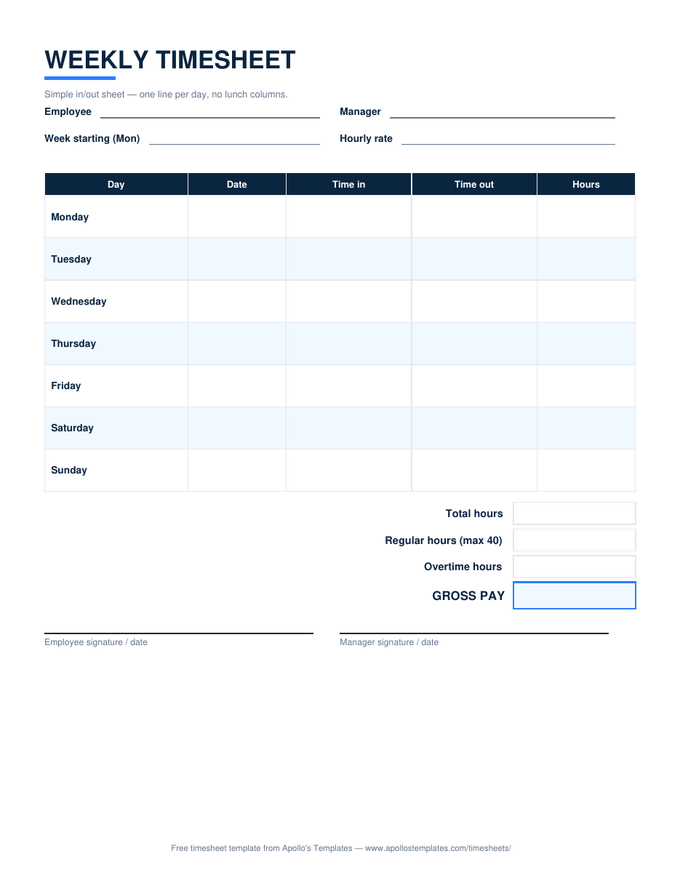
Weekly — simple in/out
In, out, hours — the fastest sheet to fill in from a phone at the end of a shift.
Biweekly — two week blocks preview
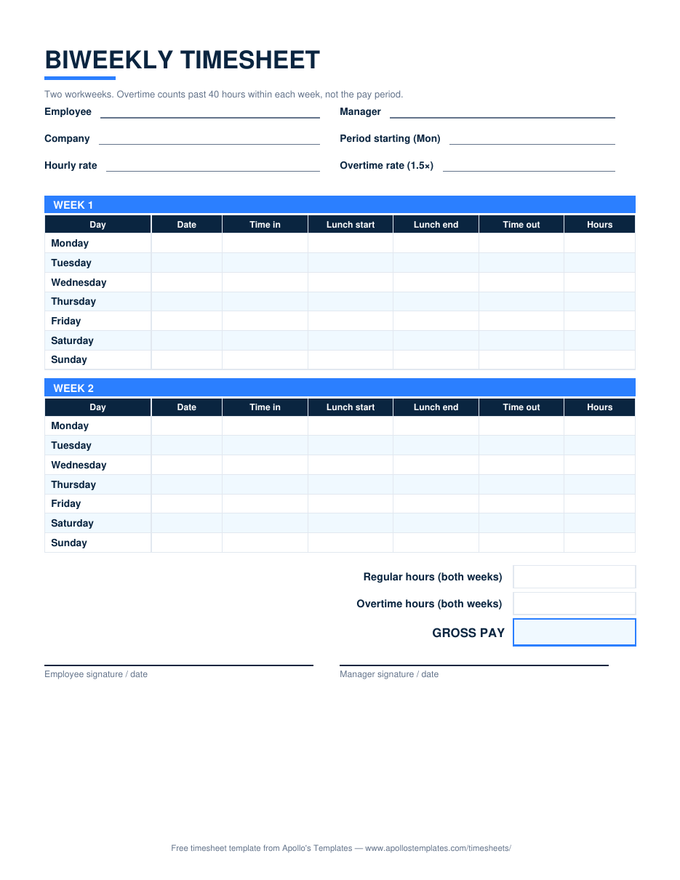
Biweekly — two week blocks
Both workweeks split their own overtime before the period totals — share one copy per pay period.
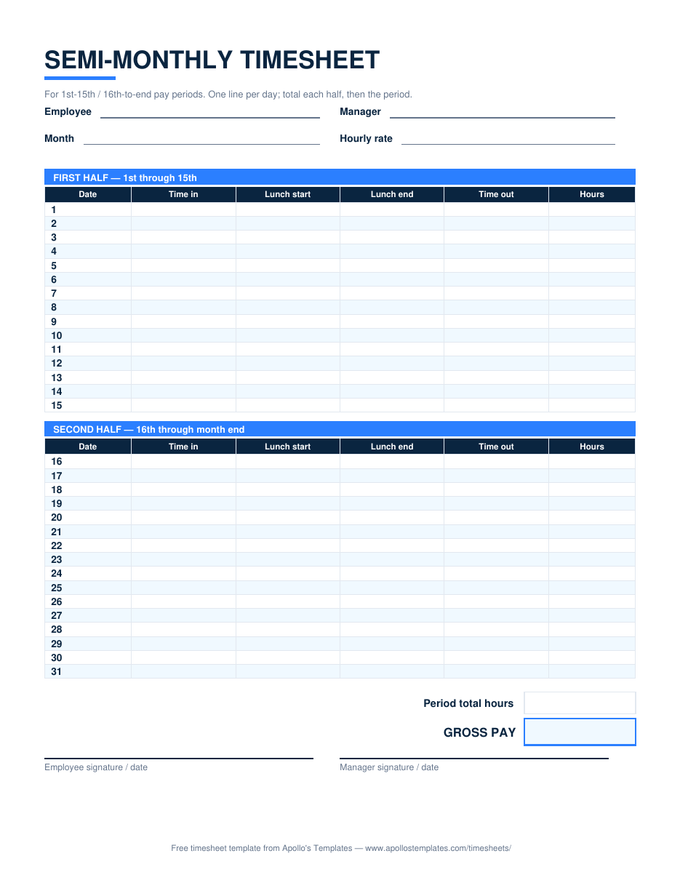
Monthly — 31 self-dating rows preview
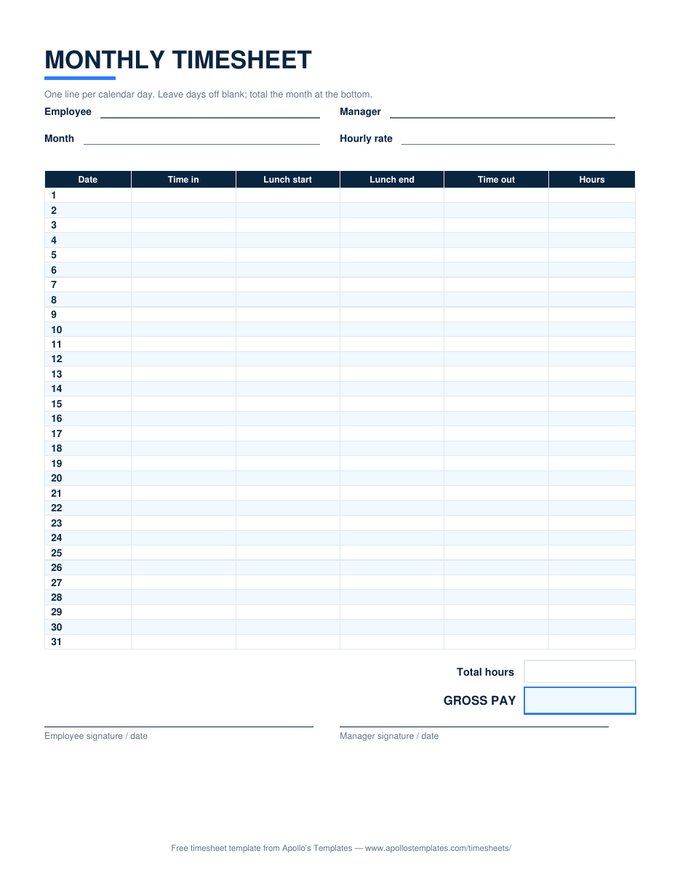
Monthly — 31 self-dating rows
A month of time tracking on one screen — enter the first date and the rows date themselves.
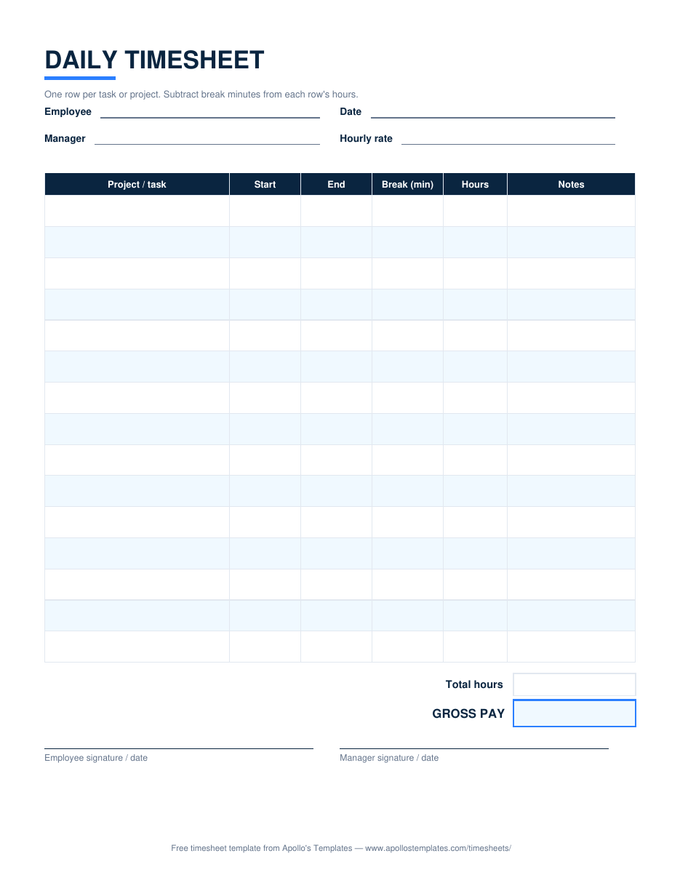
Daily — per-task time log preview
Daily — per-task time log
Task rows with start, end, and break minutes — the time log for freelance billing from anywhere.
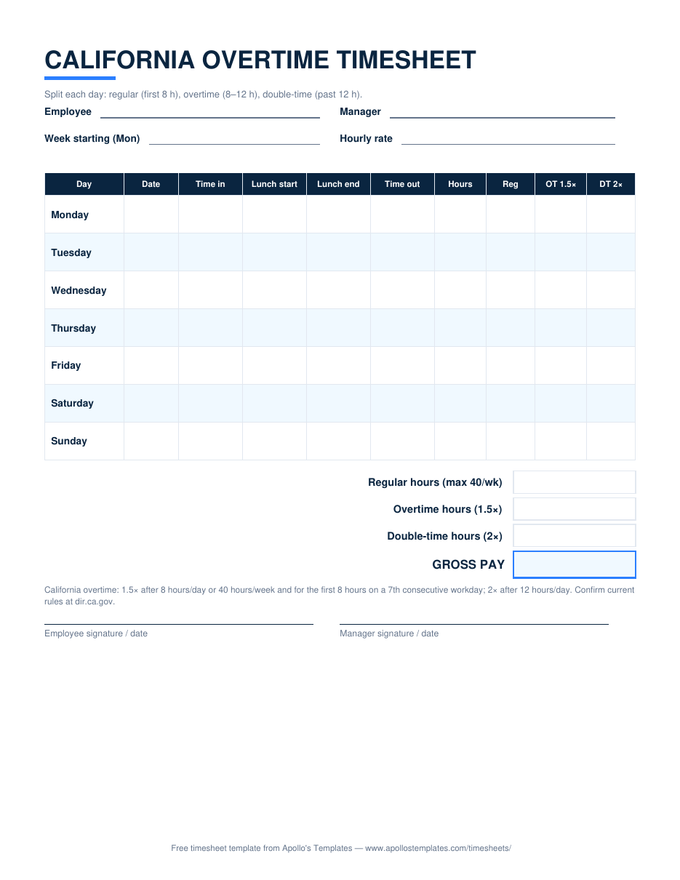
California — daily OT & double-time preview
California — daily OT & double-time
The three-tier daily split plus the weekly cap, calculating live in your Drive.
Why Sheets for time tracking

The shared-sheet workflow.

Paper timesheets have one failure mode — they’re wherever you aren’t. A Sheets copy shared with the right two people turns the timesheet into a small system: the employee enters times as they happen, the manager watches the totals build, and on payday the numbers are already added, already legible, already backed up in Drive’s version history. That version history doubles as an audit trail — every edit, timestamped, attributable.

When the period closes, File → Download → PDFproduces the frozen copy for the payroll file, and next period starts from a fresh copy of the template. Two clicks of ceremony, and your records satisfy the FLSA’s two-year retention rule without a filing cabinet.

The same math, offline
Excel Timesheet Templates
All six sheets as .xlsx downloads — identical formulas, no Google account.
Open
Start here
All Timesheet Templates
The whole library — weekly to monthly, PDF to Sheets — on one page.
Browse
Task-level tracking
Daily Timesheet
The per-task time log, ideal as a shared Sheets copy for freelance work.
Open

Frequently asked questions

How does the “Make a copy” flow actually work?
Each button above opens Google's copy page for that template. Click “Make a copy” and Google places a fully editable duplicate in your own Drive — formulas, formatting, and all. The original stays untouched on our side (it's read-only to the world), and your copy is completely yours: rename it, share it with your manager, make one per week. We never see your copy or your data; that's Google's mechanic, not ours.
Do I need a Google account, and is there any catch on your side?
You need a Google account because the copy has to save into somebody's Drive — that's Google's requirement, and any free Gmail account qualifies. On our side there is no catch: no signup with us, no watermark on the sheet, no trial that expires, no “premium version” with the formulas withheld. If you'd rather not involve Google at all, every card has a Download Excel button for the identical .xlsx.
Do the formulas work in the Google Sheets phone app?
Yes — the math runs server-side in Sheets, so entering a clock-out time on your phone updates the hours and pay totals the same as it would at a desktop. Entering times on a phone keyboard is honestly the clunkiest part: type them as 8:00 AM with the space, or set the sheet's locale time format once and use the keyboard's numeric row. A common crew pattern: employees enter times from phones during the week, the manager reviews totals from a laptop on Friday.
Should I make the copy in a personal or work Google account?
Whichever Drive should own the record — and it's worth deciding deliberately. If the timesheet is a payroll document for your employer, a work-account copy keeps it where the business controls retention when people leave. If you're a freelancer tracking billable hours across clients, your own account keeps your history yours. The one setup to avoid: the sole copy of a business's payroll records living in an employee's personal Drive.
Updated through August 2026