Apollo's Templates
HomeRecipe CardsEditable
Editable · Type instead of write · Free

Editable Recipe Card Templates

Four ways to type a recipe onto a card instead of writing it by hand — pick the one that matches how you like to work. The recipe card maker does it in your browser with a photo of the dish and downloads a print-ready PDF in any size. Ten classic themes are fillable PDFs: open, click a field, type. And eight designs come as editable Word files and Google Docs with the art frame behind the text. All free, all printable at 3×5, 4×6, 5×7, 5×8, or full page.

Fastest

Type it in the browser — the recipe card maker.

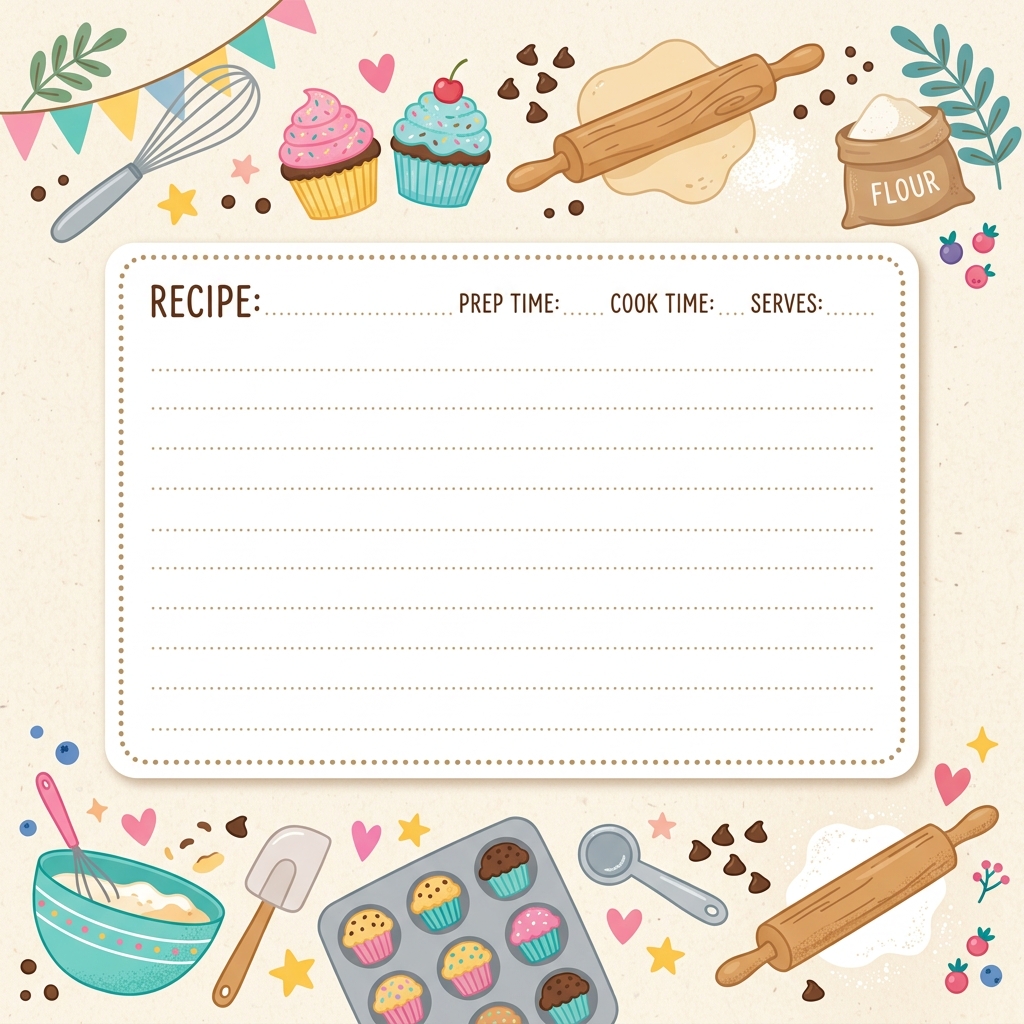
No software: pick a theme, choose a size, type the name, servings, times, ingredients and directions, add a photo, and download a PDF sized exactly for the card. Fourteen everyday themes plus every holiday and event set.

Open the recipe card maker
Full page
Full Page Recipe Template Maker
Fourteen 8.5×11 themes for binders and family cookbooks — type, add a photo, print.
Open
Seasonal
Holiday Recipe Card Templates
Christmas, Thanksgiving, Halloween, Easter and more — each an editable, type-in builder.
Open
Occasions
Wedding, Shower & Party Recipe Cards
Bridal shower, baby shower, housewarming, birthday, anniversary — type-in builders with 30 designs.
Open
Fillable PDFs

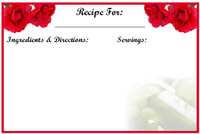
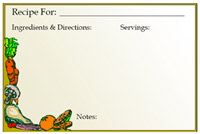
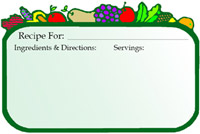
Ten classic themes you can type into with any PDF reader.

These 4×6 PDFs have real form fields — open in Adobe Reader, Preview, Chrome, or Edge, click a field, type, and print. Every one also comes in 3×5; some in 5×7 and full page.
Word & Google Docs

Eight designs as editable Word files and Google Docs.

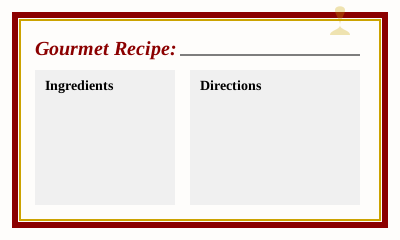
A real 4×6 page with the theme's art behind an editable recipe table, plus a two-cards-per-letter-sheet version of each. Type in Word, Pages, LibreOffice, or Docs.
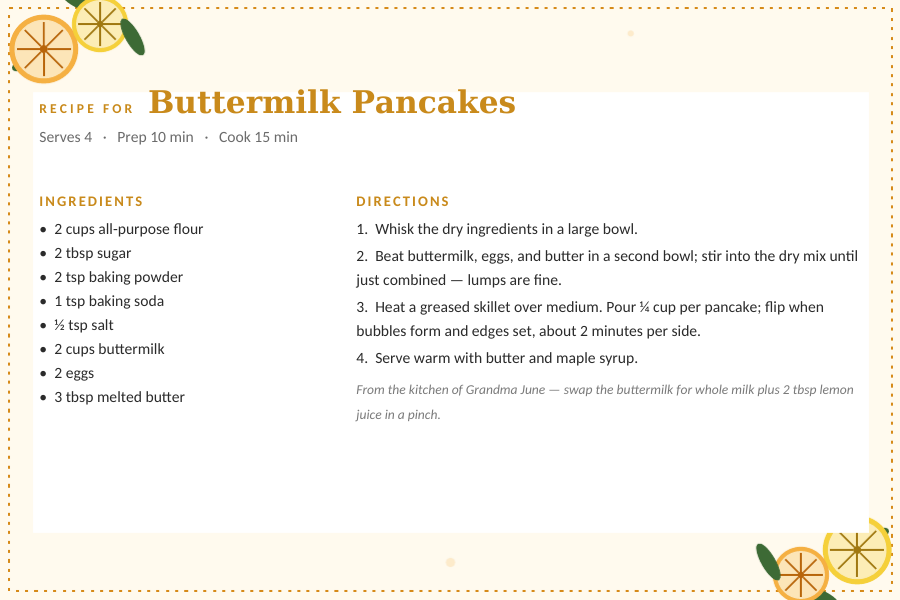
Citrus Grove

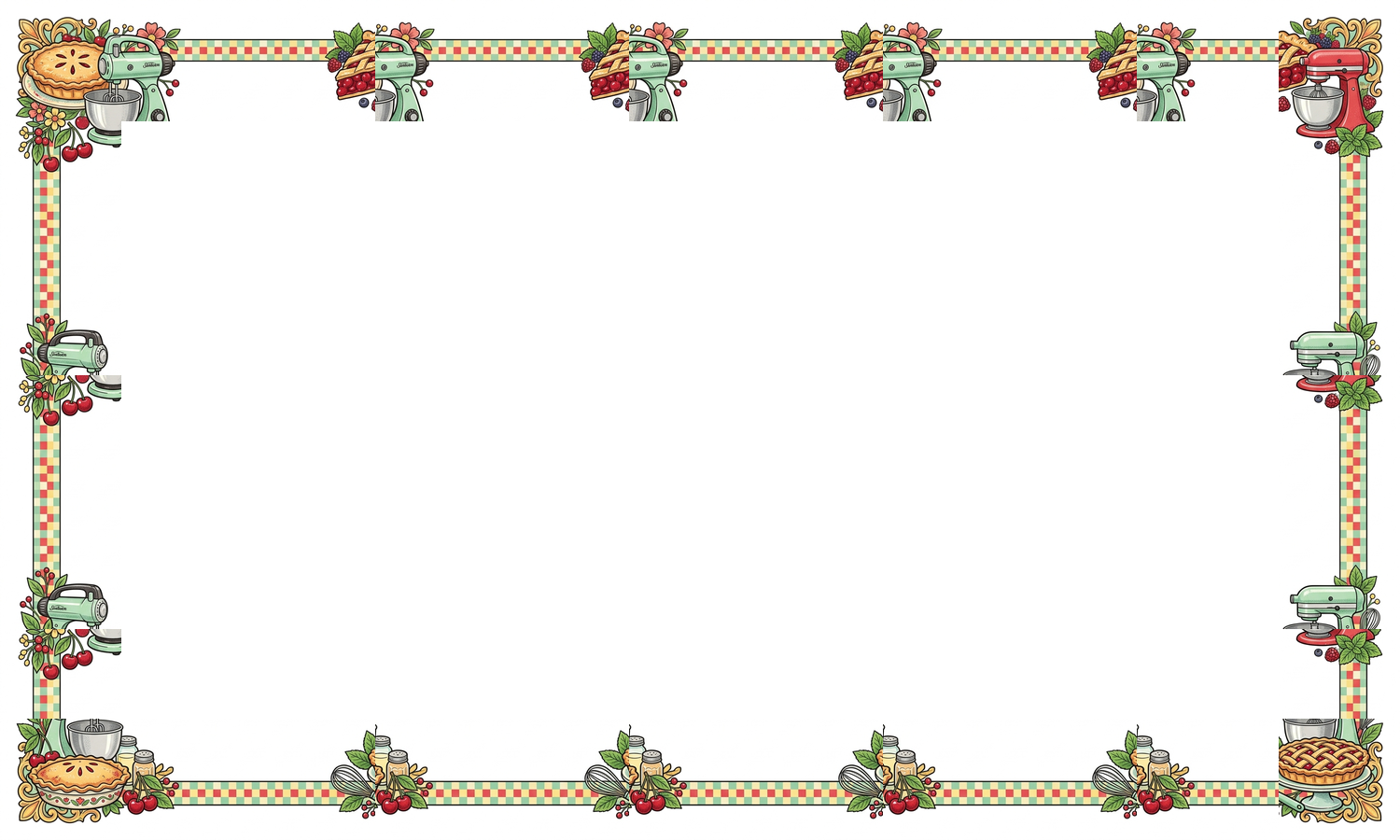
Editable 4×6 card with lemon and orange slices in opposing corners with a dotted gold border.

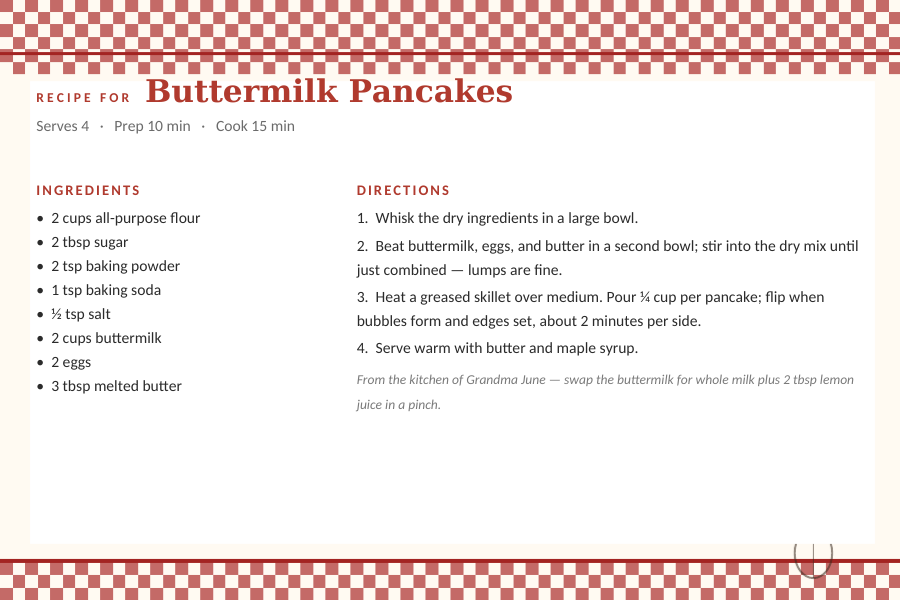
Farmhouse Gingham

Editable 4×6 card with red gingham bands top and bottom.

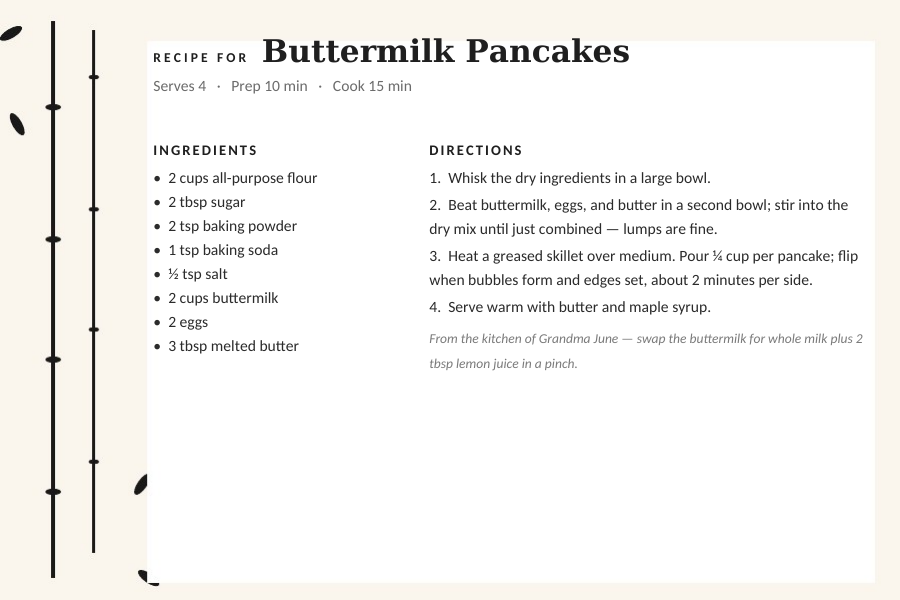
Japanese Sumi-e

Editable 4×6 card with ink-wash bamboo along the left edge on warm paper.

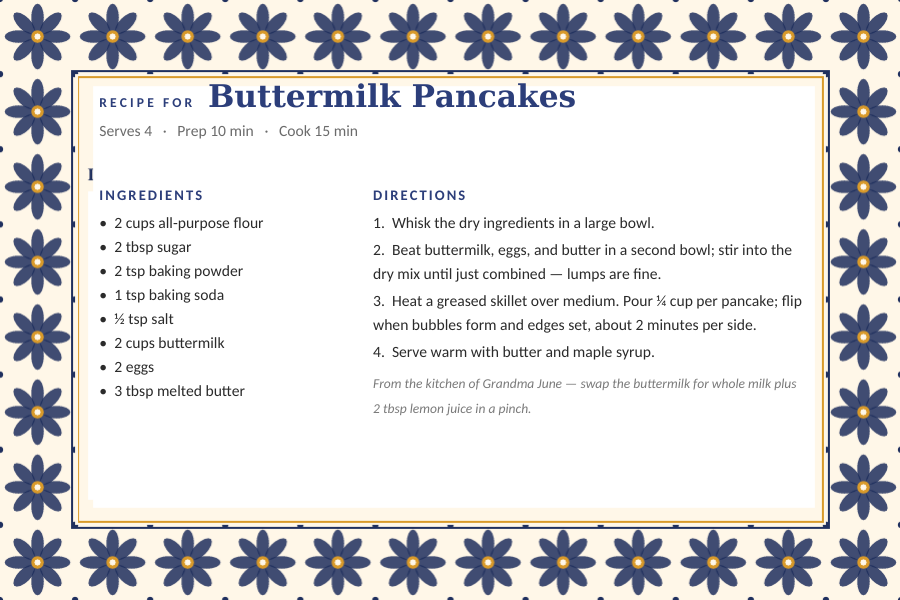
Mexican Talavera

Editable 4×6 card with a cobalt-blue eight-petal tile border.
All eight
Recipe Card Templates for Word
Every theme as a .docx — 4×6 card and two-per-sheet versions.
Open
All eight
Recipe Card Templates for Google Docs
The same designs as native Docs — one click to your Drive.
Open
Which one

Builder, fillable PDF, or Word?

  1. Recipe card maker when you want a photo of the dish on the card, or a holiday or event design — it lays everything out for you and the PDF prints at exactly the right size.
  2. Fillable PDF when you want the classic look and already have a PDF reader — nothing to install, and the printed card is identical to the blank version.
  3. Word or Google Docs when you want to keep editing later, change fonts, or keep a searchable file per recipe. Docs is the pick for sharing a card by link.
  4. Whatever you choose, print on cardstock or photo paper — see how to print recipe cards for sizes, index cards, and two-up sheets.
Common questions

Editable recipe card FAQ

What is an editable recipe card template?
A recipe card you type into rather than write on: a fillable PDF with form fields, a Word or Google Docs file with the card laid out as an editable page, or an online maker that generates the finished card as a PDF. This page has all three, free.
Is there a free recipe card template I can type on?
Yes — every option here is free with no signup. The fastest is the recipe card maker (type in your browser, download a PDF); the fillable PDFs and the Word and Google Docs files work if you'd rather keep a file you can re-edit.
How do I type on a PDF recipe card?
Open one of the fillable PDFs in Adobe Acrobat Reader, macOS Preview, Chrome, or Edge, click a field (recipe name, ingredients, directions) and type. Save to keep it, print at Actual Size on a 4×6 or 3×5 card. The modern themed PDFs on the size pages are print-and-write; for typing, use the ten on this page, the builder, or Word/Docs.
Can I add a photo to an editable recipe card?
Yes — the recipe card maker and the full-page maker both take a photo of the dish and place it on the card. In Word or Docs you can insert an image into the directions cell, but the builder does it cleanly and automatically.
Which size should I use?
4×6 is the modern standard and fits photo sleeves and postcard boxes; 3×5 fits old recipe boxes; 5×7 and 5×8 give room for long recipes; 8.5×11 is for binders. Every type-in option here supports 4×6, and the builder does all five.
Are these editable templates really free?
Yes — no account, no watermark, no trial. Apollo's Templates is a free template library; the recipe cards work like every other category on the site.

Editable recipe card templates · Updated September 2026