






Medical Letterhead Templates
Thirteen medical letterhead templates, free in Microsoft Word and Google Docs. Hospital, medical office, clinic, private practice and specialty designs — each one already carrying the lines clinical correspondence needs: provider credentials, NPI and licence numbers, patient name, DOB and MRN, and a protected-health-information notice in the footer.
13 medical letterhead examples
Every template ships in both Microsoft Word (.dotx) and Google Docs. The .dotx download opens in Word as a fresh document; the Google Docs link opens a copy directly in your browser.
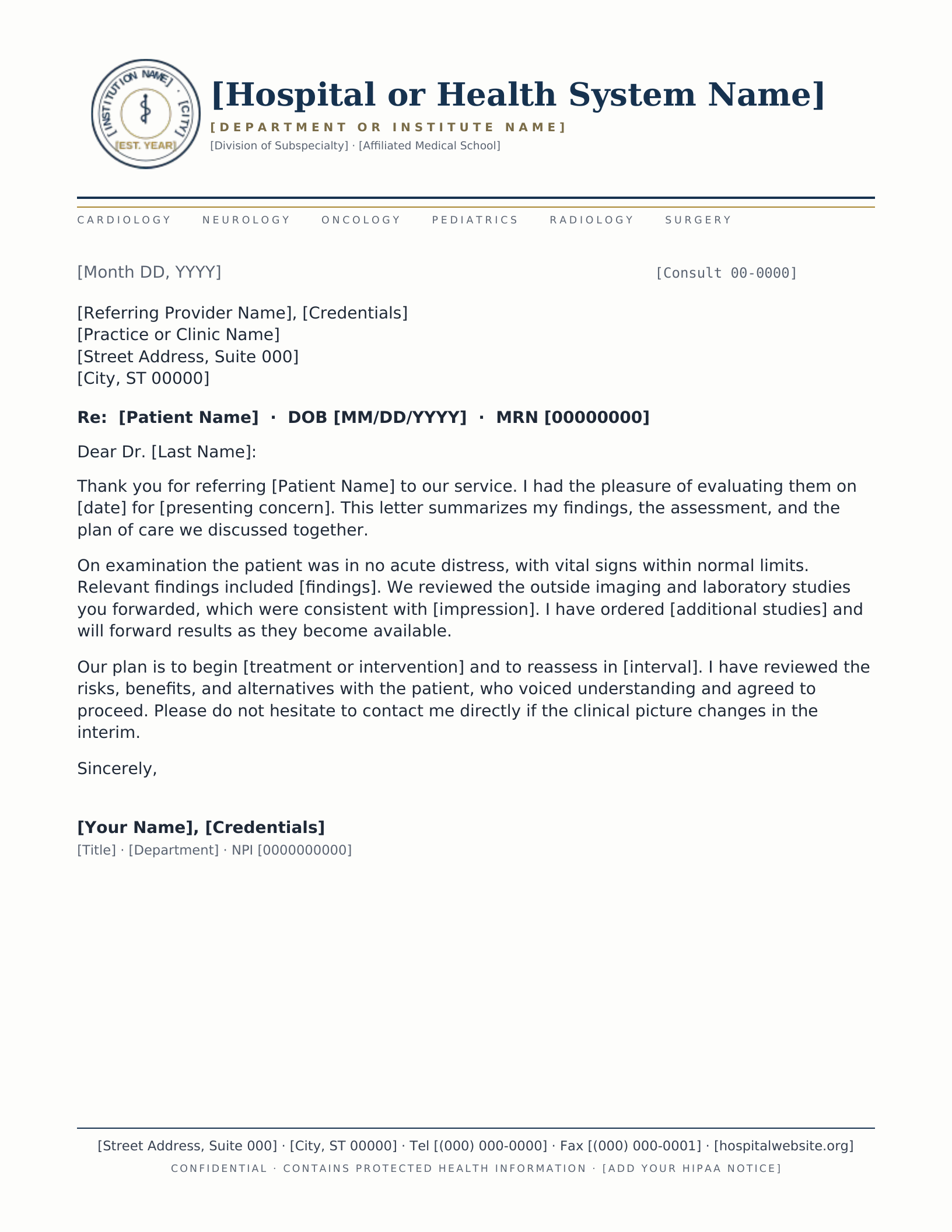
Academic Medical Center
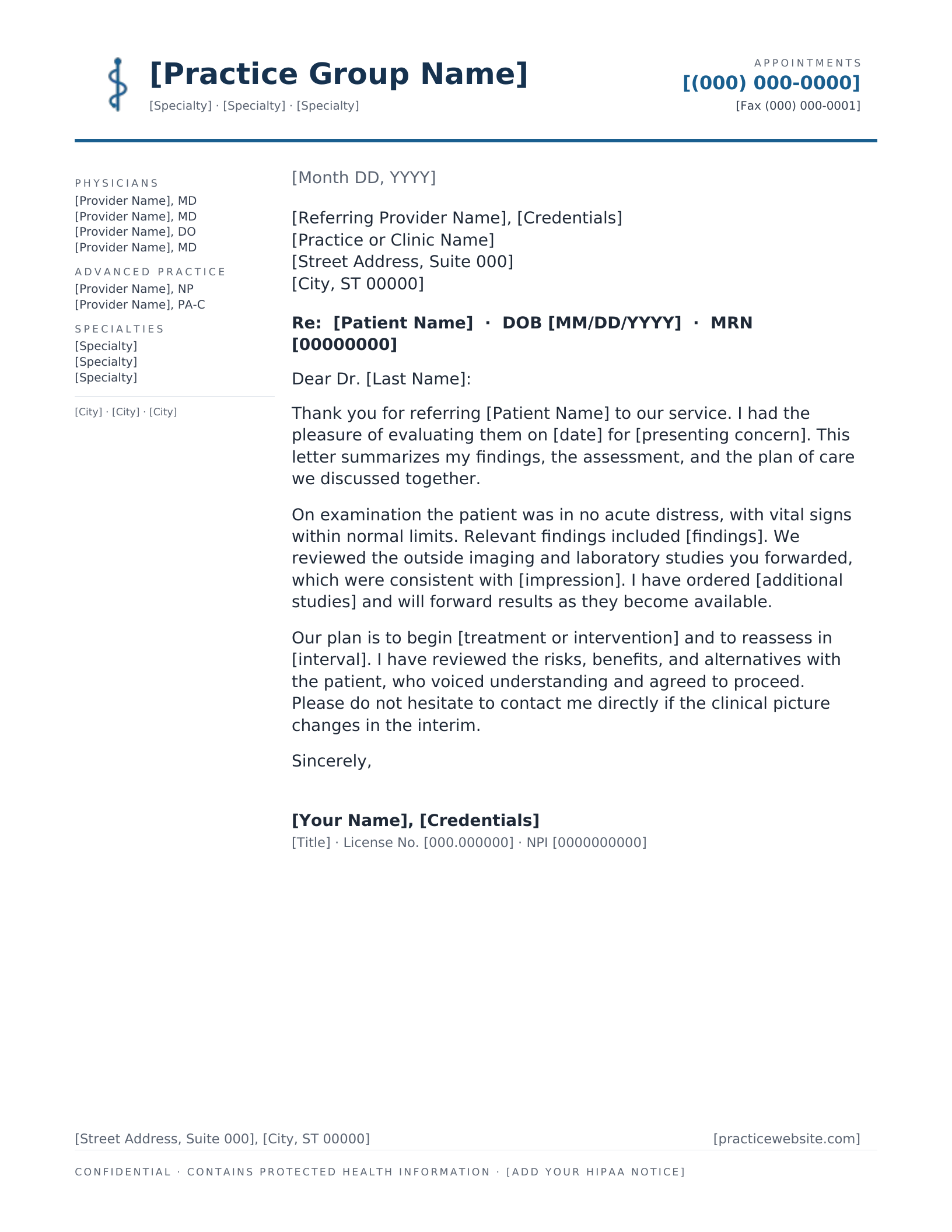
Medical Practice Group
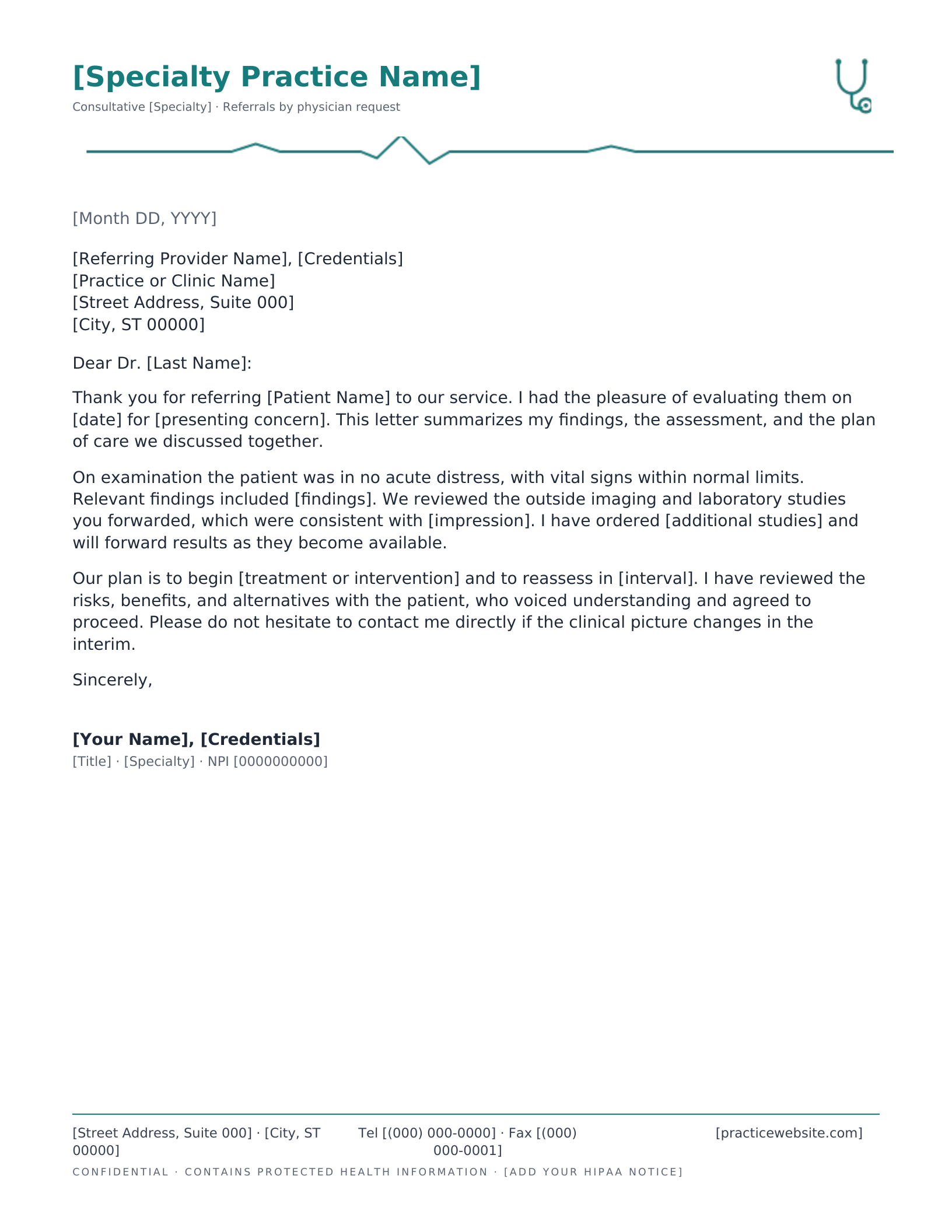
Specialist Referral
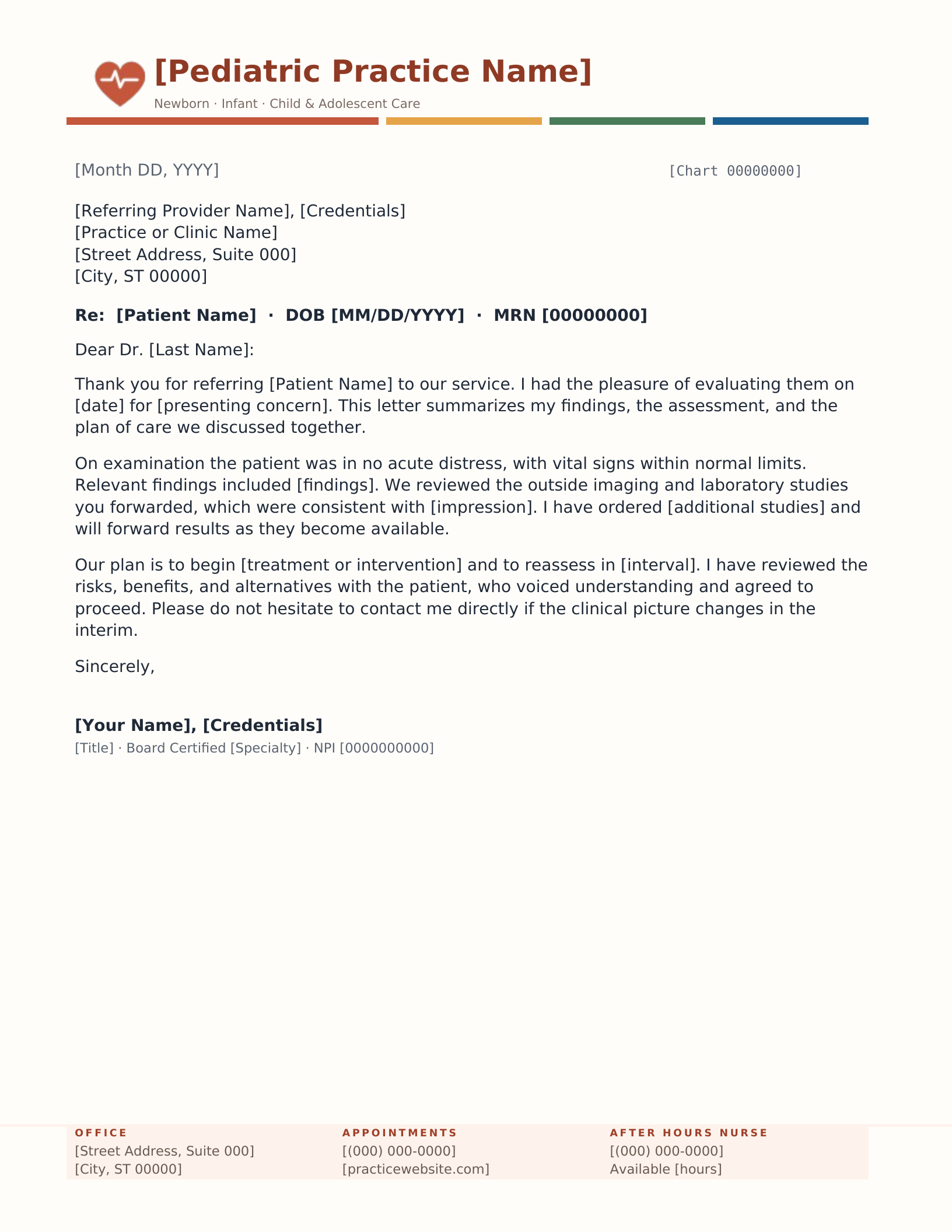
Pediatric Practice
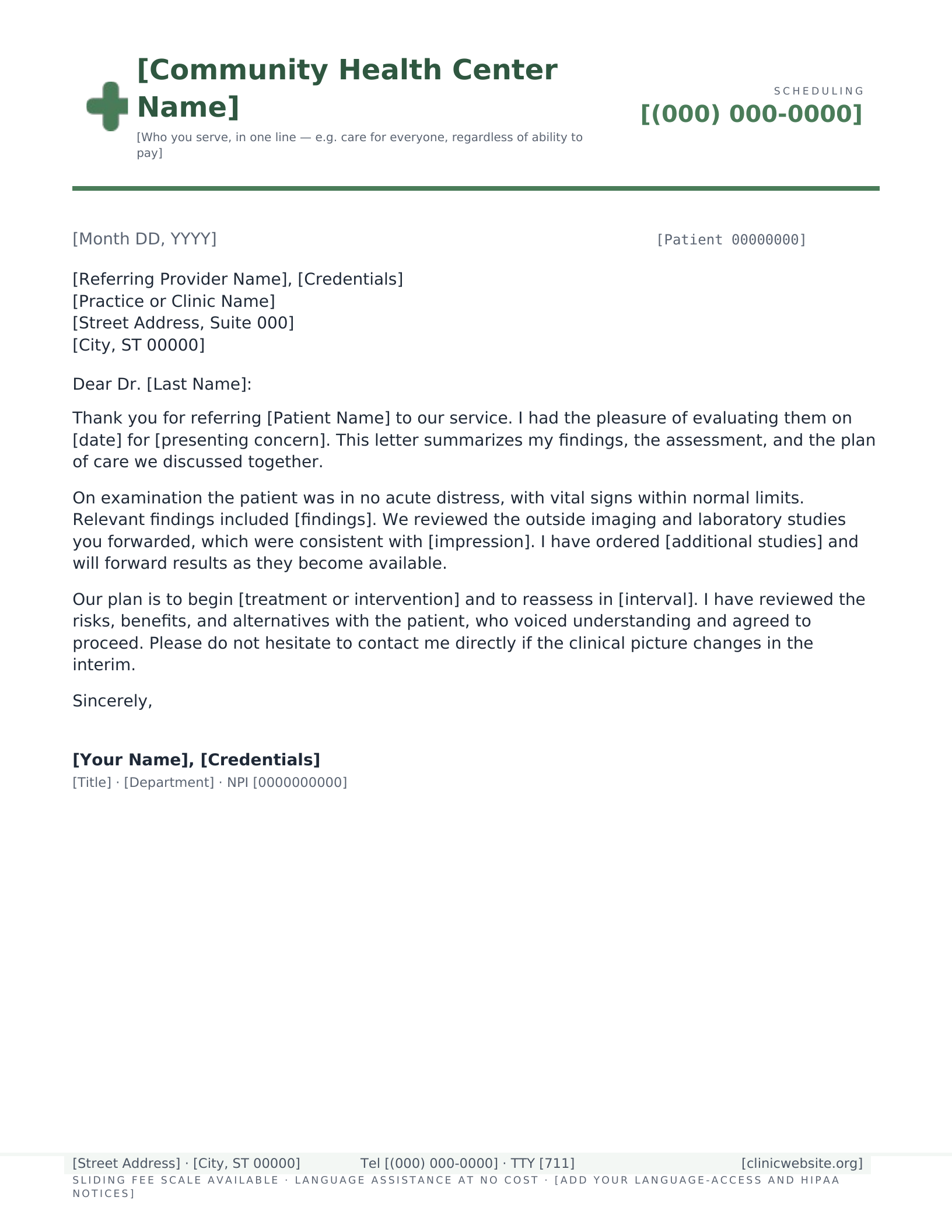
Community Health Clinic
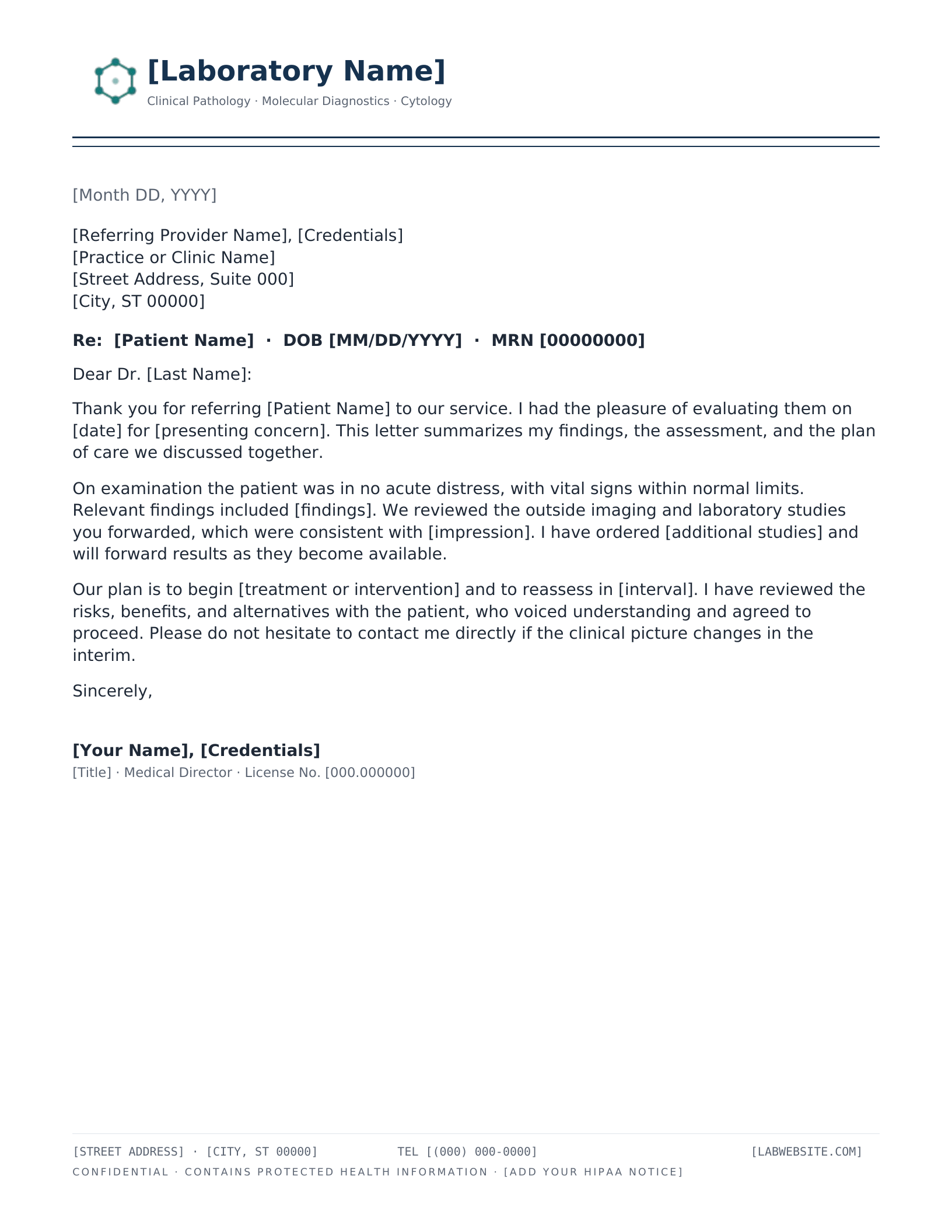
Medical Laboratory & Diagnostics
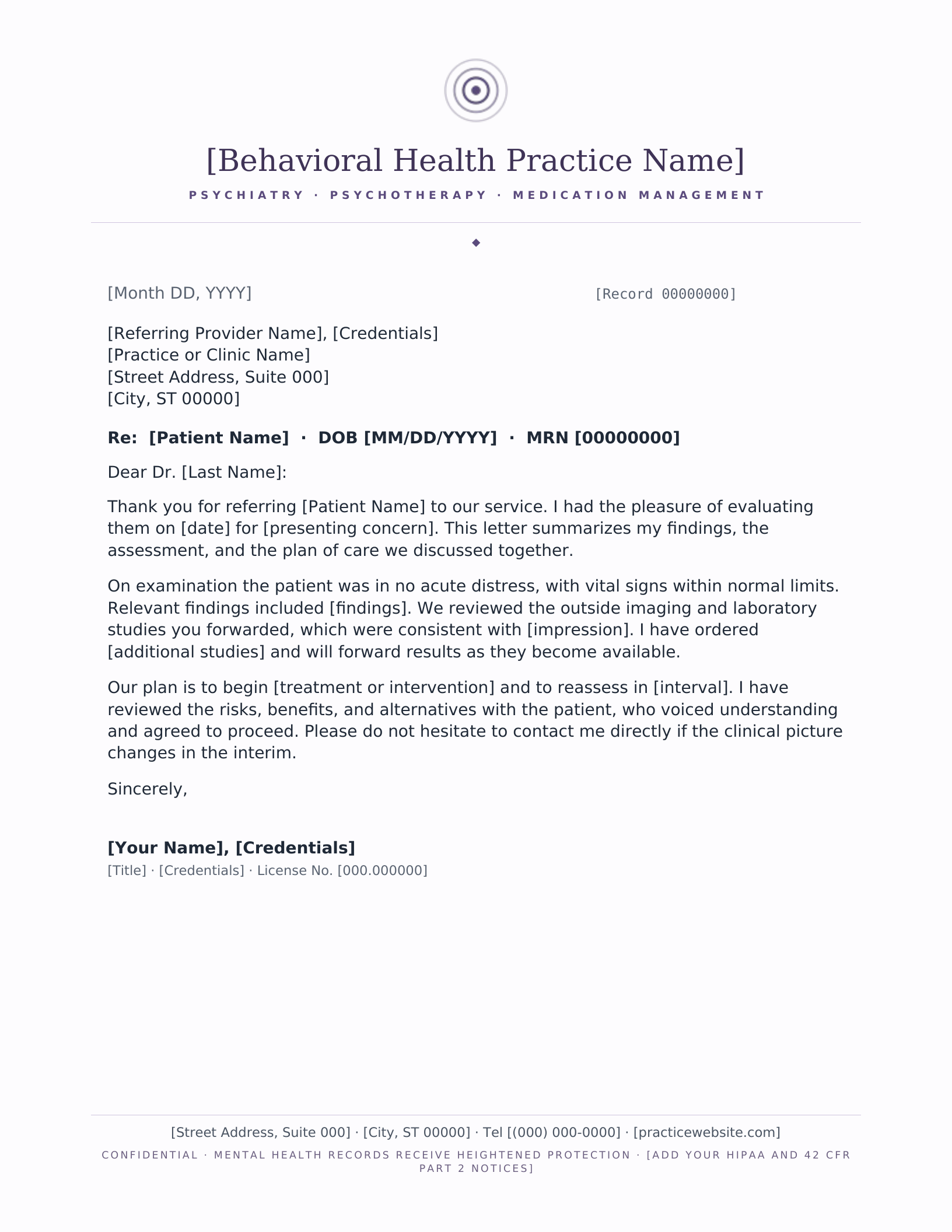
Behavioral Health
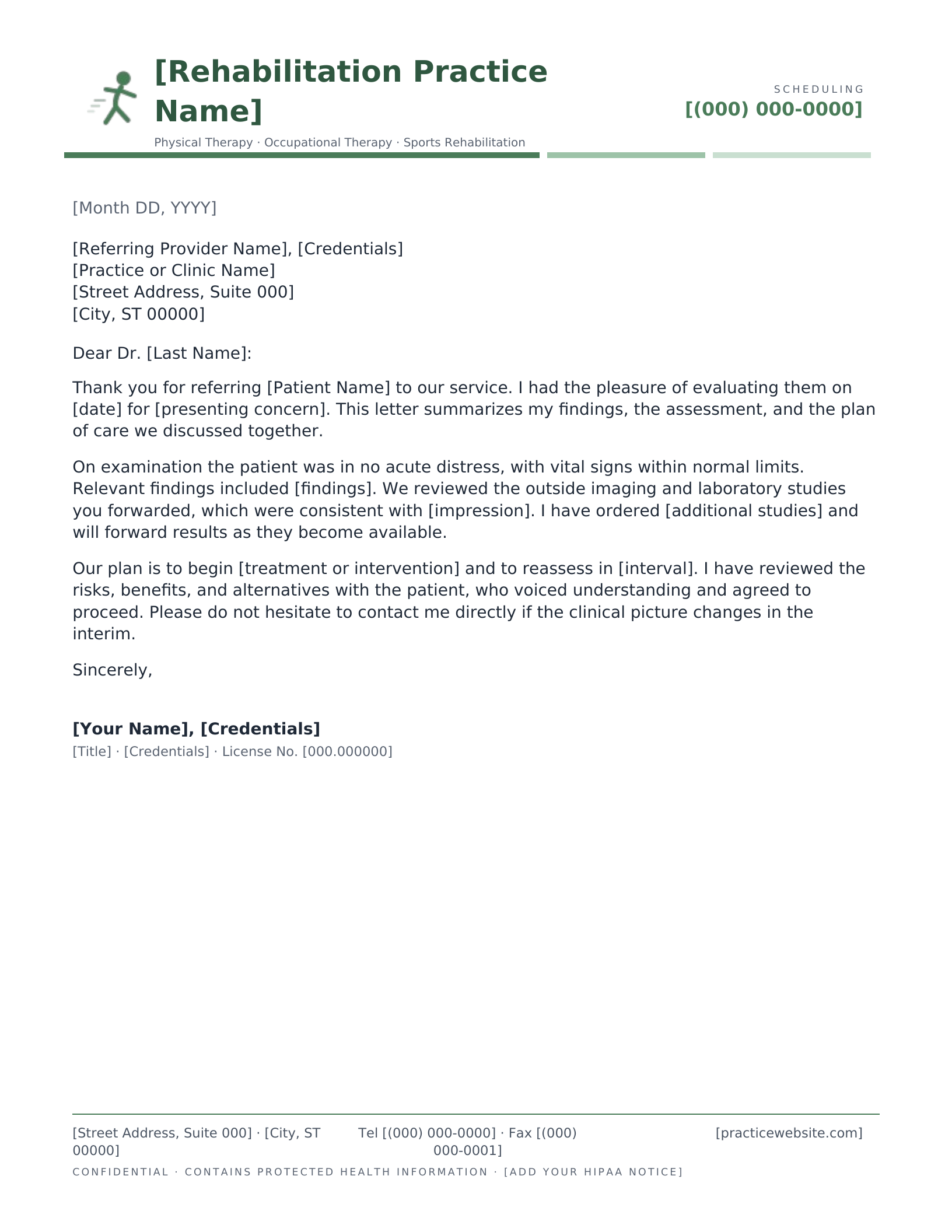
Rehabilitation & Physical Therapy
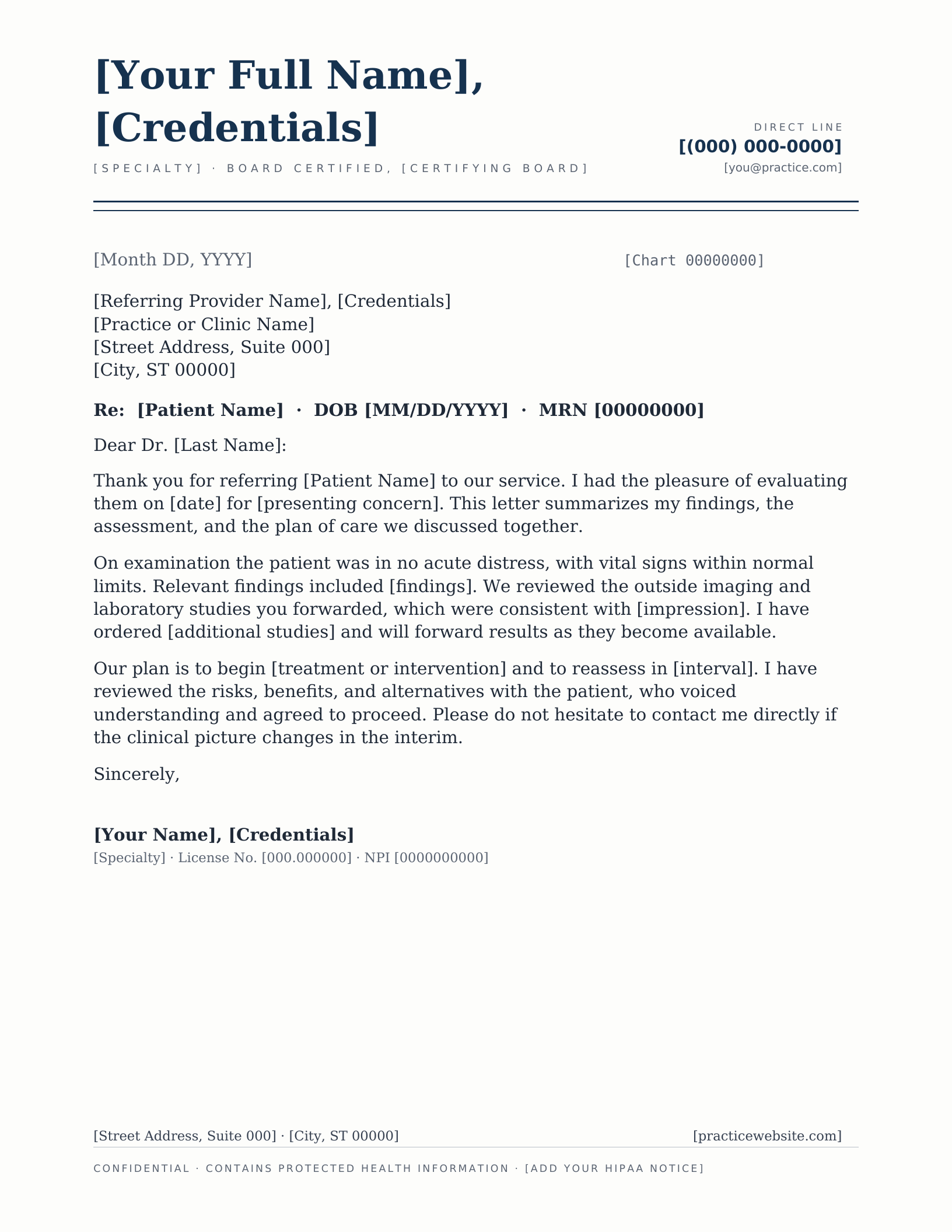
Solo Physician & Private Doctor
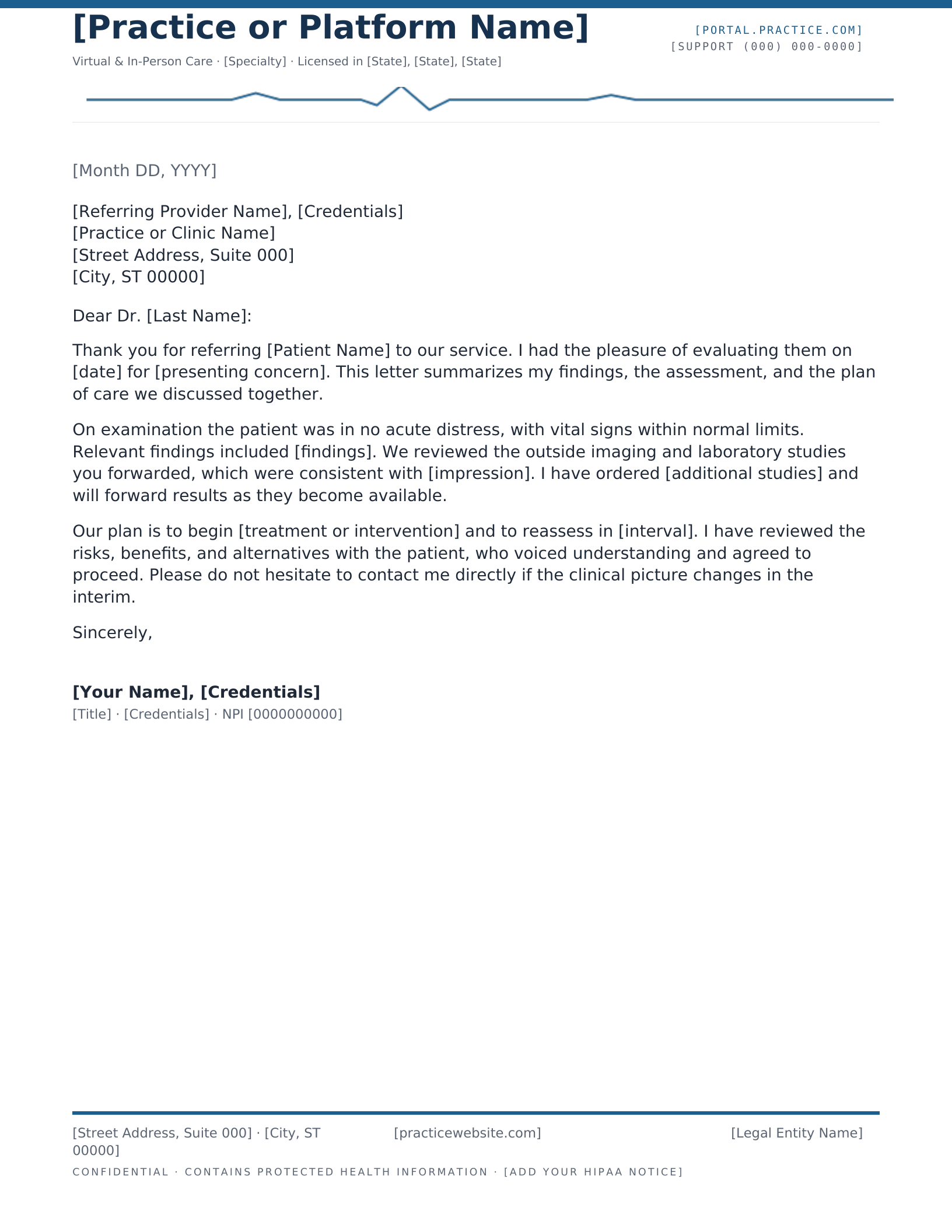
Telehealth & Modern Practice
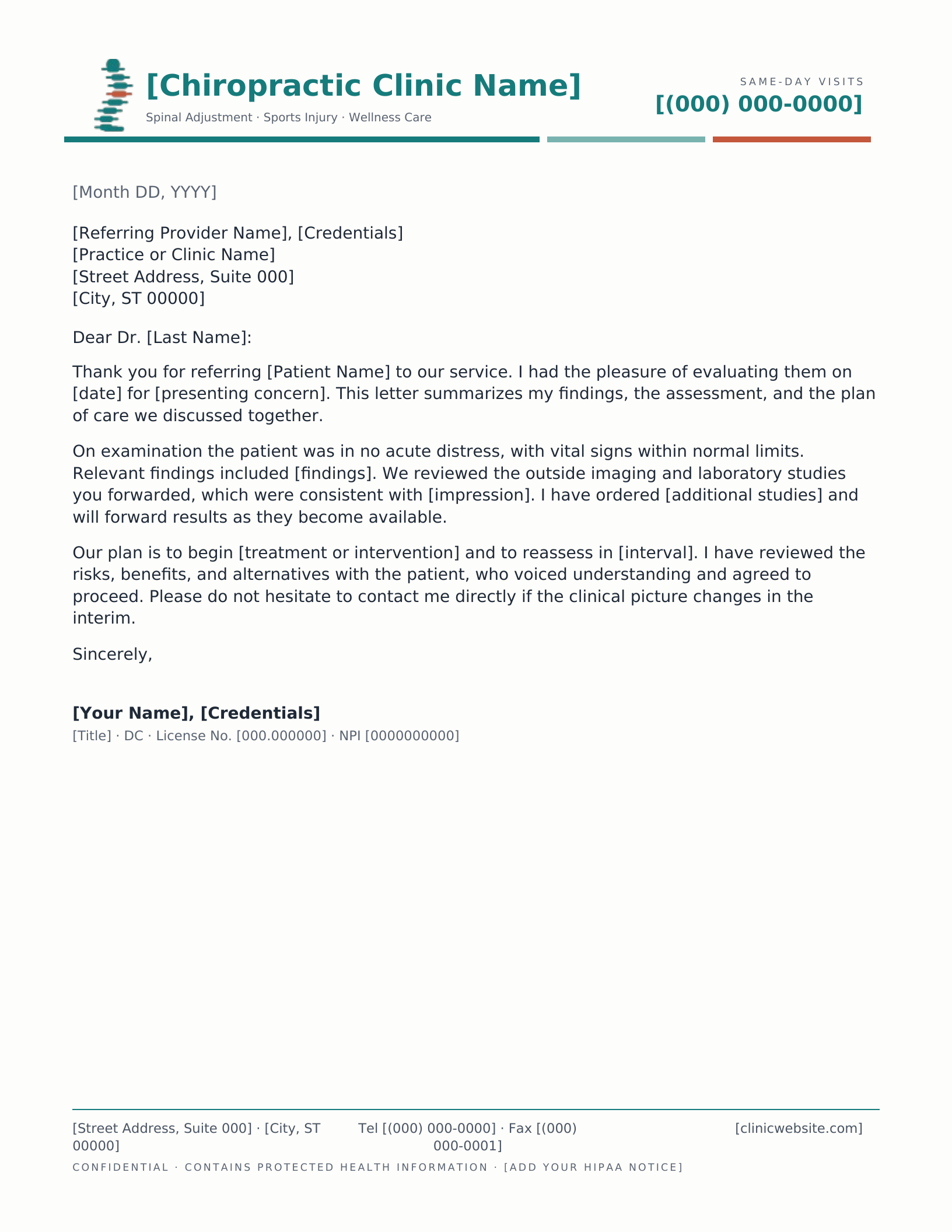
Chiropractic Clinic
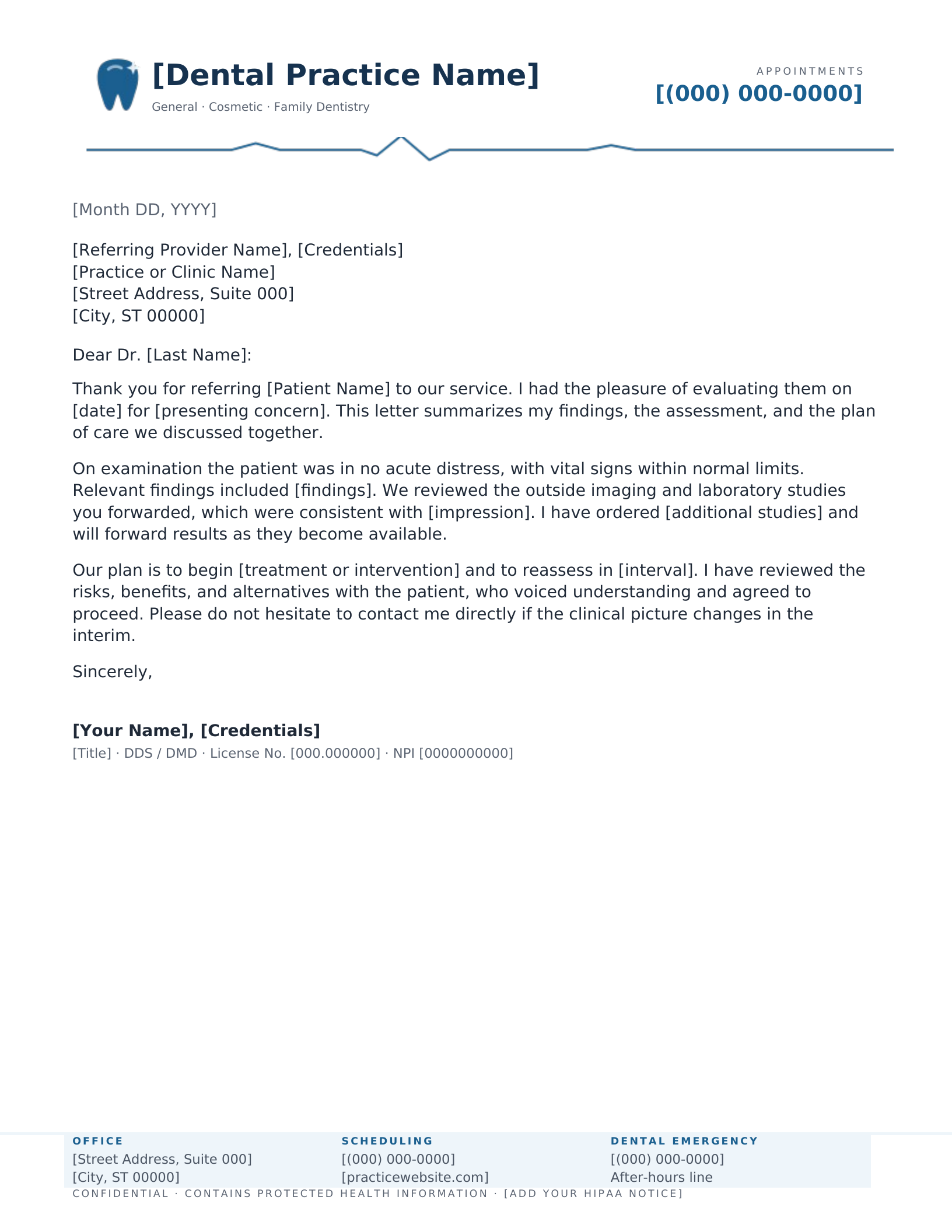
Dental Practice
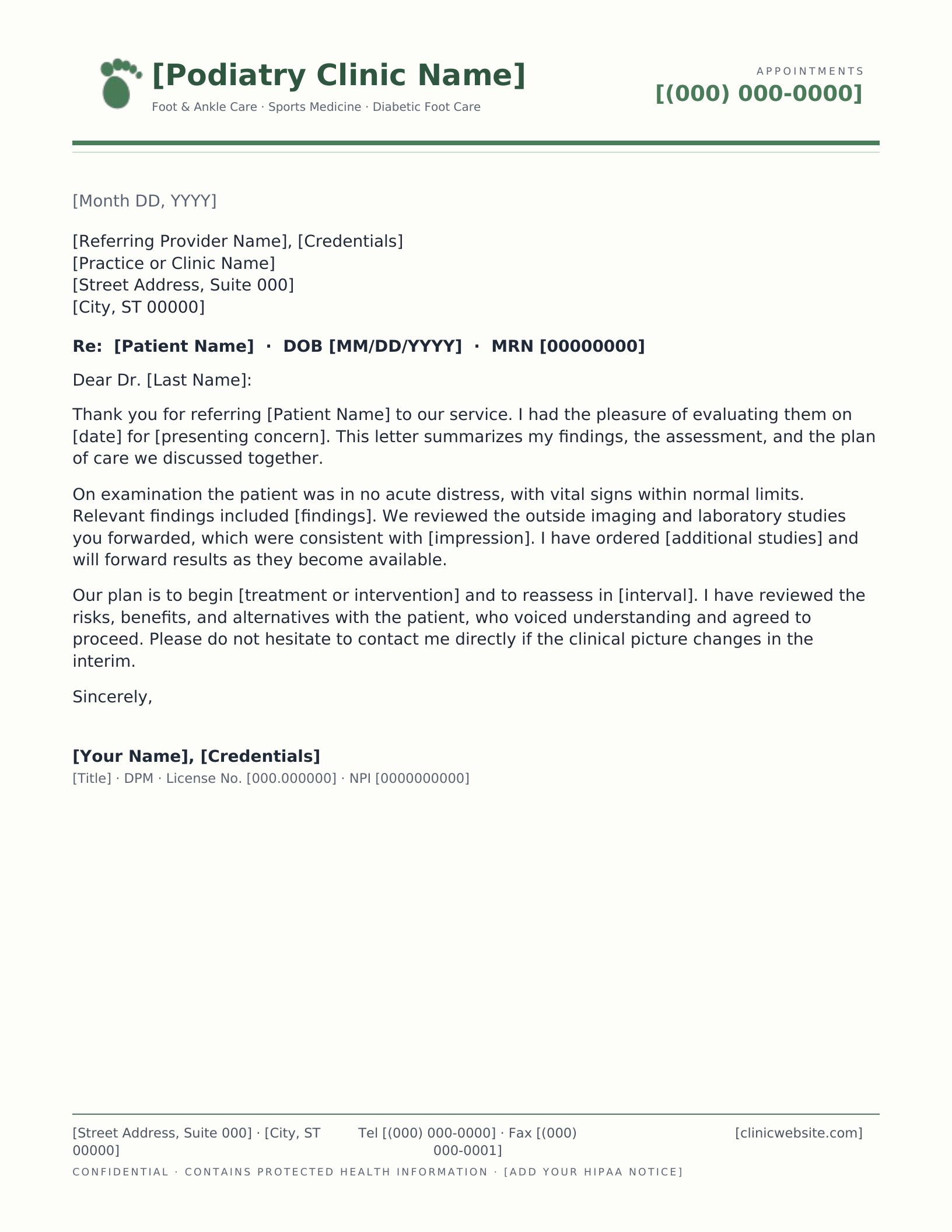
Podiatry Clinic
Which design fits your practice?
What separates a medical letterhead from an ordinary business one is not the caduceus at the top — it is the scaffolding underneath. A clinical letter has to identify the provider well enough to be credentialled, identify the patient well enough to be filed, and warn the reader that what follows is protected. Every design here arrives with that scaffolding already in place, so the only thing left to do is replace the bracketed placeholders with your own details.
What each template already carries
- Provider identity — a credentials slot that takes MD, DO, NP, PA-C, DC, DDS, DMD or DPM, plus NPI and state licence lines under the signature block.
- Patient reference — a Re line set up for patient name, date of birth and MRN, which is what makes a letter fileable when it reaches the other practice.
- A PHI notice in the footer rather than buried at the end of the body, where the legal equivalent would carry a privilege legend. It is placeholder text — put your own organisation’s wording in it.
- A real footer part, so the address block stays at the foot of the page rather than drifting up when your letter runs long.
Choosing between them
The institutional designs — Academic Medical Center and Medical Practice Group — carry departments and provider rosters, and are the right choice when the organisation is bigger than the person signing the letter. The Solo Physician design does the opposite: it makes the clinician the masthead, which is what an independent or concierge practice wants. Between those two sit the medical office and clinic layouts, where the practice name leads and the phone number is the most prominent thing on the page — because for a clinic, it usually should be.
The specialty designs are not recoloured copies of one another. Chiropractic gets a drawn spine with a single adjusted vertebra picked out; dental gets a tooth and a separate emergency line; podiatry gets a footprint; pediatrics gets an after-hours nurse line; behavioral health gets a quieter page and a confidentiality notice that names the heightened protection those records carry. Each was drawn for its field rather than swapped in.
Common questions
Can I use one of these for a medical school letter of recommendation?
For a letter you are writing yourself, yes — the Solo Physician and Academic Medical Center designs both suit a recommendation, and both leave room for the signature and date that admissions committees look for. One important caveat: if the school has asked for the letter on institutional letterhead, they mean your university or hospital’s own, and your department administrator is the person to ask. A generic template will not satisfy that requirement, and no template site can honestly give you another institution’s letterhead.
Is the HIPAA notice in the footer legally sufficient?
No, and it is not meant to be. The footer carries a placeholder confidentiality line so the notice has a home and the layout accounts for it. The actual wording has to come from your own practice or counsel, because what it needs to say depends on your organisation and your state. Replace the bracketed text before you send anything.
Which versions of Word can open these?
Word 2007 and everything since — 2010, 2013, 2016, 2019, 2021, Microsoft 365 and Word for Mac. The download is a .dotx template rather than a document, so opening it starts a fresh letter and leaves the original intact for the next one. Every design also opens as a Google Docs copy.
Can I put my practice logo on one of these?
Yes — right-click the drawn mark and choose Change Picture in Word, or click it and choose Replace image in Google Docs. If you would rather start from a layout designed around an uploaded logo, the logo letterhead makers position it for you against a live preview.
All thirteen are free to download and edit for your own practice. Please do not redistribute the template files themselves elsewhere on the web.
Drawn and measured in August 2026; footers and spacing corrected in September 2026.
Add your practice details
- Pick a design and choose your editor — Microsoft Word downloads the template (a
.dotxfile; opening it creates a fresh document and leaves the original intact for next time), or Google Docs prompts you to make a copy in Drive. - Replace the placeholder tokens —
[Your Name],[Family Name],[Street Address],[Recipient], etc. Embedded graphics (monograms, crests, ornaments) can be replaced with your own — right-click → Change Picture (Word), or click → Replace image (Google Docs). - Type your letter where the sample paragraph is. Save and print on standard 8.5 × 11 paper, or send as a PDF.
Specifications: US Letter, 8.5 × 11 inches, portrait. Word downloads are .dotx templates and open in Word 2007 through Microsoft 365, including Word for Mac. Google Docs versions open as a copy in your own Drive. Every file is one page, fully editable, and free to use — no account and no watermark.