






Christmas Letterhead Templates
Free printable Christmas letterhead templates for Microsoft Word and Google Docs — drawn evergreen swags, holly borders, ribbon banners, candlelight, postage-stamp frames, wreaths and rustic kraft garlands. Festive but tasteful, and every one is a free download.
11 Christmas letterhead examples
Every template ships in both Microsoft Word (.dotx) and Google Docs. The .dotx download opens in Word as a fresh document; the Google Docs link opens a copy directly in your browser.
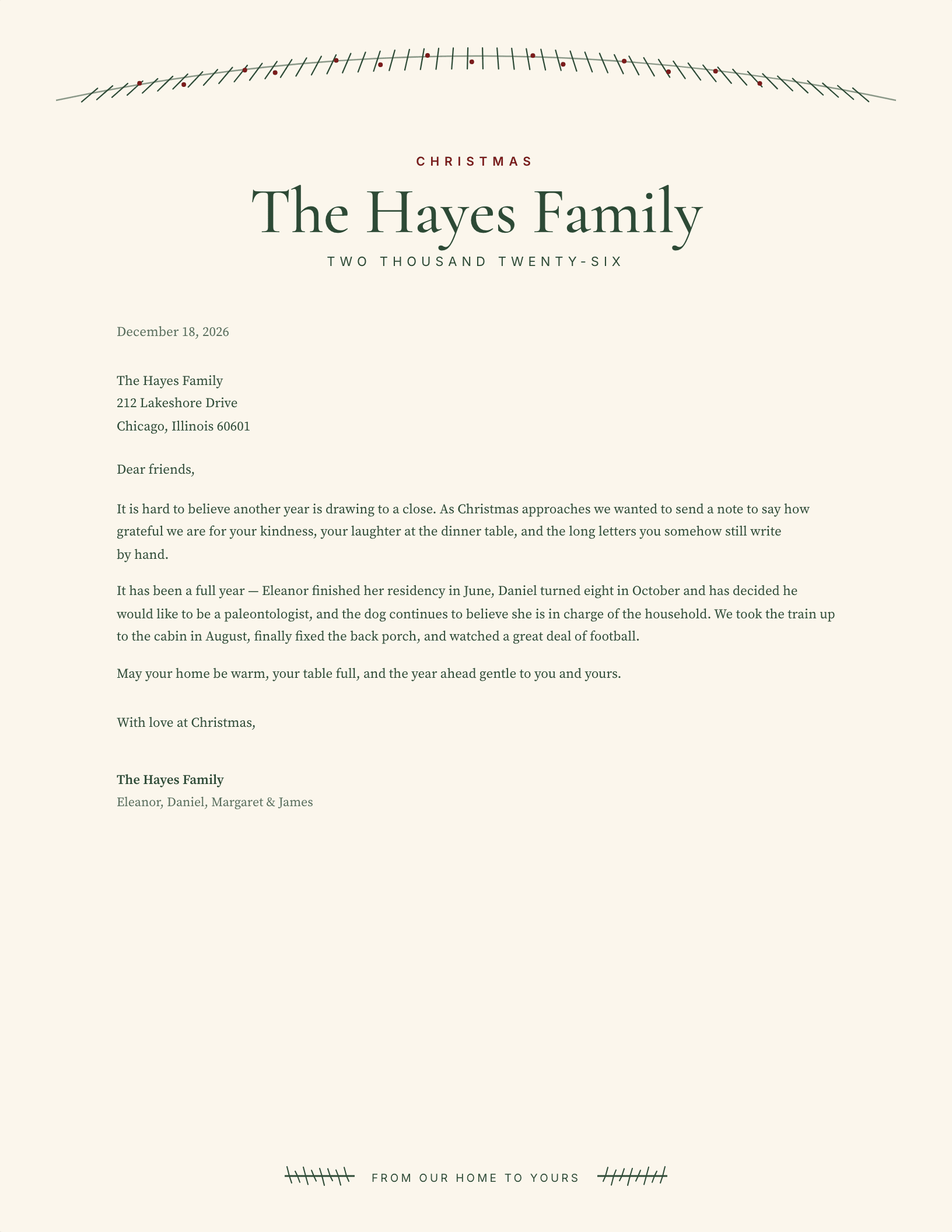
Evergreen Swag
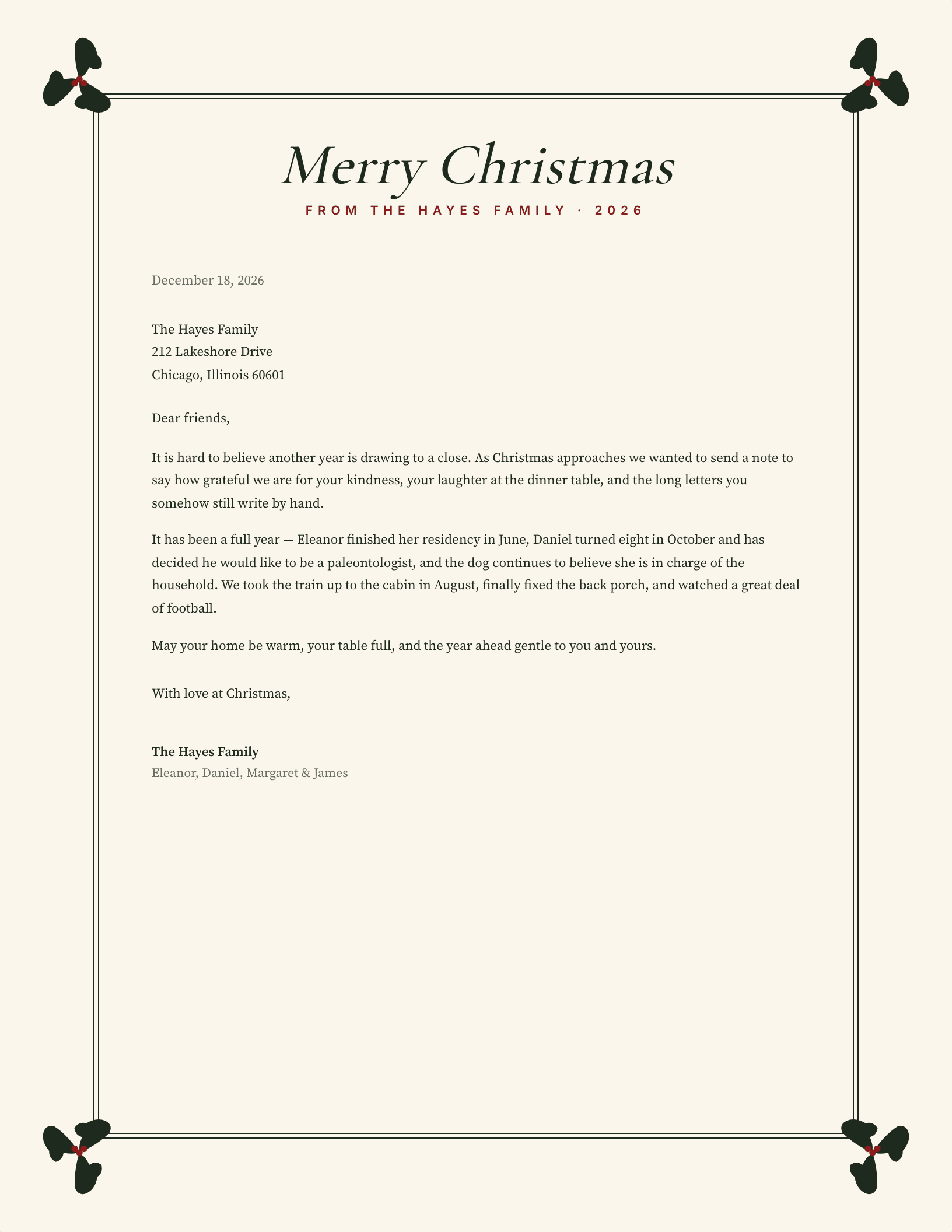
Holly Corner Frame
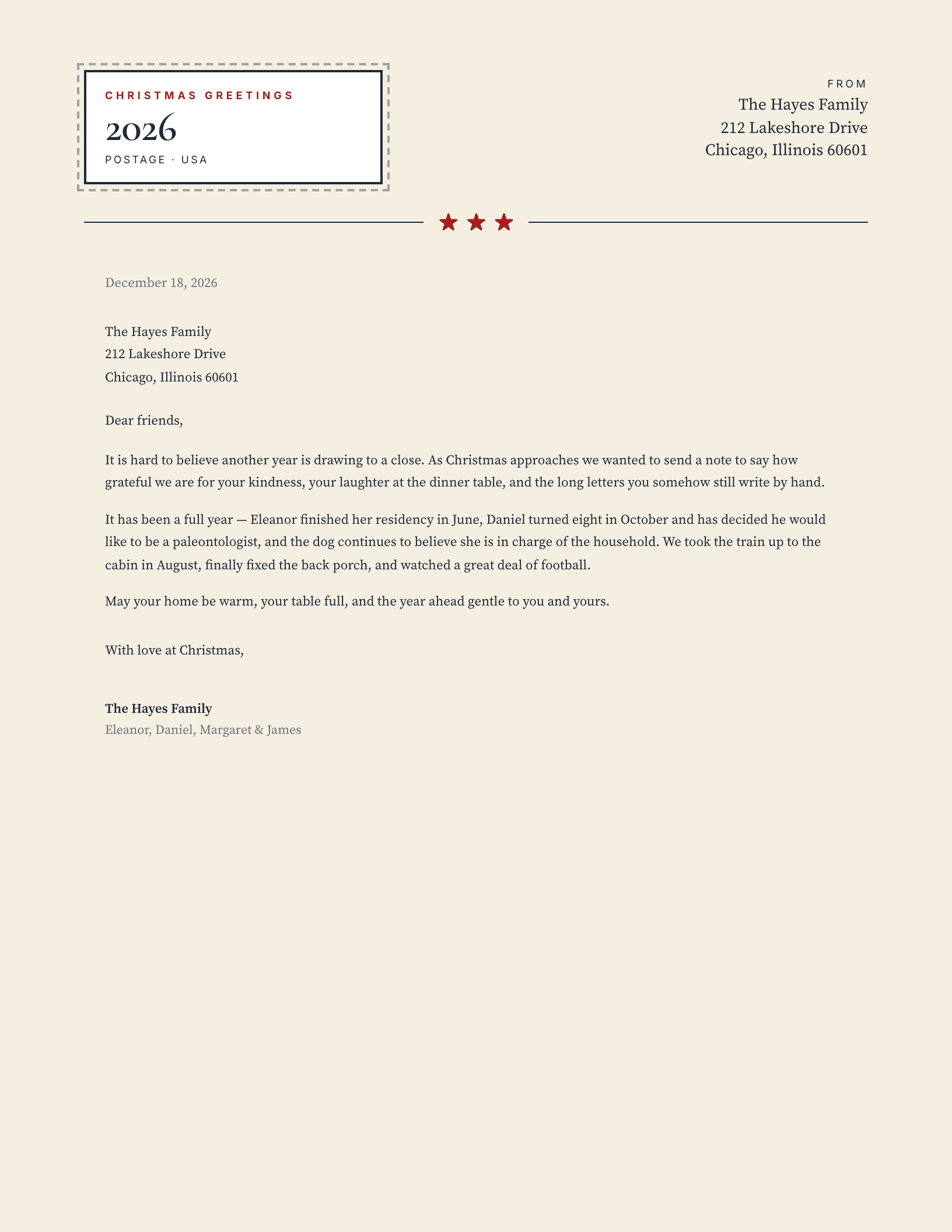
Postage Stamp
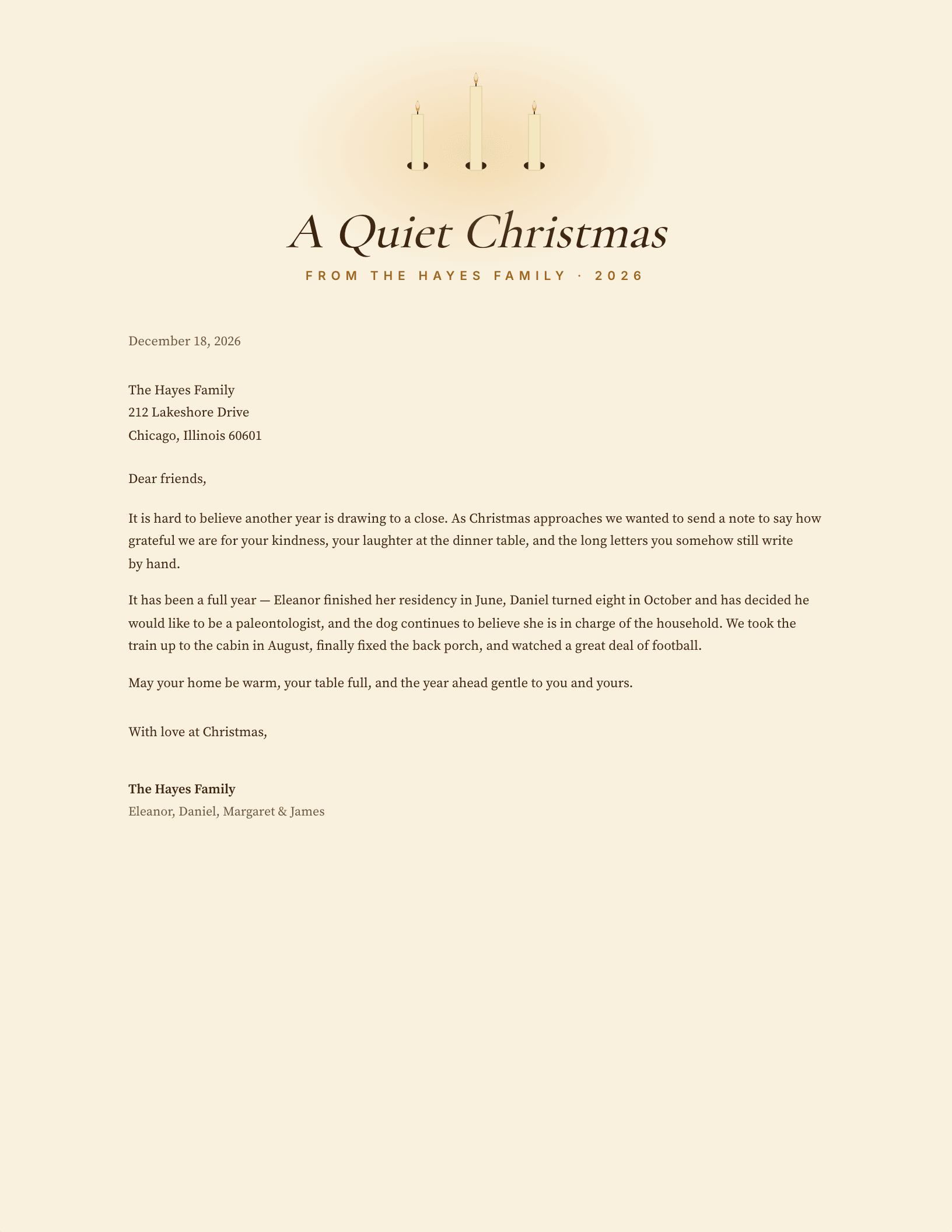
Candlelit
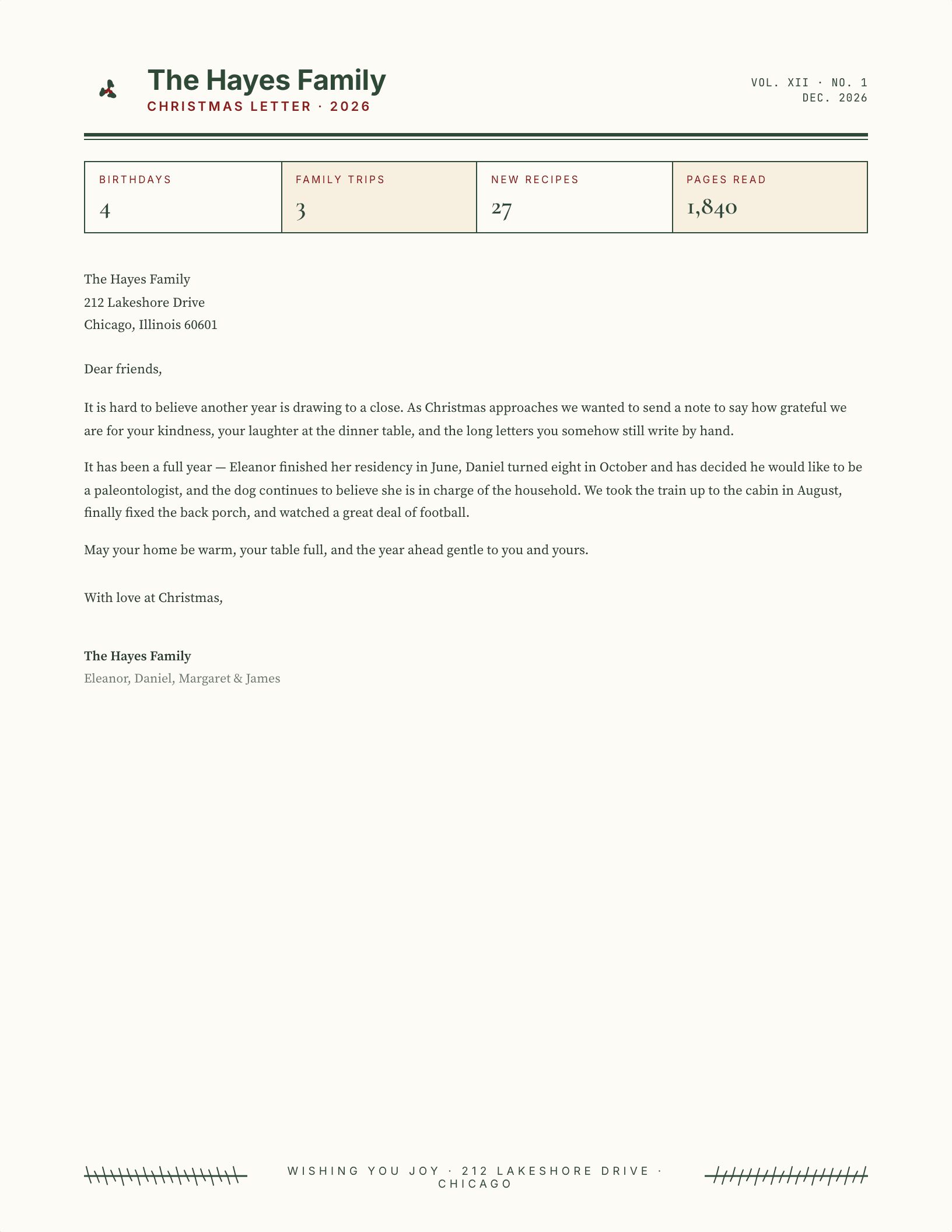
Year in Review
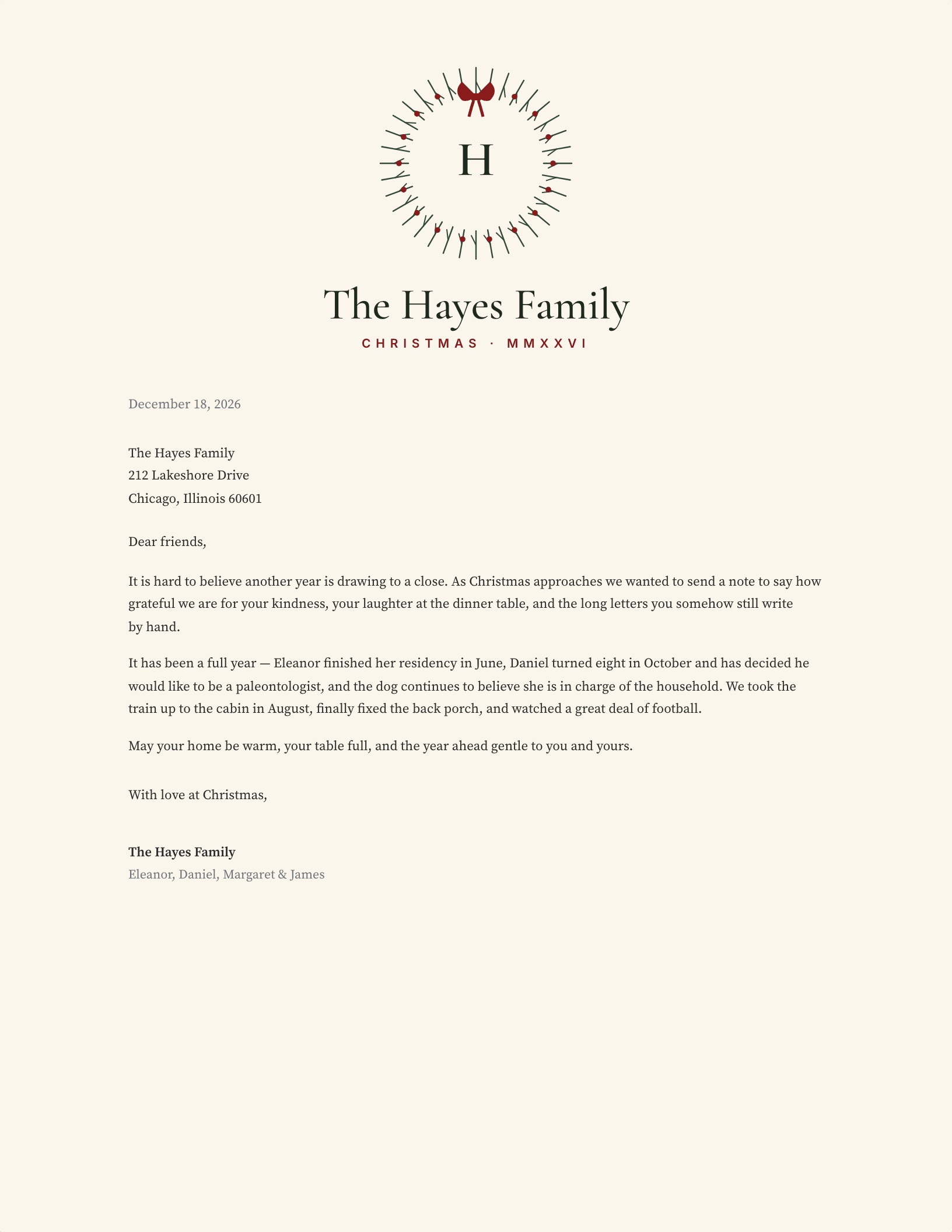
Wreath Centrepiece
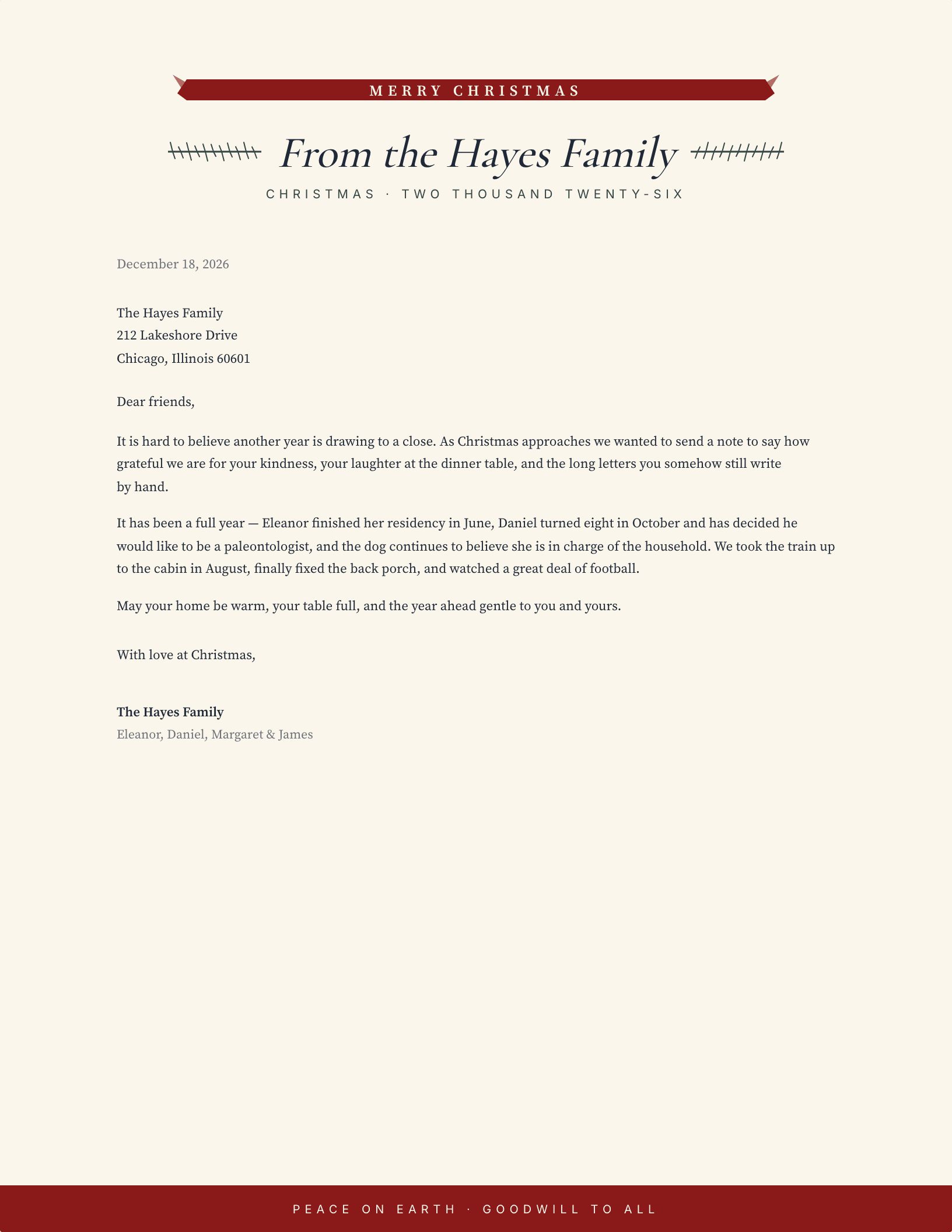
Red Ribbon Banner
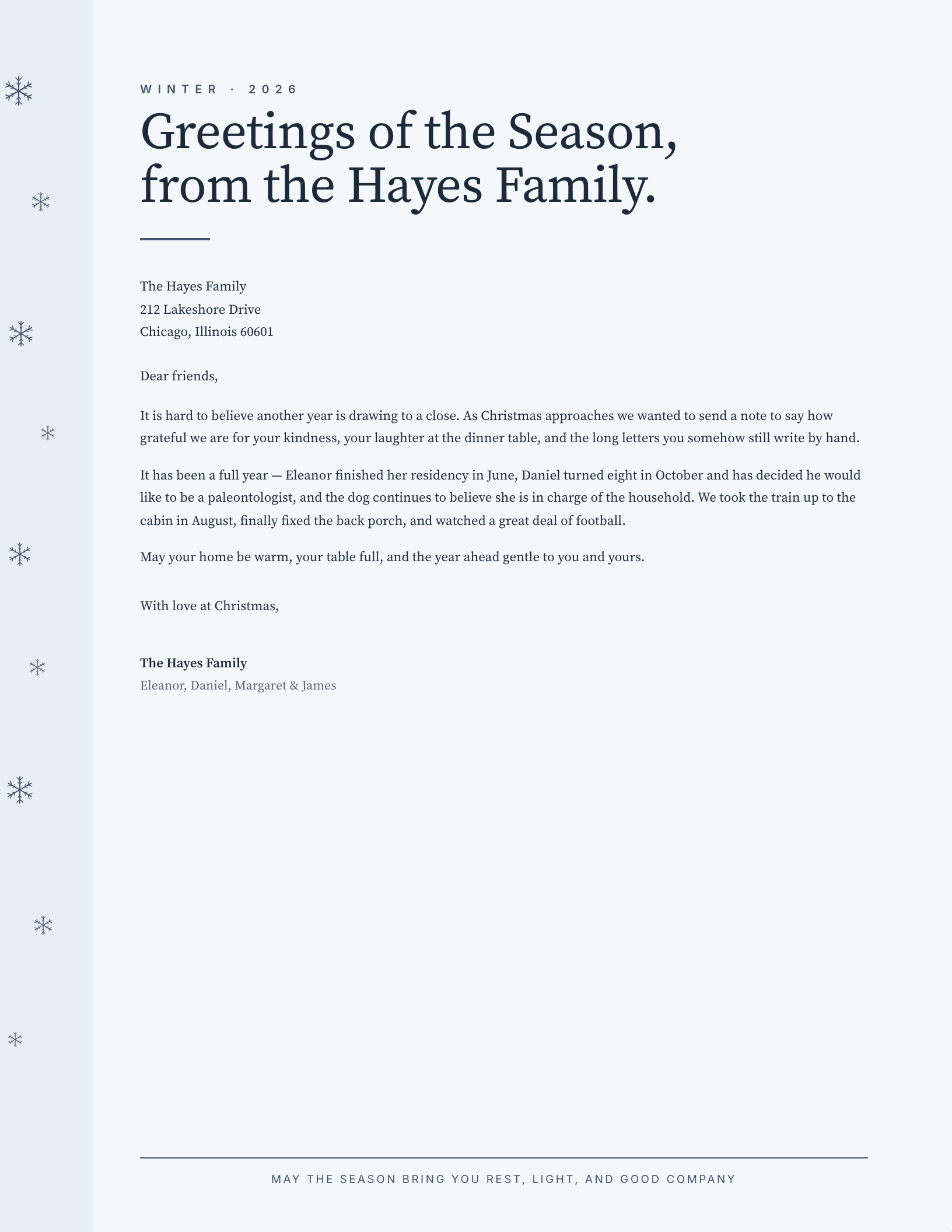
Winter Snowfall
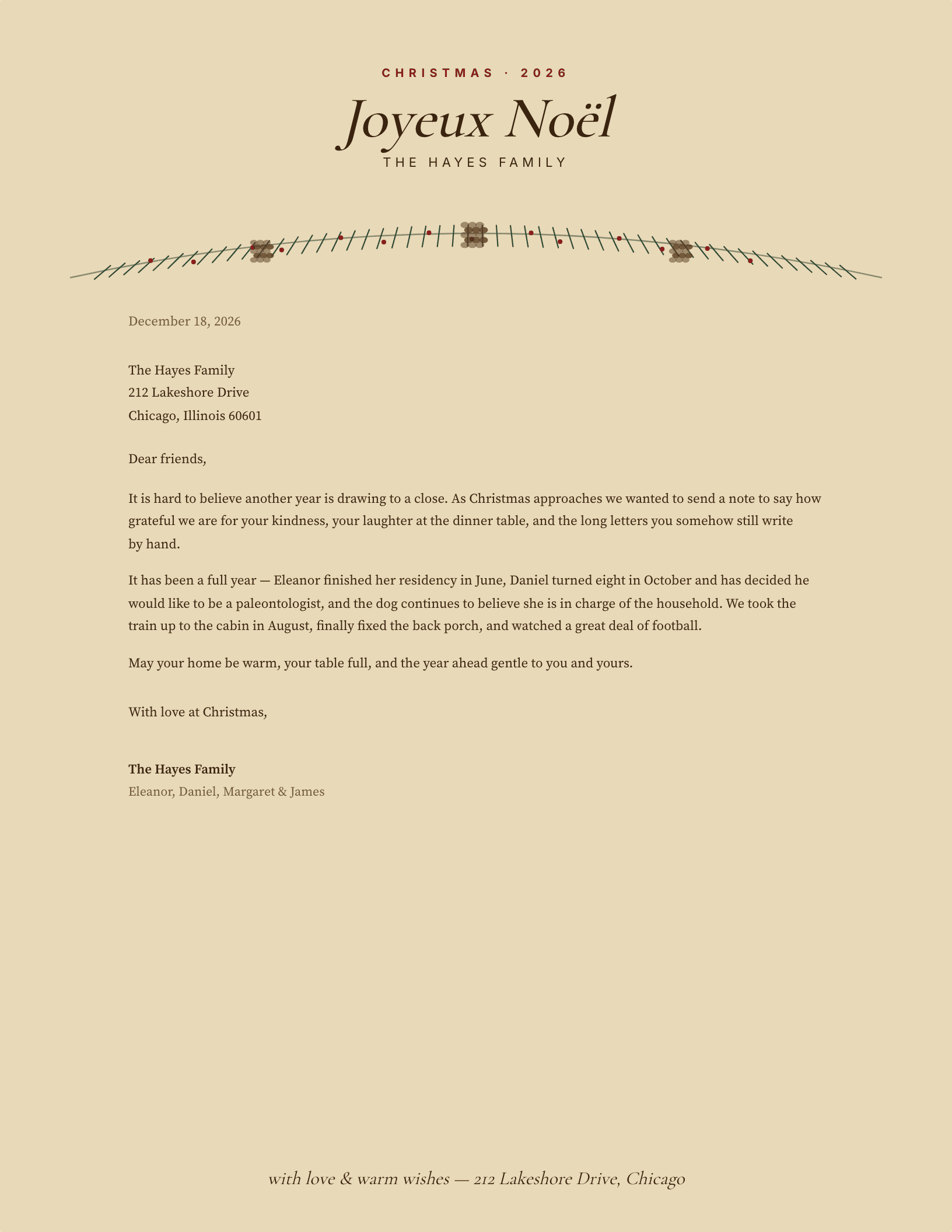
Kraft Garland
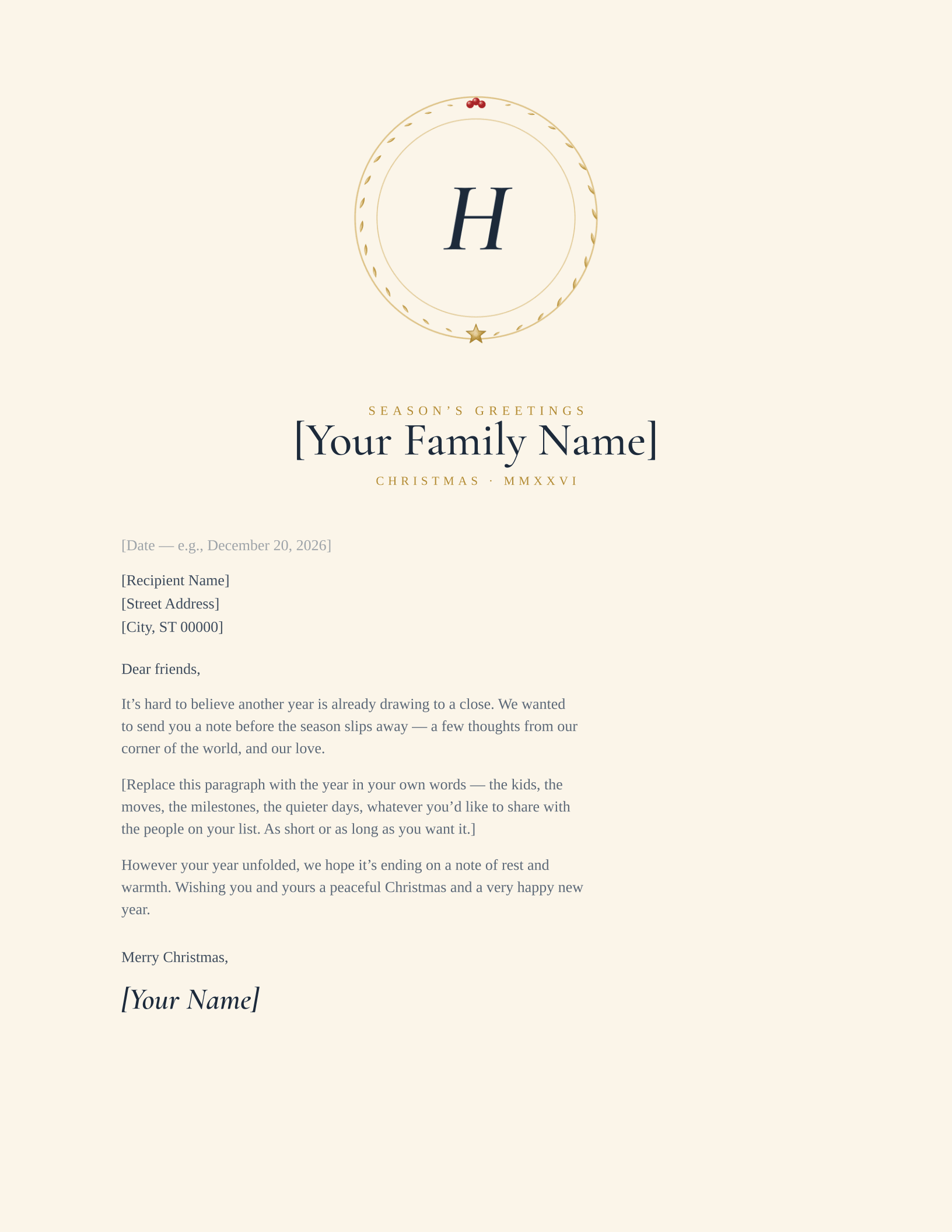
Gold Monogram Medallion
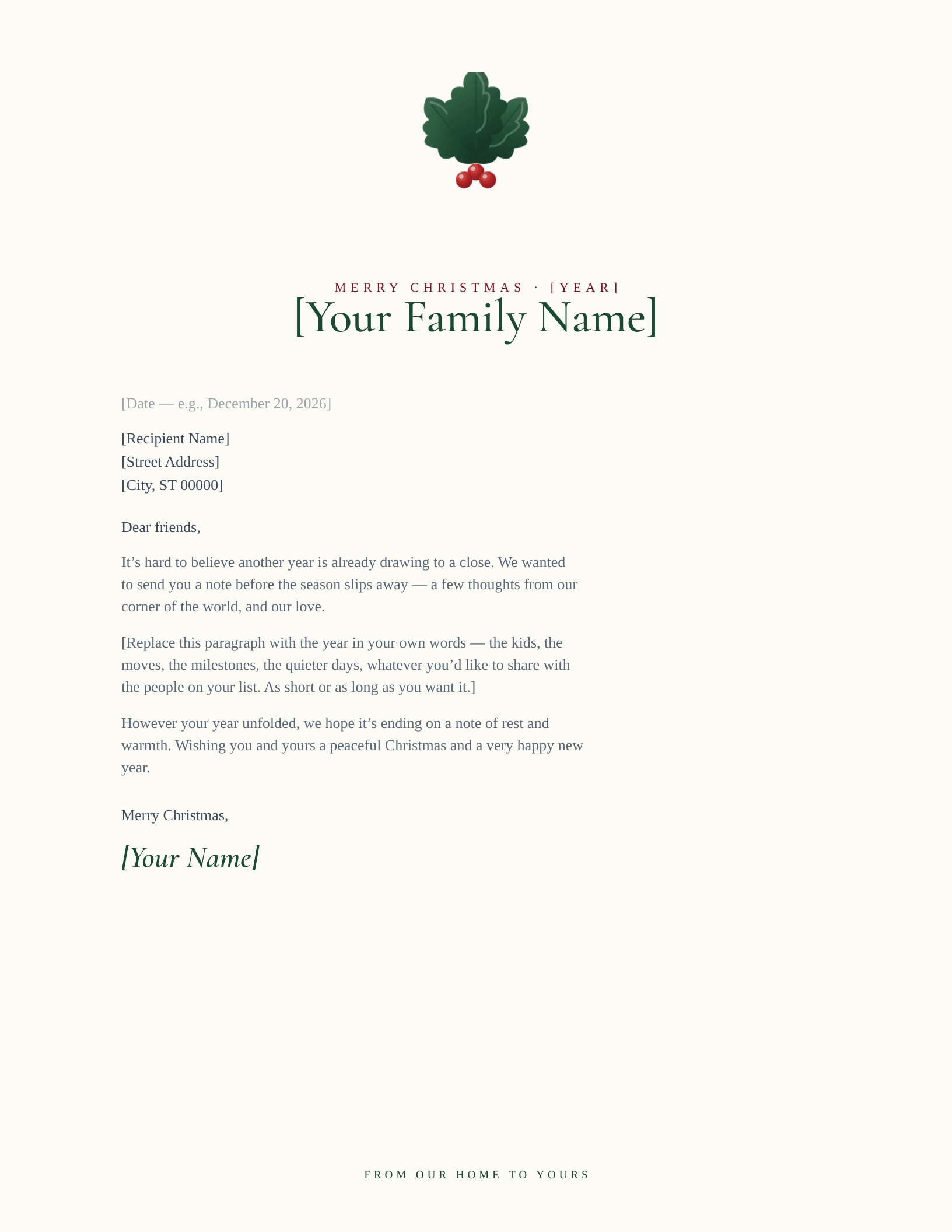
Family Watermark
Which Christmas letterhead suits your family?
The Christmas letter is the one piece of stationery most households still print. It goes in the card, it gets read once and kept for a year, and it is usually written in one sitting in December — which is why the useful thing is a sheet you can type straight into rather than a design project. All of these are free, printable, and editable in both Microsoft Word and Google Docs.
Using one as a Christmas party invitation
A letterhead makes a better party invitation than most invitation templates do, because it leaves the middle of the page empty. Put the date, time and address in the open space, keep the border and the masthead as they are, and print two to a sheet if you are inviting a crowd — the designs with a full frame, like the holly border and the postage-stamp layout, hold up best when cut down to half size. For an office party the kraft garland reads warm without reading domestic.
Christian and religious Christmas letterhead
Several of these carry no secular motif at all. The Candlelit design in particular reads as Advent rather than as decoration, and the wreath and evergreen layouts sit comfortably in a religious register because the greenery is the older symbolism anyway. If the letter is going out from a congregation rather than a household, the religious and church letterheads carry crosses, scripture sidebars and Alpha & Omega marks, and work year-round.
Common questions
How do I find a Christmas letterhead template in Google Drive?
You do not need to search Drive for one — use the Google Docs button on any design above. It opens a copy straight into your own Drive, already laid out, and from then on it lives in your Docs list like any other file. Google’s own template gallery has no Christmas letterhead, which is usually why people end up searching for it.
Will these print without eating a cartridge?
Yes. The art is drawn as line work and borders rather than full-page colour fills, so a hundred sheets cost roughly what a hundred plain pages cost. Nothing bleeds to the paper edge either, so you do not need borderless printing. If you want heavier stock, 28 lb paper takes these well and still feeds through a home printer.
Which Microsoft Word versions do these open in?
Word 2007 and everything since — 2010, 2013, 2016, 2019, 2021, Microsoft 365 and Word for Mac. The download is a .dotx, so opening it starts a fresh letter and leaves the template intact for next December.
Free to download, print and edit for your own letters and invitations. Please do not redistribute the template files themselves elsewhere on the web.
Updated through September 2026.
Write your letter and print
- Pick a design and choose your editor — Microsoft Word downloads the template (a
.dotxfile; opening it creates a fresh document and leaves the original intact for next time), or Google Docs prompts you to make a copy in Drive. - Replace the placeholder tokens —
[Your Name],[Family Name],[Street Address],[Recipient], etc. Embedded graphics (monograms, crests, ornaments) can be replaced with your own — right-click → Change Picture (Word), or click → Replace image (Google Docs). - Type your letter where the sample paragraph is. Save and print on standard 8.5 × 11 paper, or send as a PDF.
Specifications: US Letter, 8.5 × 11 inches, portrait. Word downloads are .dotx templates and open in Word 2007 through Microsoft 365, including Word for Mac. Google Docs versions open as a copy in your own Drive. Every file is one page, fully editable, and free to use — no account and no watermark.