






Real Estate Letterhead Templates
Free real estate letterhead templates for Microsoft Word and Google Docs — luxury estate, skyline silhouette, boutique broker rosters, commercial CRE, team brands, property management, ranch and land, listing headers, development and independent agents.
10 real estate letterhead examples
Every template ships in both Microsoft Word (.dotx) and Google Docs. The .dotx download opens in Word as a fresh document; the Google Docs link opens a copy directly in your browser.
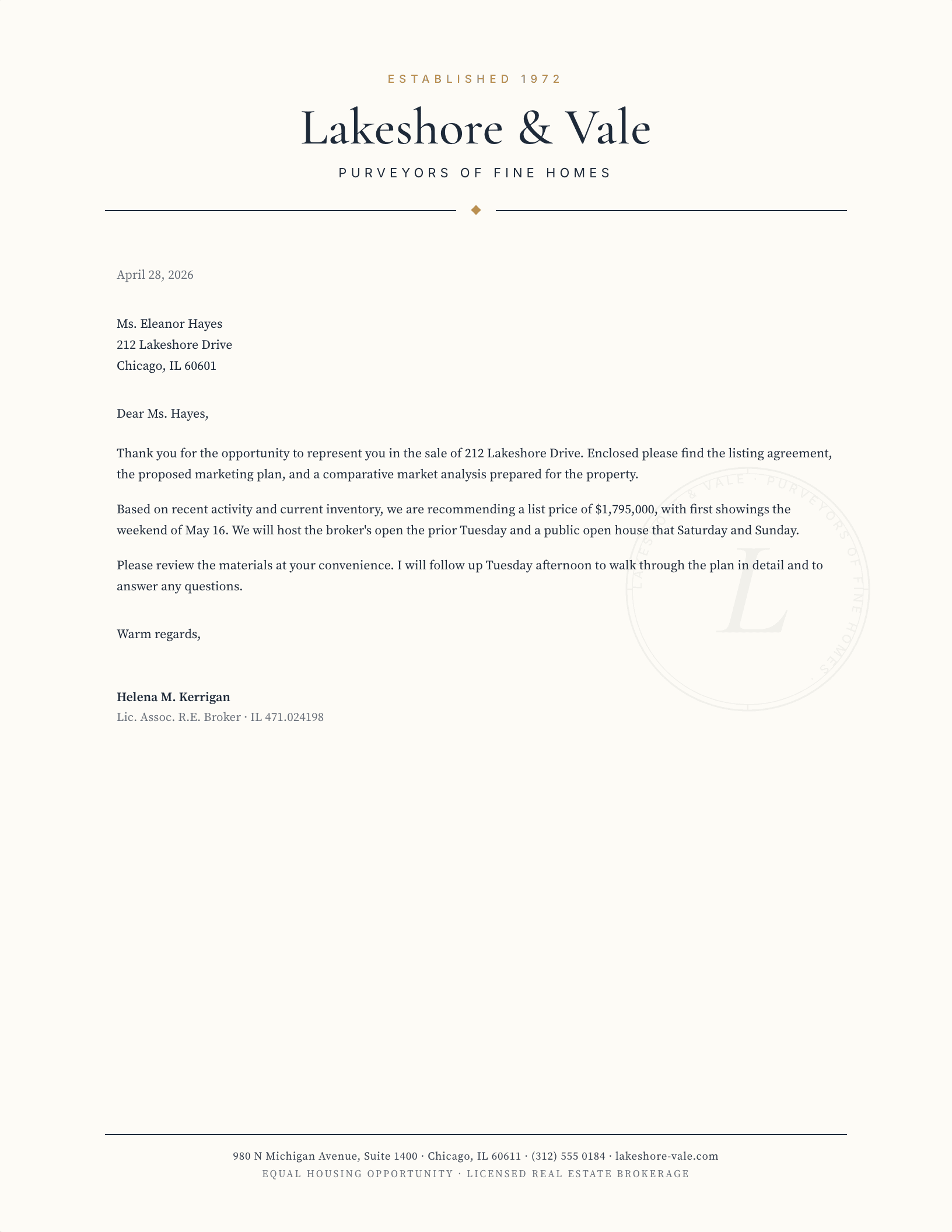
Luxury Estate House
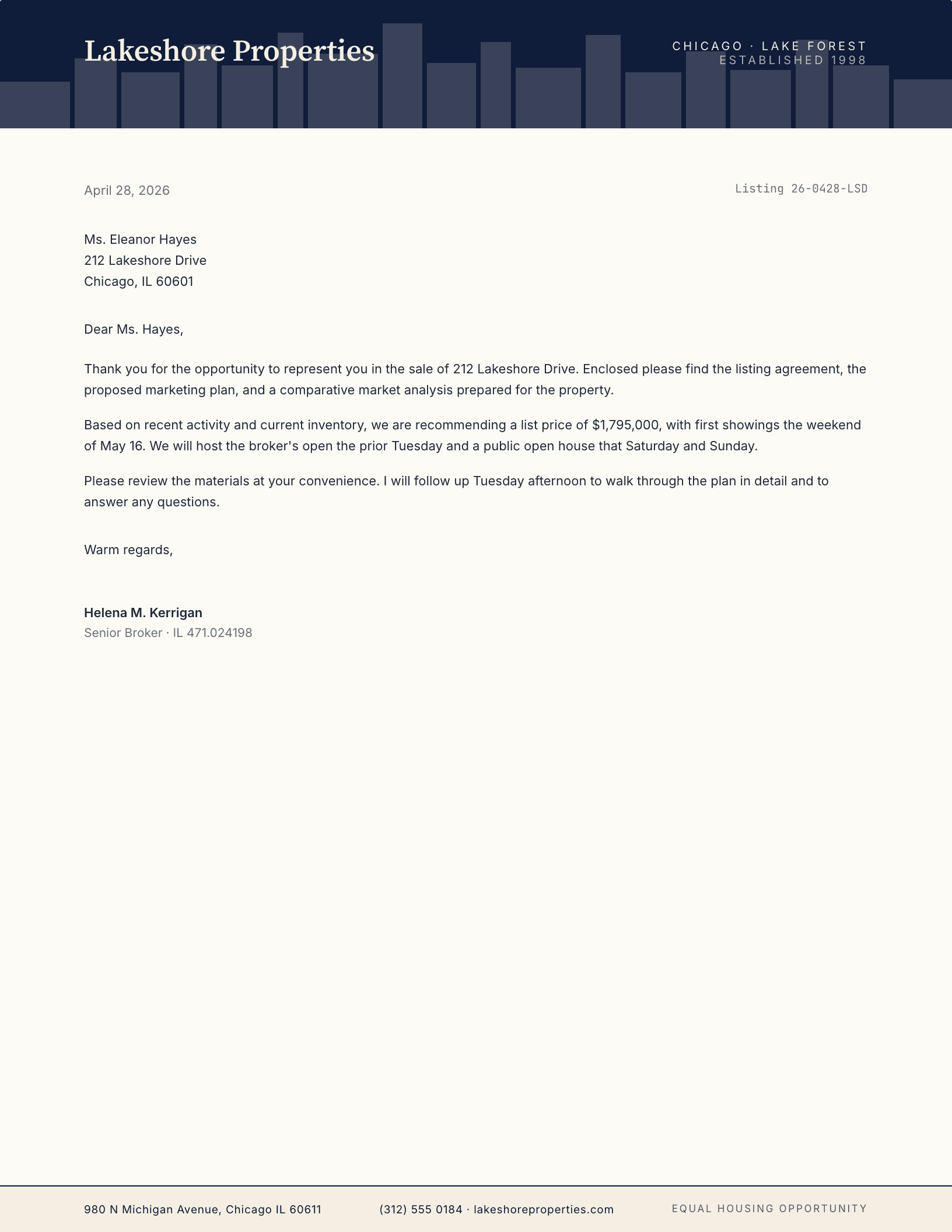
Featured Property — Skyline
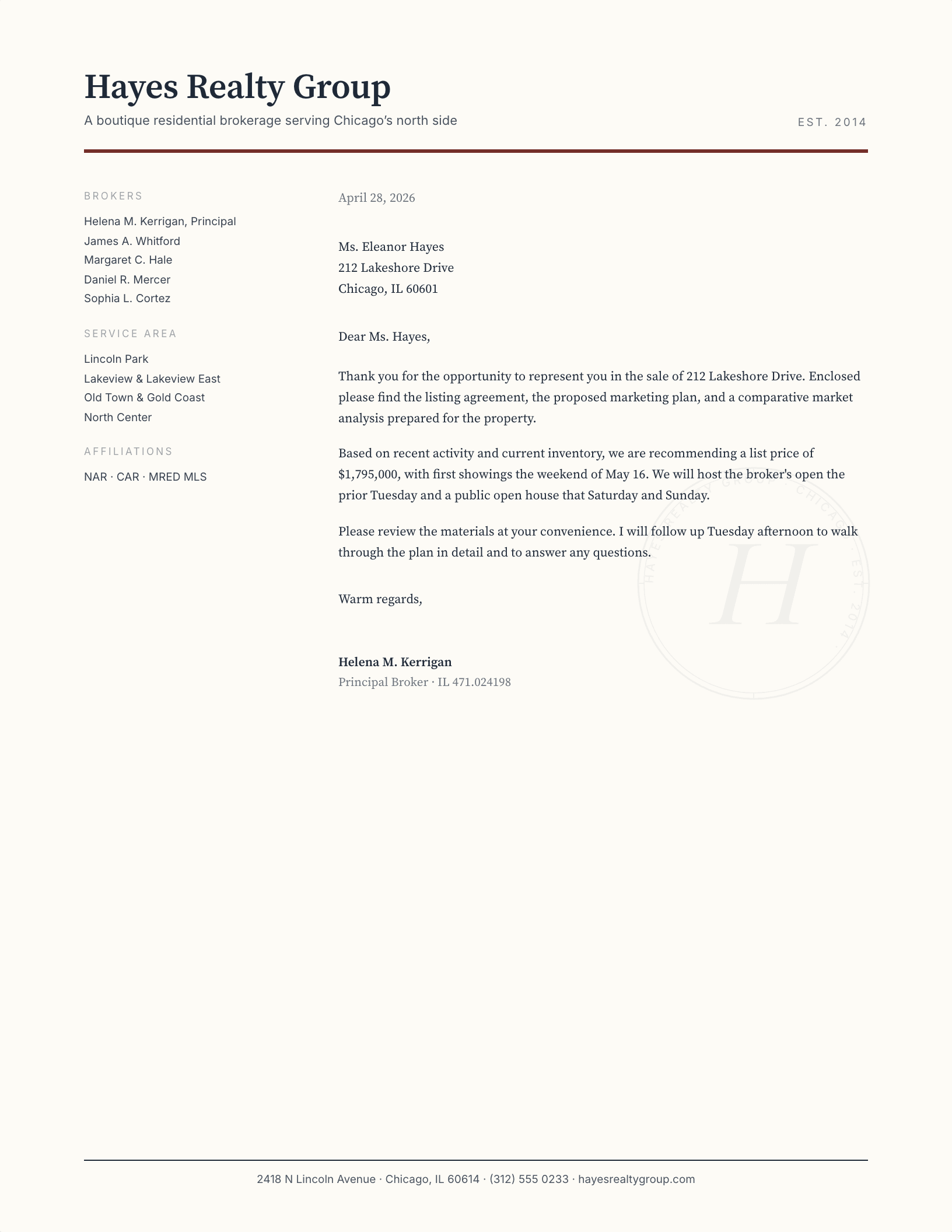
Boutique Broker, Roster Sidebar
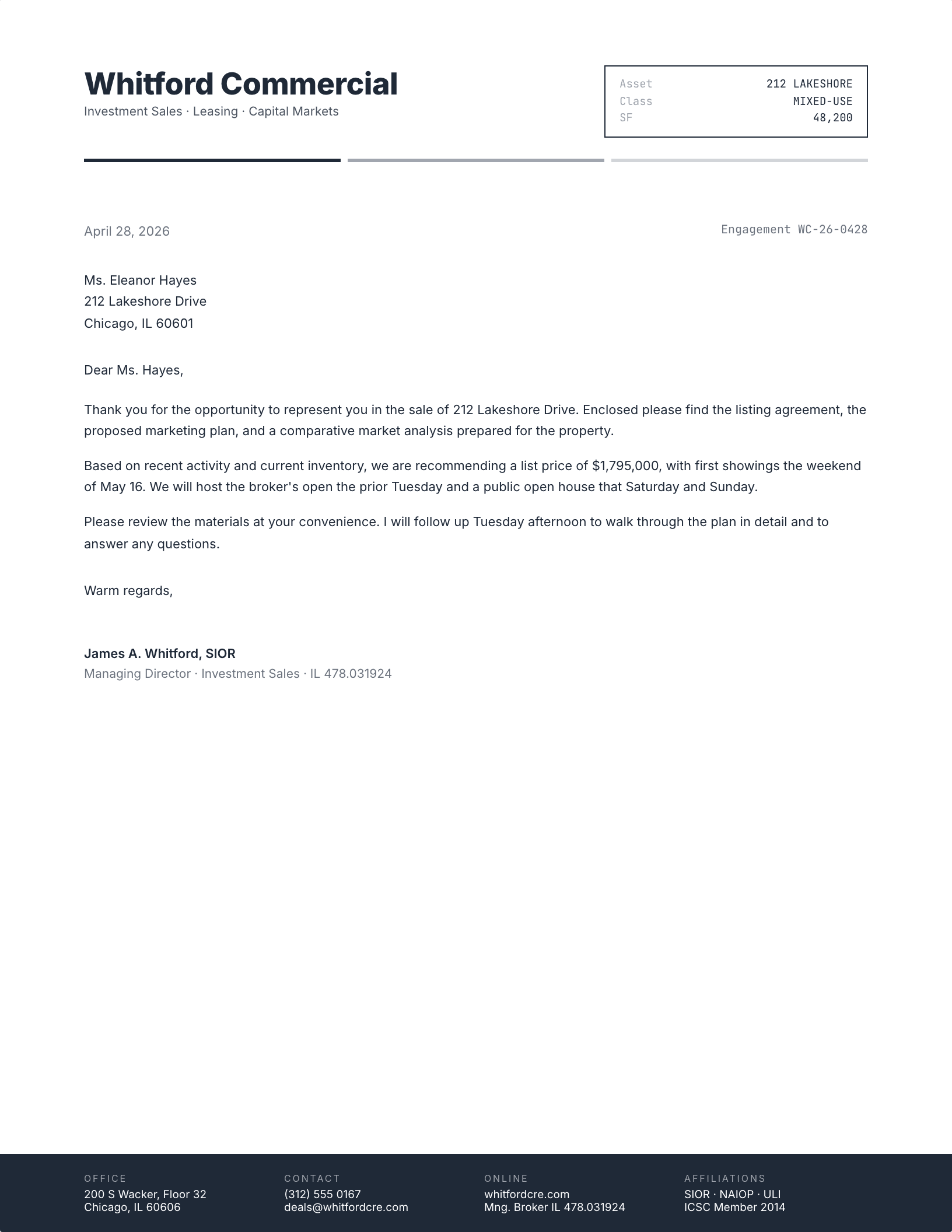
Commercial Real Estate (CRE)
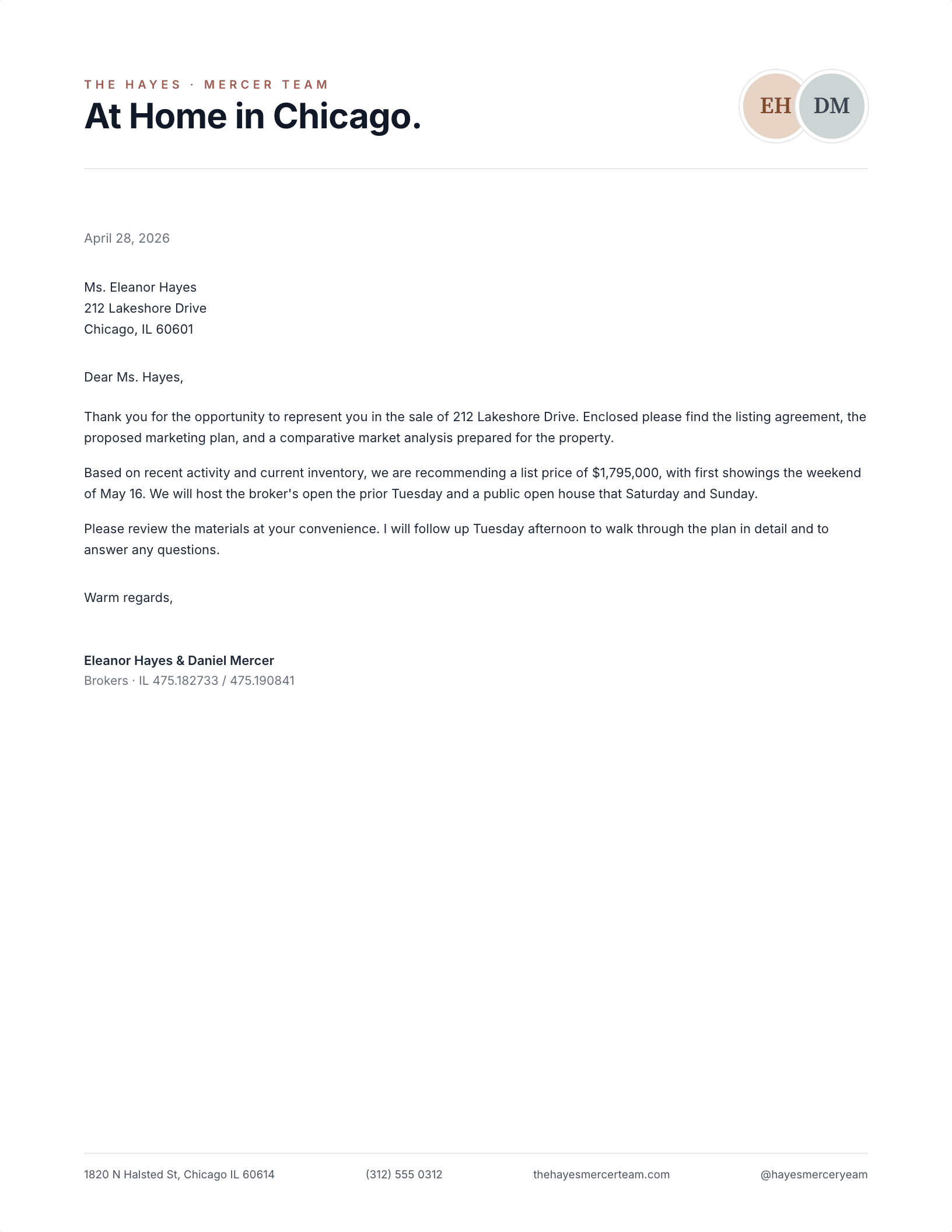
Modern Team Brand
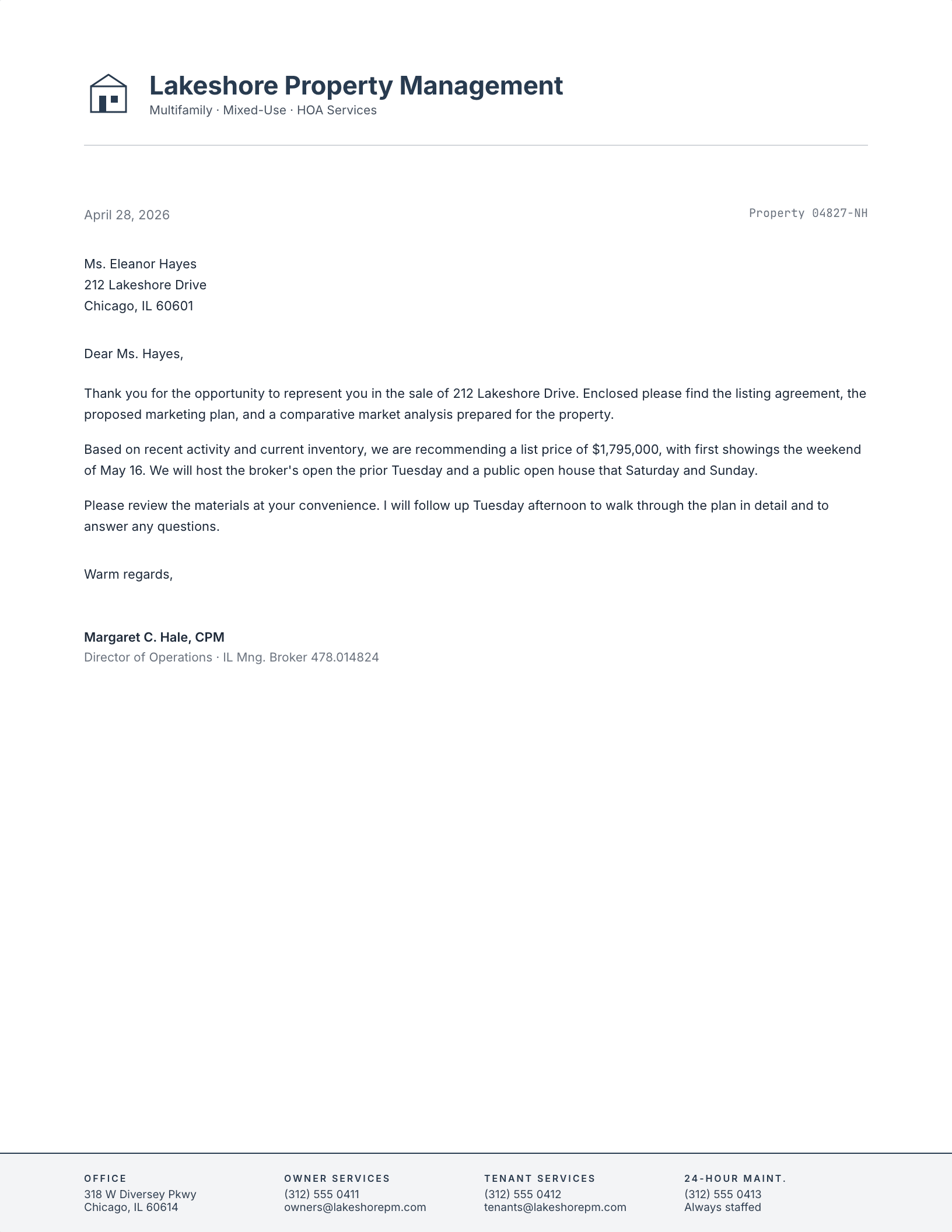
Property Management
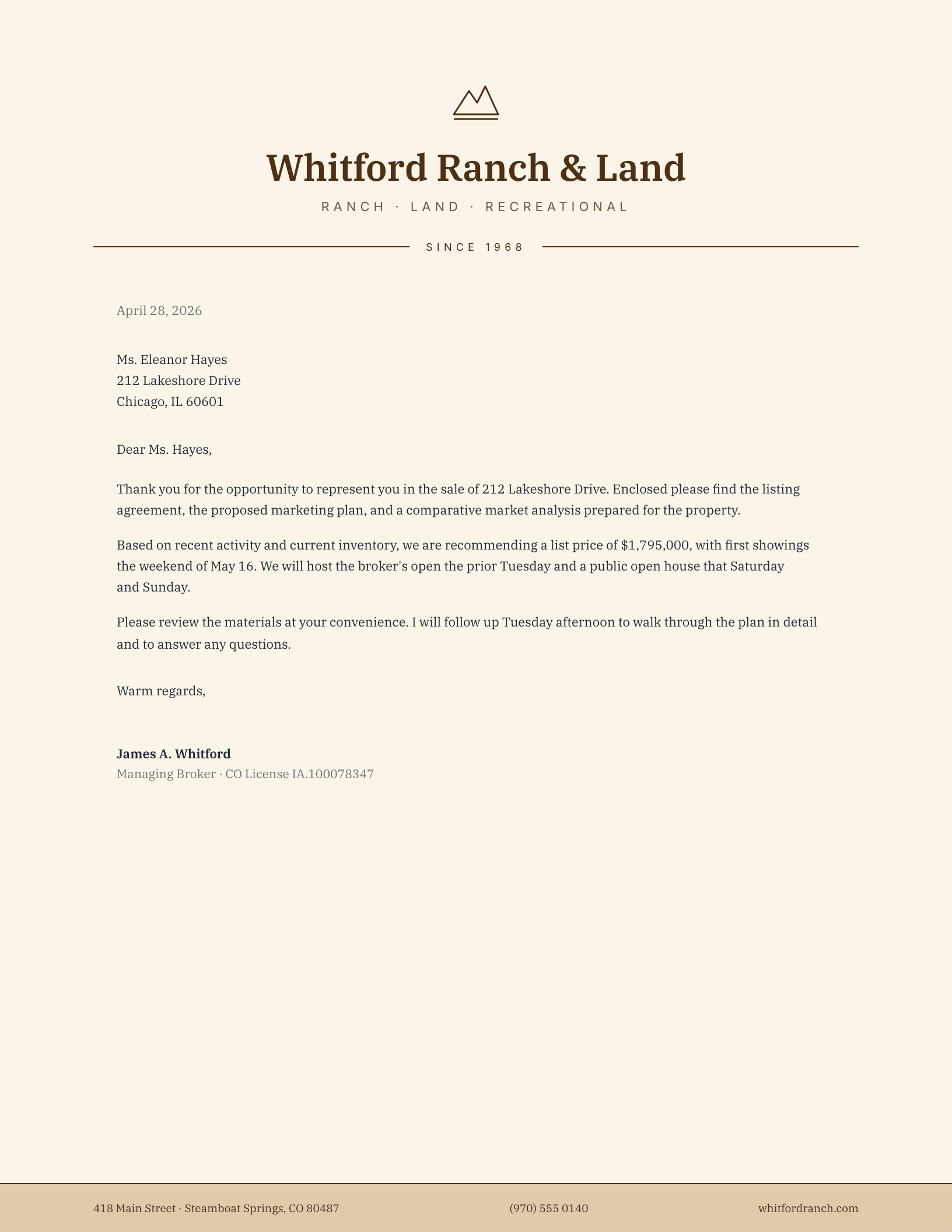
Ranch & Land Brokerage
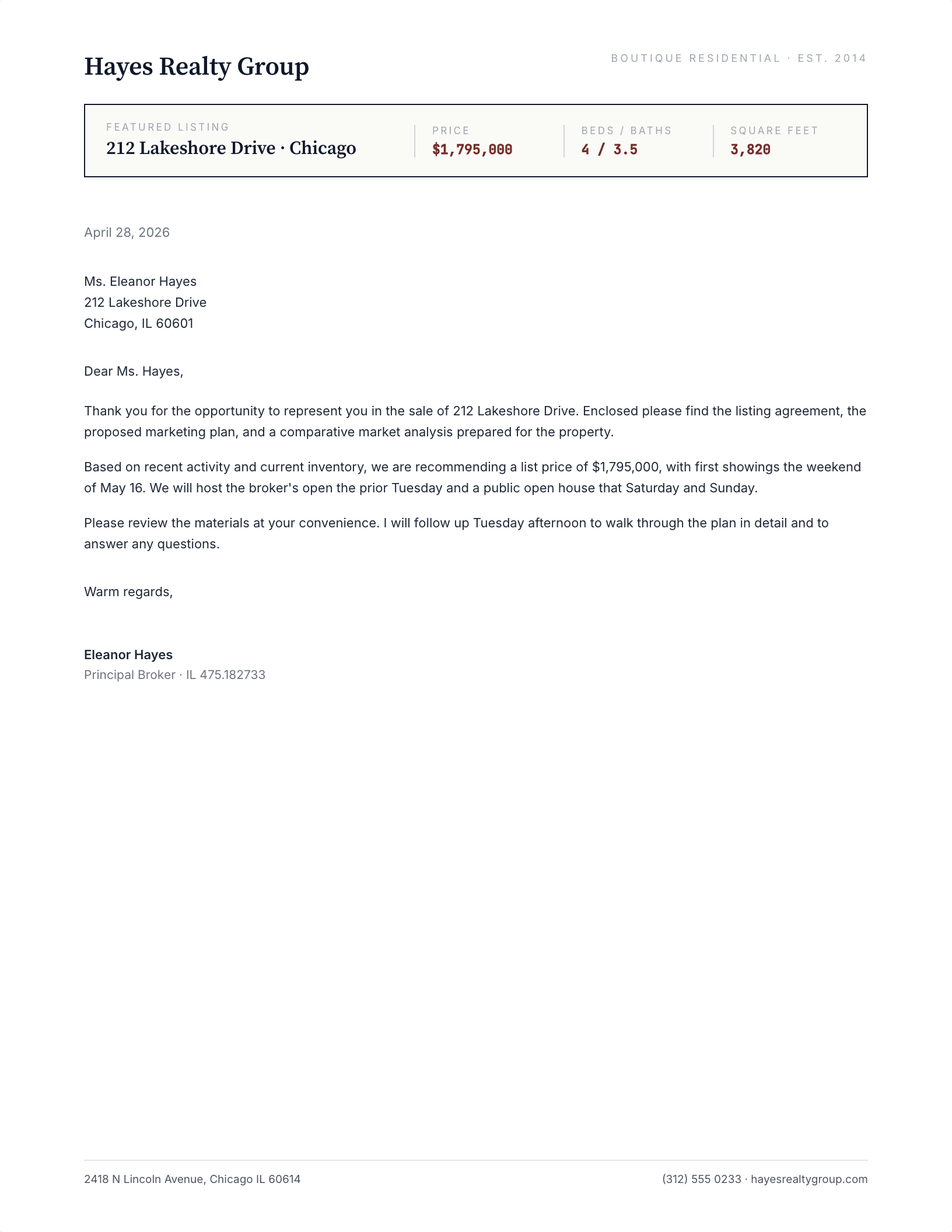
Featured Listing Header
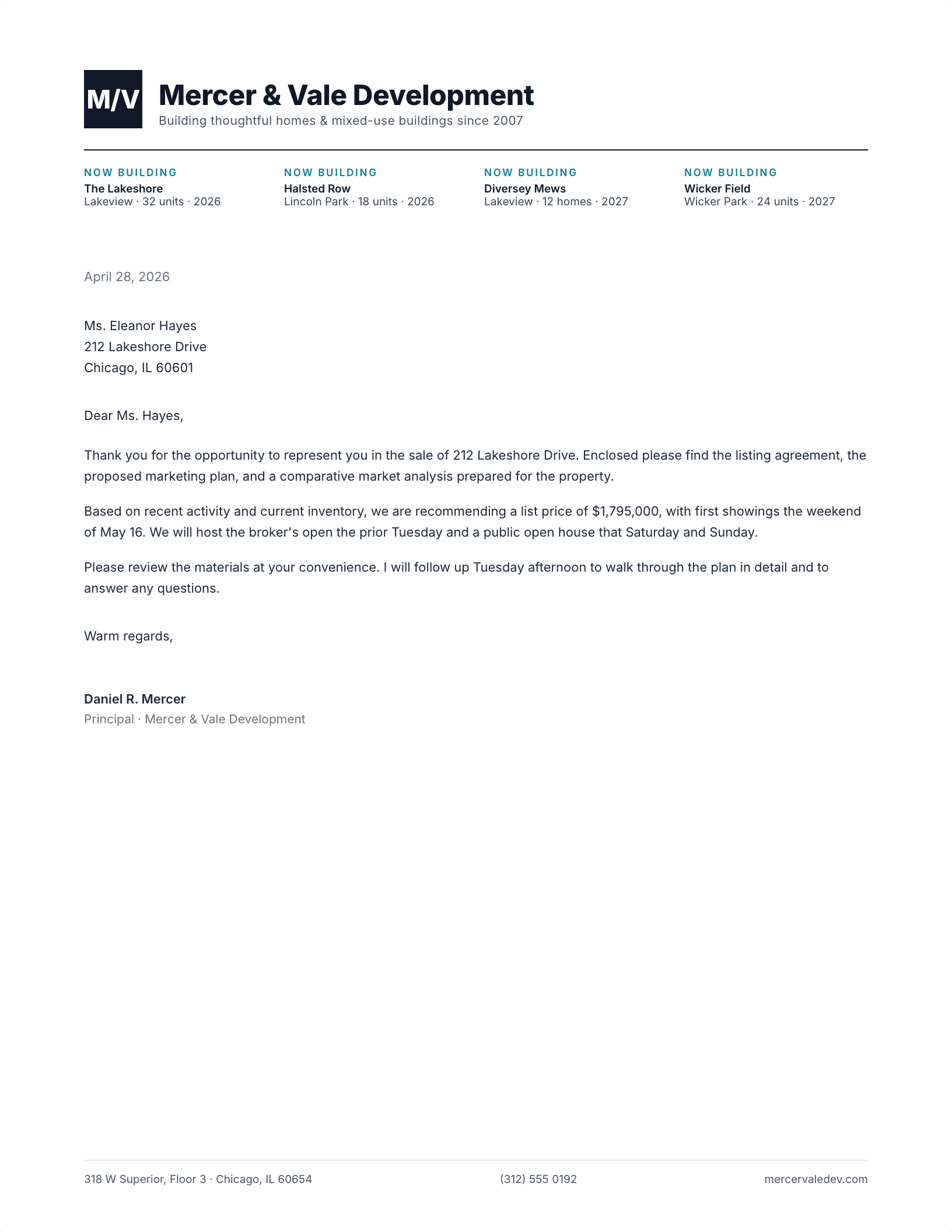
Development Portfolio
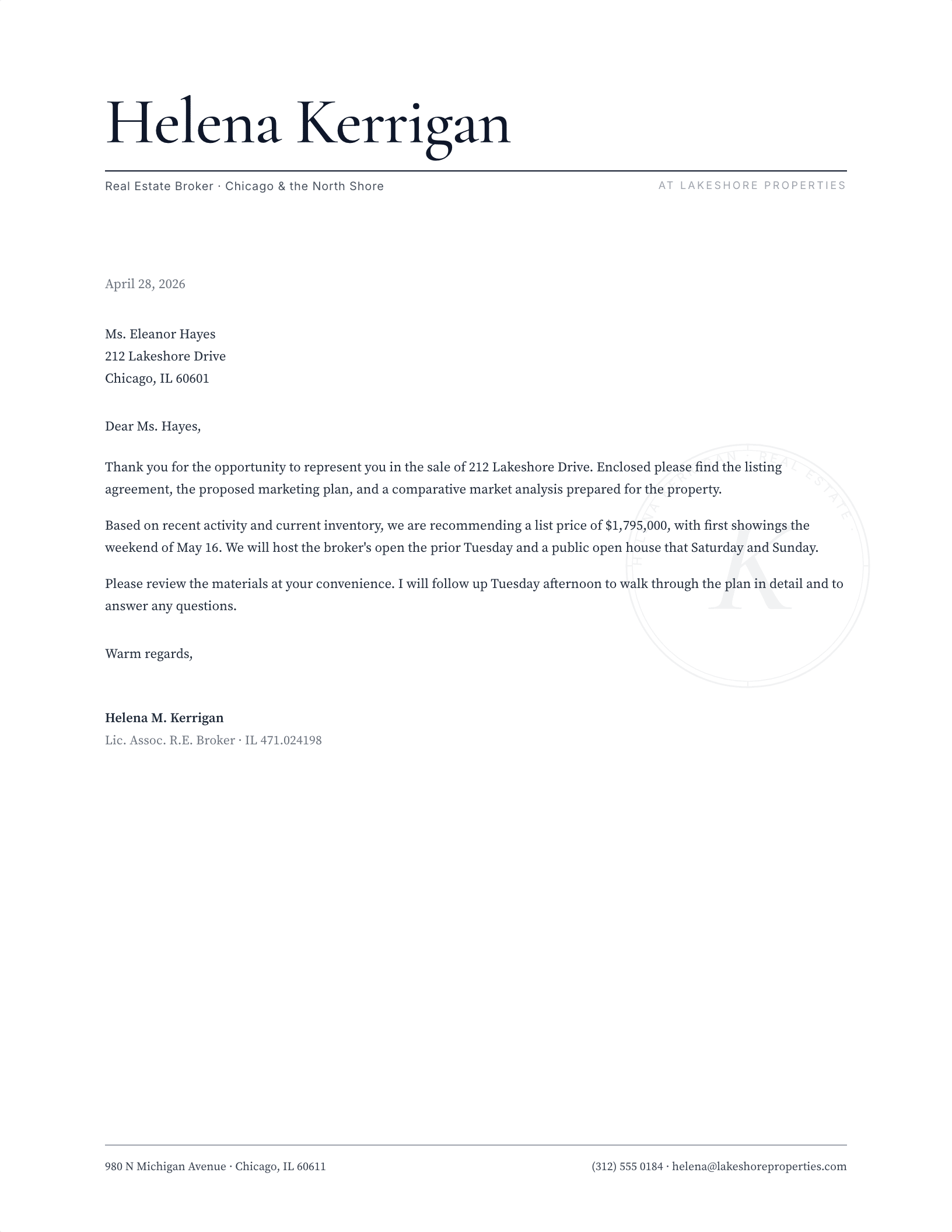
Independent Agent
Which realtor letterhead fits your listings?
Real estate correspondence has an unusually wide range for one business. The same office sends a handwritten-feel note to a prospective seller, a listing presentation cover, a commercial lease letter, and a closing file cover sheet — and those four want very different registers. That is why there are ten designs here rather than three, and why they are worth picking between rather than defaulting to the first one.
Agent, brokerage, or investment company?
- Independent agent — your name is the brand, so pick a layout that puts it at display size with the brokerage beneath it, not the other way round.
- Brokerage or team — the roster layouts carry several names without turning the header into a list. Useful when the letter goes out from the office rather than from one person.
- Real estate investment company — the commercial and development designs read as a firm rather than a practice, which is the right signal for acquisition letters and LOIs.
- Property management — go for the plainest option. Notices, renewals and maintenance letters are read as documents, and decoration works against them.
Leave room for the disclosure line
Most jurisdictions require licensed agents to identify their brokerage on written communication, and many require the licence number as well. Every layout here has a footer line sized for it, which is deliberate — it is the detail most often bolted on afterwards in a smaller font, and it is the one a compliance review actually looks for. Check your own state or provincial rules for the exact wording; the space is there either way.
All ten are a free download in both formats. The Word file is a .dotx template, so opening it starts a fresh letter and leaves your master copy alone — which matters when the same sheet goes out fifty times a month. Please do not redistribute the template files themselves elsewhere on the web.
Updated through September 2026.
Add your brokerage details
- Pick a design and choose your editor — Microsoft Word downloads the template (a
.dotxfile; opening it creates a fresh document and leaves the original intact for next time), or Google Docs prompts you to make a copy in Drive. - Replace the placeholder tokens —
[Your Name],[Family Name],[Street Address],[Recipient], etc. Embedded graphics (monograms, crests, ornaments) can be replaced with your own — right-click → Change Picture (Word), or click → Replace image (Google Docs). - Type your letter where the sample paragraph is. Save and print on standard 8.5 × 11 paper, or send as a PDF.
Specifications: US Letter, 8.5 × 11 inches, portrait. Word downloads are .dotx templates and open in Word 2007 through Microsoft 365, including Word for Mac. Google Docs versions open as a copy in your own Drive. Every file is one page, fully editable, and free to use — no account and no watermark.