






Student Award Certificates (18 Free Awards)
Eighteen classroom awards — Student of the Month, Honor Roll, Perfect Attendance, Kindness, and more — in four printable designs, from kid-bright Playful to assembly-formal Classic. Type a name, watch the live preview, download the PDF.
Build your certificates.
Everything happens in your browser — no upload, no signup, no watermark. The Playful design is drawn for K-5; Classic and Gold Star suit awards assemblies; Modern works for middle school and up.
Built right here in your browser — nothing is uploaded, no signup, no watermark. The supporting text on the downloaded PDF stays editable in any PDF viewer. Print on standard 8.5×11 paper, or 80–100 lb card stock for a frame-worthy finish.
What the student certificate maker prints
All four designs, generated above with a sample name and four different awards. The frame, seal and display lettering are fixed; every other line is a PDF form field you can edit after download.
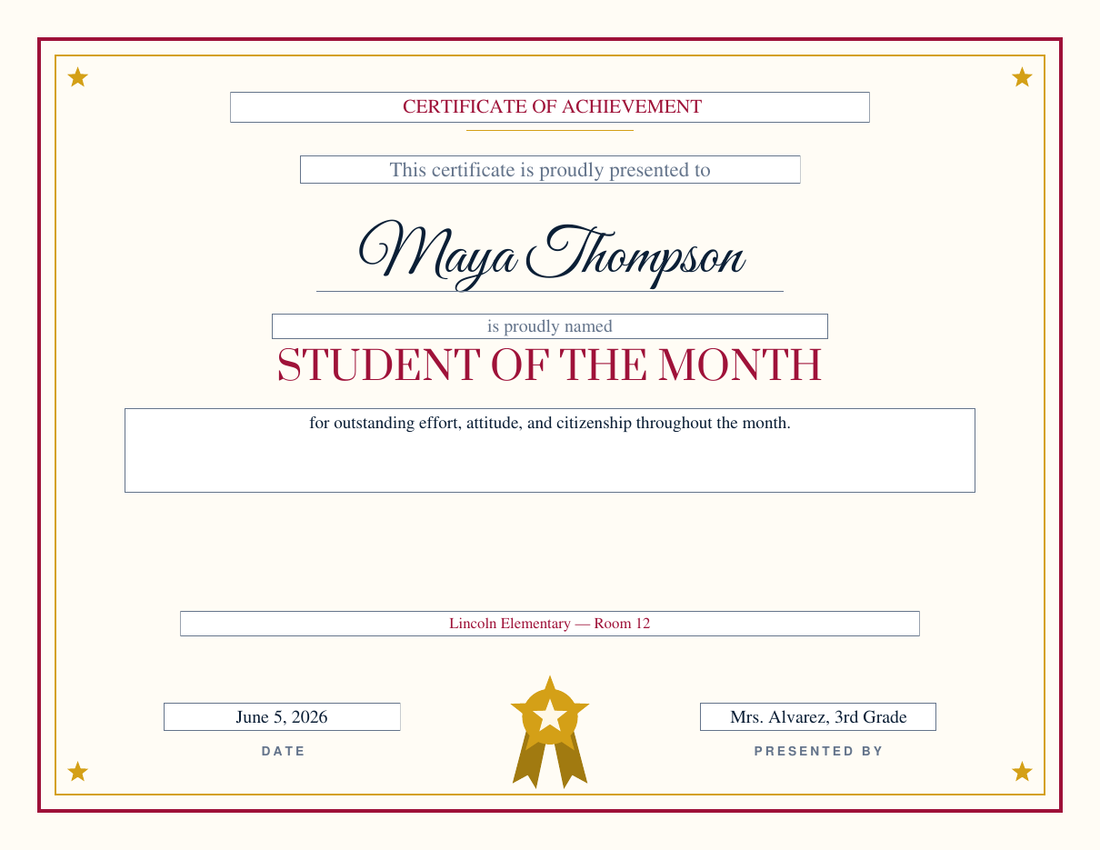
Gold Star design — Student of the Month
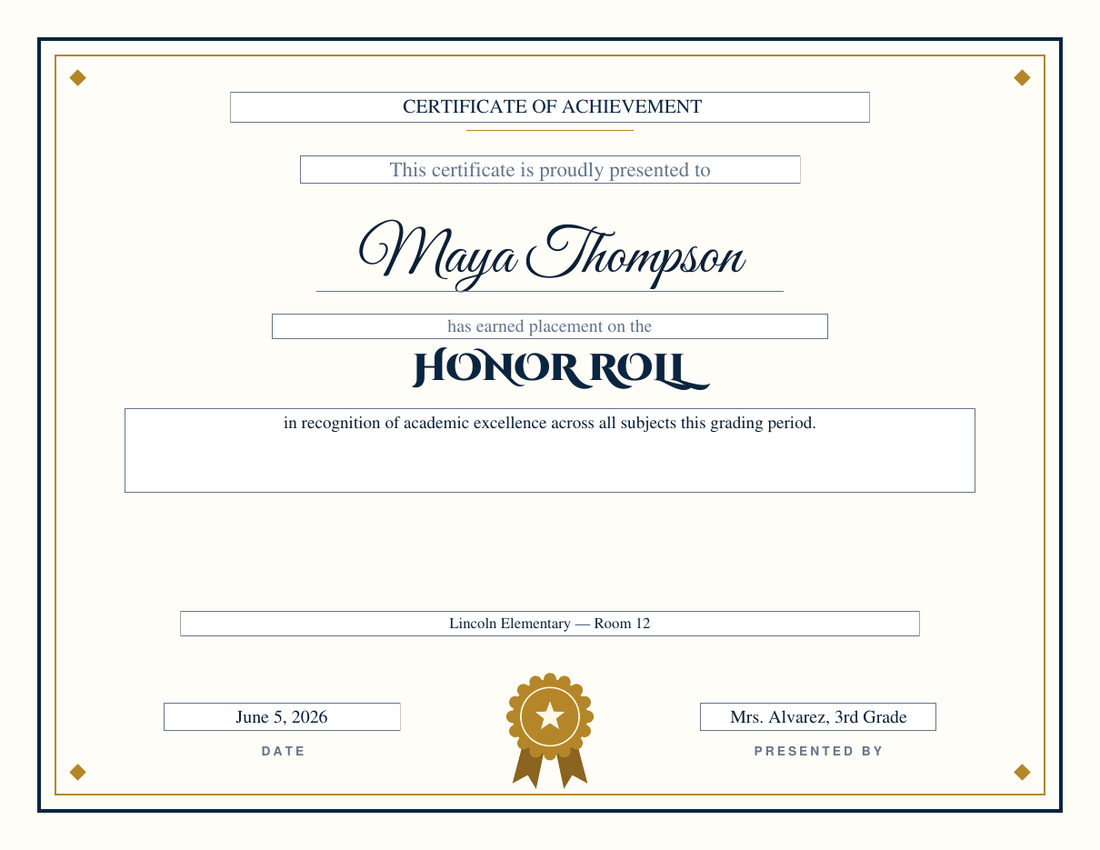
Classic design — Honor Roll
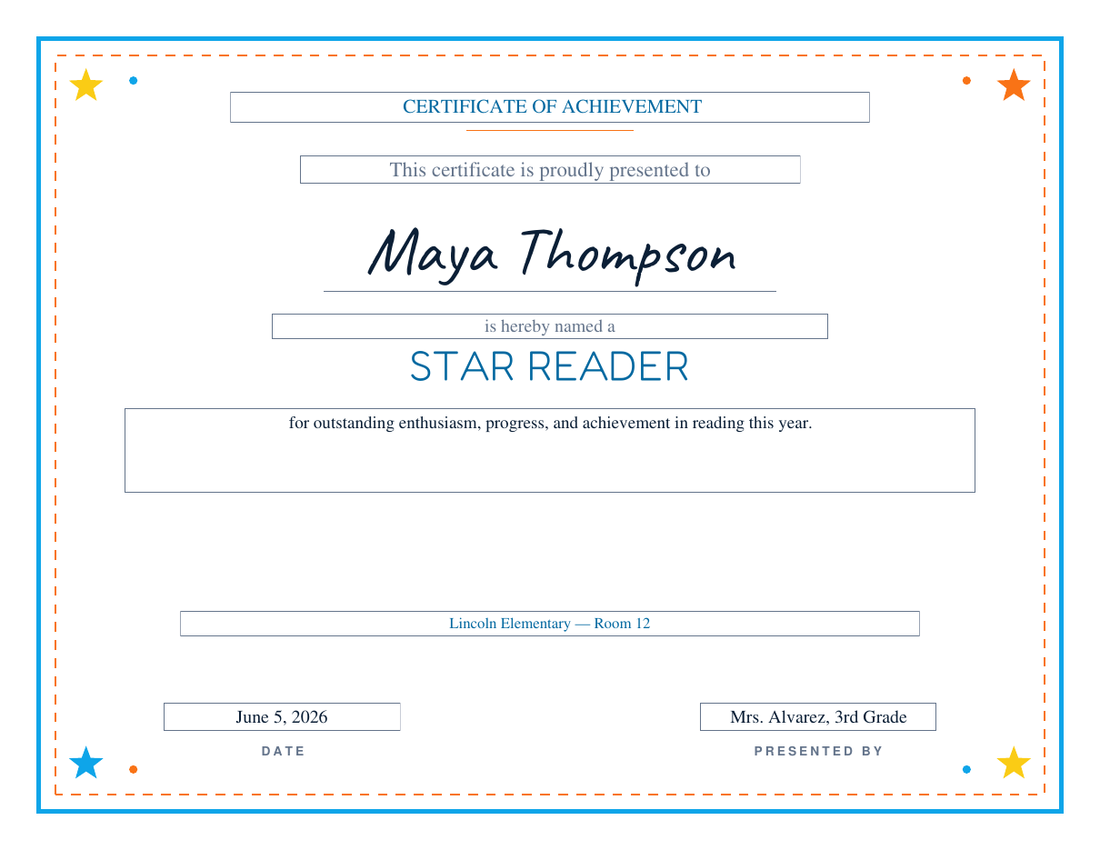
Playful design — Star Reader
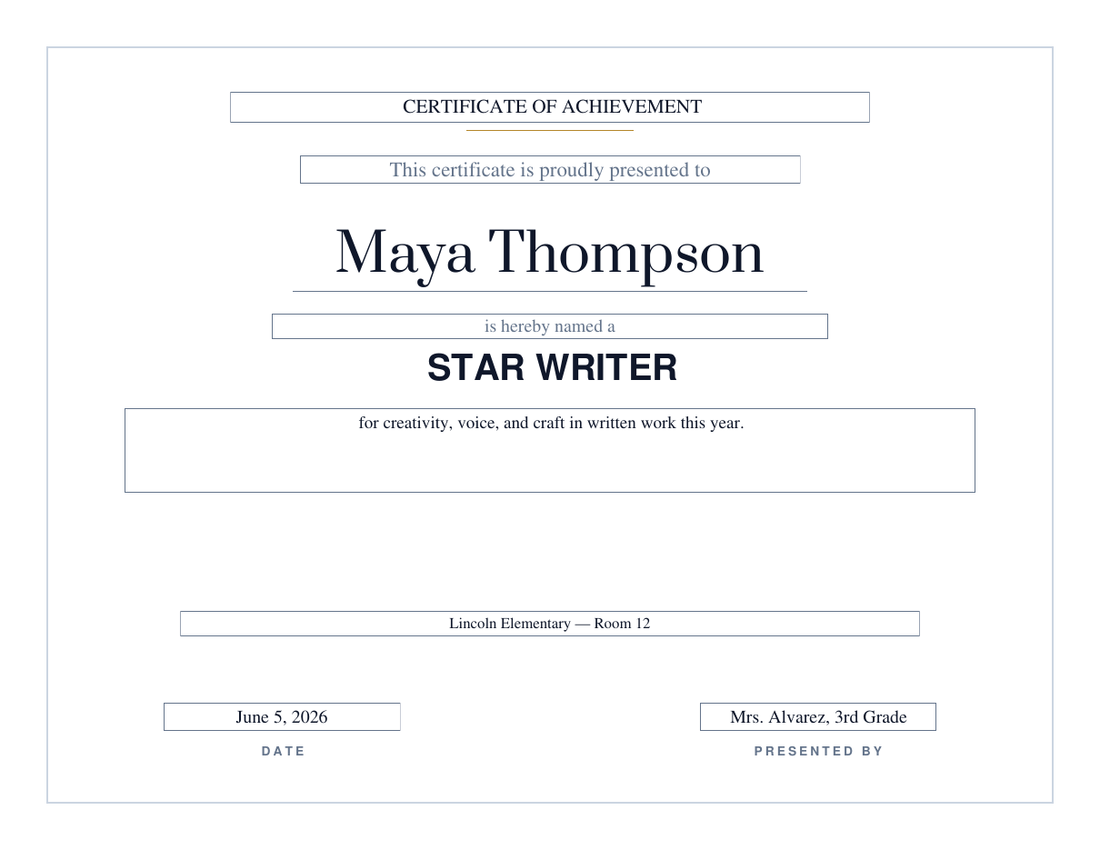
Modern design — Star Writer
Student award certificate ideas by grade and subject
Eighteen presets, three families. A good end-of-year ceremony pulls from all three so the honor roll isn't the only thing that gets applause.
Academic awards
Honor Roll
Star Reader
Math Achievement
Science Award
Star Writer
Subject awards — art, science fair, spelling, PE
Art Award
Science Fair Award
Spelling Bee Champion
Physical Education Award
Character awards
Citizenship Award
Kindness Award
Leadership Award
Student of the Month
Principal's Award
Effort & milestone awards
Most Improved Student
Outstanding Effort
Perfect Attendance
Certificate of Completion
Which student award certificate to print, by grade and subject
The same eighteen presets, sorted the way teachers actually search for them. Every one prints on US Letter landscape from the generator above.
Preschool and kindergarten award certificates
Effort and character awards land better than rankings at this age: Kindness Award, Outstanding Effort, Star Reader for a first sight-word list, and Certificate of Completion for the end of the year. Pick the Playful design — bright stars, rounded lettering, a big handwritten-style name that a four-year-old can find on the page.
Elementary school award certificates (K–5)
Student of the Month, Honor Roll, Perfect Attendance, and Citizenship carry an elementary awards assembly; Most Improved and Leadership fill in the students the first four miss. Gold Star reads as a proper award to a fourth grader without looking like a diploma. Print the whole class and nobody goes home empty-handed.
Middle and high school award certificates
Older students want it to look official. Classic or Modern, an academic title (Honor Roll, Principal's Award, Math Achievement, Science Award), and a real signature. The custom mode handles department awards — 'Outstanding Biology Student', 'AP Scholar', 'Senior Leadership Award' — with the same typesetting.
Math award certificates
Math Achievement is written for accuracy and reasoning rather than speed, so it fits a fact-fluency milestone and a problem-solving award equally. Multiplication-table completion, a math-olympiad placing, or 'Mathlete of the Month' are all one custom title away.
Science and science fair award certificates
Science Award is the classroom honor; Science Fair Award is the judged one. For a fair, print one per placing (First Place, Second Place, Honorable Mention) or one per category with the custom title, and keep one design across the set so the winners' table matches.
Reading, writing, and spelling bee certificates
Star Reader works for a reading-log milestone or a summer reading program; Star Writer for a published piece or a writing contest; Spelling Bee Champion for the winner, with 'Spelling Bee Finalist' retyped for the rest of the stage. A reading challenge with a books-read number goes in the custom body line.
Art award certificates
The Art Award covers the classroom honor and the art-show ribbon alike. Judged shows usually need First Place, Second Place, and Best in Show — all custom titles on the same design — and the recognition line can name the medium or the piece.
PE and physical fitness award certificates
The Physical Education Award is written around effort, sportsmanship, and improvement, which is what PE teachers actually give out. Fitness-testing milestones, a mile-run personal best, or a field-day event winner use the custom title with the same certificate.
Teacher and staff award certificates
Flip the roles: the Principal's Award or Leadership Award with a staff member's name, presented by the principal or the PTA. Teacher of the Year, Volunteer of the Year, and Years of Service are custom titles here — or use the employee recognition certificates, which are written for exactly that.
How to run an end-of-year awards day
The single most important decision is made before you print anything: every student gets an award. An awards day where five kids collect everything teaches the other twenty that recognition isn’t for them. The fix is planning awards from the roster, not from the award list — start with your class list and assign each student the honor that fits them, rather than starting with “who gets Honor Roll?”
The generator makes working down a class list quick: your design, school name, date, and signer stay filled in between downloads, so each student is just a name (and maybe a new award title) and a click. The award titles don’t have to come from our preset list either — the custom mode typesets anything, so the classroom-superlative tradition (Homework Hero, Human Calculator, Future Author) fits right in. Download in call-sheet order and the printed stack matches your ceremony script.
Two practical notes. First, print a couple of blanks — someone always gets missed, and the supporting text on the PDF is editable, so a blank plus a pen fixes it on the spot. Second, say one specific sentence about each student as you hand the paper over. The certificate is the keepsake, but the sentence is the award.
Student award certificate questions
How do I make sure every student gets an award?
Plan the list first: walk your class roster and give each student the honor that fits — the named presets for some, custom titles like 'Star Scientist' or 'Homework Hero' for the rest. Then run the form once per student; the design, date, and signer stay filled in between downloads, so each certificate takes only a few seconds. Nobody goes home empty-handed at the end-of-year ceremony.
Which awards work best for kindergarten and early elementary?
Effort and character awards land better than academic rankings for young kids — Kindness Award, Outstanding Effort, Star Reader, and Certificate of Completion are the safest picks. The Playful design theme, with its bright stars and rounded lettering, is drawn specifically for K-5 classrooms.
Can I edit the certificate after downloading it?
Yes. The supporting text — the wordmark, presentation line, recognition text, school name, date, and signer — are real PDF form fields you can click and retype in Acrobat, Preview, or any browser PDF viewer. The student's name and the award title are typeset in the design's display fonts, so re-run the generator if you need to change those.
What paper should I print student certificates on?
Standard US Letter (8.5 × 11 inch) in landscape. Plain paper is fine for weekly classroom awards; for end-of-year ceremonies, 80–100 lb card stock or a parchment certificate paper makes them feel like keepsakes. All four designs keep backgrounds light on purpose, so they won't drain an ink cartridge.
Are there award certificates for preschool and kindergarten?
Yes — and the Playful design is drawn for them: bright corner stars, rounded lettering, and a large handwritten-style name. At preschool and kindergarten, effort and character awards work better than academic rankings, so the presets to reach for are Kindness Award, Outstanding Effort, Star Reader, and Certificate of Completion for the end of the year. A pre-K graduation certificate is the Completion preset with 'PRE-K GRADUATE' typed in as a custom title.
Do you have math, science, art, and PE award certificates?
All four are presets: Math Achievement, Science Award and Science Fair Award, Art Award, and Physical Education Award, each with its own recognition wording. For a judged event — a science fair, an art show, a spelling bee — print one certificate per placing using the custom title (First Place, Second Place, Honorable Mention) on the same design so the set matches.
Is there a Student of the Month certificate I can reuse every month?
Yes — Student of the Month is the first preset. Generate a fresh one each month with the new name and date, or download one and retype the date field each month since it stays editable in any PDF viewer.
More certificates to print.
Updated July 2026 by David Nelsen — built for end-of-year assemblies and the monthly Student of the Month call-out.