
Professional resume templates · Word & Google Docs
Professional Resume Templates
Eight all-purpose resume styles you can open in Microsoft Word or Google Docs, fill in, and download. Start with a clean, professional layout and spend your time on the words — not the formatting.
Pick a style
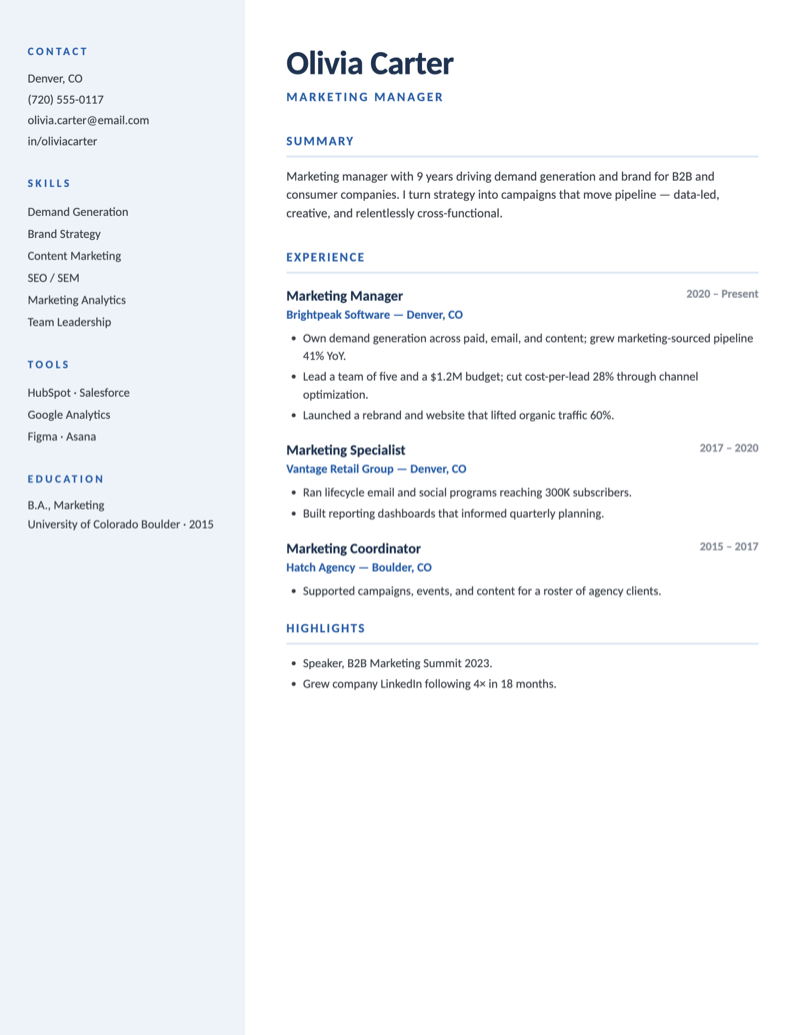
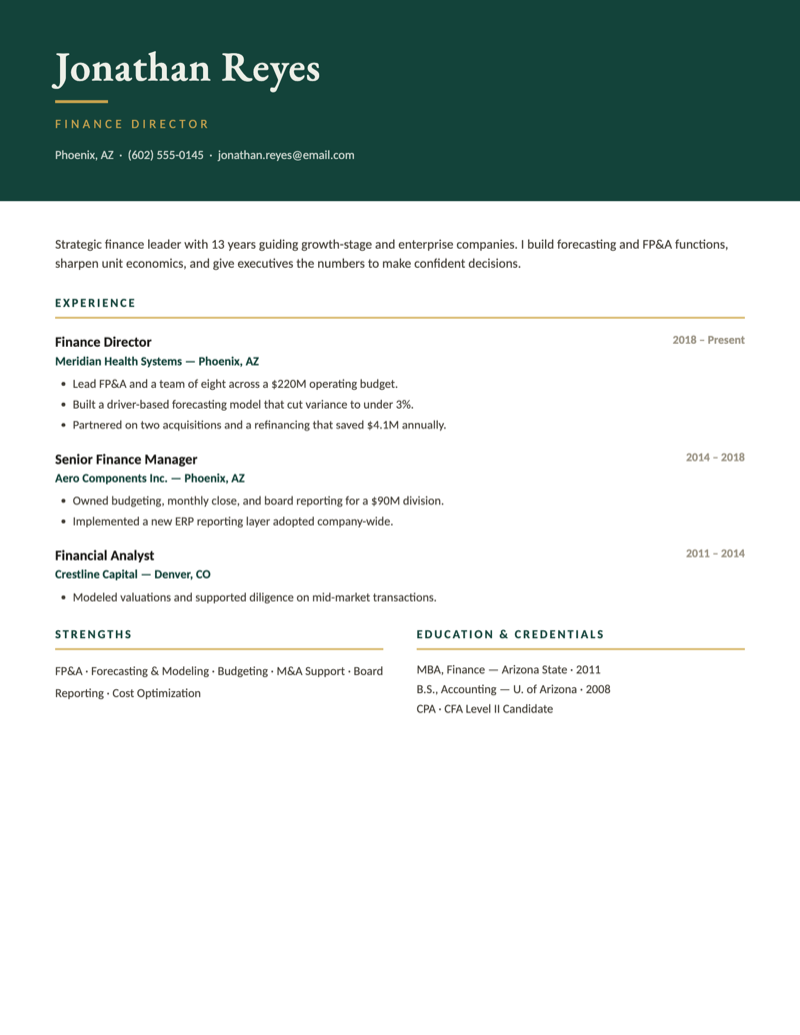
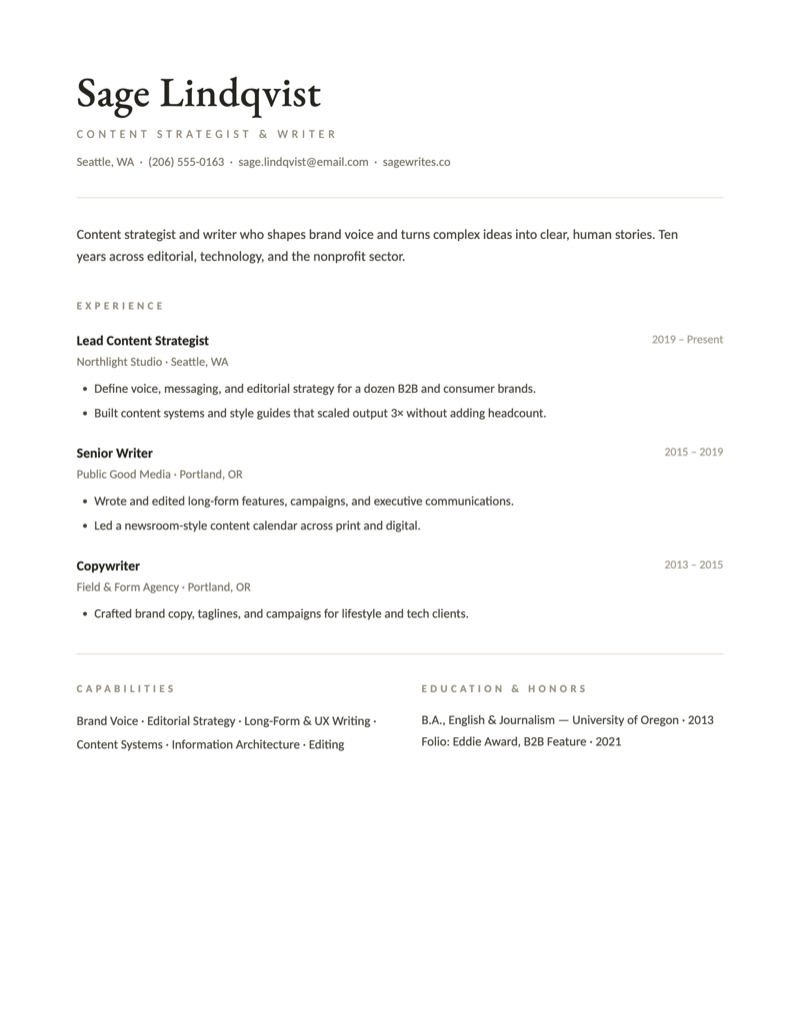
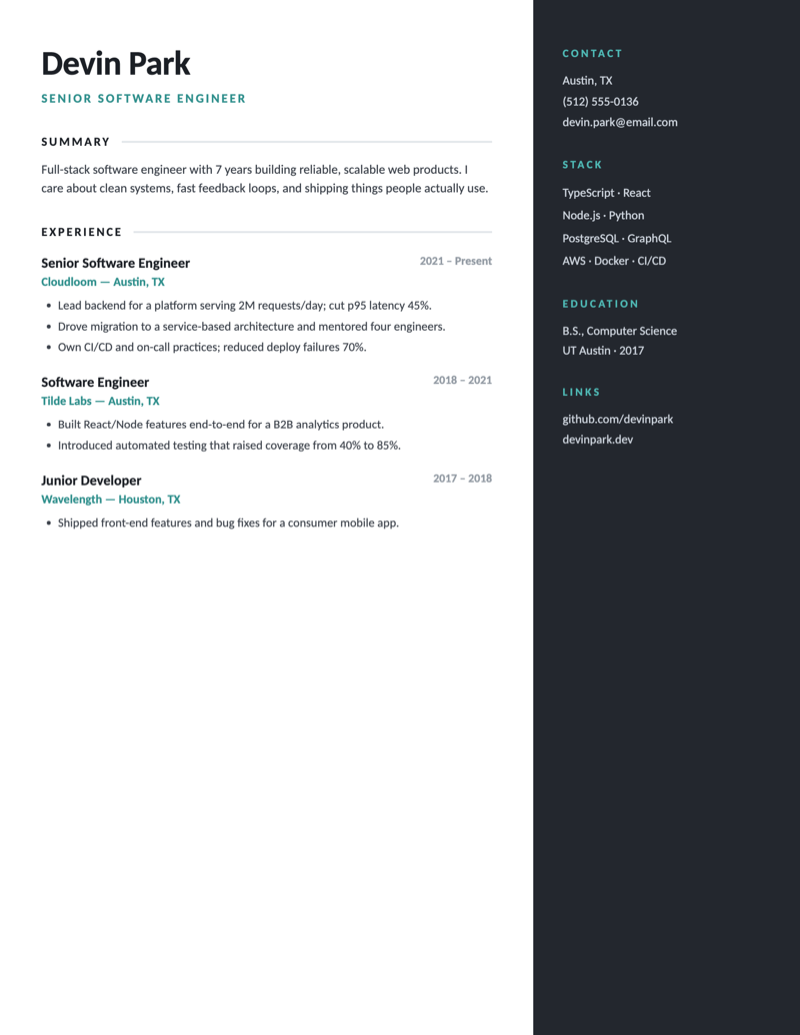
Eight named resume styles, every one editable.
Each is a distinct design with its own name and personality — and every one opens in Word and Google Docs and downloads as a .docx file, so you always keep a fresh copy of the original. Replace the sample content and you're done.
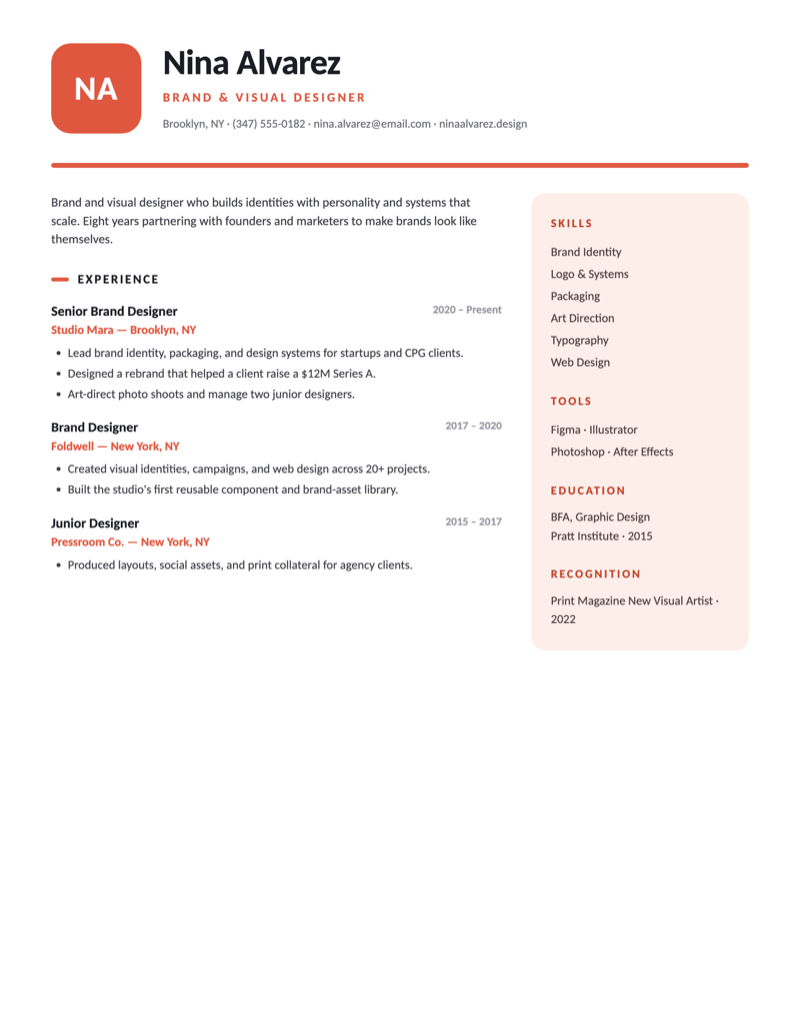
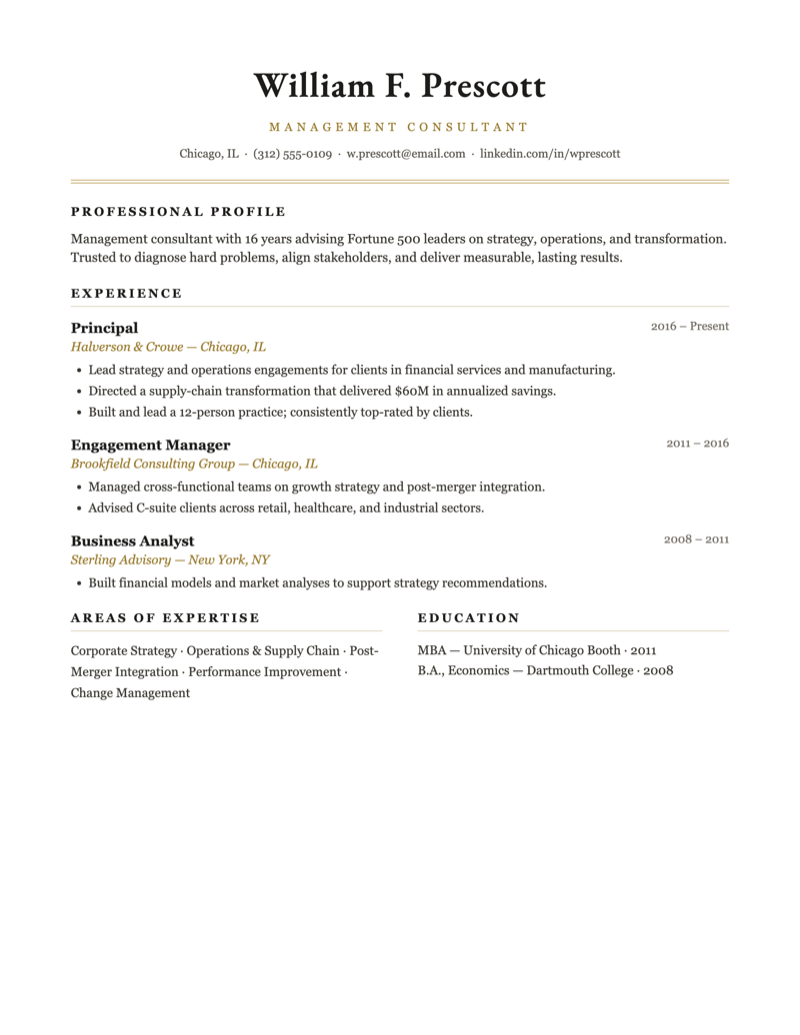
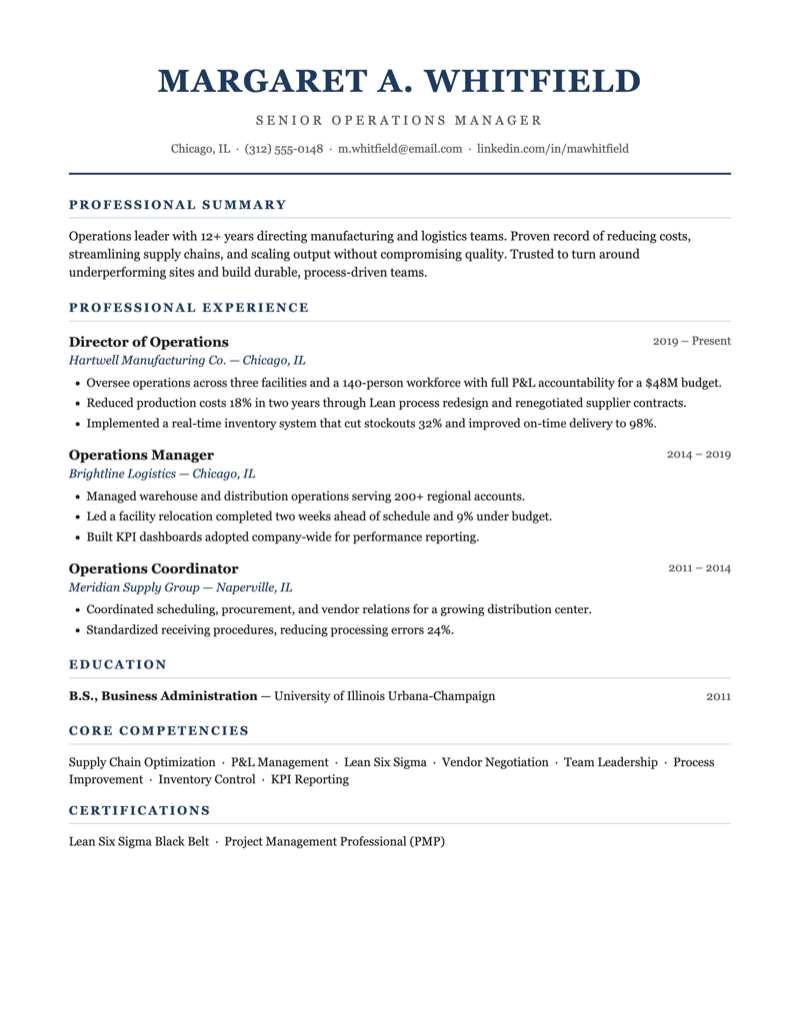
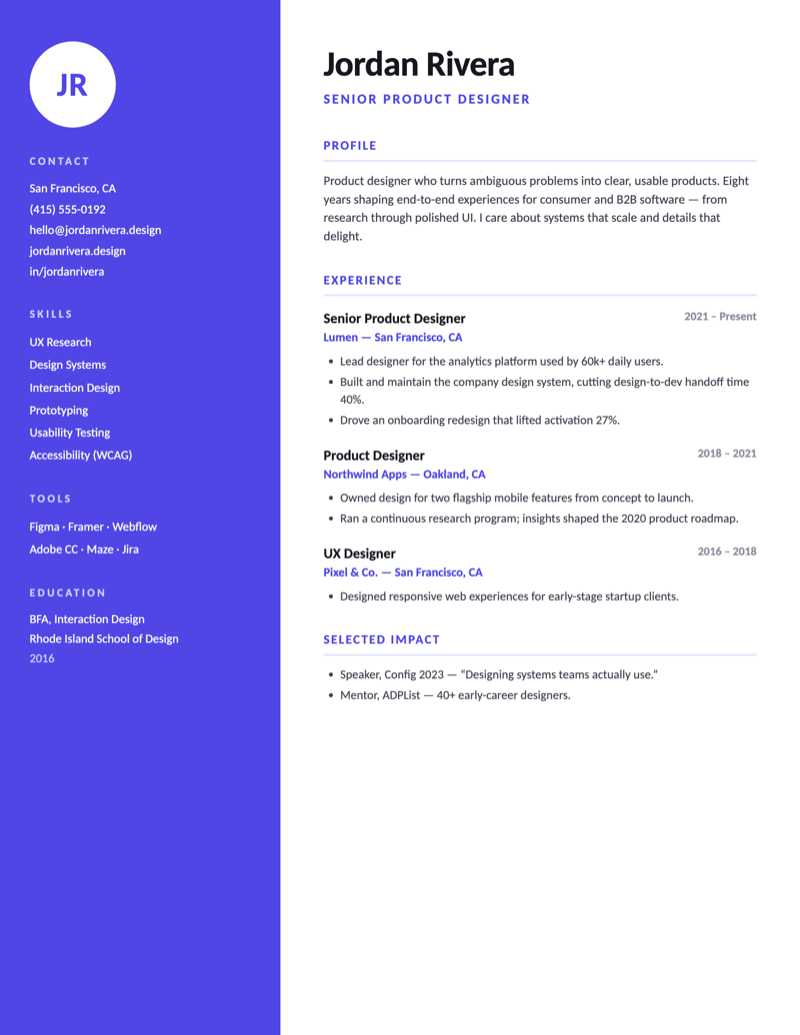
“I keep these resume templates deliberately plain — clean fonts, clear sections, nothing that confuses an applicant tracking system or breaks when you paste it into Word or Google Docs. Start from one of these and put your energy into the content.”— David, Apollo’s Templates
Customize
Fill it in and send it out.
- Download a style and open the
.docxin Microsoft Word, or upload it to Google Drive and open it with Google Docs. - Replace the sample text. Every section (Summary, Experience, Education, Skills) is pre-styled — just type over the placeholders.
- Keep it to one page where you can, and use strong, specific bullet points with numbers and outcomes.
- Export a PDF copy for emailing (File → Save As / Download → PDF) and keep the Word file for future edits.
Questions
Professional resume FAQ
Are these professional resume templates really free?
Yes. Every resume template on Apollo's Templates is free to download and use — no account, sign-up, or payment. Open the Word file, replace the sample text, and save your own copy.
Can I edit these in Google Docs?
Yes — in one click. Every resume has an 'Open in Google Docs' button that opens a ready-made Google Doc; choose 'Make a copy' and it lands in your own Google Drive, fully editable. Prefer Microsoft Word? The 'Download Word' button gives you the .docx, which also opens in Word, LibreOffice, or Pages.
Are these resumes ATS-friendly?
The Traditional and single-column styles use simple, parseable formatting that applicant tracking systems read well. The modern two-column designs are best when a person reads it first; for heavily automated application pipelines, the Traditional layout is the safer choice.
Which resume style should I pick?
Pick Traditional or Heritage for corporate, finance, and law; Meridian or Modern for management and most office roles; Slate for tech and engineering; and Aria or Linen for design and creative work. They all carry the same content — choose the look that fits your field.
How do I save my finished resume as a PDF?
After you finish editing in Word or Google Docs, choose File then Save As (or Download) and pick PDF. Send the PDF to employers and keep the editable Word copy so you can update it later.
Free professional resume templates · Updated June 2026
Where to next
More resume templates.
Same path
Simple Resumes
The cleanest single-column layout in each field — built to be read in eight seconds.
Career bridge
Modern Resumes
One structural idea per design — sidebars, stat bands, banners — that still parses in an ATS.
Also fits
ATS-Friendly Resumes
The strictest parse-safe layout in each field, plus a thirty-second self-test.
One step over
Executive Resumes
C-suite and VP layouts for P&L ownership, board reporting, and career-long wins.
Natural move
HR Resumes
SHRM/PHR credentials, HRIS systems, and employee-relations wins on one tidy page.
The other half
Cover Letter Templates
A matching cover letter for professional applications — same free, one-page standard.