






Google Docs Resume Templates
Every resume template on this site lives as a real Google Doc — not a Word file you have to import and repair. Click Open in Google Docs on any design and Google offers to make a copy straight into your Drive: editable immediately, autosaving as you type, available from any device. Twelve popular picks below span twelve careers; every one of our 600+ templates has the same button on its own page.
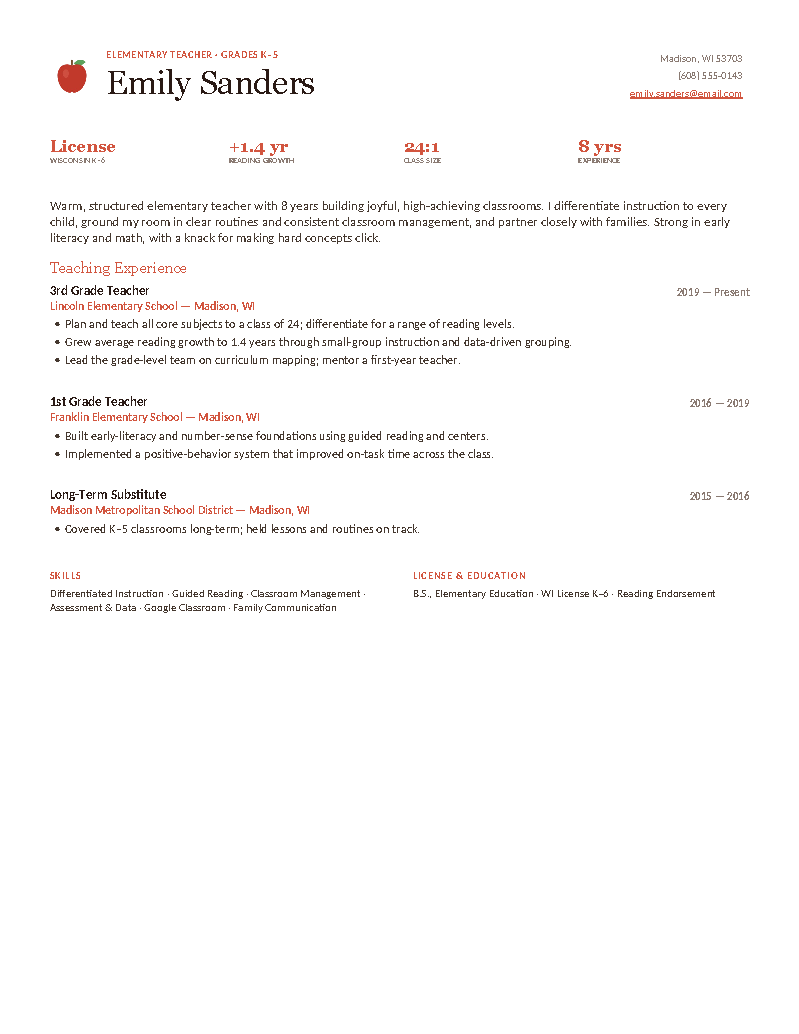
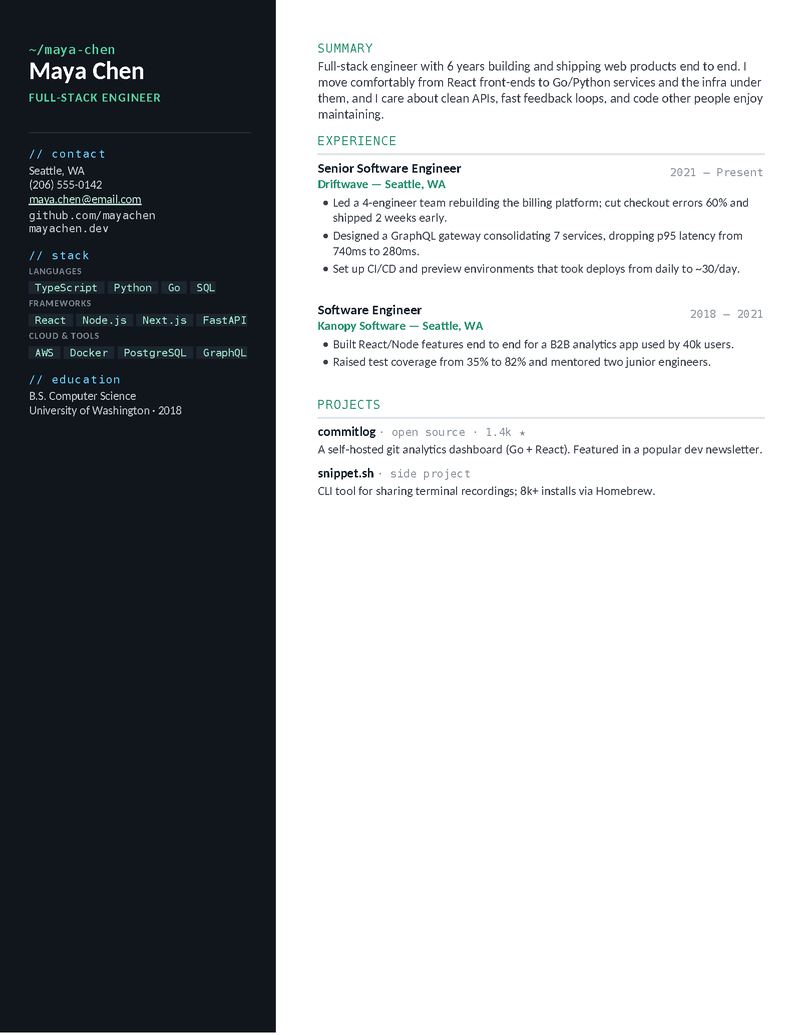
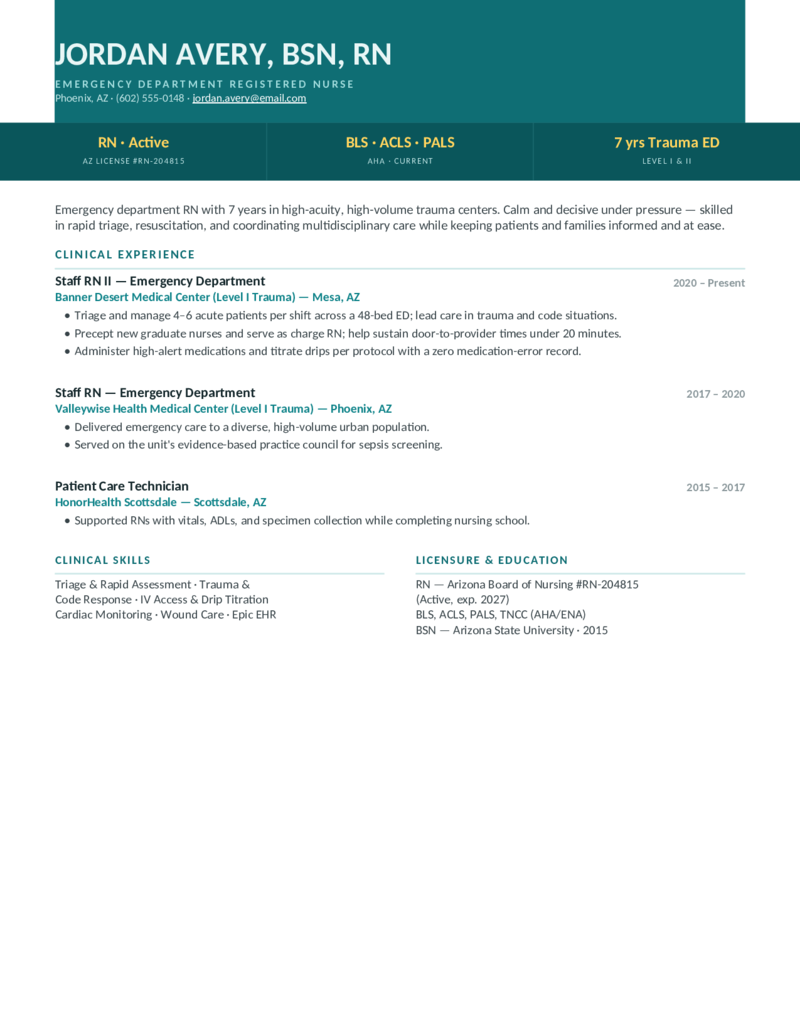
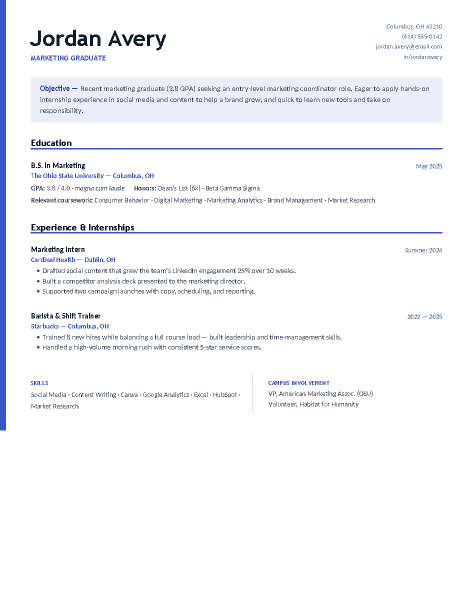
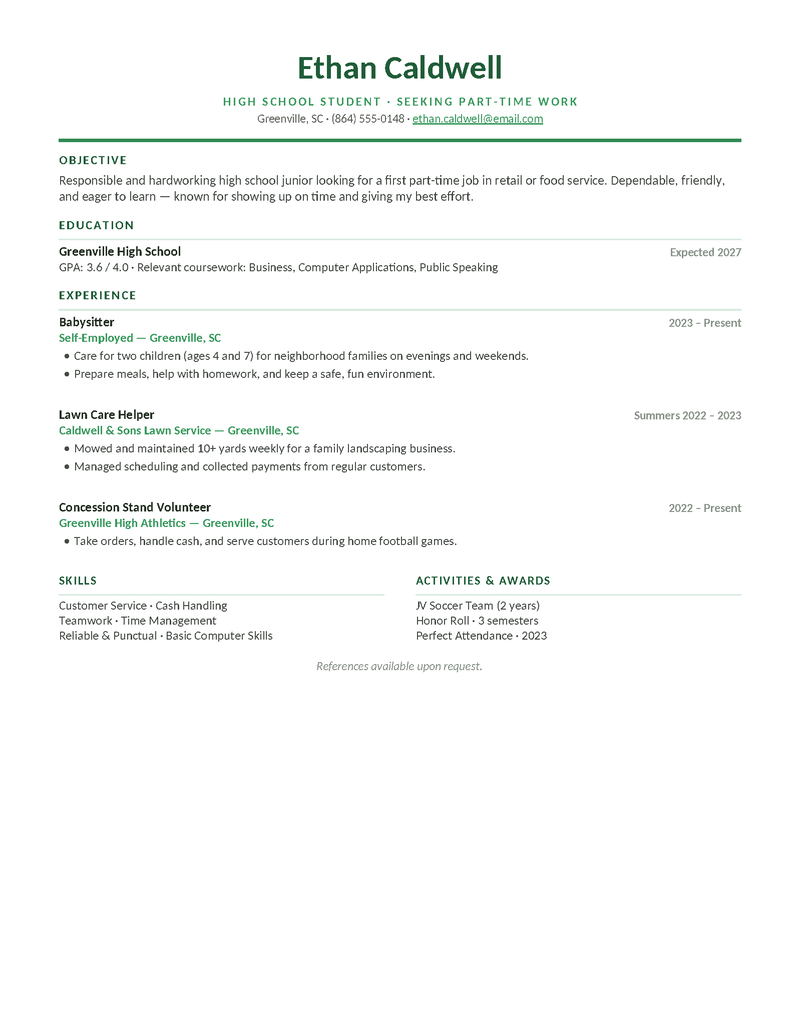
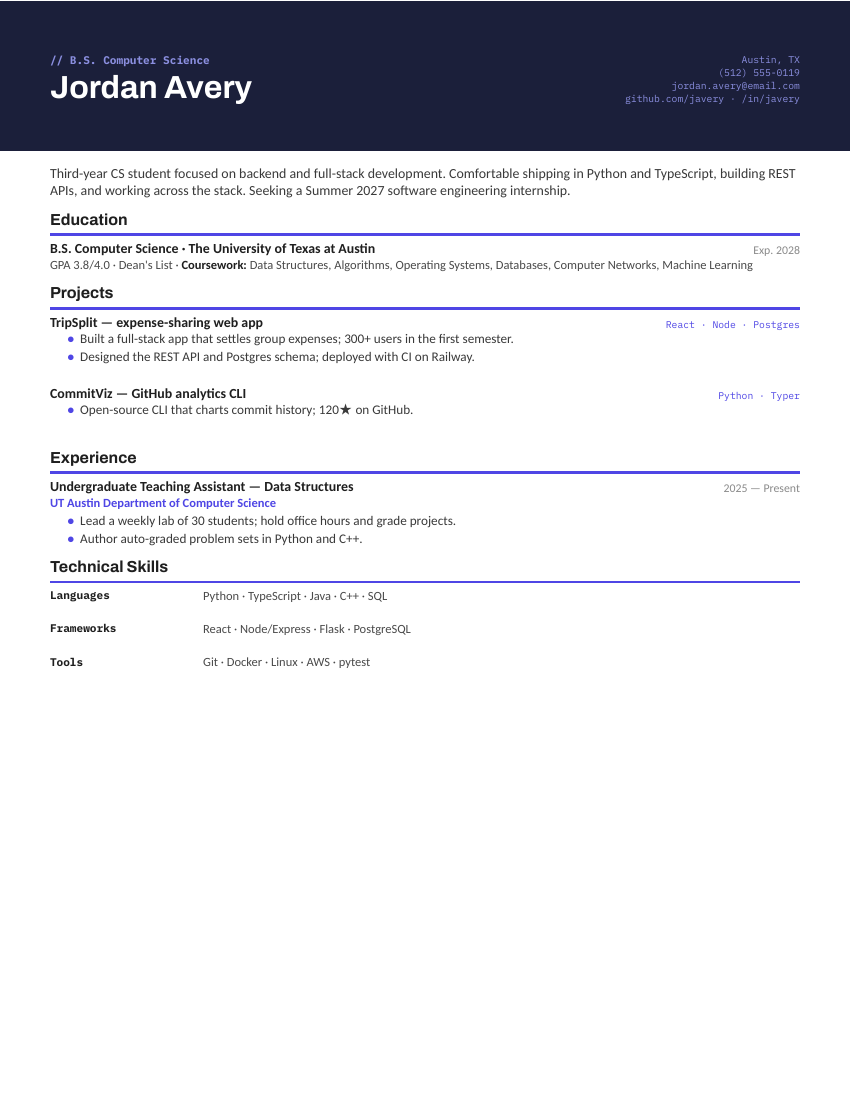
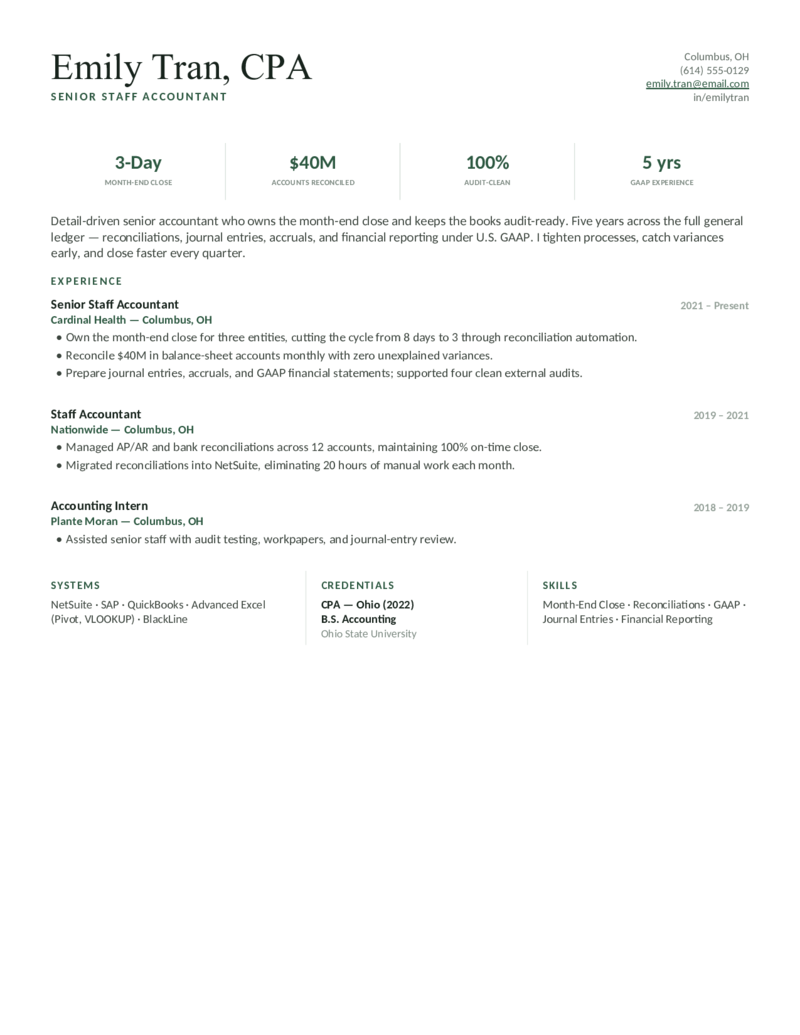
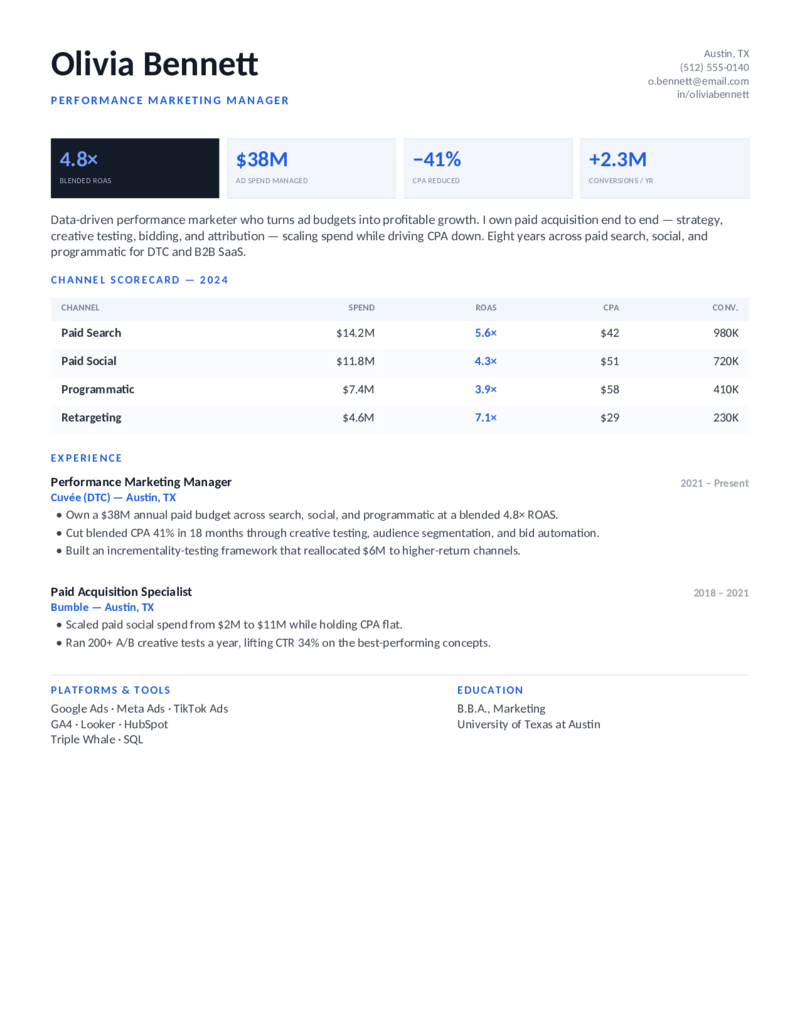
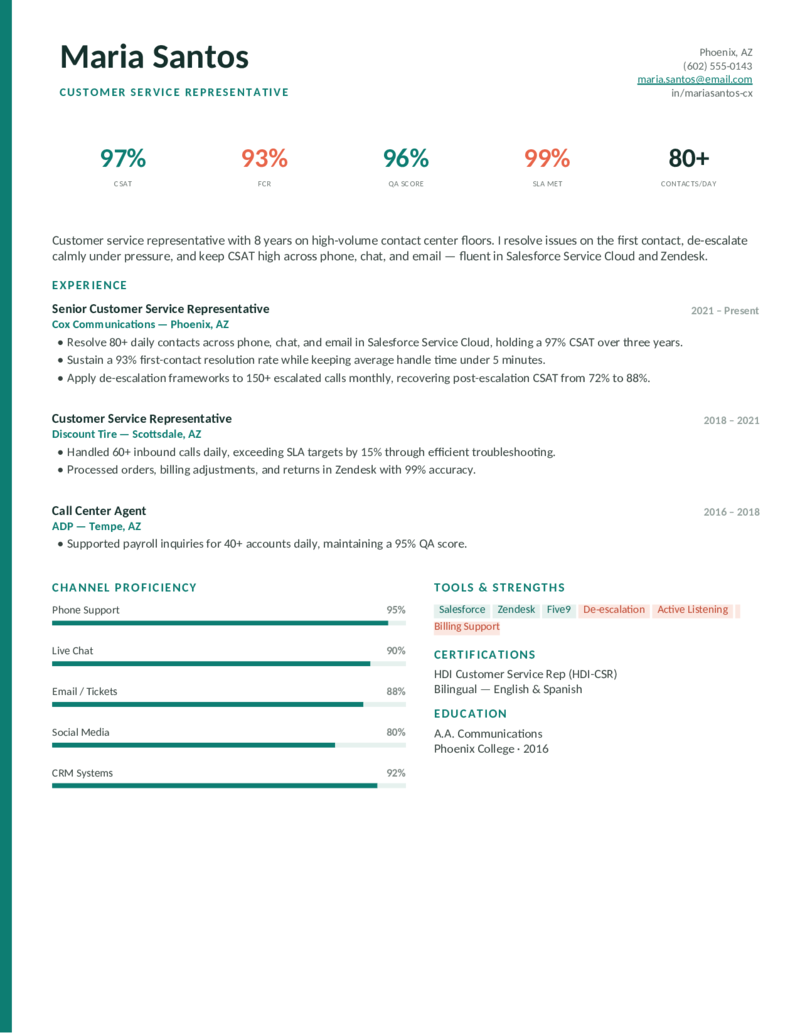
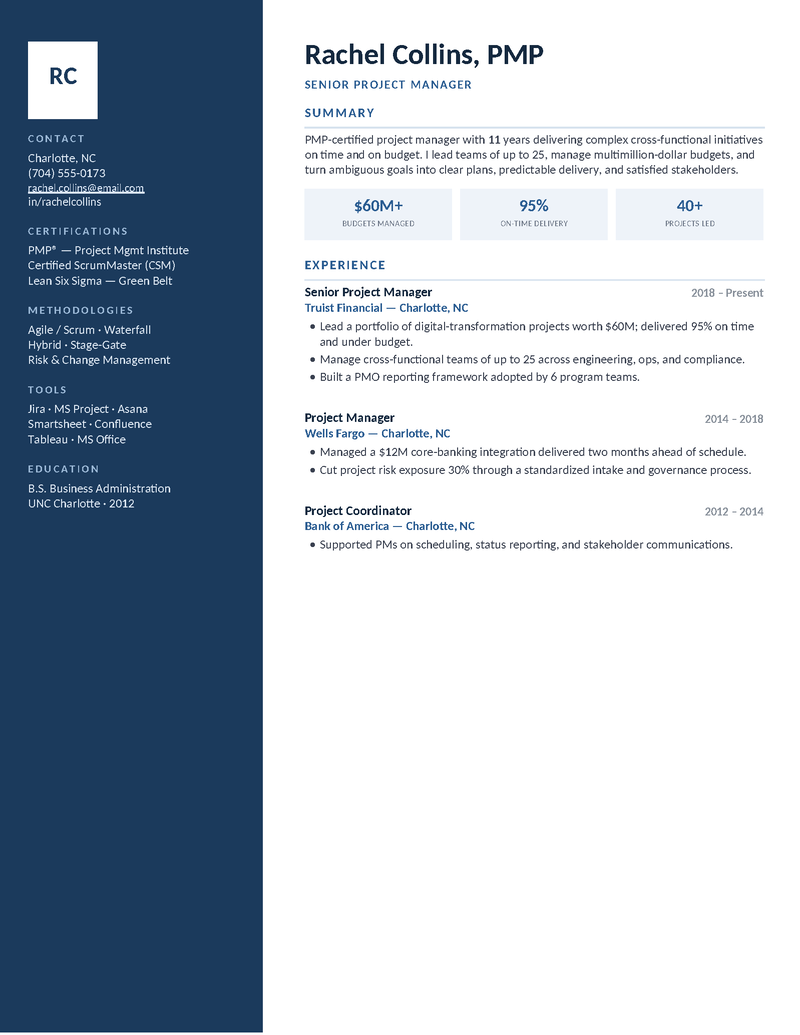
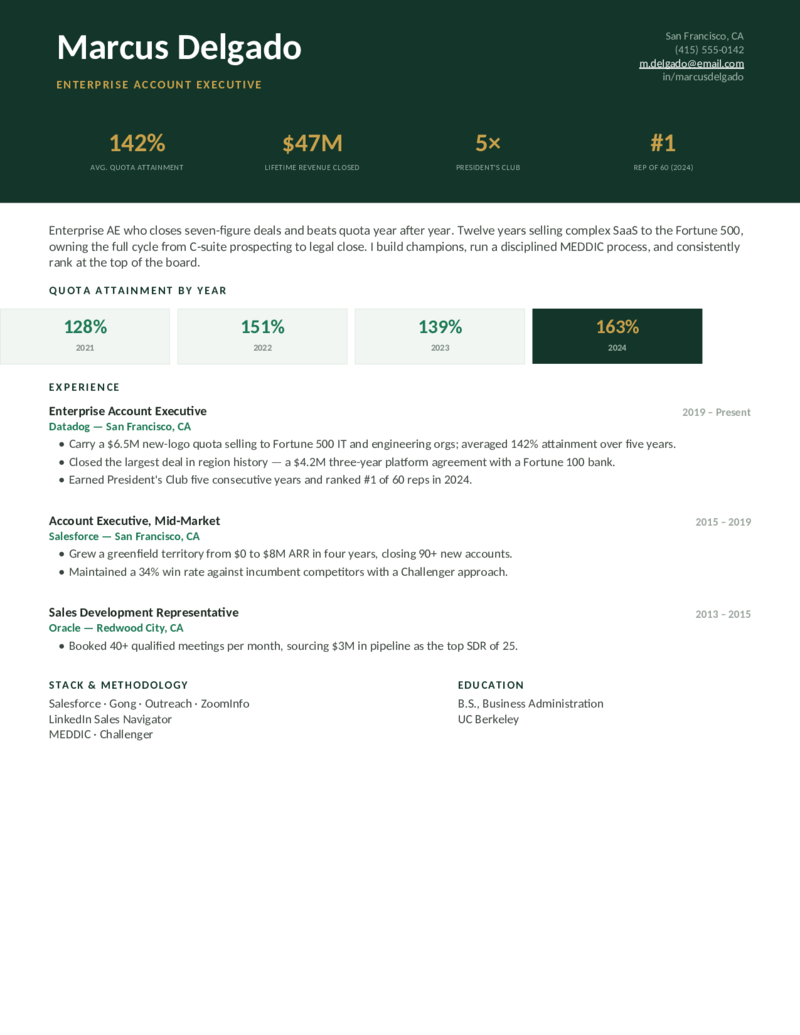
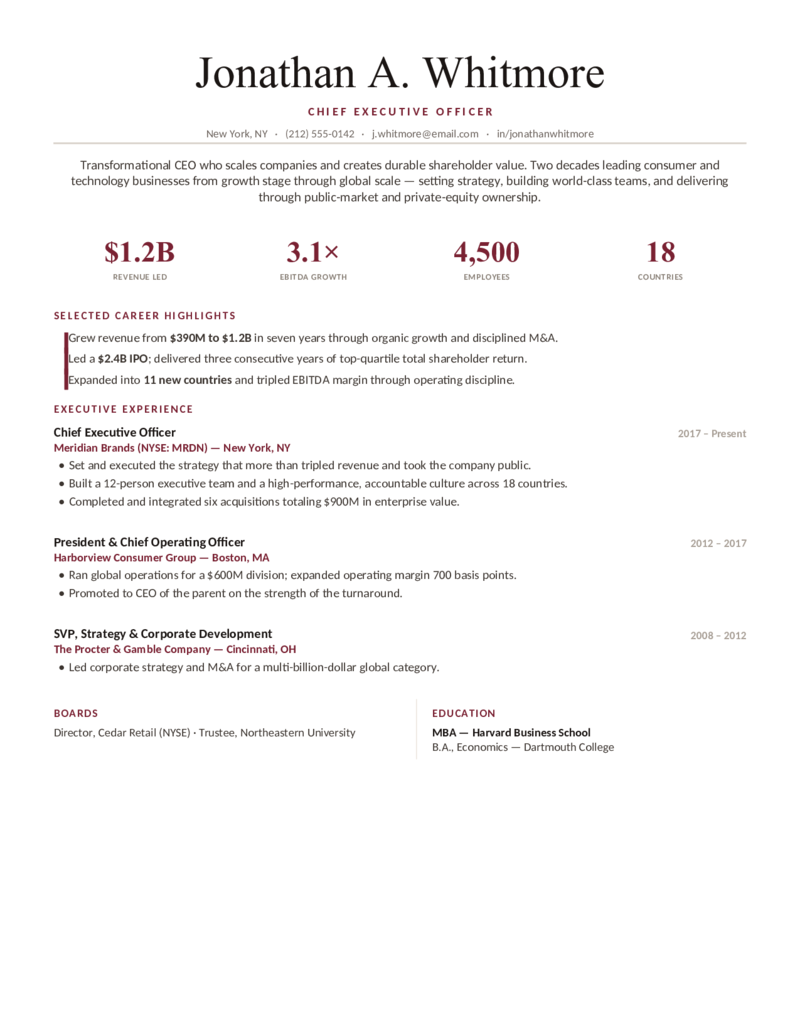
Popular Google Docs resume templates, one from each field.
A cross-section of the library — a teacher, a software engineer, a nurse, a first-job resume, a student resume, and more. Every card opens in Google Docs in one click; the Word download is right beside it.
What makes a Google Docs resume template actually work.
Google Docs has five built-in resume templates (Swiss, Serif, Coral, Spearmint, Modern Writer) — and everyone has seen them. A template made for your field does three things the built-ins can’t:
- It leads with what your field screens for. A nursing resume opens with license and certifications; an engineer’s with tools and projects; a first-job resume with skills and activities. Generic templates can’t know that.
- It renders correctly in Docs. Every design here was verified in Google Docs — tables, sidebars, and color bands hold their shape after the copy, which imported Word files often don’t.
- It stays ATS-friendly. Real headings, real text, no text boxes. Docs → File → Download → PDF produces a file applicant tracking systems parse cleanly.
Prefer the desktop app? Every design is also a straight Word download — same layouts, same one-page standard. Students: the high school and college student sets are the most-copied Google Docs resumes on the site.
From copy to sent, in Docs.
1. Open the copy. Click Open in Google Docs, then Make a copy — it lands in your Drive under the template name. Rename it to Firstname Lastname Resume so recruiters see your name in the tab.
2. Replace, don’t rebuild. Type over the sample text section by section. Keep the headings; they’re what applicant tracking systems key on. To add a bullet, put your cursor at the end of an existing one and press Enter.
3. Keep it to one page. If a line spills over, trim a bullet before shrinking the font — Docs will let you go to 9pt, but recruiters won’t.
4. Export. File → Download → PDF Document for applications; share the Doc link only when someone asks to edit. Your copy stays in Drive for next time.
Copy it, fill it, send it.
- Click Open in Google Docs on a design, then Make a copy — it’s now in your Drive.
- Replace the sample text section by section; keep the headings for the ATS.
- File → Download → PDF, and send. Keep the Doc for the next application.
Google Docs resume FAQ
Are these Google Docs resume templates really free?
How do I get a resume template into Google Docs?
Is a Google Docs resume ATS-friendly?
Are there free Google Docs resume templates for high school and college students?
What's the difference between these and the built-in Google Docs resume templates?
Can I download a Google Docs resume as a Word file?
Can I edit a Google Docs resume on my phone?
Google Docs Resume Templates · Updated September 2026