
Google Docs Cover Letter Templates
Every cover letter in our library lives as a real Google Doc — not a Word file you have to import and repair. Click any template below and Google offers to make a copy straight into your Drive: editable immediately, autosaving as you type, available from any device, and shareable with whoever proofreads for you. Sixteen designs from bare-bones simple to modern color, each verified to render page-perfect in Docs. A free Google account is all you need.
Sixteen designs, one click each.
Simple, professional, and modern collections — the button on each card copies that design into your Drive. Prefer a file on your computer instead? Every card also has the Word download.
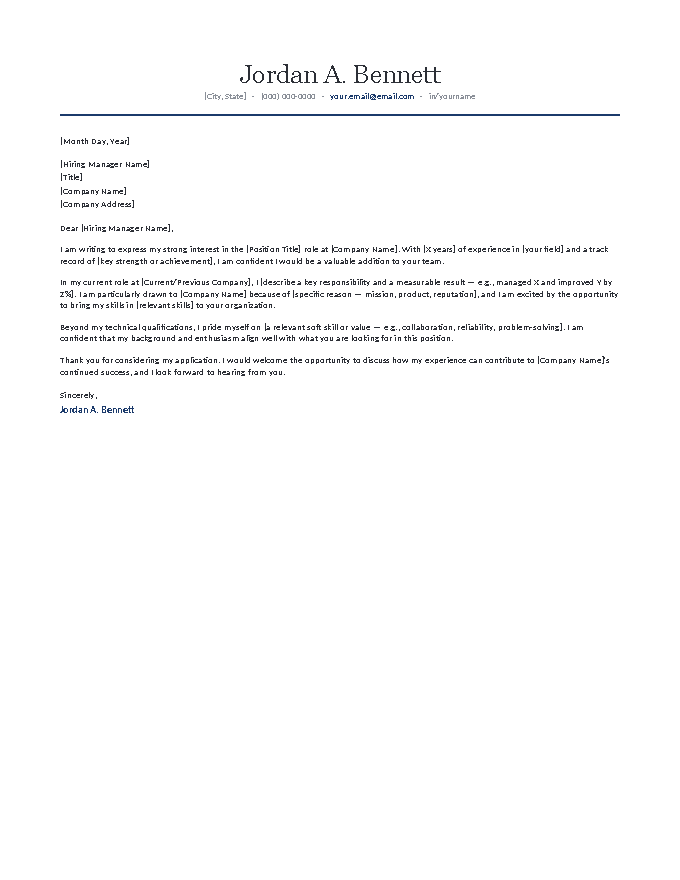
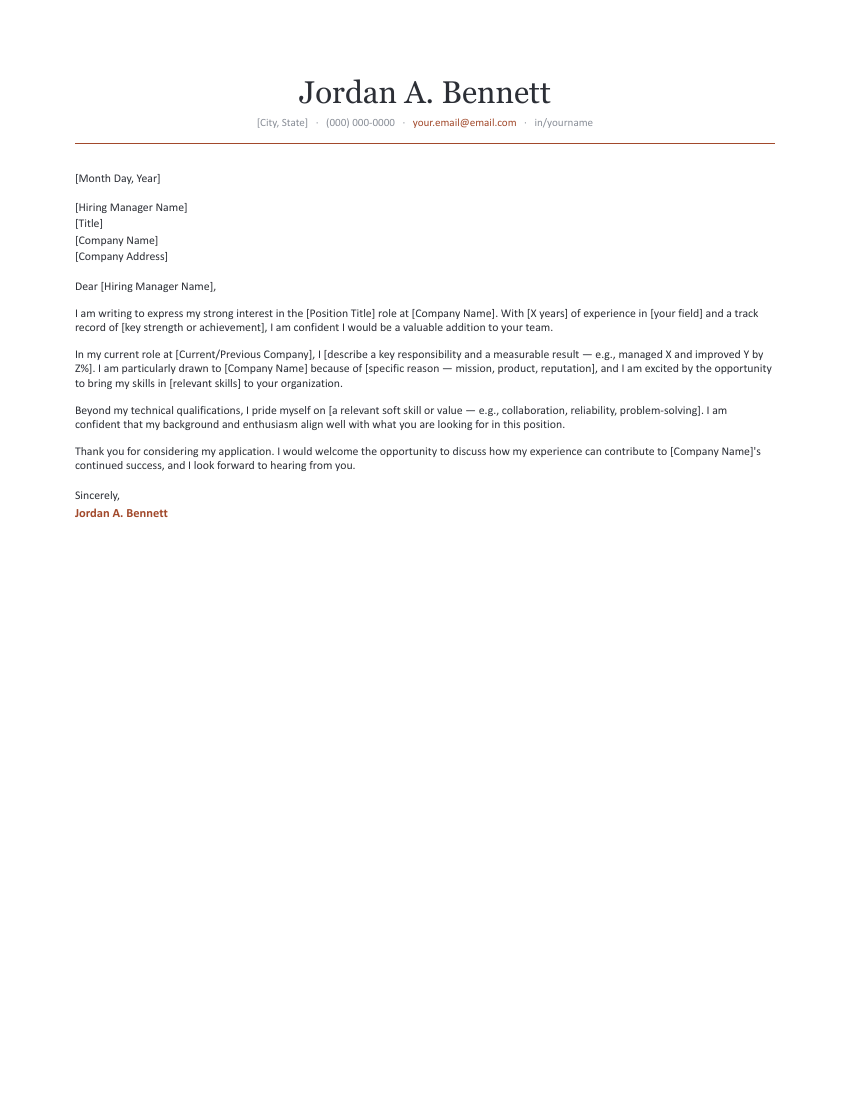
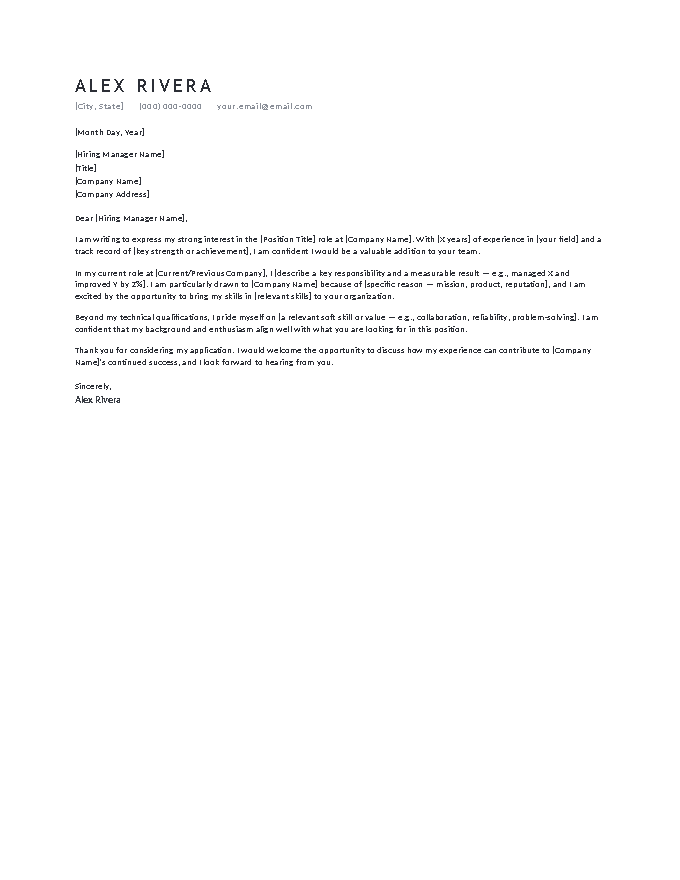
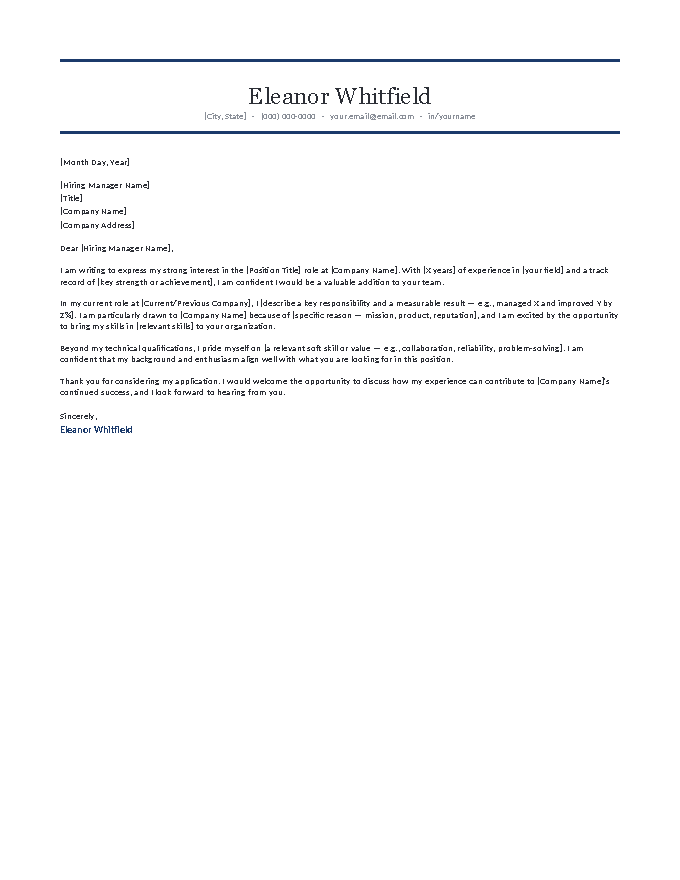
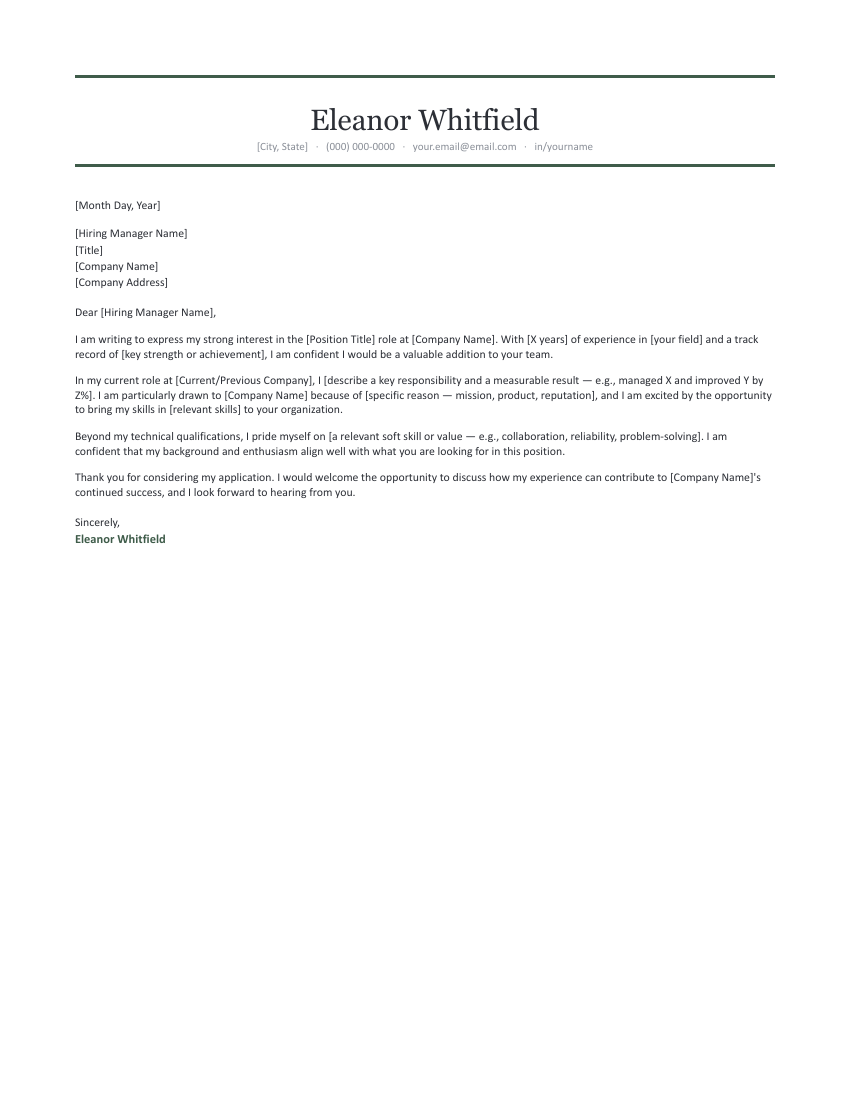
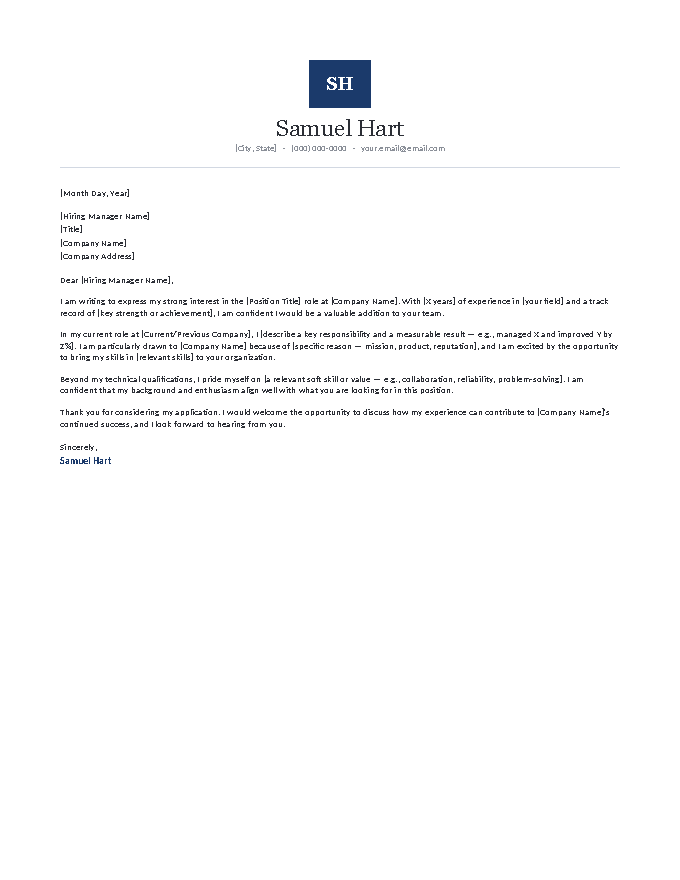
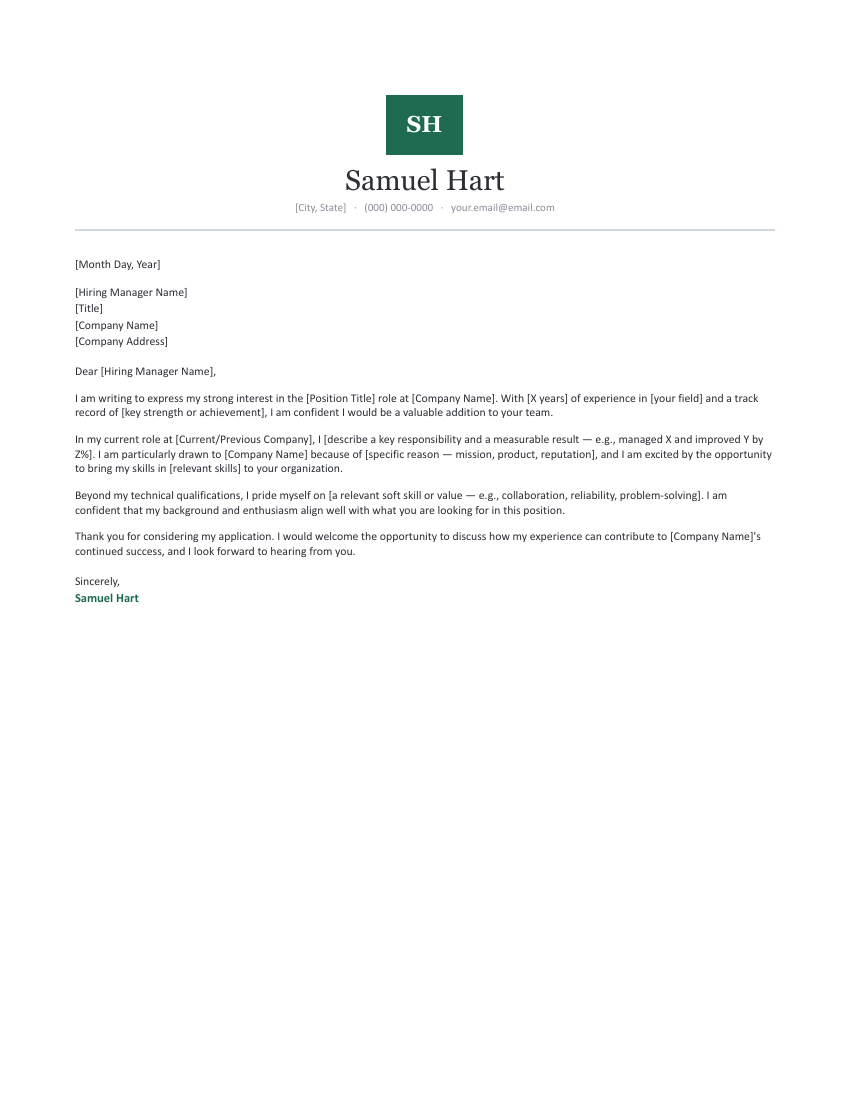
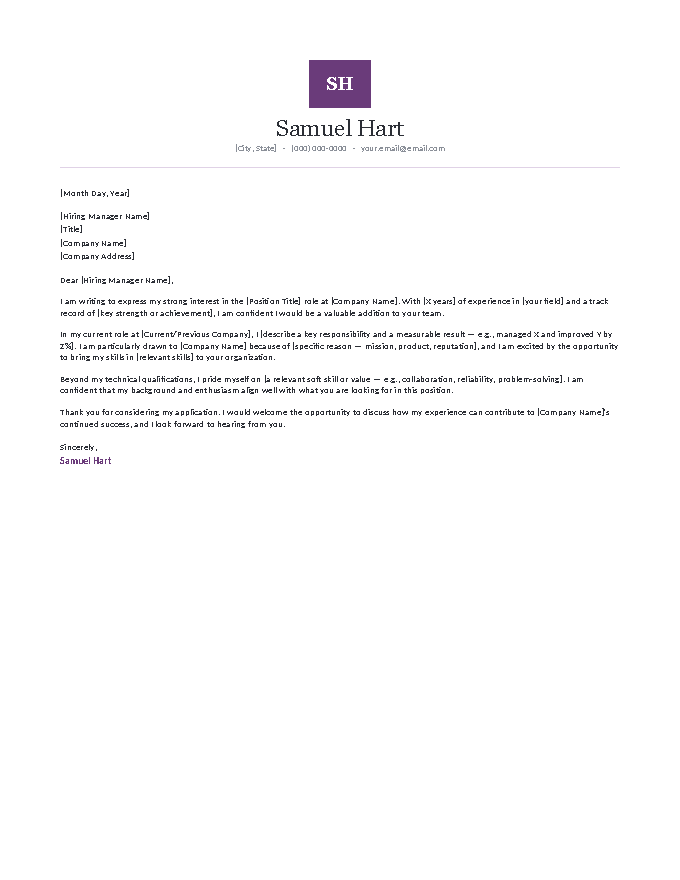
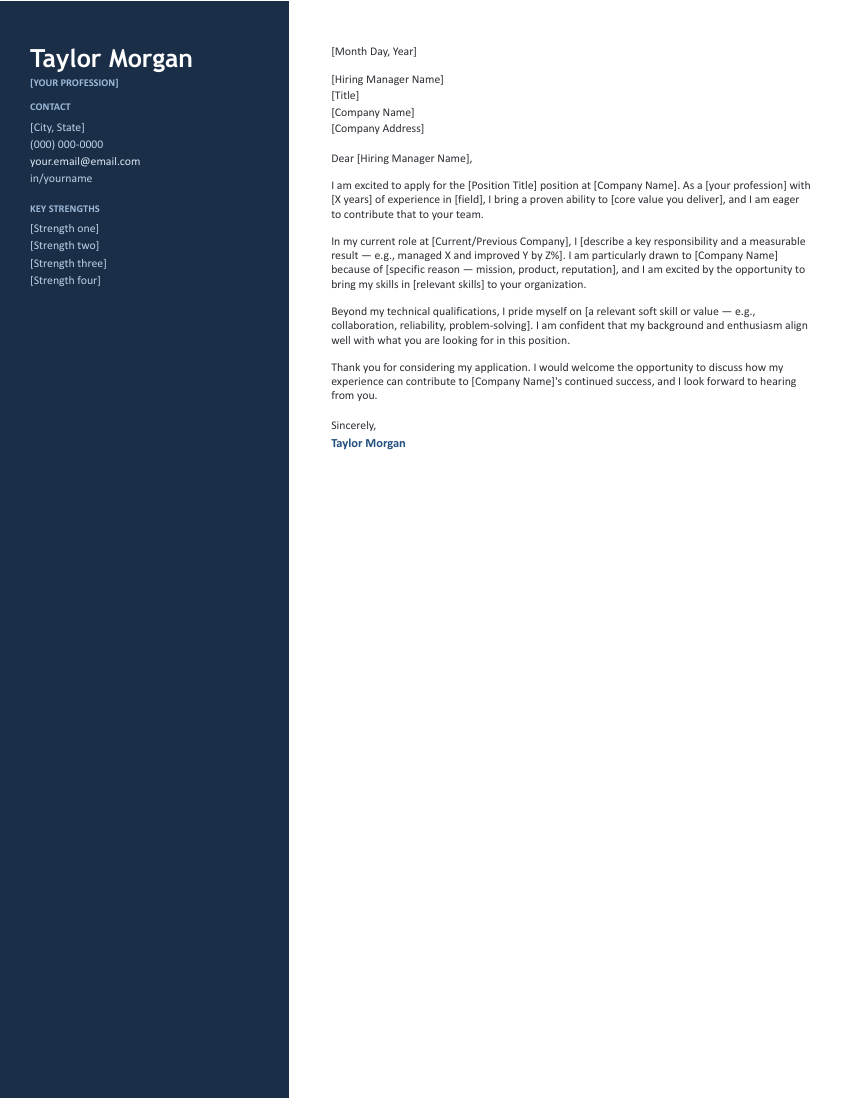
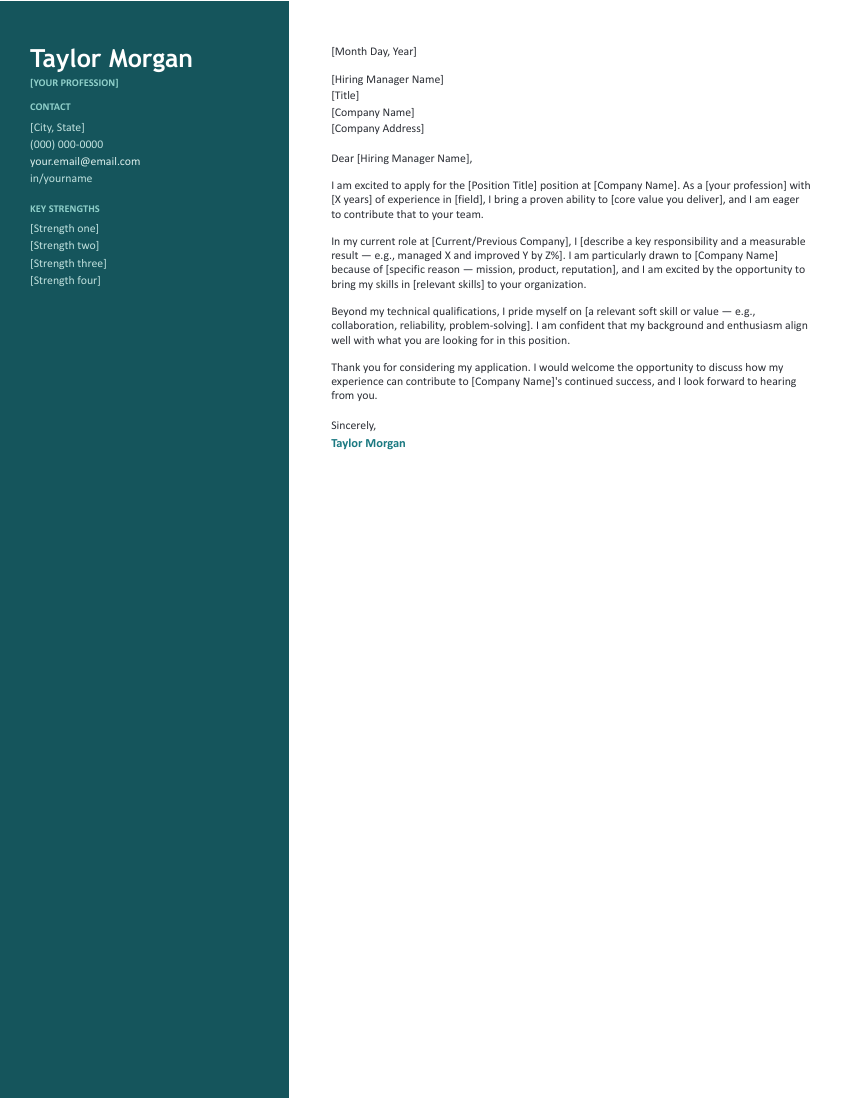
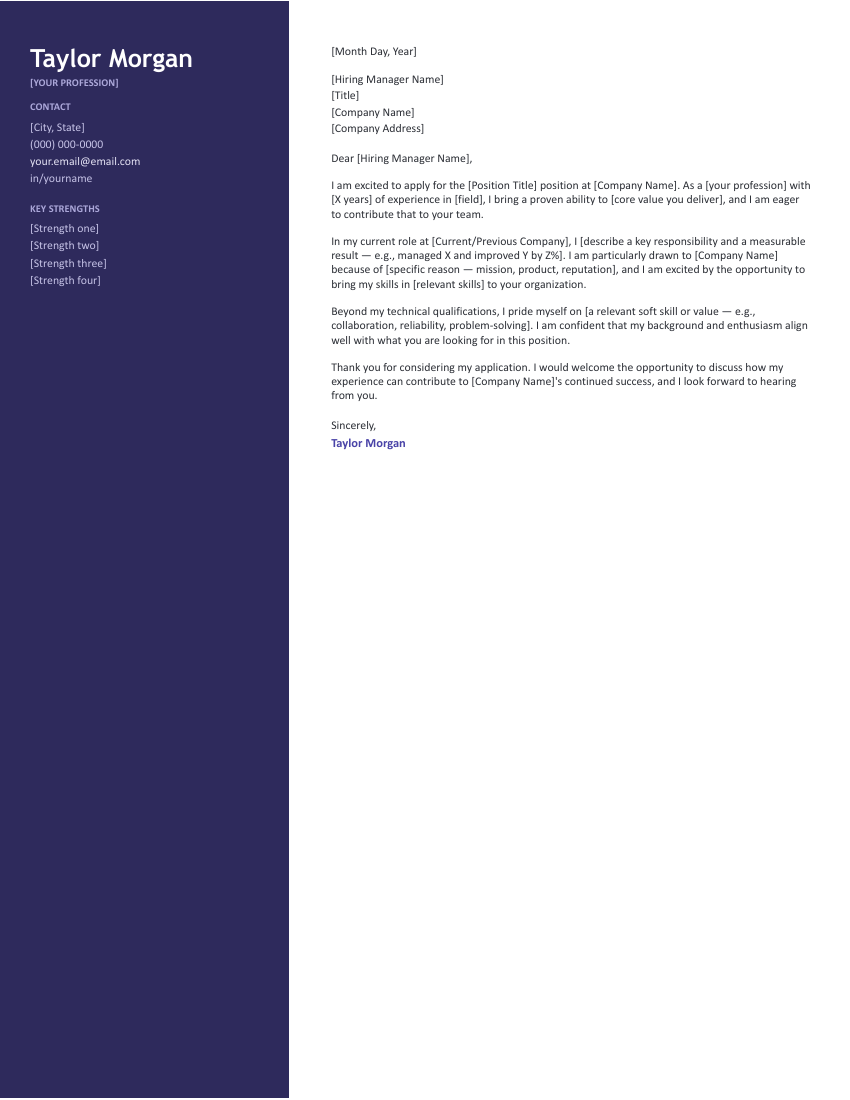
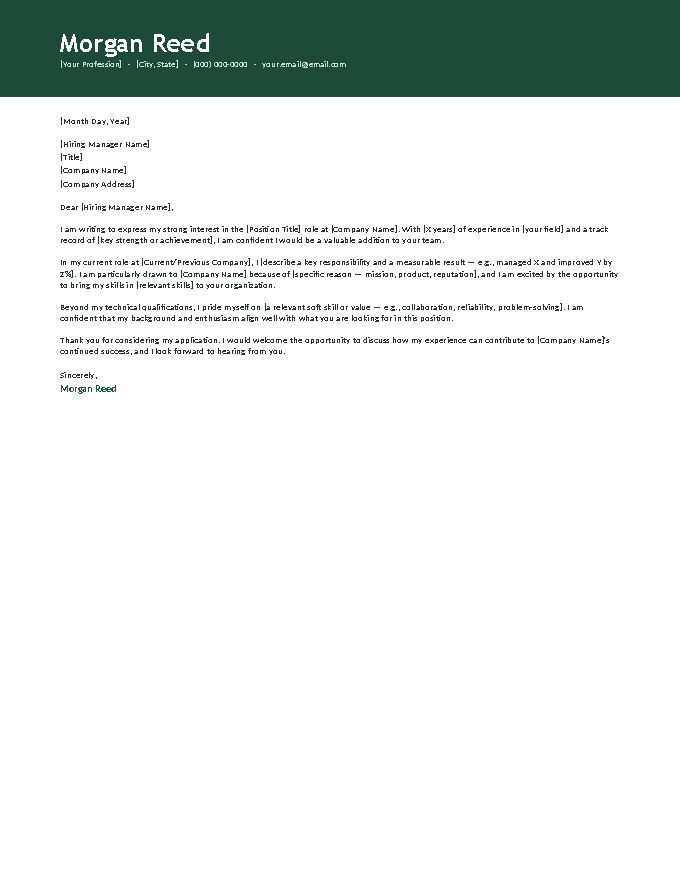
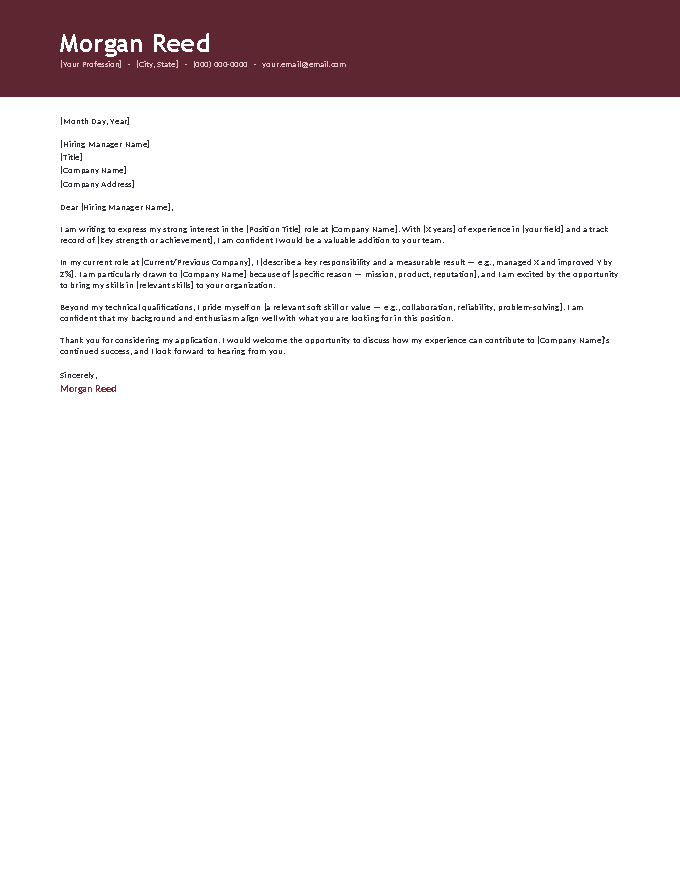
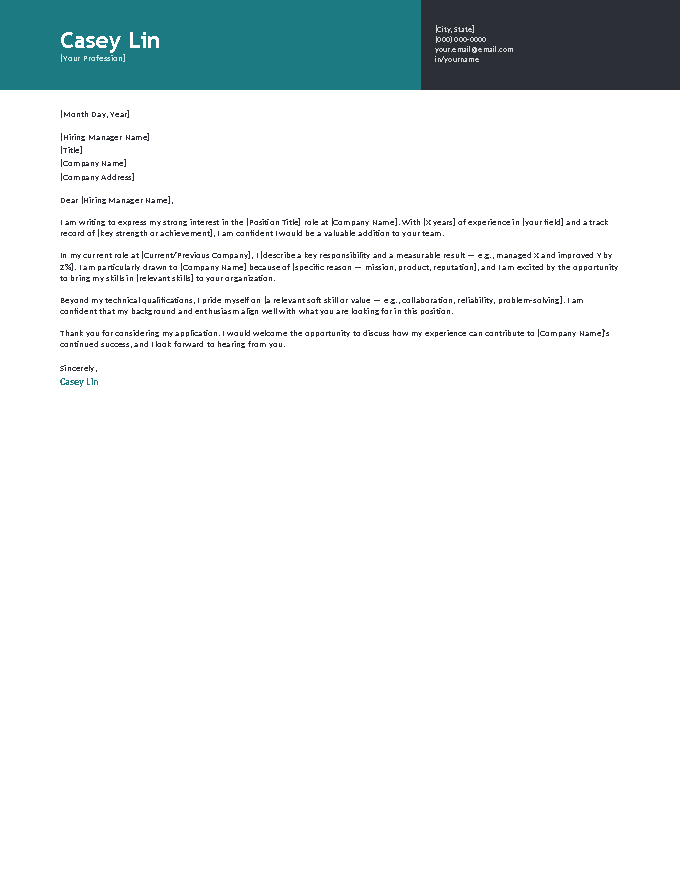
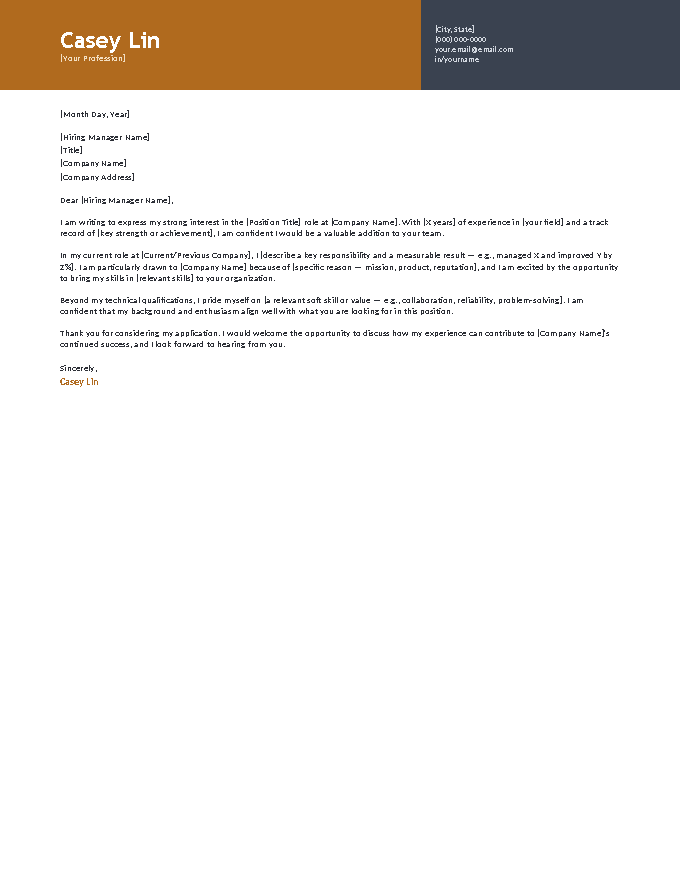
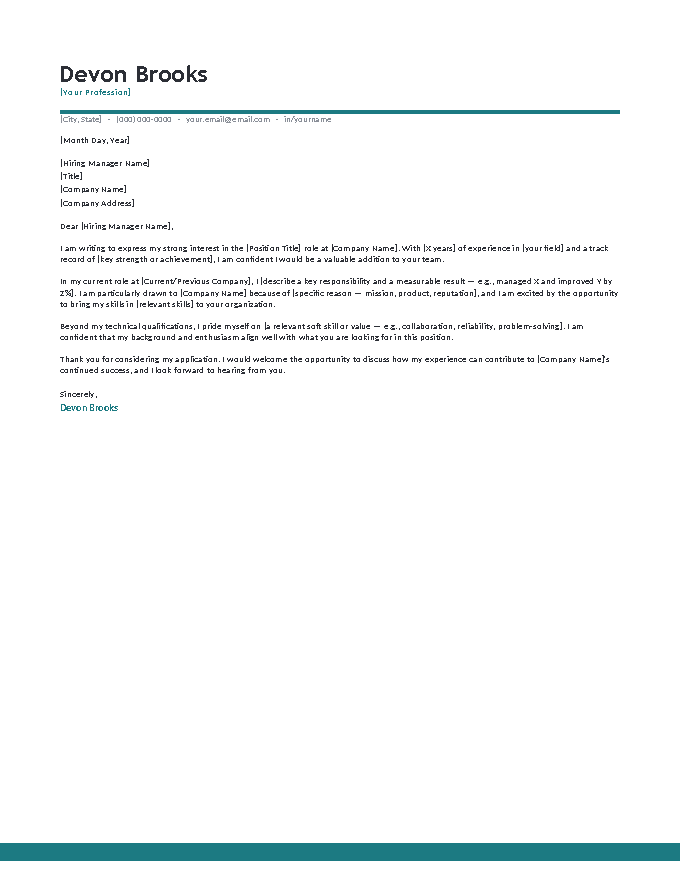
The letter inside every template, read in full.
[Month Day, Year]
[Hiring Manager Name]
[Title]
[Company Name]
[Company Address]
Dear [Hiring Manager Name],
I am writing to express my strong interest in the [Position Title] role at [Company Name]. With [X years] of experience in [your field] and a track record of [key strength or achievement], I am confident I would be a valuable addition to your team.
In my current role at [Current/Previous Company], I [describe a key responsibility and a measurable result — e.g., managed X and improved Y by Z%]. I am particularly drawn to [Company Name] because of [specific reason — mission, product, reputation], and I am excited by the opportunity to bring my skills in [relevant skills] to your organization.
Beyond my technical qualifications, I pride myself on [a relevant soft skill or value — e.g., collaboration, reliability, problem-solving]. I am confident that my background and enthusiasm align well with what you are looking for in this position.
Thank you for considering my application. I would welcome the opportunity to discuss how my experience can contribute to [Company Name]'s continued success, and I look forward to hearing from you.
Sincerely,
Jordan A. Bennett
The case for writing your letter in Google Docs.
For a document you’ll revise per application, possibly at a library computer or on a phone between shifts, Docs has practical advantages:
- The master-copy workflow. Keep one filled-out master in Drive; File → Make a copy per application, touch only the brackets. Name each copy by employer and you have a searchable record of what you sent.
- A second reader, built in. Share with a mentor as Commenter before sending. The wrong-company-name mistake — the classic reused-letter failure — is exactly what a fresh pair of eyes catches.
- Nothing to install, nothing to lose. Autosave means no lost drafts; cloud means the letter you started at home is finishable anywhere you can sign in.
- Clean exports both ways. PDF for applications, .docx for portals that demand an editable file — both from File → Download, both preserving the layout.
The one thing to remember: submit the PDF export, not a share link. Recruiters shouldn’t need permission to open your application.
Four steps in Docs.
- Click Open in Google Docs on a template, then Make a copy — it lands in your Drive, fully editable.
- Fill every [bracketed] prompt; keep the fonts and spacing as designed.
- Optionally Share as Commenter with a proofreader before the send.
- Export with File → Download → PDF and attach it — pair with a matching resume.
Google Docs cover letter FAQ
How do I use a cover letter template in Google Docs?
Are these Google Docs templates really free? Do I need an account?
How do I turn the finished letter into a PDF?
Can someone review my letter before I send it?
Will the template look the same in Google Docs as in the preview?
Is there a cover letter template in Google Docs?
How do I make a cover letter on Google Docs?
Can I use these Google Docs cover letter templates for free?
Google Docs cover letter templates · Updated September 2026