
Cover Letter Templates for Word
Sixteen cover letter templates as straight .docx downloads — open in Microsoft Word, fill in the [bracketed] prompts, save a PDF, done. The business-letter bones are pre-built (letterhead, date, recipient block, salutation, closing) so the file works the moment it opens: no macros, no add-ins, no template-gallery installs. Works with Word 2010 onward, Microsoft 365, Word for Mac, and the free Word for the web.
Sixteen designs, downloaded in seconds.
Simple, professional, and modern collections — the button on each card downloads that design as a Word file. Rather work in the cloud? Every card also has the one-click Google Docs copy.
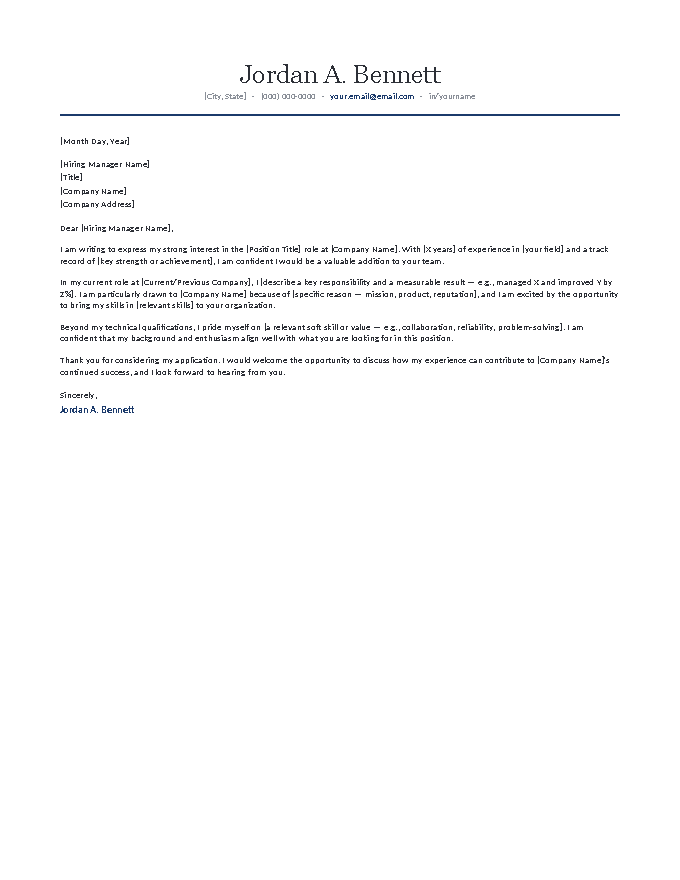
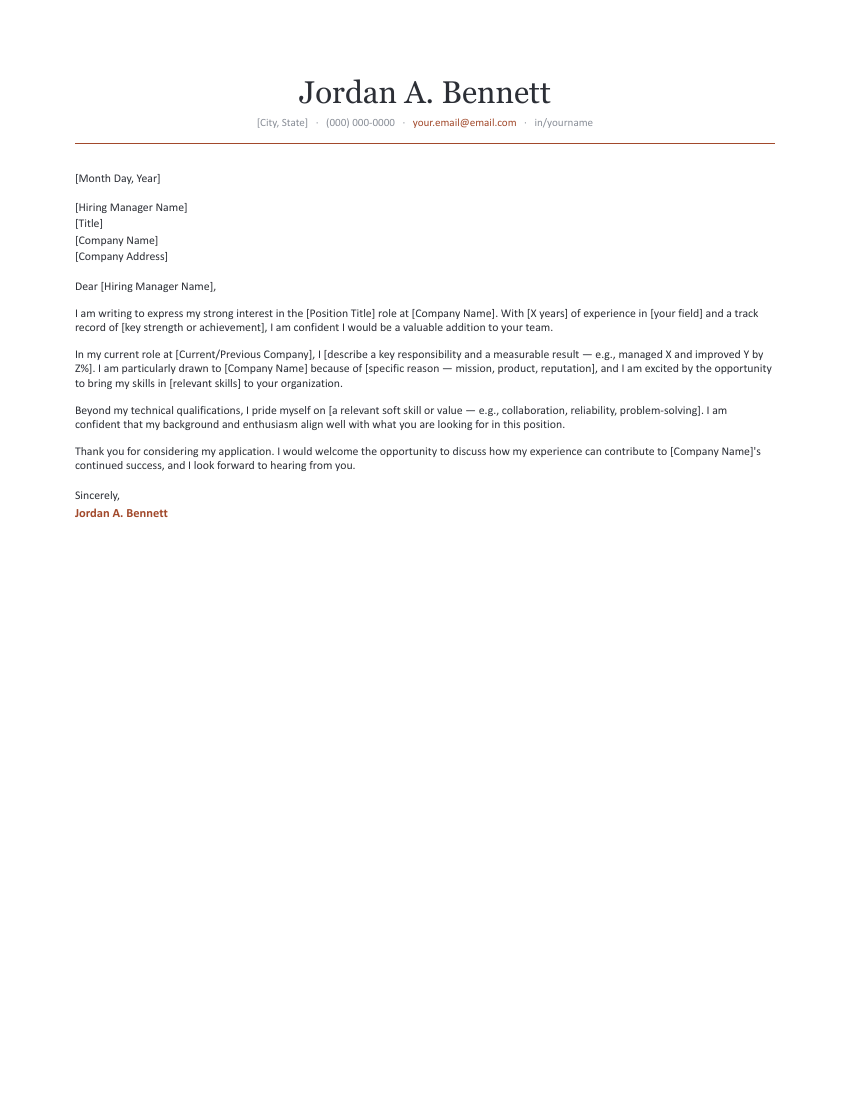
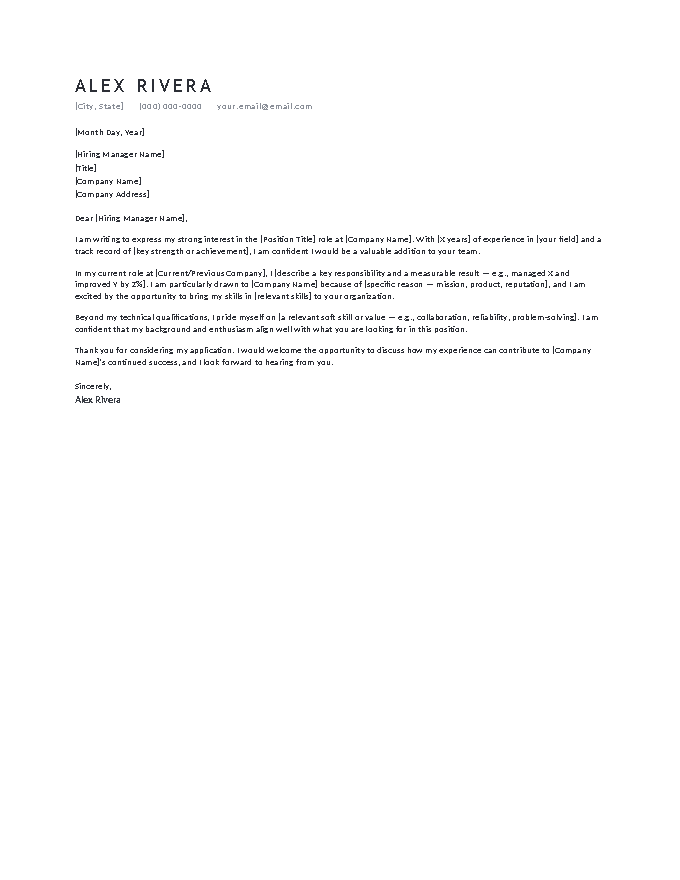
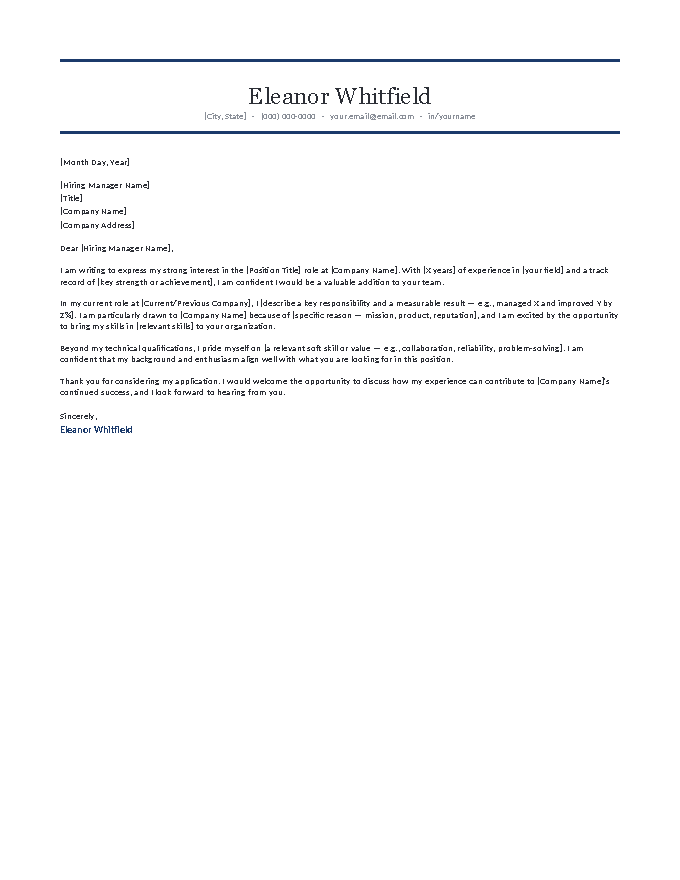
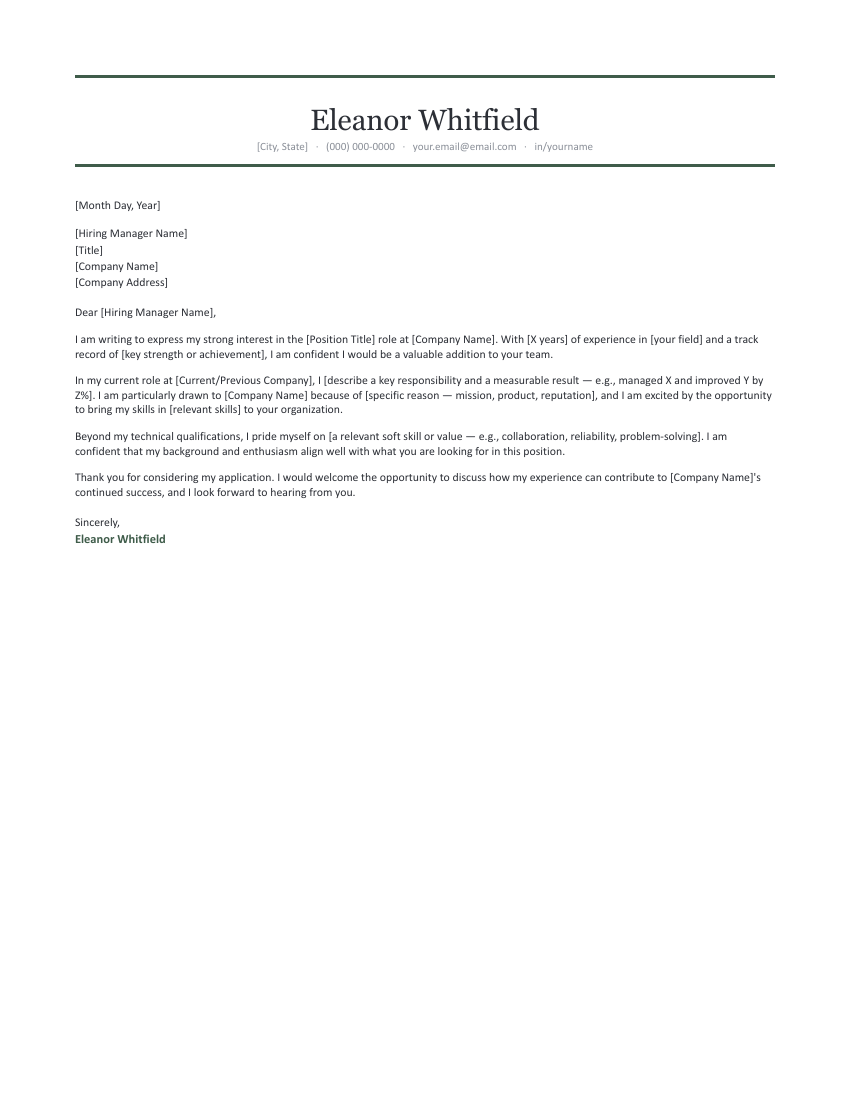
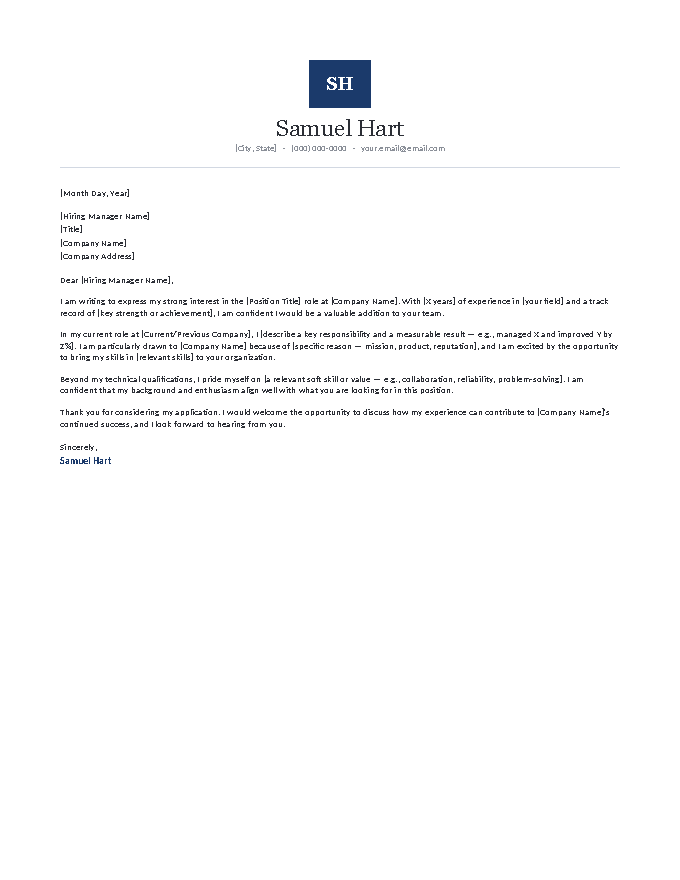
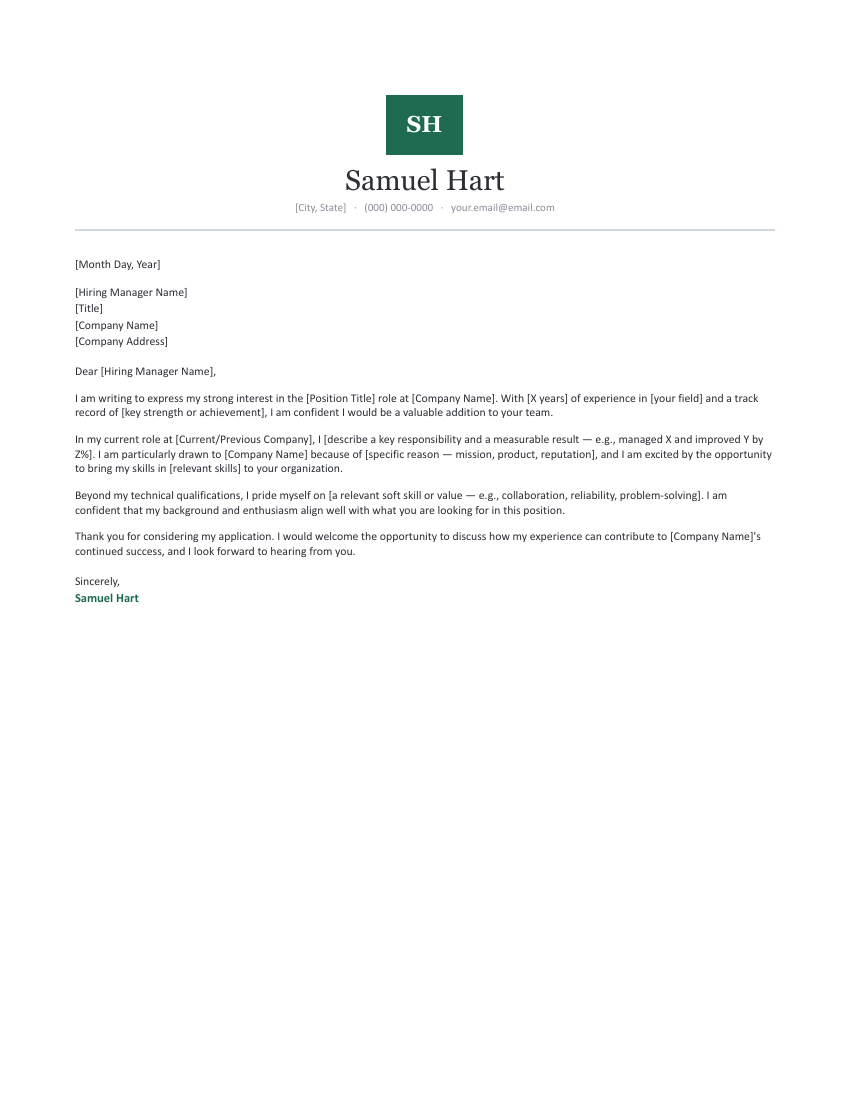
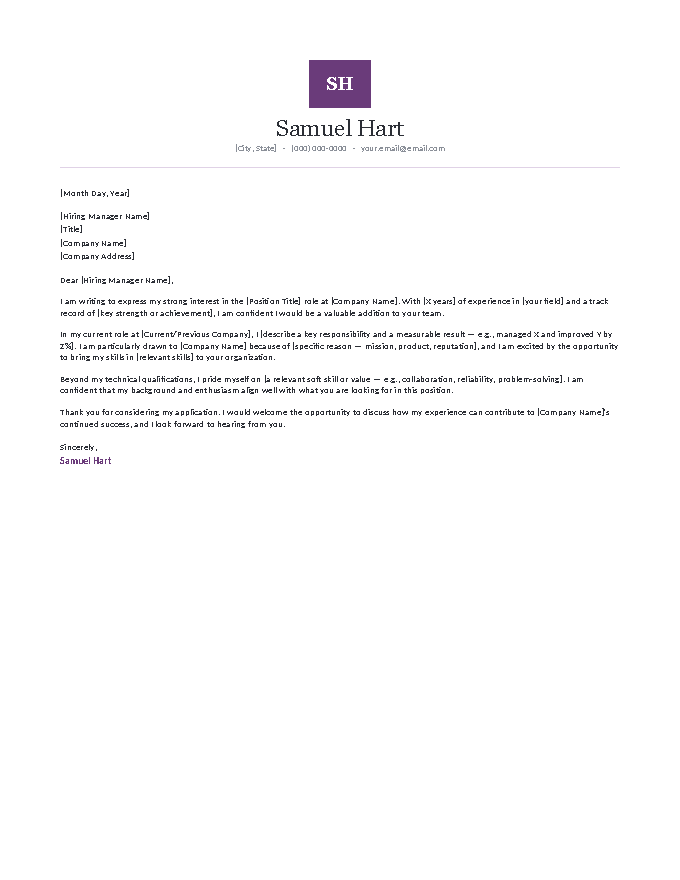
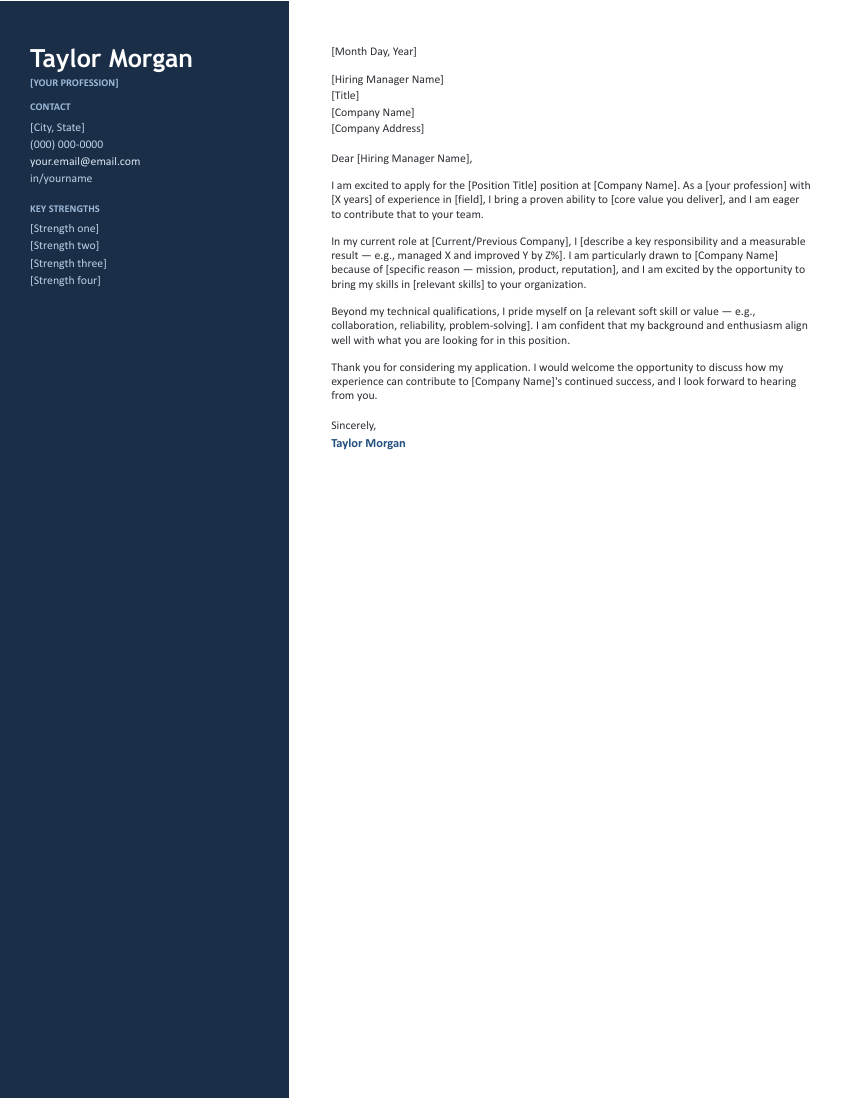
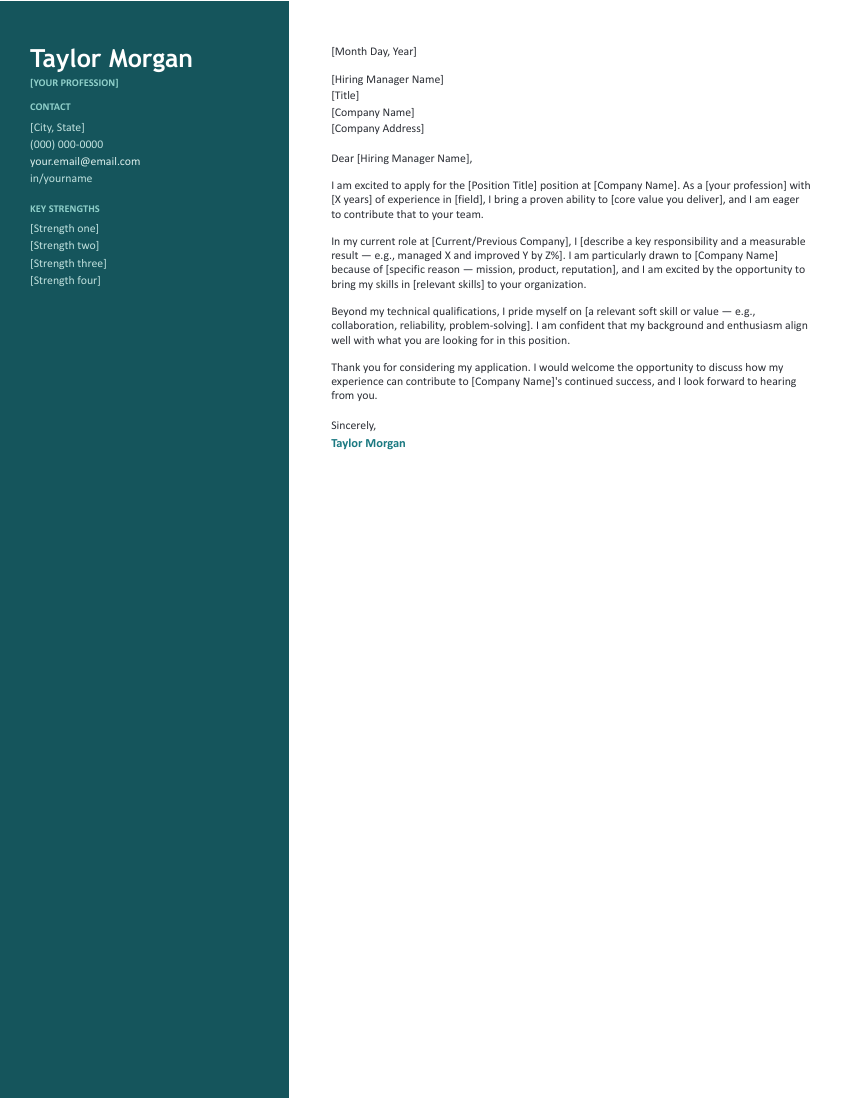
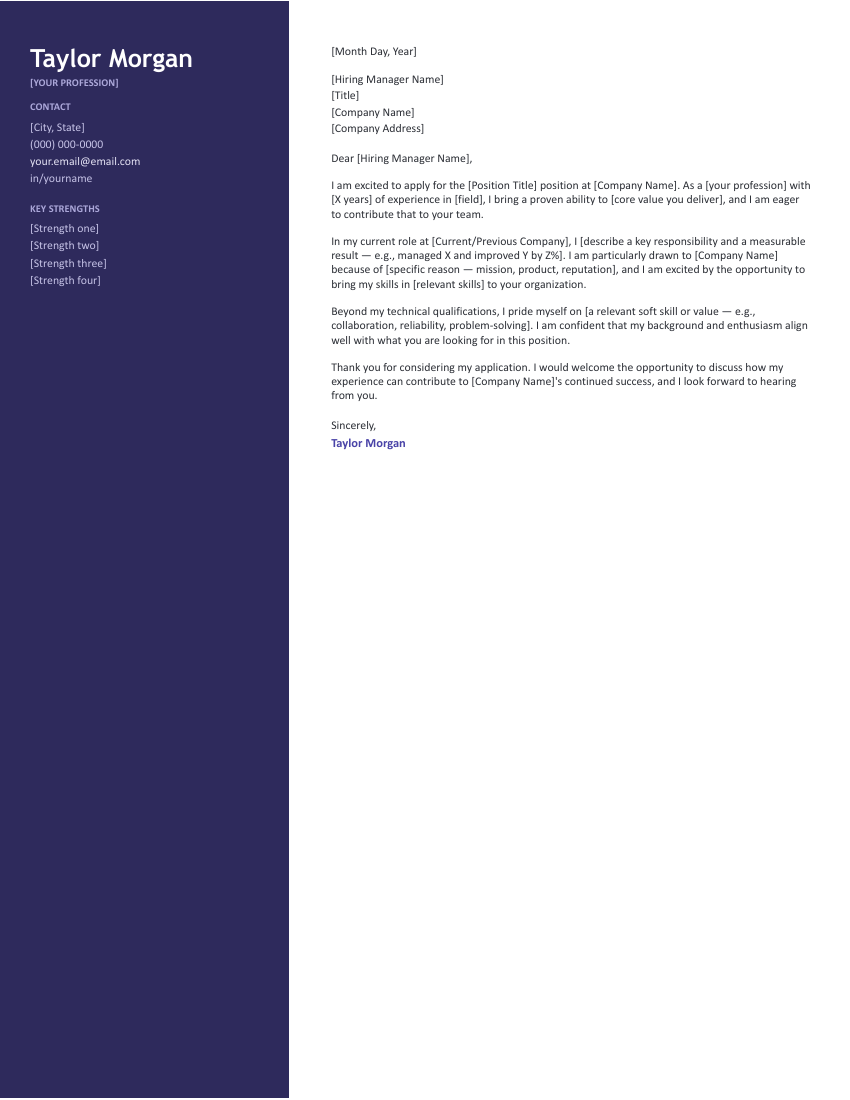
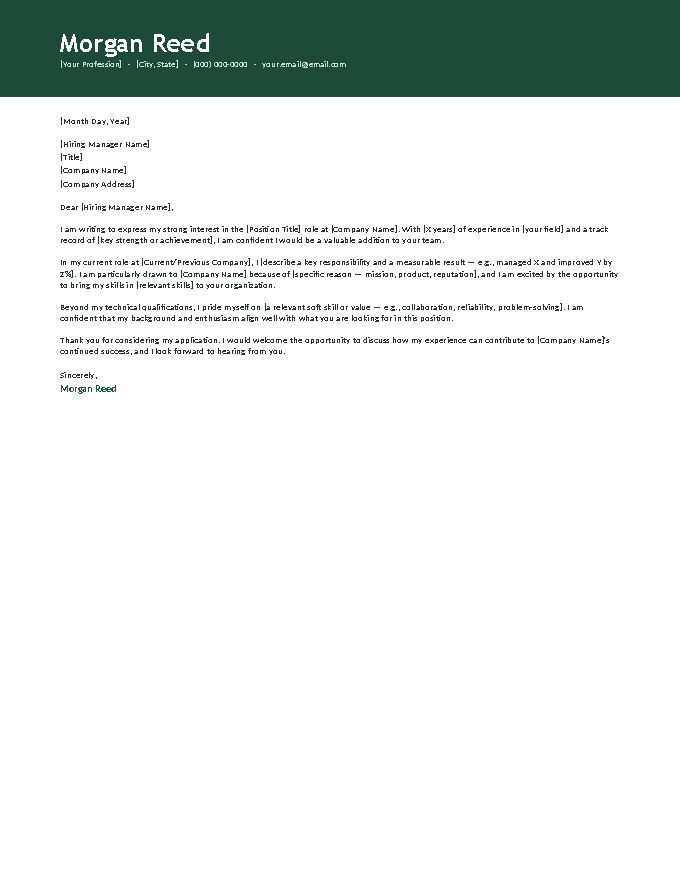
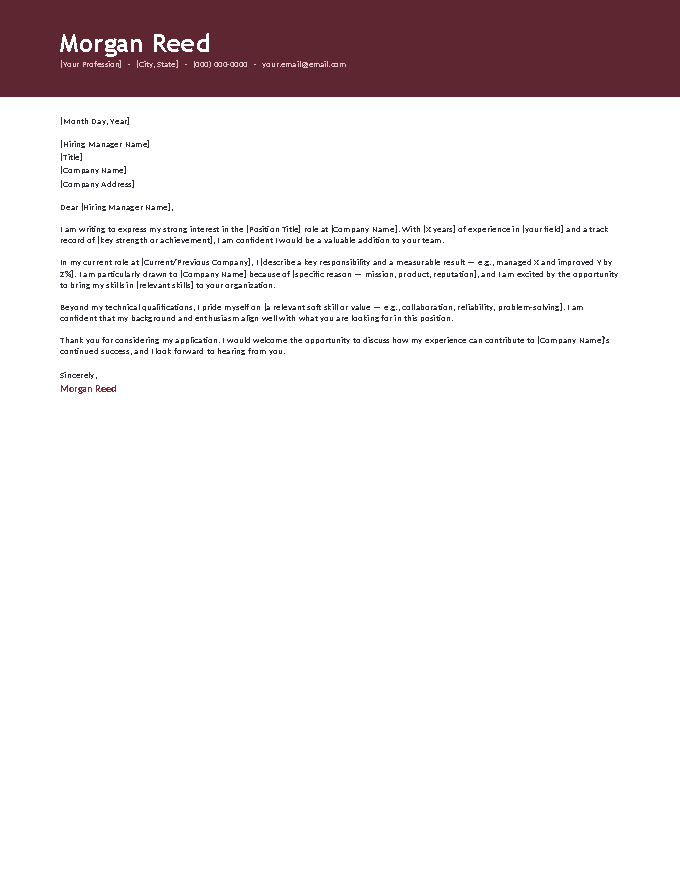
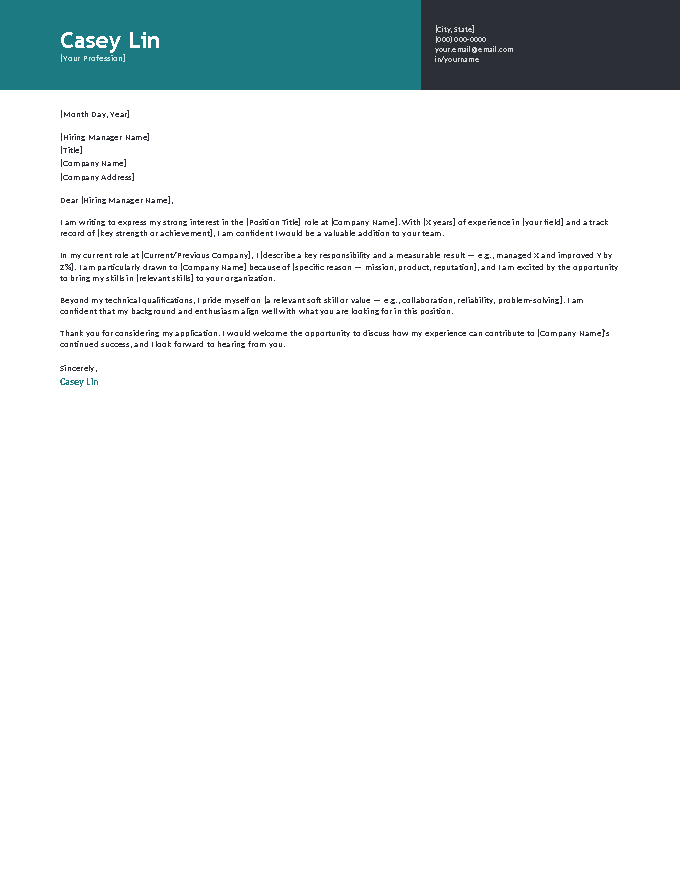
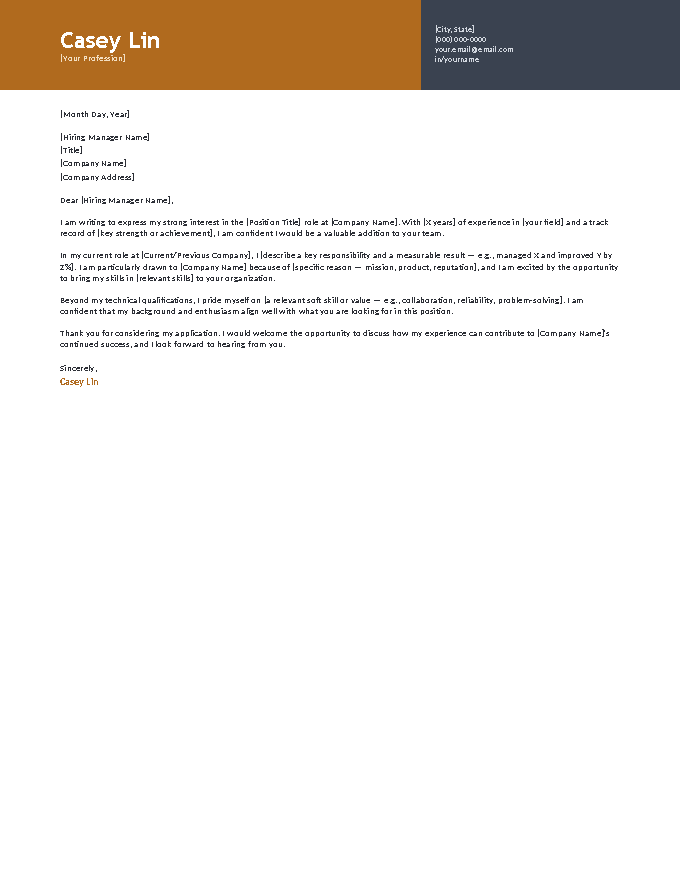
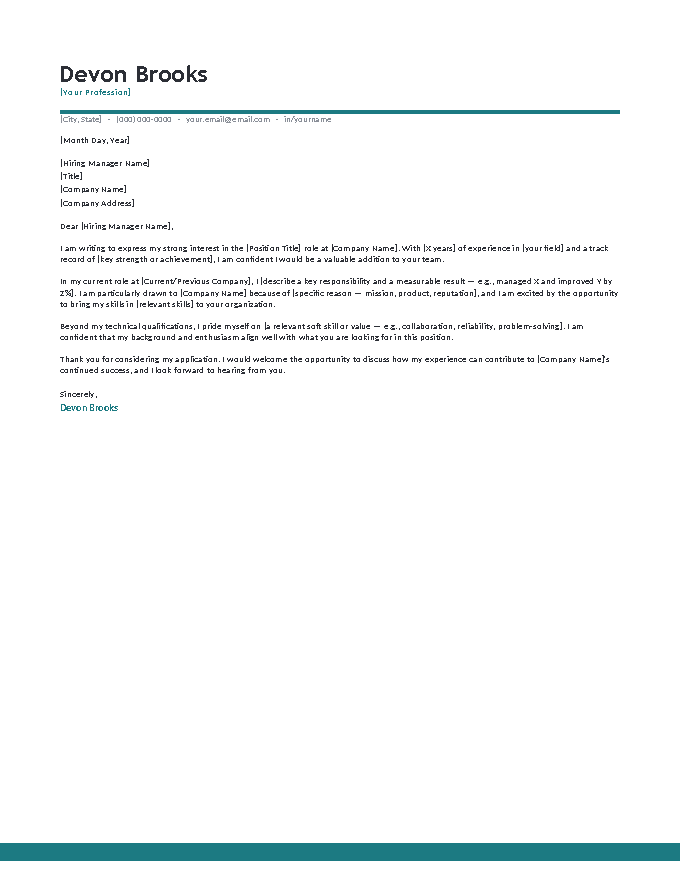
The letter inside every template, read in full.
[Month Day, Year]
[Hiring Manager Name]
[Title]
[Company Name]
[Company Address]
Dear [Hiring Manager Name],
I am writing to express my strong interest in the [Position Title] role at [Company Name]. With [X years] of experience in [your field] and a track record of [key strength or achievement], I am confident I would be a valuable addition to your team.
In my current role at [Current/Previous Company], I [describe a key responsibility and a measurable result — e.g., managed X and improved Y by Z%]. I am particularly drawn to [Company Name] because of [specific reason — mission, product, reputation], and I am excited by the opportunity to bring my skills in [relevant skills] to your organization.
Beyond my technical qualifications, I pride myself on [a relevant soft skill or value — e.g., collaboration, reliability, problem-solving]. I am confident that my background and enthusiasm align well with what you are looking for in this position.
Thank you for considering my application. I would welcome the opportunity to discuss how my experience can contribute to [Company Name]'s continued success, and I look forward to hearing from you.
Sincerely,
Jordan A. Bennett
When the Word file is the right tool.
Cloud drafting is convenient, but there are solid reasons the downloaded Word file is still the professional default:
- Portals ask for it. Plenty of application systems and staffing agencies specifically request an editable .docx — recruiters reformat candidate documents for their clients. Having your letter natively in Word means never doing a lossy conversion under deadline.
- It works offline. The file is yours, on your machine — editable on a flight, at a career fair, anywhere the Wi-Fi isn’t. No sign-in, no sync state, no expiring share links.
- Print control. Handing letters over in person — career fairs, walk-in applications, interviews — Word’s print preview and margin handling give you exactly what the paper will show.
- One file, every ecosystem. The same .docx opens in Word, LibreOffice, Pages, and Google Docs. It’s the most portable format an application document can have.
The habit that ties it together: keep the filled-in .docx as your master, export a fresh PDF per application, and let the Word file be the single source of truth.
Four steps in Word.
- Click Download Word on a template and open the
.docx. - Replace every [bracketed] prompt — the formatting is done; only the words need you.
- Save the master, then File → Save As → PDF for the copy you submit.
- Pair it with a matching resume so the packet shares one design language.
Word cover letter FAQ
How do I edit these cover letter templates in Word?
Which versions of Word do these work with?
Do I need to buy Microsoft Word to use these?
Will the fonts look right on my computer?
Should I send the Word file or a PDF?
Microsoft Word cover letter templates · Updated September 2026