

Lesson Plan Templates
Fifty lesson plan templates, each in three formats: an editable Word file, a Google Docs copy that opens in your own Drive, and a PDF with real form fields that prints clean when blank. Weekly and daily plans, the frameworks teachers are asked for by name, a student-teaching plan that stays under four pages, the substitute plan every sub wishes you had left, early childhood from infant routines to kindergarten, every major subject, and five state sets.
Every lesson plan template, three formats each
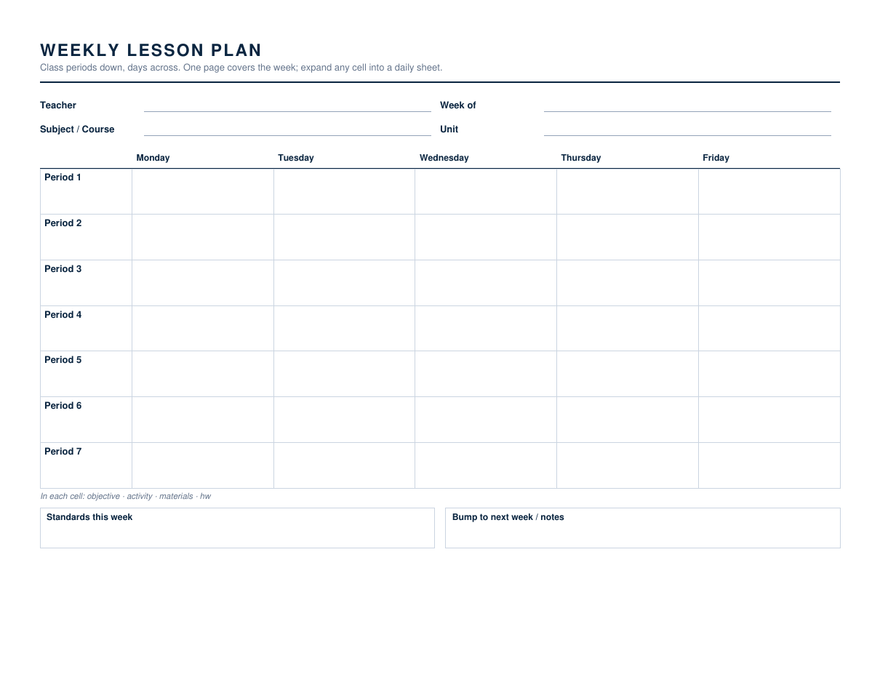
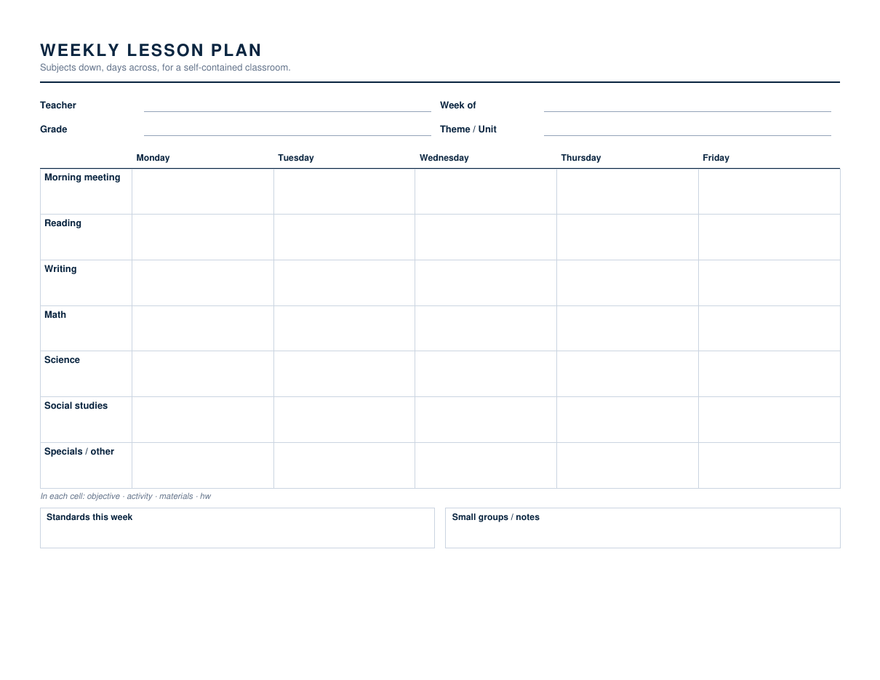
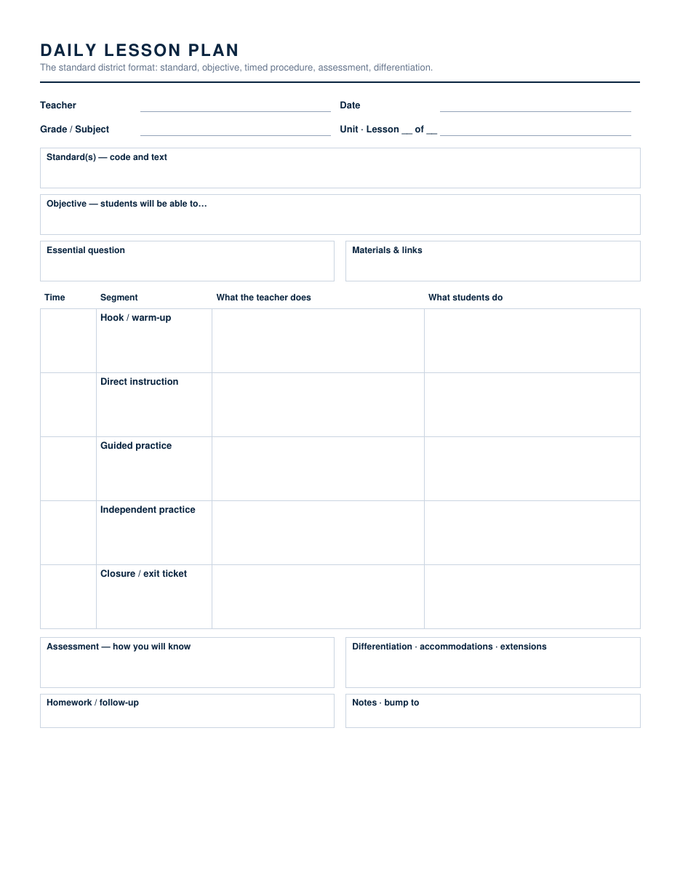
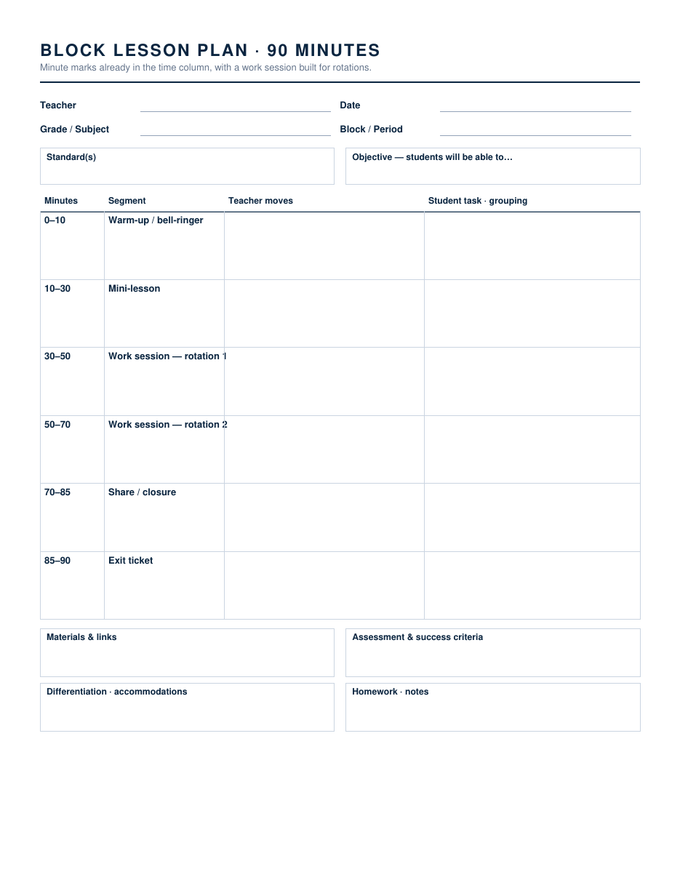
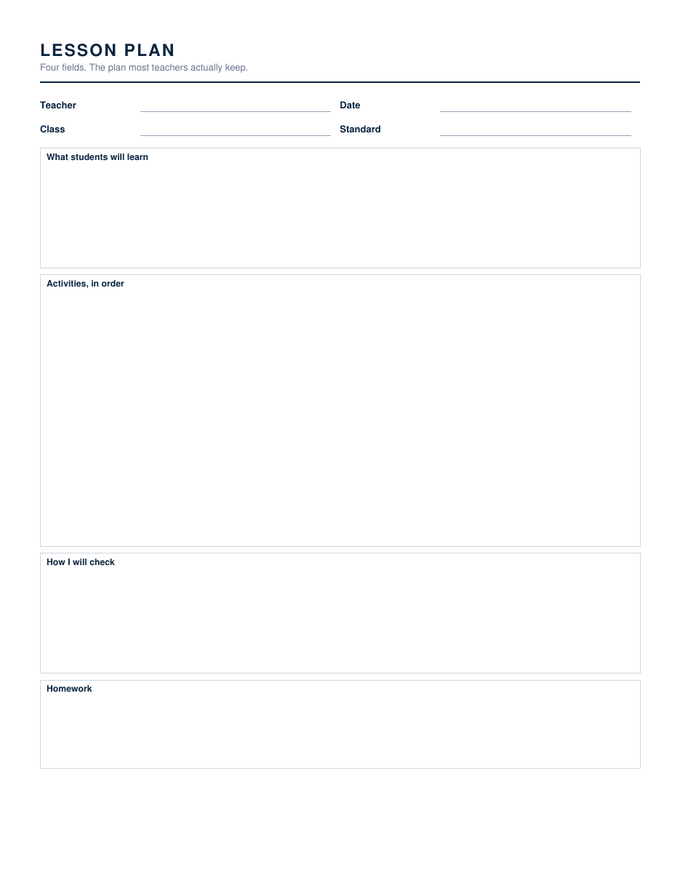
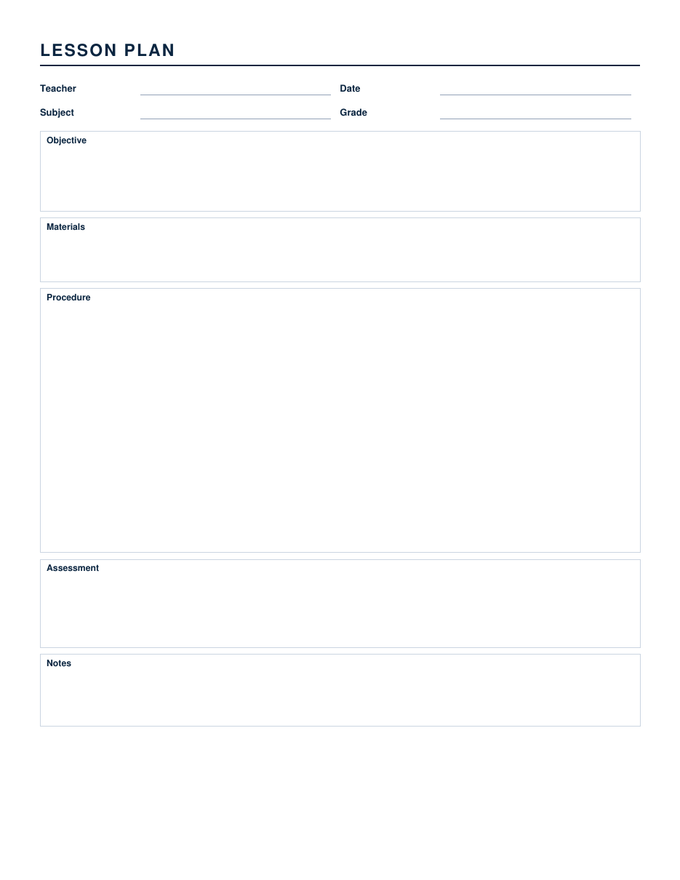
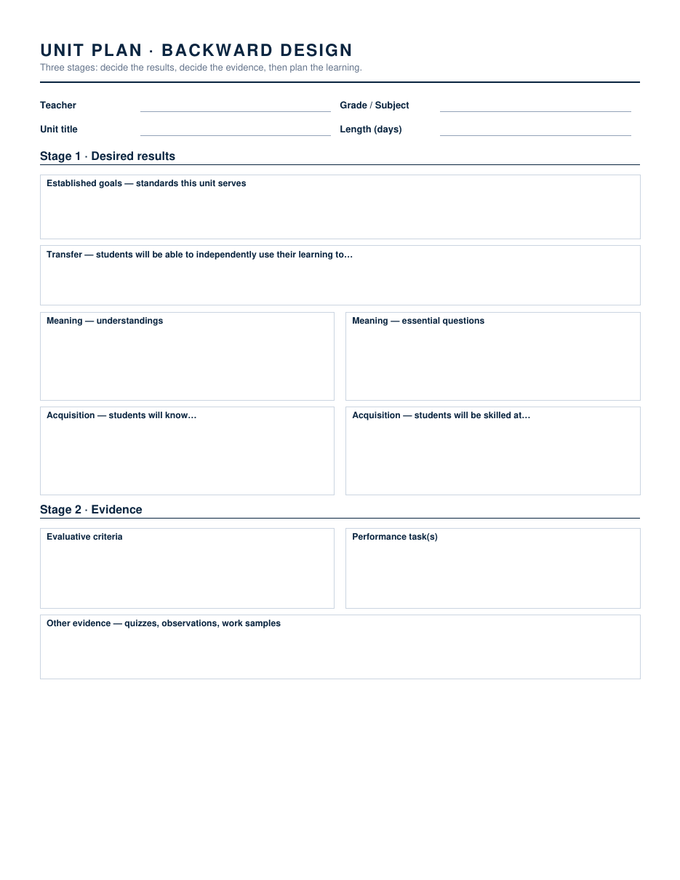
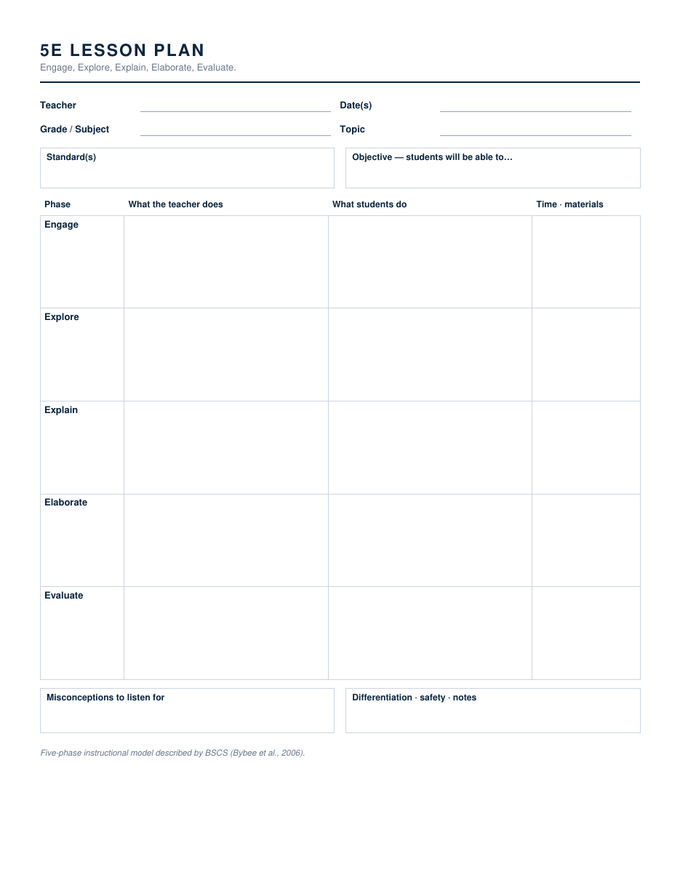
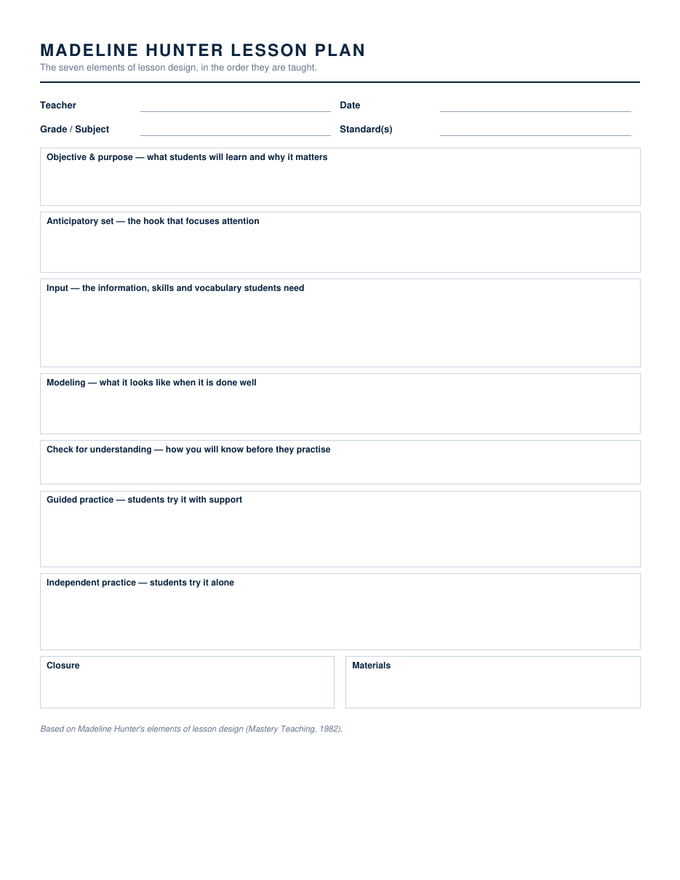
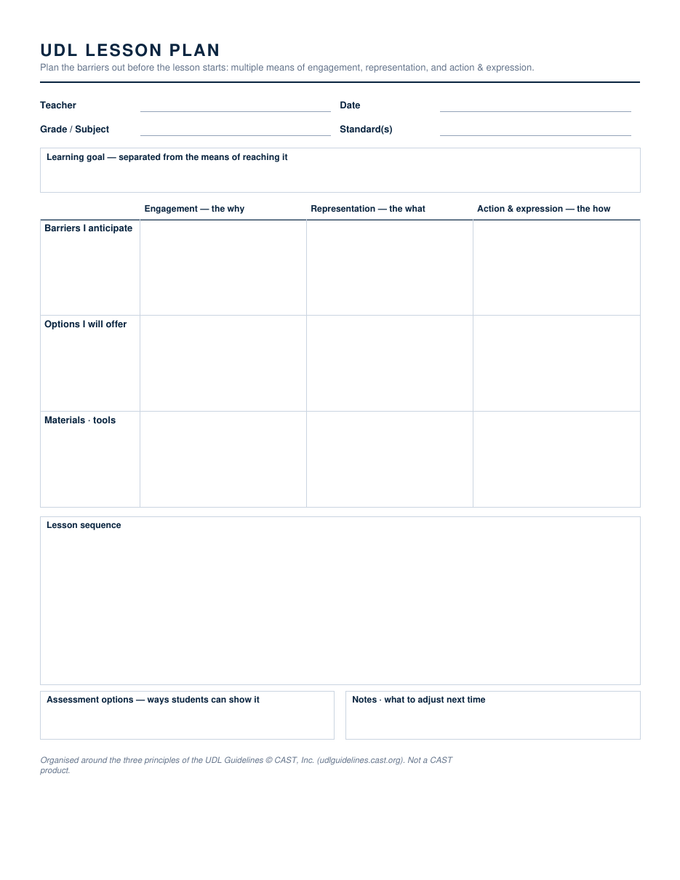
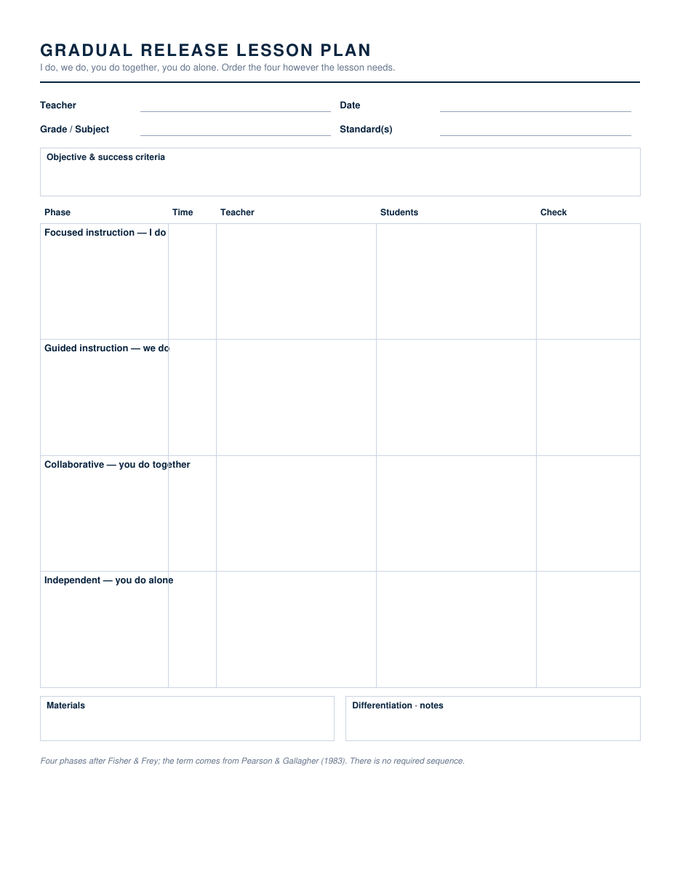
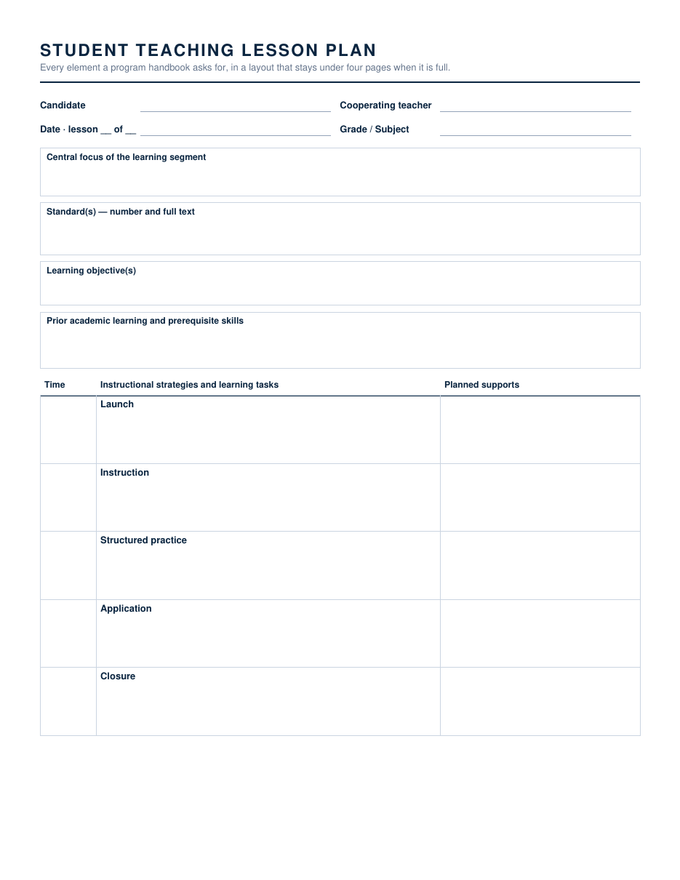
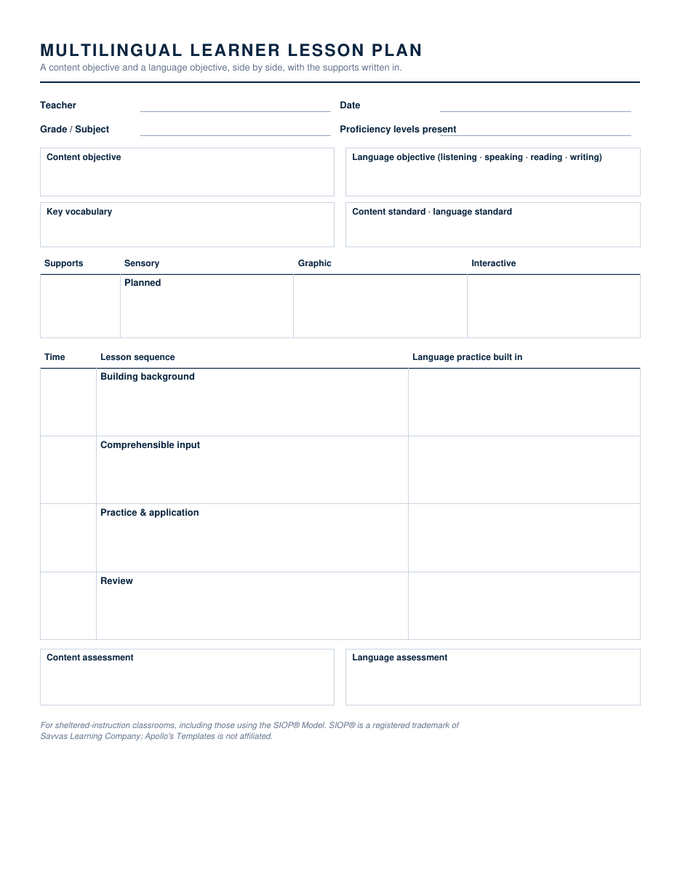
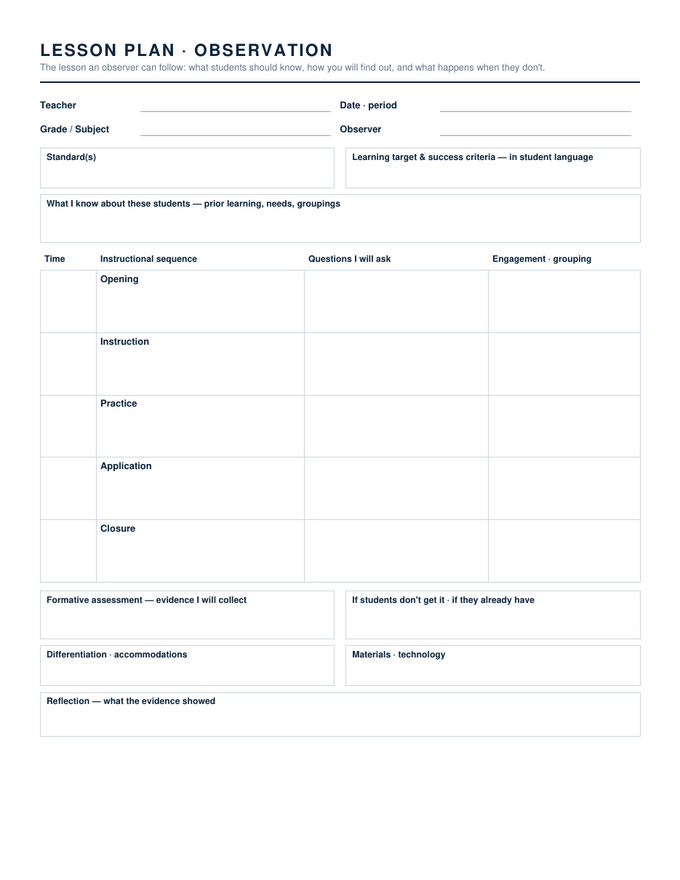
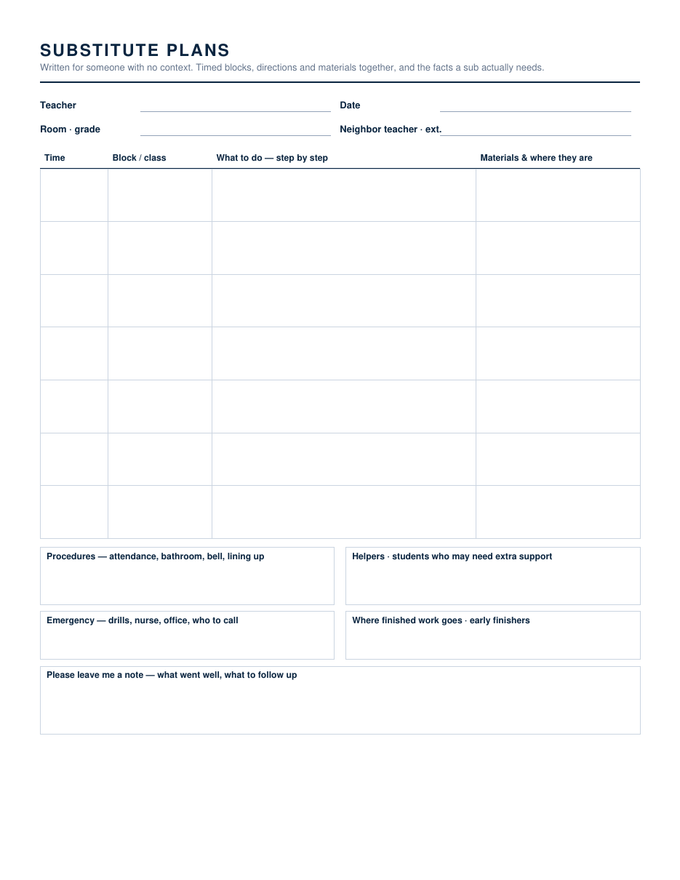
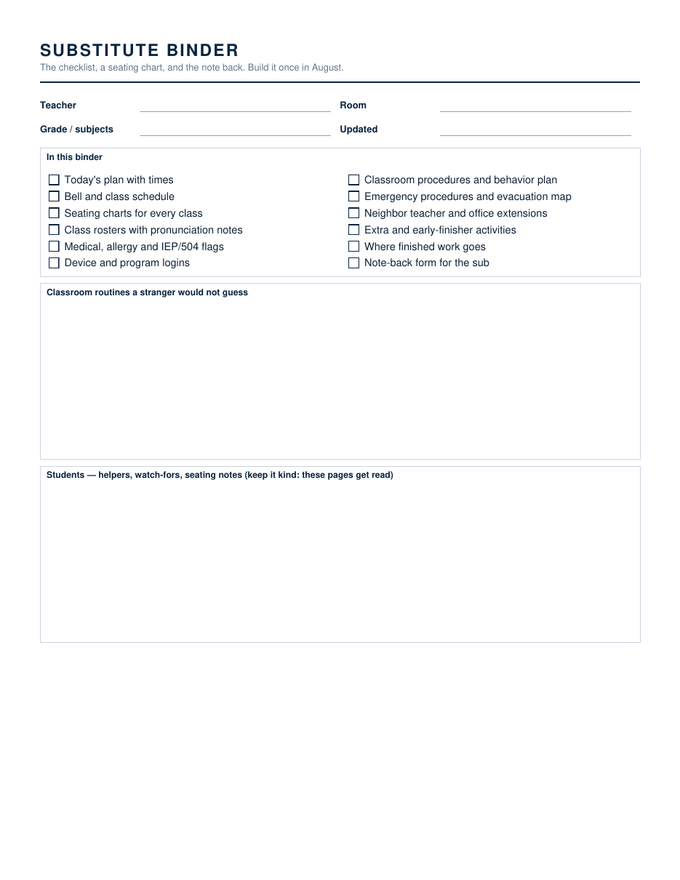
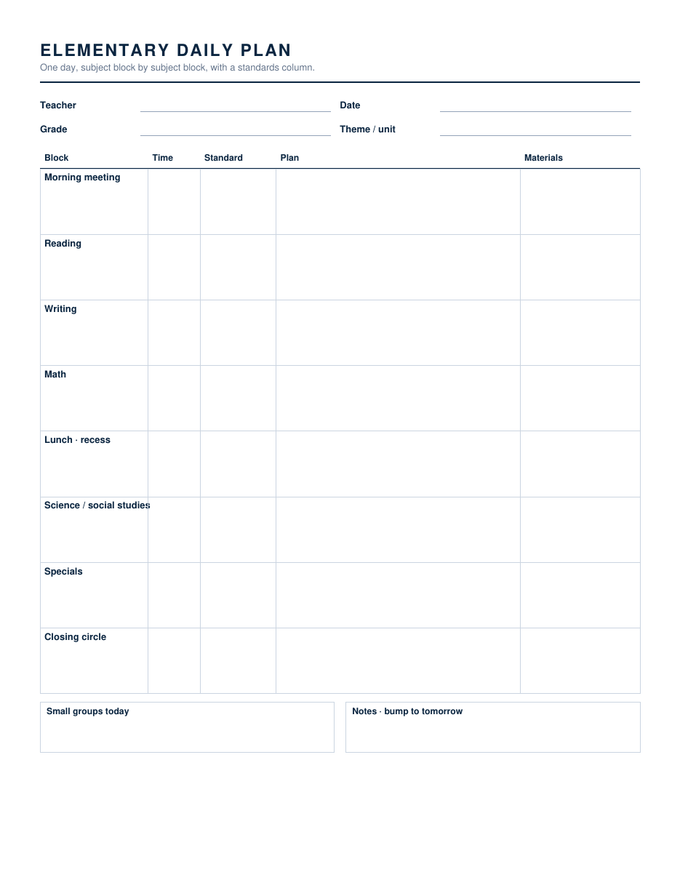
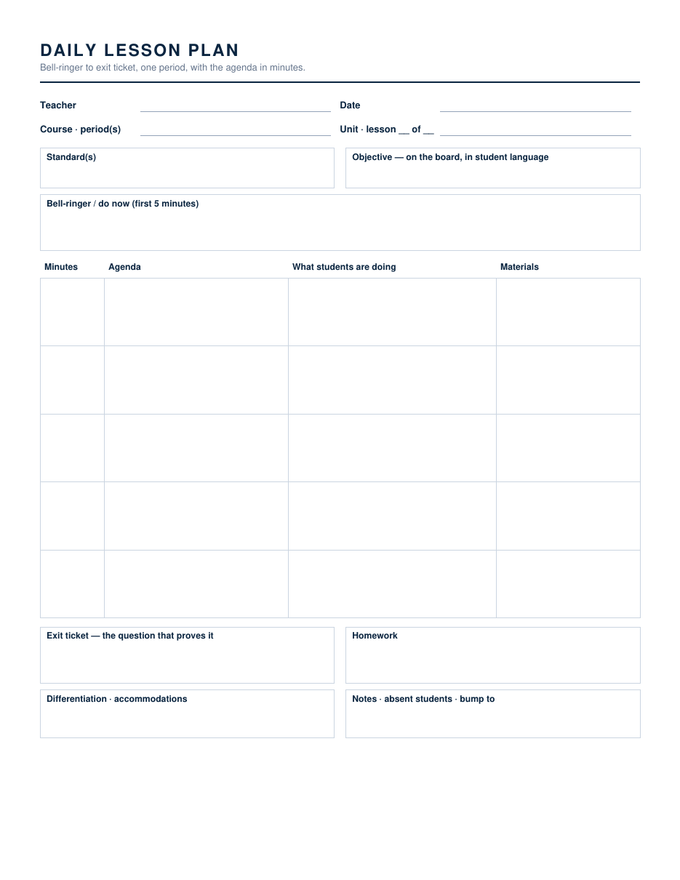
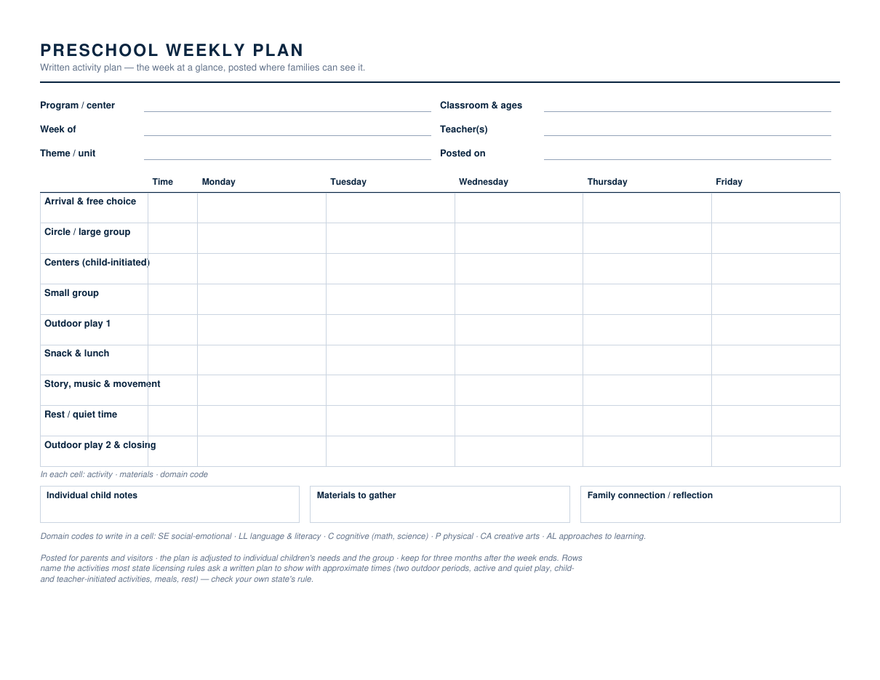
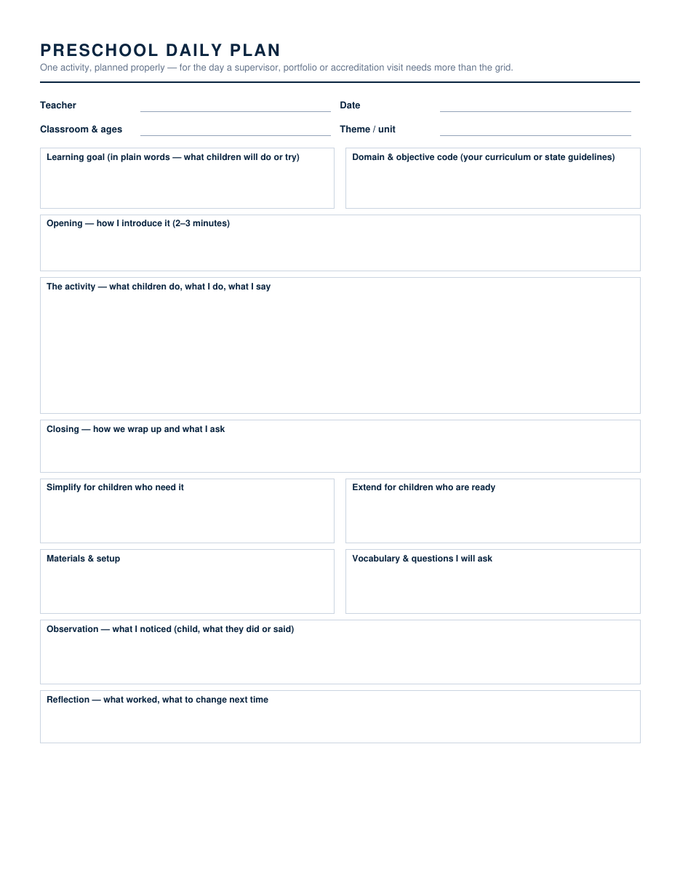
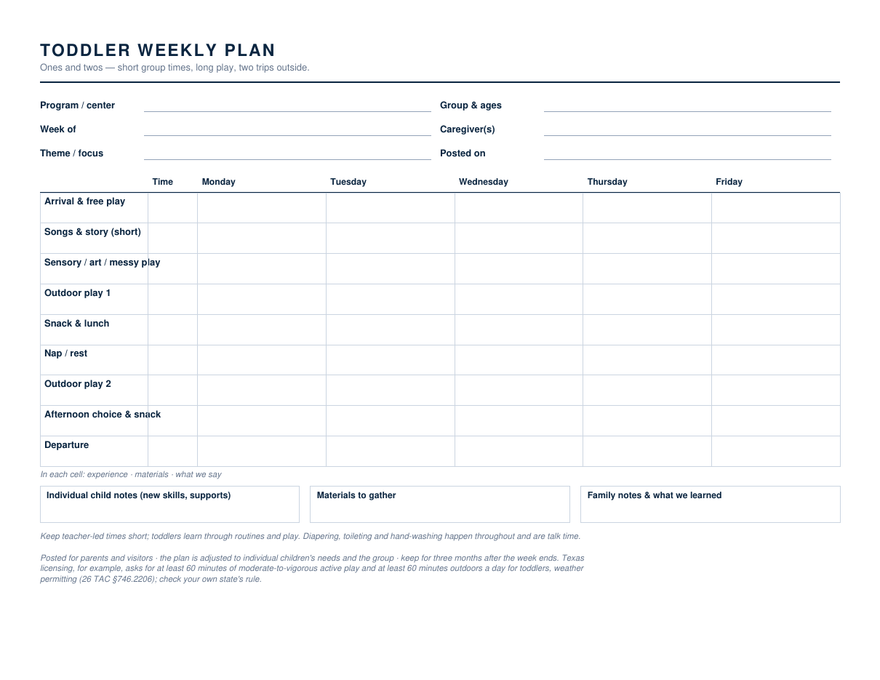
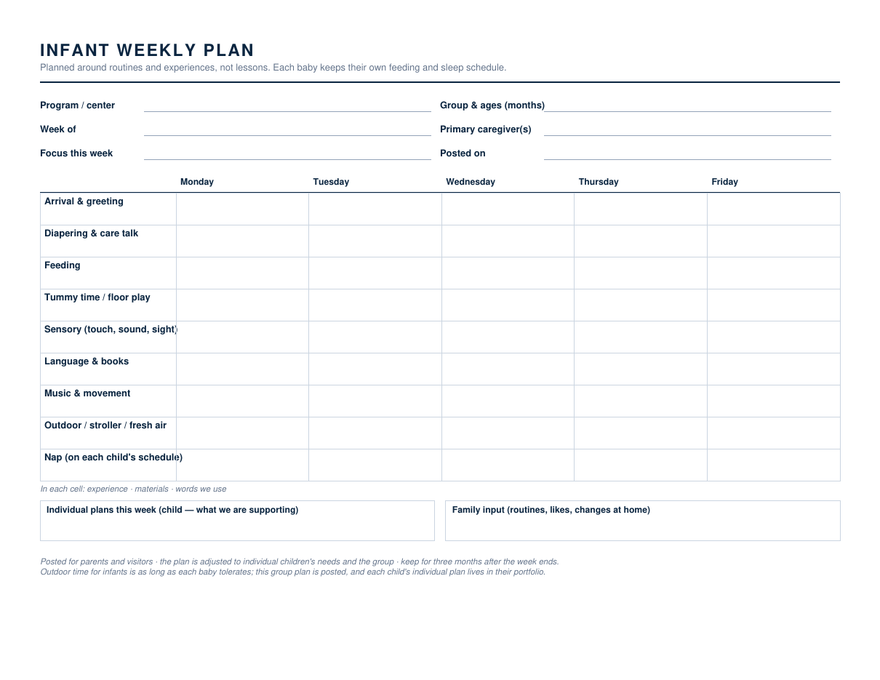
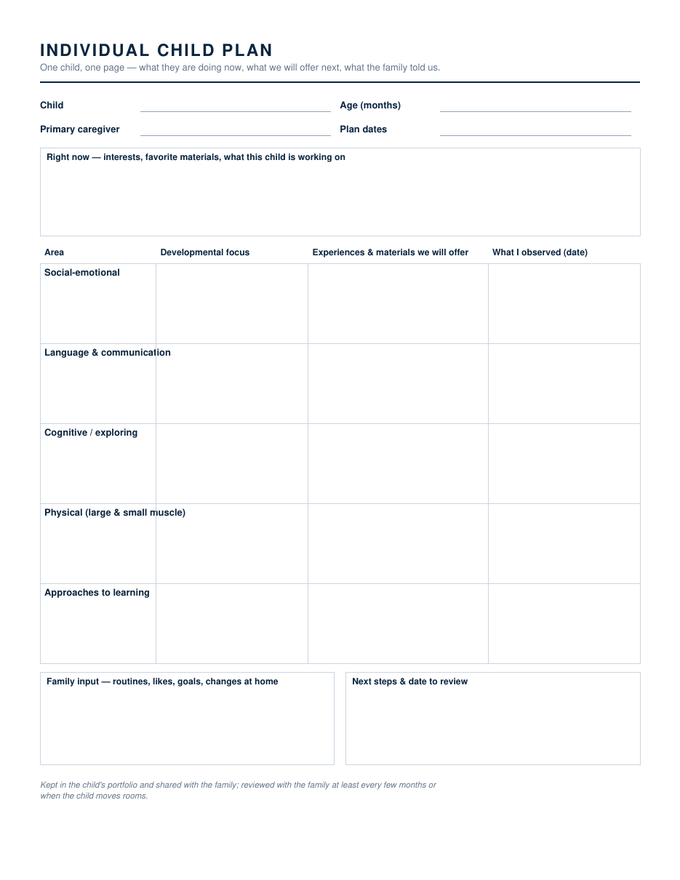
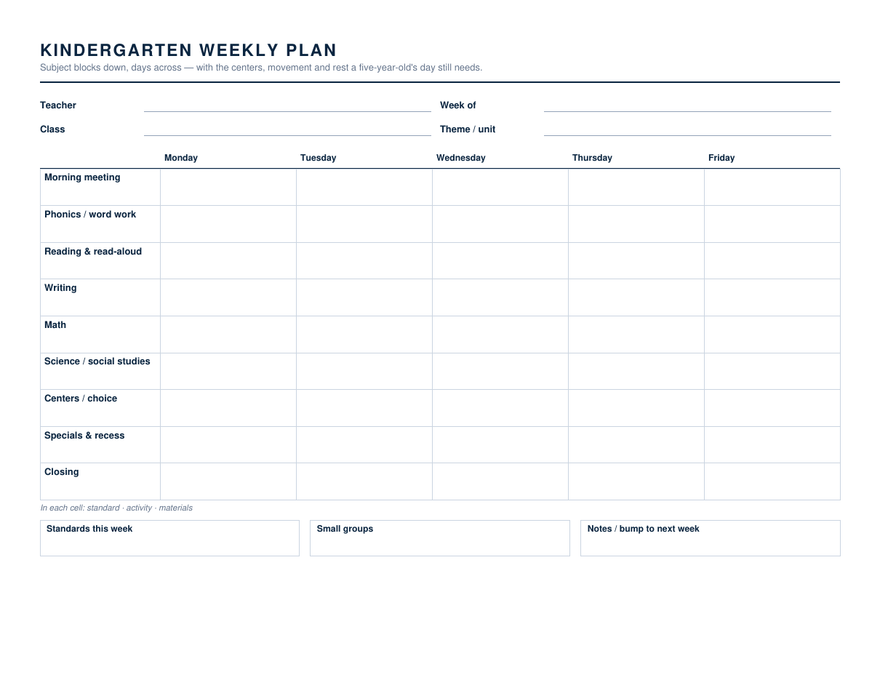
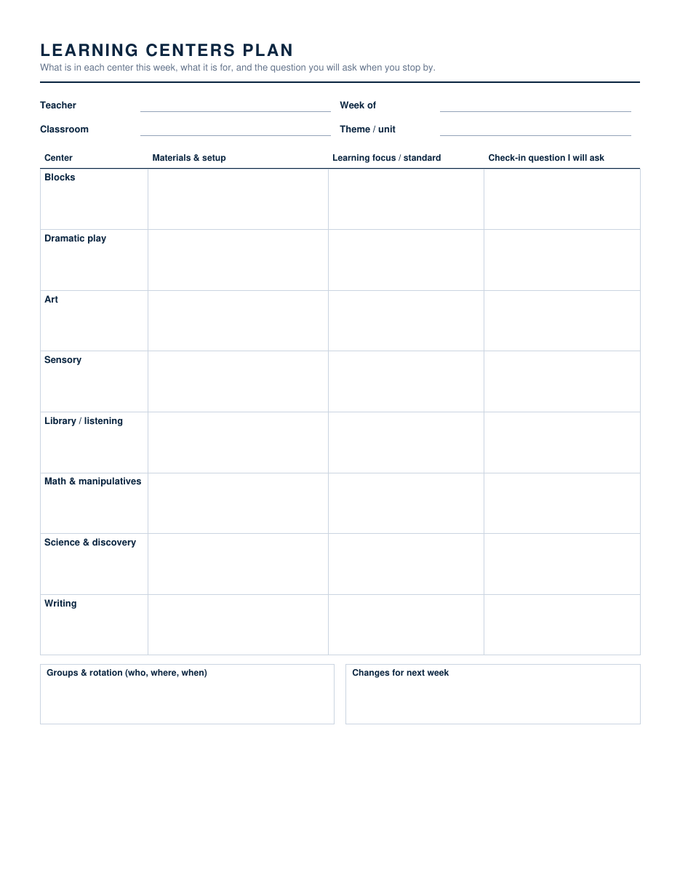
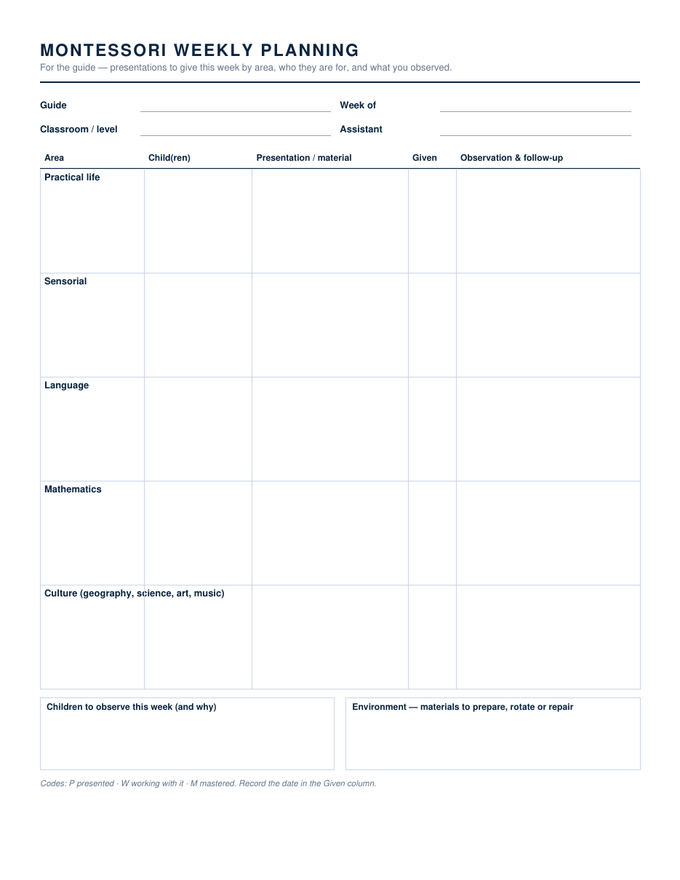
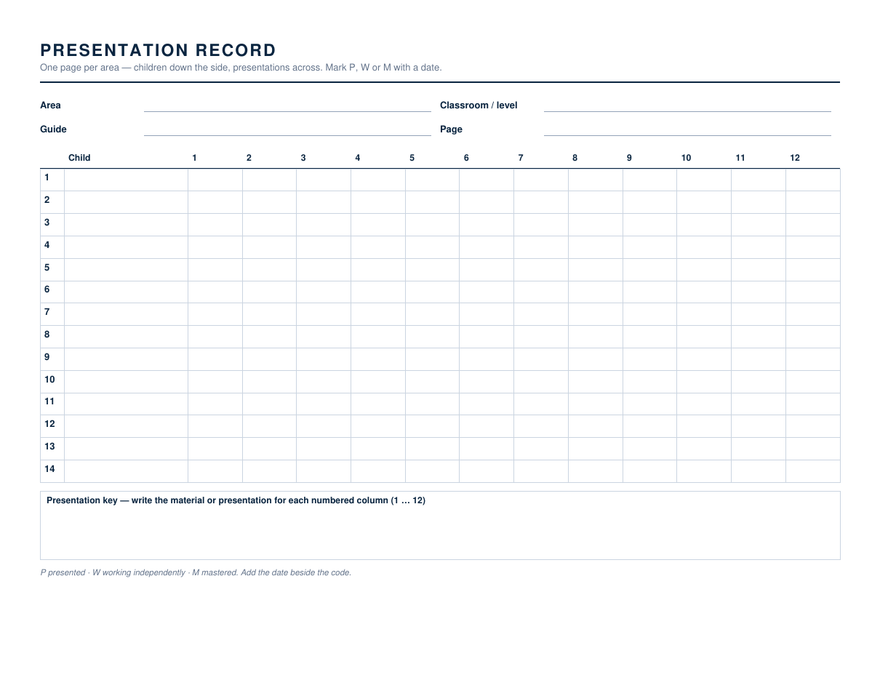
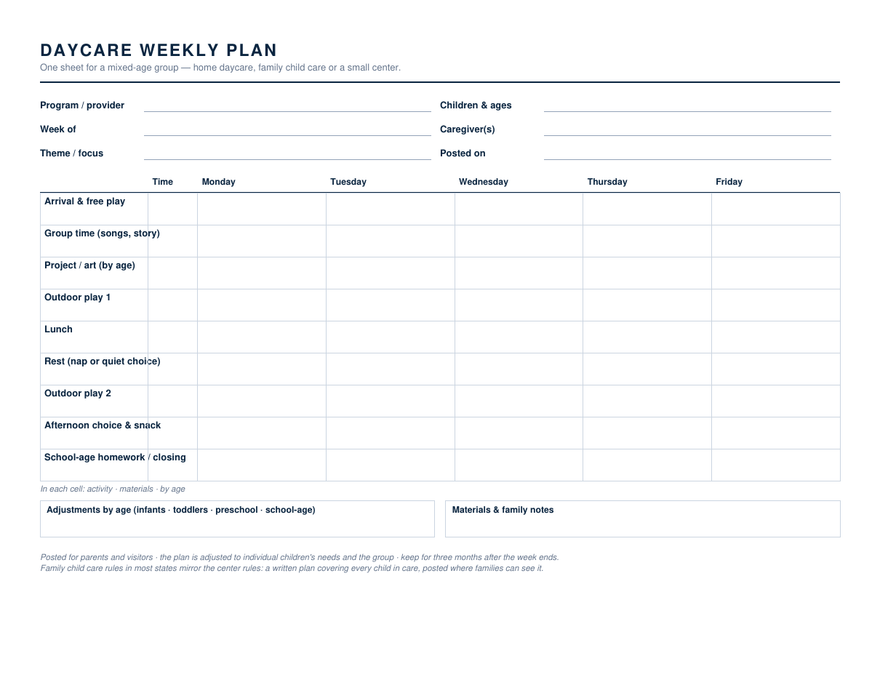
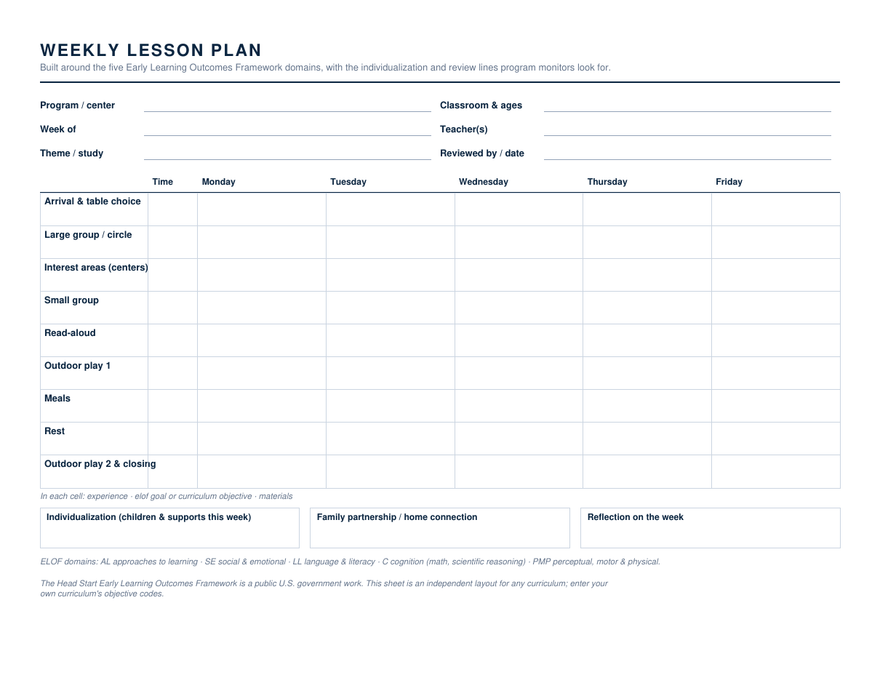
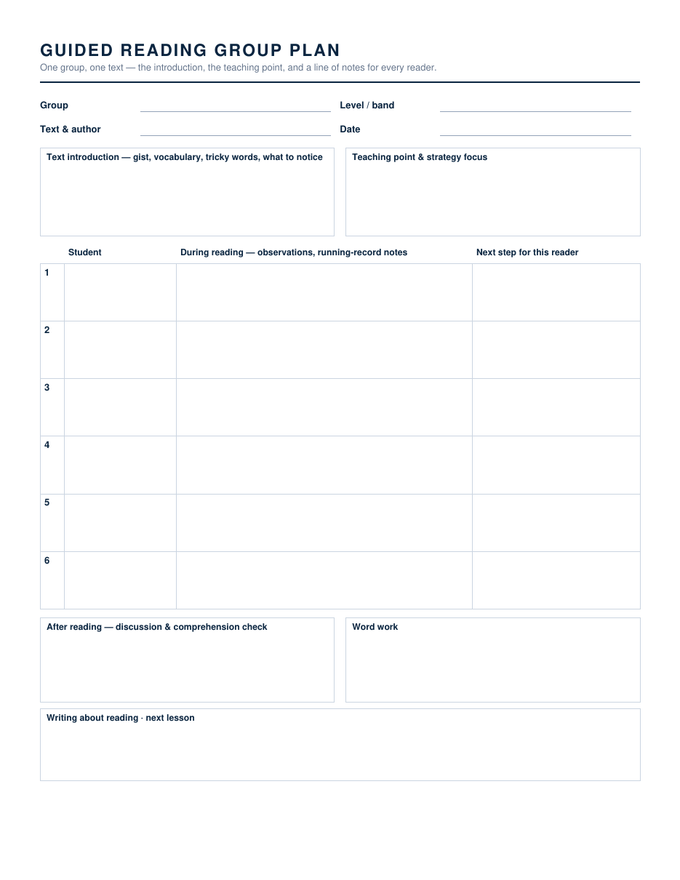
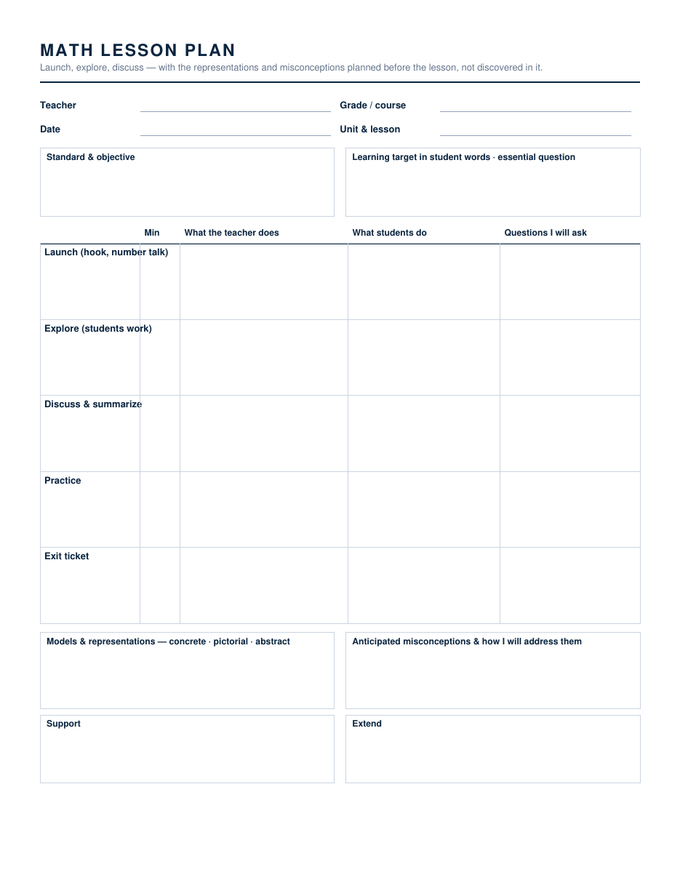
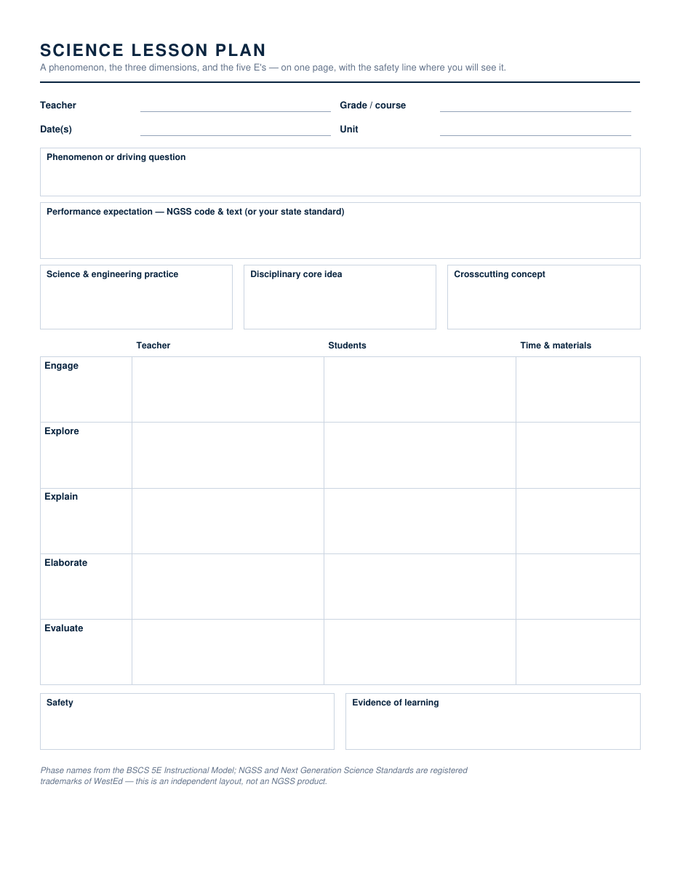
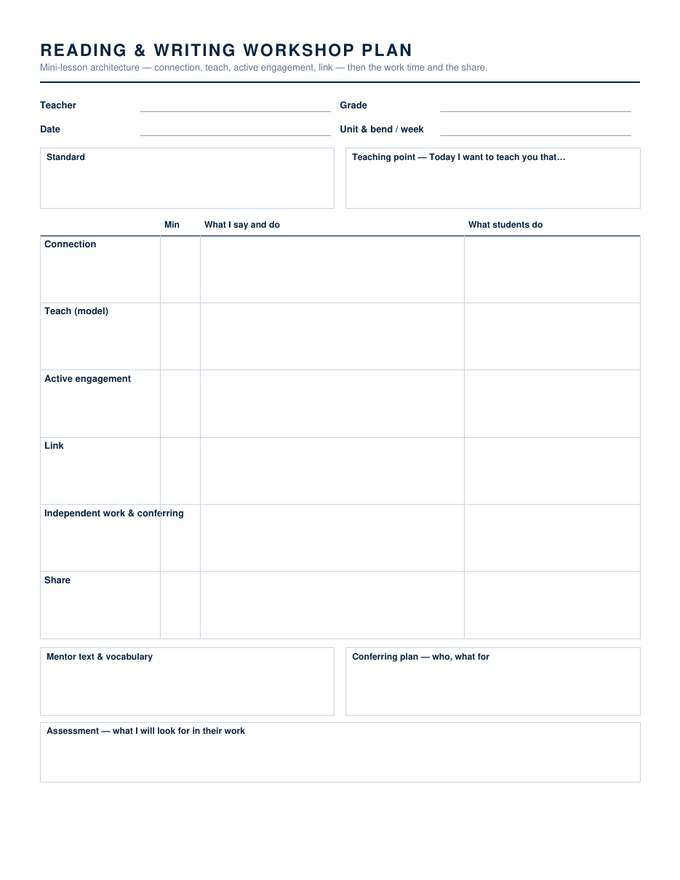
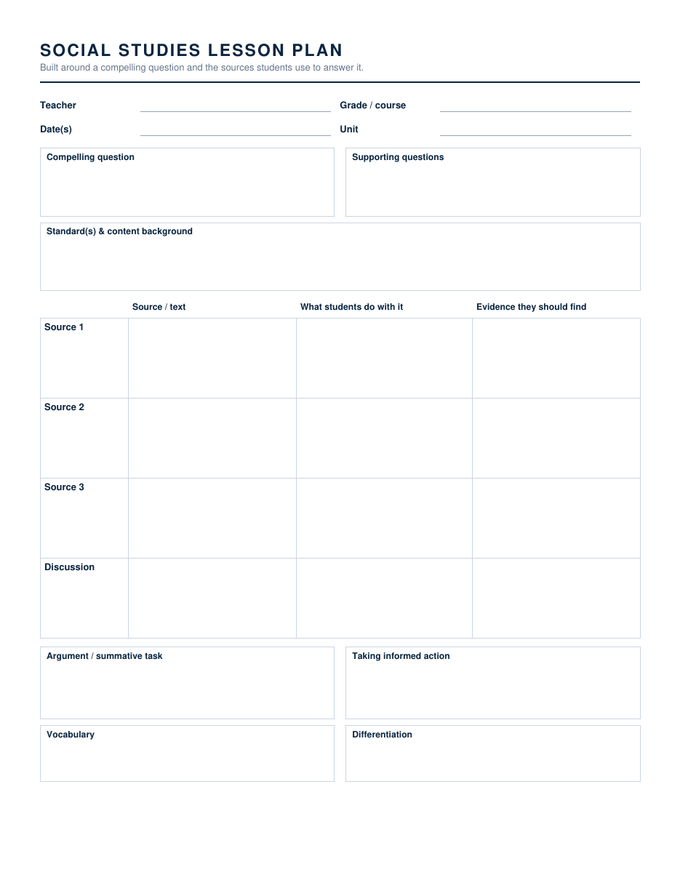
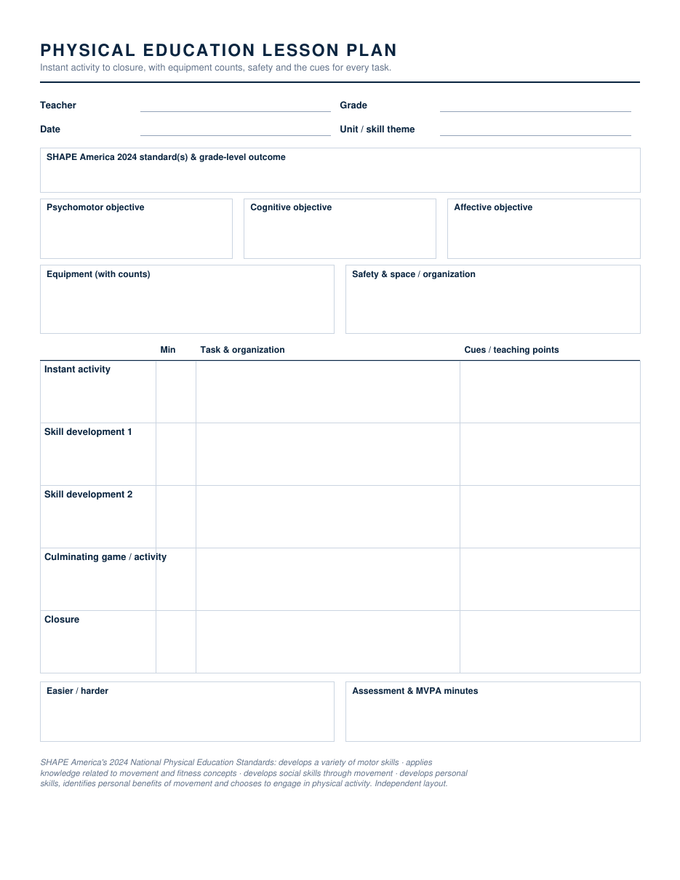
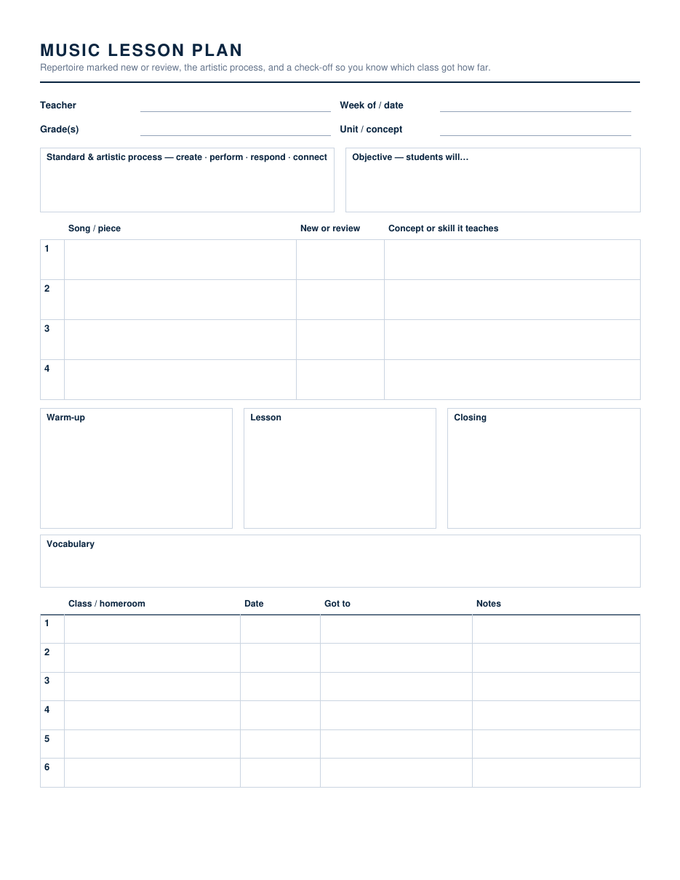
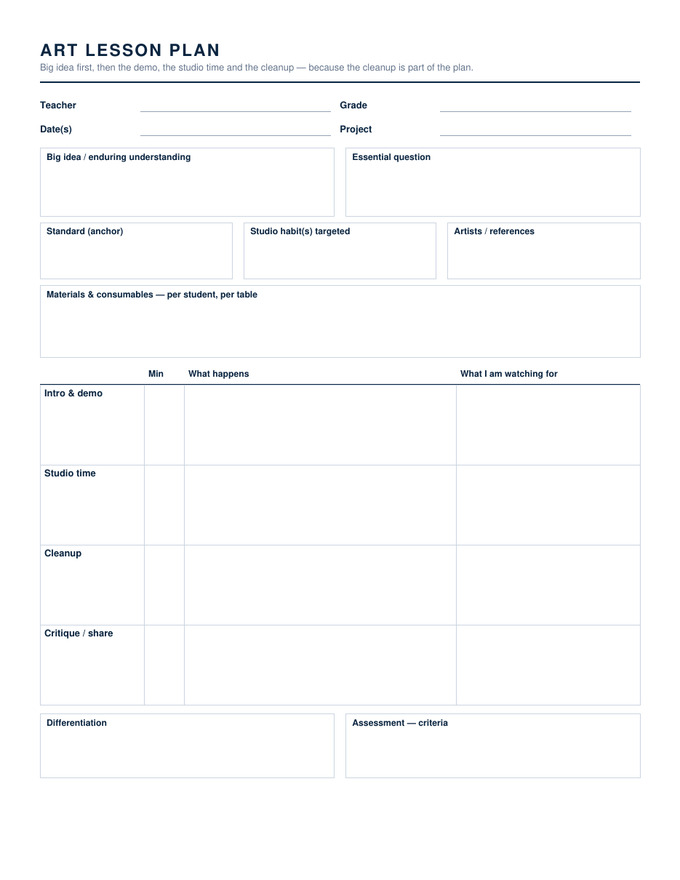
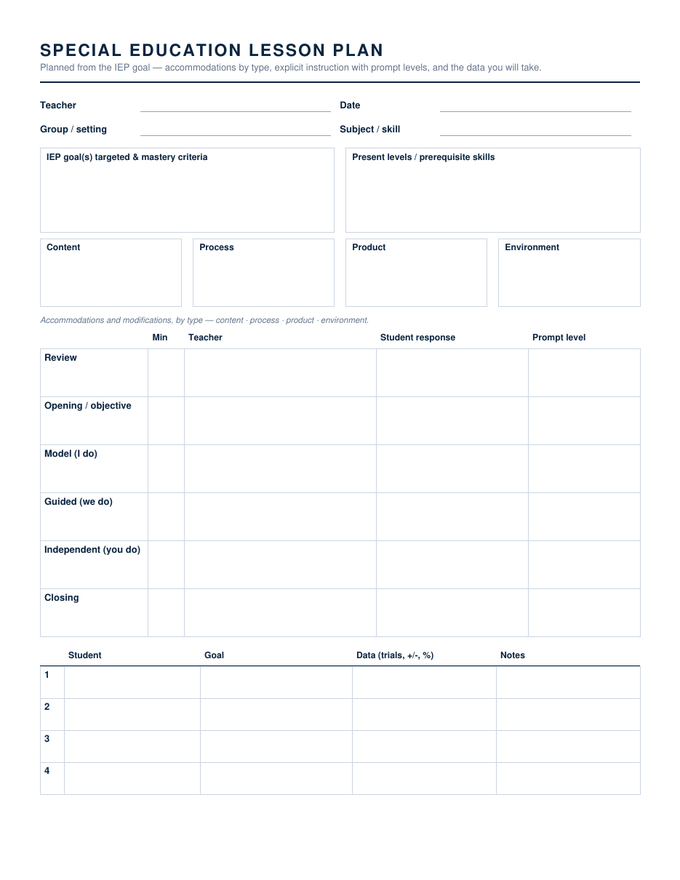
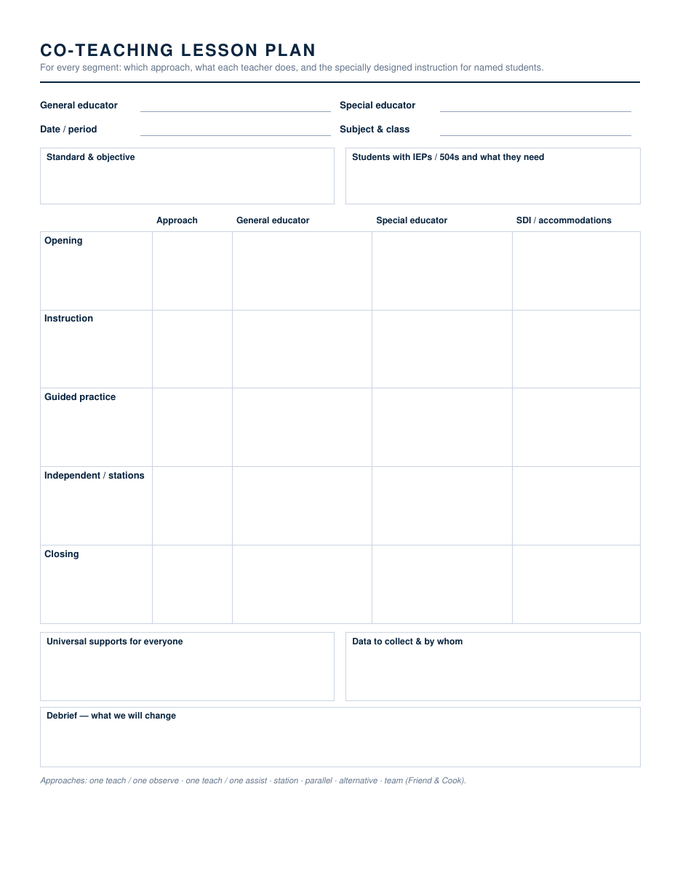
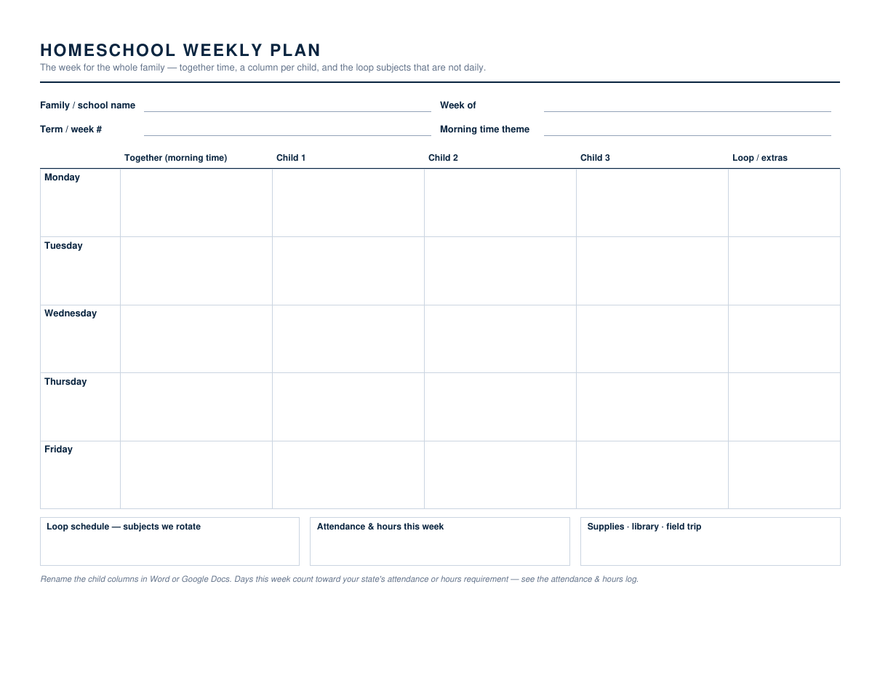
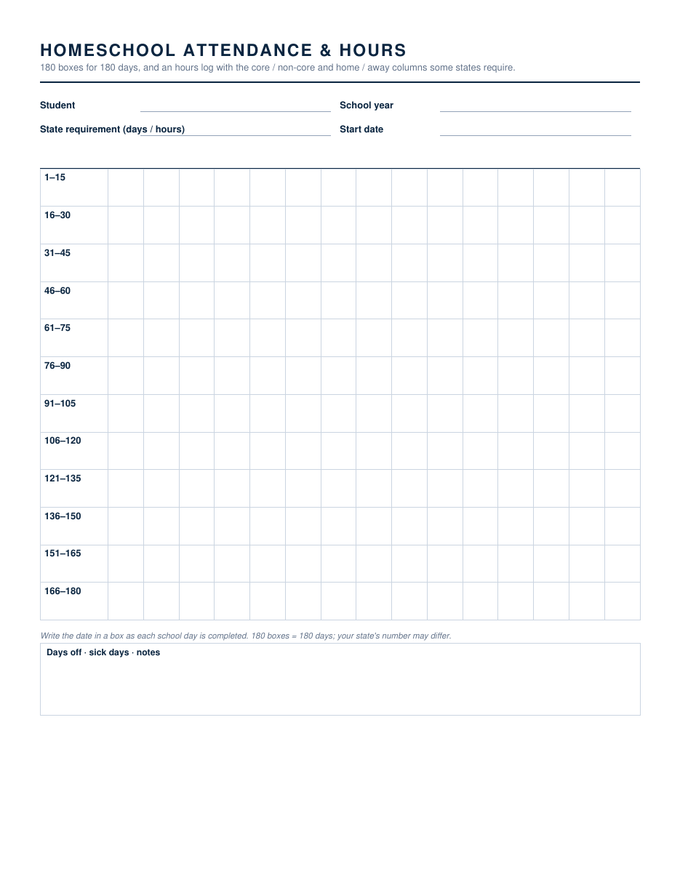
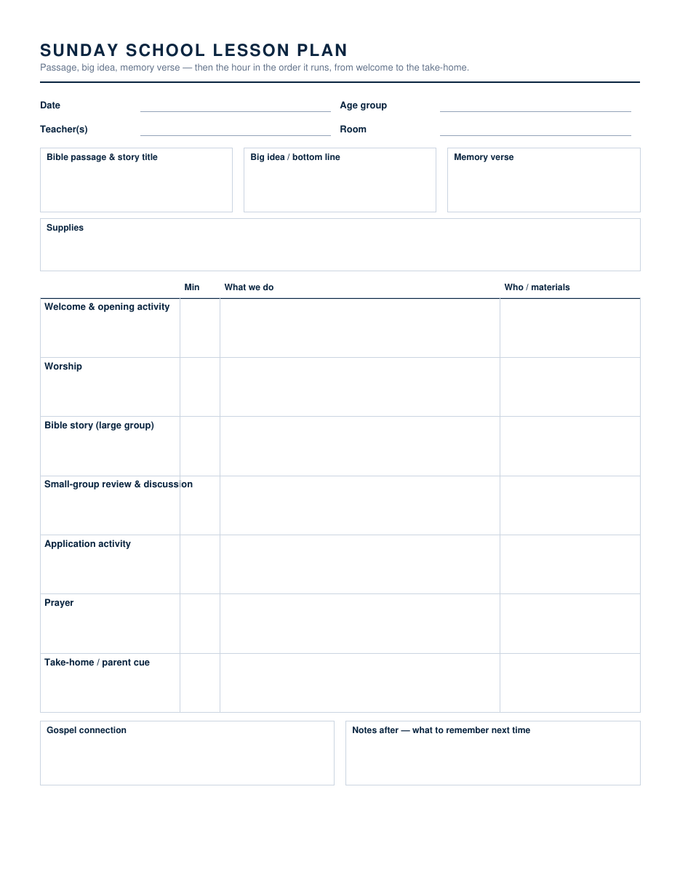
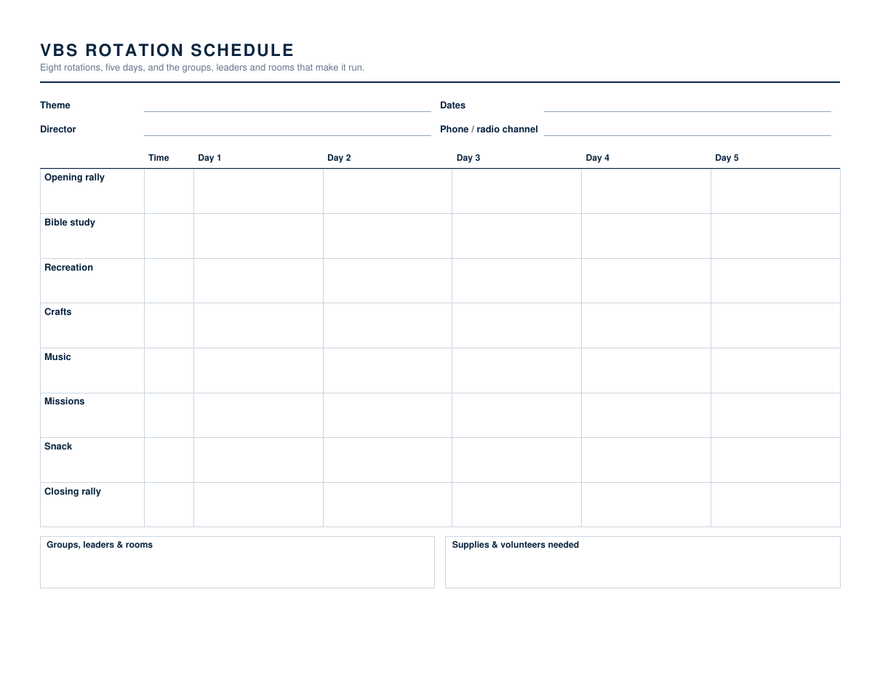
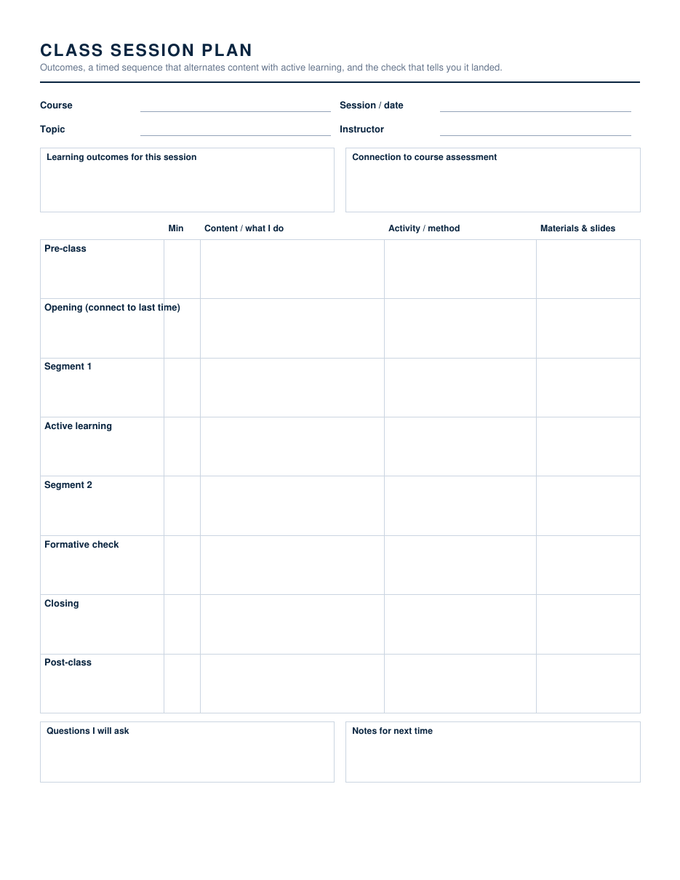
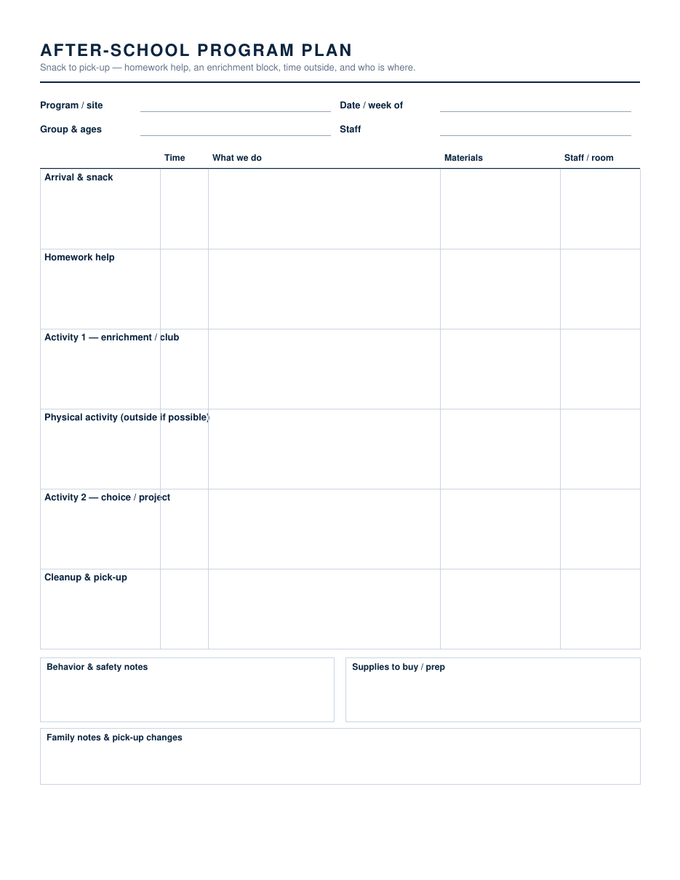
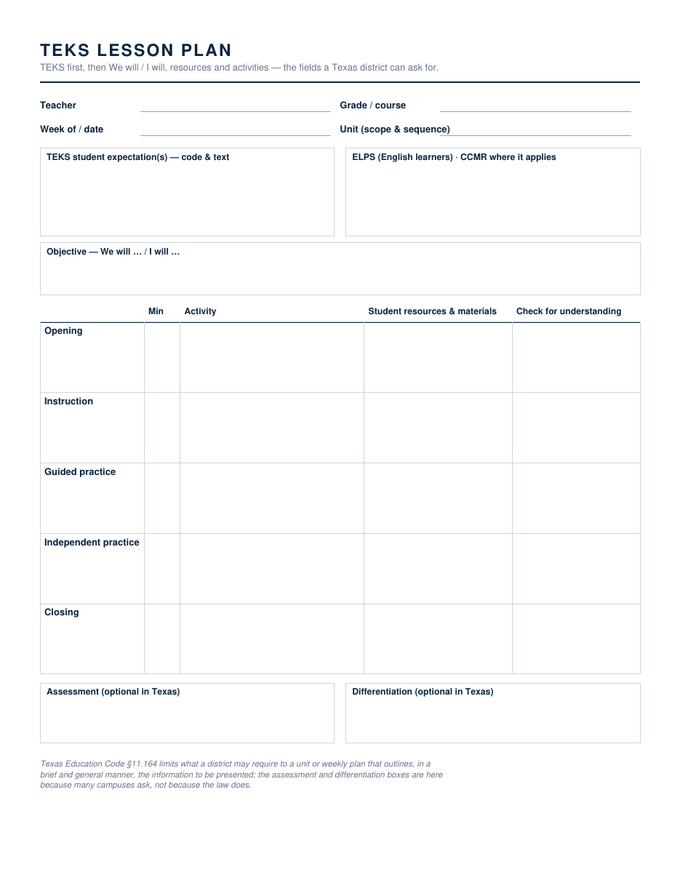
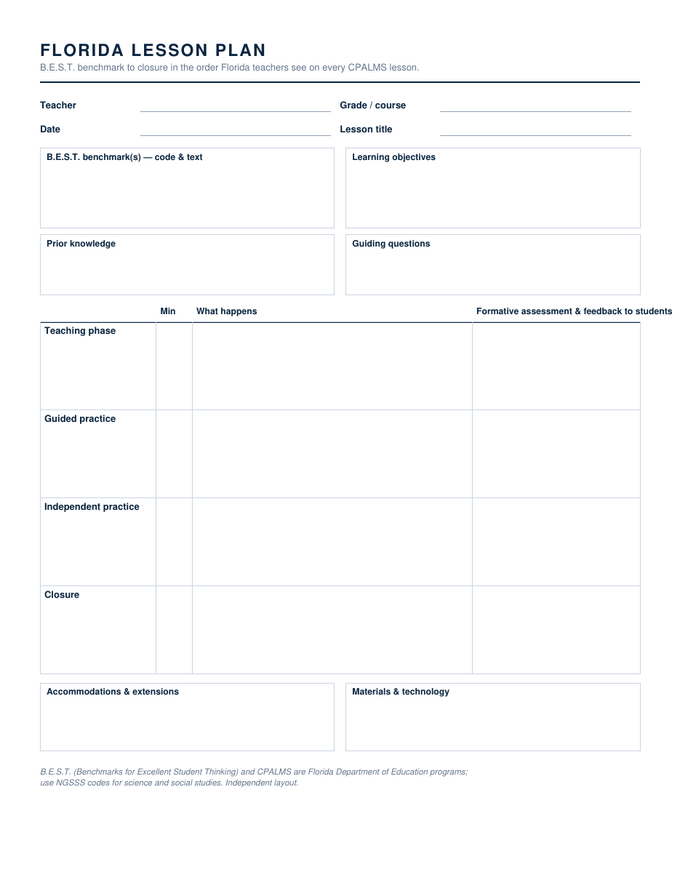
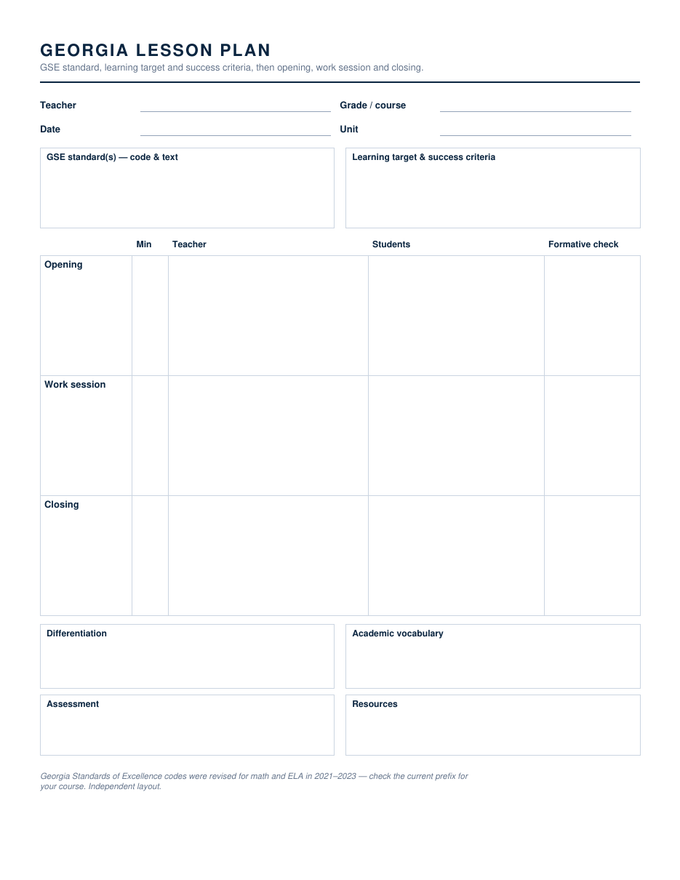
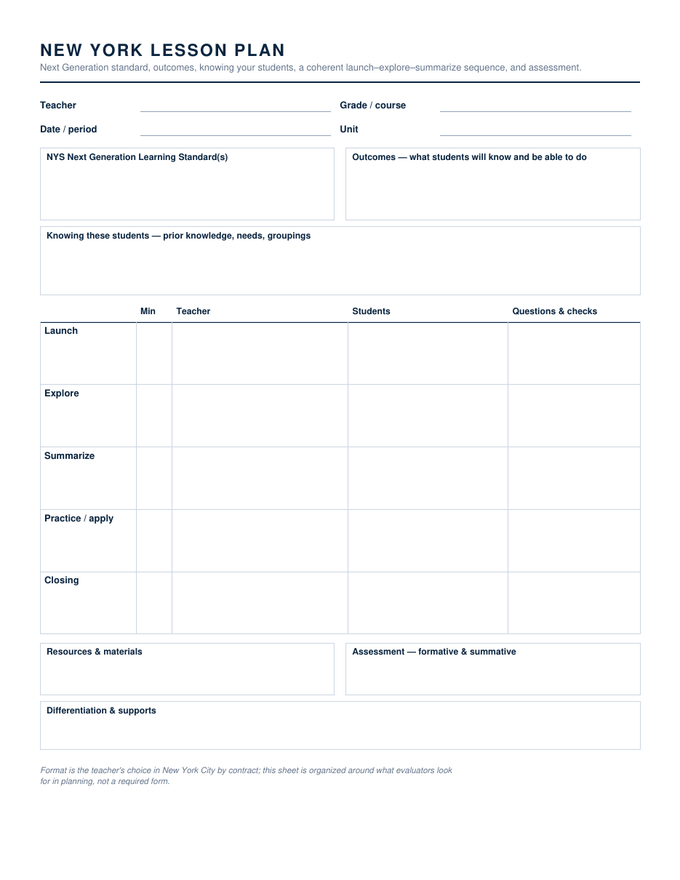
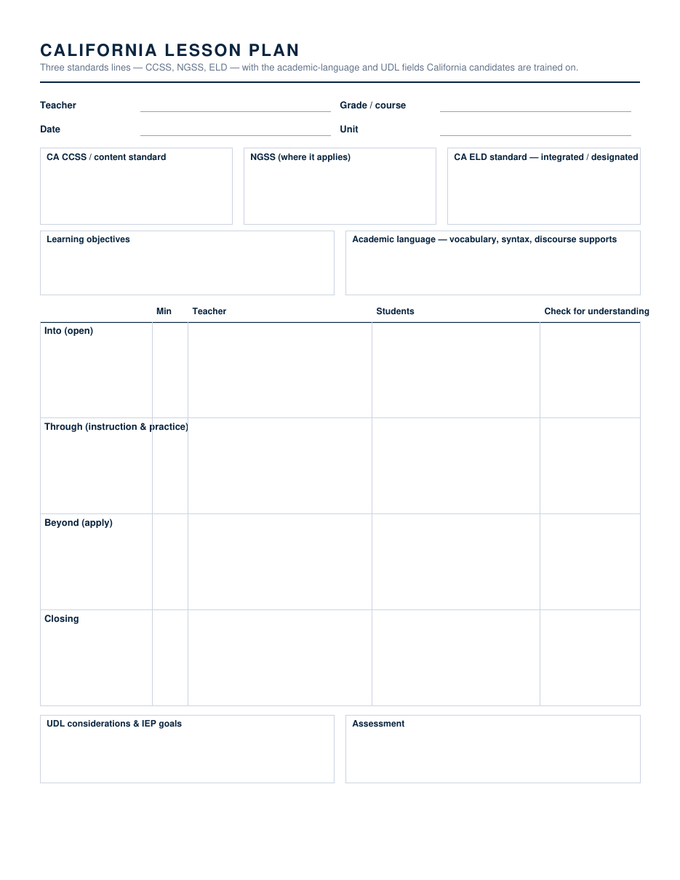
Specifications: US Letter, 8.5 × 11 inches, one page unless the card says otherwise. Each card downloads the Word file; the second button opens a Google Docs copy in your own Drive. The fillable PDF of each template is on its own page below. Free to use in as many classes as you like — no account, no watermark.
The week and the day.
Two grids for the week, two sheets for the day, and the four-field plan most teachers actually keep.
The formats teachers are asked for by name.
Each is its own layout with the right fields in the right order, attributed on the sheet.
When someone else has to follow it.
Infants to kindergarten, planned the way those rooms run.
Routines for infants, short group times for toddlers, the posted activity plan for preschool, and the sheets Montessori and Head Start classrooms actually keep.
Shaped for how the day actually runs.
The fields each subject actually needs.
Reading groups with a line per reader, math with the misconceptions planned, science with the three dimensions, PE with equipment counts and cues.
Special education, co-teaching, home, church, campus, afternoon.
Your standards code first, in your state's vocabulary.
None of these is a required form — no state has one — but each uses the standards and the field names principals in that state expect.
All eighteen, the way you work.
One field list, three files
Every template here started as a single list of fields — standard, objective, the sequence with its times, assessment, differentiation — and that list was built into the Word file, the Google Doc and the fillable PDF by the same script. So the three formats are not three approximations of each other: the box labelled Check for understanding on the PDF is the same box, in the same place, in the Doc. Move between them freely.
Two decisions shaped the set. First, labels are plain and subject-neutral — procedure, not investigation; materials, not manipulatives — because a template written for one subject is what teachers in every other subject complain about. Second, boxes are tall enough to handwrite in, since half of teachers print and the other half type, and a plan that is cramped on paper is cramped in the sub binder too.
Where a template follows a named framework — 5E, Madeline Hunter, Universal Design for Learning, gradual release, backward design — the attribution is printed on the sheet. A few frameworks teachers search for by name are registered trademarks whose owners restrict their use, so those templates carry descriptive titles instead; the fields are the ones their evaluators expect.
Lesson plan templates, answered
What is a lesson plan template?
Which lesson plan template should I start with?
How do I write a lesson plan in Google Docs?
Are these really free, with no account?
I built this set after reading what teachers and substitutes actually say about planning templates — that the boxes are too small, the labels are written for someone else’s subject, and the good ones are behind a login. These are free, they are plain, and they come in the three formats schools really use. If one of them doesn’t fit how your week runs, tell us through the feedback panel or the contact page and we will fix it. — David
Drawn, measured and page-counted in November 2026. More sets are planned: subject-specific plans, early childhood, co-teaching, special education and homeschool.