






Make Your Own Sports Trading Cards
Create custom trading cards for your favorite athlete in minutes: pick a sport, pick a design, drop in a photo and a name, and print at home or save the PDF. Free to build and free to print — no app to install, no design software, no account.
26 sports. One you love.


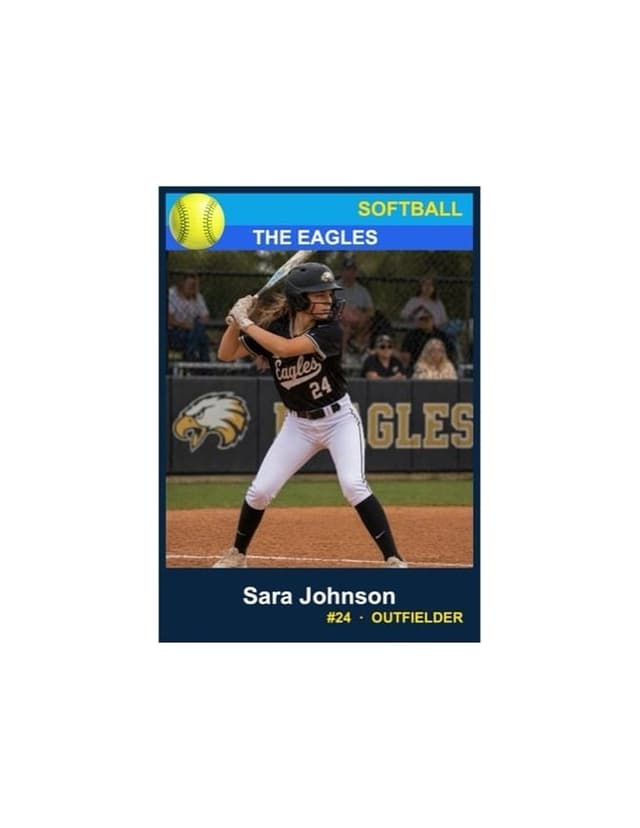

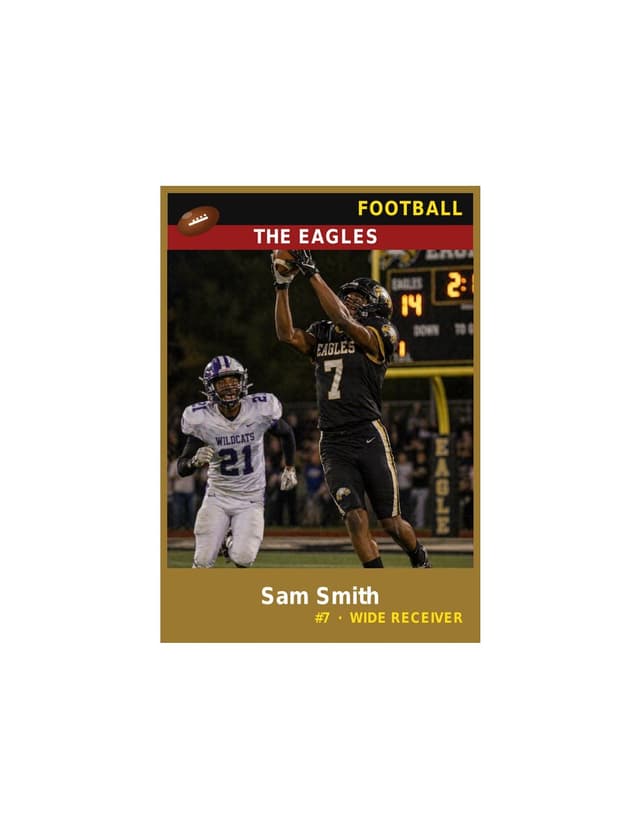
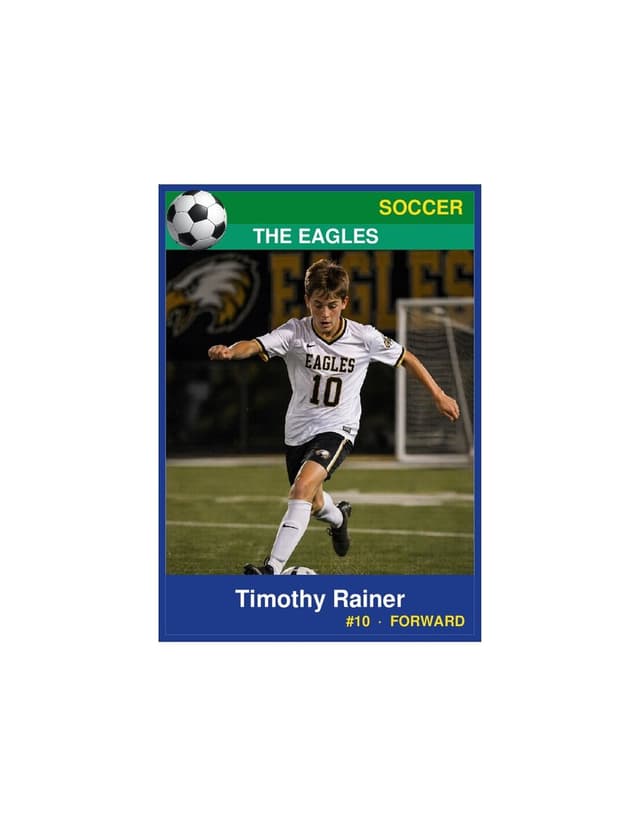
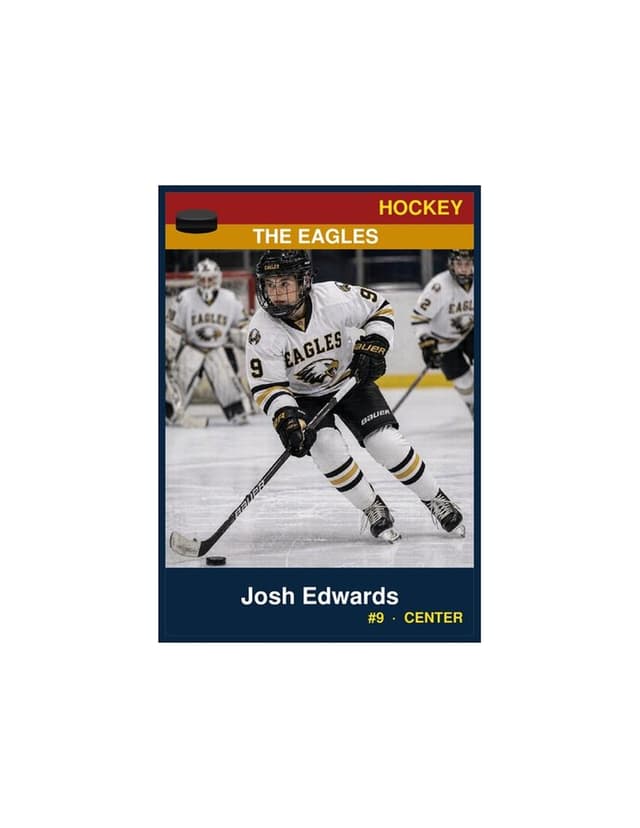
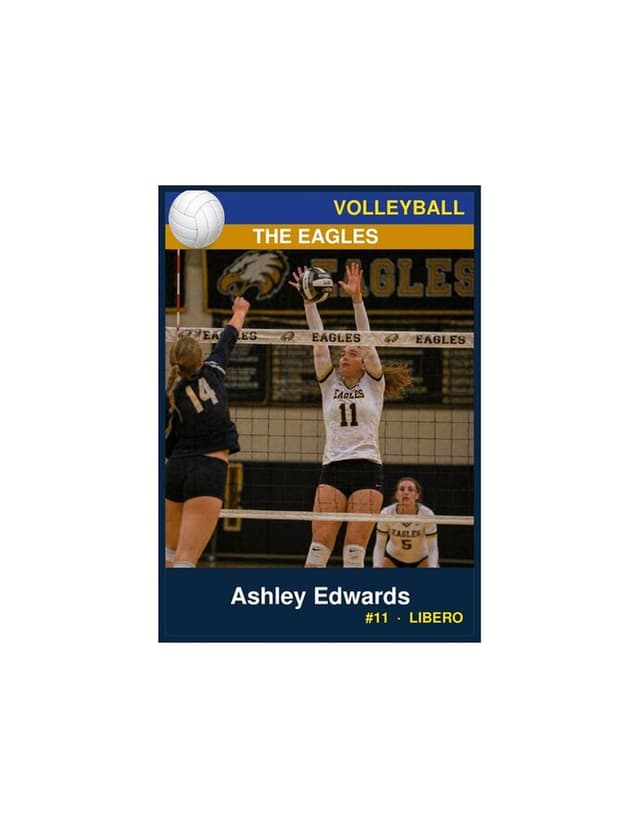

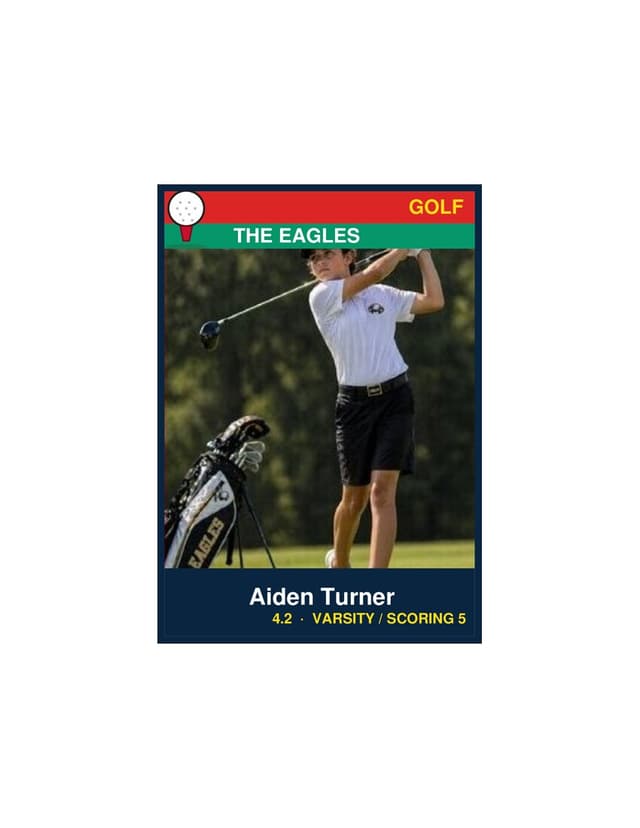
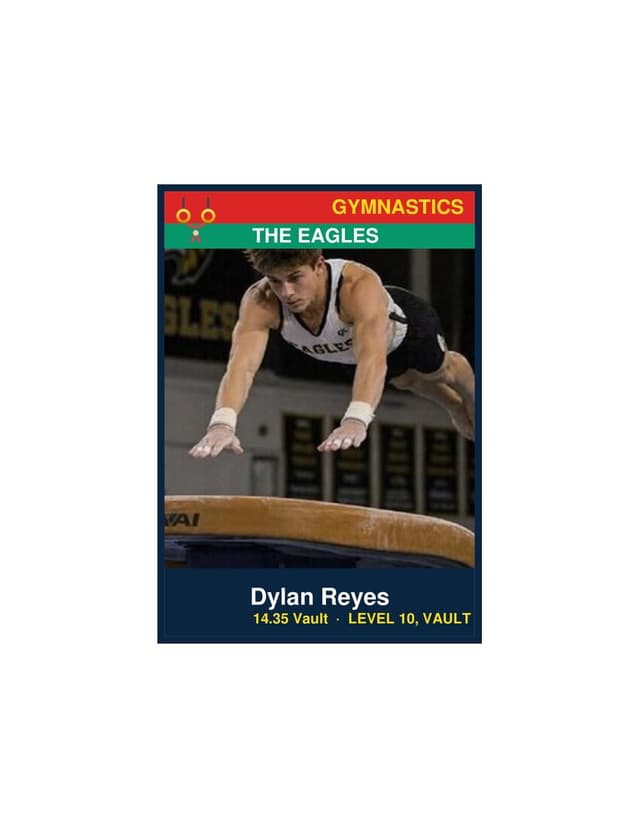
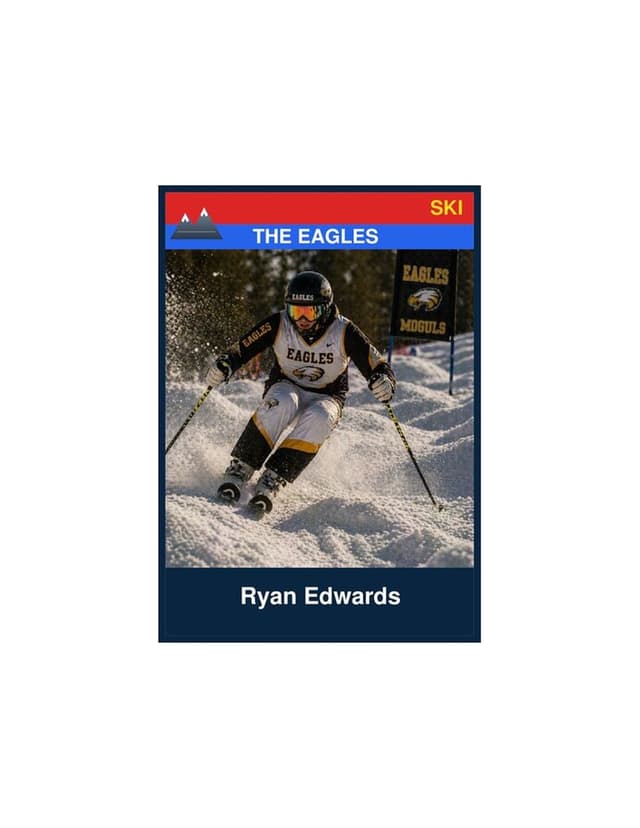


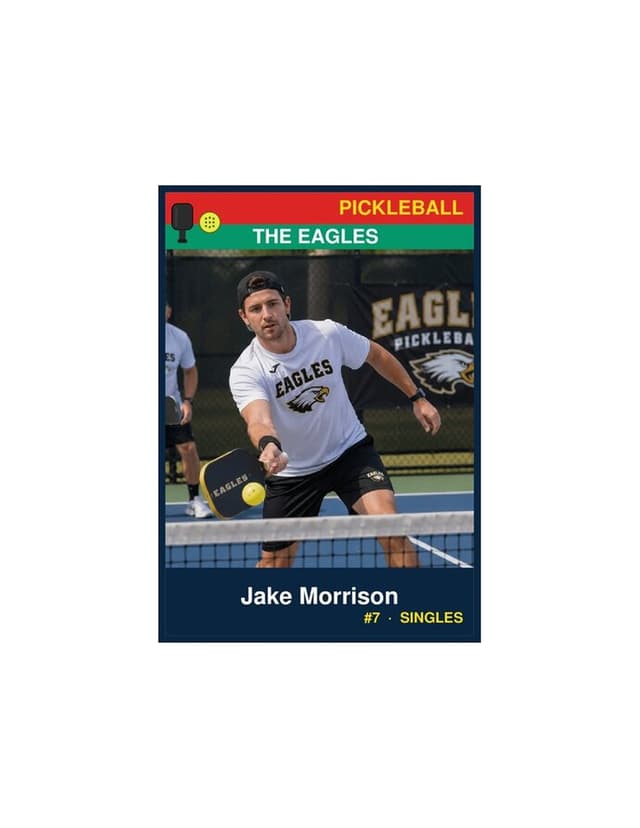
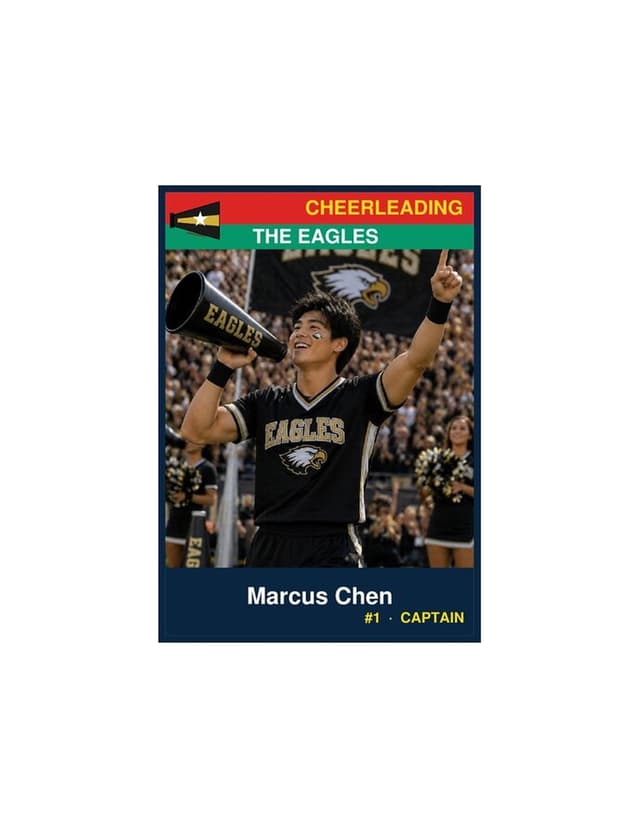
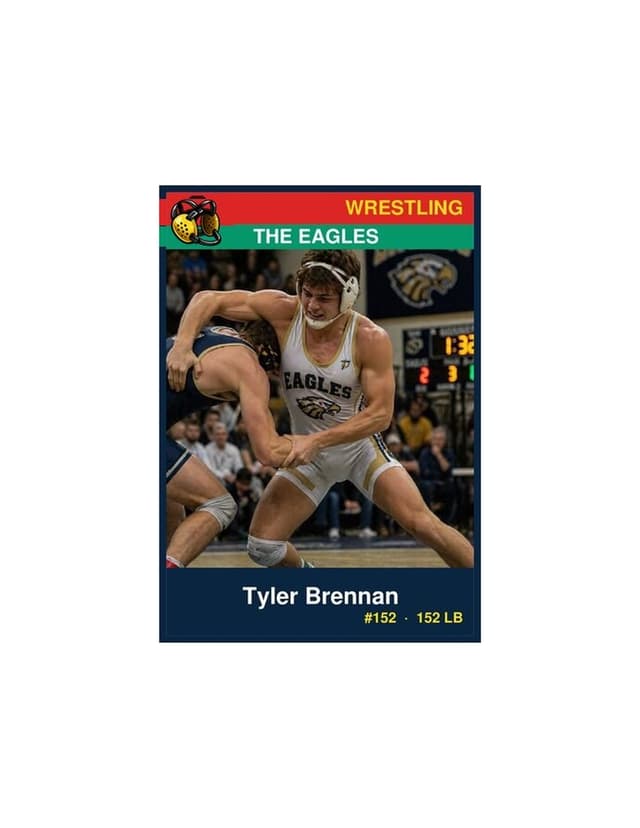
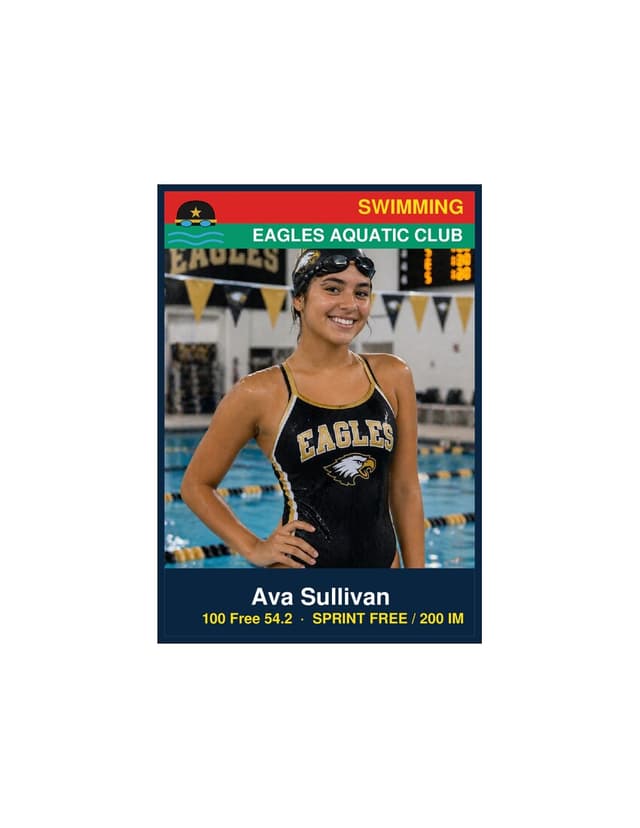

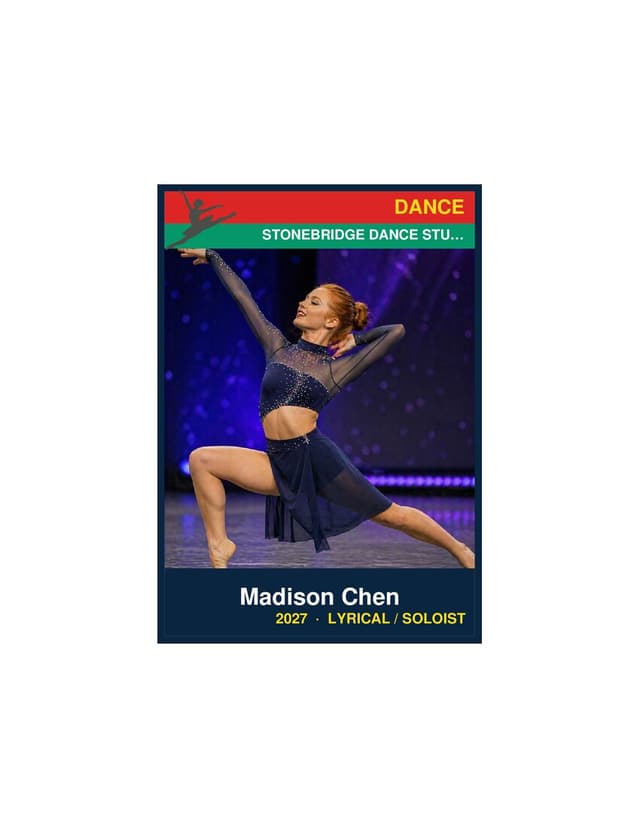

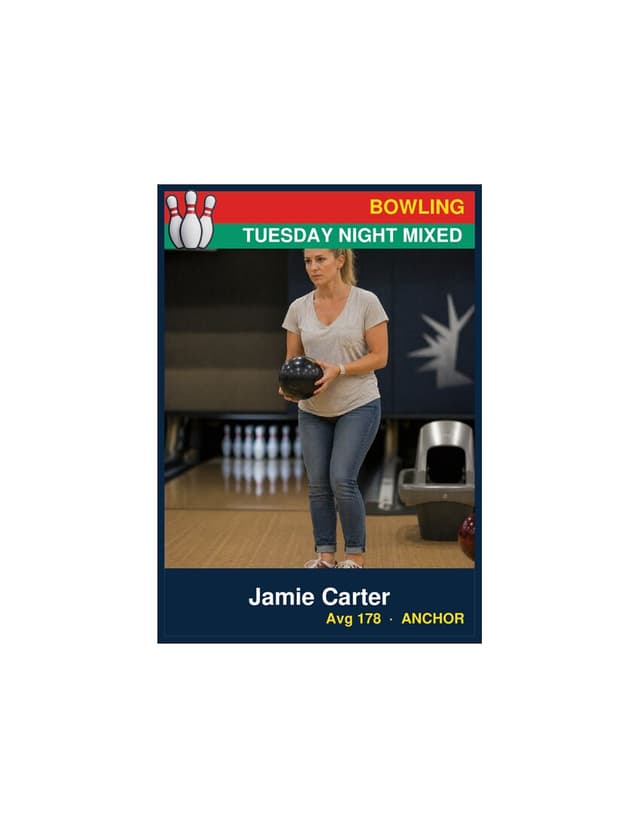

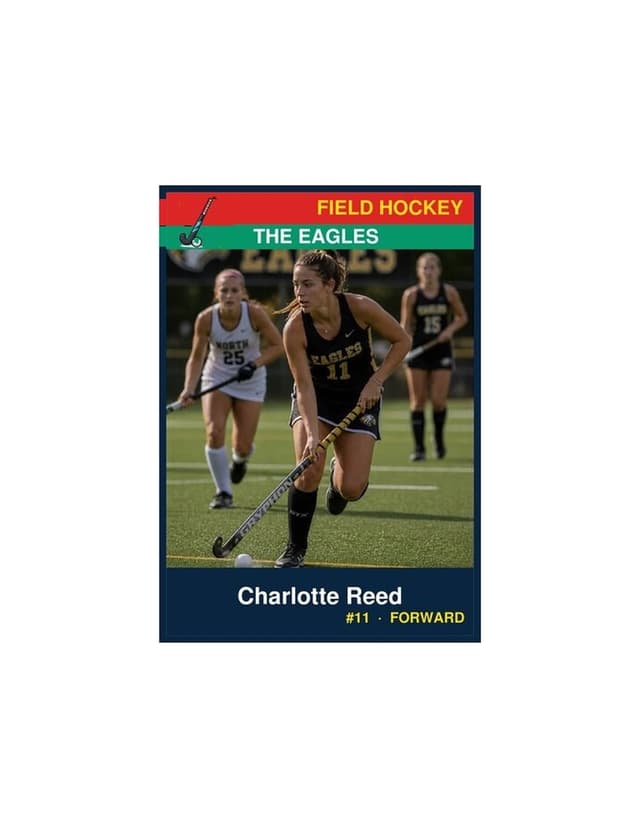
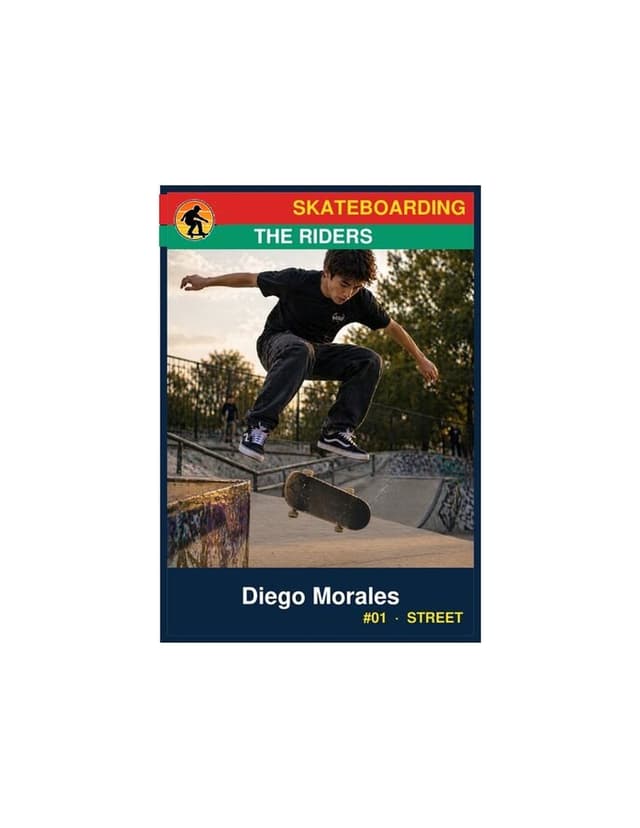


A custom trading card maker that lives in your browser
Search for custom printed trading cards and you mostly find print shops: minimum orders, per-card pricing, a week of shipping. This page is the other answer — a free trading card creator where you build the card yourself and print exactly the sheets you need, tonight. Every template makes a real photo player card: your picture, your name, your team, your details, in the standard 2.5″ × 3.5″ trading-card size.
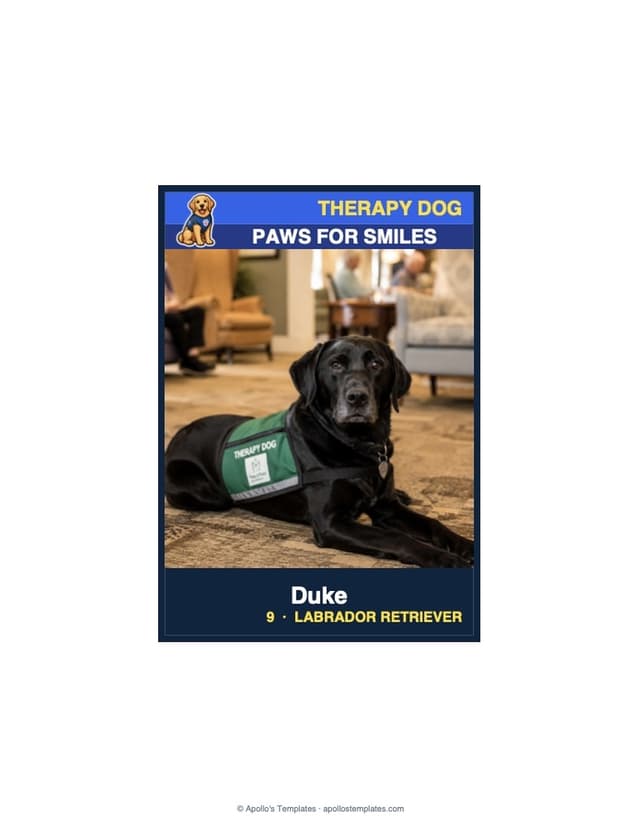
It works for more than sports. The blank trading card covers classroom projects, card-game prototypes, and any sport we haven’t built yet; the therapy dog card covers the four-legged volunteers; and the card-back builder prints the stats table on the reverse, with columns you name yourself.
Trading card questions, answered
How do I make my own trading cards?
Four steps, all on this page: pick the sport (or the blank card if your subject isn’t one), pick one of the five designs, add a photo and the player’s details, and download the PDF — four cards per US-Letter sheet, ready to print at home. If you want the full walkthrough with paper choices and cutting tips, the complete guide covers it step by step.
What size is a trading card?
The standard trading card is 2.5 × 3.5 inches — the size of every card in a binder sleeve or top-loader, and the same footprint as artist trading cards (ATCs). Every template here prints that size in vertical (portrait) orientation, plus an enlarged 3.5 × 5 keepsake and a 9-up team sheet.
Do I need Photoshop, Word, or a Google Docs template?
No. Most trading card templates for Word, Google Docs, or Photoshop leave you fighting margins and text boxes. This maker is the editable template: it runs in your browser, the fields are real form fields, the photo cropper handles sizing, and the download is a print-ready PDF with the cards positioned exactly.
Is there an app to create sports cards?
This page is the app — it just doesn’t need installing. The card builder runs entirely in your browser on desktop, tablet, or phone, and generates the PDF on your own device: nothing uploads, nothing to download from an app store, no account, free.
What printer and paper should I use to print trading cards at home?
Any ordinary inkjet or laser printer handles these — the PDF is standard US Letter. For cards that feel like cards, print on 60–100 lb card stock rather than copy paper; a paper cutter or a steady ruler-and-blade beats scissors for clean edges. Print shops work too, but there are no minimum orders to meet here: print exactly the sheets you need.
Can students make trading cards for a school project?
Yes — classrooms are heavy users. Teachers assign historical figures, explorers, planets, or book characters, one card per student, using the blank trading card template where the card title is a text field. The 9-up sheet prints a whole unit’s set, and there is no account or email required, which matters in a computer lab.