
Free PowerPoint Templates
Every design in the library as a PowerPoint .potx — business, education, Christmas, and startup pitch decks, from minimalist and clean to bold and illustrated. All 16:9 widescreen, most with eight ready-made slides (pitch decks have ten). Free to download and use commercially.
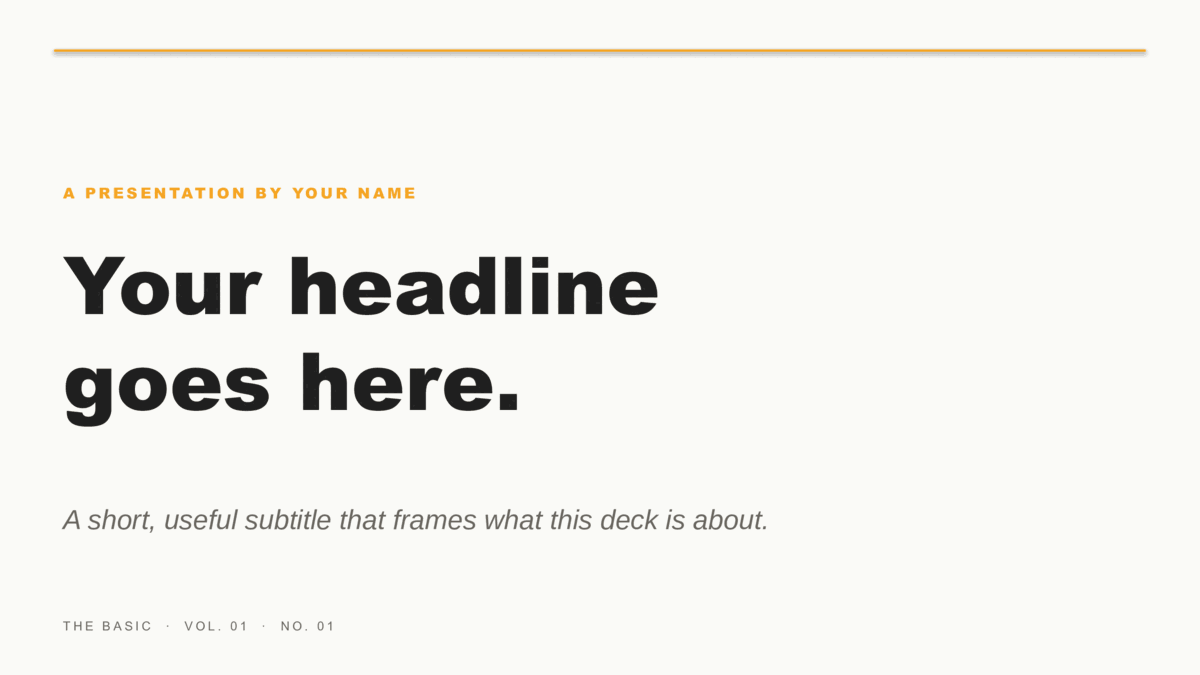
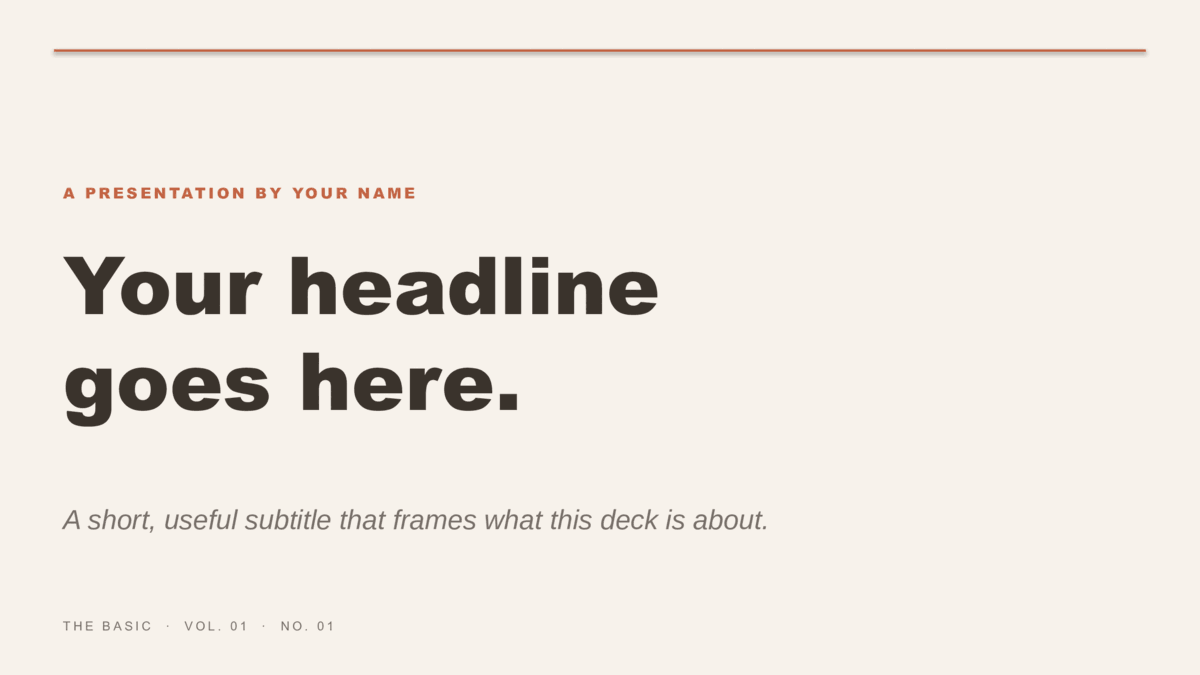
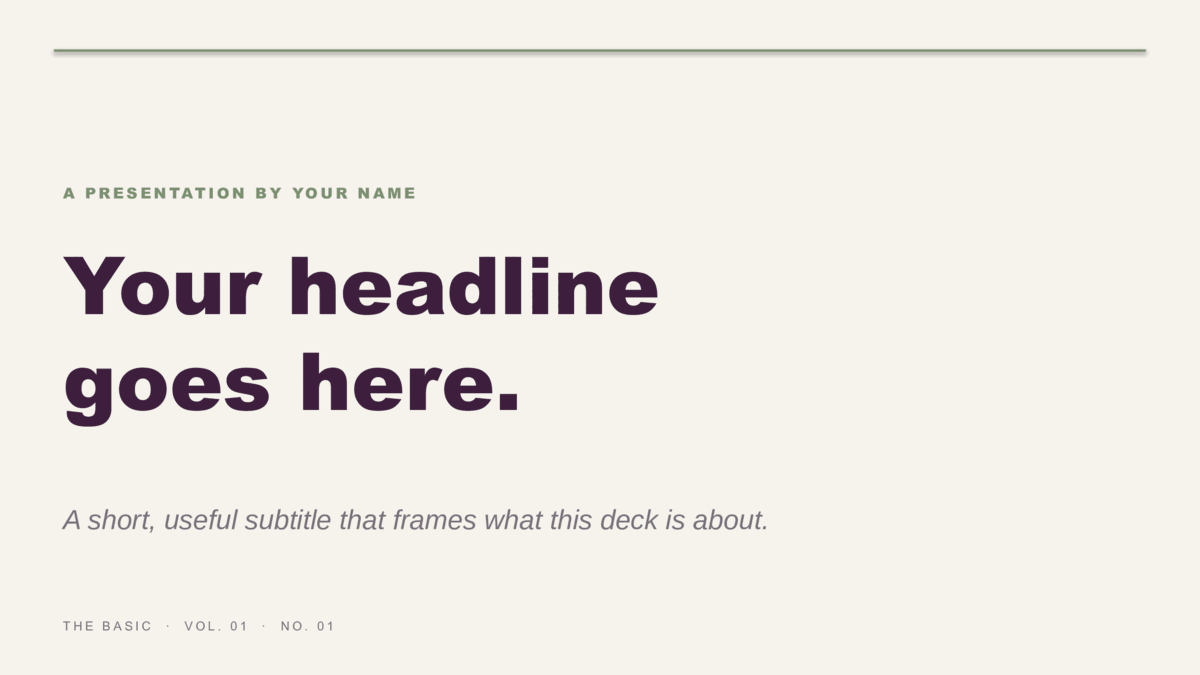
Twelve modern designs across four families.
Waves (editorial), Squares (geometric), Lines (illustrated), and The Basic (minimalist) — three colorways each, eight slides each.





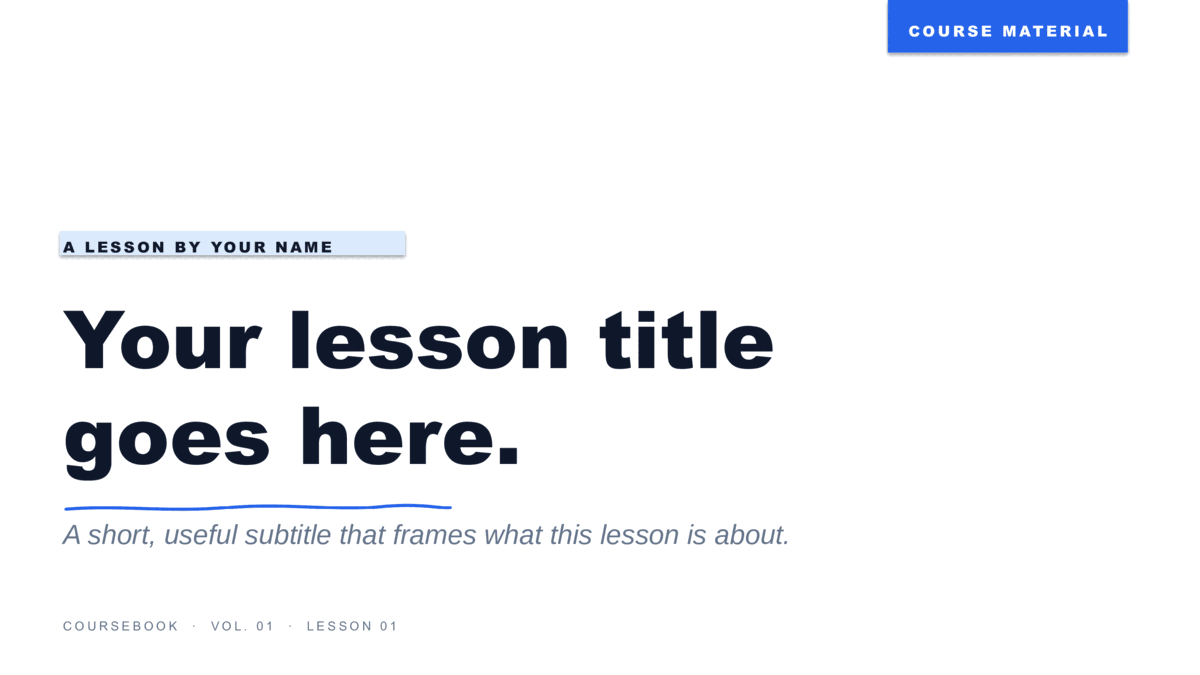
Eight lesson designs for teachers.
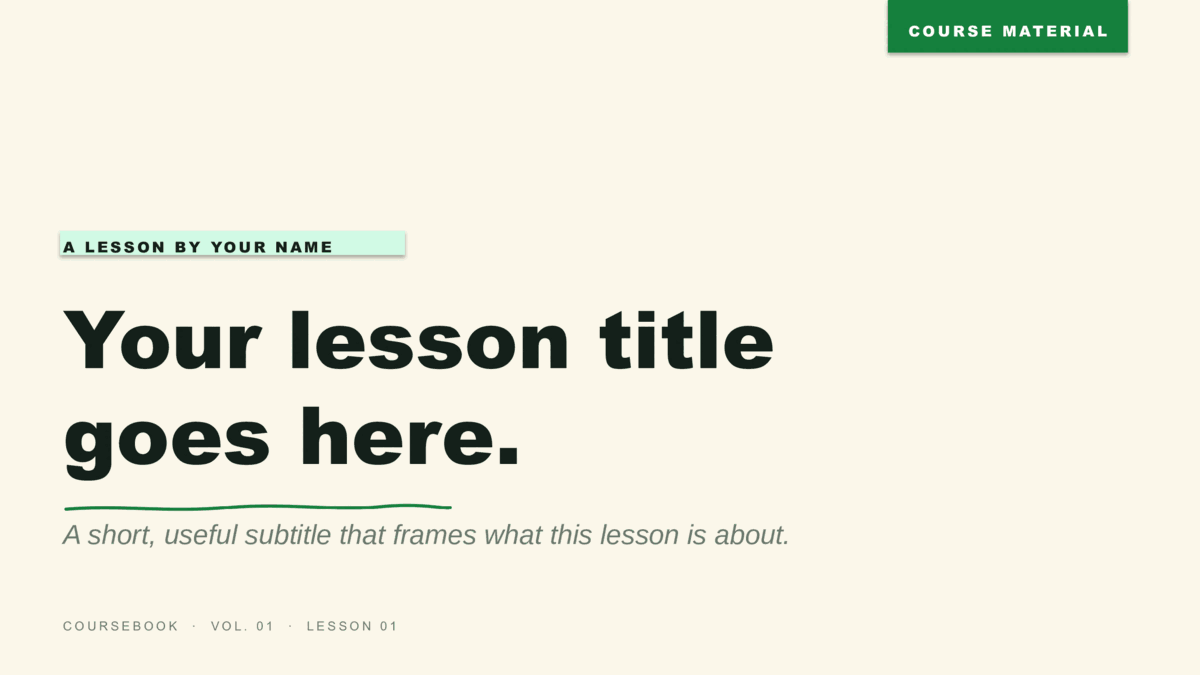
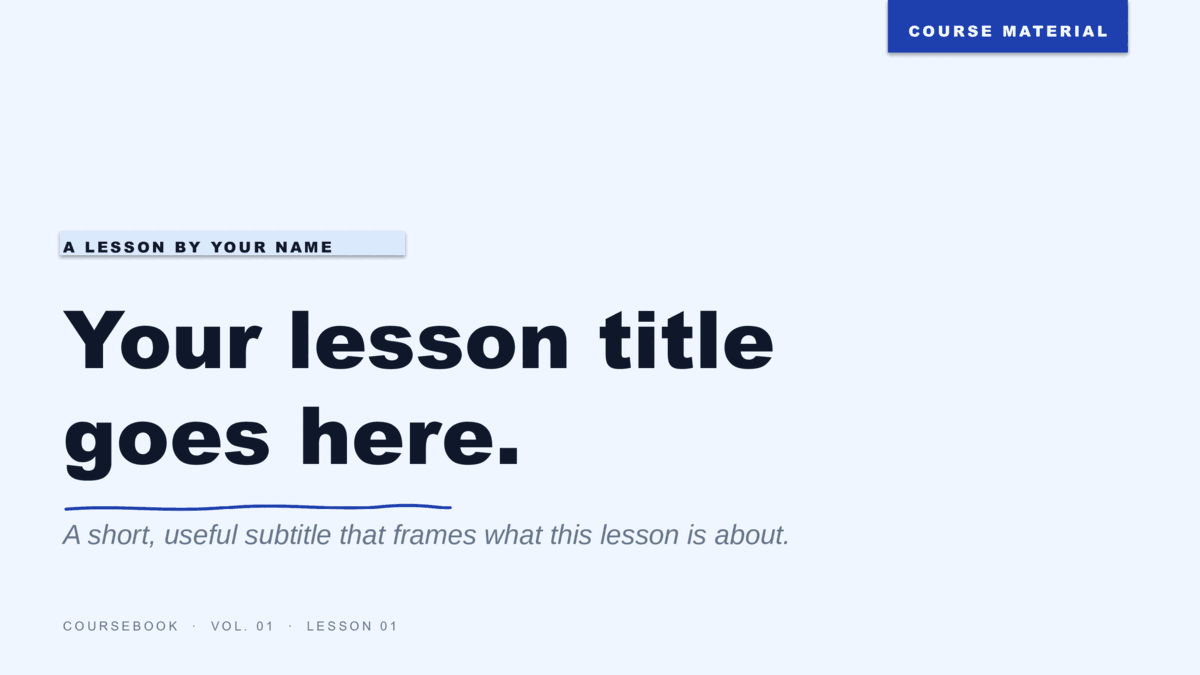
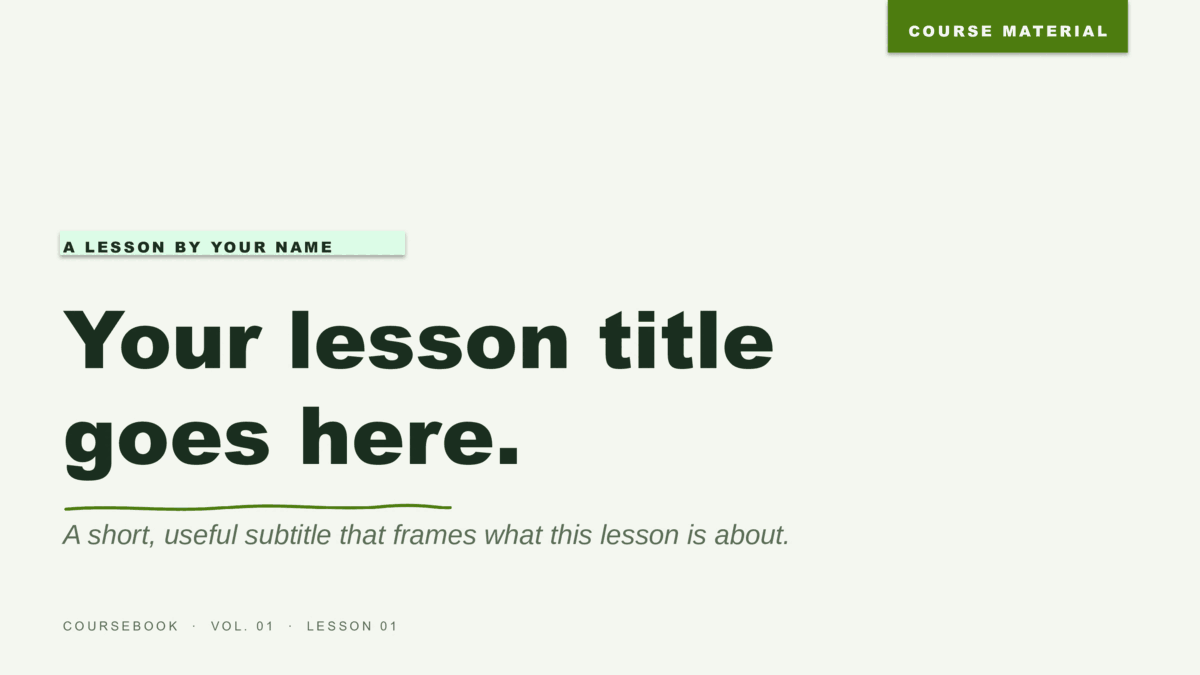
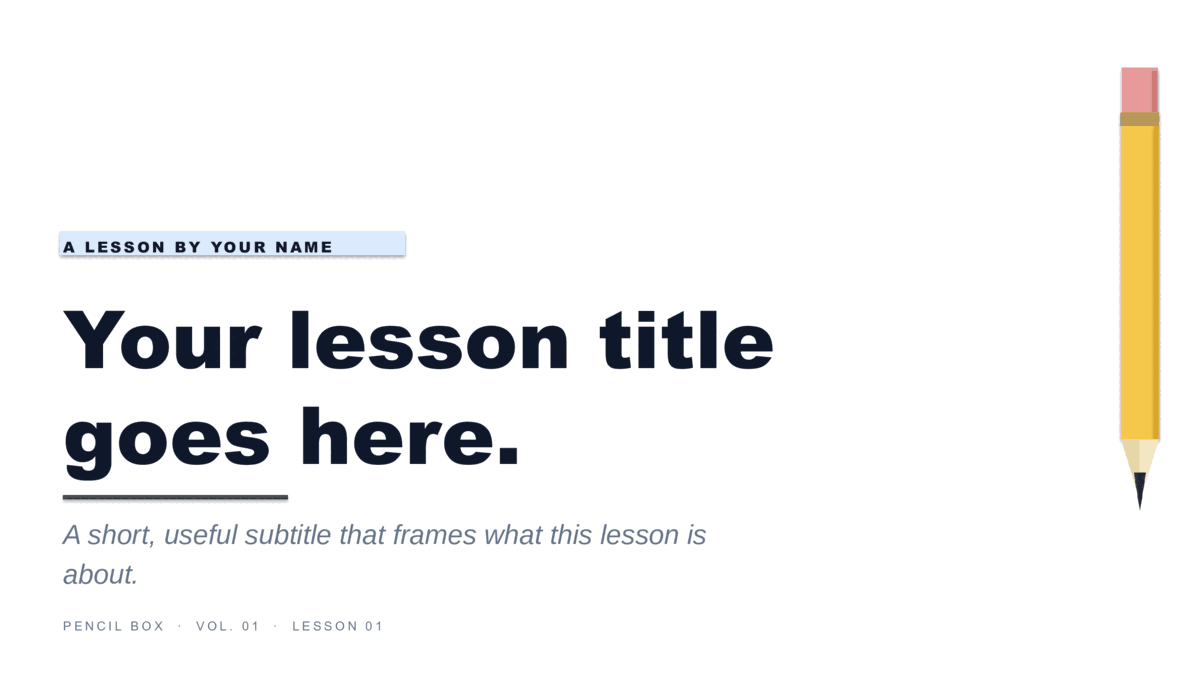
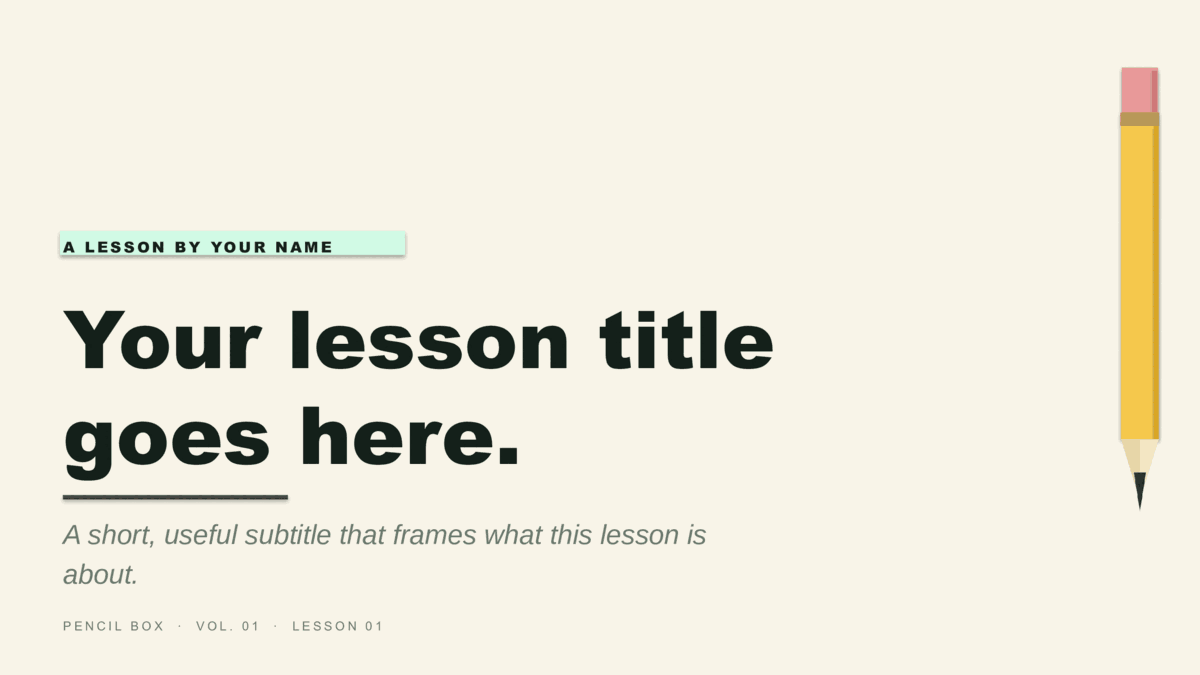
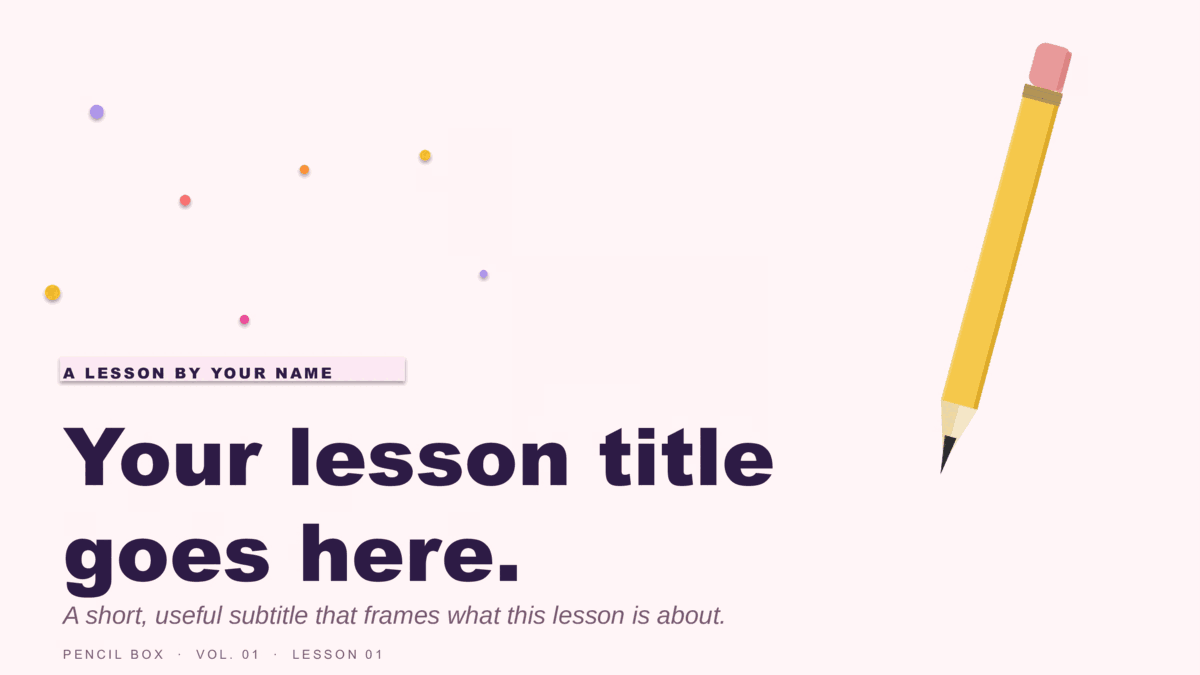
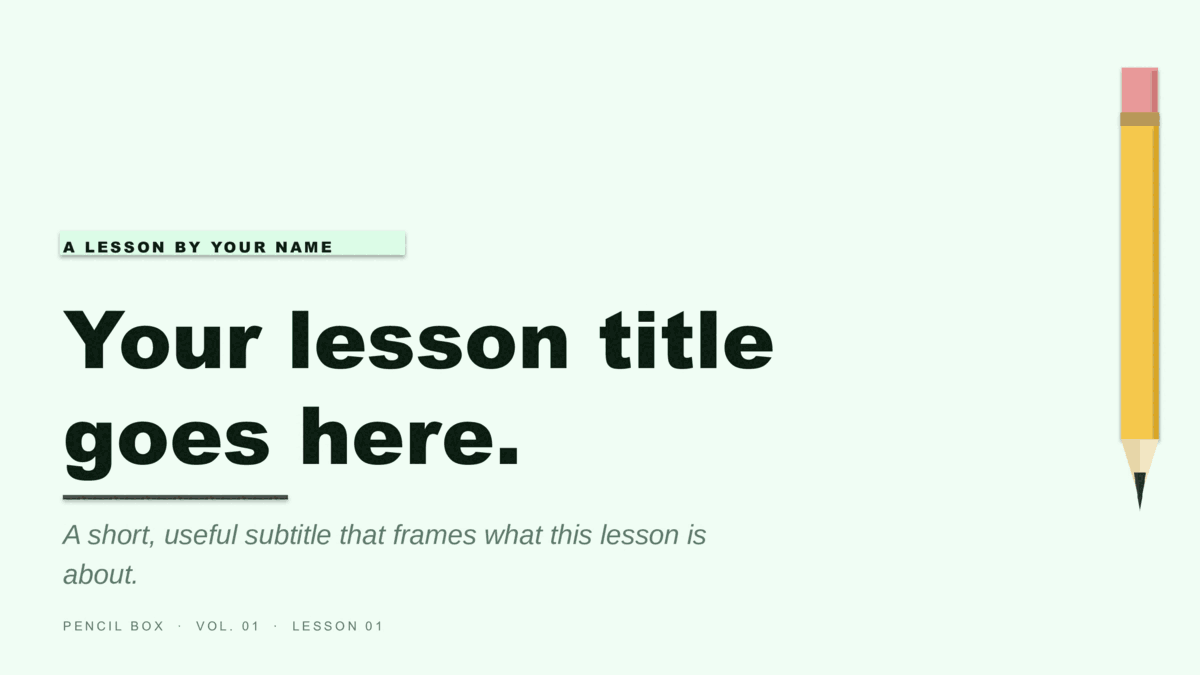
Coursebook (notebook-paper look) and Pencil Box (illustrated #2-pencil motif), four colorways each — built for classrooms and training.
Six holiday designs, three colorways each.
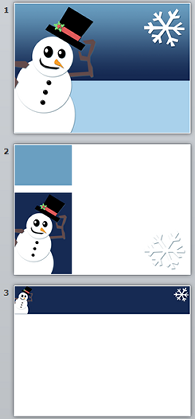
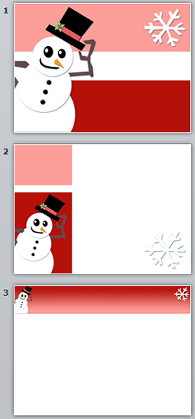
Starlit (ribbon tree on a starry sky) and Snowfall (illustrated snowman) — festive without tipping into clip-art.






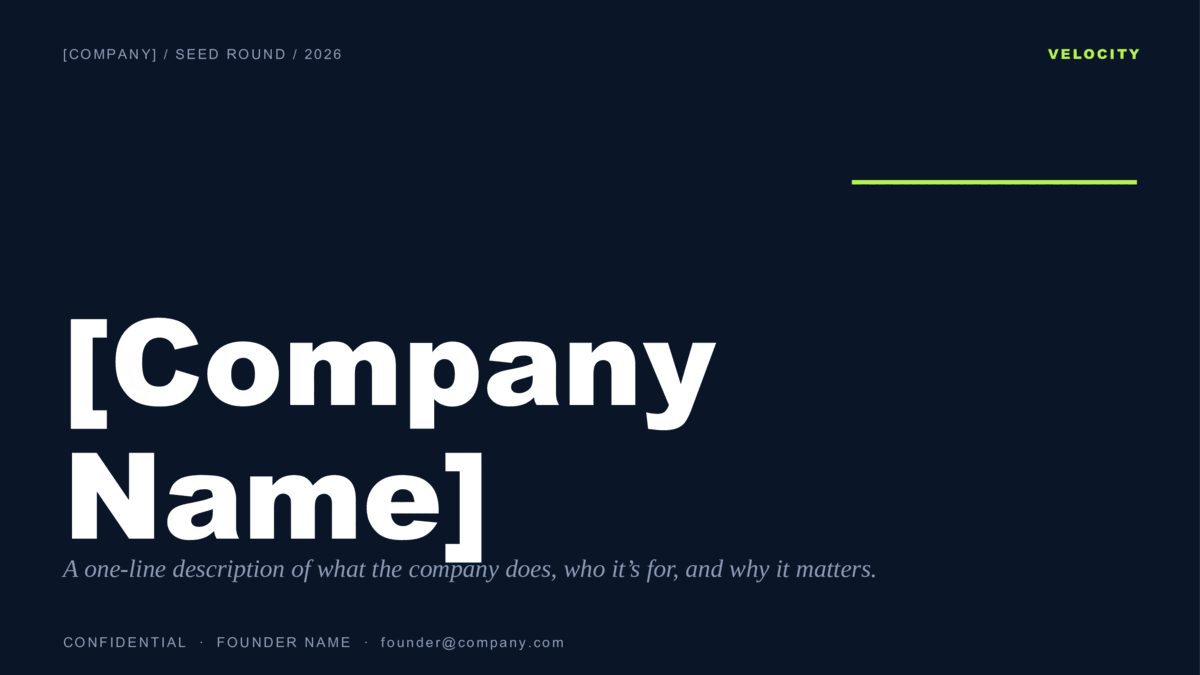
Three founder pitches, ten slides each.
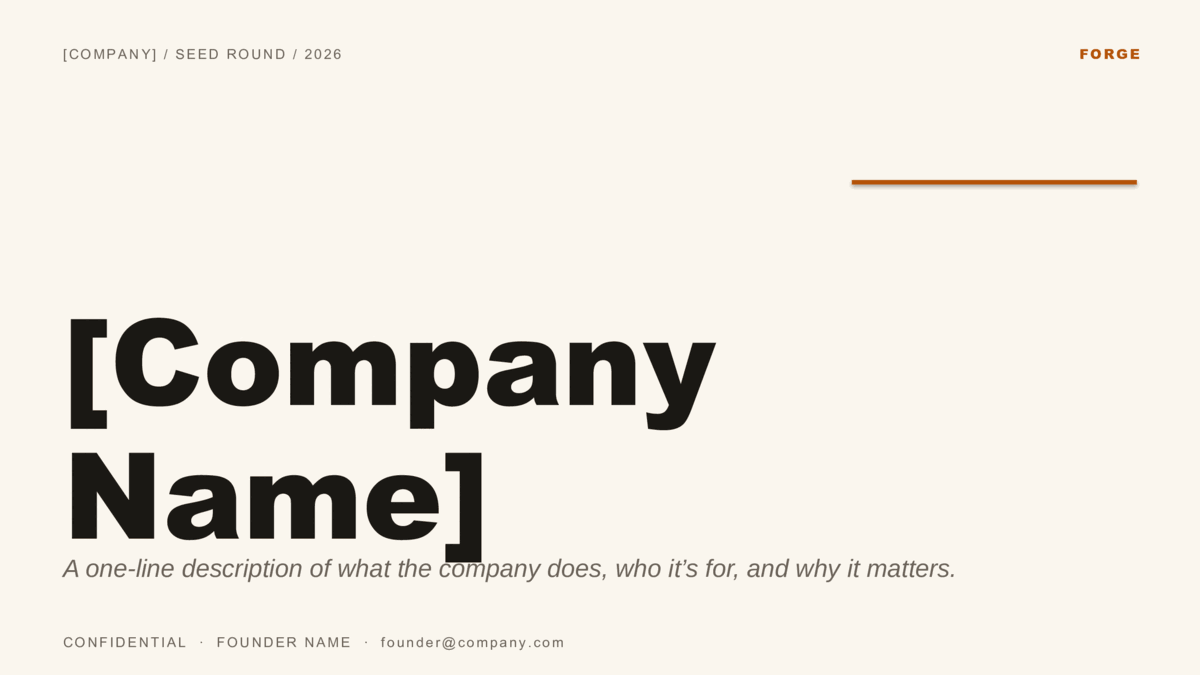
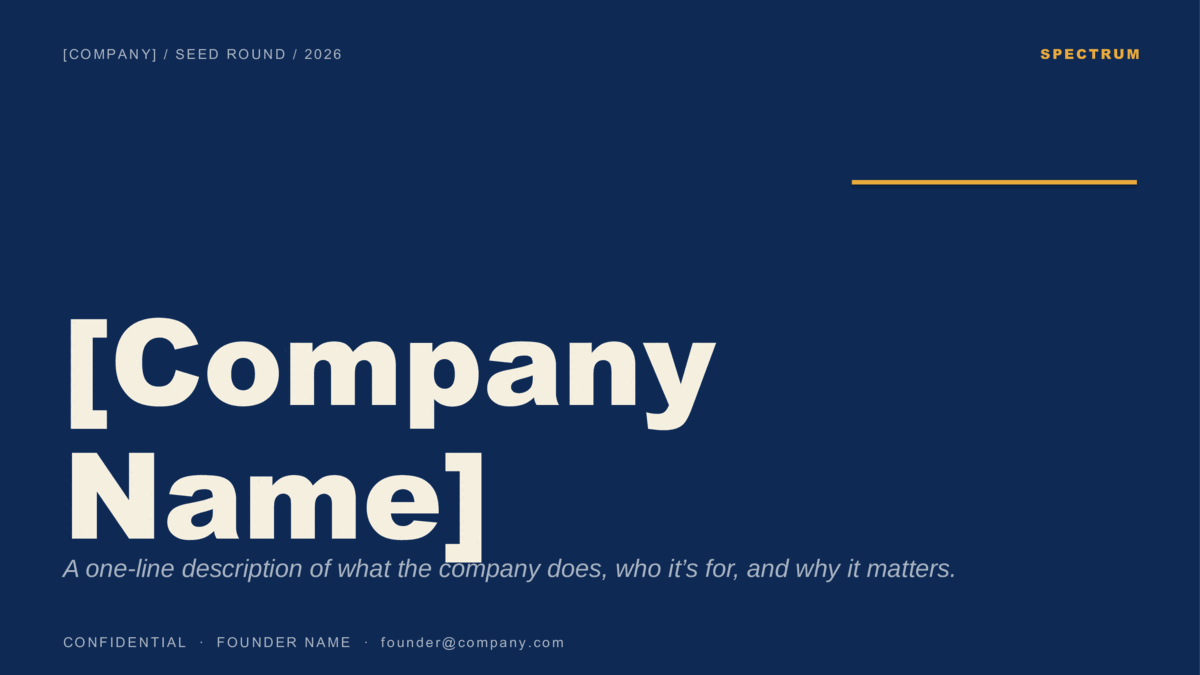
Velocity (B2B SaaS), Forge (editorial / consumer), and Spectrum (color per slide) — built on the investor-standard ten-slide order.
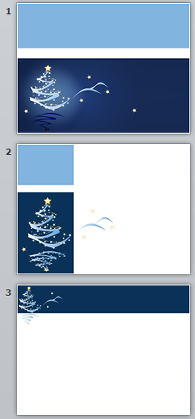
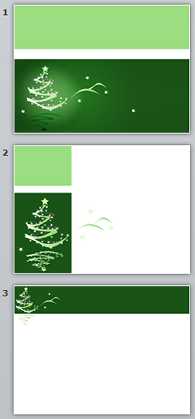
Legacy 4:3 Christmas templates.
The four original 4:3 holiday designs, kept for anyone presenting on older projectors or screens.
Open. Edit. Present.
- Double-click the downloaded
.potx. PowerPoint creates a new untitled deck from the design, leaving the template file clean for next time. Save your version as a regular.pptx. - Each design ships pre-laid-out slides — eight for most, ten for pitch decks. Duplicate what you need, drop in your text, and delete the rest.
- Re-tint the whole deck from View → Slide Master: change the accent once and every slide follows. Prefer to edit in a browser? Every template is also on Google Slides.
About the .potx files.
What is a .potx file, and how do I open it?
Will these work in Microsoft 365, older PowerPoint, and Keynote?
How do I apply one of these to a presentation I've already started?
Can I recolor an entire deck at once?
Do I have to pay, sign up, or credit anyone?
More presentation templates.
- How to build a startup pitch deck — The ten-slide order, what goes on each slide, and how pre-seed, seed, and Series A decks differ.
- How to edit a PowerPoint template — Opening a template, applying it to a deck you already have, changing colors on the Slide Master, and saving your own.
- How to use a Google Slides template — Copying a template to your Drive, editing the theme, bringing in a PowerPoint file, and sharing a template with a team.