Apollo's Templates
HomePresentationsStartup Pitch DeckSpectrum — Curated Color Per Slide
PowerPoint + Google Slides · Spectrum

Spectrum — Curated Color Per Slide

Each of the 10 slides wears a different background color from a curated palette (navy, sage, marigold, coral, lavender, forest, burgundy). Same layout, ten visual moments — for design-confident founders. 10 ready-made 16:9 slides: cover / title, problem, solution, market (tam/sam/som), product, business model, traction, competition, team, and ask / use of funds. Download it as a PowerPoint .potx or copy it straight into Google Slides.
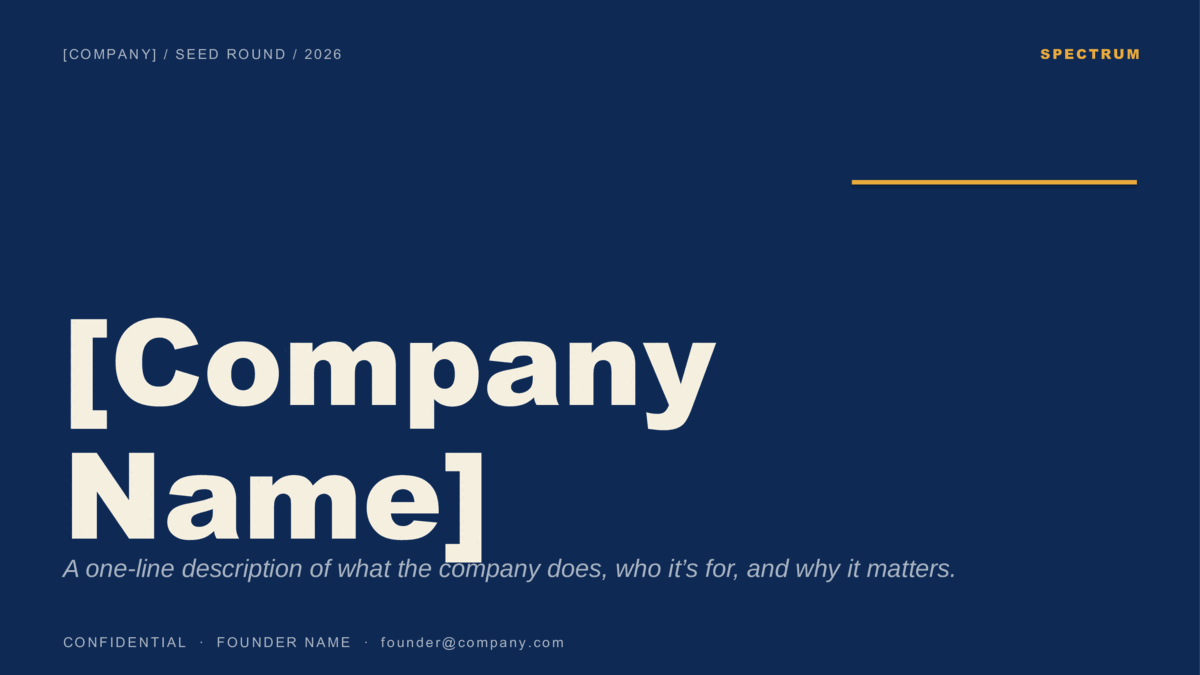
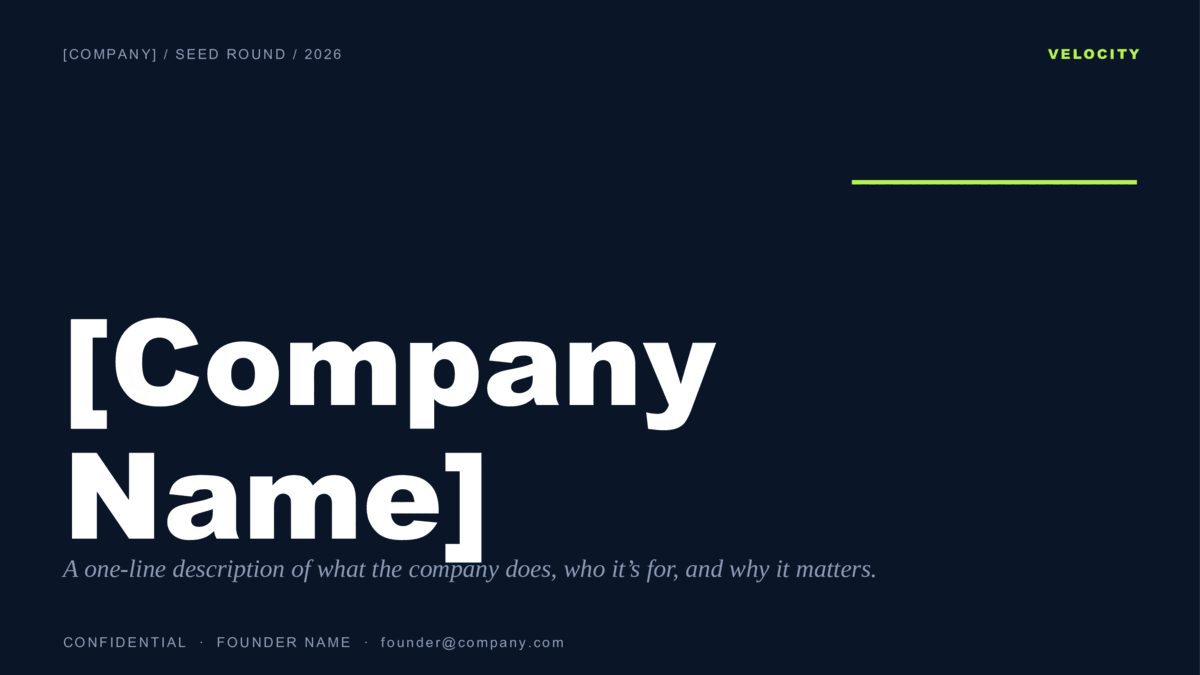
Navy pitch deck cover with a marigold rule — the first of ten per-slide colors
Two formats — choose yours
Download for PowerPointUse in Google Slides
PowerPoint: .potx opens in PowerPoint 2010+, Microsoft 365, and Keynote.
Google Slides: opens the template preview — click Use template to copy it into your Google Drive.

Design
Spectrum
Colorway
Curated Color Per Slide
Formats
PowerPoint .potx · Google Slides
Aspect
16:9 widescreen
Slides
10 pre-built layouts
Style
ModernAestheticCool
License
Free for personal & commercial use
Updated
How Spectrum is built
Every slide has its own background color from a seven-color palette. If you reorder slides, drag the whole slide — the color travels with it, so the sequence still feels intentional.
What's inside

Ten pre-built slides.

The investor-standard 10-slide pitch deck order — Problem before Solution, Market before Product, Ask last. That sequence is what VCs are trained to follow, so re-ordering forces them to do extra work. Replace placeholder text with your numbers and your raise is one Saturday away.
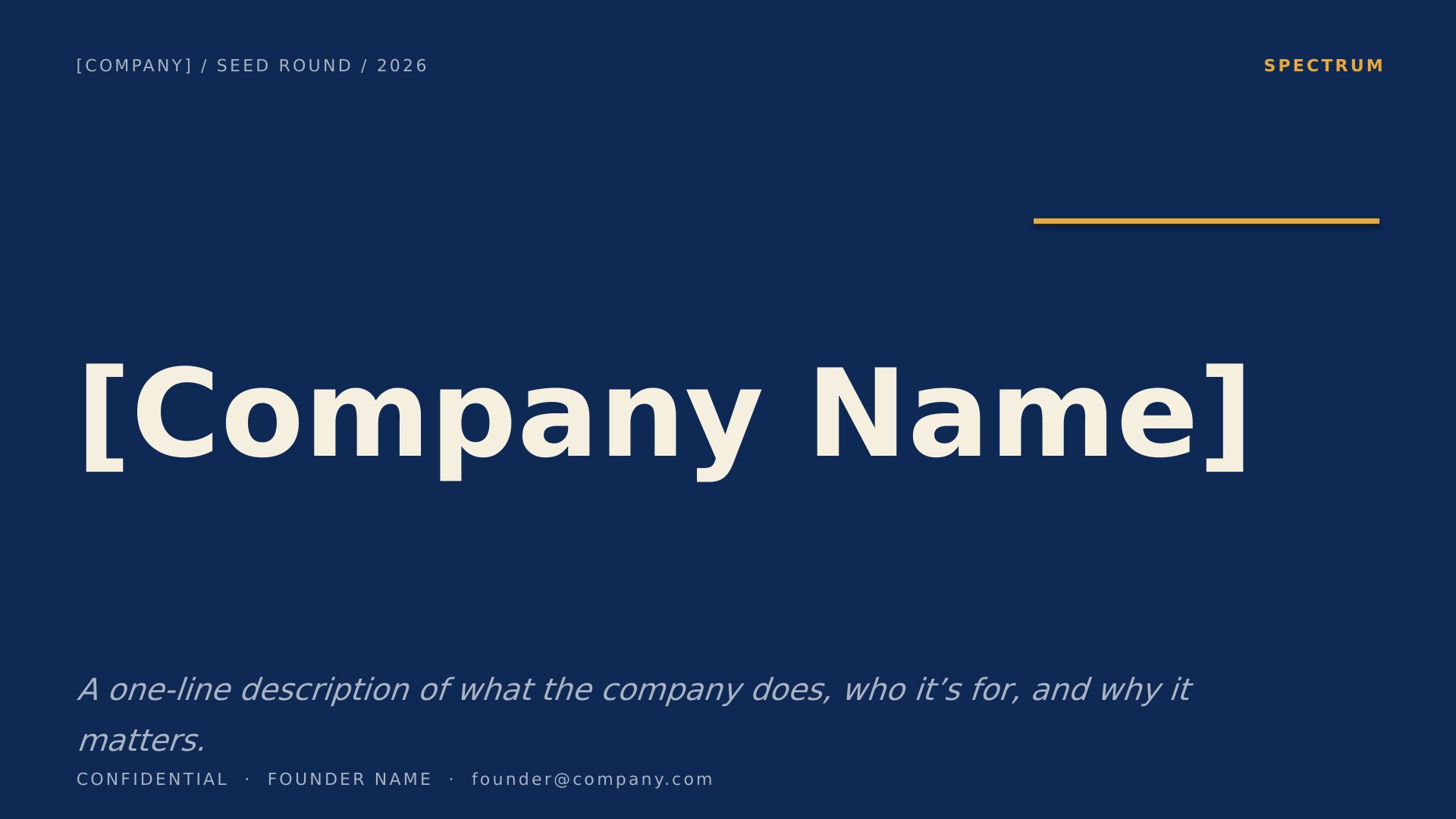
Spectrum Curated Color Per Slide — slide 1, cover / title layout
1Cover / Title
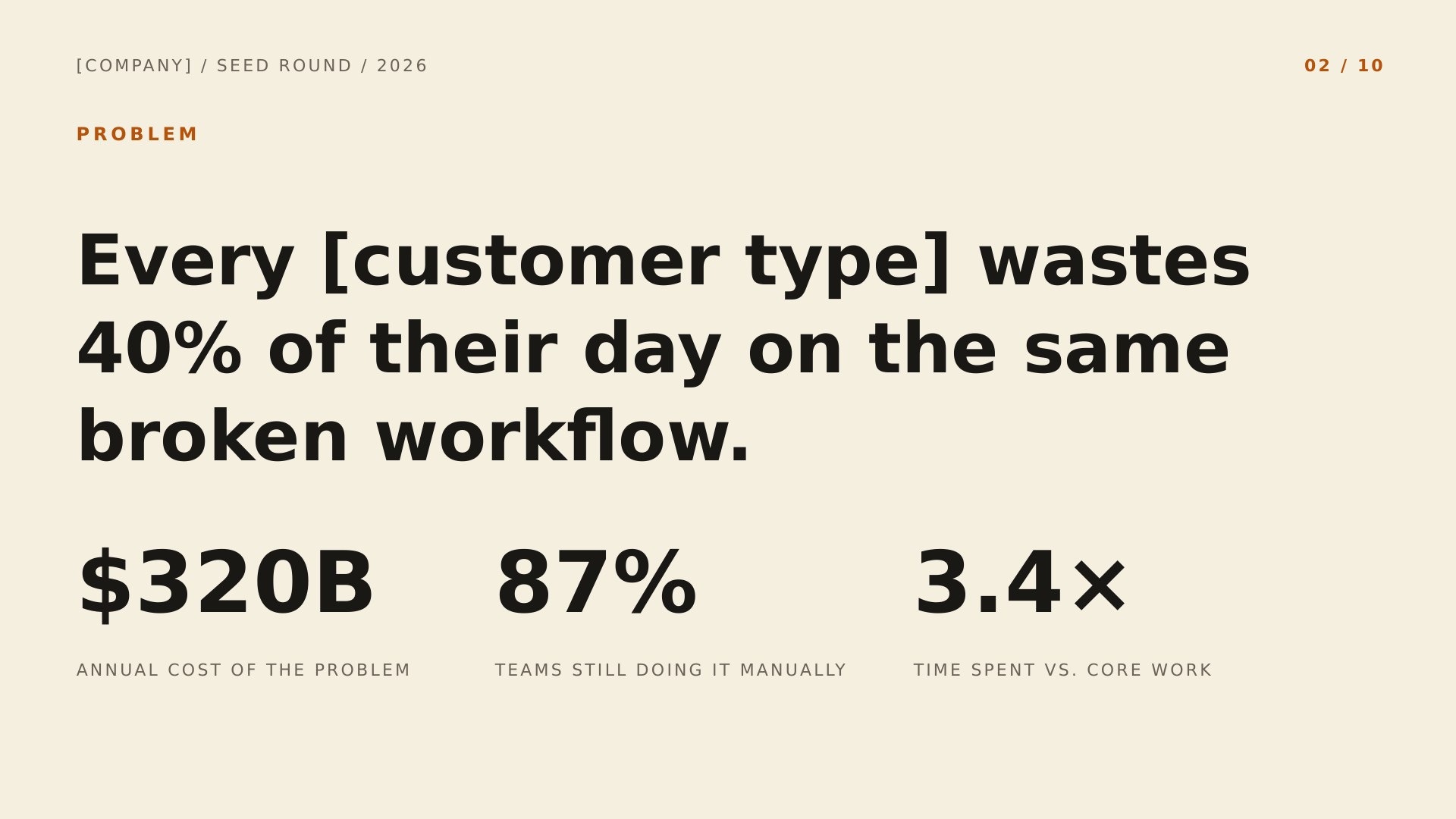
Spectrum Curated Color Per Slide — slide 2, problem layout
2Problem
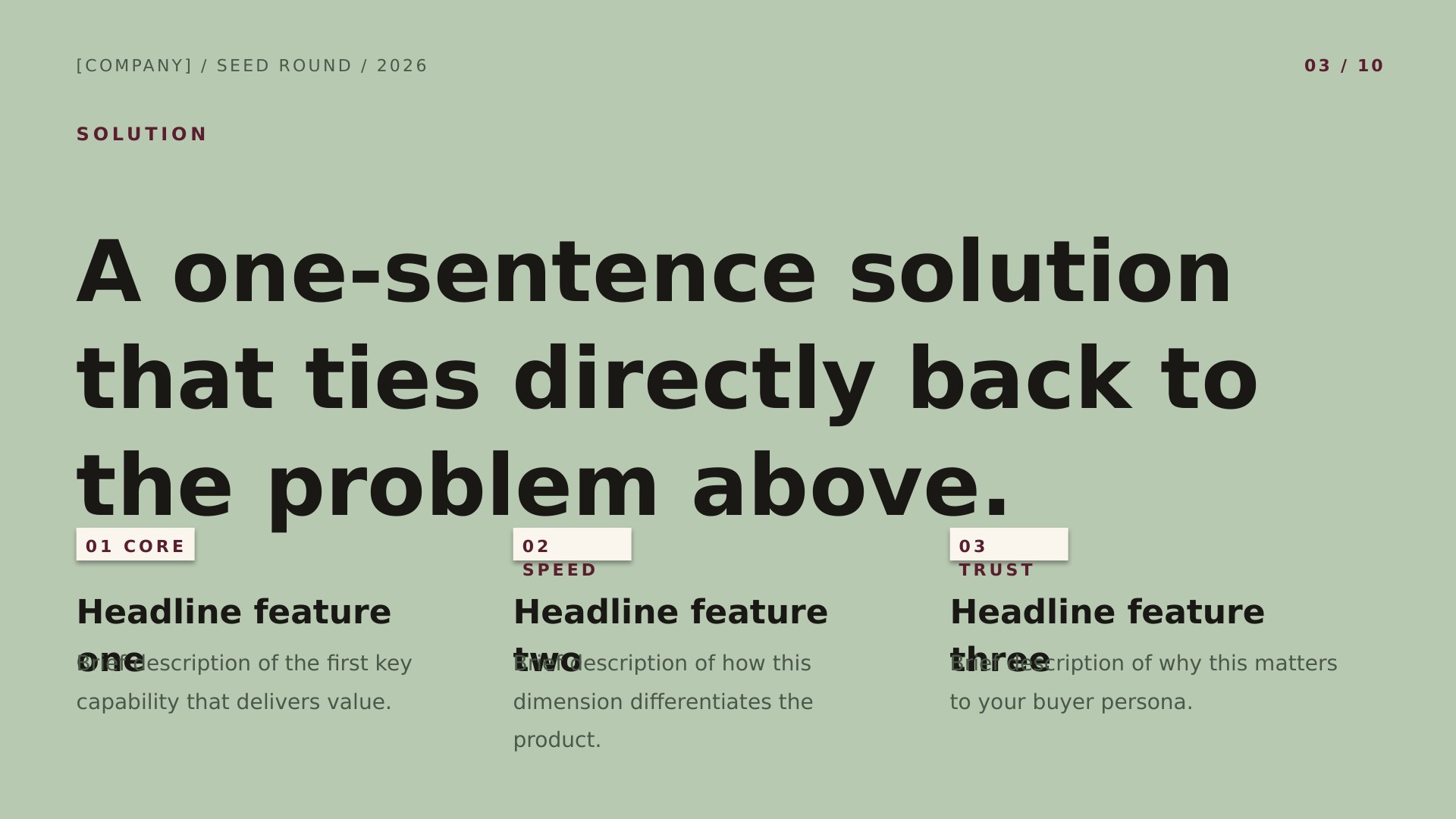
Spectrum Curated Color Per Slide — slide 3, solution layout
3Solution
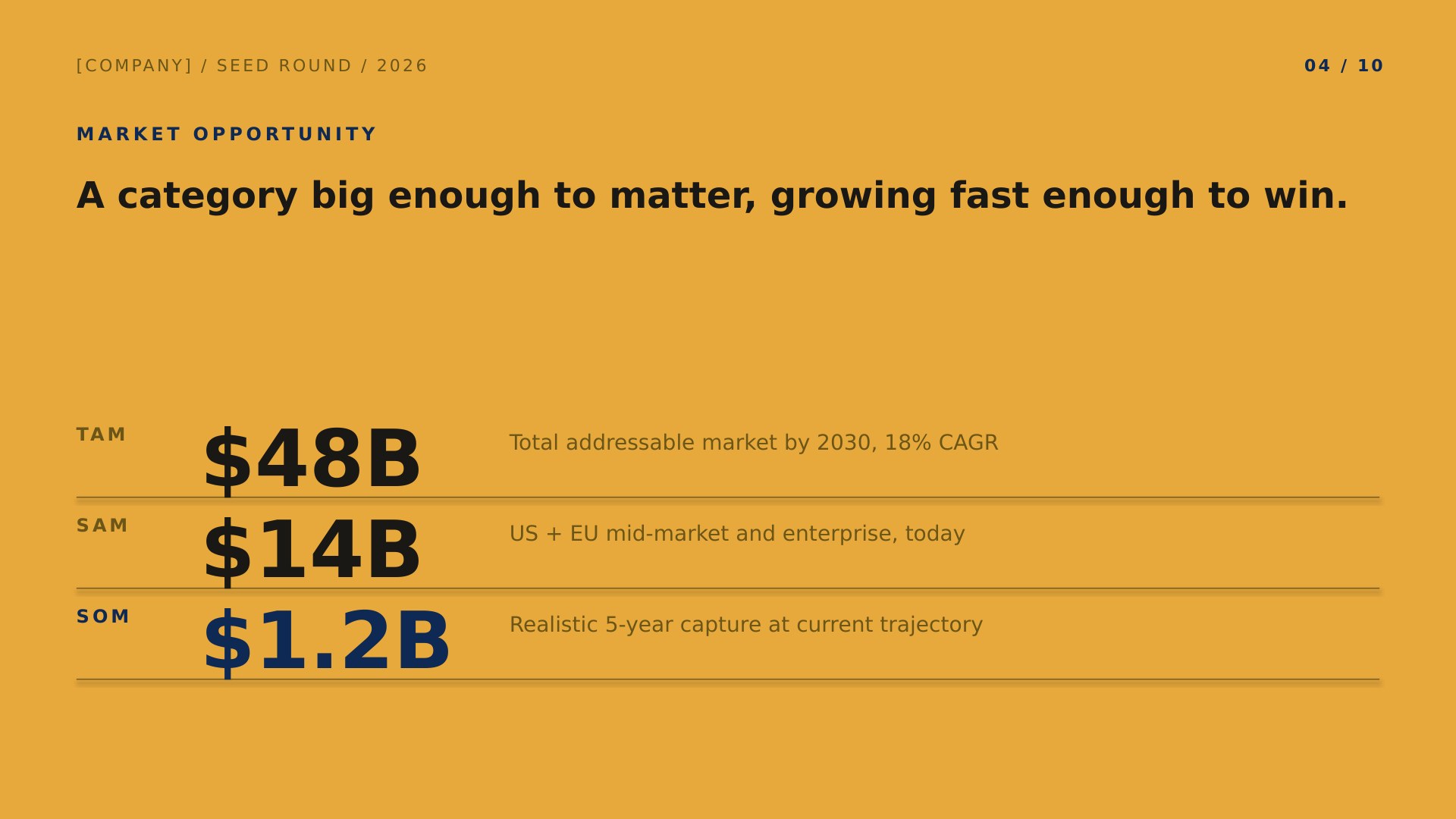
Spectrum Curated Color Per Slide — slide 4, market (tam/sam/som) layout
4Market (TAM/SAM/SOM)
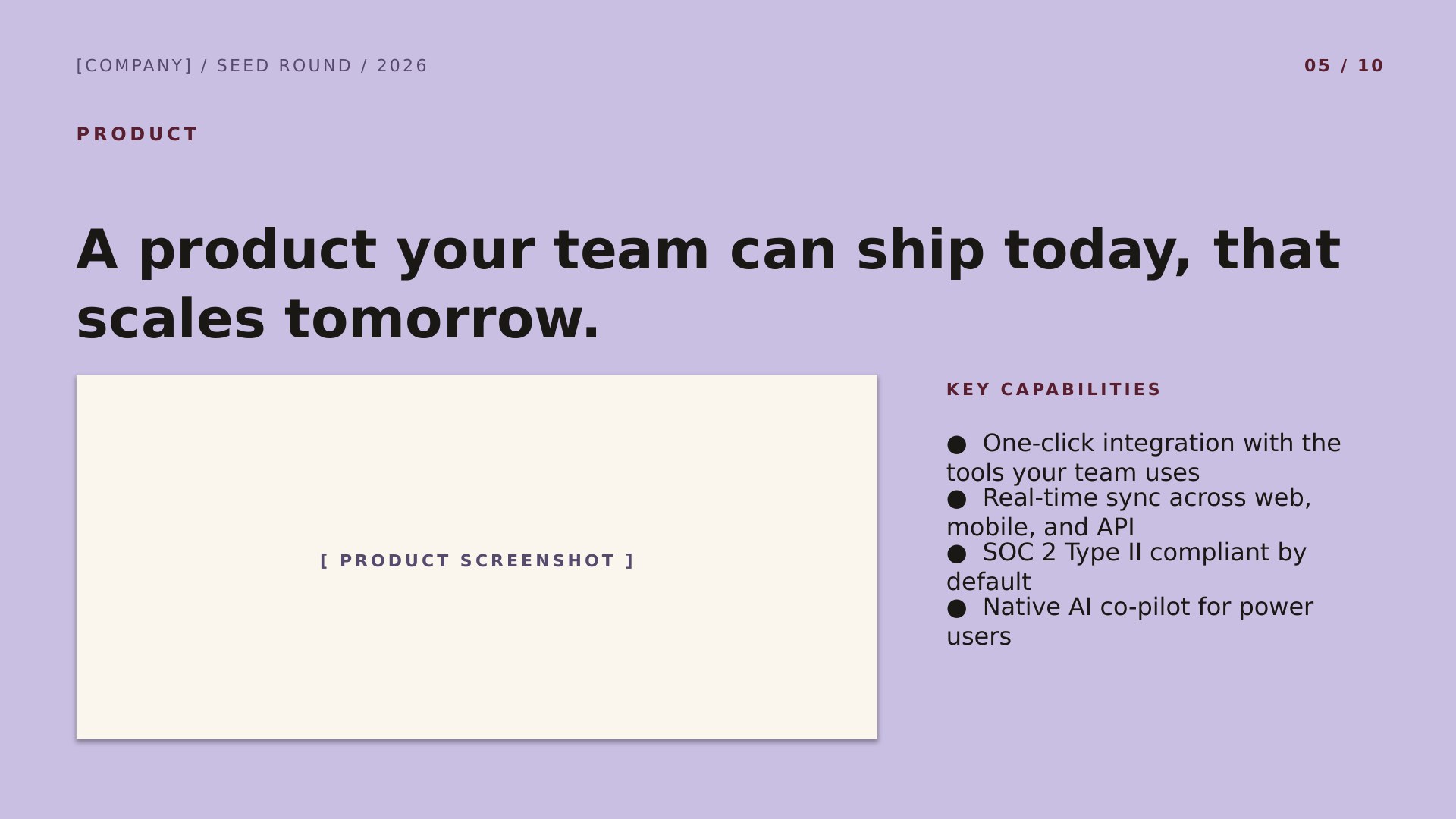
Spectrum Curated Color Per Slide — slide 5, product layout
5Product
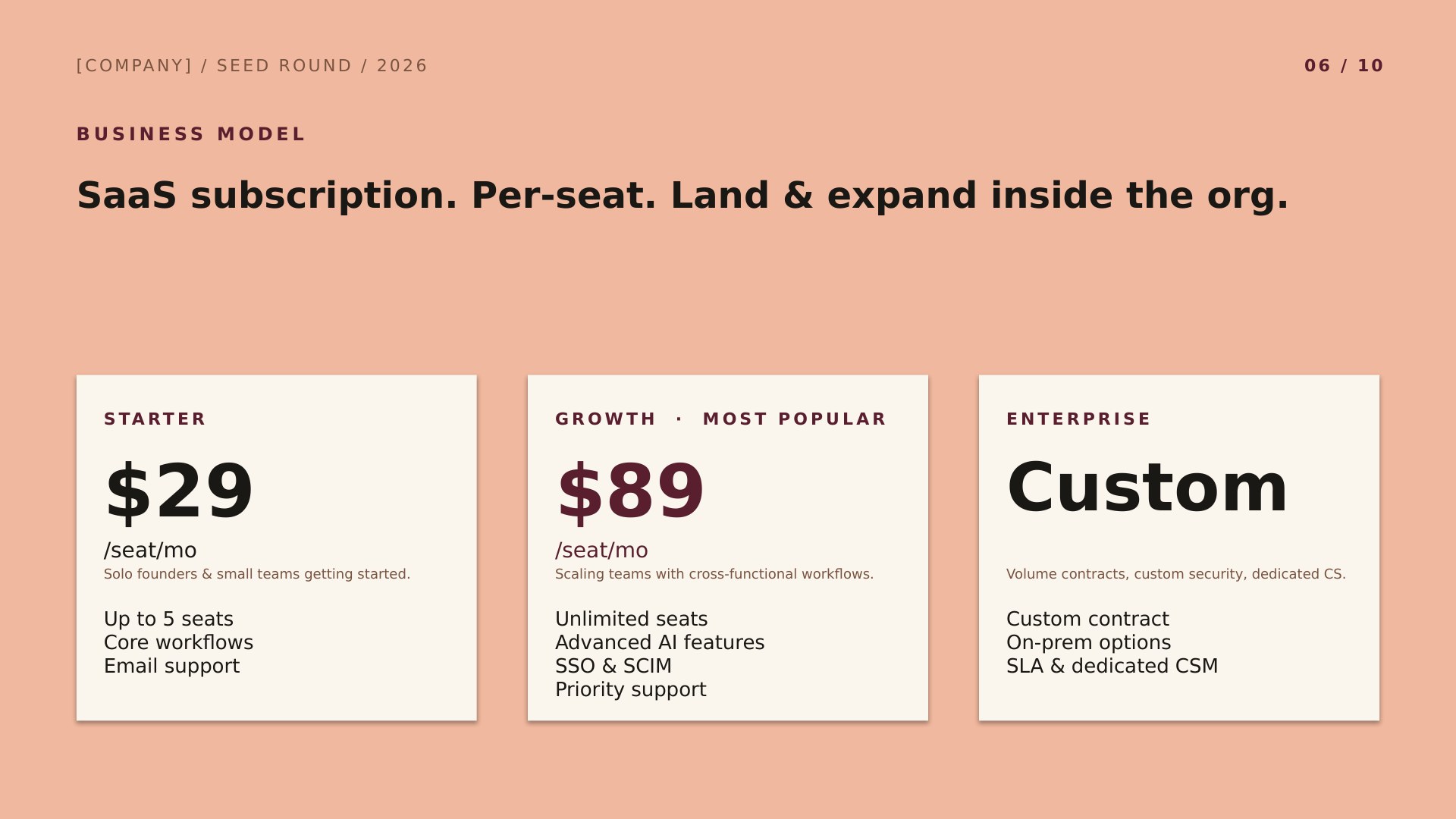
Spectrum Curated Color Per Slide — slide 6, business model layout
6Business Model
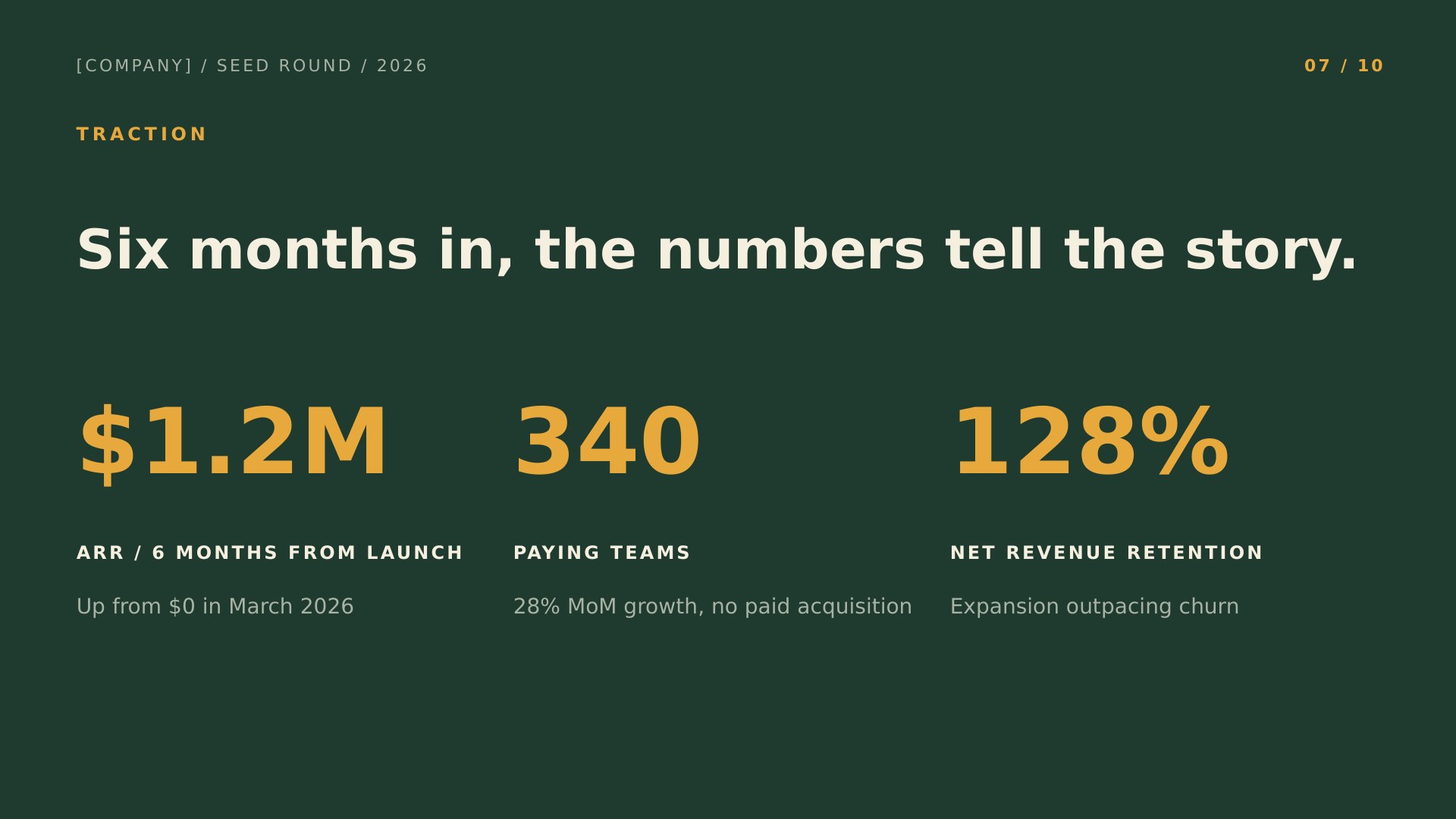
Spectrum Curated Color Per Slide — slide 7, traction layout
7Traction
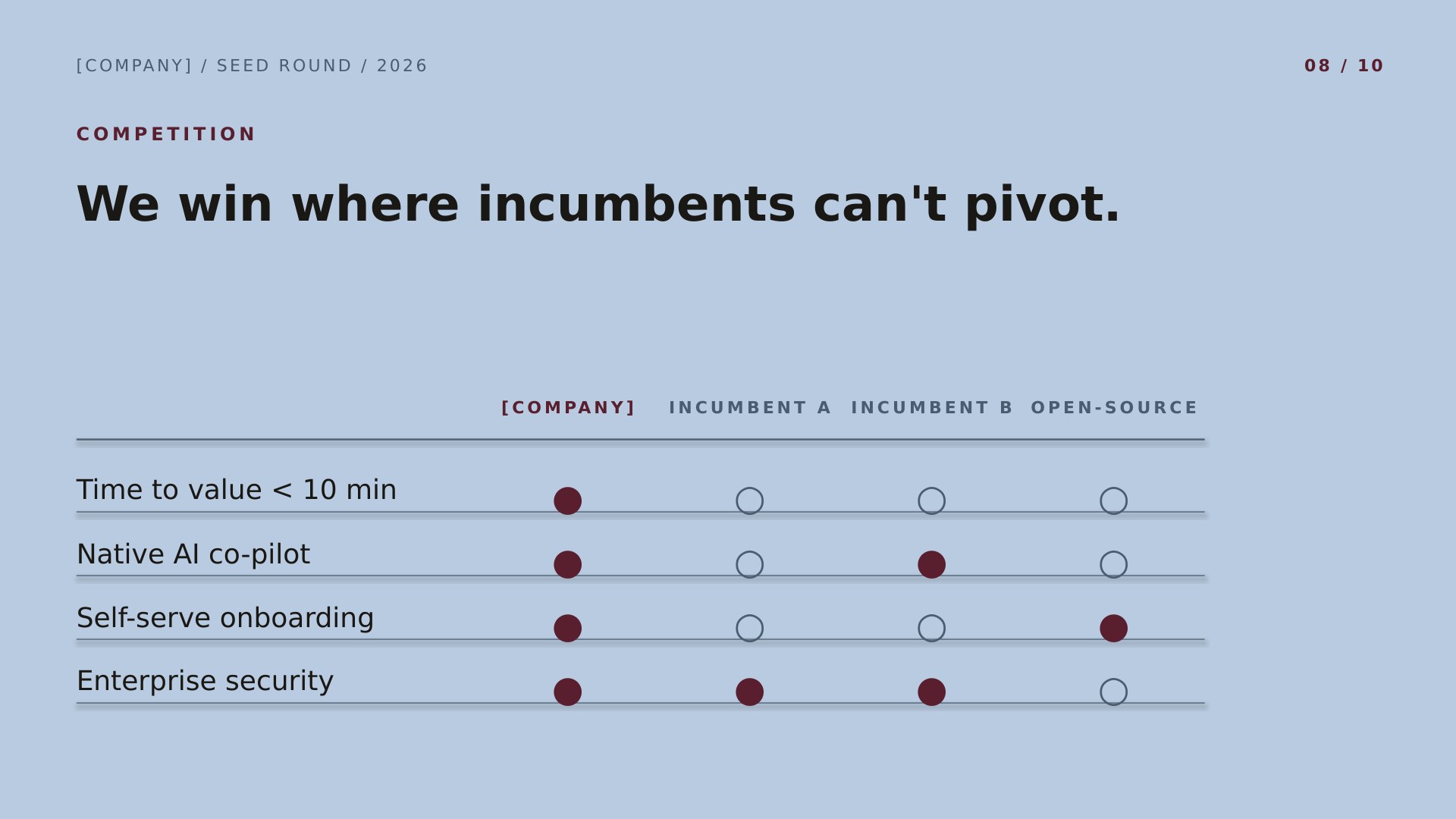
Spectrum Curated Color Per Slide — slide 8, competition layout
8Competition
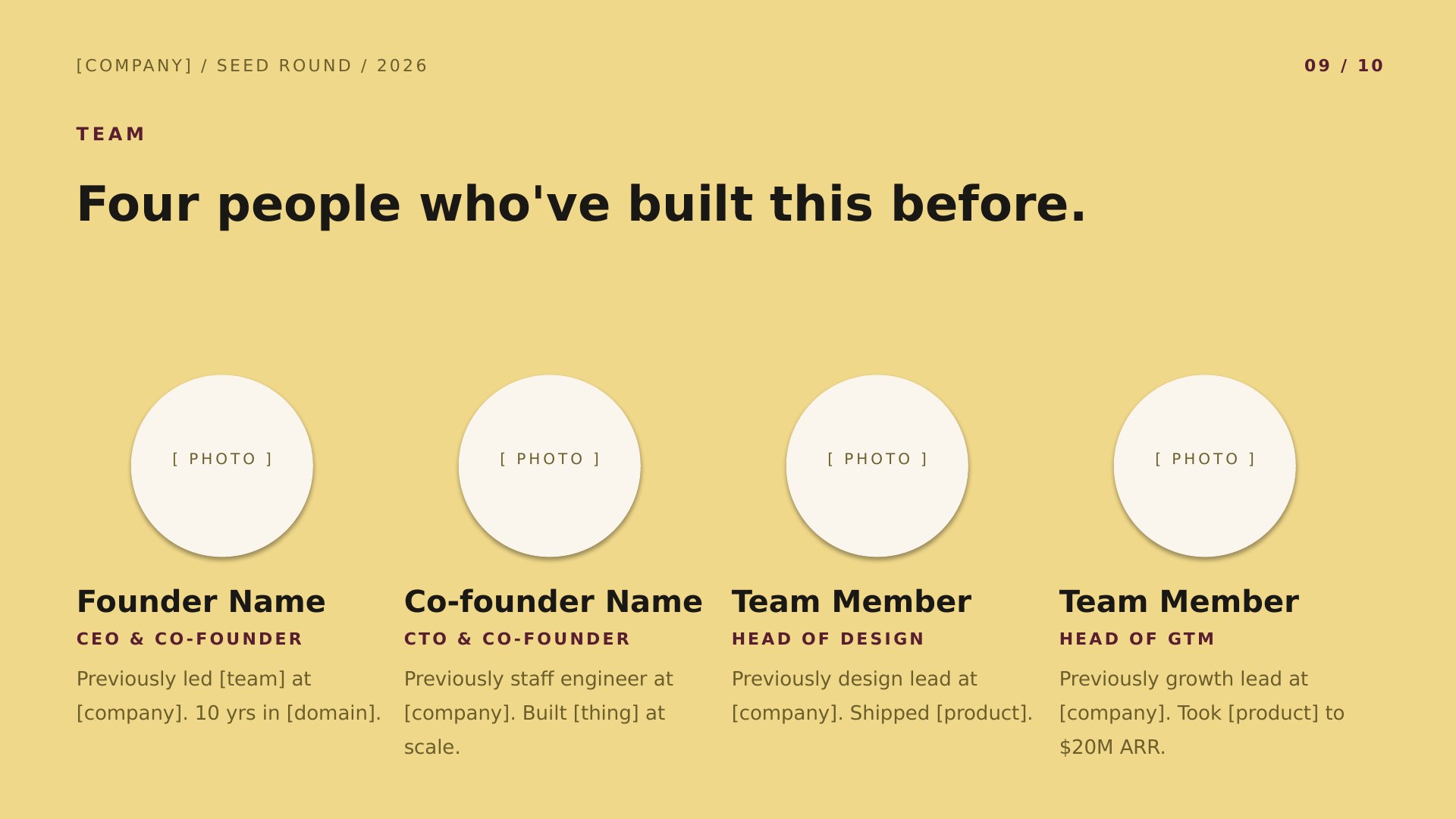
Spectrum Curated Color Per Slide — slide 9, team layout
9Team
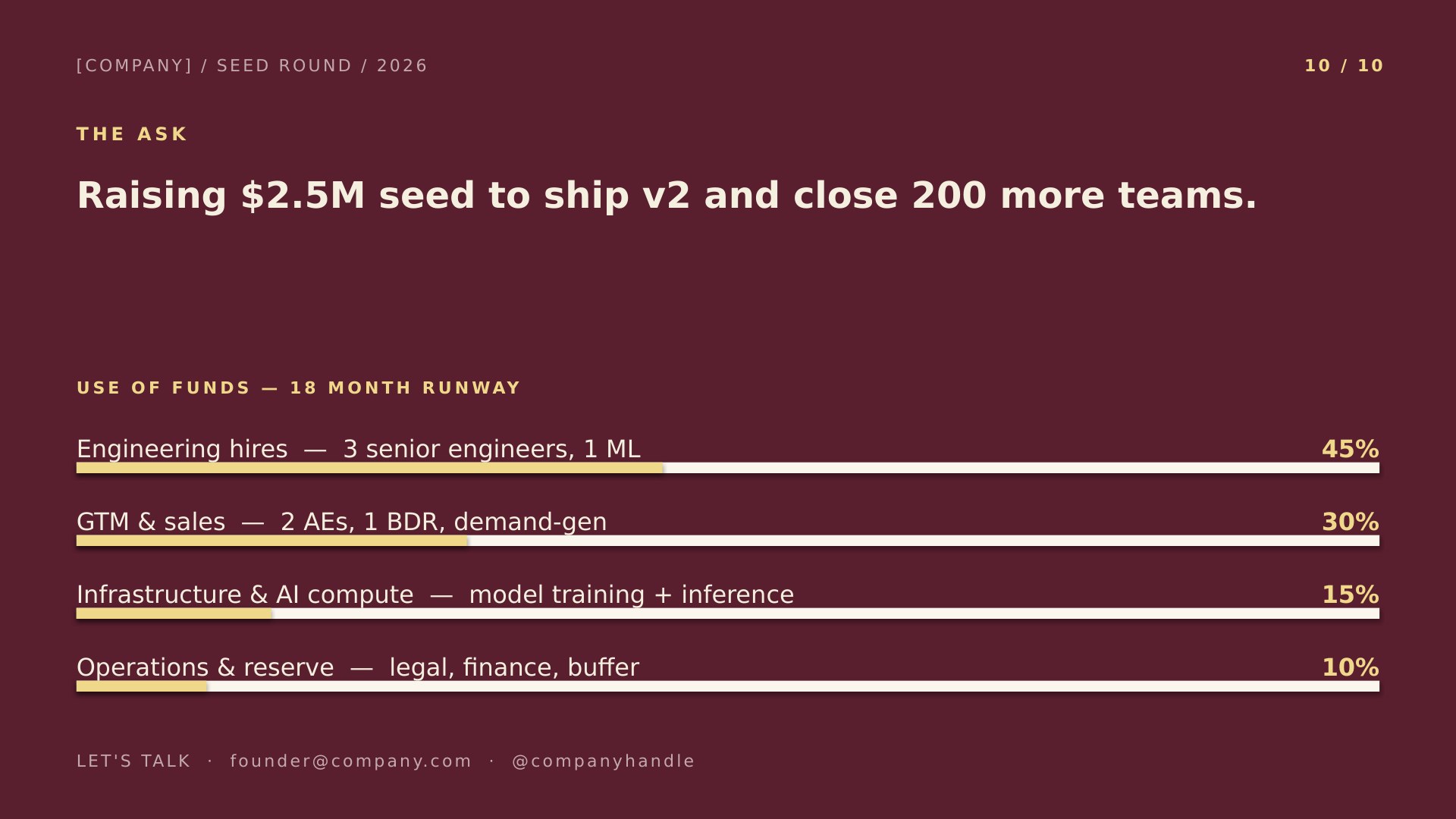
Spectrum Curated Color Per Slide — slide 10, ask / use of funds layout
10Ask / Use of Funds
More in this category

Other startup pitch deck designs.

Same slide structure — pick a different design or colorway.
See all startup pitch deck presentation templates
Good to know

Spectrum questions, answered.

What size are the slides?
16:9 widescreen, the standard for laptops, TVs, and modern projectors. If you need 4:3 for an older screen, PowerPoint's Design → Slide Size will convert Spectrum, though you'll want to check the cover afterwards.
Why is the slide order fixed?
It follows the ten-slide sequence investors are trained to read — Problem before Solution, Market before Product, Ask last — the same skeleton behind Sequoia's format and Guy Kawasaki's 10/20/30 rule. Reordering forces the reader to do extra work.
How many of the ten slides should I keep?
All ten for a seed round; investors expect each one. A pre-seed deck can drop Traction if you have none yet and fold Business Model into Product. Don't add — a deck over fifteen slides gets skimmed.
Do I get both the PowerPoint and Google Slides versions of Spectrum?
Yes. This page has both: a .potx download for PowerPoint and a one-click copy for Google Slides. They're the same design and the same 10 slides — pick whichever app you work in, and switch later if you change your mind.
Keep browsing

More presentation templates.

Business presentations
Free business templates for PowerPoint and Google Slides
Waves, Squares, Lines, and The Basic — twelve colorways for reports, proposals, and meetings.
Open
Christmas presentations
Free christmas templates for PowerPoint and Google Slides
Starlit and Snowfall — six illustrated holiday decks, plus the four legacy 4:3 originals.
Open
Education presentations
Free education templates for PowerPoint and Google Slides
Coursebook and Pencil Box — eight lesson decks that assign straight into Google Classroom.
Open
Or browse by style
Guides