Apollo's Templates
HomePresentationsStartup Pitch DeckForge — Editorial Founder Story
No signup · Forge Editorial Founder Story

Forge — Editorial Founder Story

Cream paper, terracotta accent, serif-italic taglines. Made for consumer, lifestyle, and craft-led startups whose pitch reads more like a magazine feature than a finance memo. 10 ready-made 16:9 slides: cover / title, problem, solution, market (tam/sam/som), product, business model, traction, competition, team, and ask / use of funds. Download it as a PowerPoint .potx or copy it straight into Google Slides.
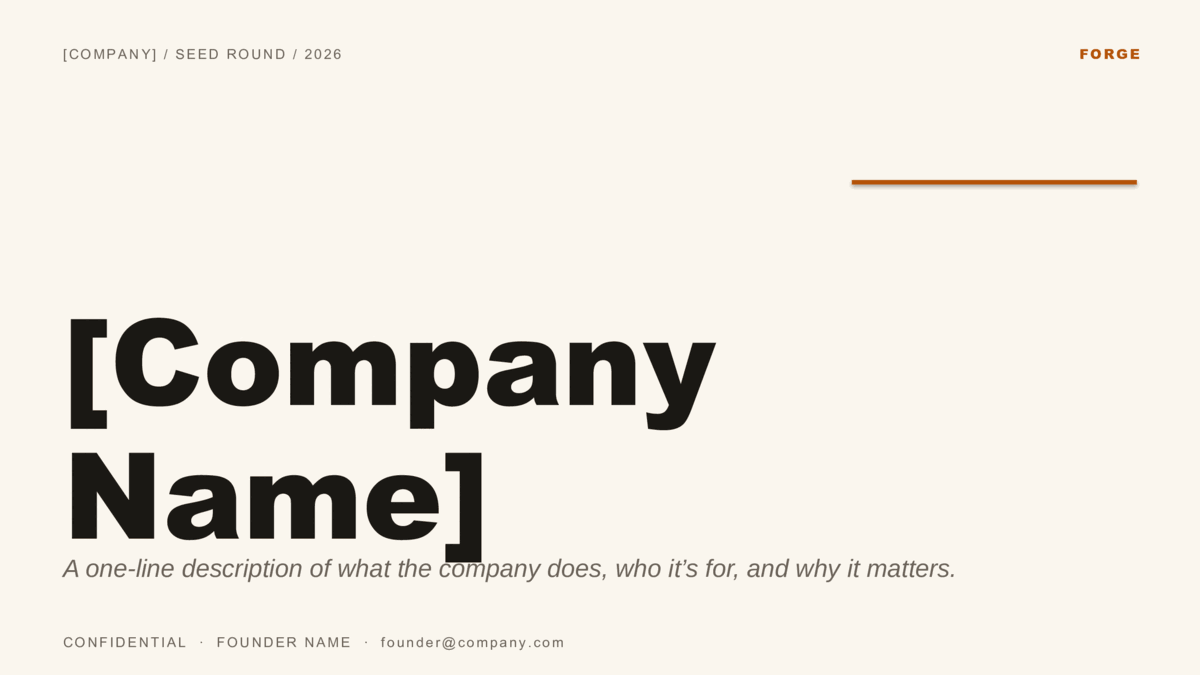
Cream pitch deck cover with a terracotta accent and serif-italic tagline
Two formats — choose yours
Download for PowerPointUse in Google Slides
PowerPoint: .potx opens in PowerPoint 2010+, Microsoft 365, and Keynote.
Google Slides: opens the template preview — click Use template to copy it into your Google Drive.

Design
Forge
Colorway
Editorial Founder Story
Formats
PowerPoint .potx · Google Slides
Aspect
16:9 widescreen
Slides
10 pre-built layouts
Style
Professional & CorporateAesthetic
License
Free for personal & commercial use
Updated
How Forge is built
The serif-italic taglines are a separate text style; swap the tagline text but keep the style and the deck reads as one voice from cover to ask.
What's inside

Ten pre-built slides.

The investor-standard 10-slide pitch deck order — Problem before Solution, Market before Product, Ask last. That sequence is what VCs are trained to follow, so re-ordering forces them to do extra work. Replace placeholder text with your numbers and your raise is one Saturday away.
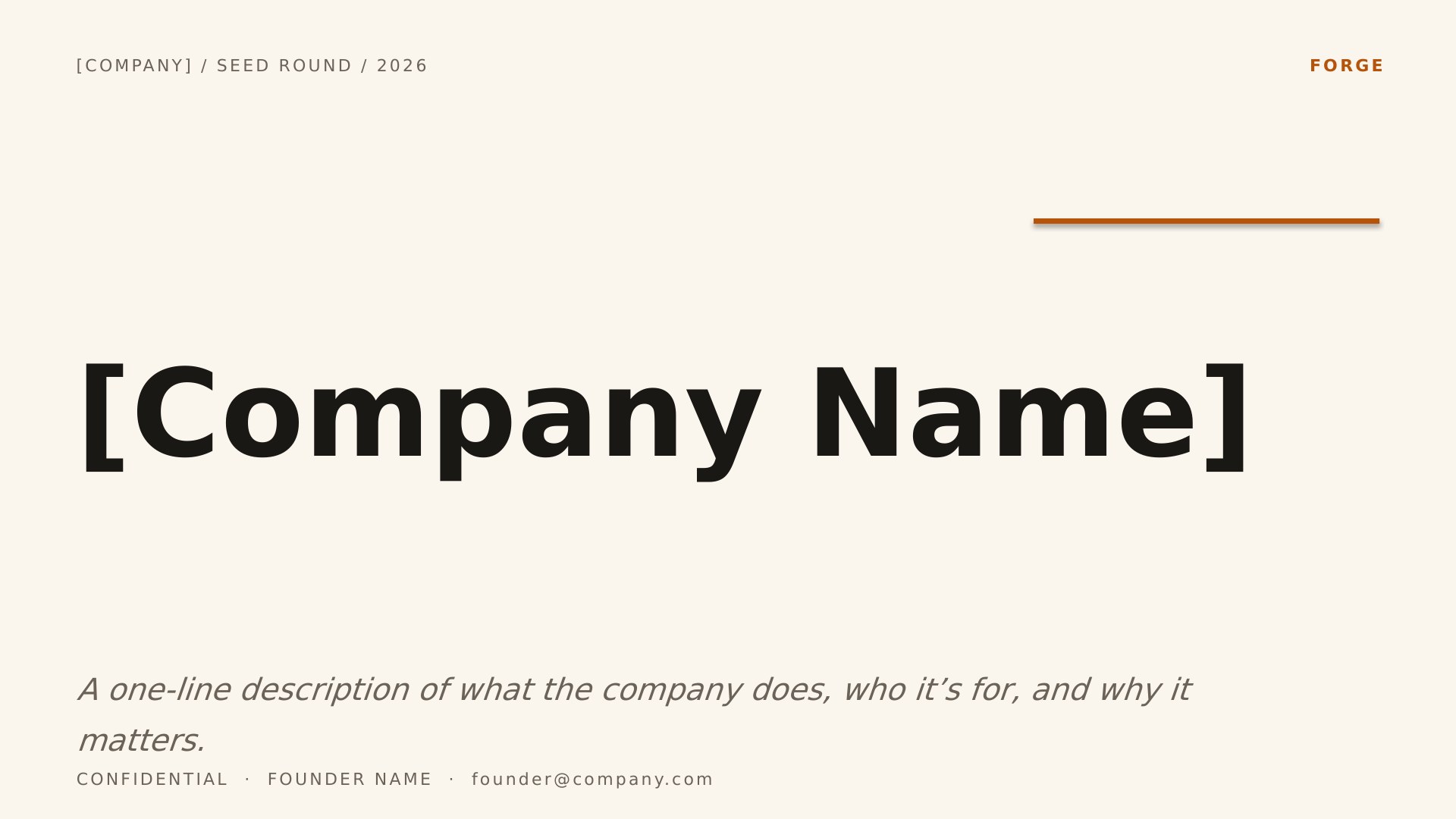
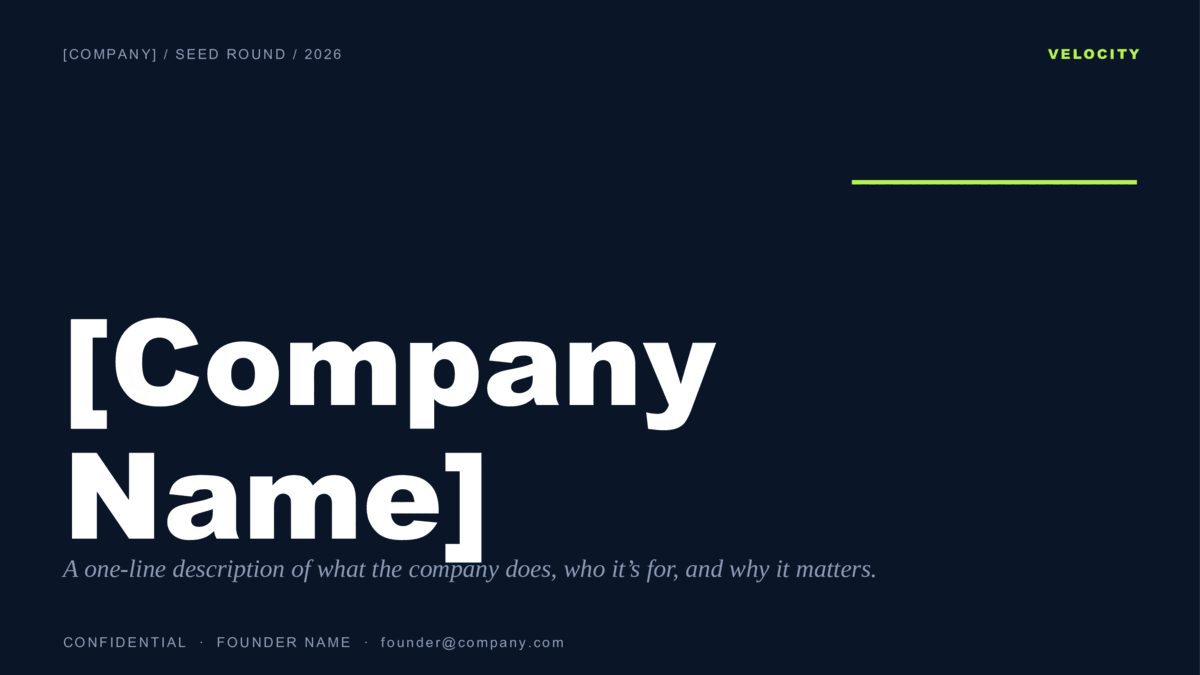
Forge Editorial Founder Story — slide 1, cover / title layout
1Cover / Title
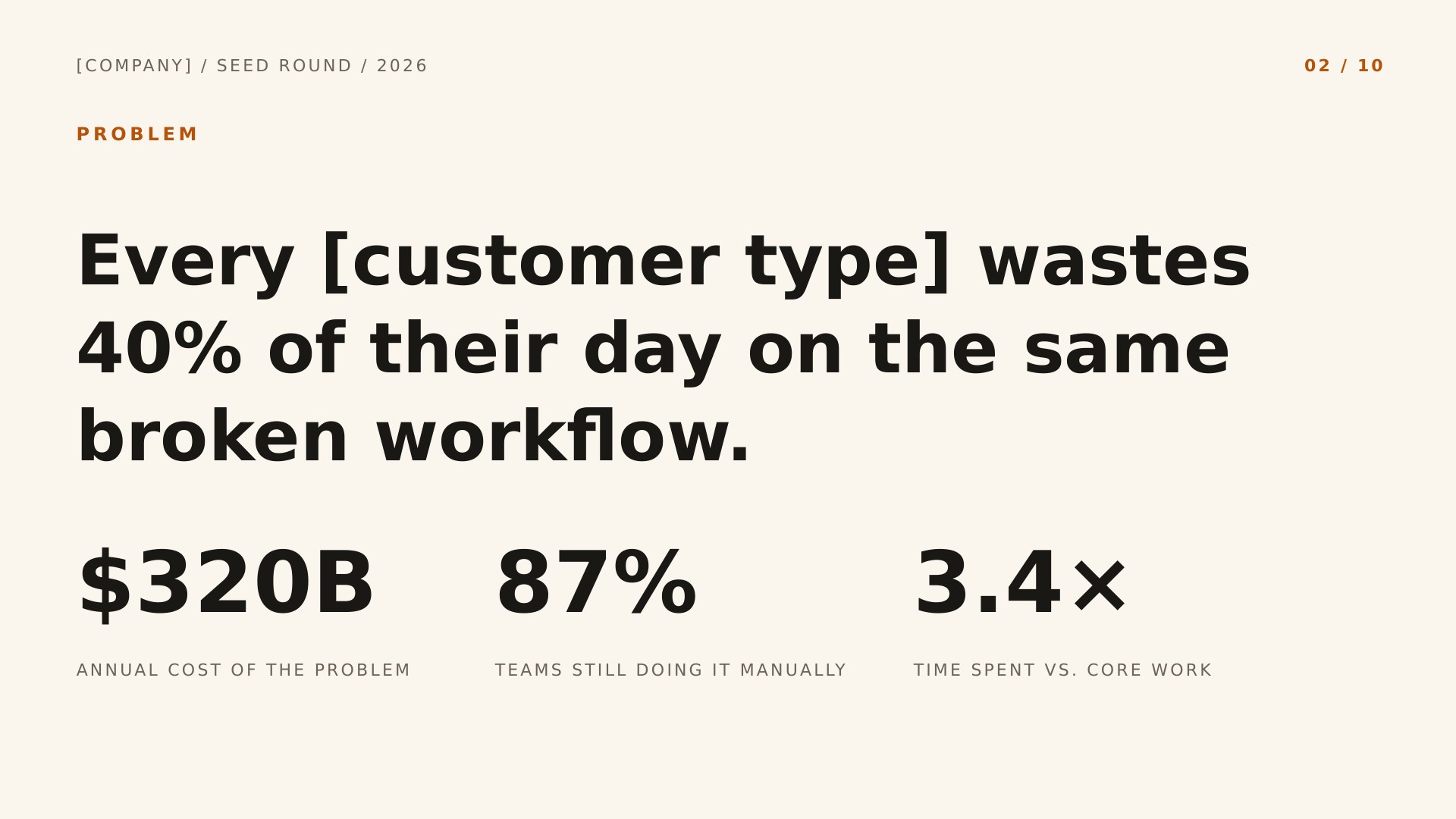
Forge Editorial Founder Story — slide 2, problem layout
2Problem
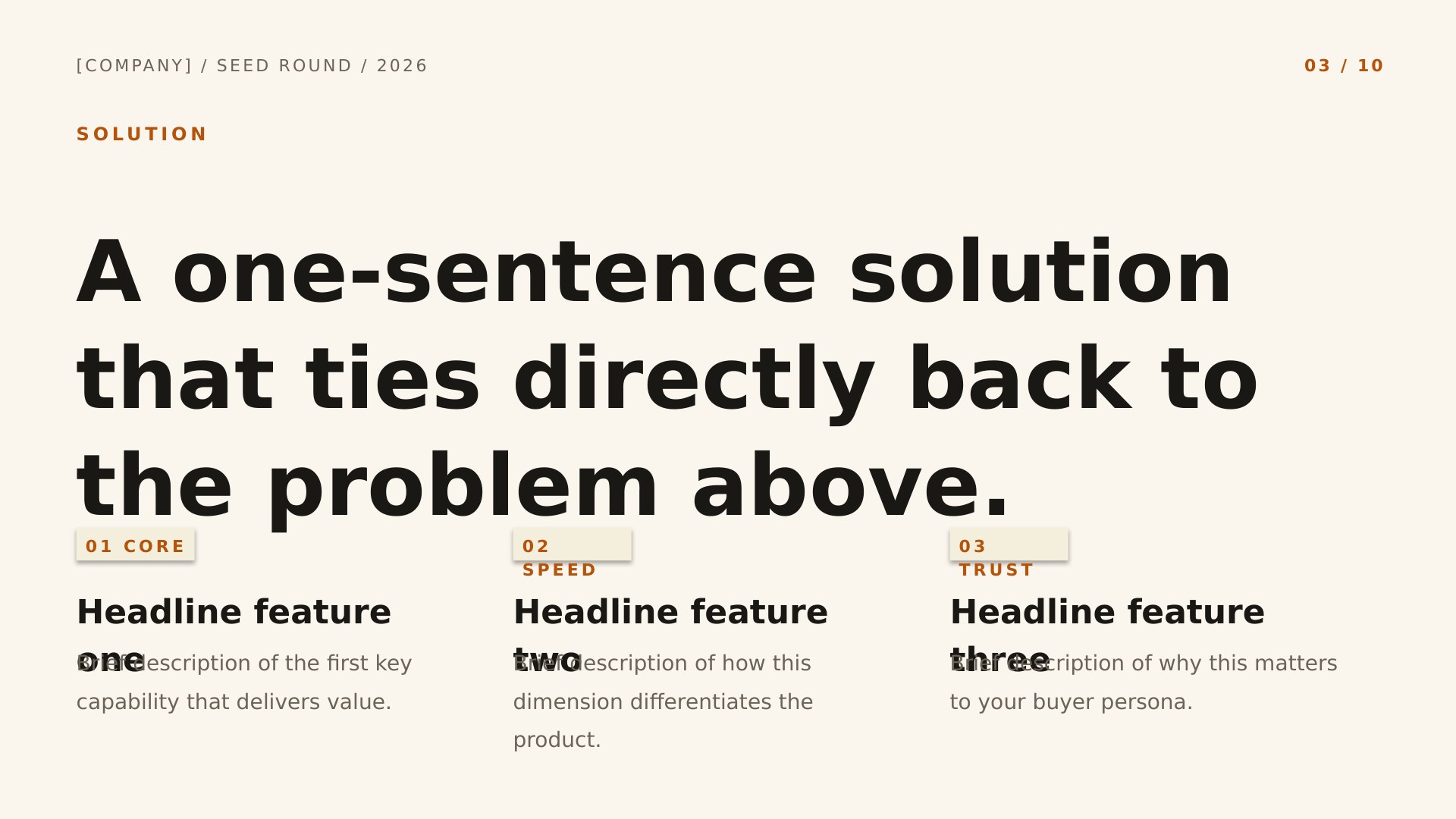
Forge Editorial Founder Story — slide 3, solution layout
3Solution
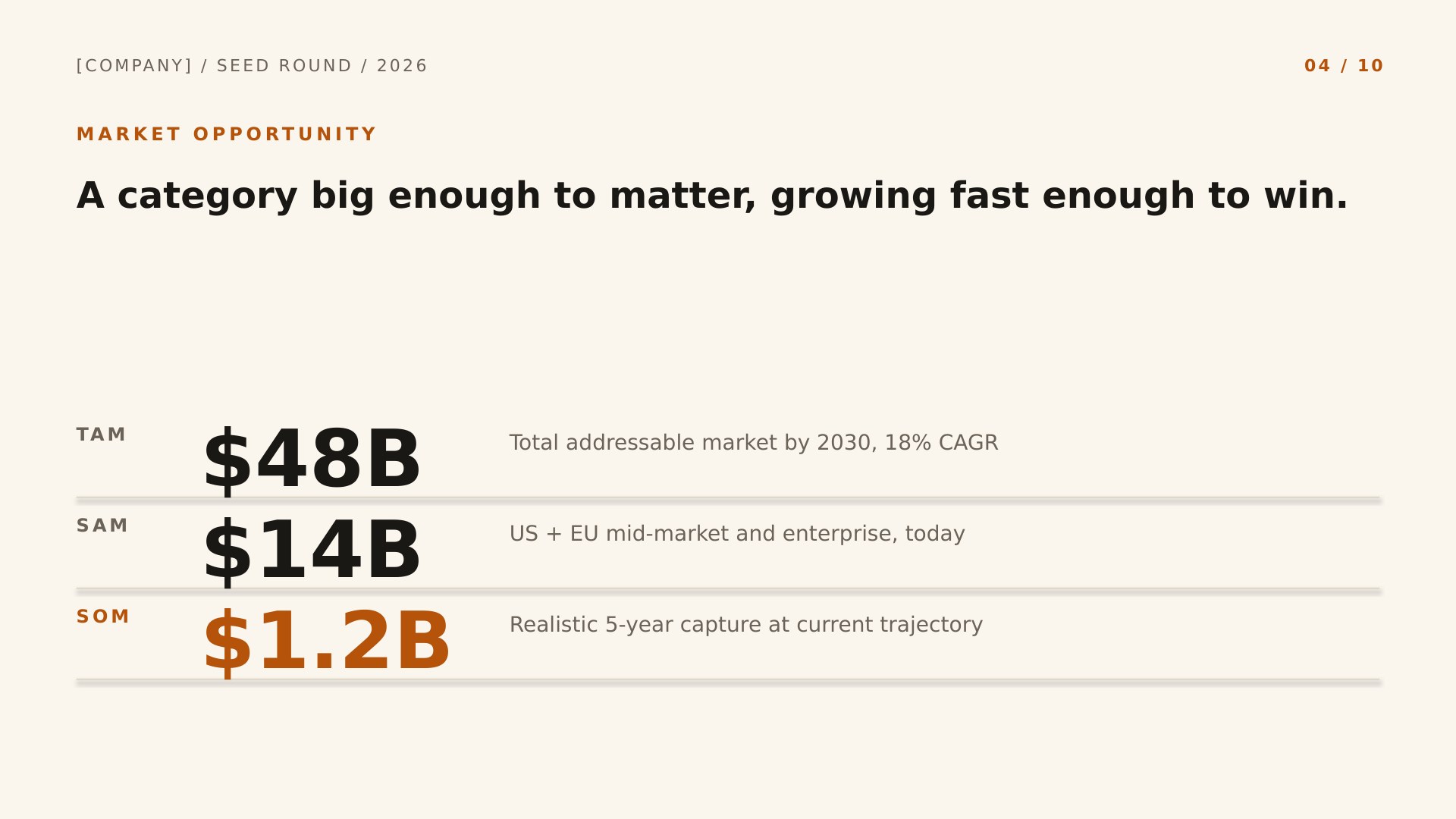
Forge Editorial Founder Story — slide 4, market (tam/sam/som) layout
4Market (TAM/SAM/SOM)
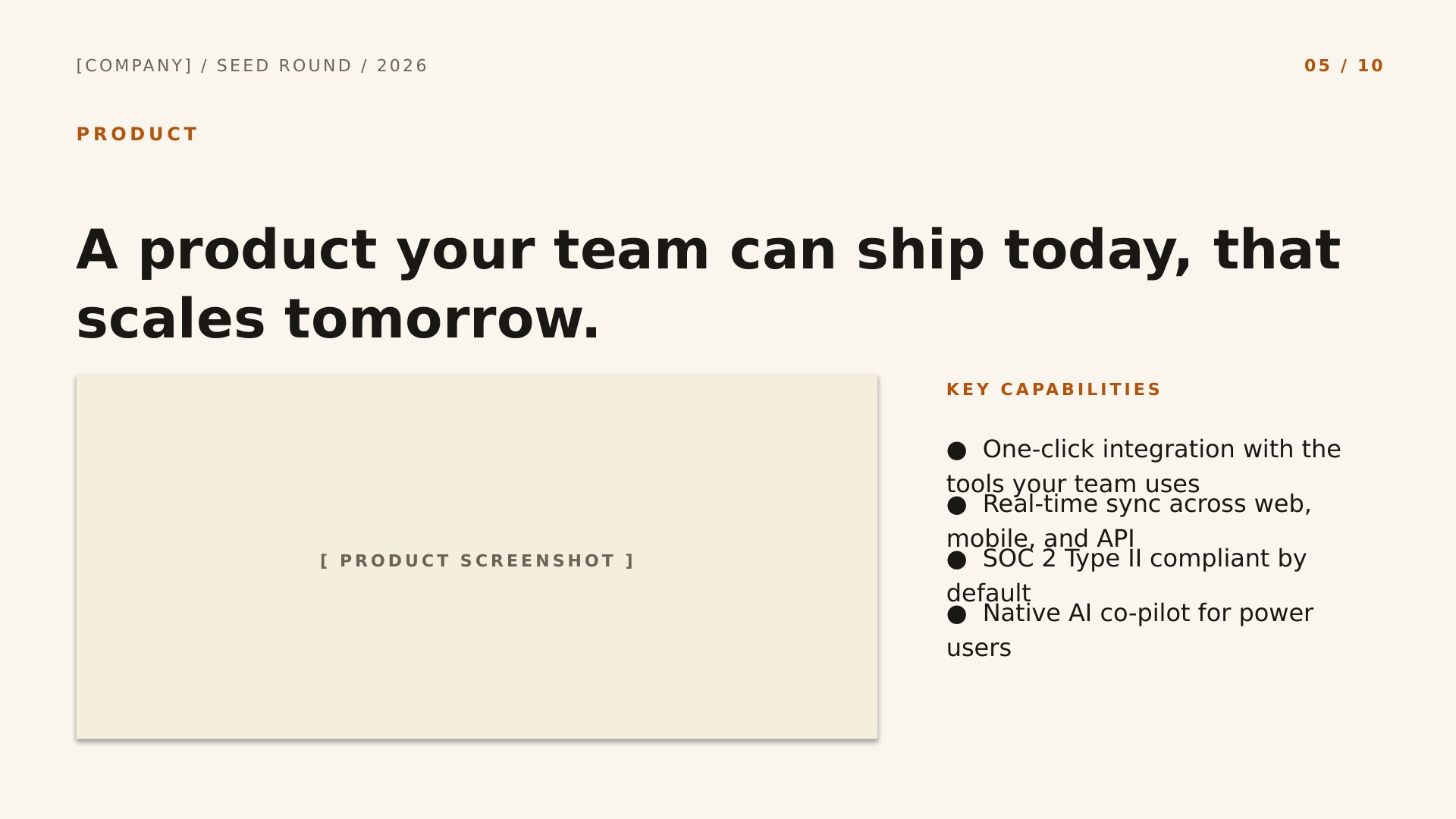
Forge Editorial Founder Story — slide 5, product layout
5Product
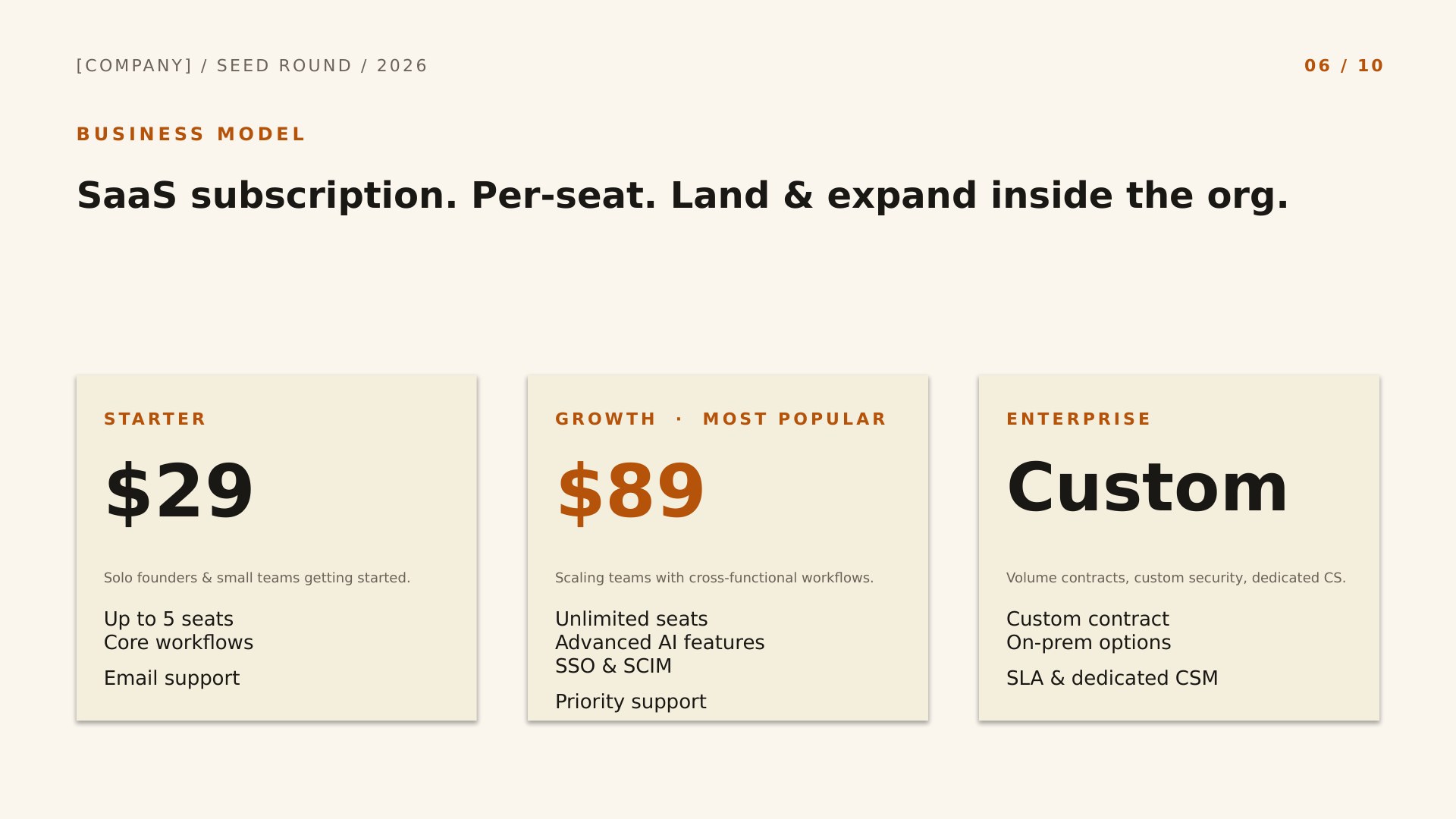
Forge Editorial Founder Story — slide 6, business model layout
6Business Model
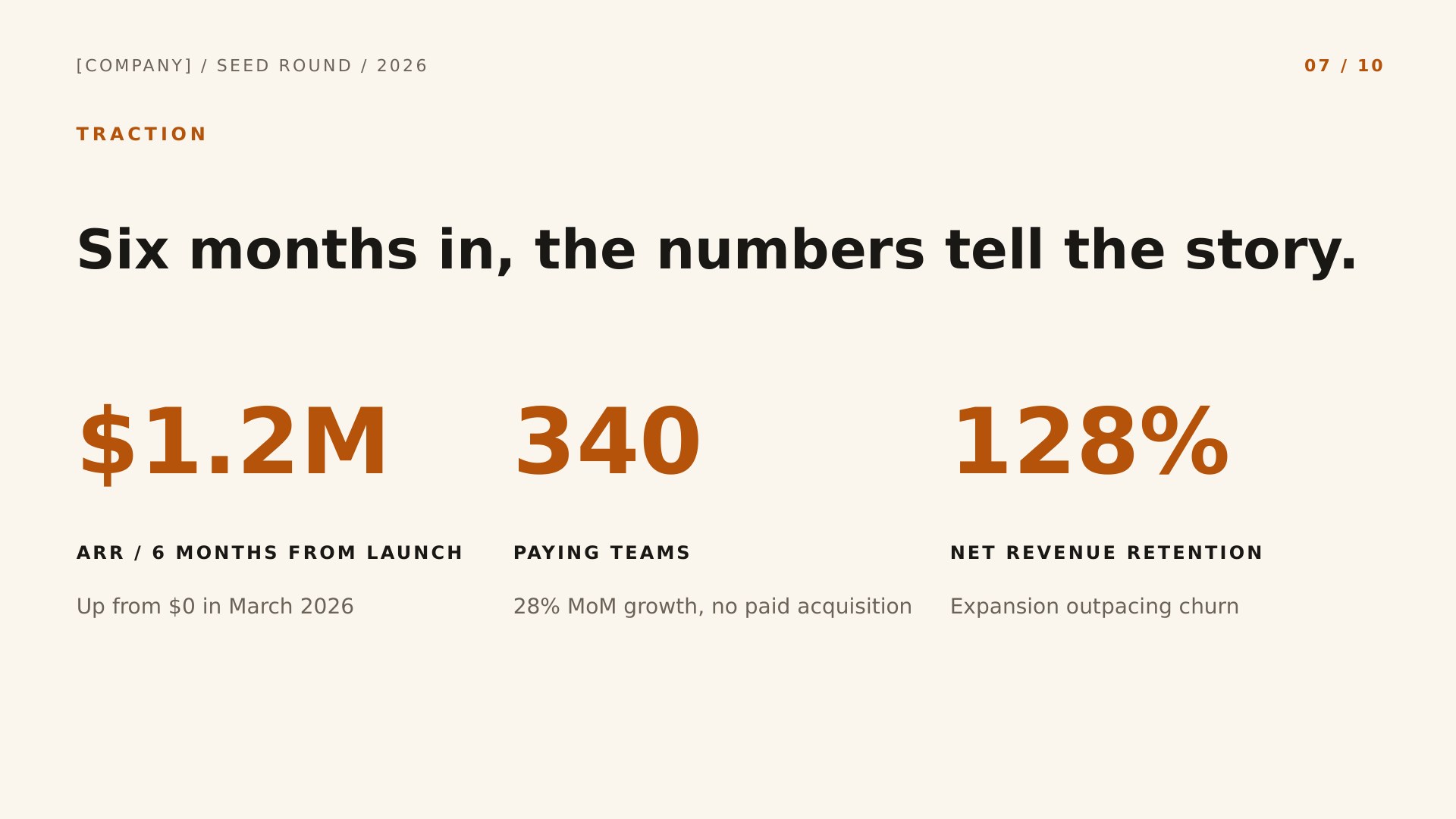
Forge Editorial Founder Story — slide 7, traction layout
7Traction
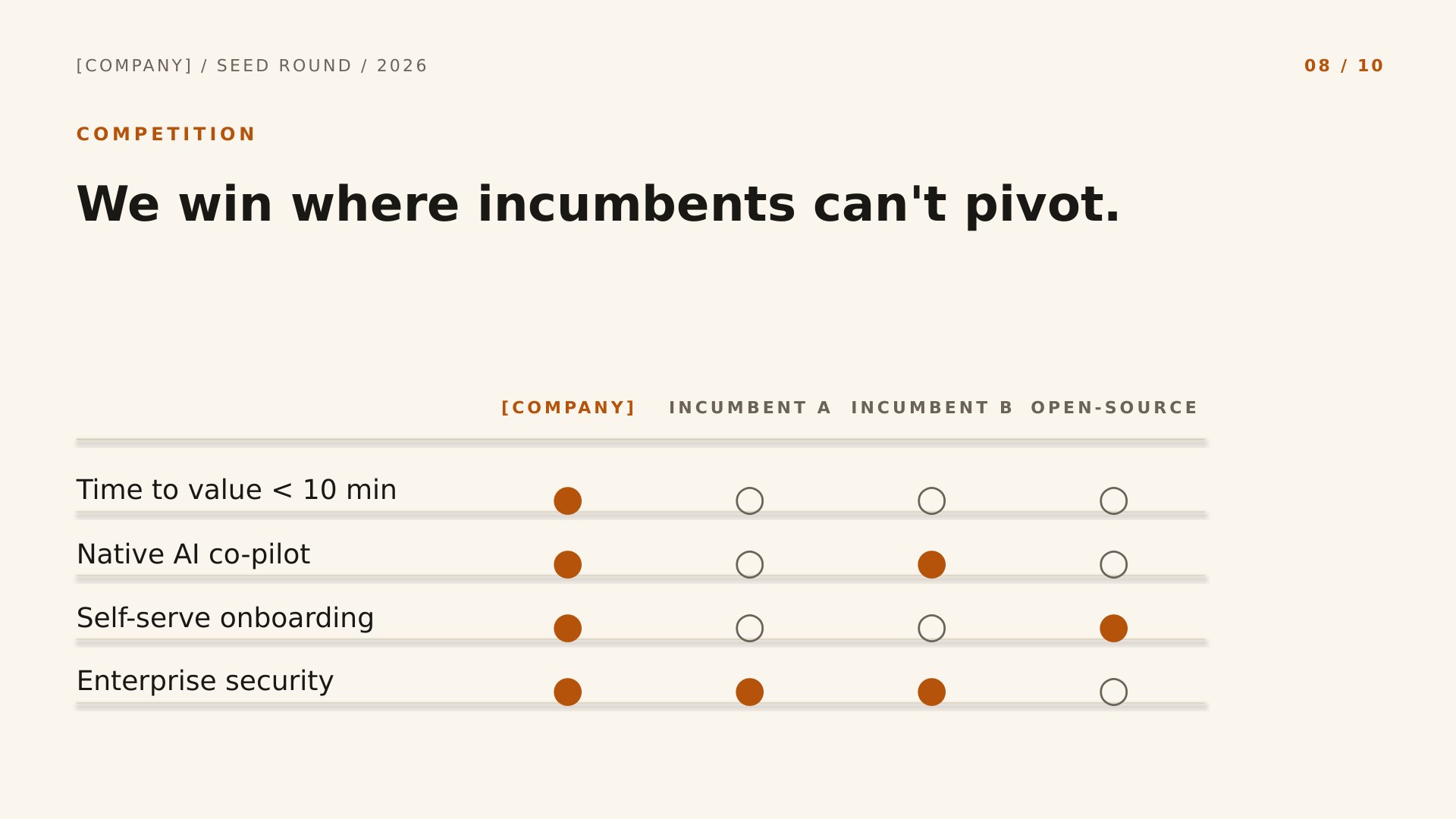
Forge Editorial Founder Story — slide 8, competition layout
8Competition
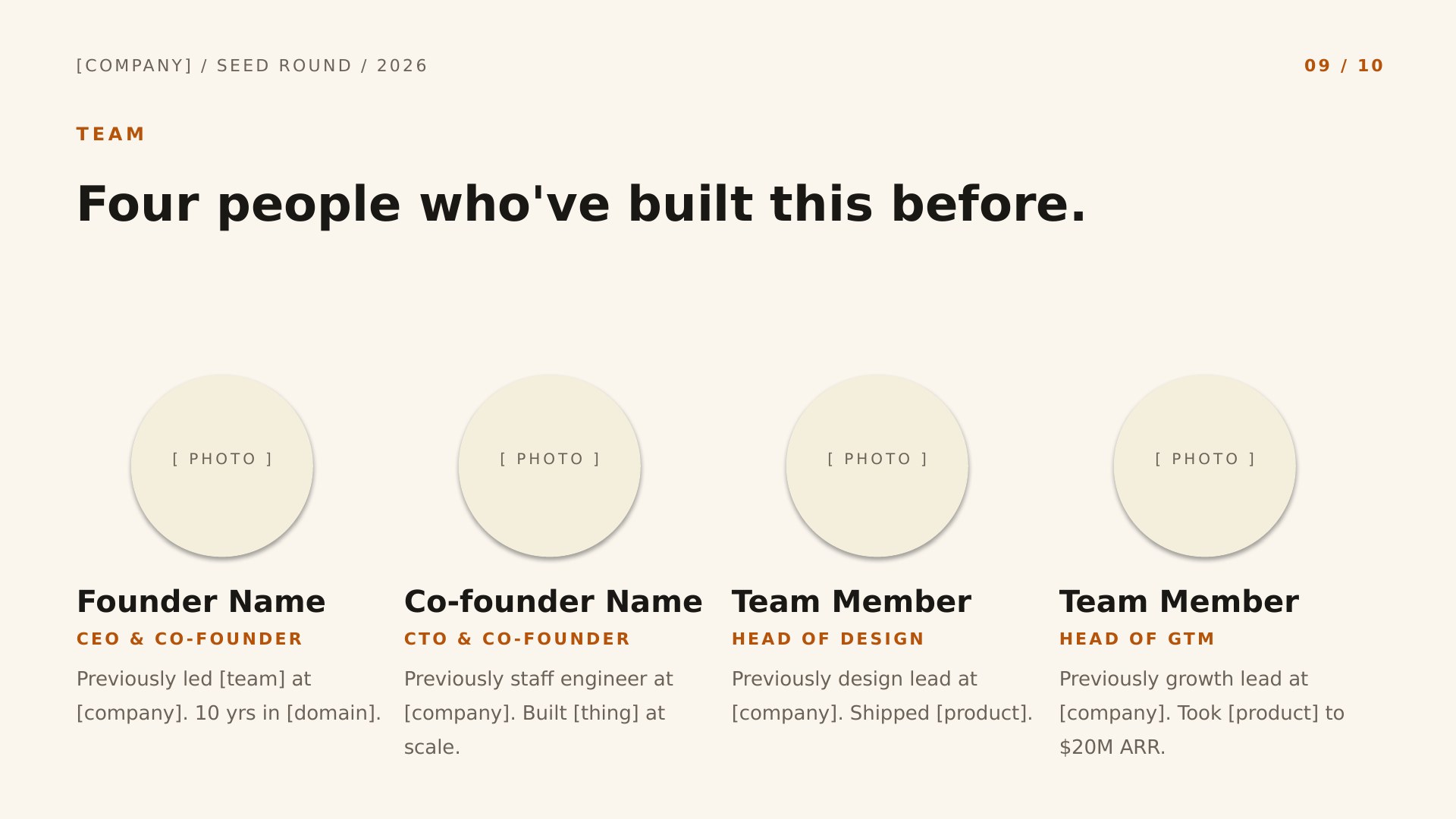
Forge Editorial Founder Story — slide 9, team layout
9Team
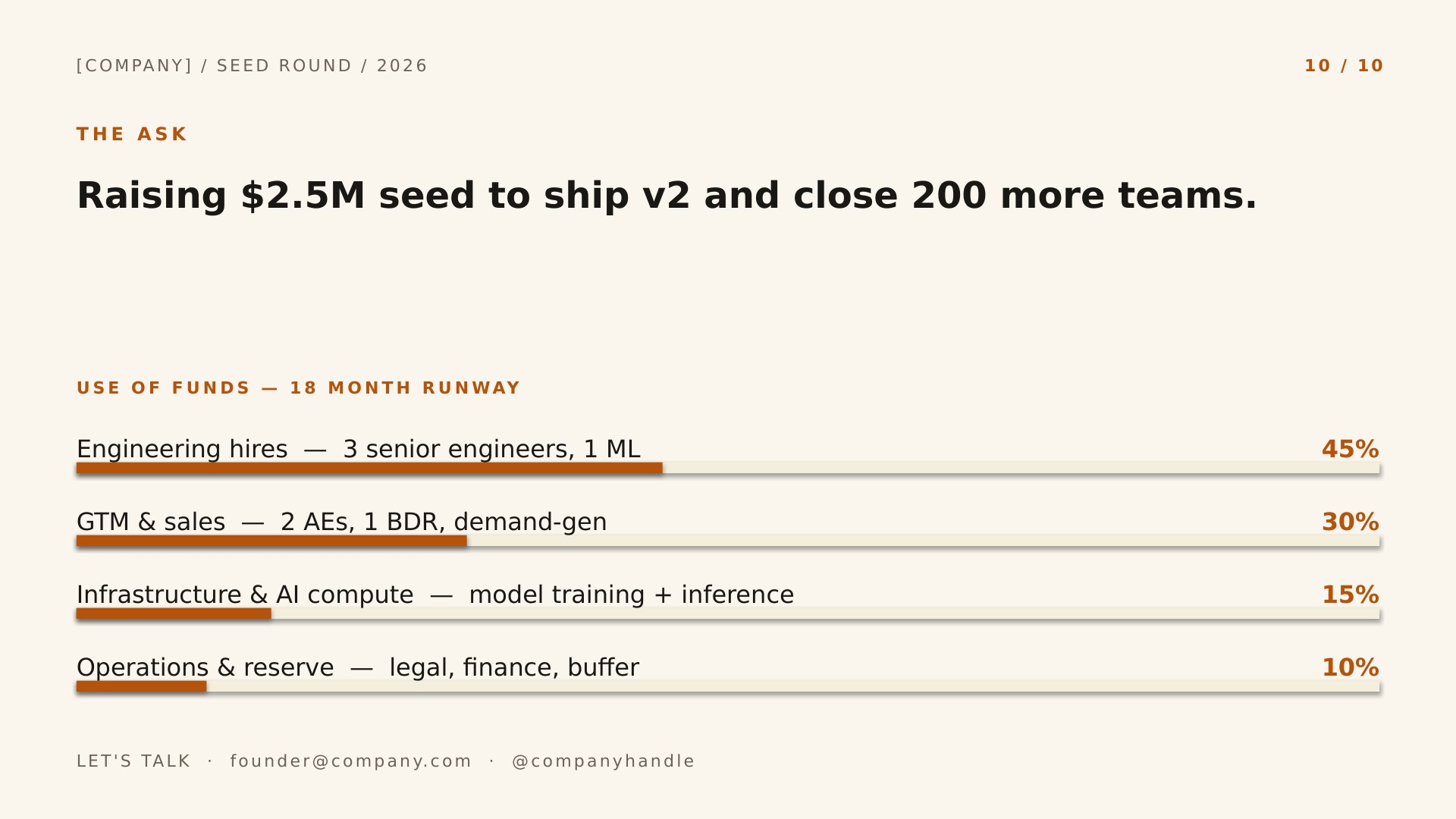
Forge Editorial Founder Story — slide 10, ask / use of funds layout
10Ask / Use of Funds
More in this category

Other startup pitch deck designs.

Same slide structure — pick a different design or colorway.
See all startup pitch deck presentation templates
Good to know

Forge questions, answered.

How do I change the accent color?
In PowerPoint, open View → Slide Master and change the accent once; every slide follows. In Google Slides, use Slide → Edit theme. Forge keeps its layout either way — you're only swapping the palette.
How many of the ten slides should I keep?
All ten for a seed round; investors expect each one. A pre-seed deck can drop Traction if you have none yet and fold Business Model into Product. Don't add — a deck over fifteen slides gets skimmed.
Why is the slide order fixed?
It follows the ten-slide sequence investors are trained to read — Problem before Solution, Market before Product, Ask last — the same skeleton behind Sequoia's format and Guy Kawasaki's 10/20/30 rule. Reordering forces the reader to do extra work.
Can I add slides beyond the 10 included?
Yes. Duplicate any of the built-in layouts, or insert a new slide and pick a layout from the master — Forge's design carries over automatically. Delete whatever you don't use.
Keep browsing

More presentation templates.

Business presentations
Free business templates for PowerPoint and Google Slides
Waves, Squares, Lines, and The Basic — twelve colorways for reports, proposals, and meetings.
Open
Christmas presentations
Free christmas templates for PowerPoint and Google Slides
Starlit and Snowfall — six illustrated holiday decks, plus the four legacy 4:3 originals.
Open
Education presentations
Free education templates for PowerPoint and Google Slides
Coursebook and Pencil Box — eight lesson decks that assign straight into Google Classroom.
Open
Or browse by style
Guides