Apollo's Templates
HomePresentationsPitch DeckHow to build a pitch deck
Guide · ten slides · free template

How to Build a Startup Pitch Deck

A pitch deck has one job: get you the meeting, then survive it. This guide walks the ten slides investors expect in the order they expect them, says what belongs on each, and names the mistake that most often sinks it. The three templates at the bottom are built on exactly this structure.

Why this order

Where the ten-slide structure comes from.

There isn’t one official pitch deck. There is, however, a shape that nearly every published framework converges on, and investors have read enough decks built on it that anything else costs them effort. Guy Kawasaki’s 10/20/30 rulefixed the count at ten slides. Sequoia Capital’s published outline for founders runs the same arc — purpose, problem, solution, why now, market, competition, product, business model, team, financials. Y Combinator’s advice to its companies is blunter: make it simple, make it legible, and make it stand on its own without you narrating.

Put those together and you get the sequence below. Problem comes before Solution so the solution has something to answer. Market comes before Product so the reader knows the size of the prize before the details. Ask comes last, after the case has been made. Re-ordering any of it doesn’t break a rule — it just makes an investor work harder to follow you, and they won’t.

One thing worth saying plainly: these frameworks are public and widely taught. The templates on this page follow them. Nobody at those firms has seen or endorsed these templates, and you shouldn’t reproduce any famous company’s actual deck — investors have seen those too.

Slide by slide

What goes on each of the ten slides.

01Cover

Tell them who you are and what round this is before they read another word.

Put on it: Company name, a one-line description of what you do and for whom, the round and amount, your name and email. That's all.

The usual mistake: A tagline instead of a description. "Reimagining work" tells an investor nothing; "Scheduling software for independent dental practices" tells them everything.

02Problem

Make the pain specific enough that the reader believes it exists.

Put on it: Who has the problem, how often, and what it costs them today. One or two numbers if you have real ones. A sentence of how they cope now.

The usual mistake: Describing the market instead of the problem. "The industry is worth $40B" is a market slide; "Practice managers spend eleven hours a week on the phone" is a problem.

03Solution

Answer the problem slide directly.

Put on it: What you built, in one sentence that mirrors the problem's wording. Then two or three ways it changes the customer's day. Save features for the product slide.

The usual mistake: Leading with technology. Investors want to know what changes for the customer; how it works can wait two slides.

04Market

Show that winning this is worth the trouble.

Put on it: TAM, SAM, SOM with one line on how you got each number — bottom-up beats a research report. Note if the market is growing and why.

The usual mistake: A top-down number with no method. "1% of a $50B market" is the slide investors have learned to ignore.

05Product

Prove it exists and that someone would use it.

Put on it: A screenshot or two, three to four capabilities in plain language, and where it is today — live, beta, prototype.

The usual mistake: A full feature list. Pick the three that map to the problem slide and leave the rest for the demo.

06Business Model

Show how money moves.

Put on it: Who pays, how much, how often. Pricing tiers if you have them. One line on what it costs you to deliver, if you know.

The usual mistake: Multiple revenue streams on a seed deck. Pick the one you're actually charging for; list the others as "later" if at all.

07Traction

Prove the thing is working, at whatever scale it's working.

Put on it: Two or three headline numbers — revenue, customers, growth rate, retention — with the time period. A short line of context under each.

The usual mistake: Vanity numbers. Sign-ups and page views don't count; paying customers, usage, and retention do. If you're pre-revenue, say so and show usage or letters of intent instead.

08Competition

Show you know the landscape and where you fit in it.

Put on it: Three or four real alternatives — including "do nothing" or "spreadsheet" if that's the true incumbent — and the two or three dimensions on which you win.

The usual mistake: "We have no competitors." Every investor reads that as "they haven't looked." A 2×2 with you in the top right is the second-most-common tell.

09Team

Convince them you're the people who can pull this off.

Put on it: Founders with one line each on the relevant thing they've done — not full résumés. Key hires if they're already in. Advisors only if they're actually involved.

The usual mistake: Logos of famous employers with no line on what the person did there. "Ex-Google" is not a credential; "led the team that shipped X" is.

10Ask

Say exactly what you want and what it buys.

Put on it: The amount, the rough use of funds (three or four buckets with percentages), the runway it gives you, and the milestones you'll hit before the next raise.

The usual mistake: A range instead of a number, or an amount with no milestones. Investors fund a plan, not a bank balance.


By stage

Pre-seed, seed, Series A — same slides, different weight.

The ten slides don’t change between rounds. What changes is which ones carry the argument.

Pre-seed

You’re selling an insight and a team. Problem, Solution, and Team do the work; Traction is often usage, waitlists, pilots, or letters of intent rather than revenue, and it’s fine to say so. The Ask is usually smaller and the milestones are about proving the product, not scaling it.

Seed

Traction becomes a real slide: early revenue, paying customers, a growth rate over a stated period. Business Model needs to show you’ve charged someone and they paid. The Ask buys a runway to the numbers a Series A investor will want.

Series A

The deck is judged on the machine. Growth rate, retention, payback or unit economics, and a Business Model slide that proves the model scales. Team expands to include the leaders you’ve hired. Competition gets sharper because you now have real competitors watching you.

Before you send it

A short checklist.

  • Every number has a time period next to it. “$40k MRR” is a number; “$40k MRR, up from $12k in March” is a story.
  • The Problem and Solution slides use the same words for the same things.
  • Someone who has never heard of you can read the deck cold and explain what you do.
  • The Ask is a single number with three or four uses of funds and the milestones they buy.
  • Ten slides. Everything else is in the appendix.
  • Type is large enough to read from across a room — the thirty-point half of 10/20/30.
Free templates

Three pitch decks built on this structure.

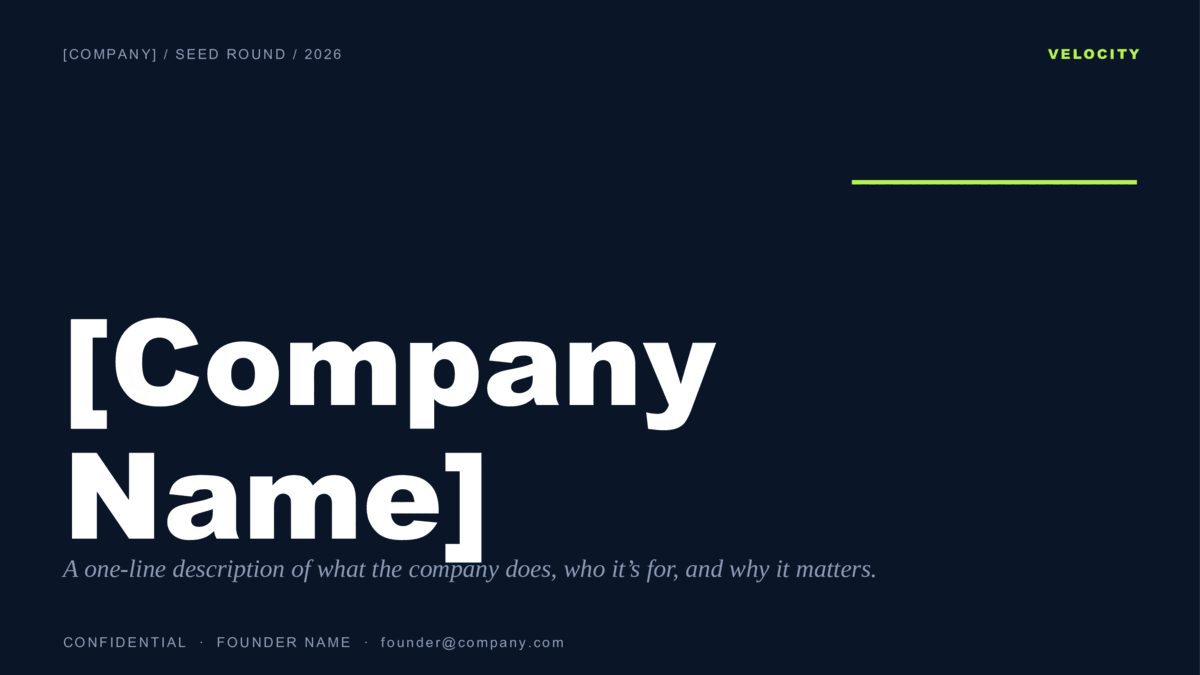
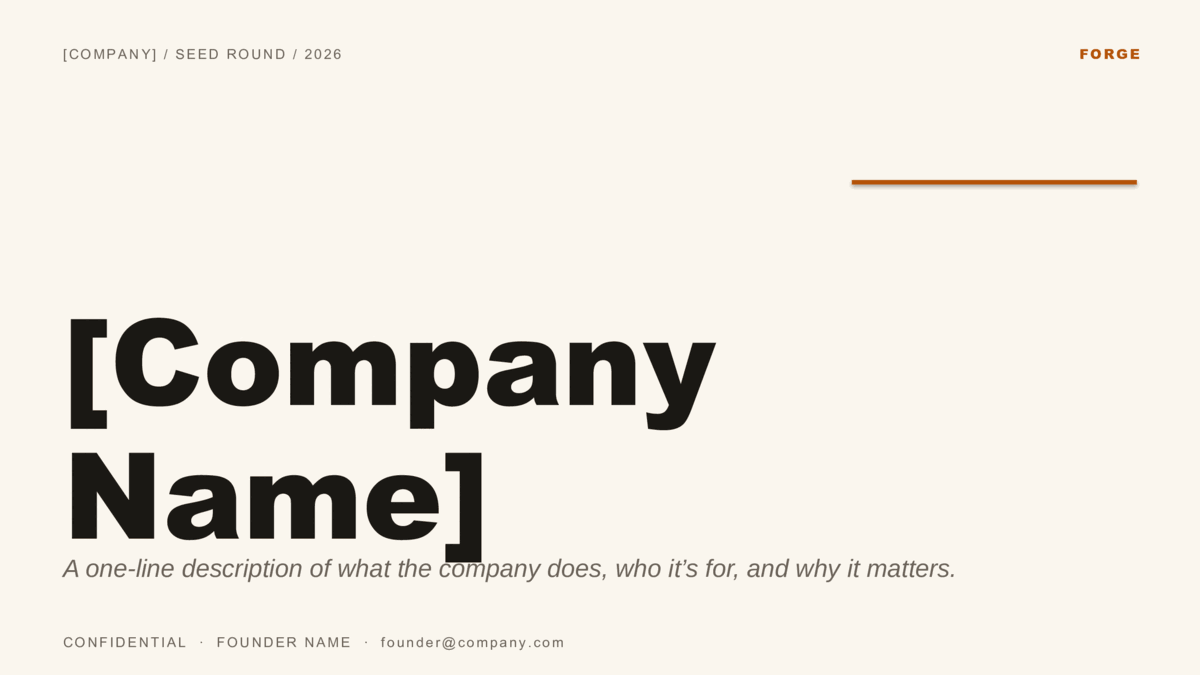
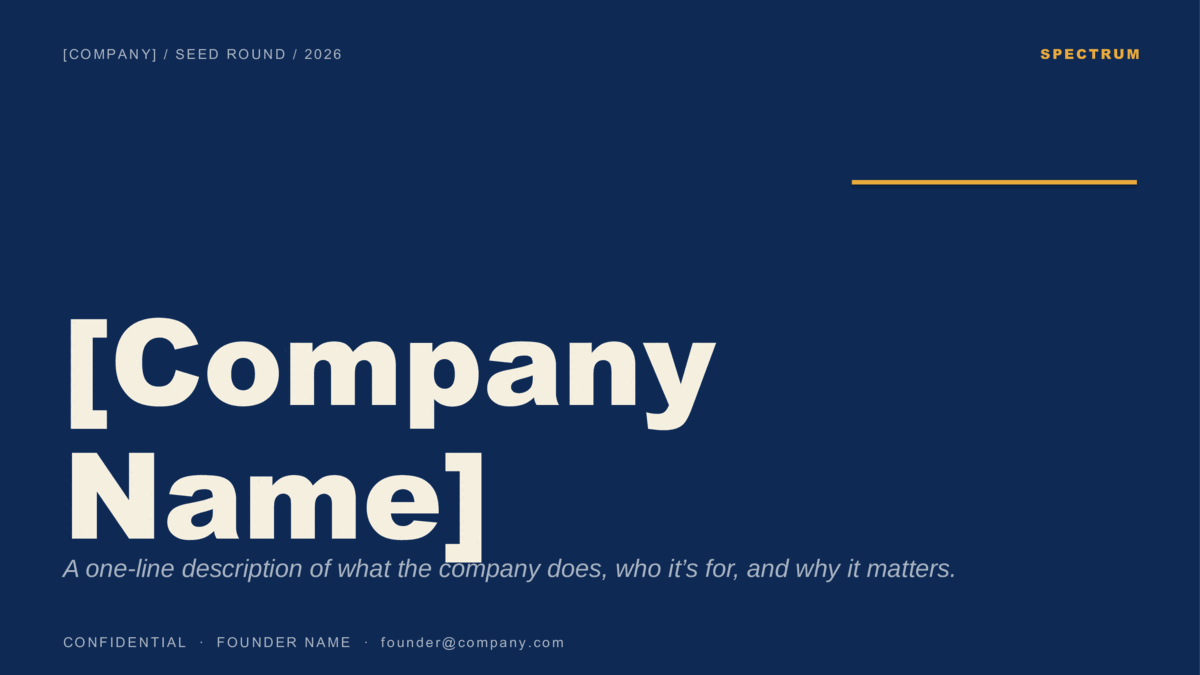
Same ten slides in the order above, with realistic seed-stage placeholders so the file is usable from the first open. PowerPoint download or Google Slides copy — free for the raise, no signup.

See the pitch deck templates page →
Questions

Pitch deck questions, answered.

How many slides should a pitch deck have?
Ten to fifteen for the deck you send and present, with about twelve being the comfortable middle. Ten is the count behind Guy Kawasaki's 10/20/30 rule and it's what these templates ship with. Put anything else — detailed financials, product roadmap, customer logos — in an appendix the investor can ask for.
What order should the slides go in?
Cover, Problem, Solution, Market, Product, Business Model, Traction, Competition, Team, Ask. Problem before Solution so the solution has something to answer; Market before Product so the reader knows the prize before the details; Ask last so it lands after the case has been made. Most published frameworks agree on this skeleton even when the slide names differ.
What is the 10/20/30 rule?
Guy Kawasaki's guideline for pitching: ten slides, twenty minutes, nothing smaller than a thirty-point font. The point is discipline — if it doesn't fit in ten slides you don't understand it well enough yet, and if it needs small type you're putting a document on a screen.
How is a pre-seed deck different from a seed or Series A deck?
Same ten slides; the weight shifts. Pre-seed leans on Problem, Solution, and Team — you're selling the insight and the people. Seed adds a real Traction slide with early revenue or usage. Series A is judged on the numbers: growth rate, retention, unit economics, and a Business Model slide that shows the machine works. Swap the figures, keep the structure.
Should I send the deck before the meeting?
Usually yes — most investors read it first and use the meeting to ask questions. That means the deck has to stand on its own: full sentences on the key slides, numbers with their time period, no slides that only make sense with you talking. Keep a separate, sparser version for presenting if you like, but the sent version does the work.
What do investors actually look at first?
Traction and Team, in whichever order the reader cares about more. Cover and Problem get them there. That's why the numbers on the traction slide need to be real, dated, and contextualized — it's the slide that decides whether the rest gets read carefully.
Do I need a designer?
No. A clean template with consistent type and one accent color reads as more credible than an over-designed deck, because it keeps attention on the content. The three templates here are built on the ten-slide order above; replace the placeholders and you're done.
Can I use these templates in both PowerPoint and Google Slides?
Yes — each deck is a PowerPoint .potx download and a one-click Google Slides copy. Same slides either way. Free for the raise, no signup and no attribution.
Published September 2026
Every template

All the presentation templates, by category.

Each one is a PowerPoint download and a Google Slides copy. Open any name to preview every slide.

Keep browsing

More presentation templates.

Business presentations
Free business templates for PowerPoint and Google Slides
Waves, Squares, Lines, and The Basic — twelve colorways for reports, proposals, and meetings.
Open
Christmas presentations
Free christmas templates for PowerPoint and Google Slides
Starlit and Snowfall — six illustrated holiday decks, plus the four legacy 4:3 originals.
Open
Education presentations
Free education templates for PowerPoint and Google Slides
Coursebook and Pencil Box — eight lesson decks that assign straight into Google Classroom.
Open
Or browse by style
Guides