






Lines · 8 slides, 16:9
Lines — Blue
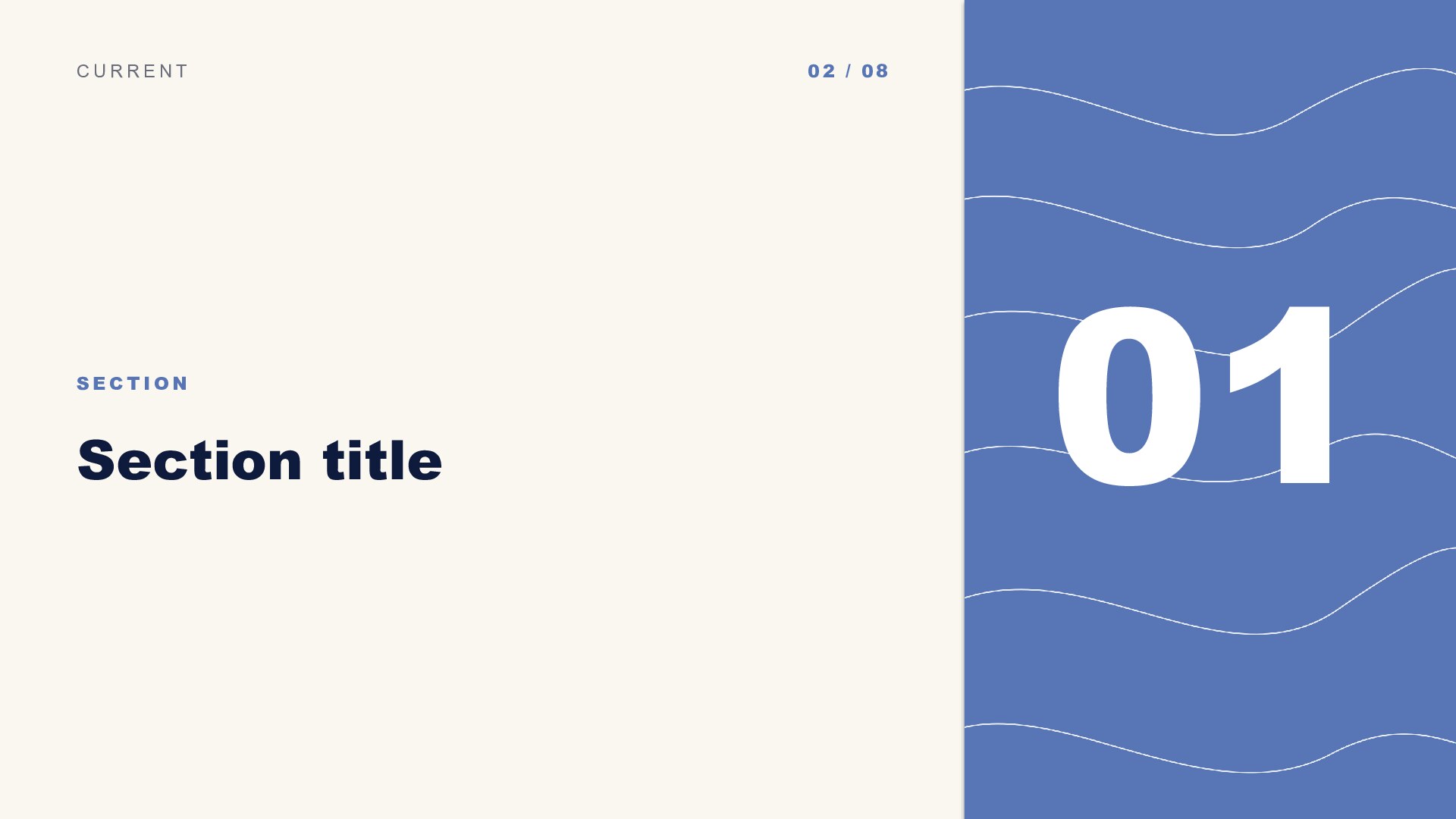
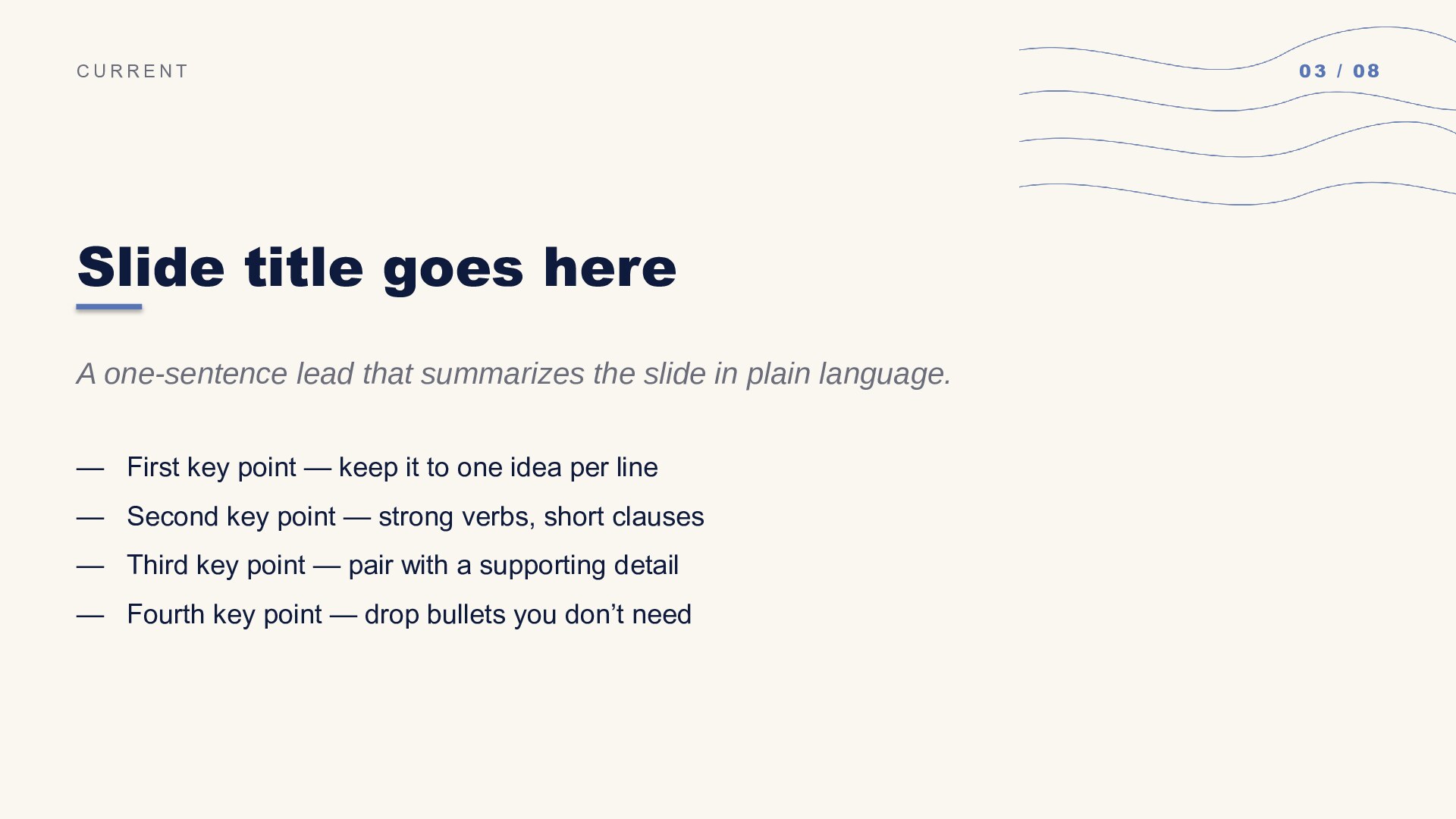
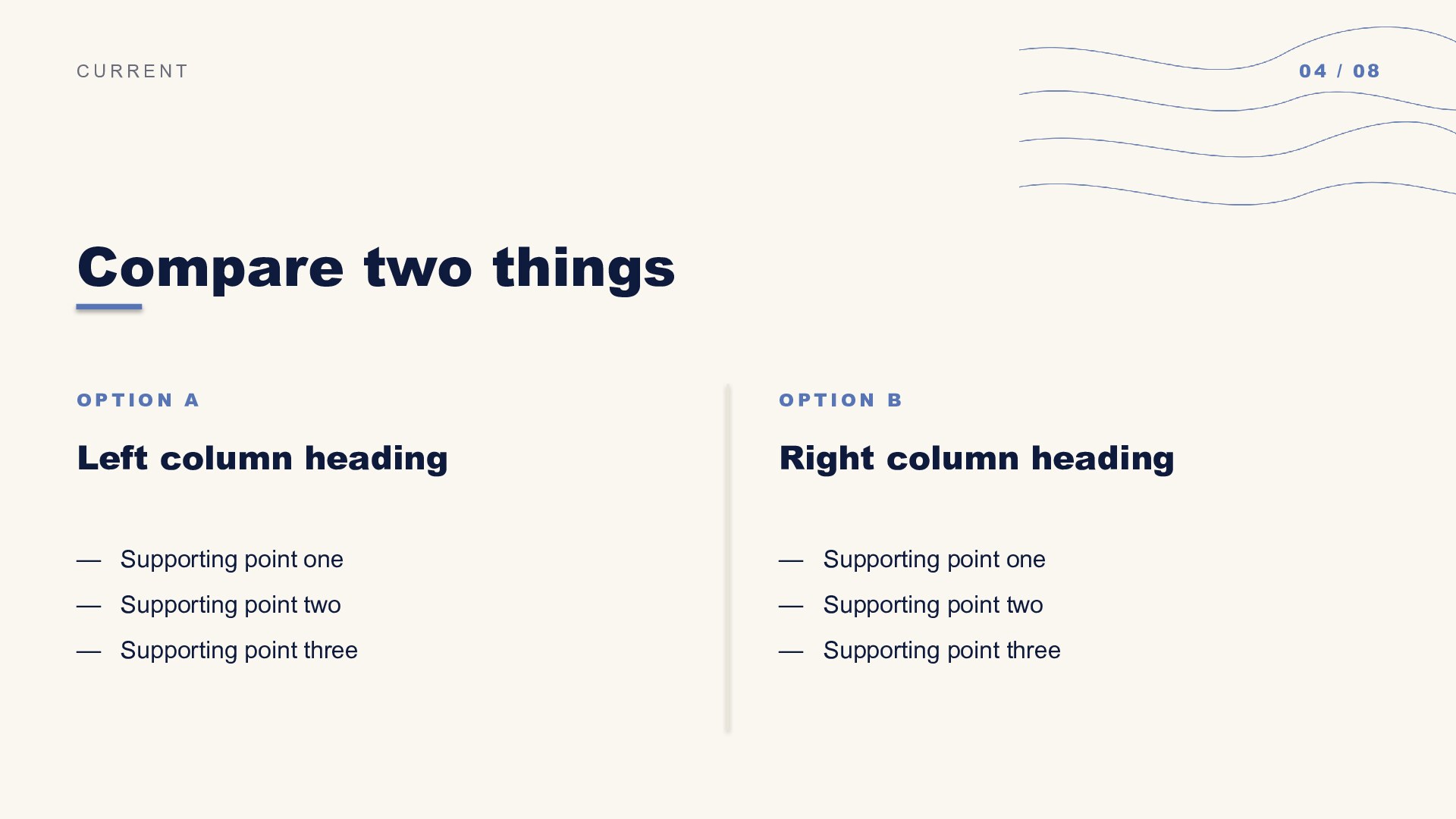
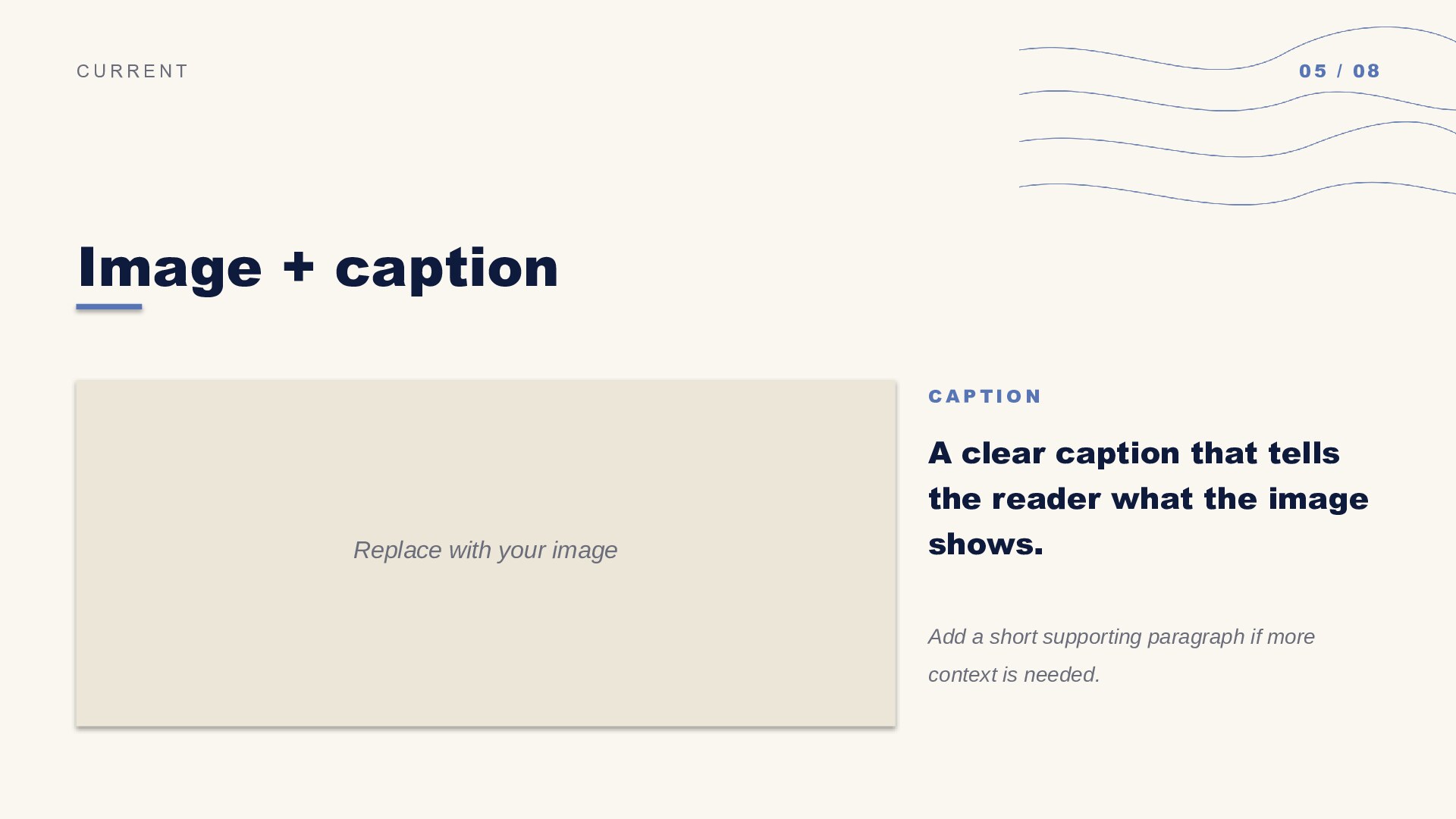
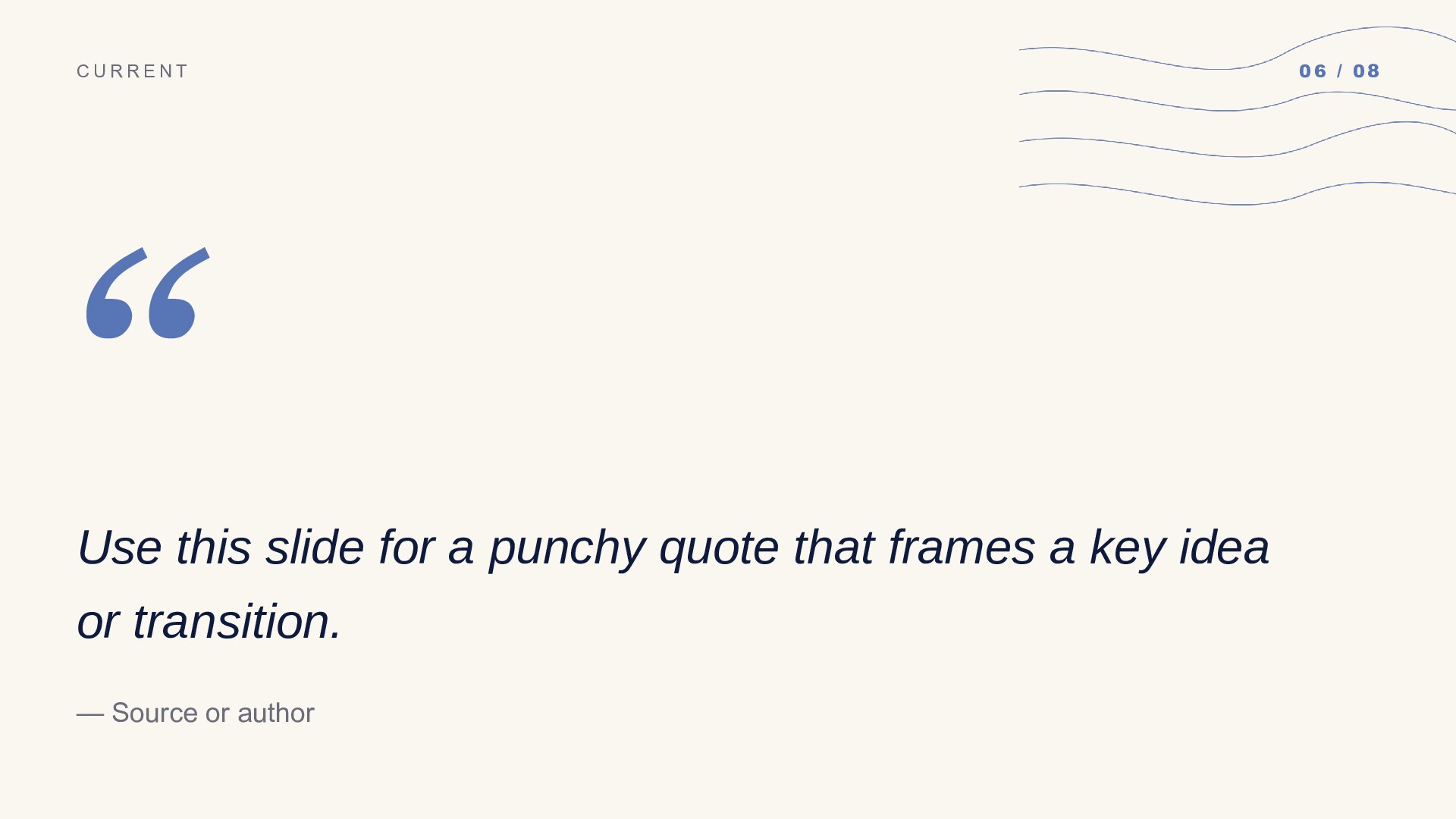
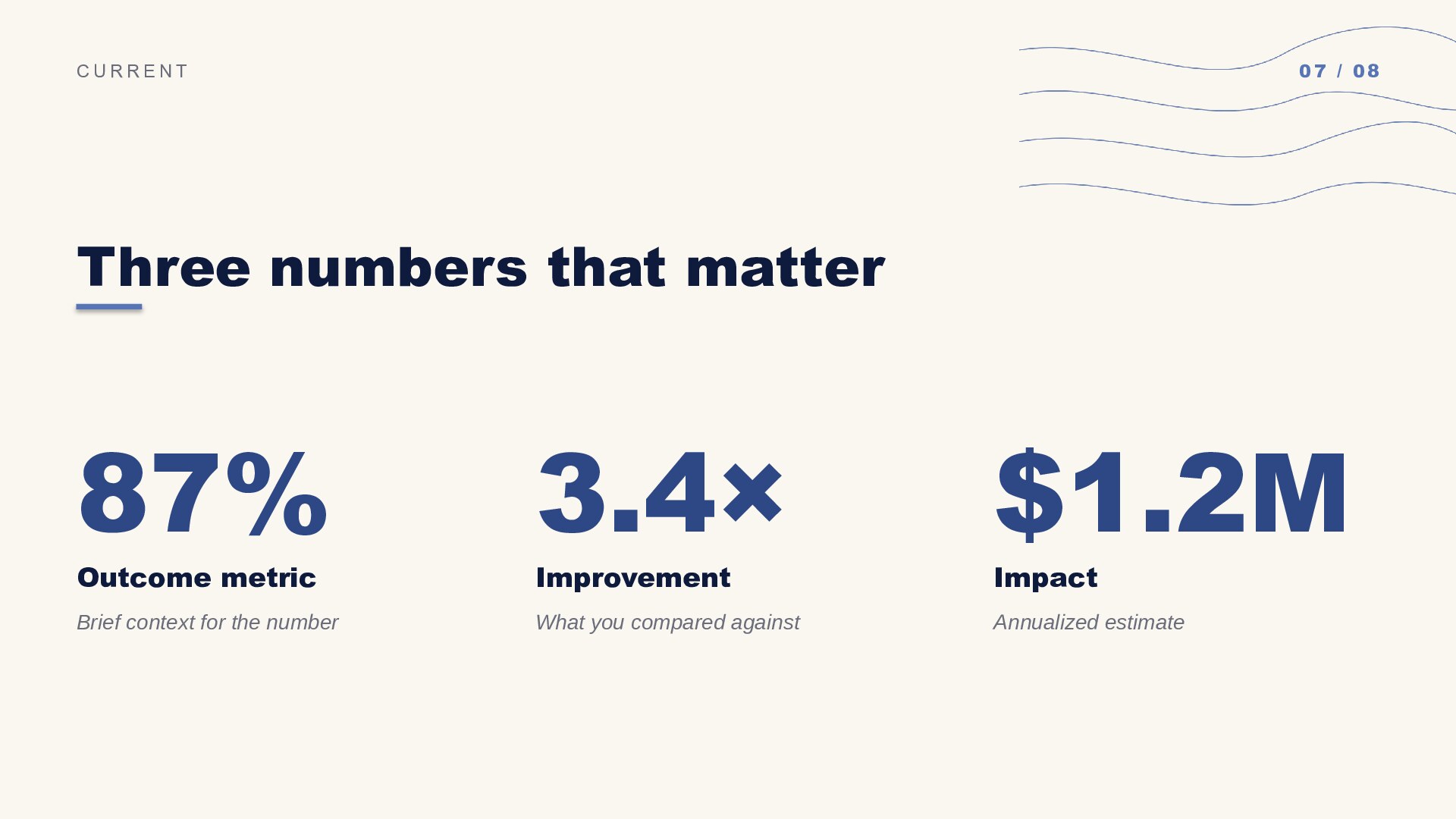
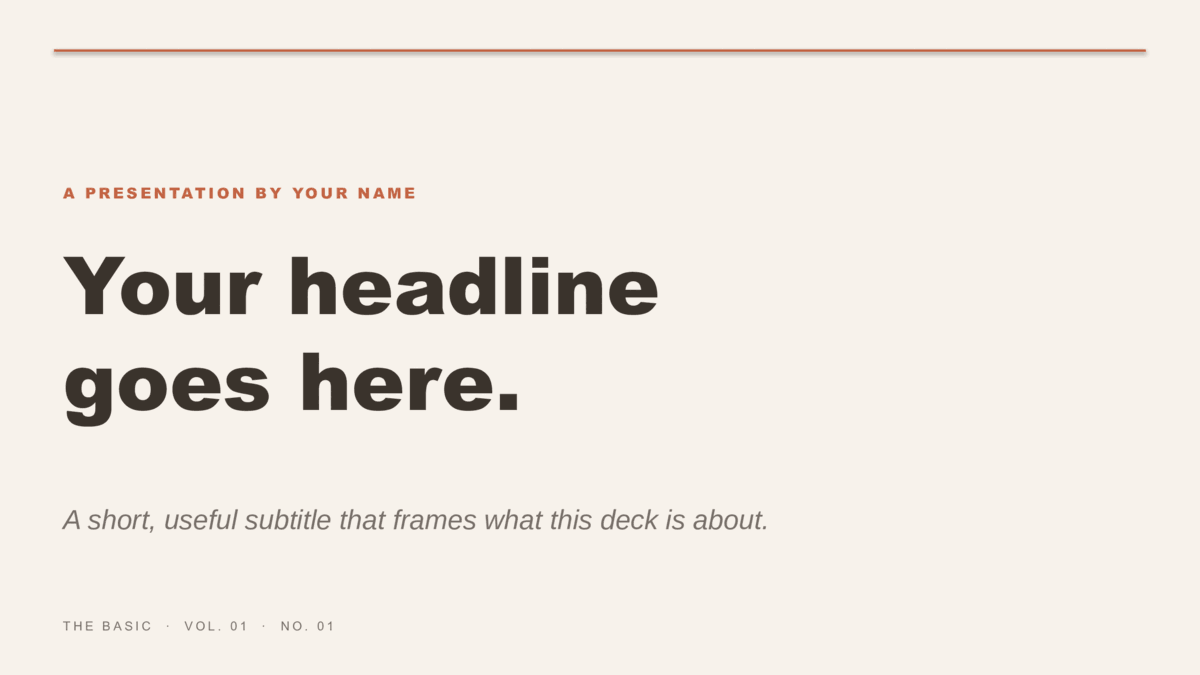
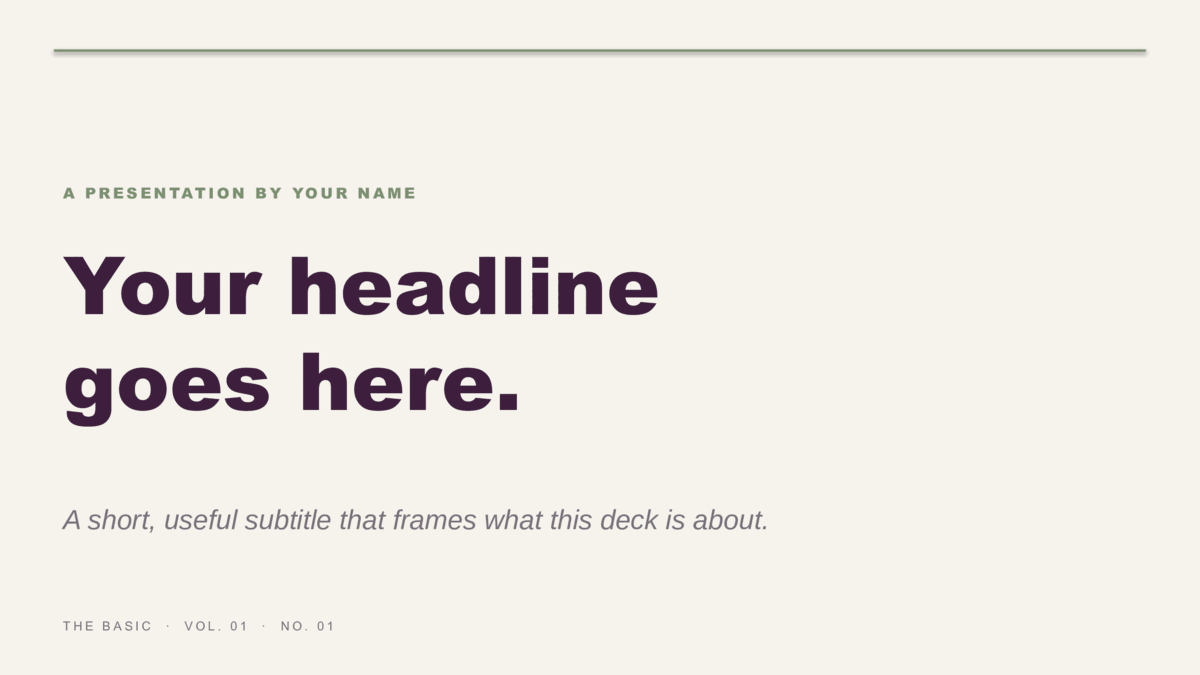
8 ready-made 16:9 slides — title cover, section divider, content / lesson, two-column compare, image + caption, pull quote, three-stat data, and closing. Hand-drawn cornflower curves on every slide — full-bleed covers plus cream-paper body slides. Download it as a PowerPoint .potx or copy it straight into Google Slides.

Two formats — choose yours
Download for PowerPointUse in Google SlidesPowerPoint: .potx opens in PowerPoint 2010+, Microsoft 365, and Keynote.
Google Slides: opens the template preview — click Use template to copy it into your Google Drive.
Google Slides: opens the template preview — click Use template to copy it into your Google Drive.
- Design
- Lines
- Colorway
- Blue
- Formats
- PowerPoint .potx · Google Slides
- Aspect
- 16:9 widescreen
- Slides
- 8 pre-built layouts
- Style
- Cute, Fun & Pretty
- License
- Free for personal & commercial use
- Updated
How Lines is built
The curves are hand-drawn vectors, not a raster texture, so they stay crisp at any projector size and re-color cleanly if you swap the accent.What's inside
Eight pre-built slides.
Every slide is laid out and ready — duplicate the ones you need, replace the placeholder text, and remove the rest. The same eight-slide structure ships across every design so you can pick a look and start customizing immediately.


More in this category
Other general business designs.
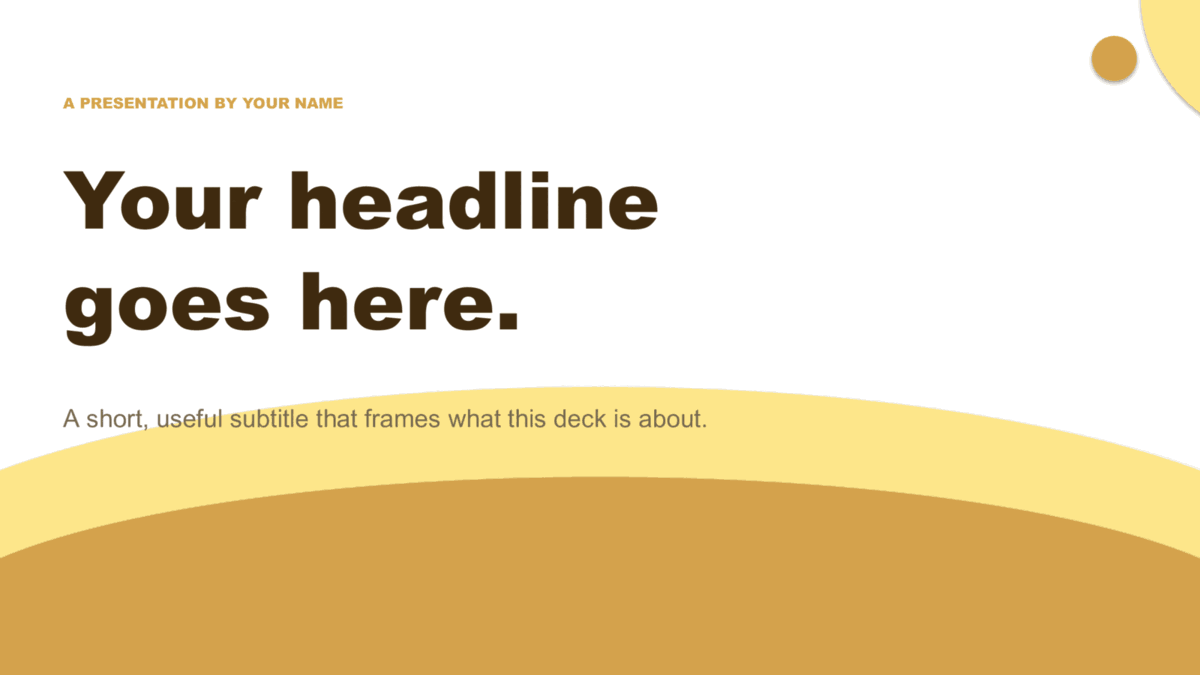
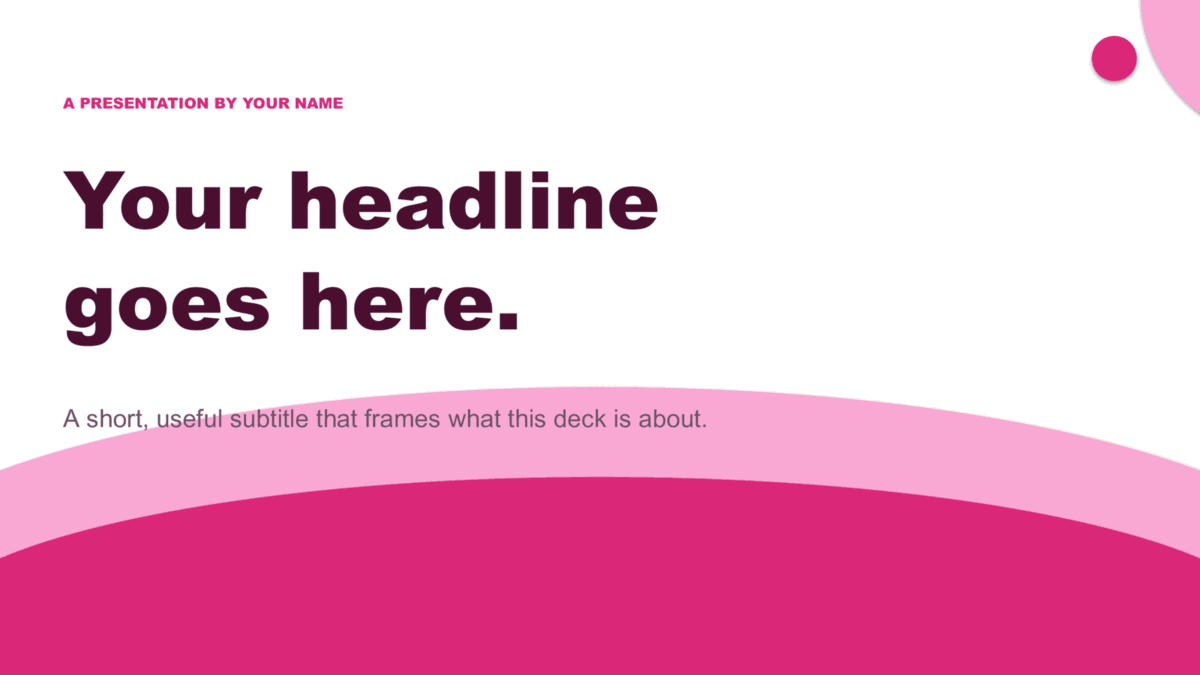
Same slide structure — pick a different design or colorway.



Good to know
Lines questions, answered.
Is Lines Blue free for commercial use?
Yes — free for personal and commercial use, including client decks and internal company presentations. No signup, no email, and no attribution required.
Which slide should I use for numbers?
The three-stat slide — it's built for three headline figures with a label under each. For a comparison, the two-column layout works better. Both keep Lines's graphic out of the data area.
Can I mix Lines with another design in one deck?
You can, but the seams show. All twelve business designs share the same eight slide types, so the cleaner move is to pick one design and change its colorway if you want variety.
What size are the slides?
16:9 widescreen, the standard for laptops, TVs, and modern projectors. If you need 4:3 for an older screen, PowerPoint's Design → Slide Size will convert Lines, though you'll want to check the cover afterwards.
Keep browsing
More presentation templates.
Christmas presentations
Free christmas templates for PowerPoint and Google Slides
Starlit and Snowfall — six illustrated holiday decks, plus the four legacy 4:3 originals.
Open
Education presentations
Free education templates for PowerPoint and Google Slides
Coursebook and Pencil Box — eight lesson decks that assign straight into Google Classroom.
Open
Pitch Deck presentations
Free pitch deck templates for PowerPoint and Google Slides
Velocity, Forge, and Spectrum — three ten-slide decks in the order investors expect.
Open
Or browse by style
Guides
- How to build a startup pitch deck — The ten-slide order, what goes on each slide, and how pre-seed, seed, and Series A decks differ.
- How to edit a PowerPoint template — Opening a template, applying it to a deck you already have, changing colors on the Slide Master, and saving your own.
- How to use a Google Slides template — Copying a template to your Drive, editing the theme, bringing in a PowerPoint file, and sharing a template with a team.