
16 Free Expense Report Templates
An expense report has one job: turn a pocketful of receipts into a number somebody can approve and pay back. These templates do that job in whichever format your workplace actually uses — an Excel spreadsheet that totals every row, subtracts the cash advance, and breaks the month down by category on its own; a printable PDF for the folks who staple receipts to paper; a Word file you can put a company name on; or a Google Sheets copy that lands straight in your Drive. Every sheet has the fields the IRS expects — date, purpose, category, amount — and signature lines for both sides of the approval.
Every expense sheet we make.
Sixteen sheets, from a simple blank form to a full year.
Each card downloads the Excel version with working totals — or opens a Google Sheets copy in your own Drive. Want a simple blank form to print and fill in by hand instead? Every sheet has a print-ready PDF and an editable Word version too.
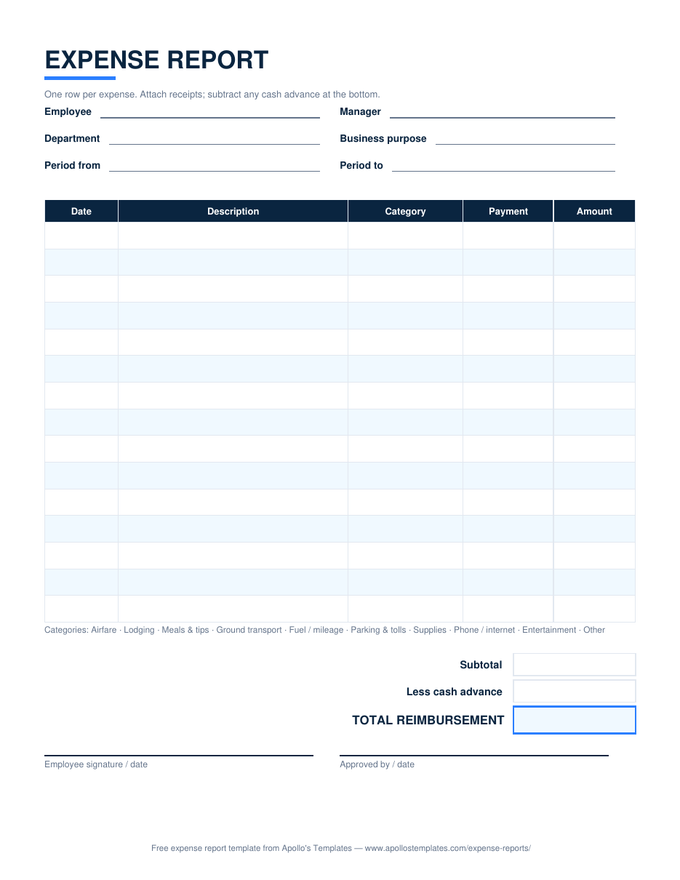
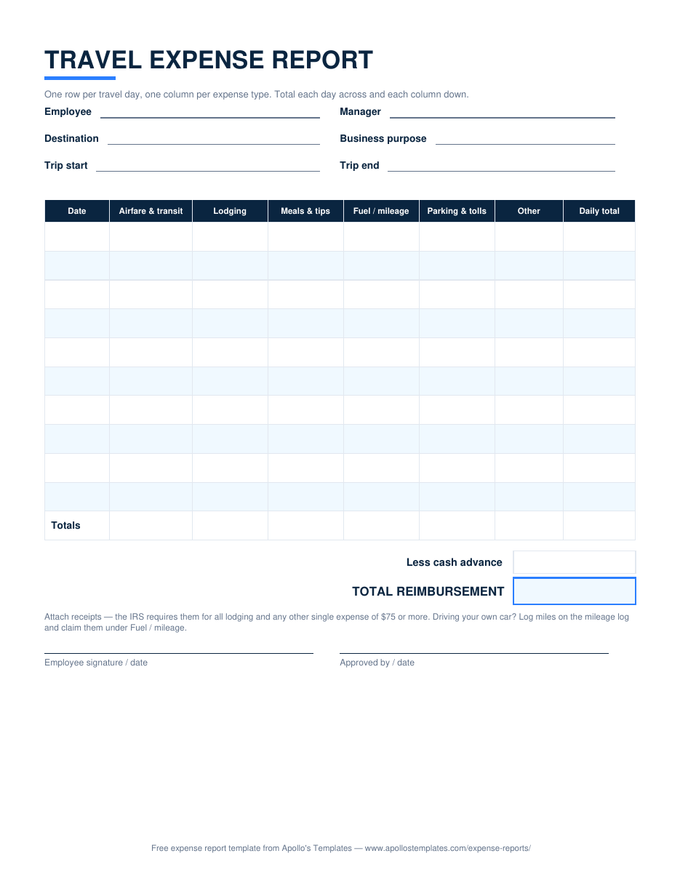
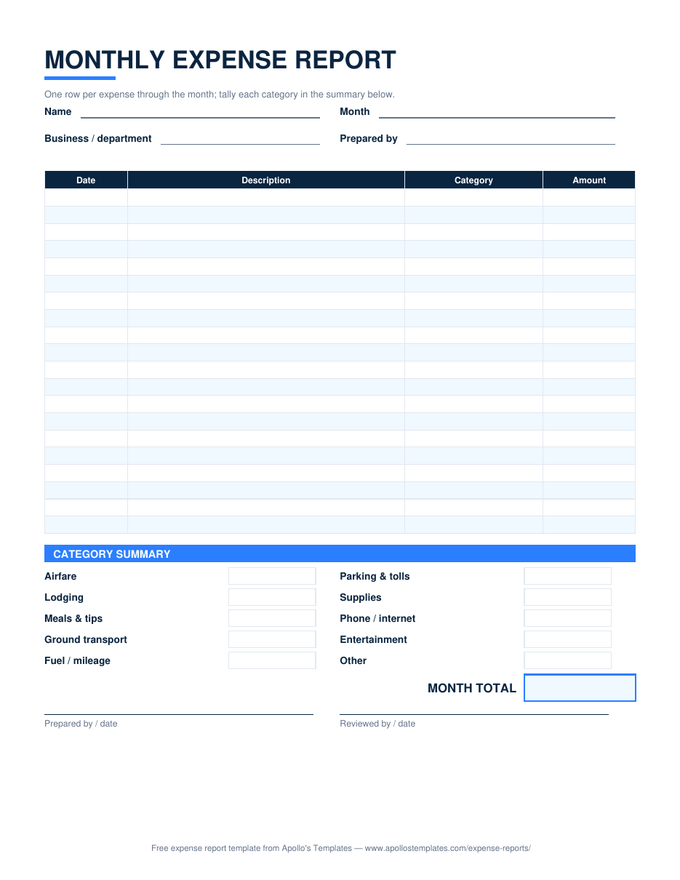
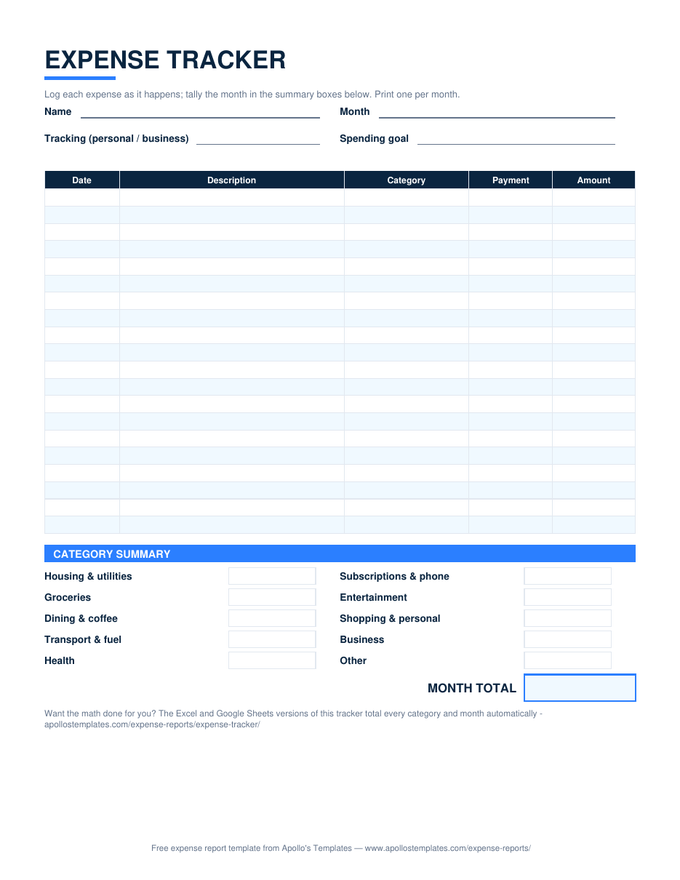
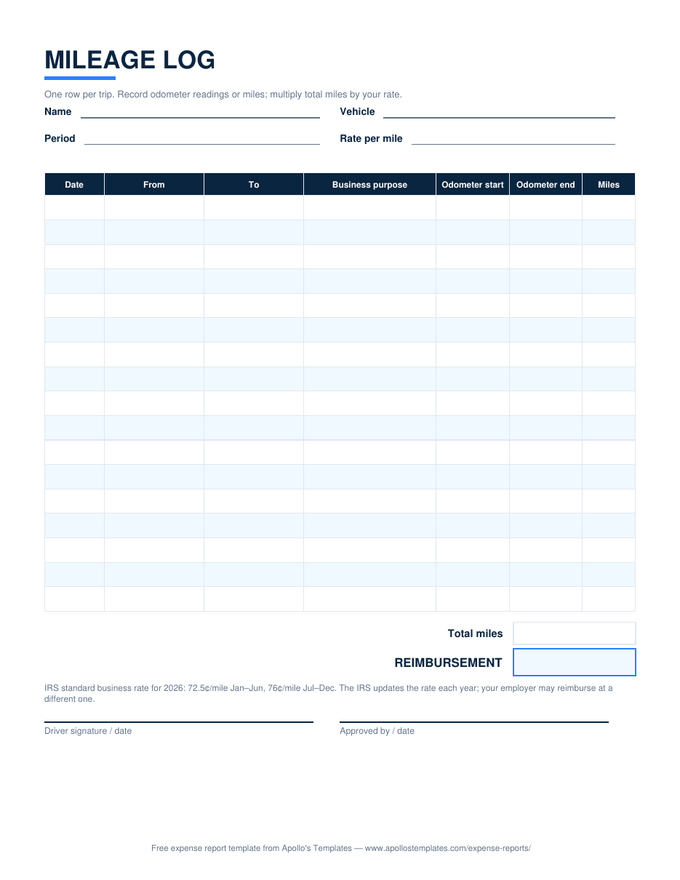
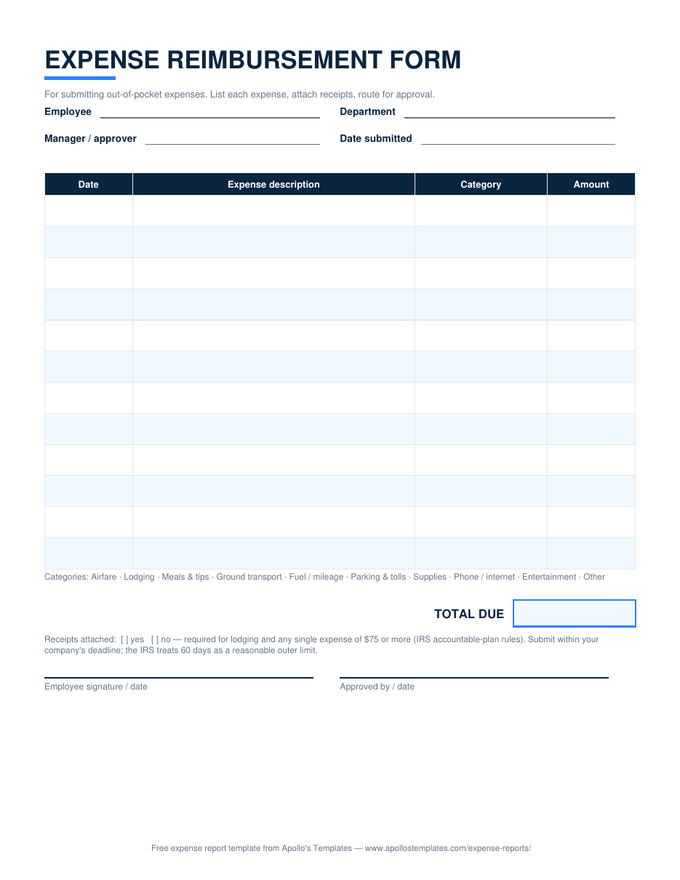
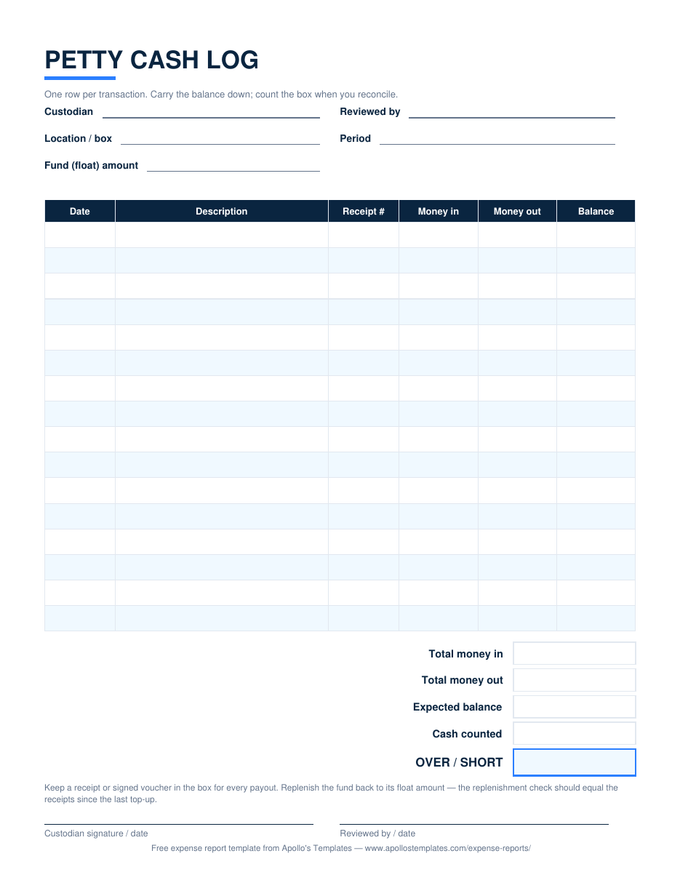
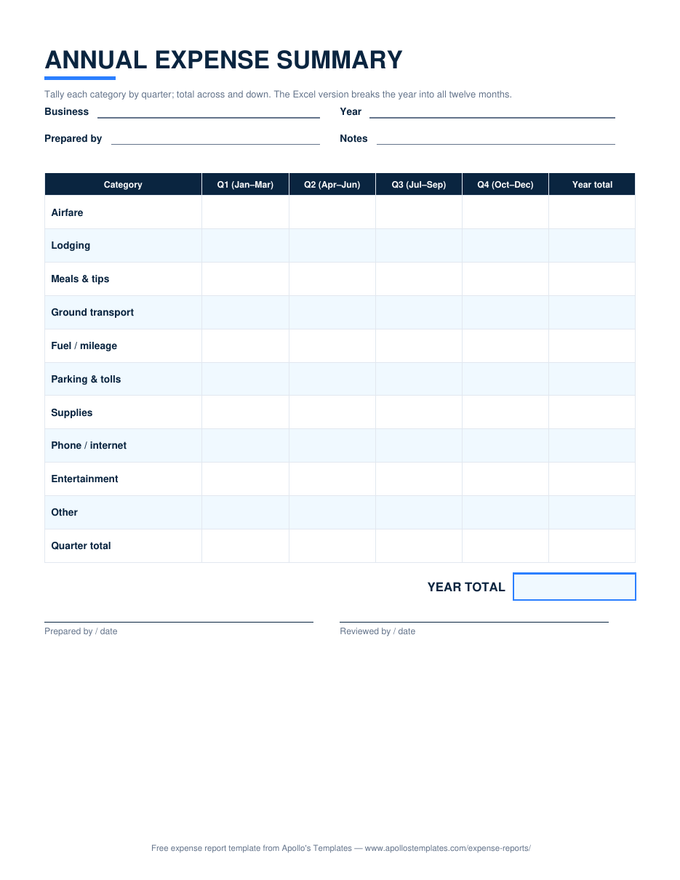
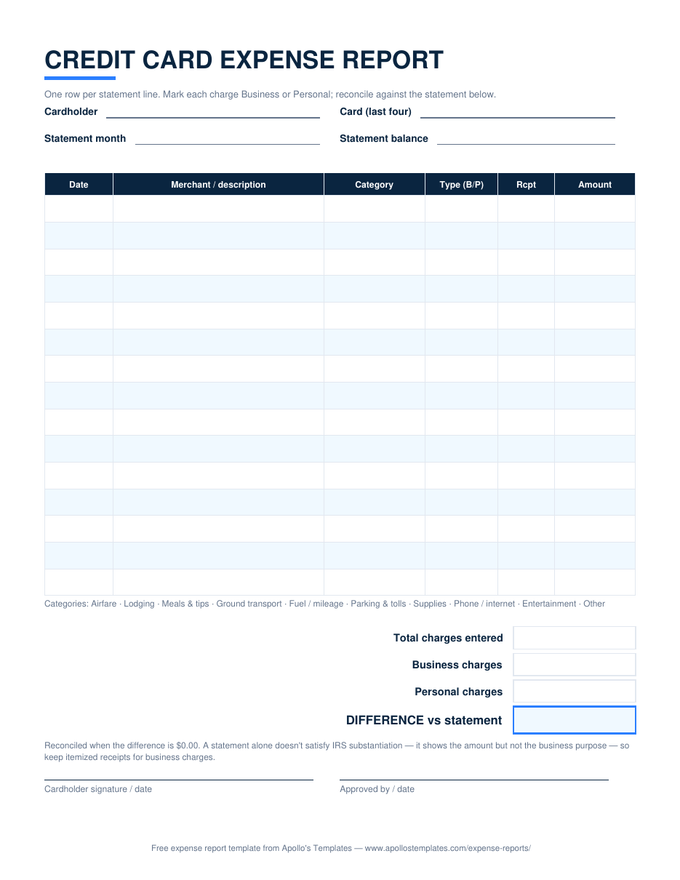
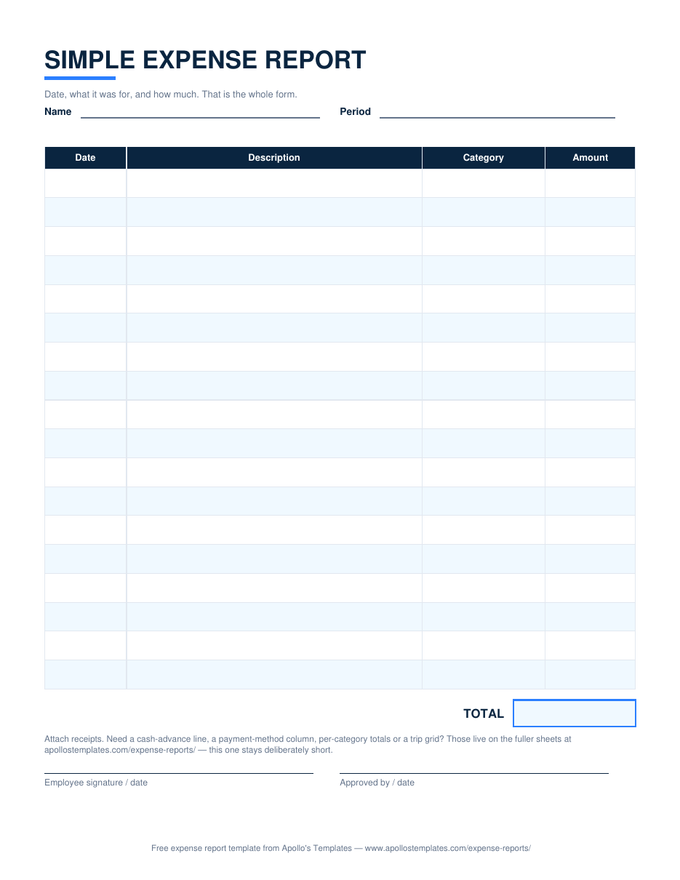
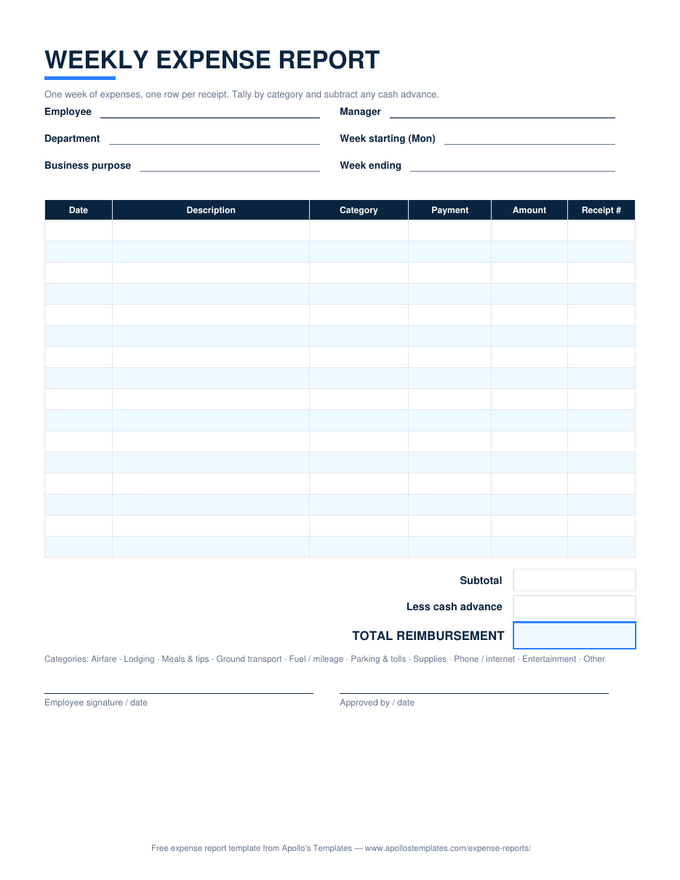
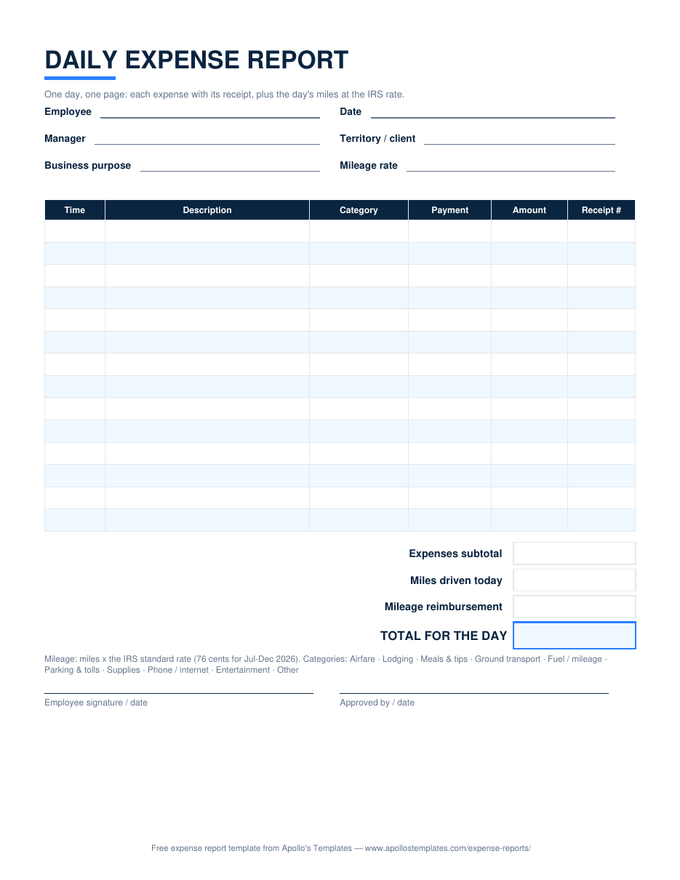
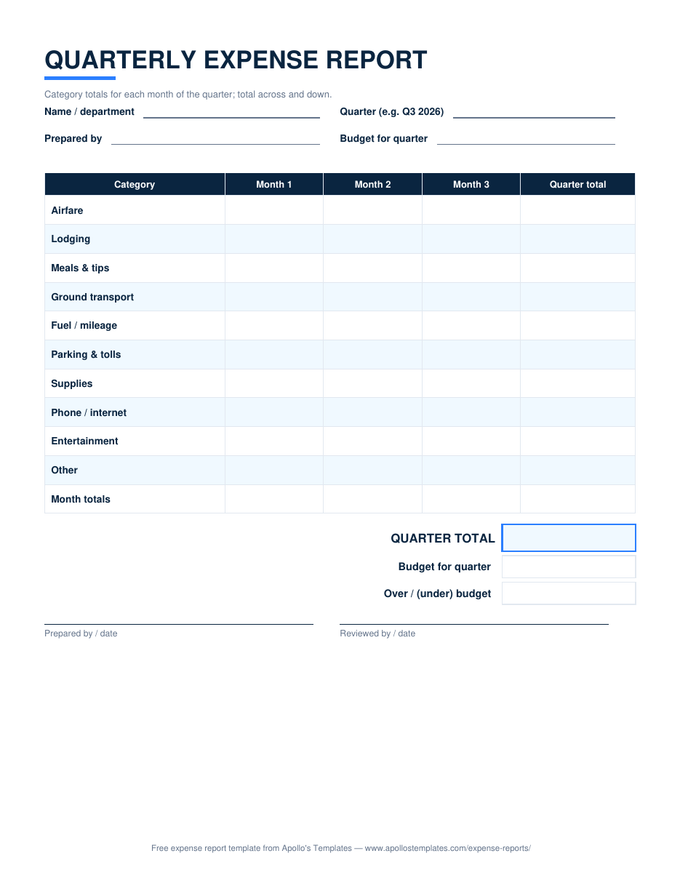
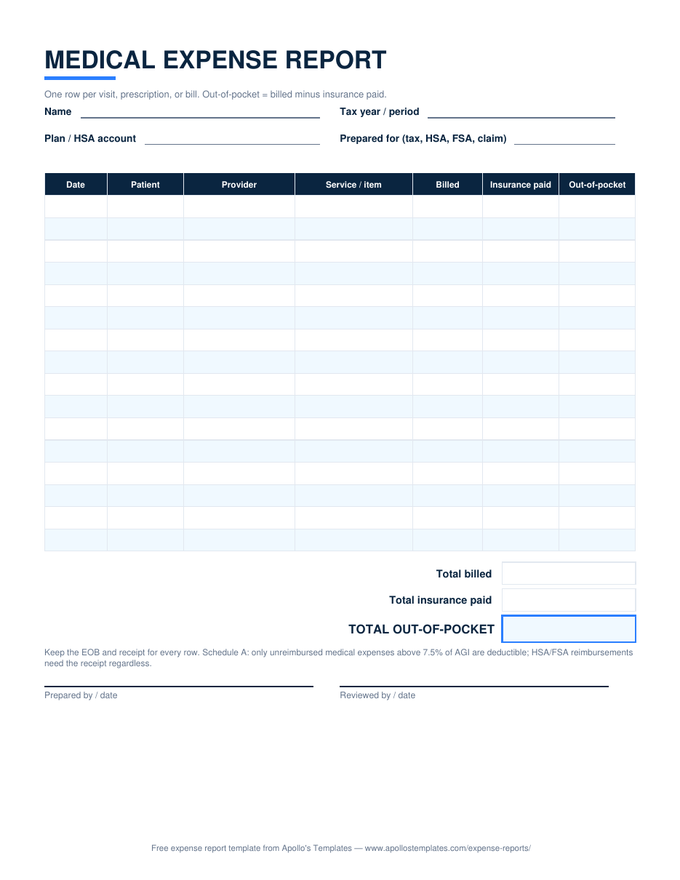
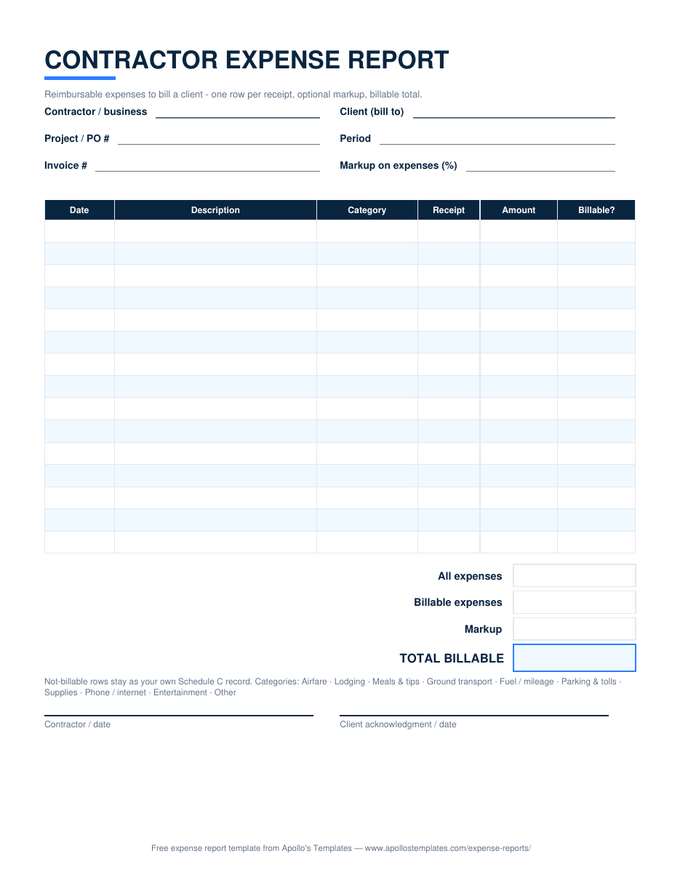
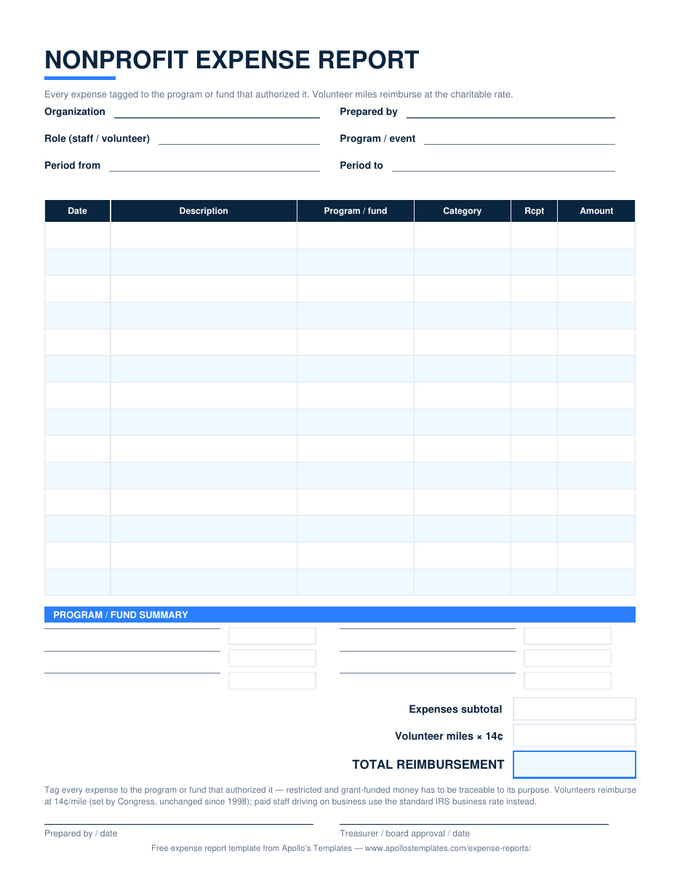
Fill one in online, or look at the examples first.
What is an expense report?
An expense report is the document an employee, contractor, or volunteer submits to get paid back for money spent on the organization’s behalf — or, for a business owner, the record that turns a drawer of receipts into deductible expenses. It itemizes each cost with a date, a description of the business purpose, a category, how it was paid, and the amount; totals them; subtracts any cash advance; and carries the signatures of the person who spent the money and the person who approved it.
The form matters for tax reasons, not just tidiness. Under the IRS’s accountable-plan rules, a reimbursement is tax-free to the employee only when the expense is substantiated this way and submitted within a reasonable time; reimbursements paid without that paper trail count as wages. A good expense report template is simply the fastest way to meet that standard every time — which is why every sheet here carries the same core fields, whether it’s the one-page daily sheet or the quarterly summary.
Why these sheets are built the way they are.
“There’s no premium tier hiding the good version here — the dropdowns, the reimbursement math, and the category summaries all ship working, because this is a free library and not an expense app’s lead magnet. The house rule these sheets are built to: a report should answer the approver’s three questions — what, why, how much — before they’re asked.”— David, Apollo’s Templates
A few deliberate choices, so you don’t have to reverse-engineer them:
- Categories are a dropdown, not a suggestion. The Excel sheets validate against one shared category list — the same list the monthly sheet’s summary totals against — so “food,” “meal,” and “lunch” can’t split one category three ways.
- The cash-advance row is on the sheet. Reimbursement disputes almost always start with an advance nobody wrote down. Subtotal, less advance, total — printed on every report.
- Both signature lines are printed on every sheet. An expense report only one side signed is a reimbursement that hasn’t happened yet.
- Amounts stay blank until entered — not $0.00 — so a half-filled report never shows a misleading total.
Claiming miles instead of receipts? That’s its own arithmetic — use the mileage log, which multiplies your business miles by the IRS standard rate.
The three IRS rules worth knowing.
Reimbursements are tax-free to the employee only under what the IRS calls an accountable plan — which is less a document than three habits. Miss them and the reimbursement legally becomes taxable wages:
Substantiate. Every expense needs a date, place, amount, and business purpose. Receipts are required for all lodging and for any other single expense of $75 or more — below that, the report entry itself can serve as the record.
Submit in reasonable time. The IRS safe harbor treats expenses substantiated within 60 days as reasonable. A report that sits in a glovebox all quarter is how tax-free money quietly becomes W-2 income.
Return the excess. If an advance exceeded the actual expenses, the difference goes back — which is exactly what the “less cash advance” row documents. Source: IRS Publication 463, Travel, Gift, and Car Expenses.
Download, copy, or print.
- Excel: download the
.xlsx, pick categories from the dropdown, and the subtotal, advance math, and category breakdown calculate as you type. - Google Sheets: click “Open in Google Sheets,” then Make a copy — the totals and dropdowns come with it, in your own Drive.
- Paper: print the PDF version from the situation pages and keep it with the receipt envelope. Same layout, hand-totaled.
Expense report FAQ
What should an expense report include?
Are these expense report templates really free?
When do I need a receipt, and when is the report enough?
What's a cash advance, and why does the template subtract it?
What is an expense report used for?
Why itemize expenses instead of submitting one total?
How long should expense reports be kept?
Free expense report templates · Updated September 2026 · by David Nelsen — built for the small shops where the expense system is a spreadsheet and an envelope of receipts.