
Straight to your Drive
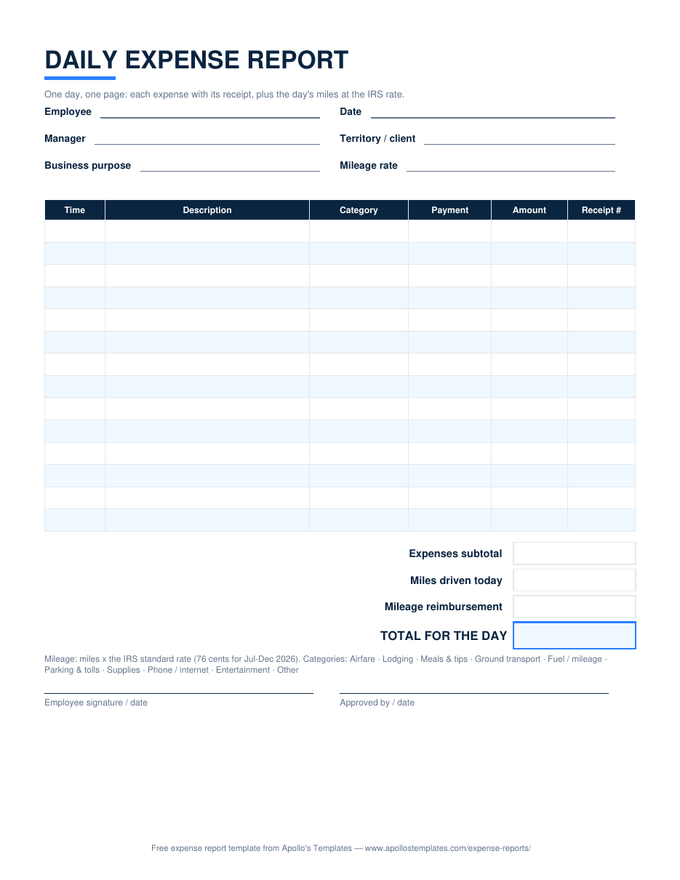
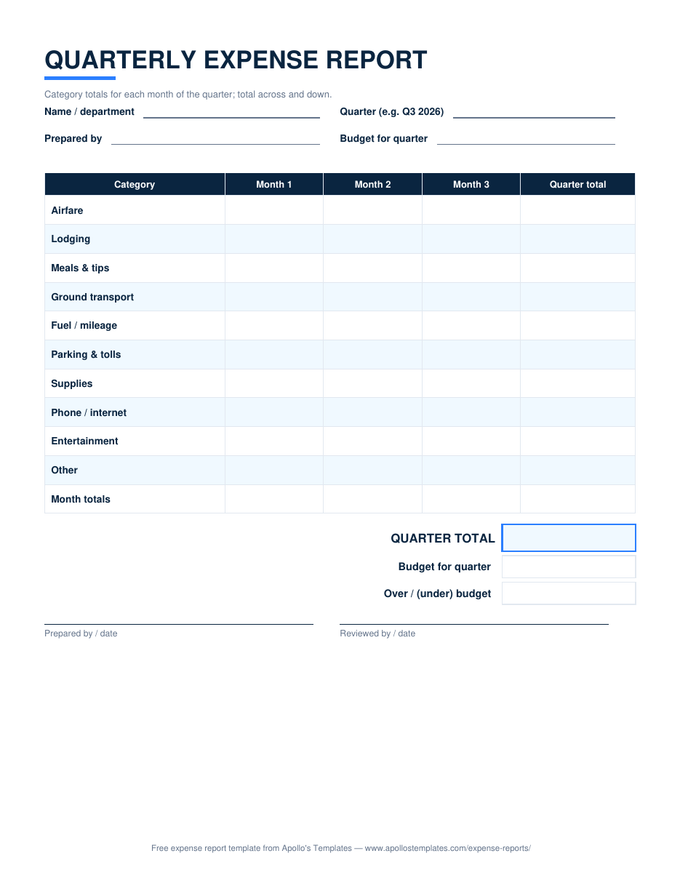
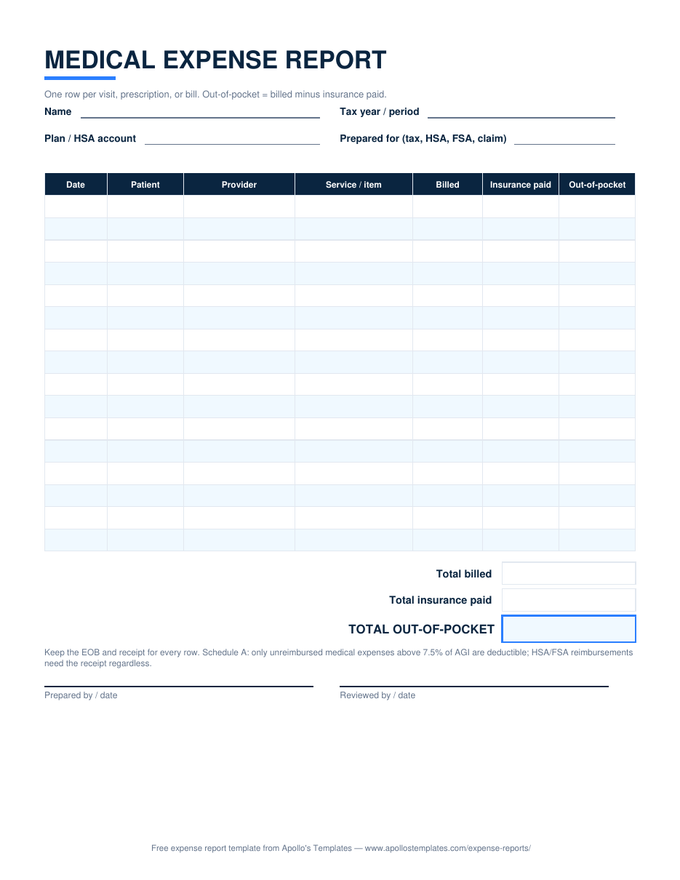
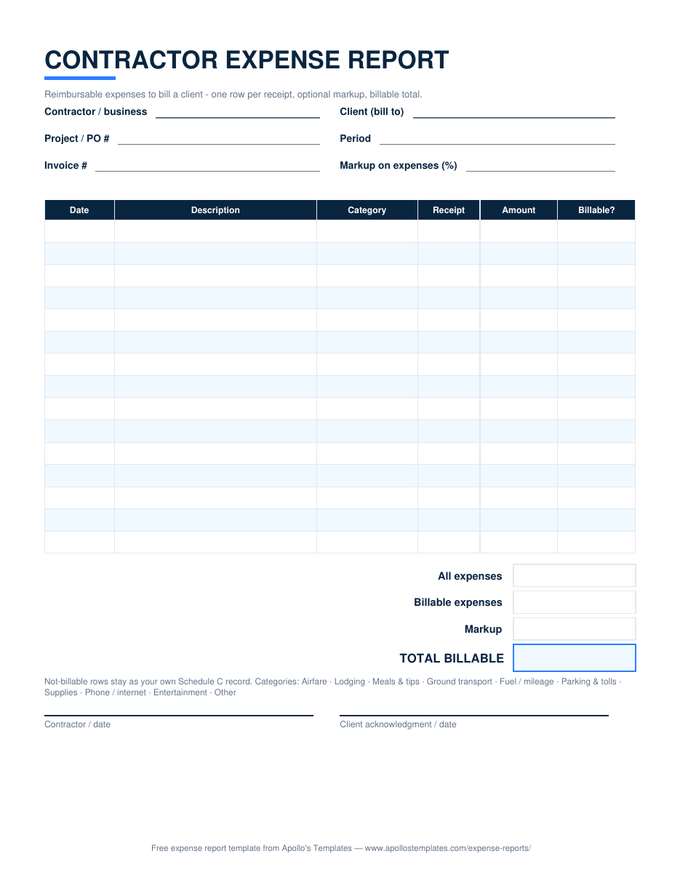
16 Google Sheets Expense Report Templates
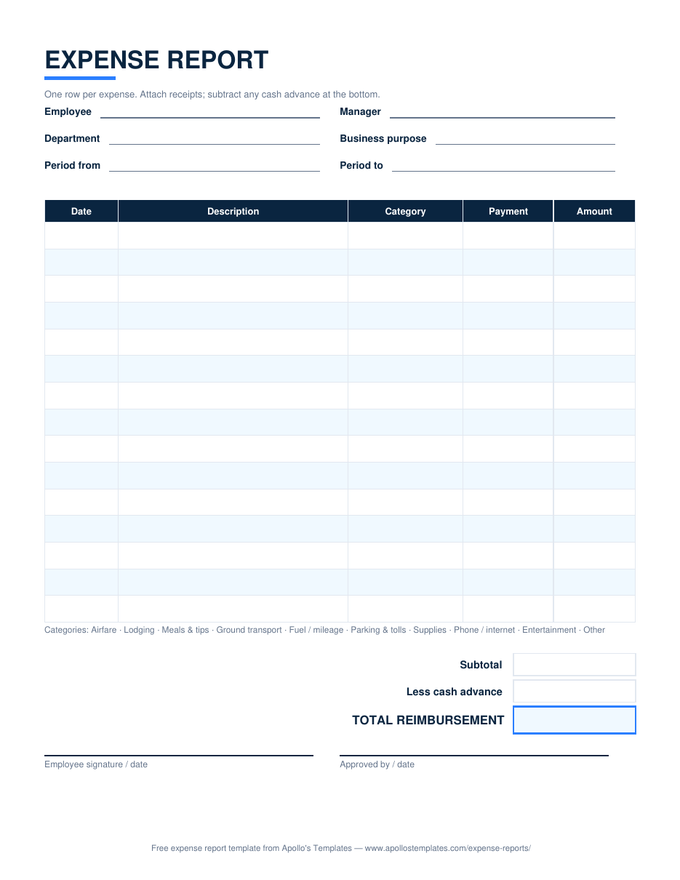
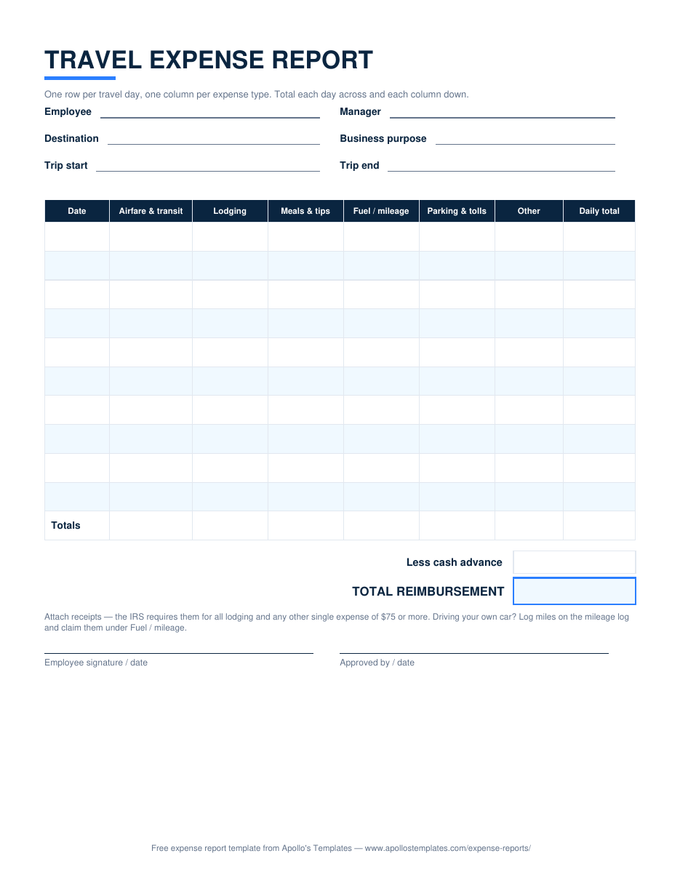
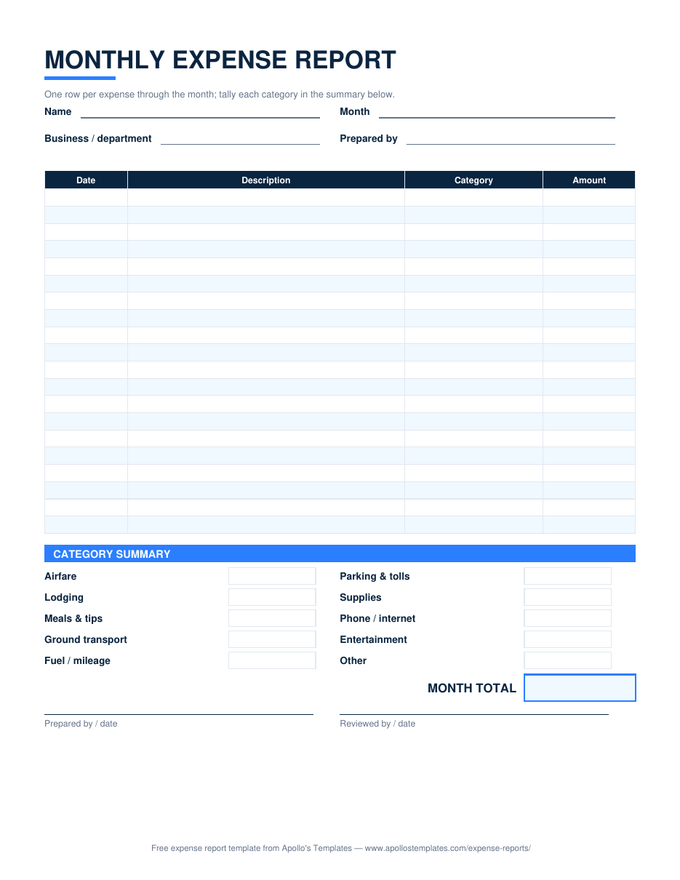
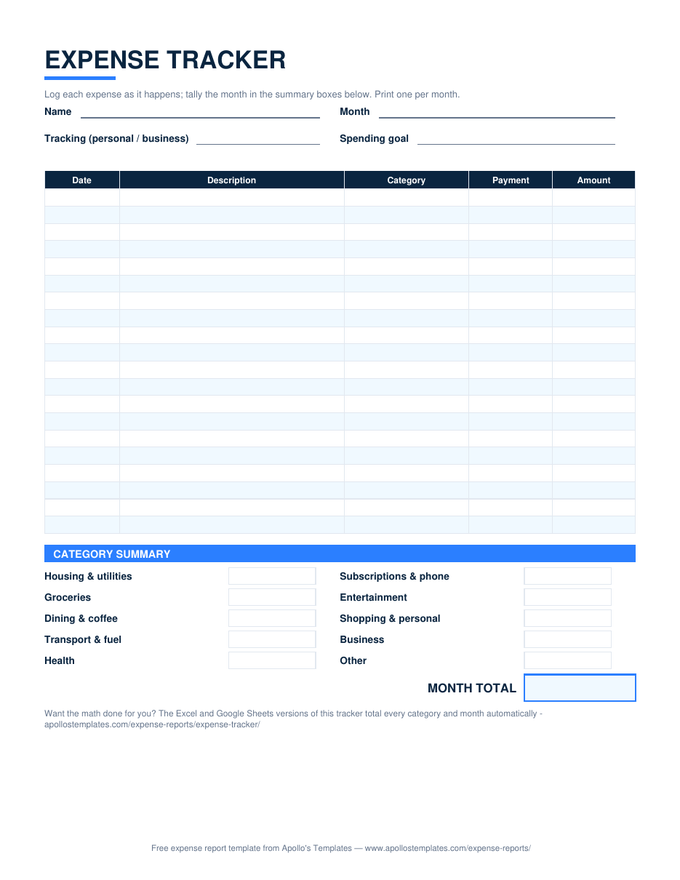
Every expense sheet in the library as a make-a-copy Google Sheets link — the version for people whose receipts arrive when they're nowhere near a desk. One click puts a private copy in your Drive with the totals, category dropdowns, and reimbursement math verified working after conversion. Log the expense from your phone while the receipt is still in your hand; the arithmetic keeps itself.
The Sheets fleet
Sixteen templates, one click each.
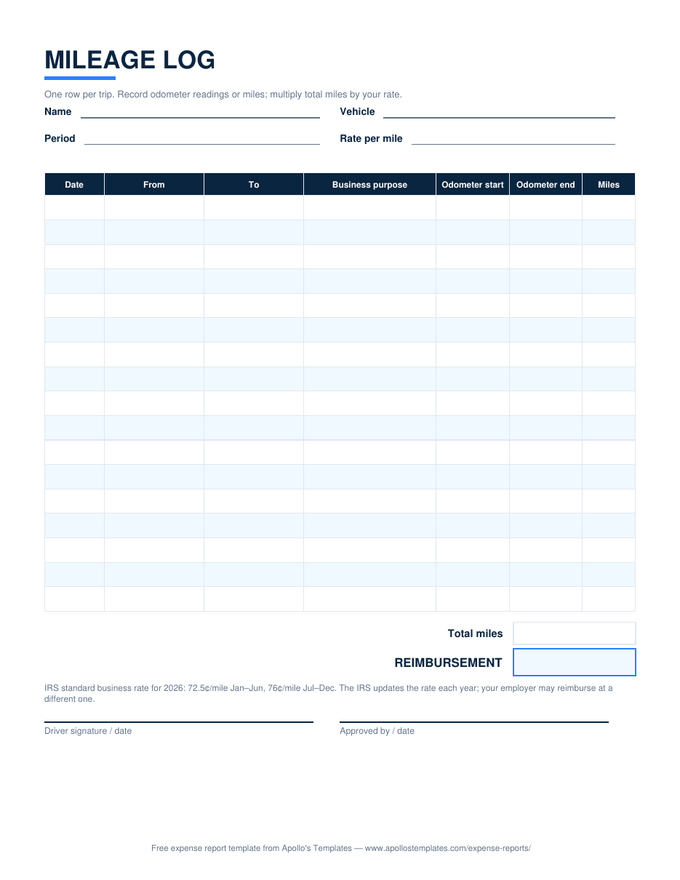
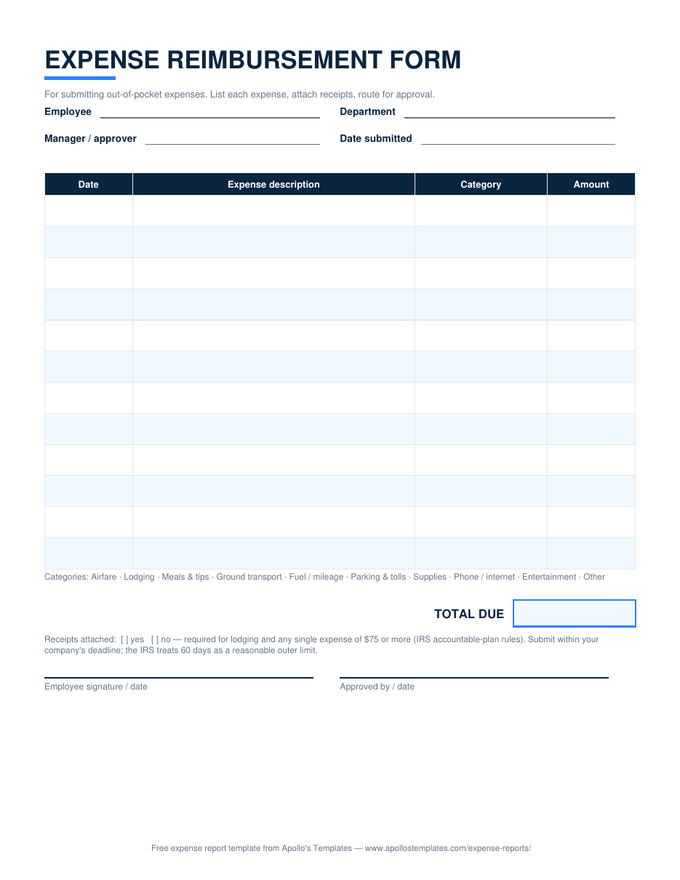
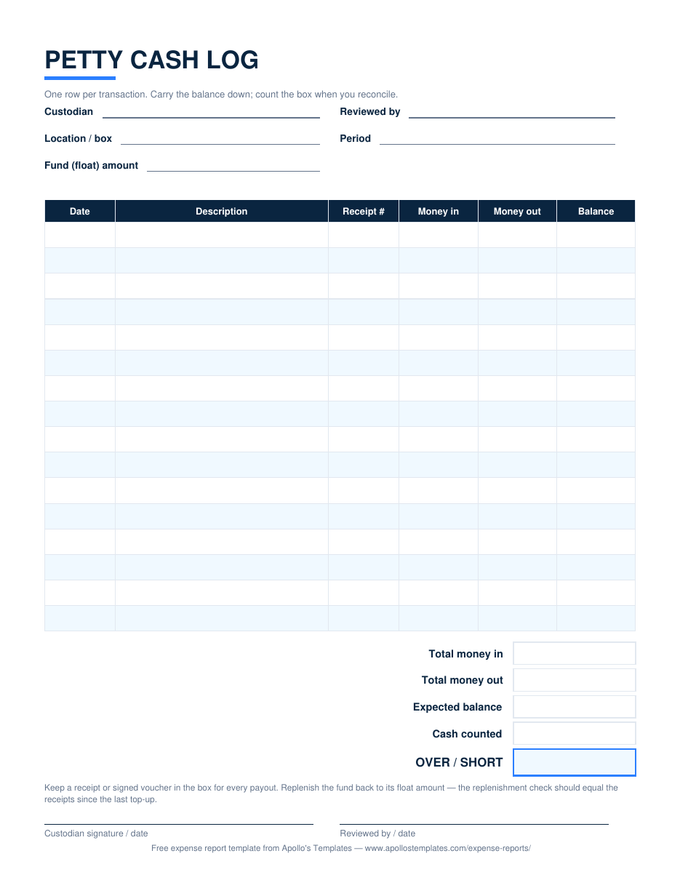
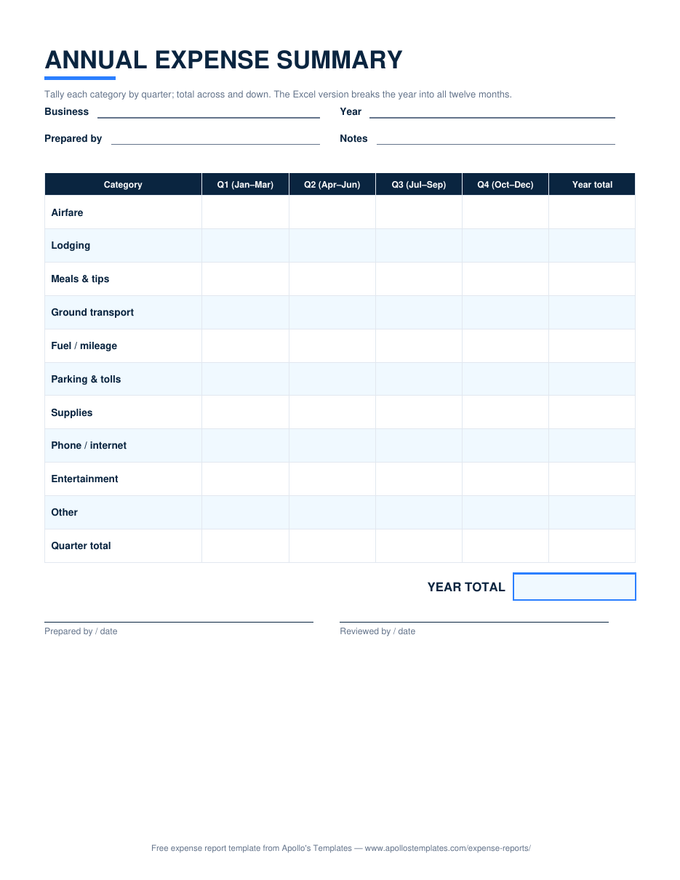
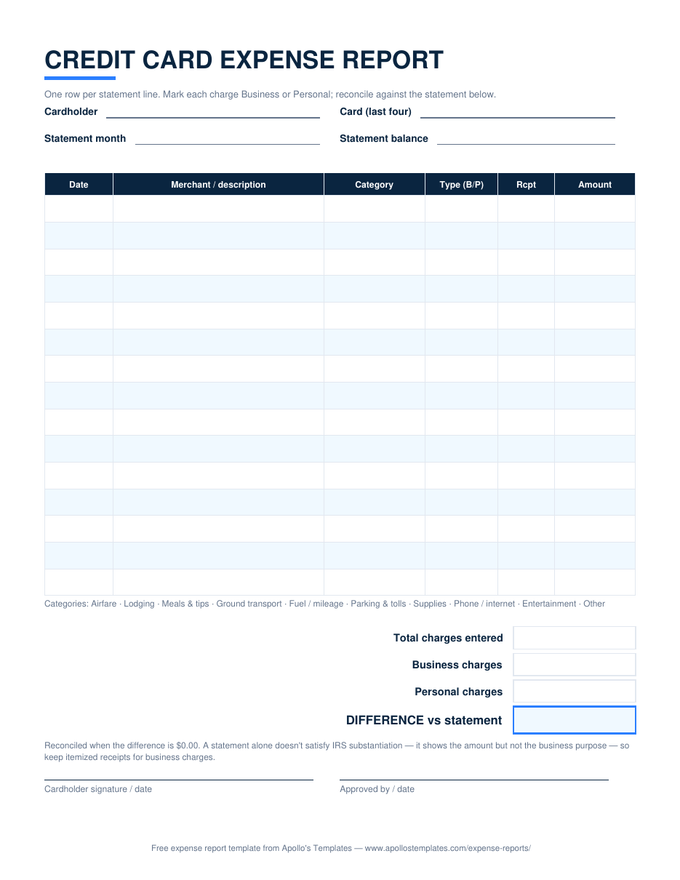
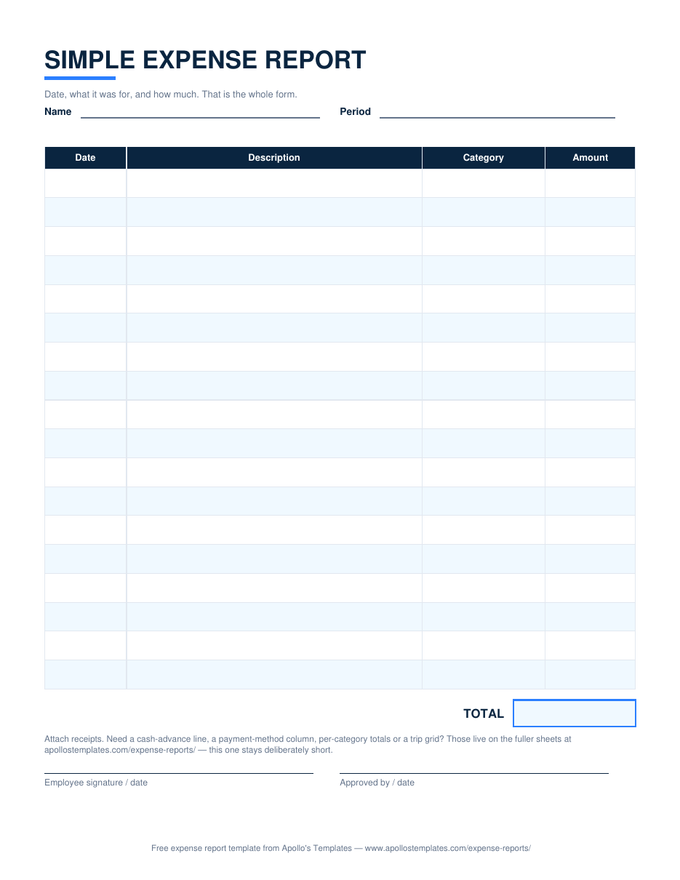
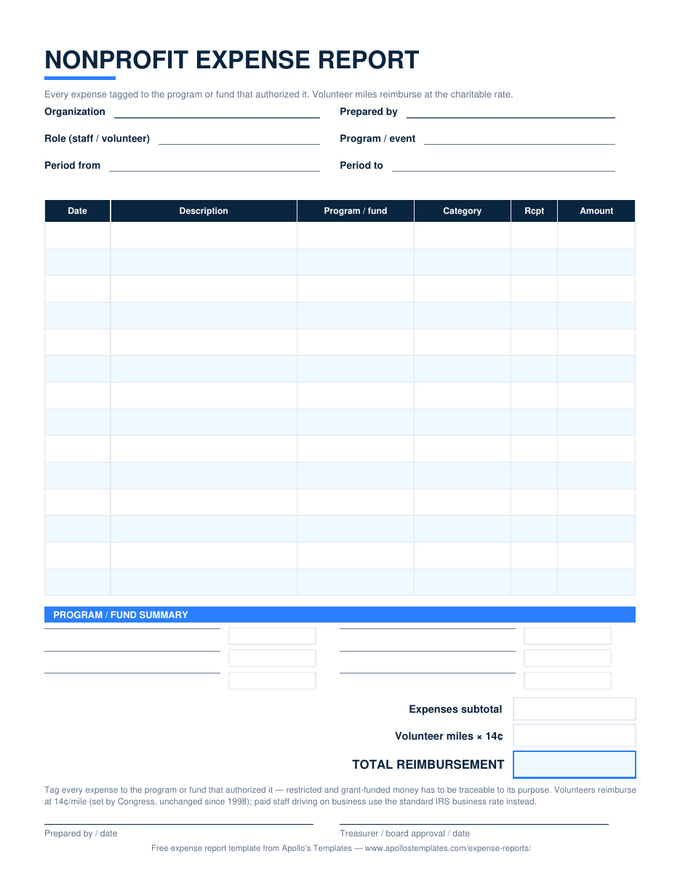
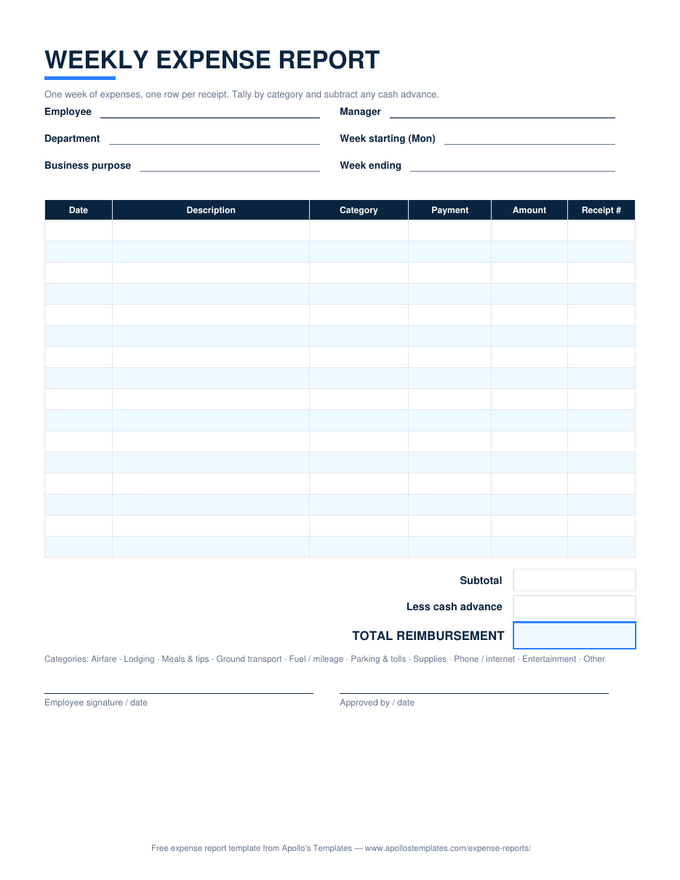
The copy flow
Three clicks, start to spreadsheet.
- Click “Open in Google Sheets” on any card — Google shows the template with a Make a copy button.
- Copy it — the new sheet lands in your Drive, private to you, formulas and dropdowns intact.
- Rename it for the period (“August expenses”) and share it with your approver when it’s ready.
The desktop twin
Excel Expense Templates
The same ten sheets as .xlsx downloads — no Google account involved.
Open →
Log miles from the car
Mileage Log
The Sheets copy is the natural glovebox — odometer in, reimbursement out.
Open →
Documents, not calculators
Google Docs Expense Templates
When the report needs to be a branded, printable document rather than a spreadsheet.
Open →
Frequently asked questions
What happens when I click “Open in Google Sheets”?
Google shows a “Make a copy” page for the template; click the button and a full copy — formulas, dropdowns, formatting — lands in your own Drive, named and editable like any spreadsheet you created. Nothing is shared back to us: the master is read-only to you, your copy is private to you, and we can't see it. You'll need to be signed in to a Google account, which is Google's requirement for copying, not ours.
Do the formulas and dropdowns really survive the conversion?
Yes — verified, not assumed. Our build process uploads sample-filled copies of each sheet and reads the computed results back out of Google Sheets: the standard report's subtotal-minus-advance, the travel sheet's day and category totals, the monthly SUMIF breakdown, the mileage rate multiplication. All of it matches the Excel originals to the penny. The category dropdowns convert to native Sheets data validation and keep working too.
Why use the Sheets version instead of the Excel download?
Phones, mostly. Expenses happen away from desks — the taxi receipt, the parking garage, the client lunch — and a Sheets copy is editable from the Google Sheets app wherever the receipt is handed to you. Sharing is the other reason: give the bookkeeper view access to your copy and month-end becomes a link, not an attachment. If your books live in Excel on one machine, the .xlsx is the same sheet without the account requirement.
Can I share one sheet with my whole team?
Share copies deliberately: the clean pattern is one copy per person per period (“Kim — August expenses”), shared to the approver with edit or comment access. A single communal sheet that everyone types into becomes an attribution puzzle — whose lunch was row 14? For a team, make the monthly sheet your per-person standard and have the bookkeeper collect the links in a folder. Drive's version history then serves as your audit trail for free.
Updated through September 2026