Apollo's Templates
HomeBusinessExpense Report TemplatesExcel
Self-totaling spreadsheets

Excel Expense Report Templates

Every expense sheet in the library as a working spreadsheet — not a grid that happens to open in Excel, but dropdowns that keep categories consistent, totals that compute as you type, a SUMIF summary that breaks the month down by category, and reimbursement math that never forgets the cash advance. No macros, no locked cells, no upgrade nag. Download the .xlsx, or send any of them straight to Google Sheets.

The Excel fleet

Eight spreadsheets, all self-calculating.
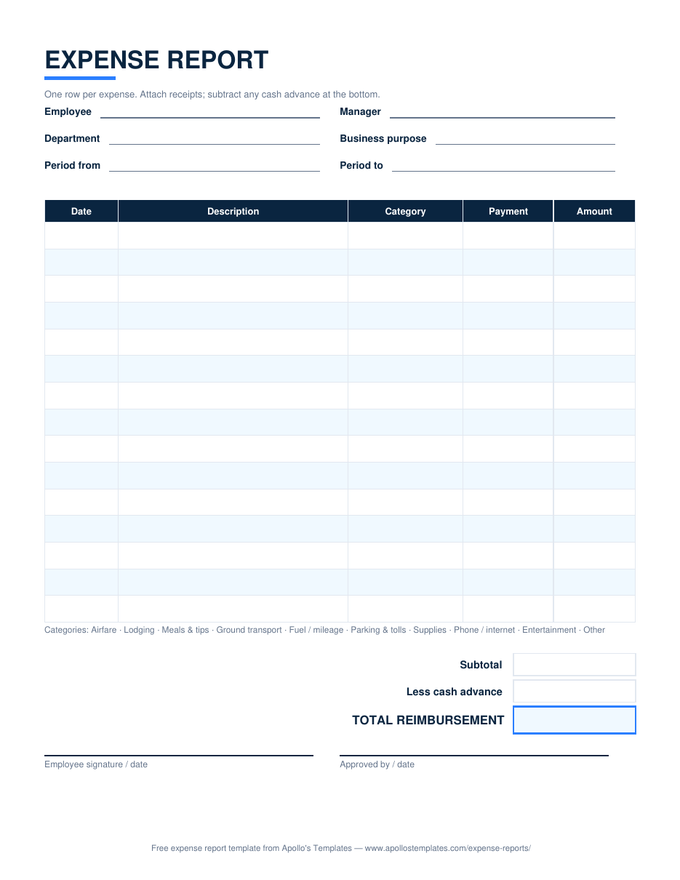
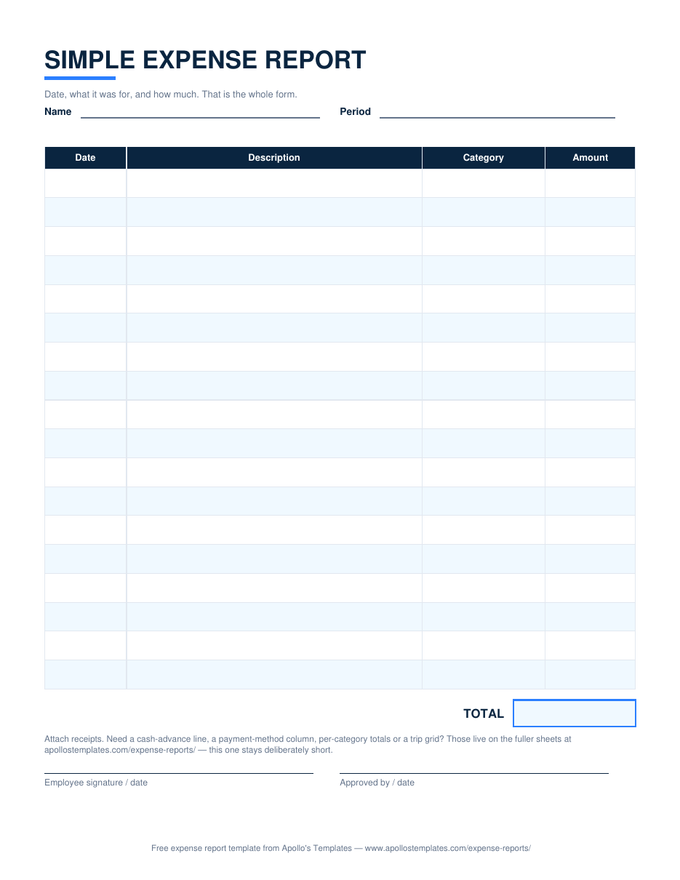
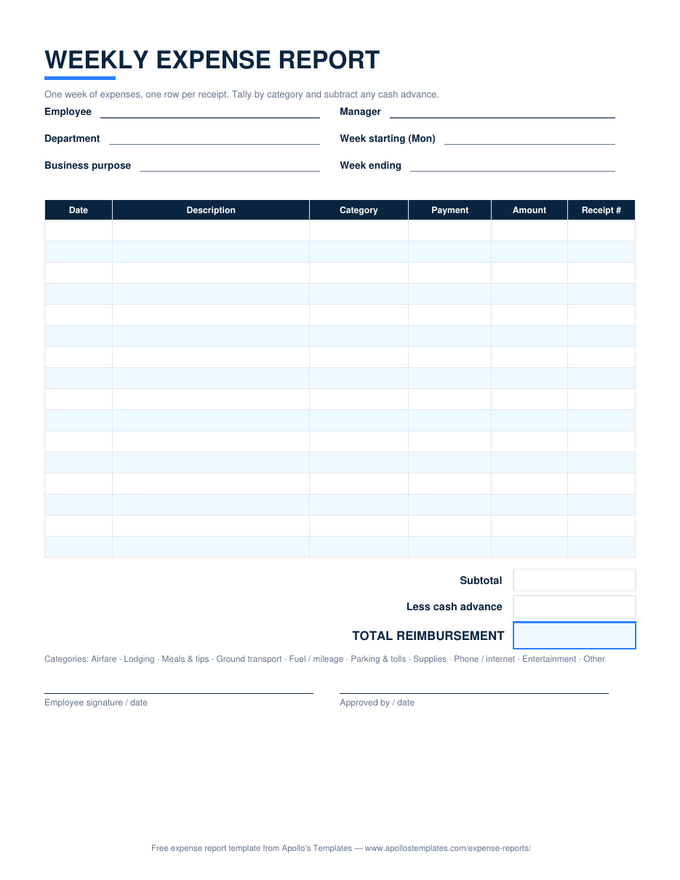
Expense Report — the standard
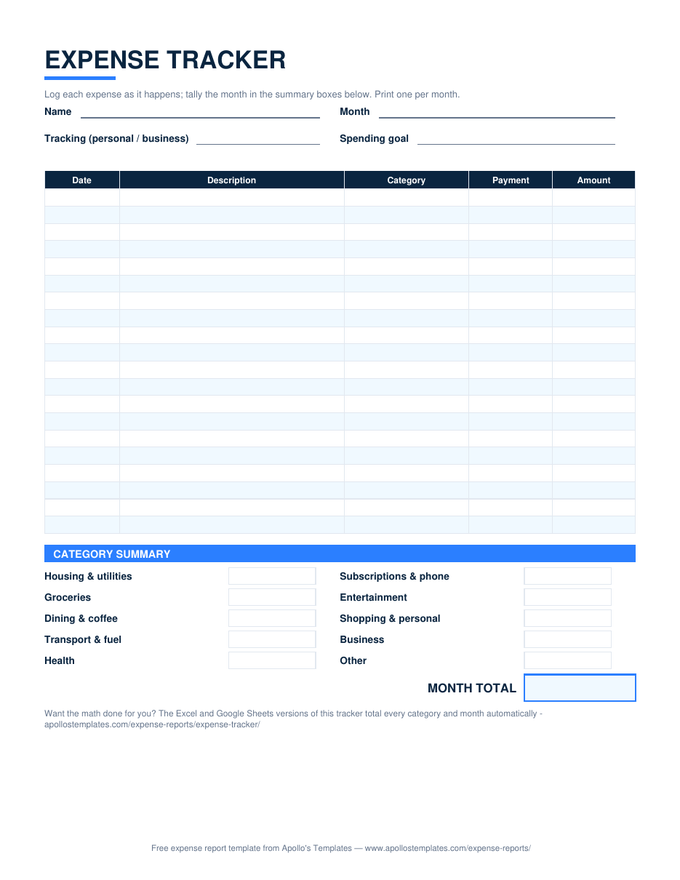
Category and payment-method dropdowns, subtotal, less cash advance, total reimbursement.
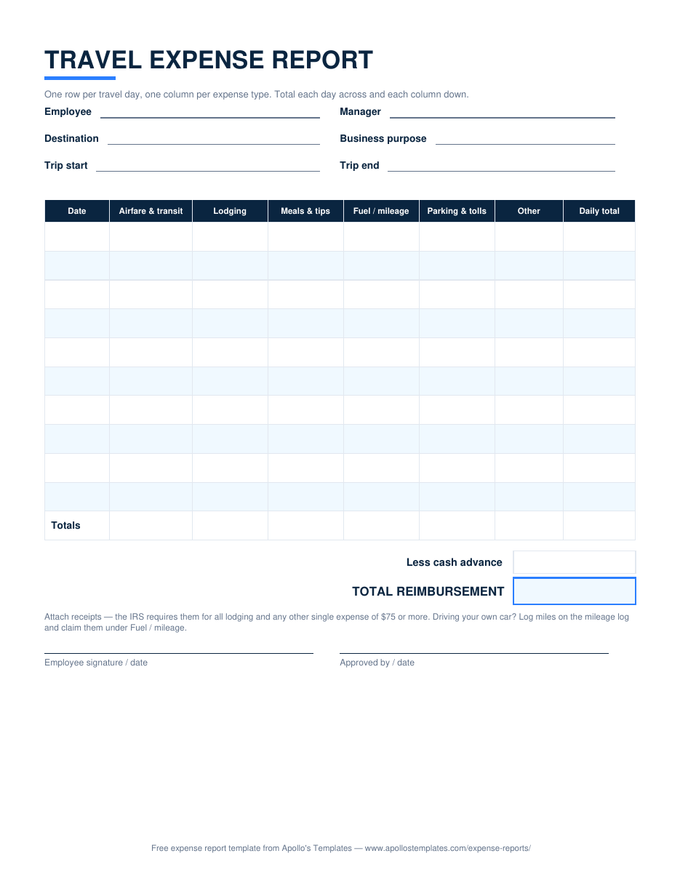
Travel — day-by-category grid
Self-dating day rows from the trip dates; totals run across each day and down each category.
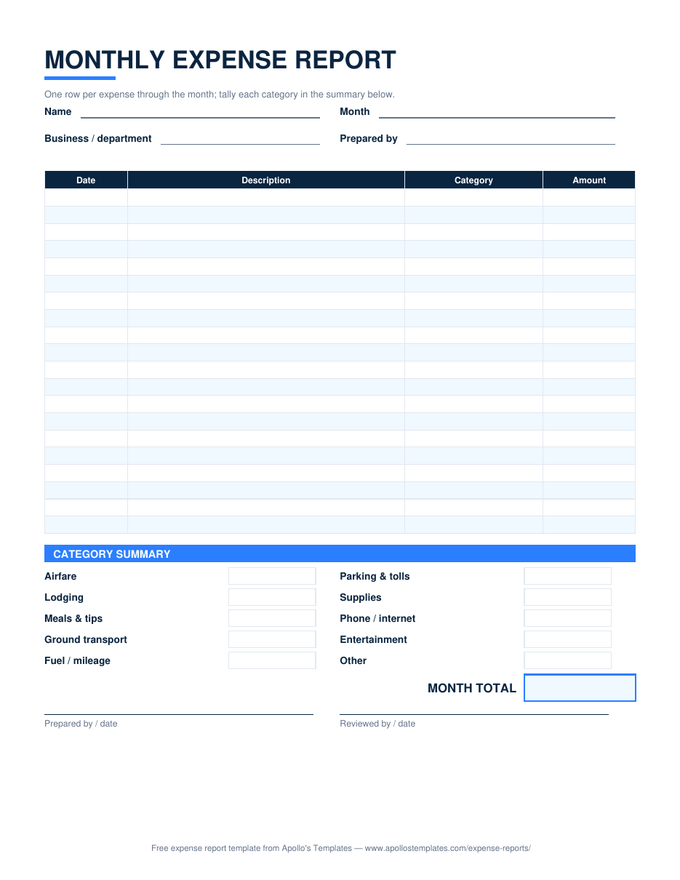
Monthly — with category summary
Thirty-one self-dating rows; a SUMIF summary block totals every category live.
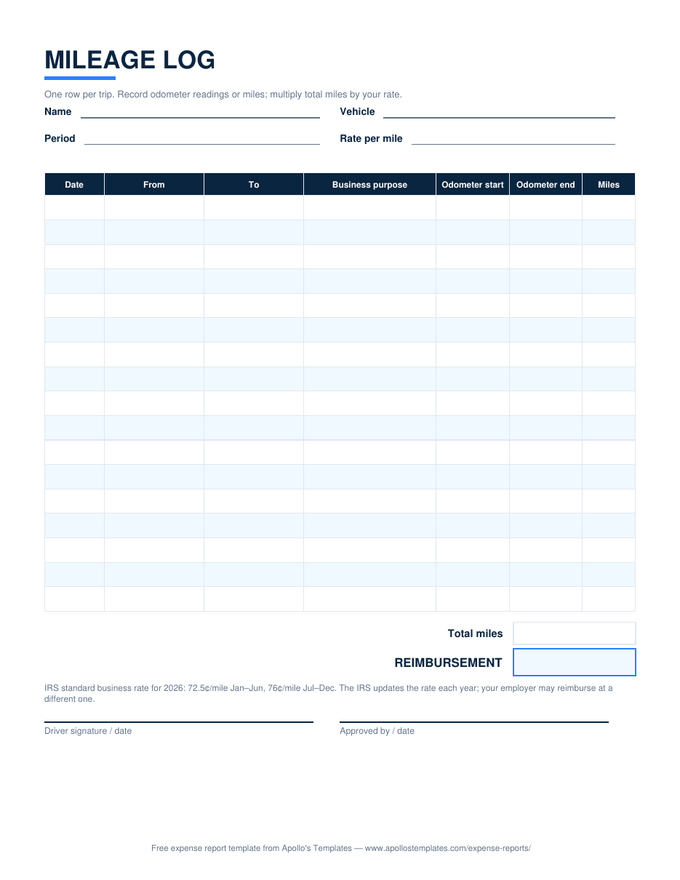
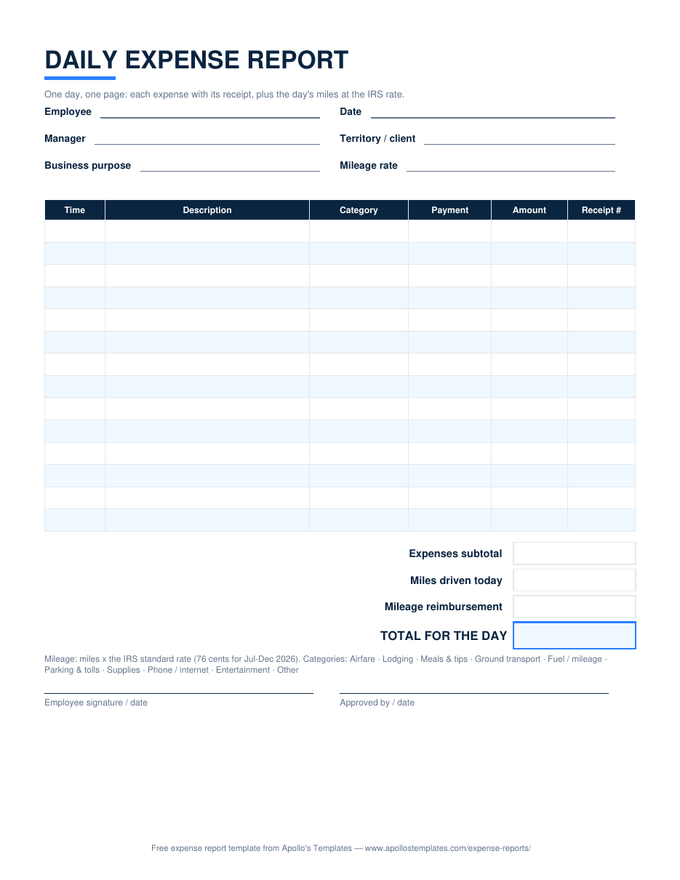
Mileage Log — IRS rate math
Odometer readings become miles; total miles times the editable rate cell is the reimbursement.
Reimbursement Form — compact
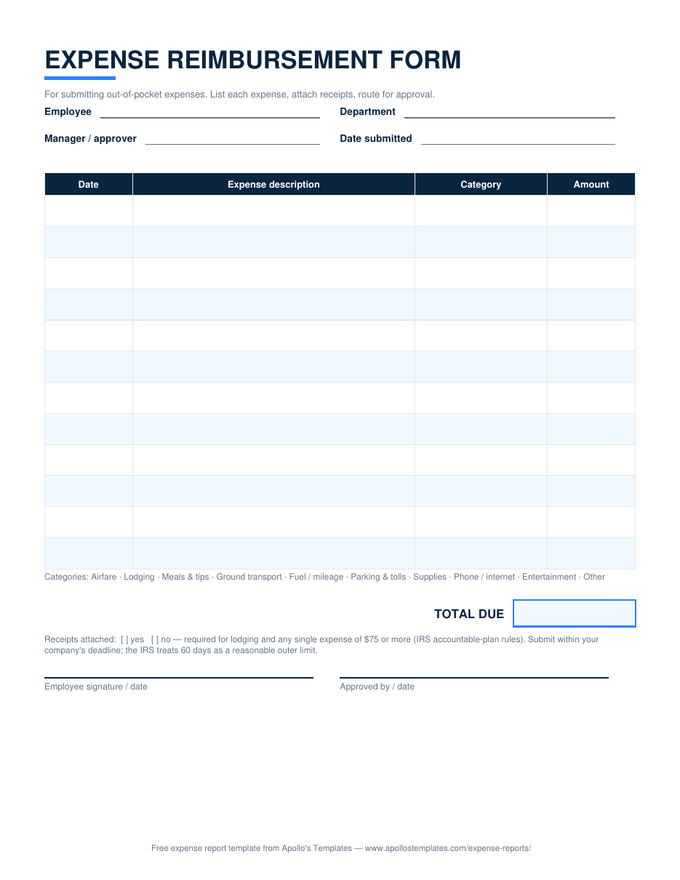
Ten rows, a self-computing TOTAL DUE, and the receipts checklist above the signatures.
Petty Cash — running balance
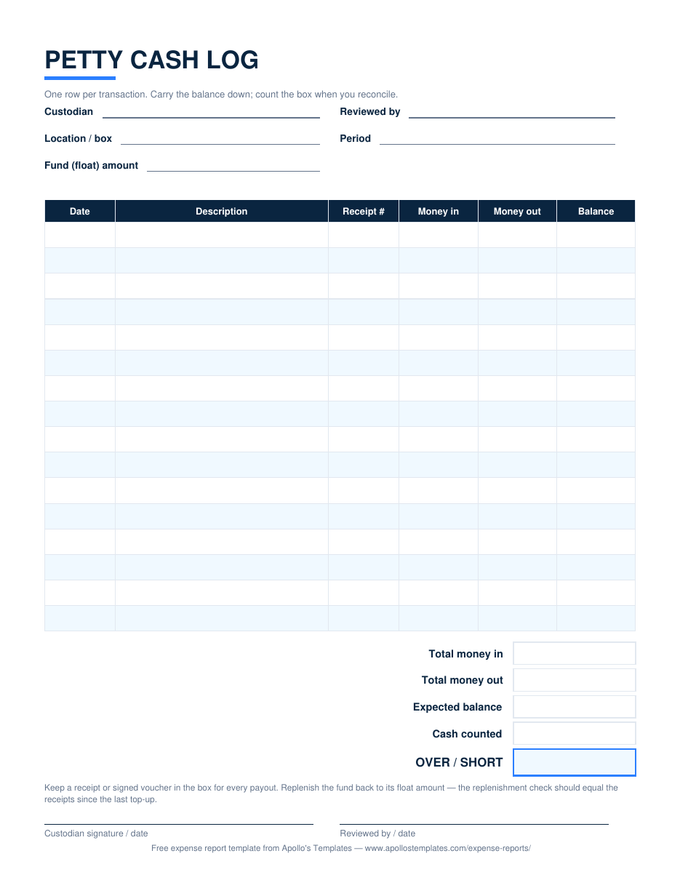
The fund tops the sheet; every row shows the box's balance, and the over/short computes at count time.
Annual — 12-month grid
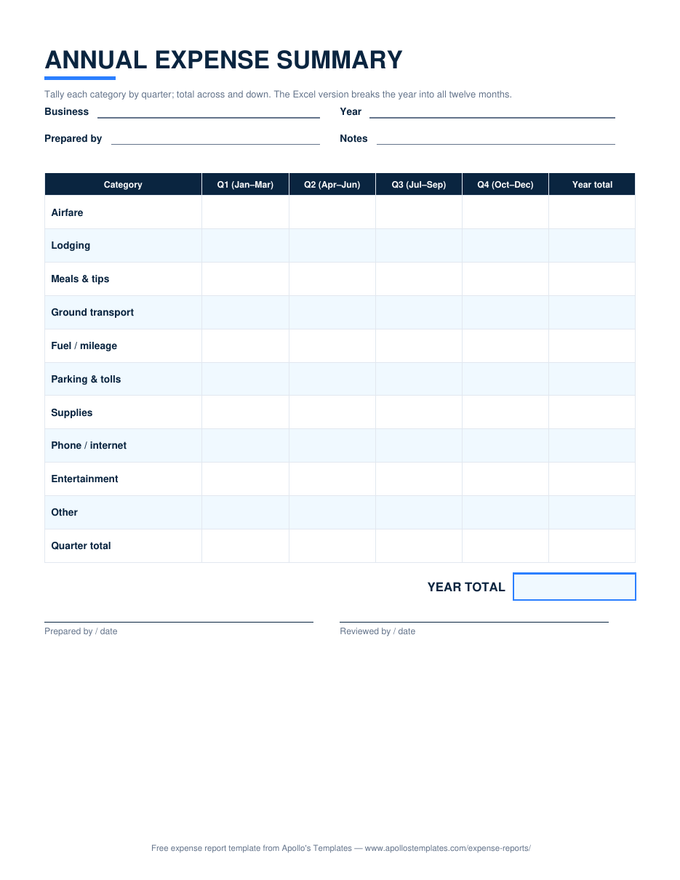
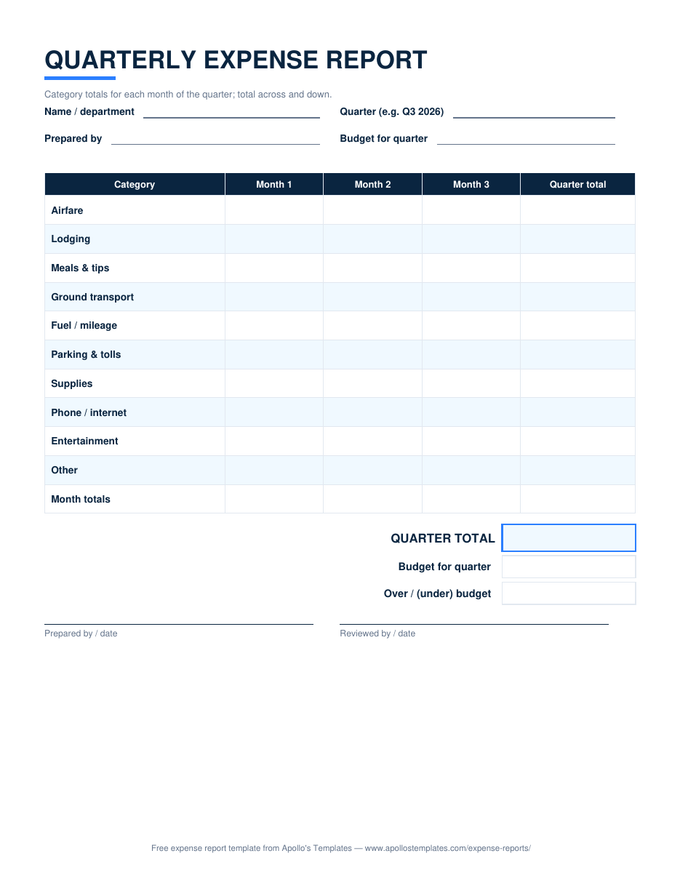
Rows by category, columns by month; quarters and the year total compute as the columns fill.
Credit Card — statement check
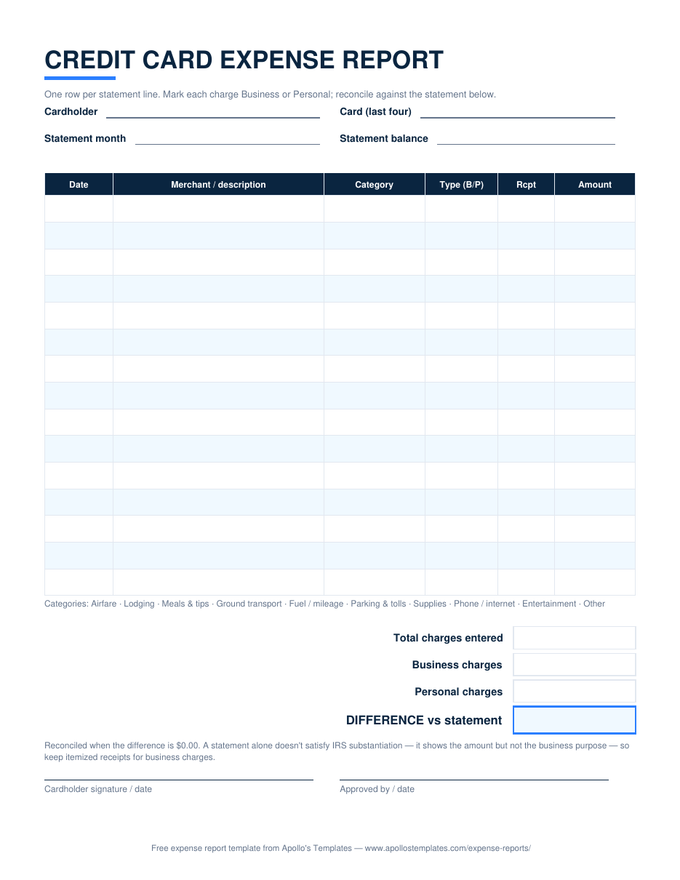
A business/personal SUMIF split plus a difference line that hits $0.00 when the statement is matched.
Under the hood

The three pieces doing the work.

Nothing exotic — which is why these files open anywhere. Totals are plainSUMover the amount column; the reimbursement line issubtotal − advancewith a guard so a blank advance counts as zero; and the monthly sheet’s category breakdown is oneSUMIFper category against the same list the dropdowns use.

And because none of it is protected, you can extend any sheet: add a project-code column, retype the categories to match your chart of accounts, change the mileage rate to your company’s. The formulas keep working around you.

Same math, zero installs
Google Sheets Expense Templates
Make-a-copy versions of all eight spreadsheets, verified after conversion.
Open
For the receipt envelope
Expense Report Templates
The hub page — every sheet's printable PDF and Word versions live on its situation page.
Open
The rate-math special
Mileage Log
The one sheet where the formula multiplies miles by the IRS standard rate.
Open

Frequently asked questions

Which versions of Excel do these work in?
Any Excel from 2010 onward, including Microsoft 365 and the free Excel for the web, plus LibreOffice Calc and Apple Numbers. The files are plain .xlsx built on ordinary functions — SUM, SUMIF, IF, COUNT — with standard data-validation dropdowns. No macros, no add-ins, no external links, nothing that triggers a security banner. That's deliberate: an expense sheet that IT has to approve doesn't get used.
How do the category dropdowns work — and can I type my own?
Click any Category cell and a dropdown arrow appears with the shared list: Airfare, Lodging, Meals & tips, Ground transport, Fuel / mileage, Parking & tolls, Supplies, Phone / internet, Entertainment, Other. The validation is set to warn rather than block, so an unusual expense can keep its own label — you'll get a nudge, not a wall. On the monthly sheet, stick to the listed categories when you can: its summary block totals by exact name, and a custom label simply won't appear in the breakdown.
Why do amount cells stay blank instead of showing $0.00?
Because a report full of zeros lies about its own progress. The total rows use SUM, which ignores blanks, and computed cells guard with IF(COUNT(...)...) checks — so an empty row contributes nothing and displays nothing. You can always tell at a glance which rows are real entries and which are just waiting. The same guard keeps the mileage sheet's Miles column empty until both odometer readings exist.
Will the formulas survive if I open these in Google Sheets?
Yes — and you don't need to convert anything yourself. Every card above has an “Open in Google Sheets” button that puts a native Sheets copy in your Drive with the math verified working; we test the computed totals after conversion — subtotals, the SUMIF category summary, the mileage rate math — not just that the file opens. The dropdowns survive the trip too.
Updated through August 2026