Apollo's Templates
HomeBusinessExpense Report TemplatesWord
Brand it in Word

Expense Report Templates for Word

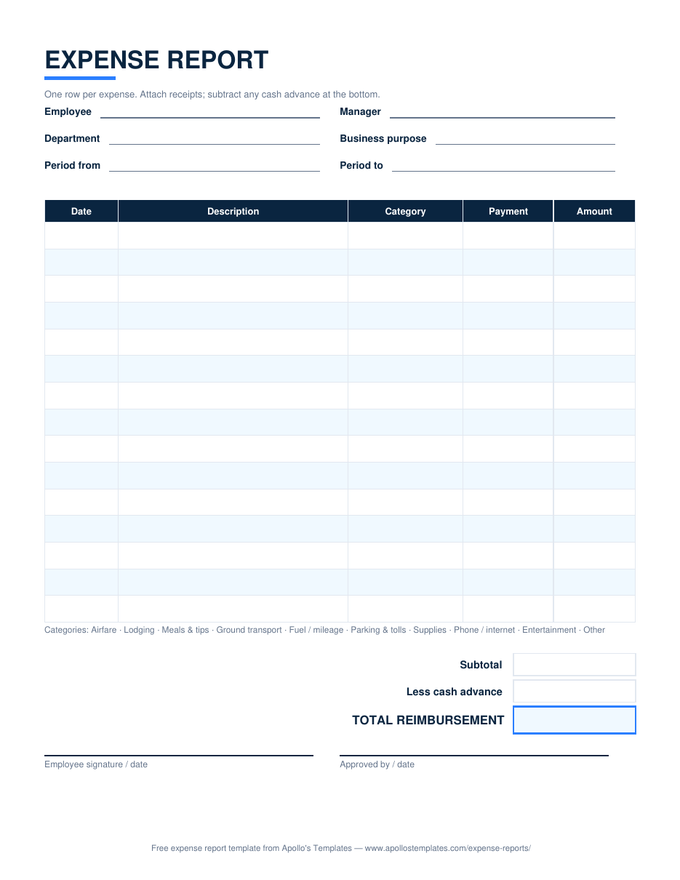
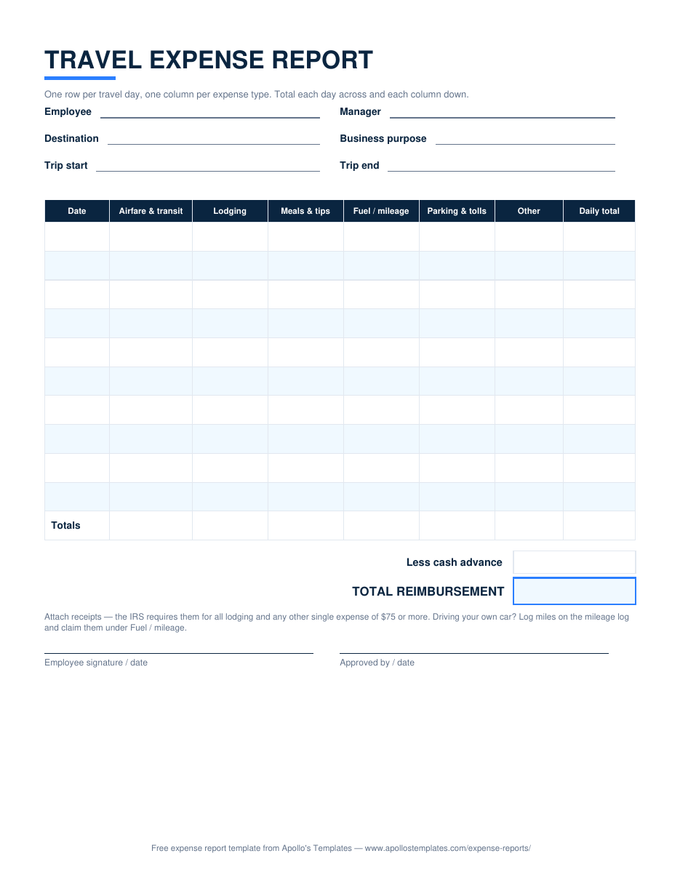
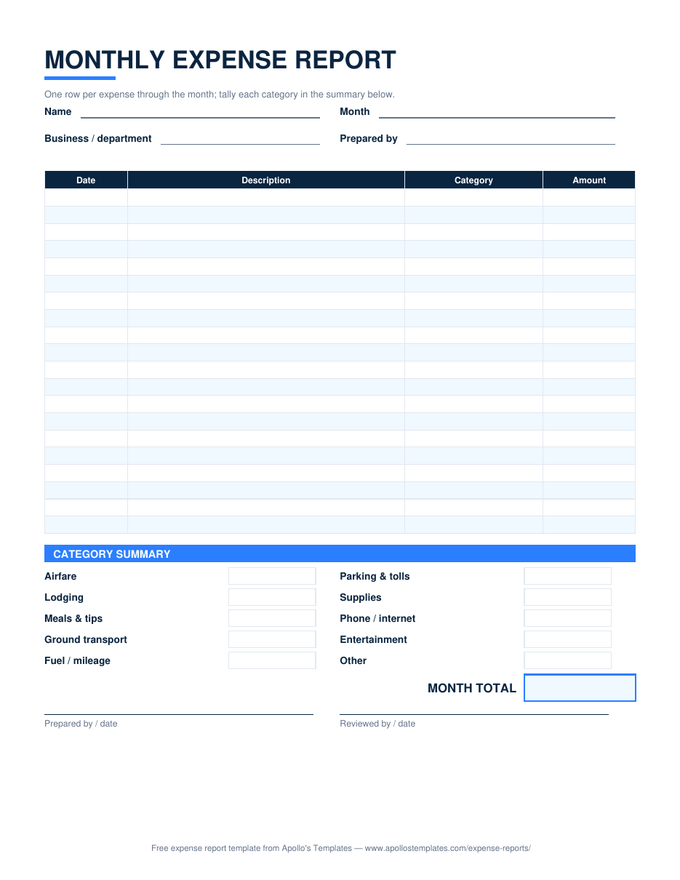
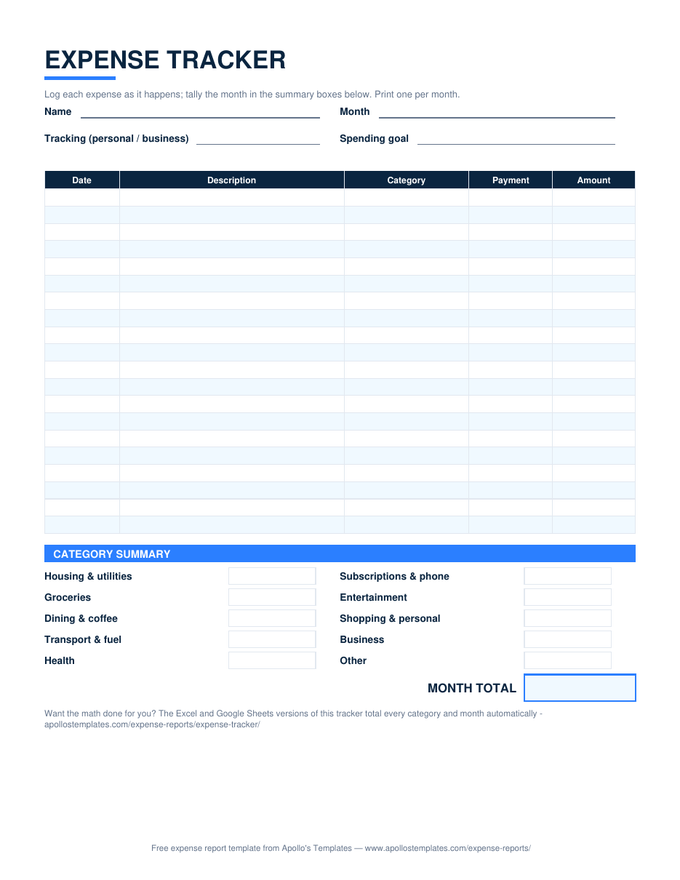
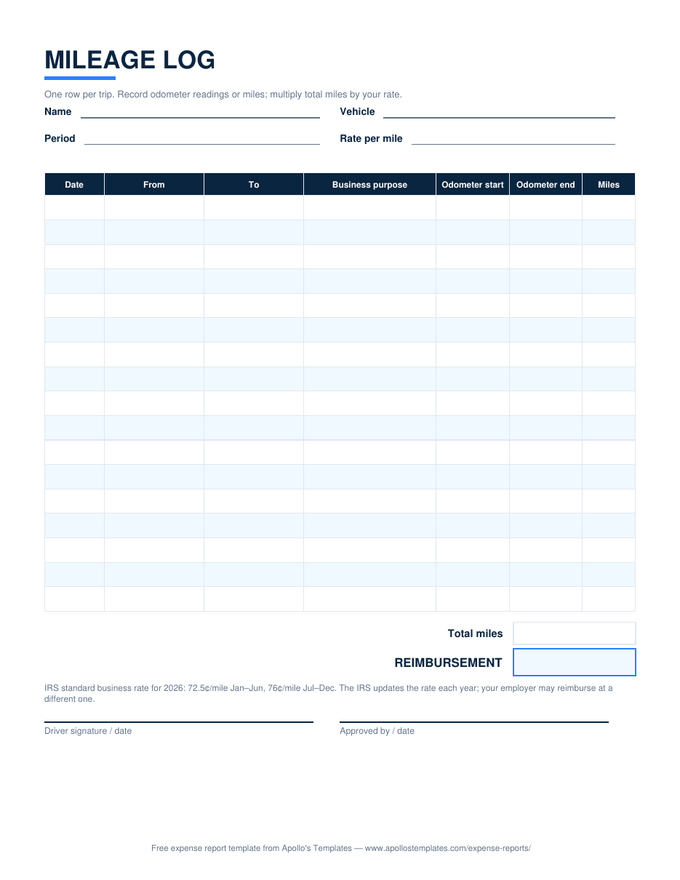
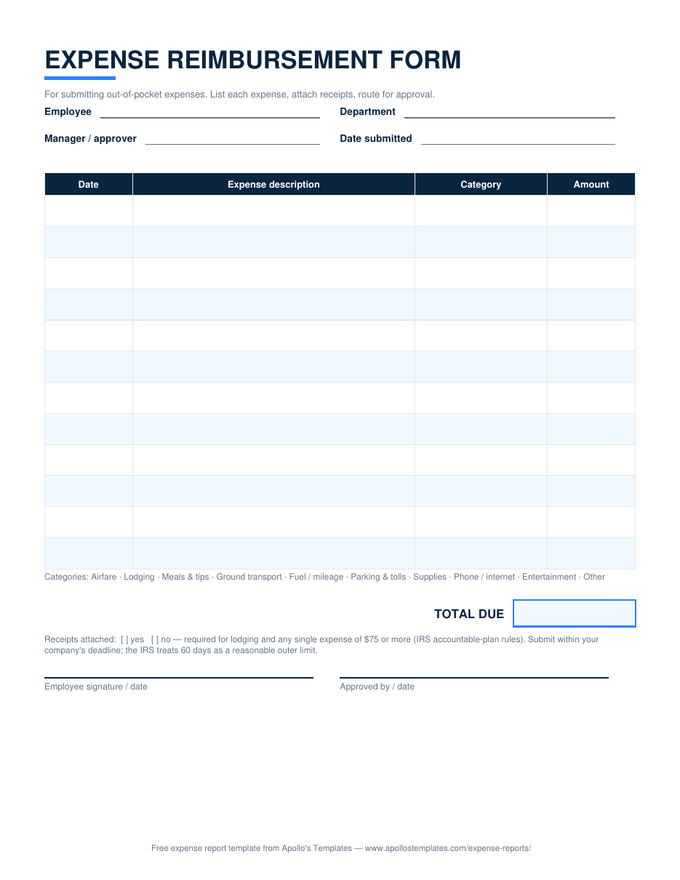
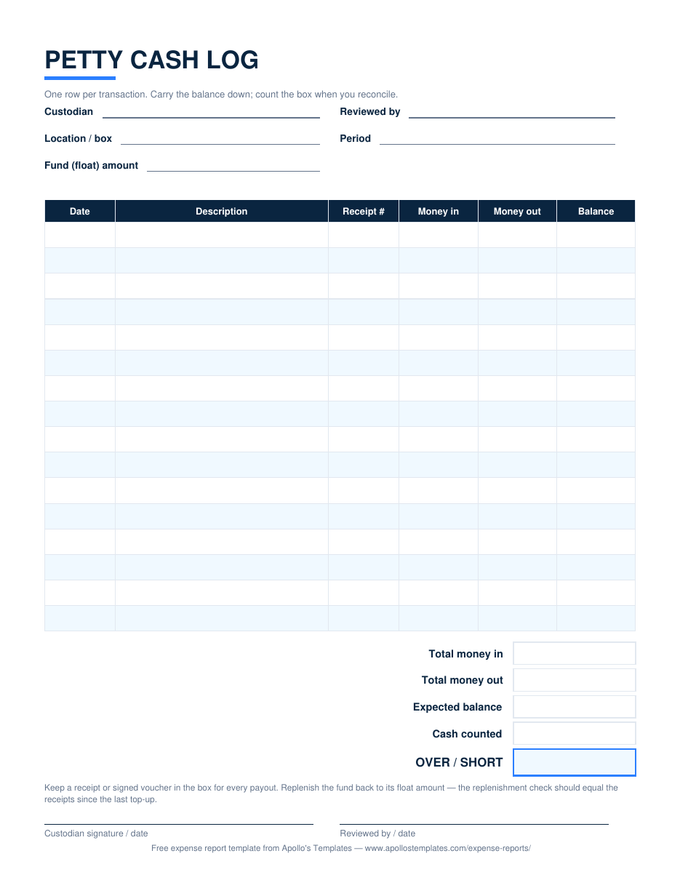
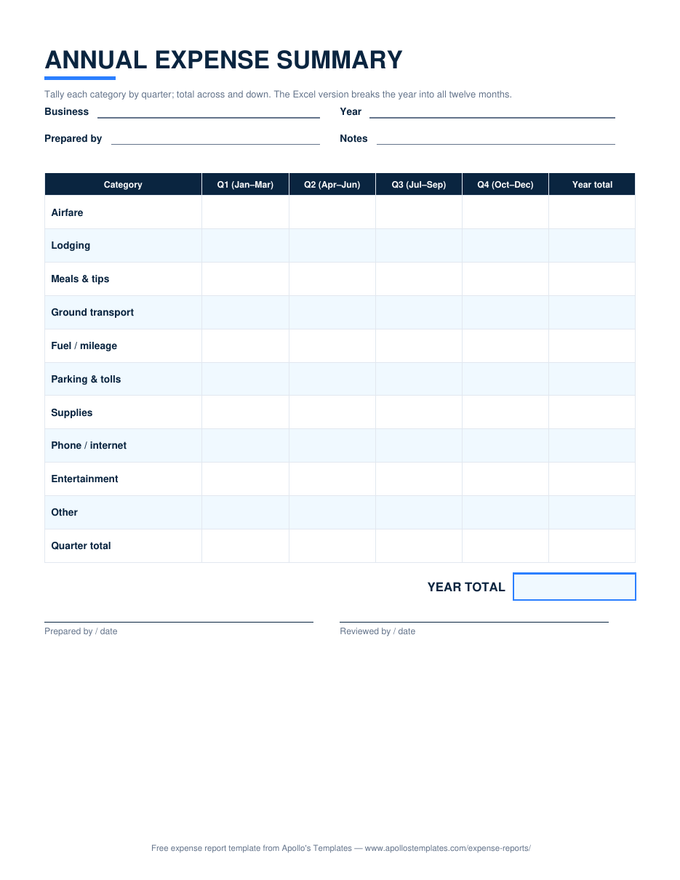
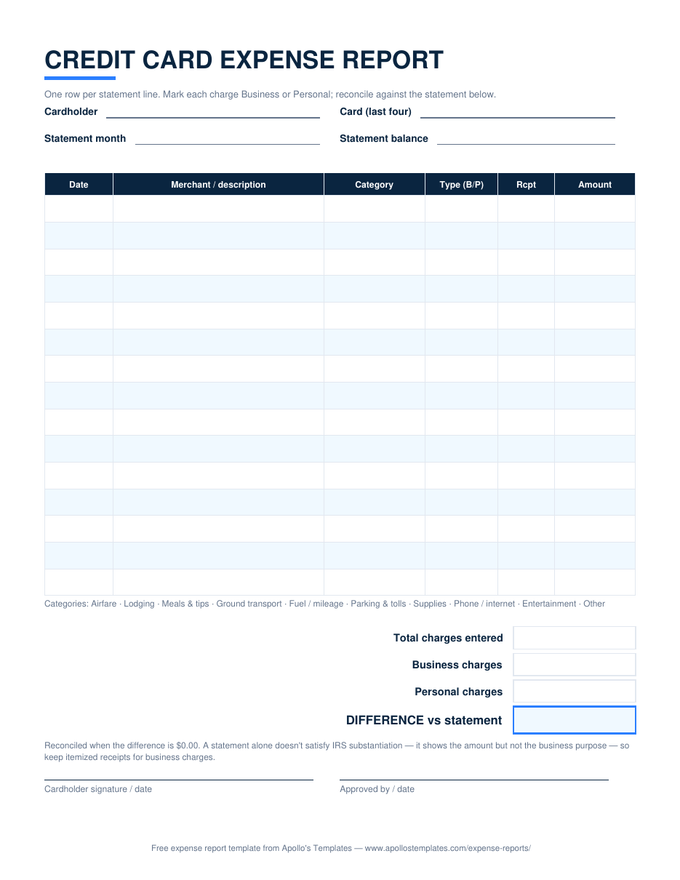
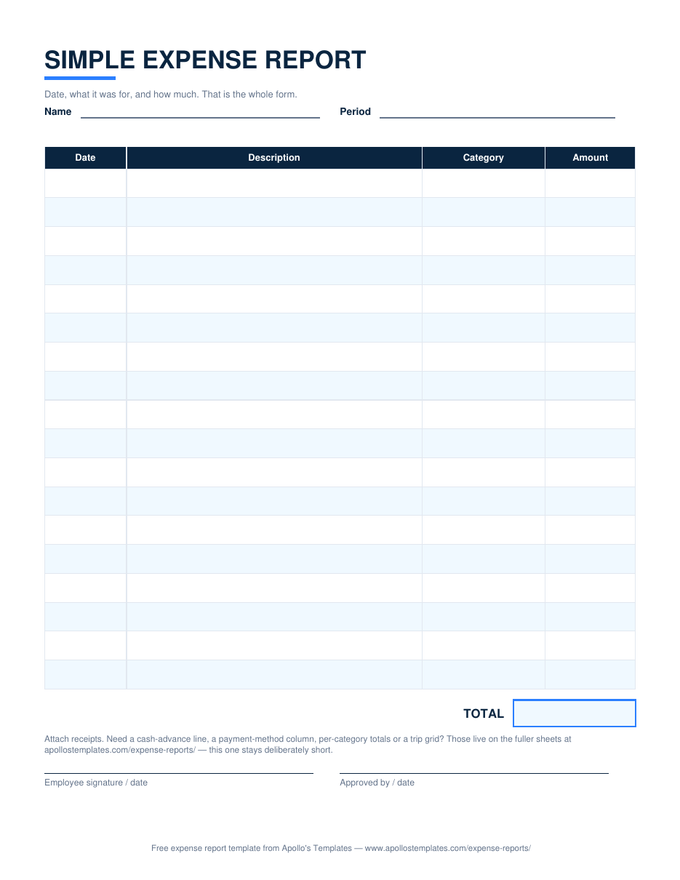
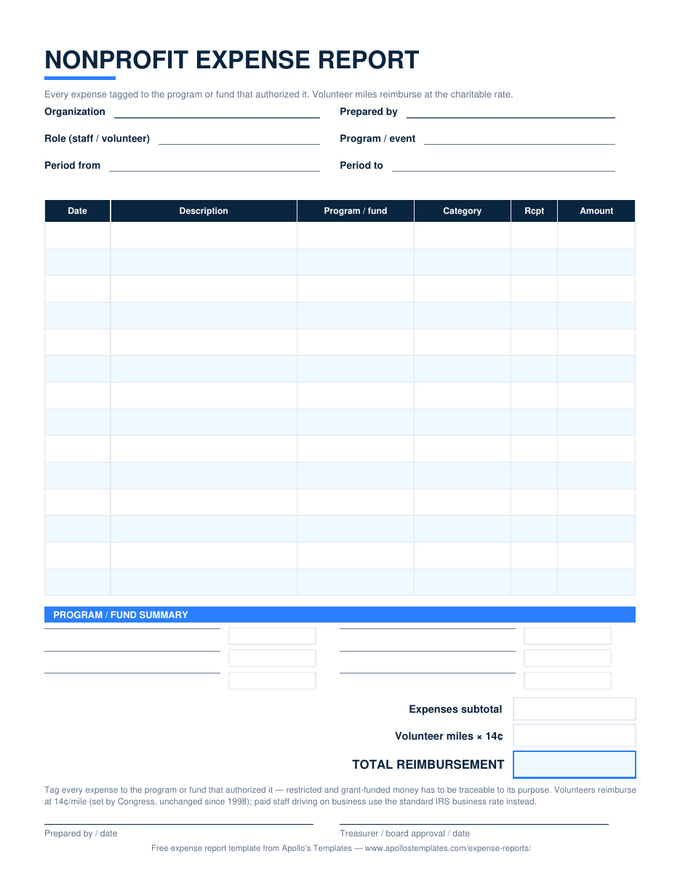
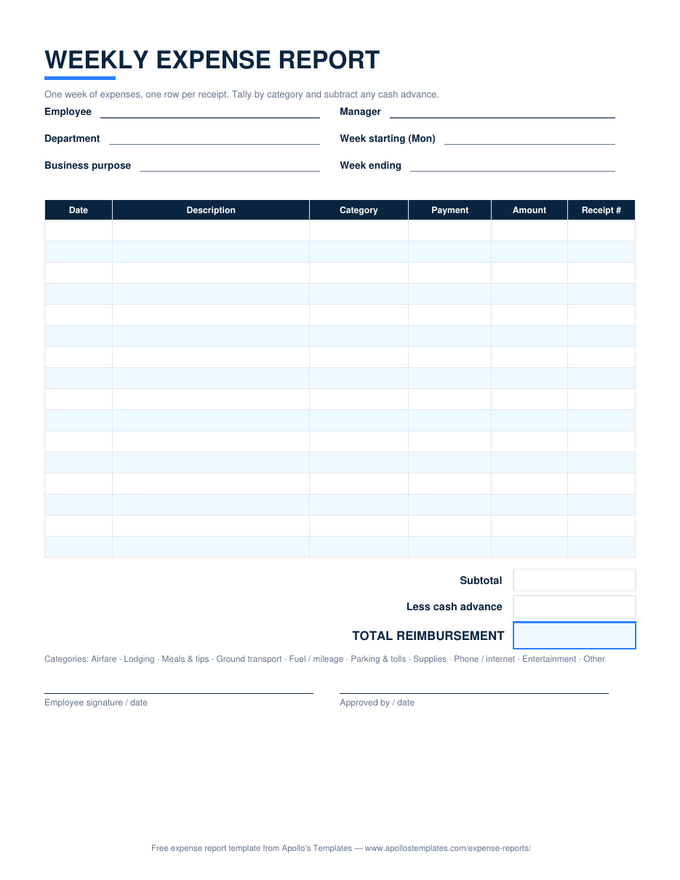
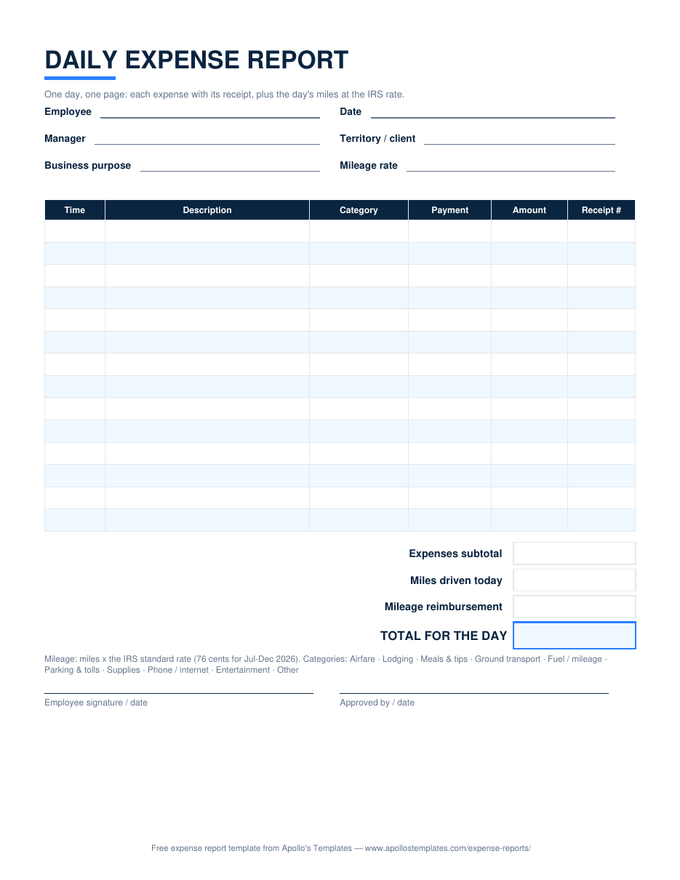
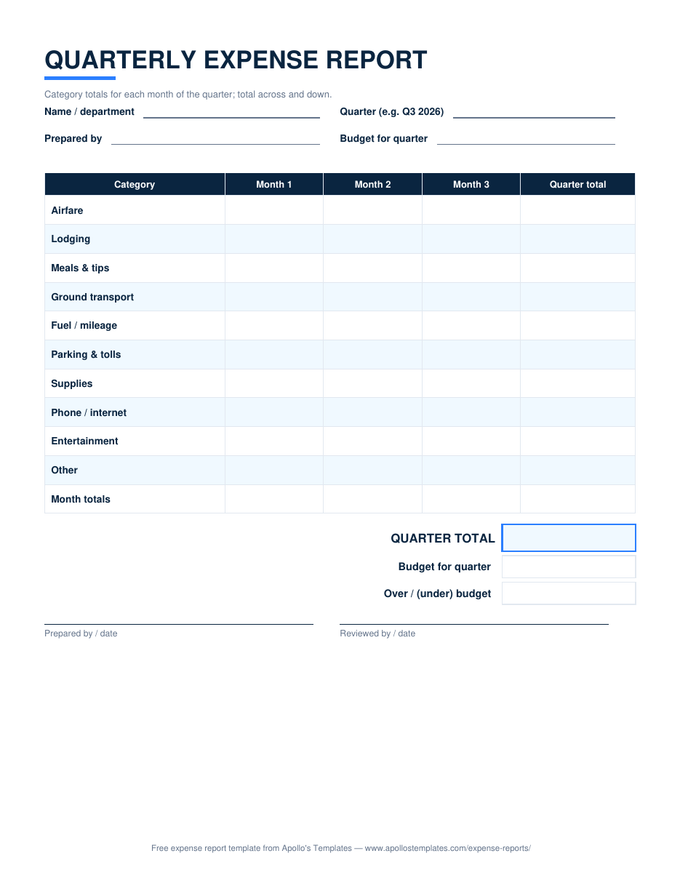
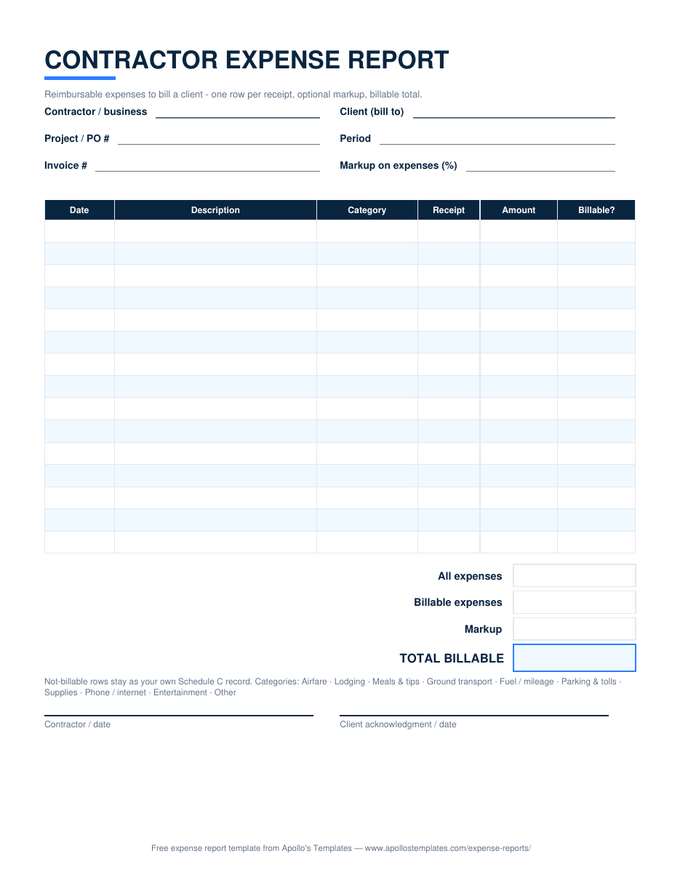
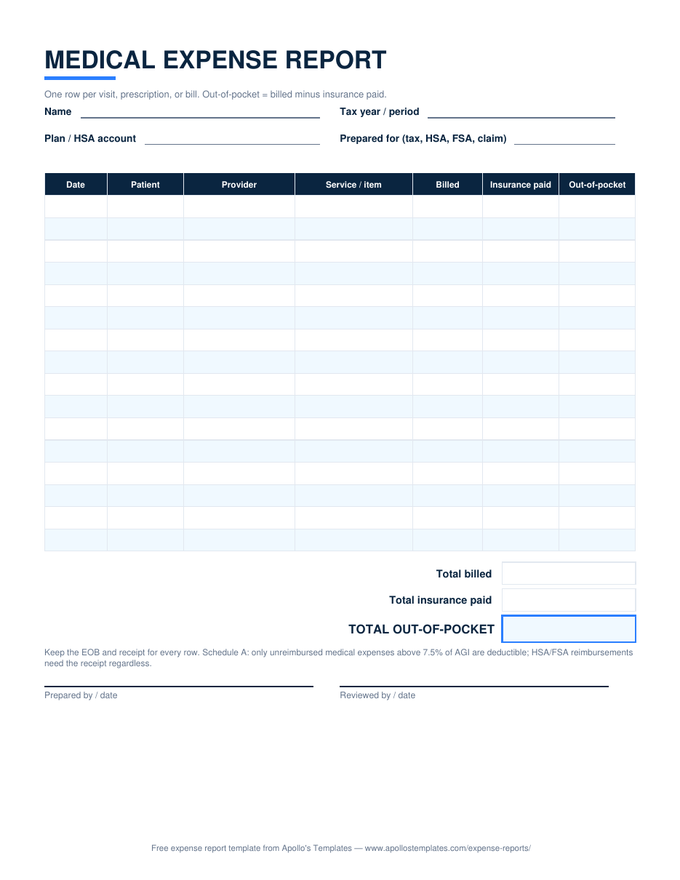
Eight expense sheets as clean .docx tables — the format for offices that live in Word: put the company name on the header, type the expenses in, print it or save the filled report as a PDF for the file. These are deliberately formula-free (Word doesn't really do math); when you want automatic totals and the category dropdowns, the same layouts exist as Excel and Google Sheets versions.

The Word fleet

Eight documents, all editable.
Worth knowing

Word is the right tool more often than spreadsheet people admit.

An expense report is, in the end, a document someone signs — and Word is where offices make documents official. The .docx versions exist for the workplaces where the form gets a logo, a policy line, and a place in the employee handbook; where reports print onto paper, collect a wet signature, and live in a physical file. That workflow never touches a formula, and pretending otherwise just adds software between the receipt and the signature.

The honest division of labor: Word for the form your company standardizes on, Excel or Sheets for the person filling it in who’d rather not do arithmetic, PDF for the clipboard and the glovebox. Same layouts across all three, so switching costs nothing.

When math should be automatic
Excel Expense Templates
The same eight layouts with working totals, dropdowns, and reimbursement math.
Open
For phones and sharing
Google Sheets Expense Templates
Make-a-copy versions that live in your Drive and edit from anywhere.
Open
The whole library
Expense Report Templates
Every situation — standard, travel, monthly, mileage, reimbursement — from the hub.
Browse

Frequently asked questions

Why don't the Word versions calculate totals?
Because Word isn't a spreadsheet, and we'd rather be straight about that than ship a gimmick. Word technically supports field-code formulas inside tables, but they don't recalculate automatically, they break silently when rows move, and they've burned every office that ever leaned on them. So the Word sheets are honest paper: you (or your bookkeeper) write the totals. When you want the math done for you, the identical layouts with real formulas are one page over, in Excel and Google Sheets.
What should I customize before adopting one as the company form?
Three edits repay themselves: put your company name above the title (making it officially yours), pre-fill the approver line with the manager who actually signs, and — if you adopt a submission deadline — add a “Submit within __ days” line under the subtitle. Then File → Save As and keep the result as your master. It's an ordinary .docx with no protection or locked regions, so every edit is fair game, including retyping the category legend to match your chart of accounts.
Which programs open these files?
Word 2010 or newer, Word for Microsoft 365, the free Word for the web, LibreOffice Writer, and Apple Pages. The files use ordinary table formatting — no macros, no embedded fonts, no content controls — so they open cleanly in anything that reads .docx. Google Docs opens them too, though table shading can shift slightly; if Google is where you work, the native Google Sheets versions are the better fit anyway.
How do rows work when I have more (or fewer) expenses than the table?
Word tables grow the usual way: click in the last cell and press Tab to add a row — the borders and shading pattern carry over. Delete spares by selecting the rows, right-click, Delete Rows. One layout tip: the sheets are sized to fit portrait US Letter with half-inch margins, and each added row costs vertical space, so past a dozen extra rows you're better off on the monthly sheet, which is built for volume.
Updated through August 2026