Apollo's Templates
HomeBusinessExpense Report TemplatesGoogle Docs
The word-processor versions

Expense Report Templates for Google Docs

Every expense sheet in the library as a one-click Google Docs copy — for the offices that live in Docs the way others live in Word. Click, make a copy, and the document is in your Drive: editable tables, your company name a keystroke away, printable for signatures. Straight from the makers: Docs doesn't calculate, so if you want totals and reimbursement math computing while you type, the same layouts are one page over as Google Sheets.

Copies, not downloads

Eight documents, one click each.
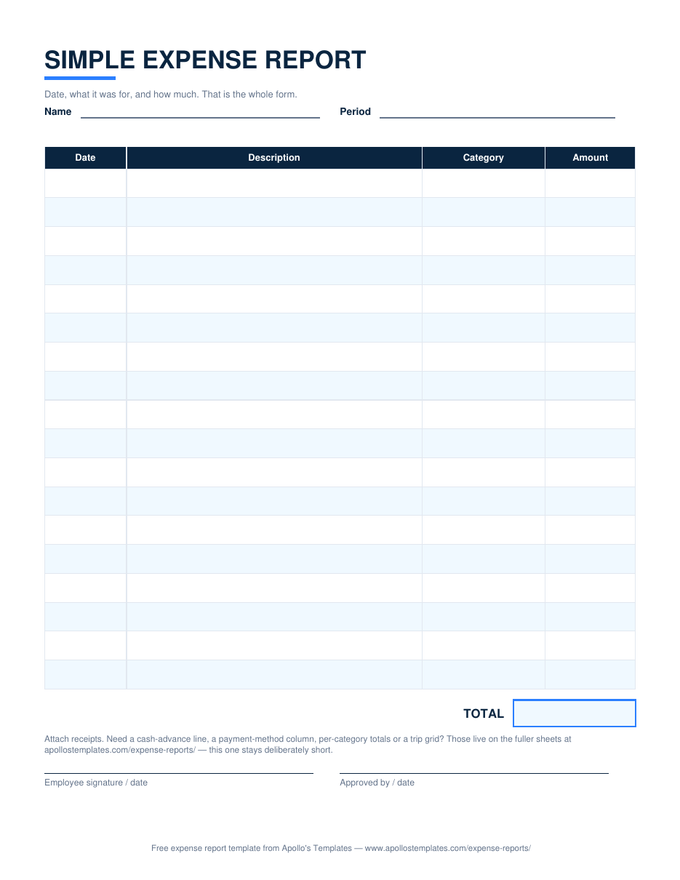
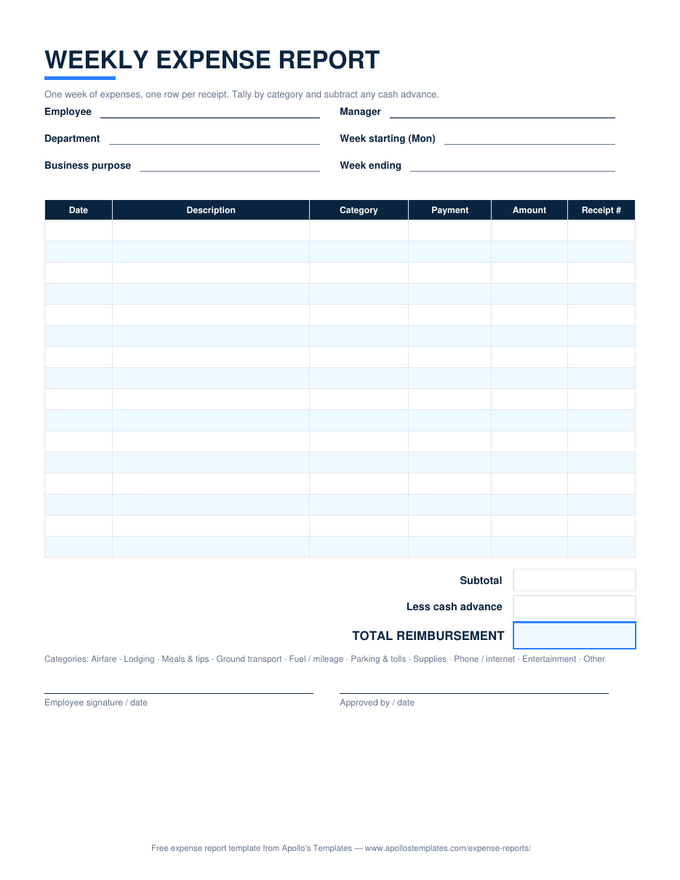
Expense Report — the standard preview
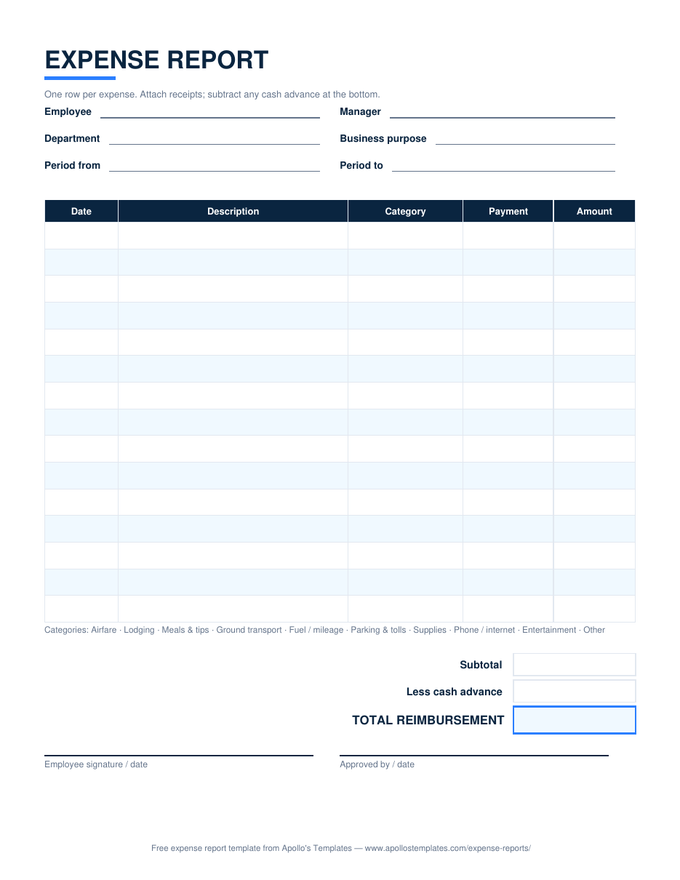
Expense Report — the standard
Date, description, category, payment, amount — with the subtotal, cash-advance, and reimbursement rows.
Travel — day-by-category grid preview
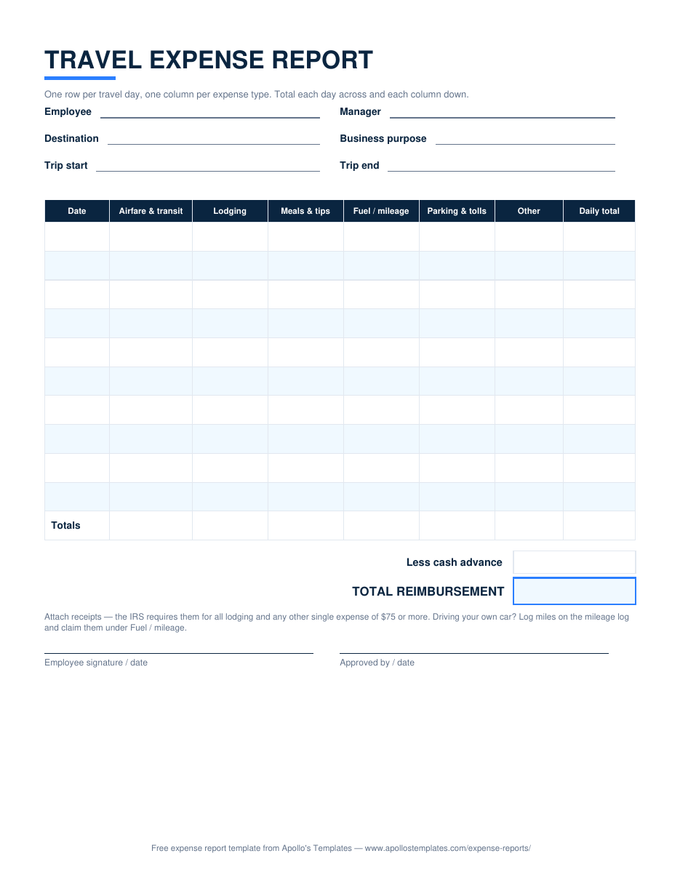
Travel — day-by-category grid
One trip per document: day rows across, expense types down, totals row at the bottom.
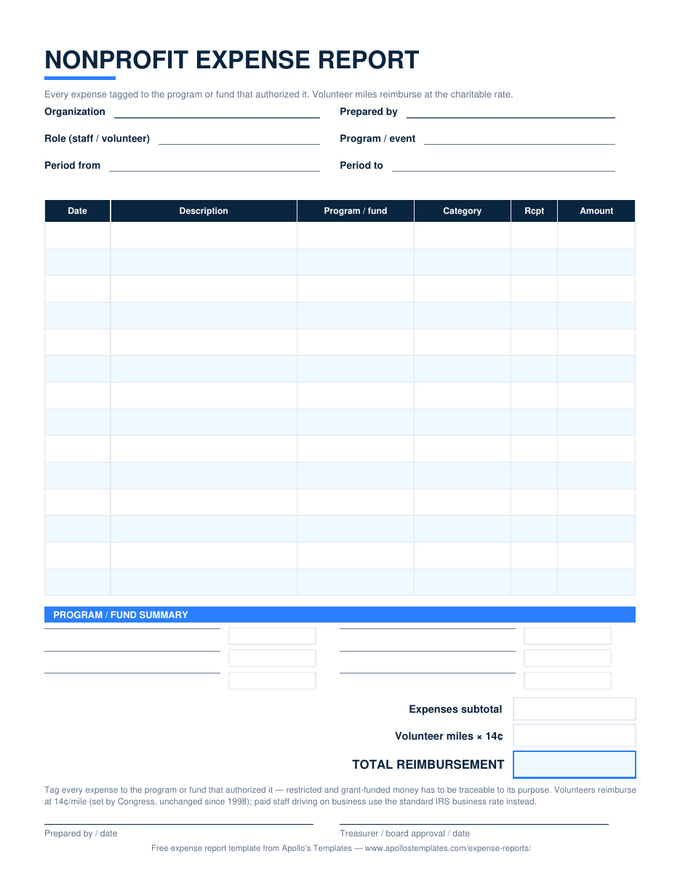
Monthly — with summary block preview
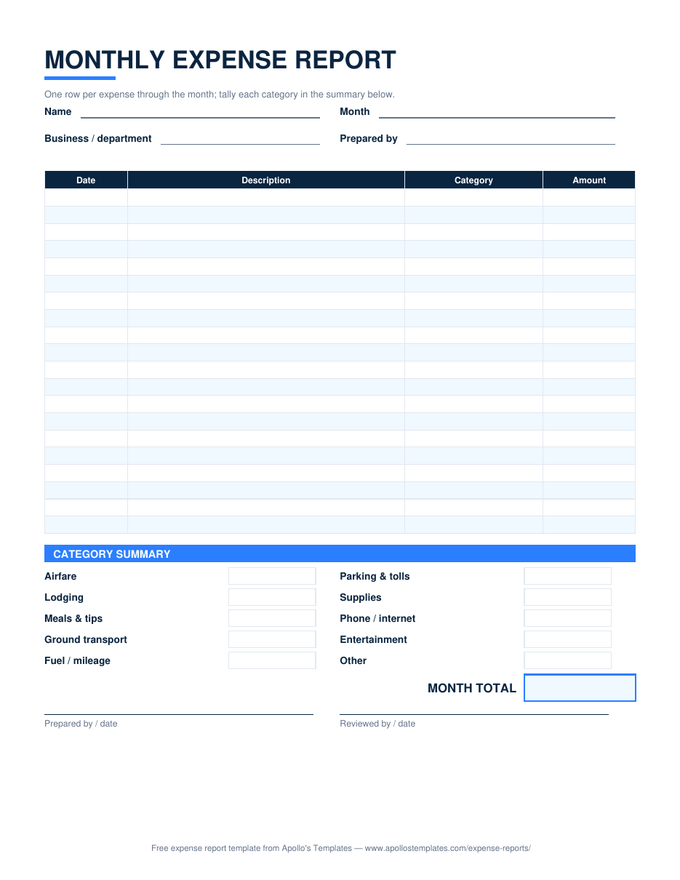
Monthly — with summary block
A month of expense rows plus the category-summary table to tally into at month end.
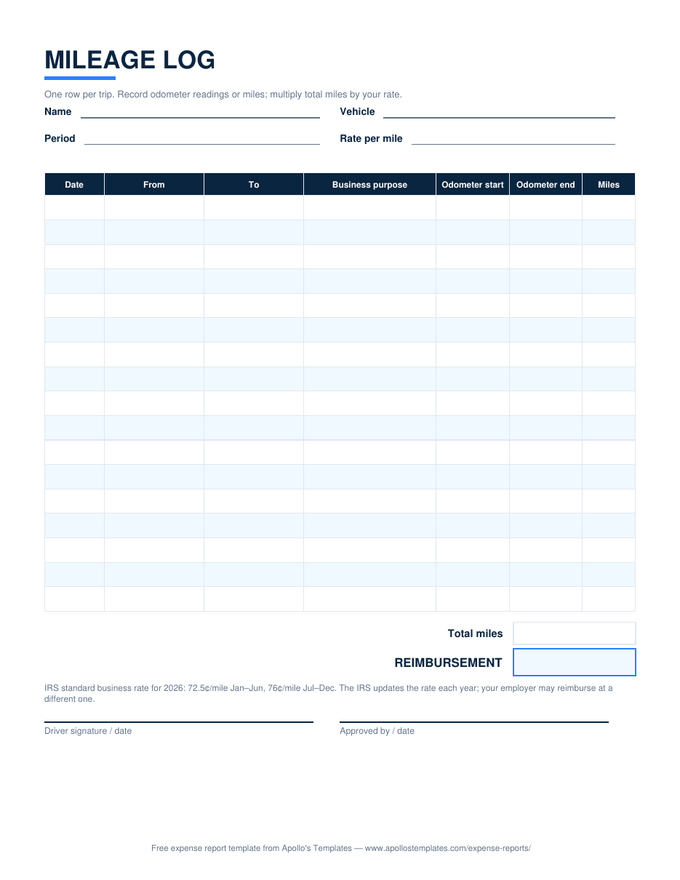
Mileage Log — trip rows preview
Mileage Log — trip rows
Date, from, to, business purpose, odometer columns — the log as an editable Docs table.
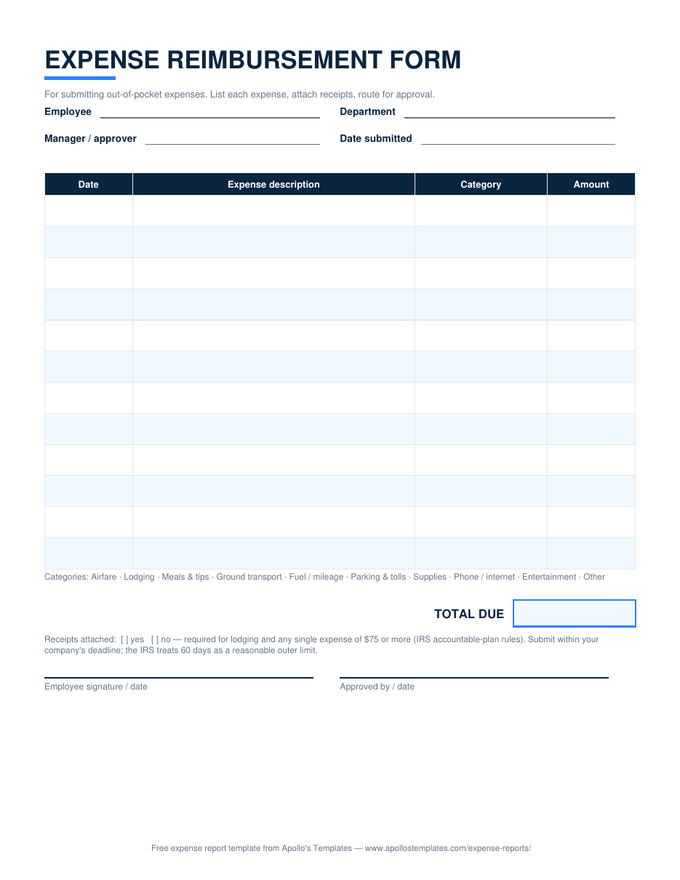
Reimbursement Form — compact preview
Reimbursement Form — compact
The one-page request: expenses, receipts checklist, total due, and the approval signatures.
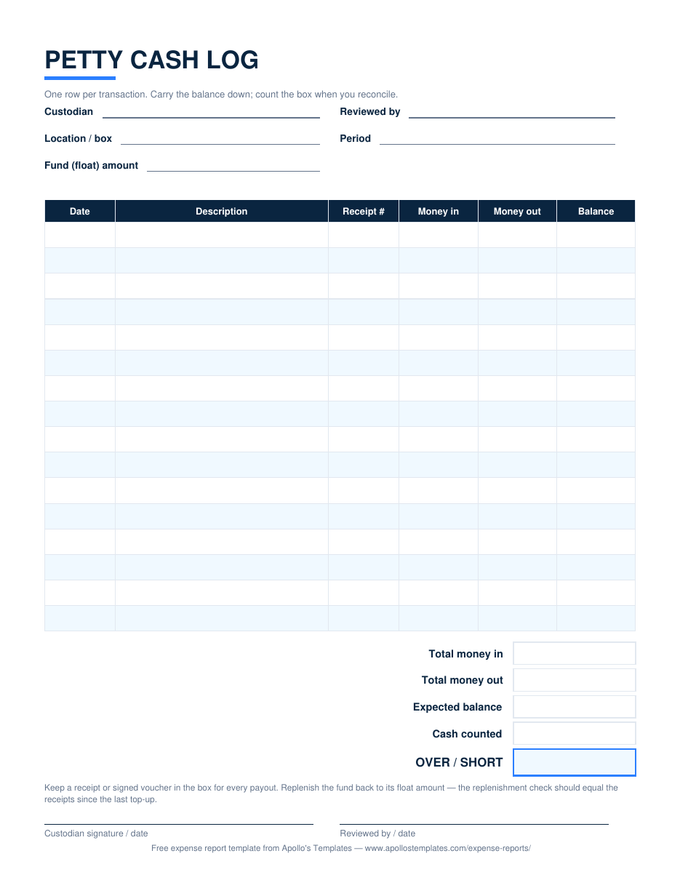
Petty Cash Log — ledger table preview
Petty Cash Log — ledger table
Money in, money out, balance, and the over/short reconciliation block for the cash box.
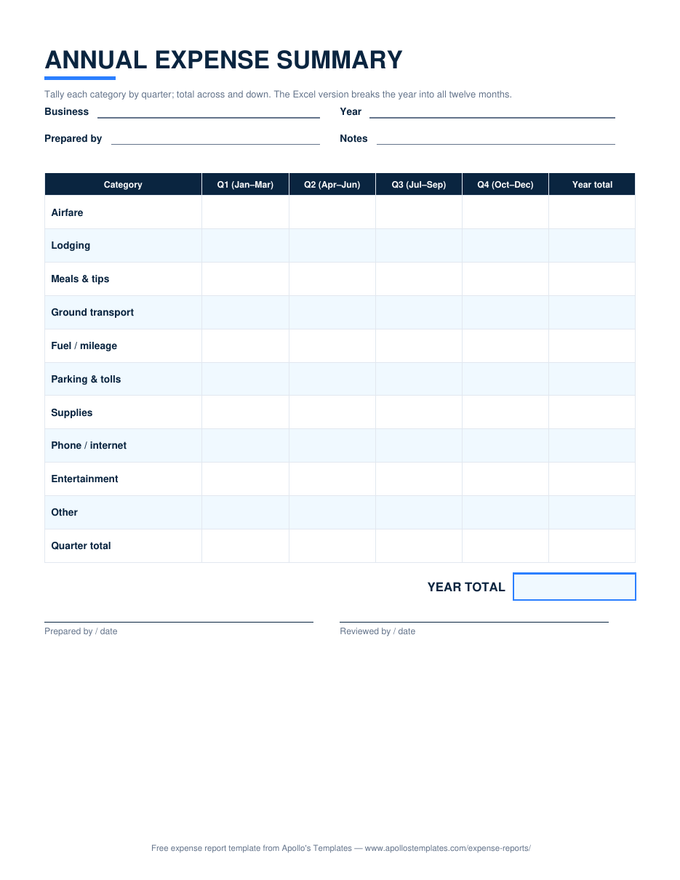
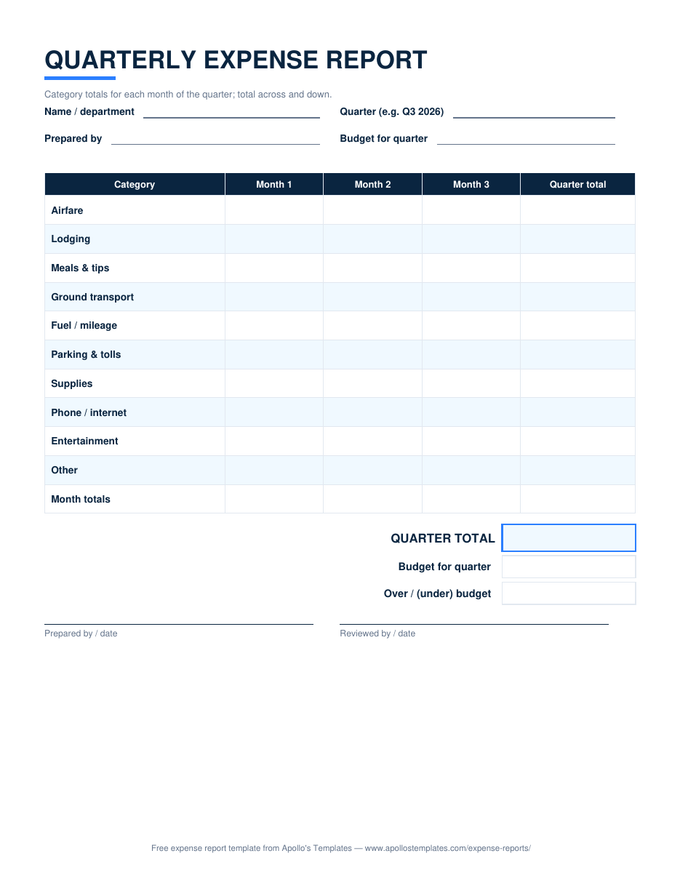
Annual Summary — quarterly grid preview
Annual Summary — quarterly grid
Categories by quarter with a year-total column — the year-end page for the binder.
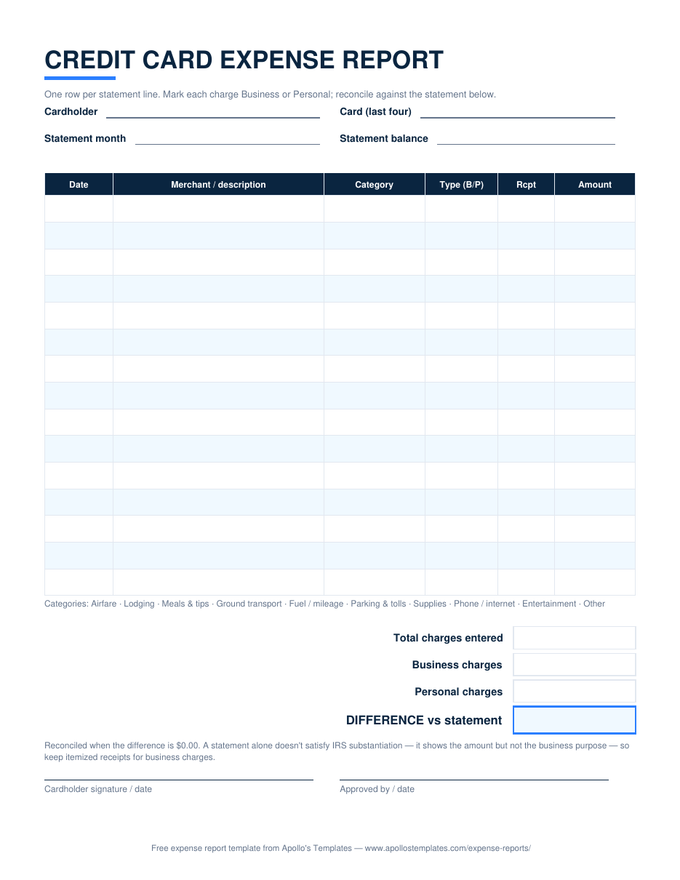
Credit Card — statement table preview
Credit Card — statement table
One row per statement line with the business/personal column and the reconciliation rows.
Docs vs Sheets

Pick by what the report has to do.

One Google account, two genuinely different tools. A Sheets copy is a calculator: amounts in, subtotal and reimbursement out, live, from any device. A Docs copy is stationery: a clean document that takes your letterhead, prints the way you expect, and reads like the paperwork it gets filed alongside.

Most people searching for the Docs version want the stationery job — a branded, printable, signable form — which is exactly what these are. If it turns out you wanted the calculator, the Google Sheets versions are the identical layouts with the math switched on, and the category dropdowns too.

The math-enabled twin
Google Sheets Expense Templates
Identical layouts with live totals, category dropdowns, and reimbursement math.
Open
Offline, same tables
Word Expense Templates
The .docx originals these Docs copies were converted from.
Open
Start here
Expense Report Templates
The whole library — every situation, every format — on one page.
Browse

Frequently asked questions

Google Docs or Google Sheets for an expense report?
Sheets if you want the arithmetic done for you — our Google Sheets versions total the rows, subtract the cash advance, and break the month down by category as you type, while Docs tables calculate nothing at all. Docs wins when the report is a document first: something that takes a company header, prints predictably for signatures, gets attached to an email, or lives in a personnel file. Plenty of small offices genuinely want the document, not the calculator — and both links sit on every card above.
What exactly happens when I click “Open in Google Docs”?
Google shows a “Make a copy” page for that template; one click drops a fully editable duplicate into your own Drive, named and yours. Our master stays read-only to the world, your copy is private to you, and we can't see it. You'll need to be signed in to a Google account — Google's requirement for copying, not ours, and any free Gmail works.
Can I add my company name and reuse it every month?
That's the recommended workflow. Copy the template once, type your company name above the title, set the approver line to whoever actually signs, adjust the category legend to match your chart of accounts, then keep that document as your master. Each period, File → Make a copy stamps out a fresh blank from your branded version. Two minutes of setup, then it's your company's form rather than a generic one.
How do I share the finished report for approval?
Two good options. Share the document itself (Share → send to your approver with comment access) if you want an audit trail — Docs version history records every edit with a timestamp and a name, which is more than a paper form gives you. Or File → Download → PDF once it's filled in, and email the frozen copy with receipt scans attached. Finance departments tend to prefer the PDF; it can't be edited after the signature.
Updated through August 2026