
Jigsaw Puzzles
Real drag-and-snap jigsaws — pieces scatter across the full width of your screen, matching edges click into clusters, and the finished picture floats home. Over 500 puzzles across two dozen collections: animals, scenery, travel and landmarks, holidays, food, fine art, cars and motorcycles, dragons and lighthouses. Or bring your own photo — play it on screen, print it on cardstock, or download a blank puzzle template to draw on yourself.
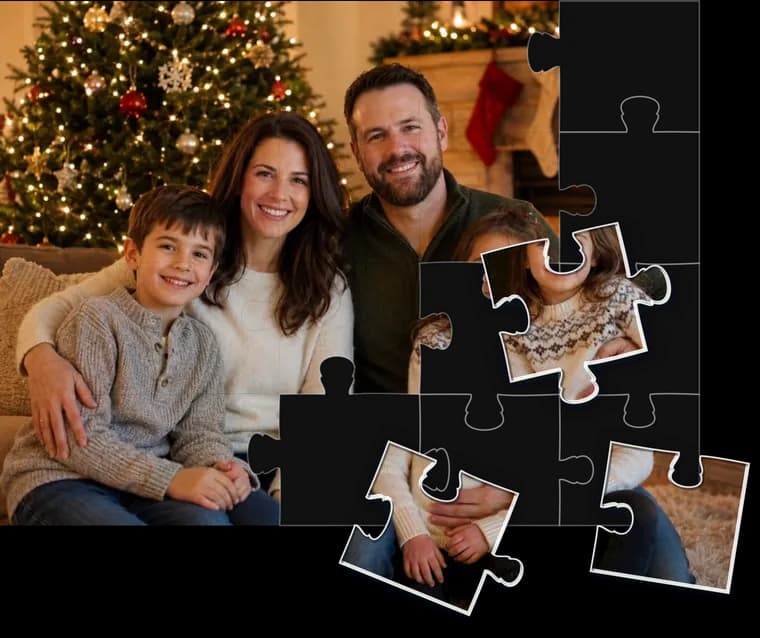
Turn your own photo into an online jigsaw
Drag in a picture, crop and zoom it, choose 12 to 200 pieces — then play it, or send the puzzle to a friend with a link. The whole thing takes about a minute.
 Make my online puzzle
Ready-made puzzles.
Two dozen collections and more than 500 boards — wildlife, dogs and cats, birds, mountains and lakes, world landmarks, lighthouses, quilts, coffee, trains and aircraft, every major holiday, food and cooking, original fine art, classic cars and motorcycles, dragons and unicorns. Search by what you feel like solving, or open a collection below.
 Scenic & Nature160 puzzles →Travel & LandmarksLighthouse
 Animal Puzzles93 puzzles →WildlifeBirdDogCat
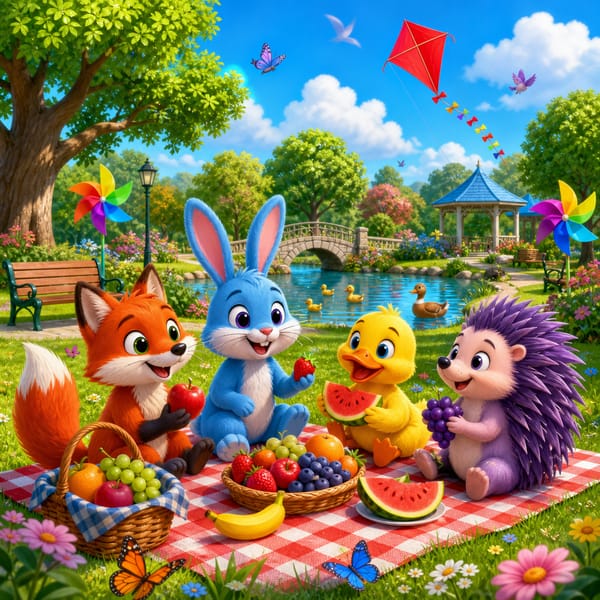 Kids' Puzzles55 puzzles →
 Bible & Religious26 puzzles →
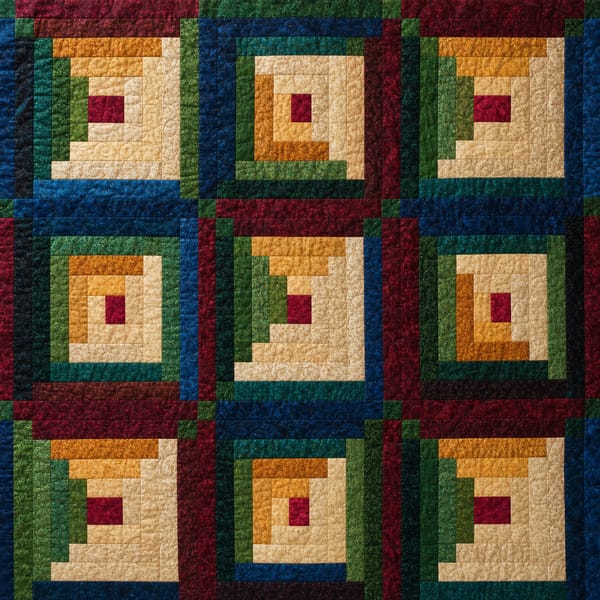 Quilt Puzzles25 puzzles →
 Trains & Aircraft20 puzzles →
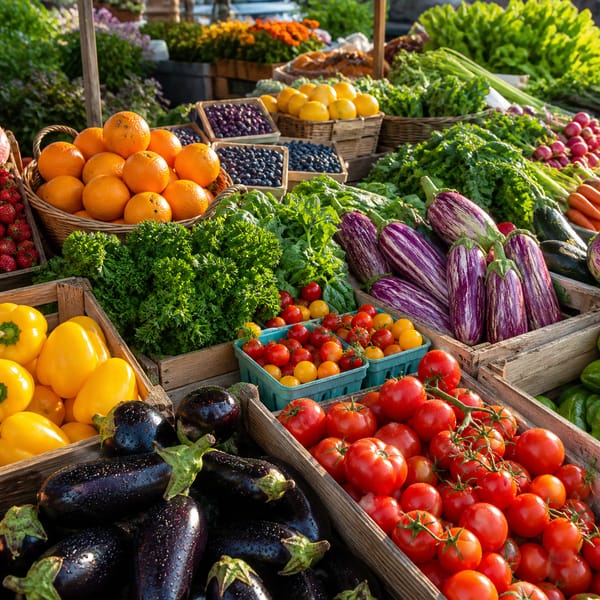 Food & Cooking37 puzzles →Coffee
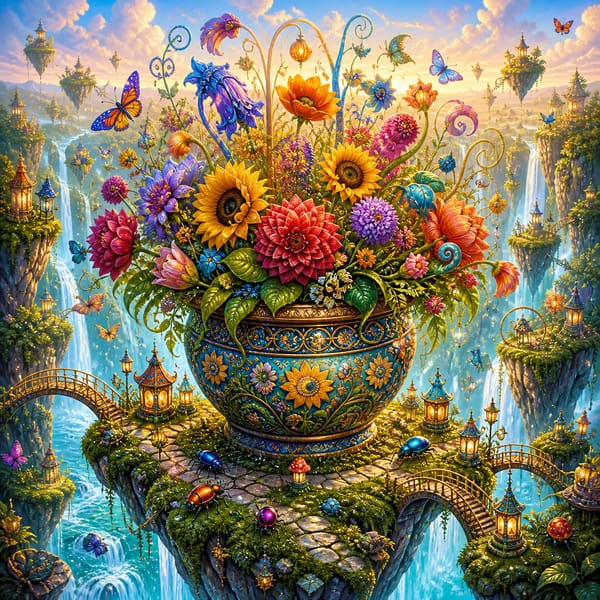 Fantasy & Sci-Fi30 puzzles →
 Fine Art23 puzzles →
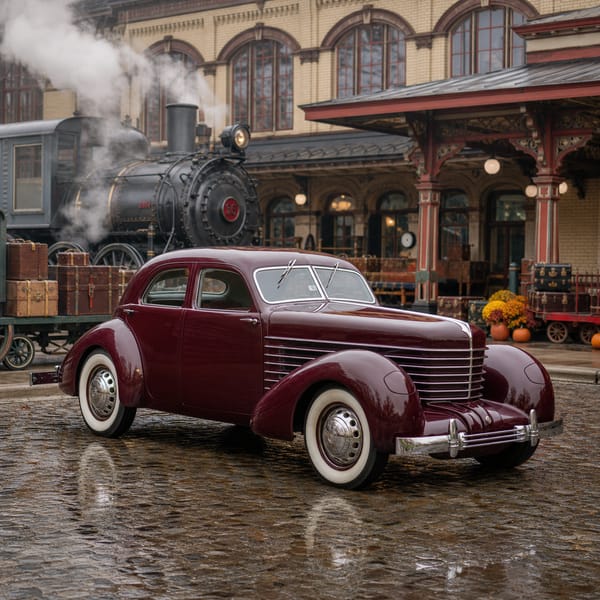 Cars & Motorcycles30 puzzles →
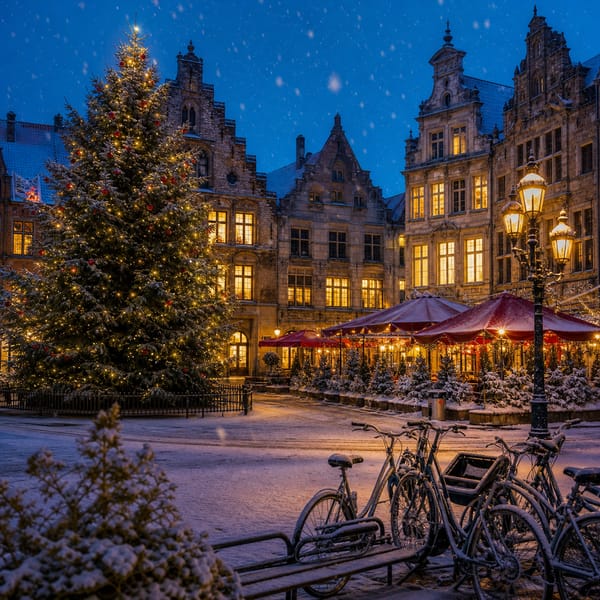 Holiday Puzzles138 puzzles →ChristmasEasterHalloweenNew Year'sThanksgivingValentine's Day

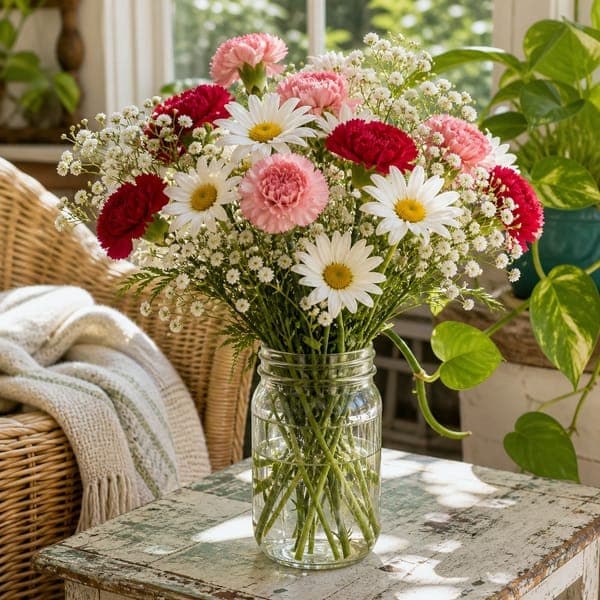
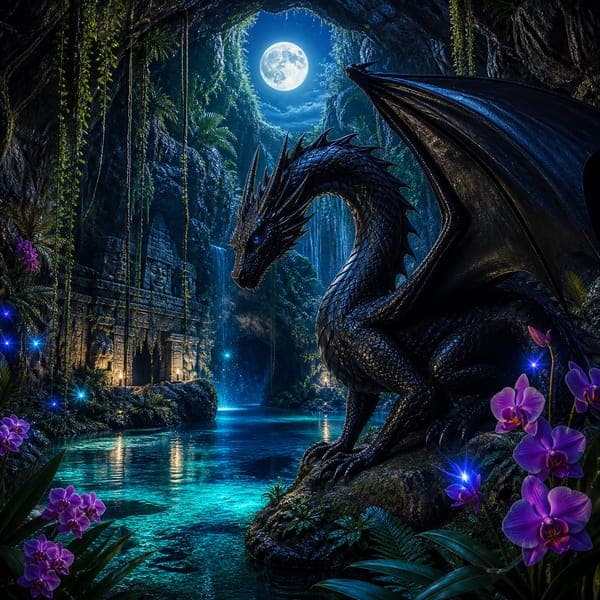










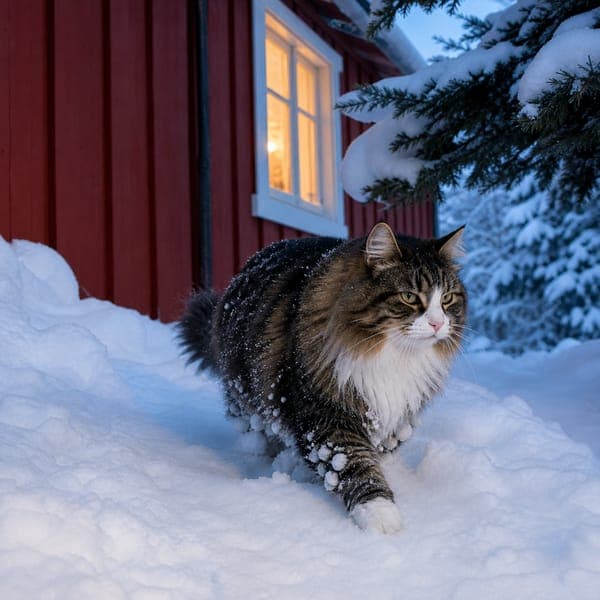


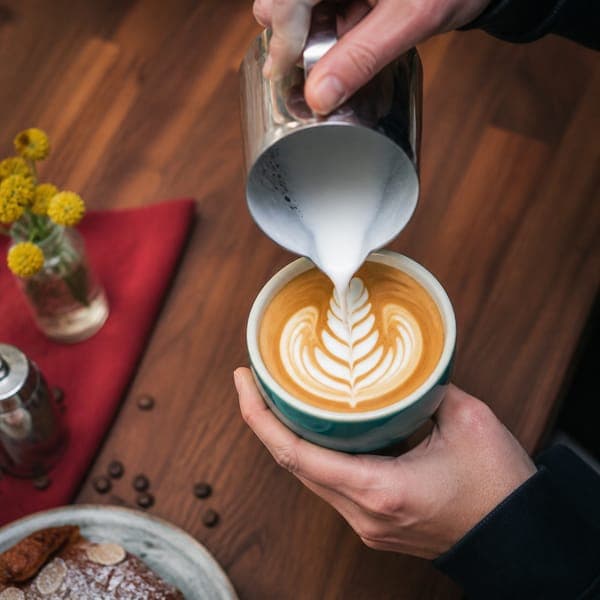

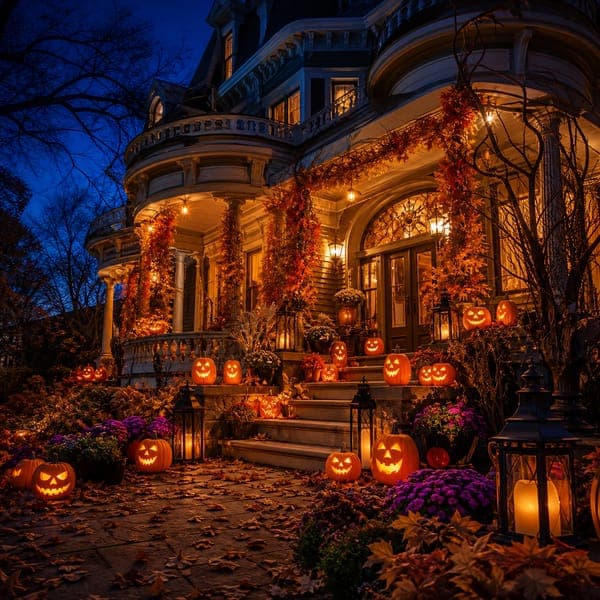
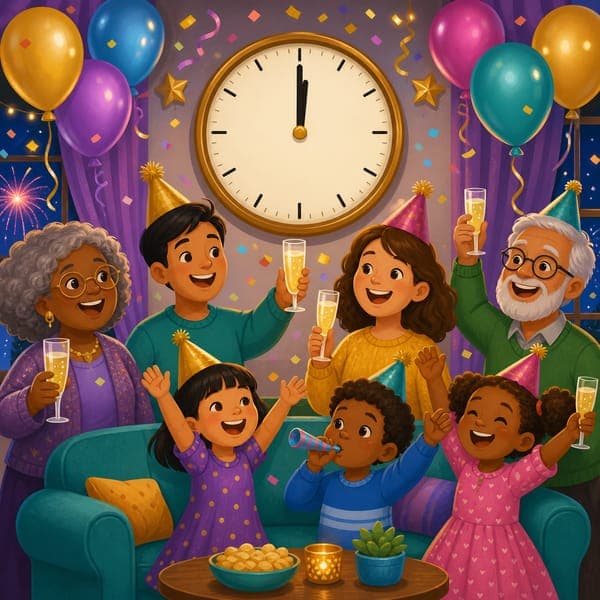


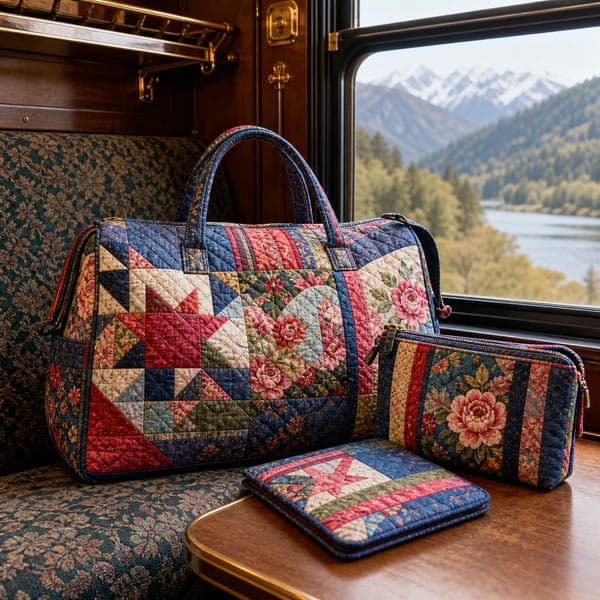



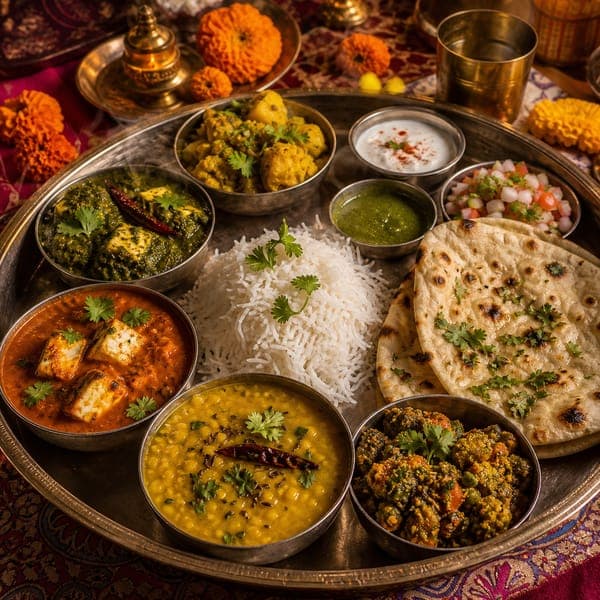
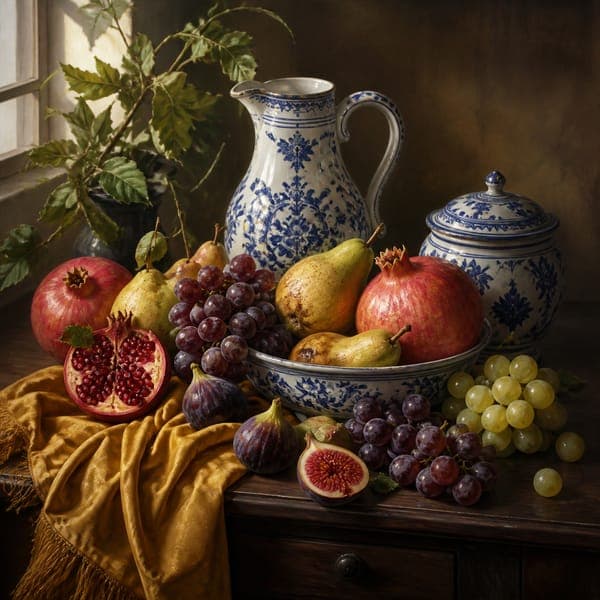
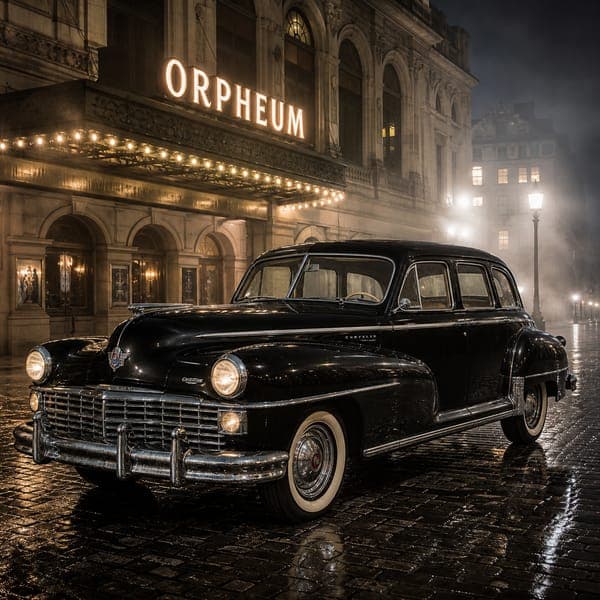

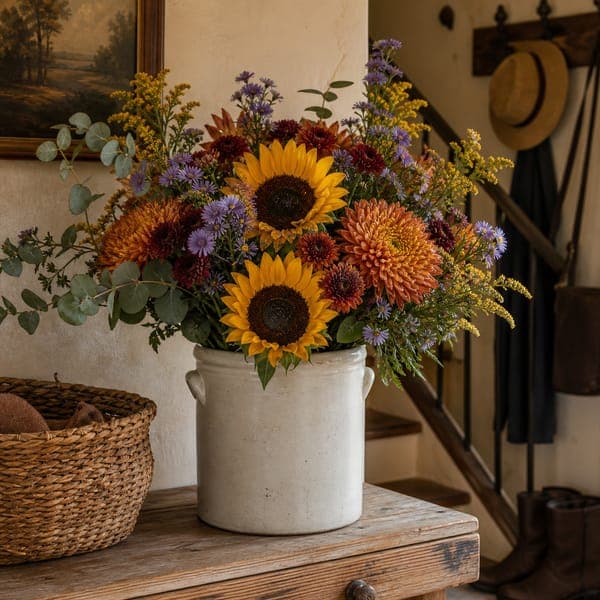





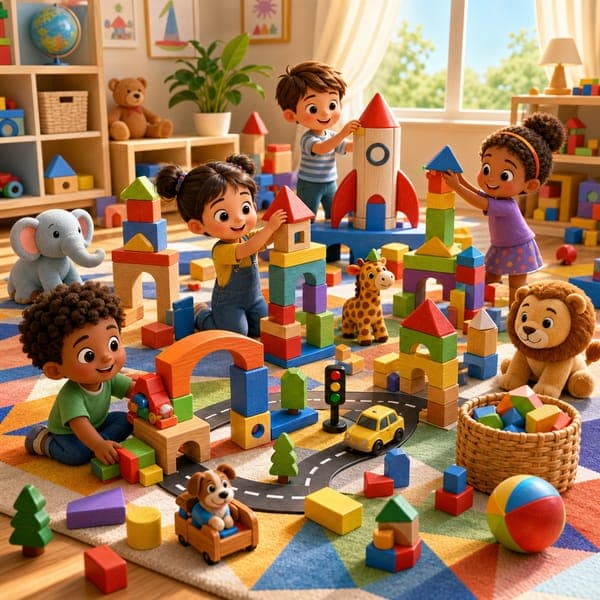
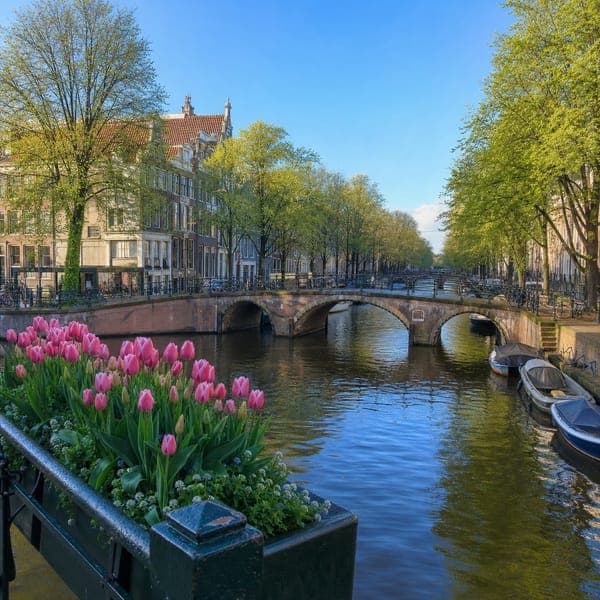


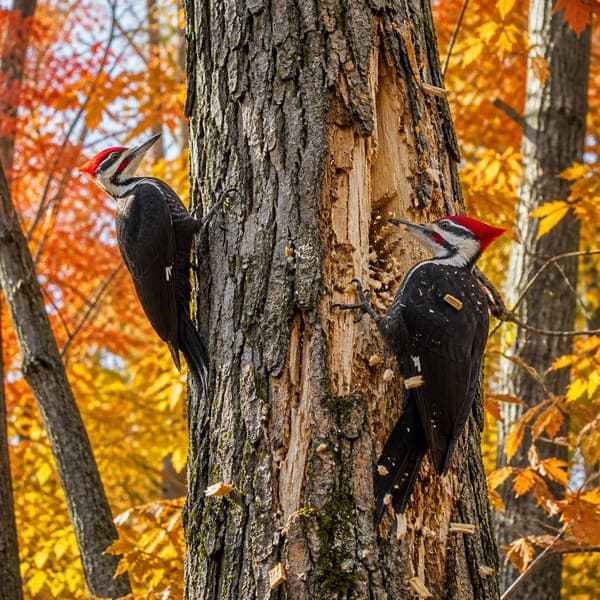

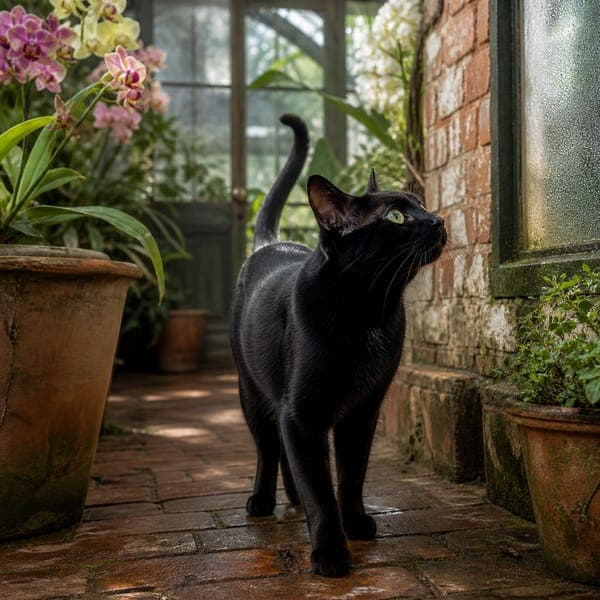
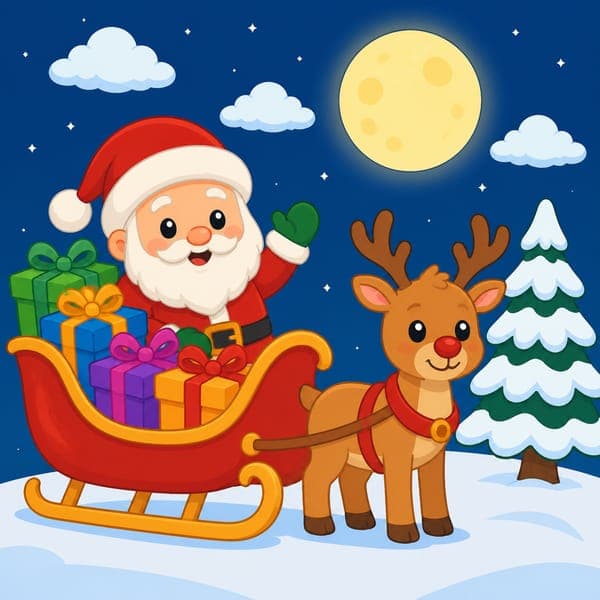
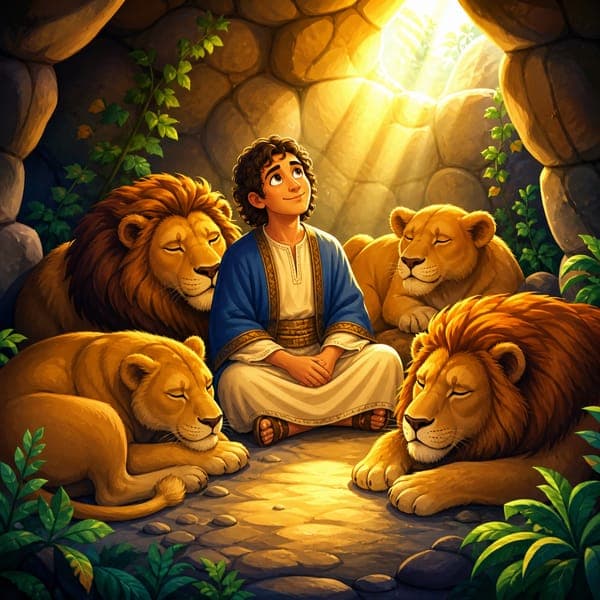

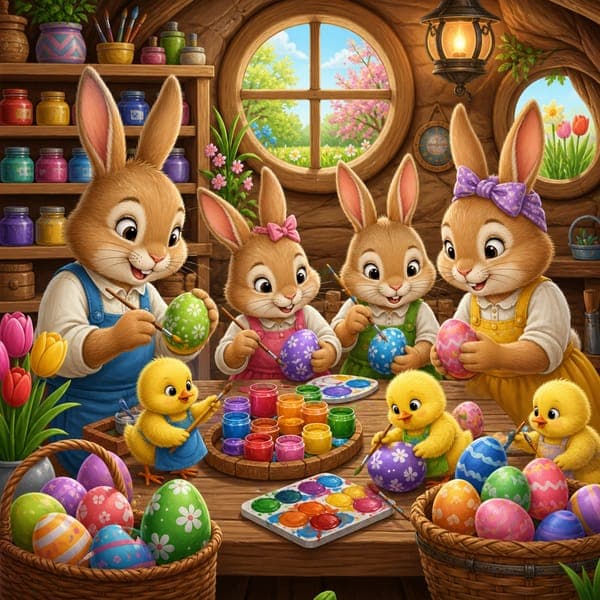
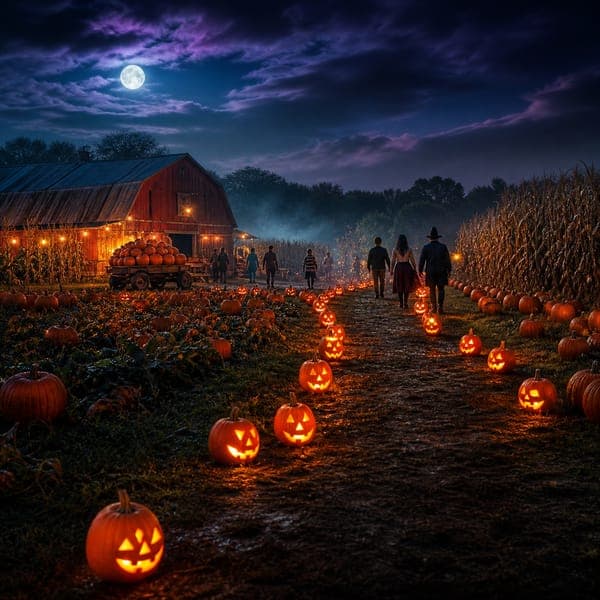

Showing 50 of 544 puzzles · page 1 of 11 · pick a size with the piece buttons, or just open the picture
The place and animal puzzles are illustrated scenes of real subjects — rendered artwork rather than documentary photographs.
Built like a real puzzle, not a tile game.
Most “online jigsaws” are slide-the-tiles imitations. This one cuts real interlocking pieces — every internal edge is generated once and shared by the two pieces it separates, so tabs mate exactly the way die-cut cardboard does. Snapped pieces form clusters that drag as one, and the Classic cut randomizes every tab so no two silhouettes match.
The rest is table manners: a board whose color and brightness you control, a 3-D die-cut look you can switch off, a peek-at-the-box-lid preview, and a Solve button for when you’re done being stubborn. More puzzles land regularly — and more cut styles are coming.
Jigsaw FAQ
Are these jigsaw puzzles really free — no account, no app?
How does the drag-and-snap puzzle actually work?
Can I change how many pieces a puzzle has?
Which puzzle should I start with?
Free online jigsaws · Updated August 2026 · by David Nelsen — the first game on the site you can hand to a friend with a link.
Why these exist.
“Puzzles and coffee in the morning go together so well. I personally use these puzzles, so I’m proud of the quality. That said, if you ever have an idea to make them better, please do tell!”