




Free Google Slides Templates
Every design in the library as a Google Slides theme — business, education, Christmas, and startup pitch decks, from clean and professional to warm and illustrated. Copy any one to your Drive in a single click. 16:9 widescreen, free for commercial and classroom use.
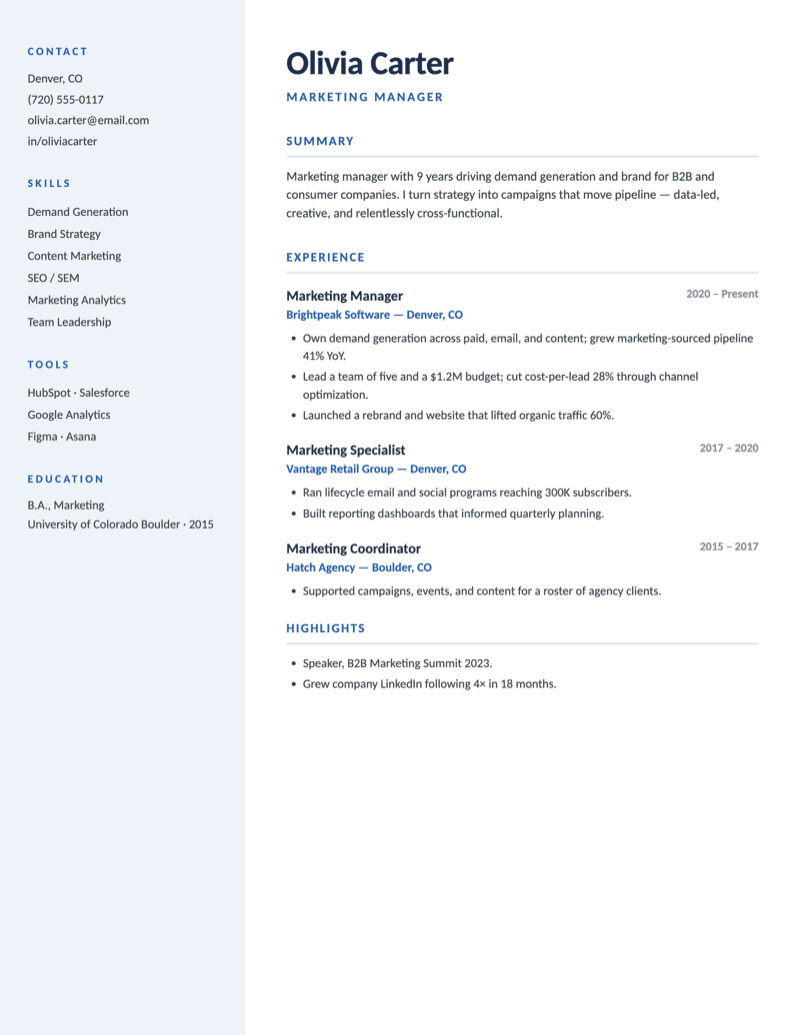
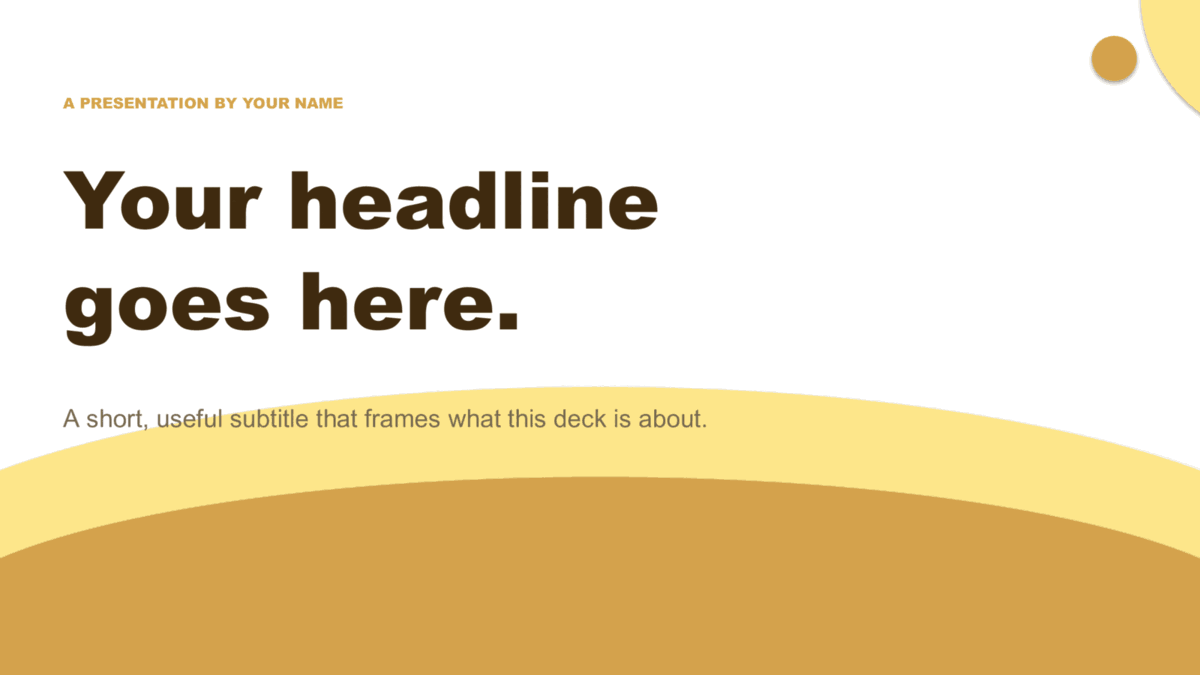
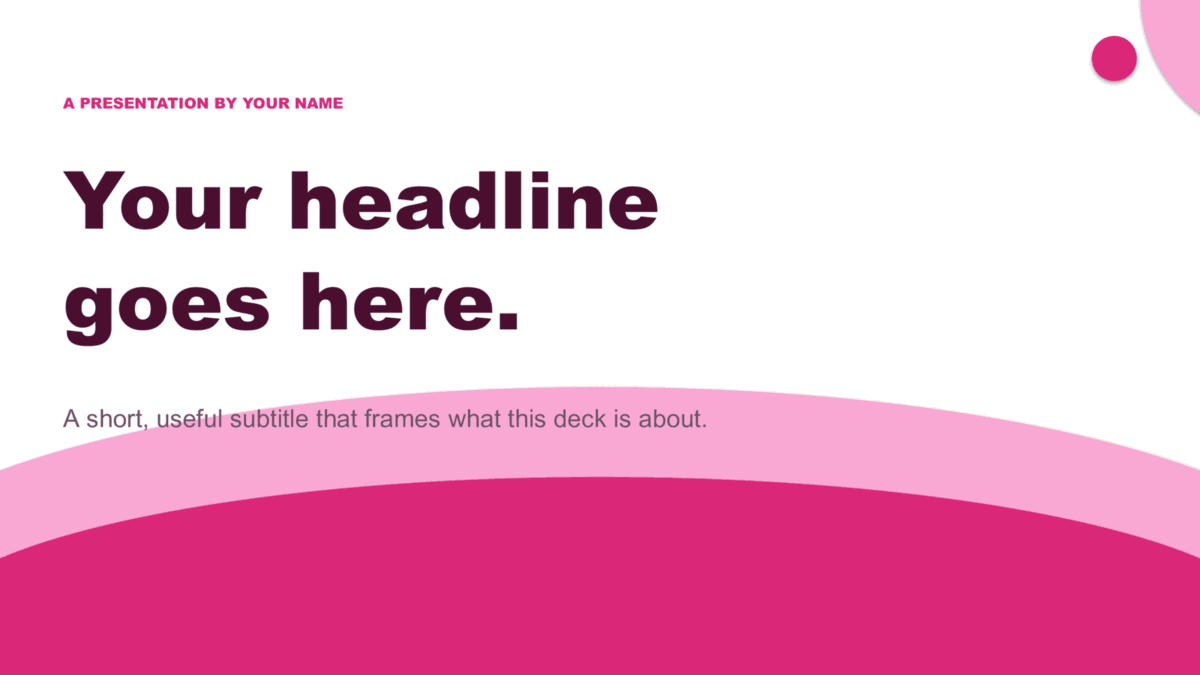
Twelve modern designs across four families.
Waves (editorial), Squares (geometric), Lines (illustrated), and The Basic (minimalist) — three colorways each, ready to copy.



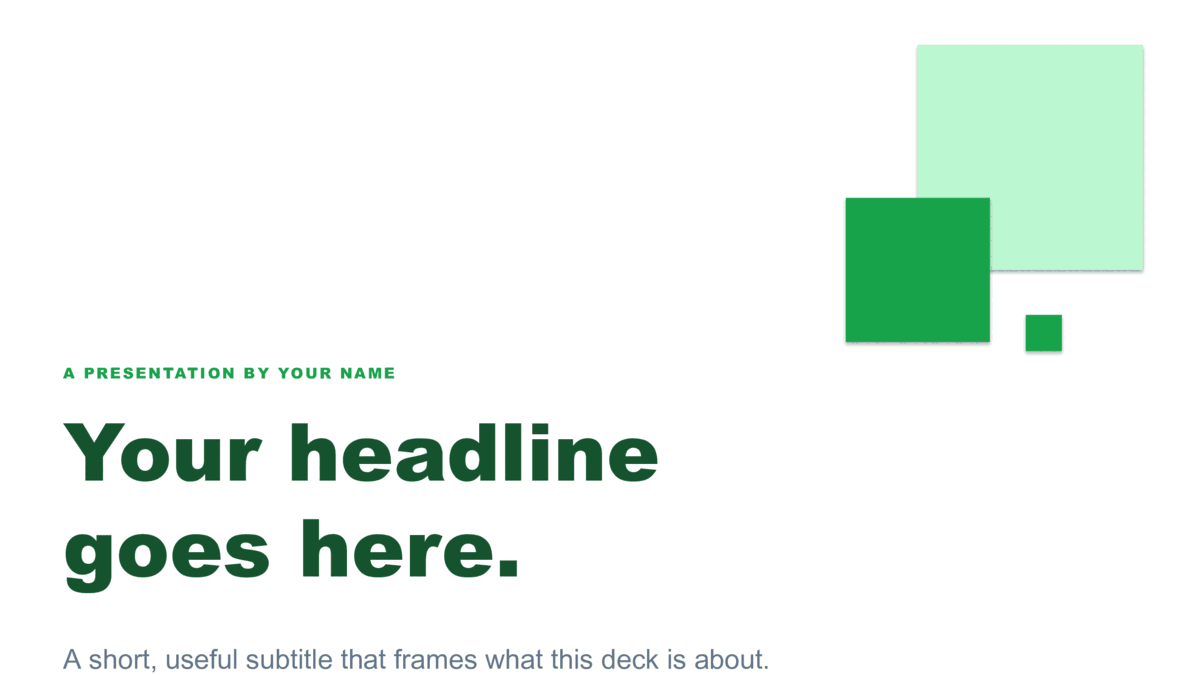




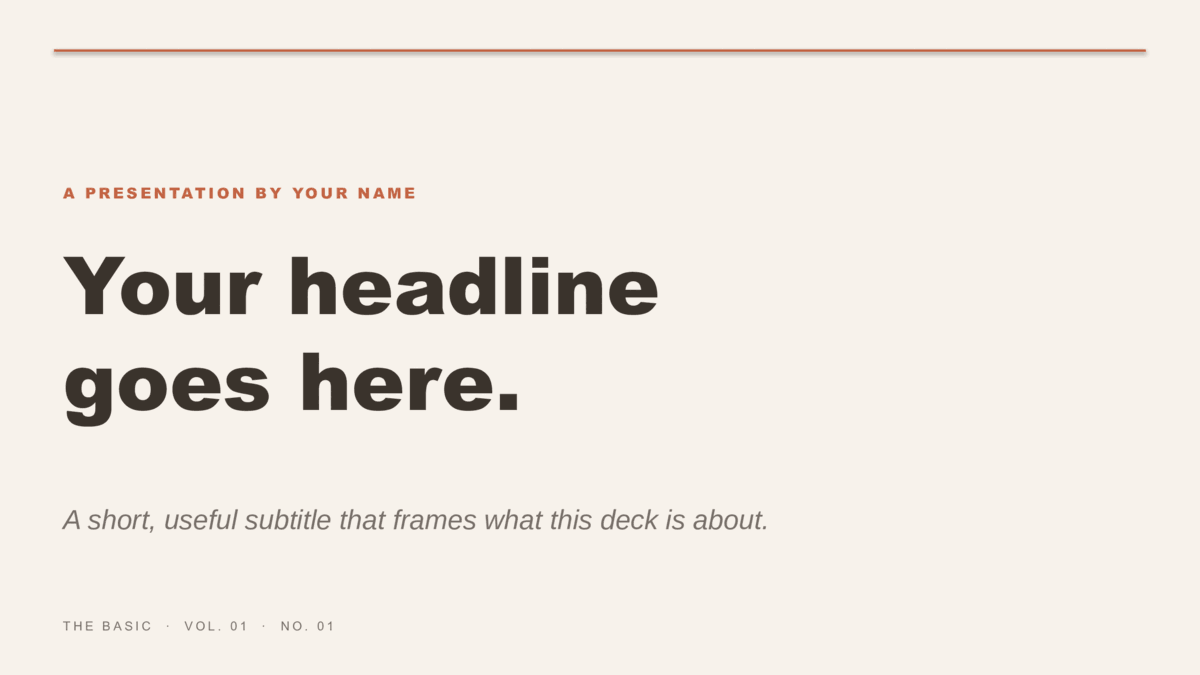
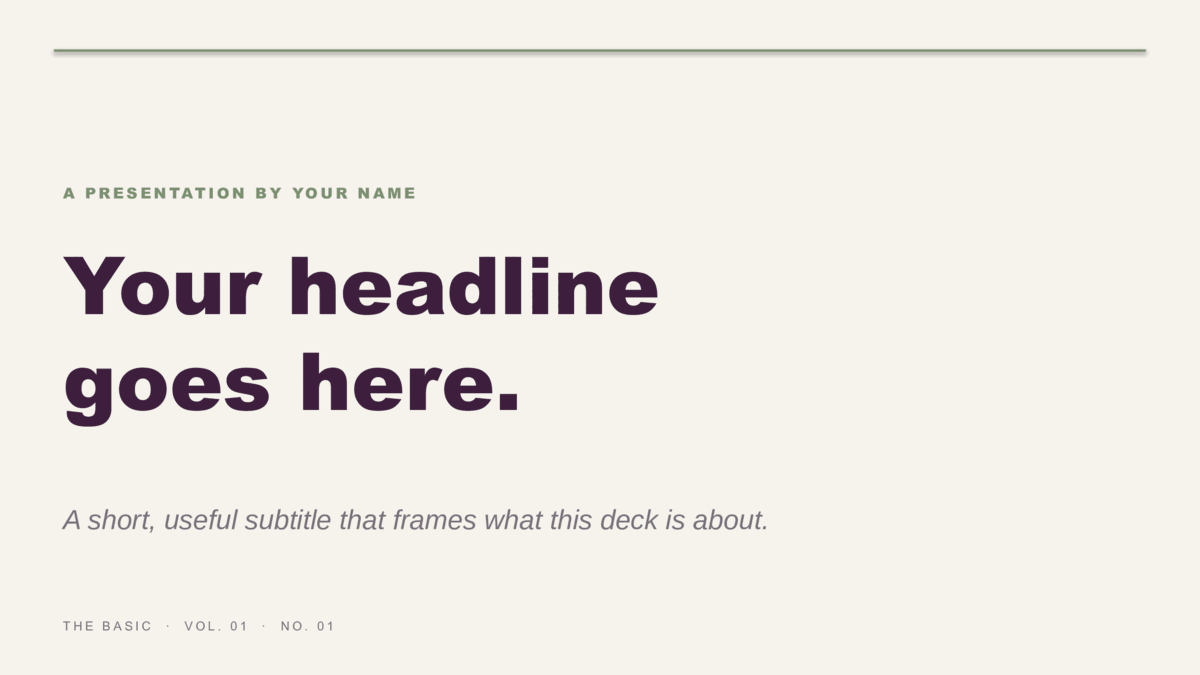
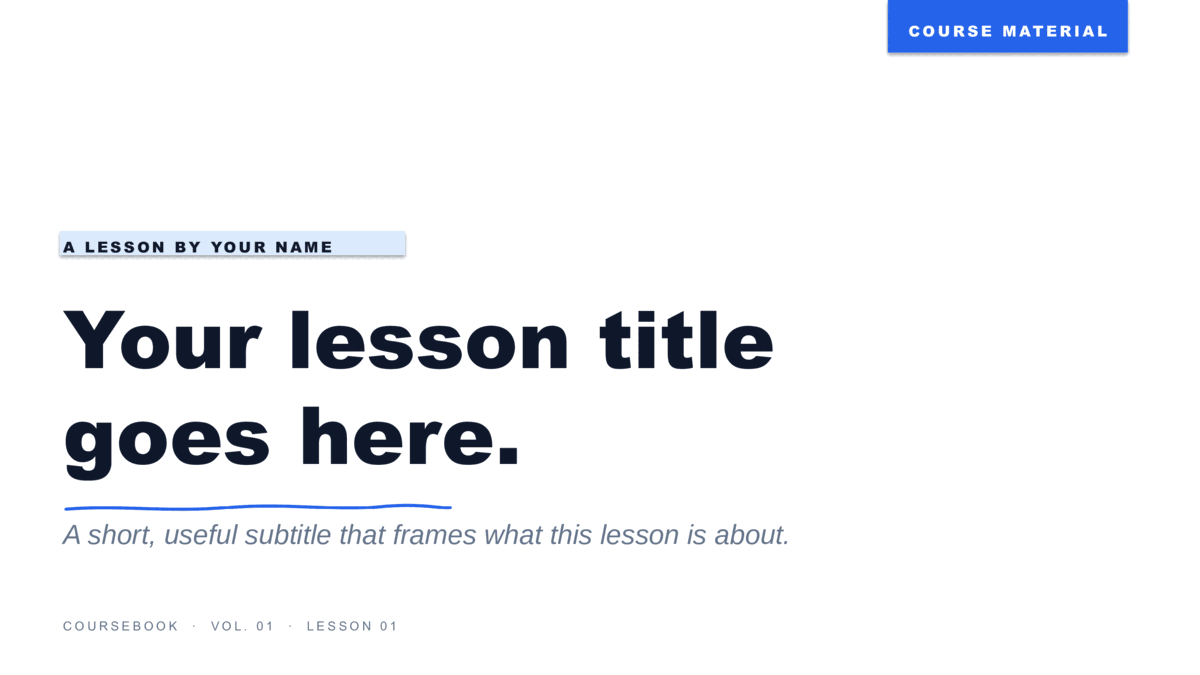
Eight lesson themes for the classroom.
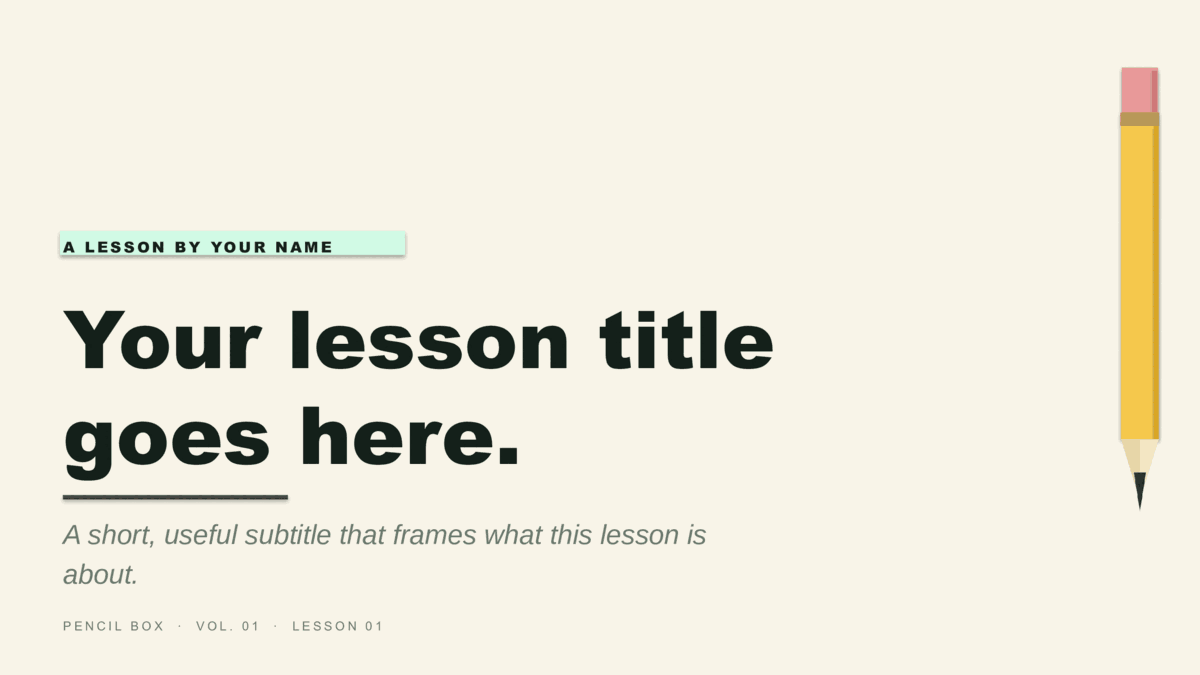
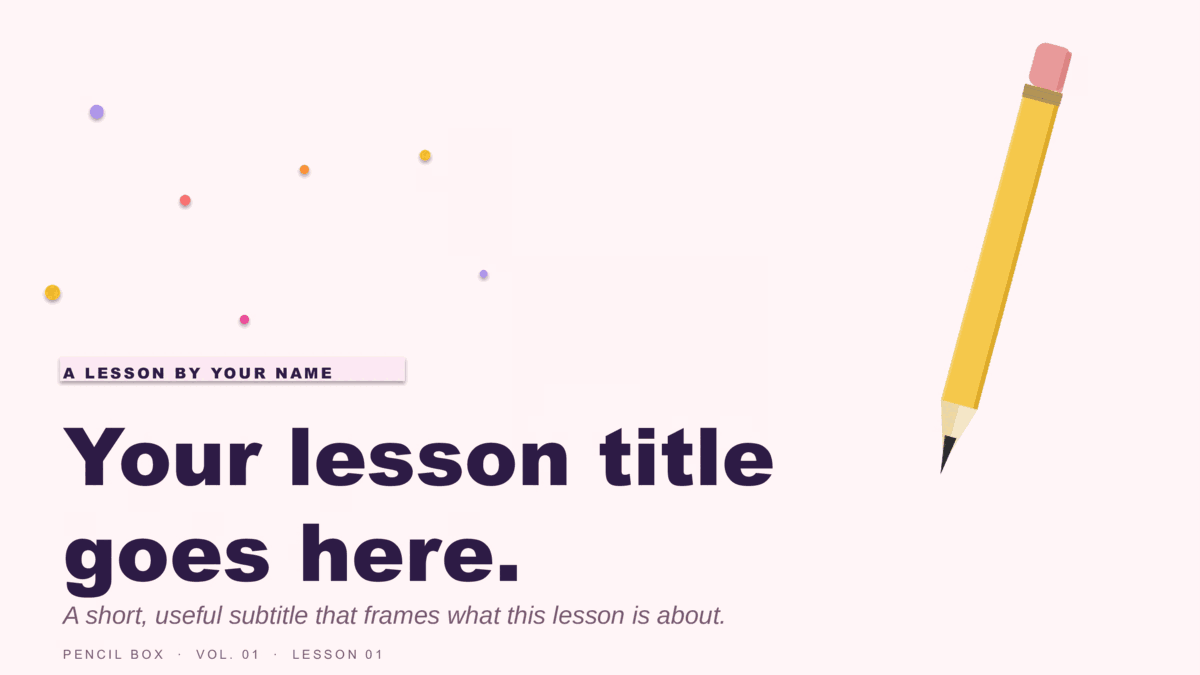
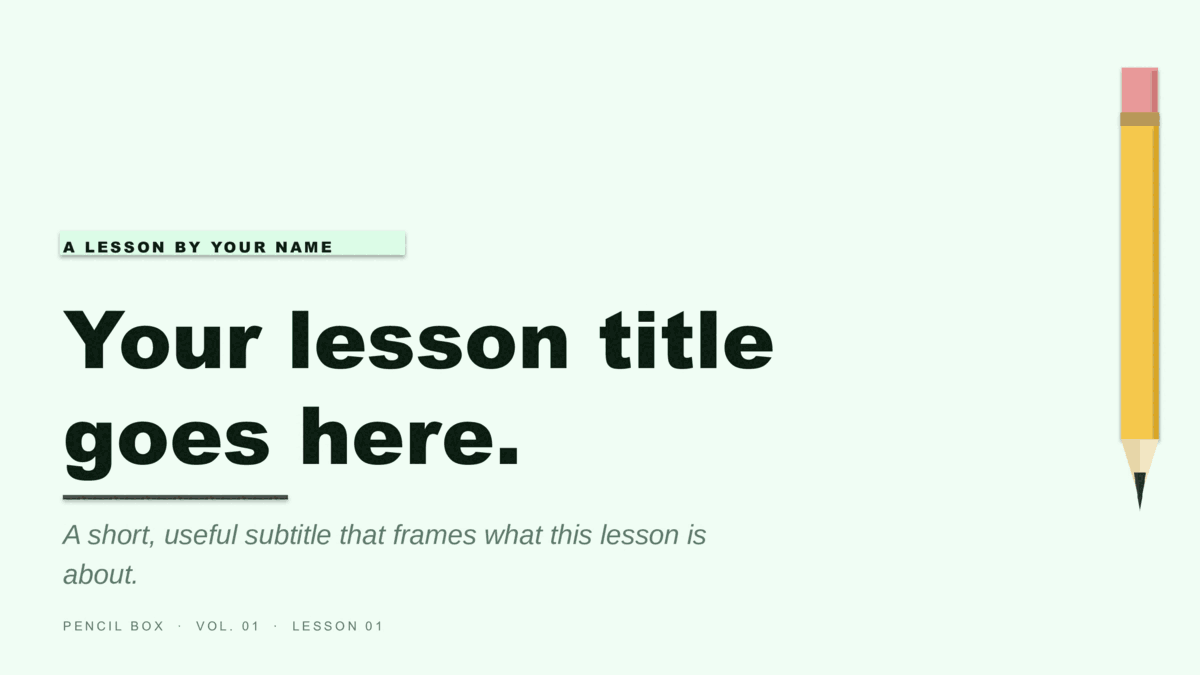
Coursebook (notebook-paper look) and Pencil Box (illustrated pencil motif), four colorways each — copy to Drive and assign through Google Classroom.
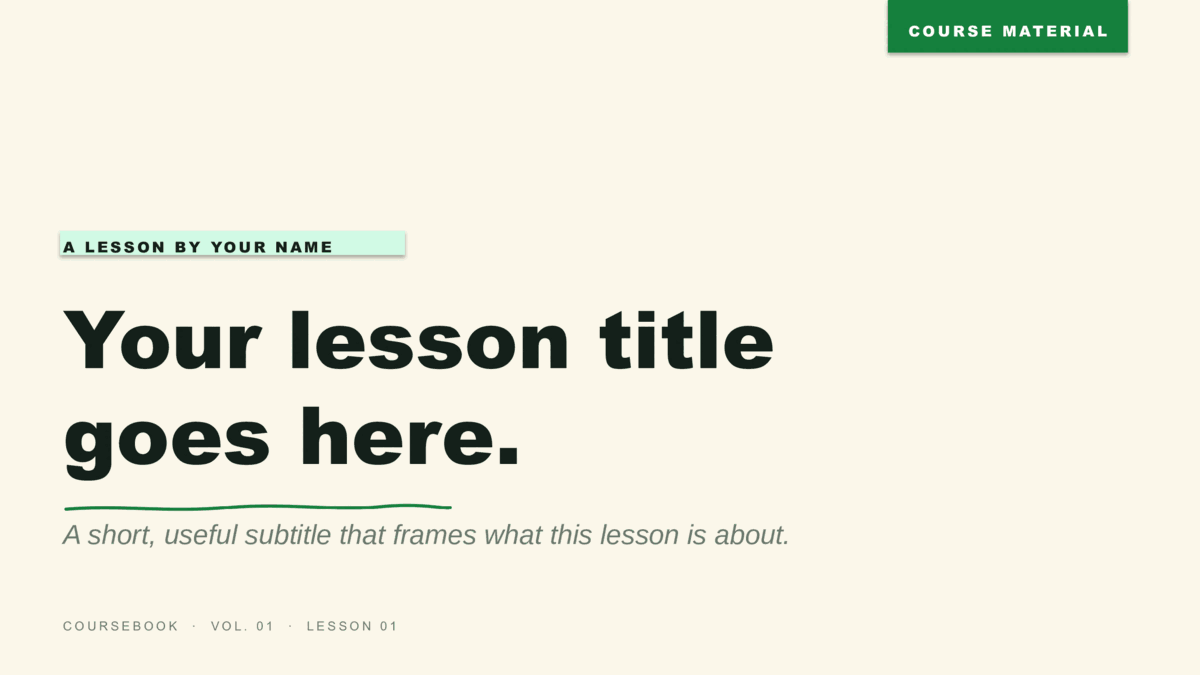
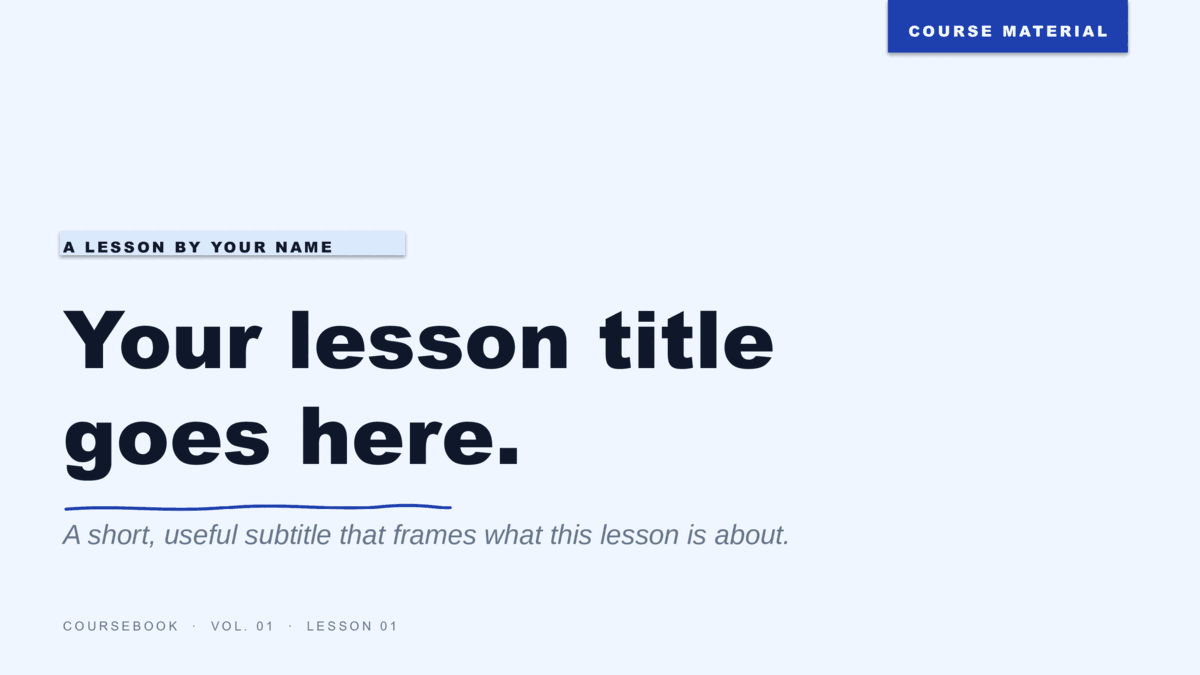
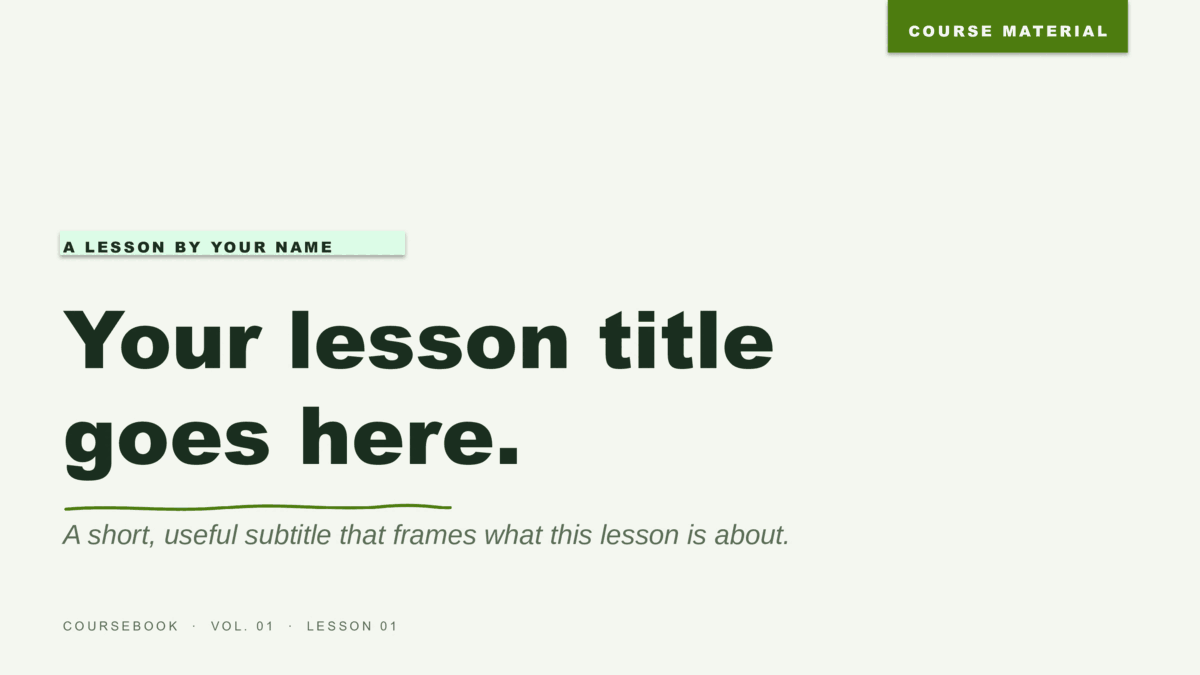
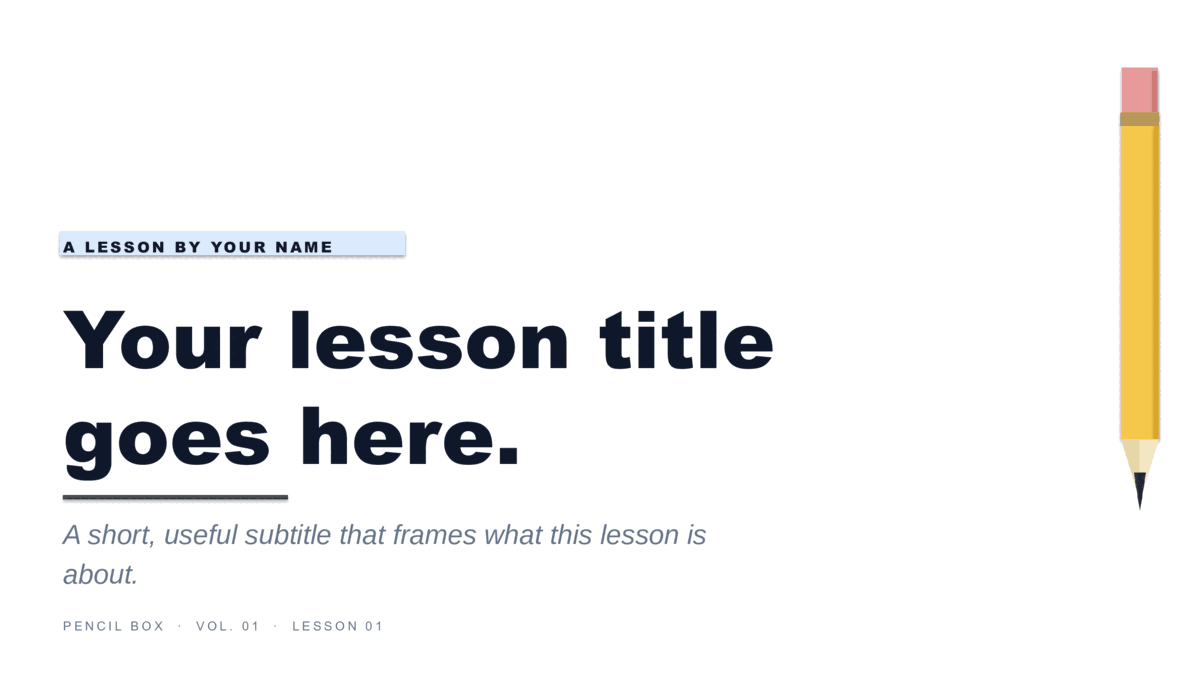
Six holiday designs, three colorways each.
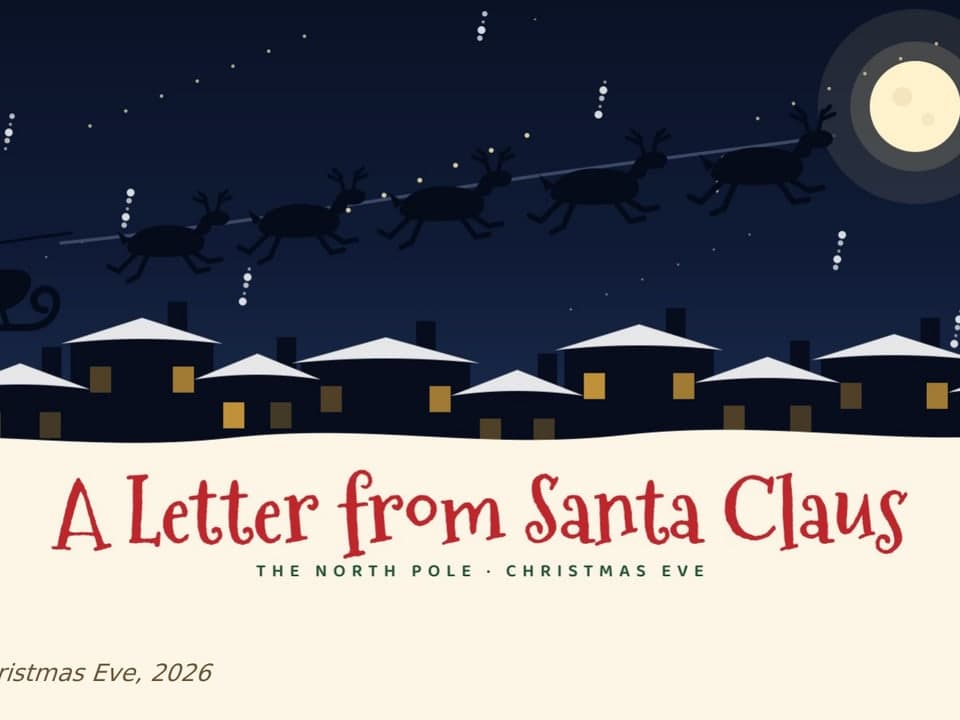
Starlit (ribbon tree on a starry sky) and Snowfall (illustrated snowman) — festive themes for end-of-term and holiday decks.






Three founder pitches, ten slides each.
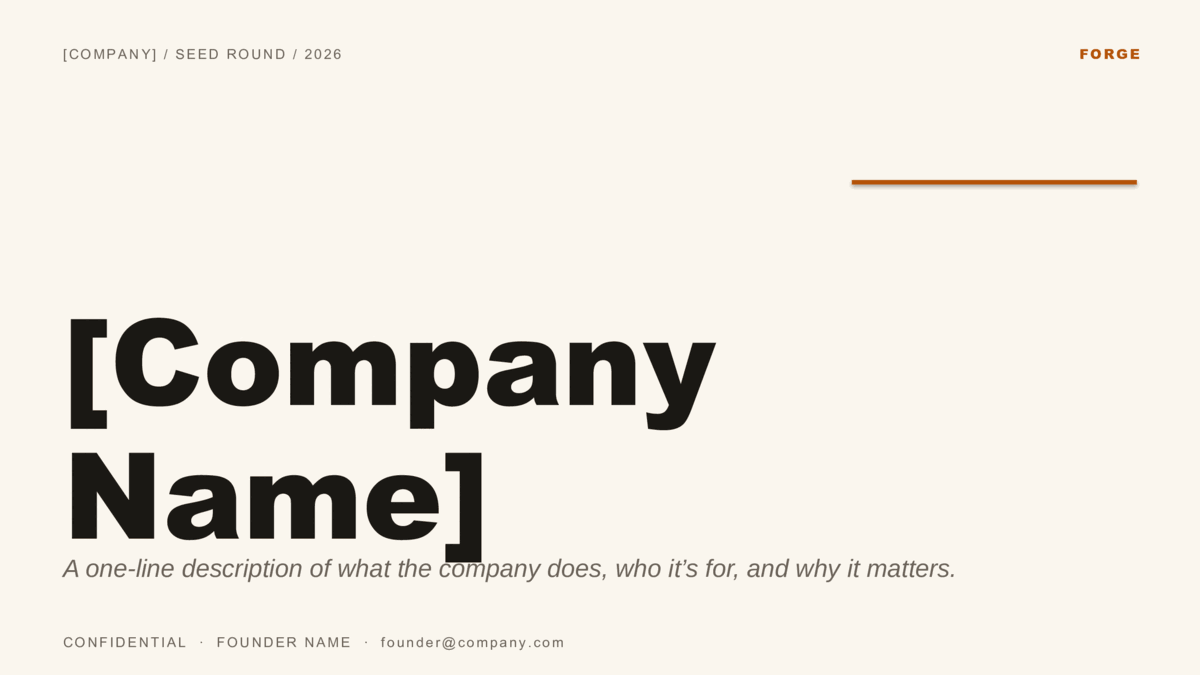
Velocity (B2B SaaS), Forge (editorial / consumer), and Spectrum (color per slide) — the full ten-slide investor order, copied to your Drive in one click.


Copy. Edit. Present.
- Open a template and click Use in Google Slides to see the full preview in your browser — every slide, before you commit.
- Click the blue Use template button and a copy lands in your Google Drive automatically. Replace the placeholder text and you’re presenting in minutes.
- Want offline editing or a Slide Master? Every theme is also a PowerPoint
.potx— grab it from the template page and import via File → Import slides.
About copying and editing.
How do I copy a template into my own Google Drive?
Do I need a Google account?
Can I use these in a classroom with students?
Can I import one into a presentation I already have?
Are they really free, with no catch?
More presentation templates.
- How to build a startup pitch deck — The ten-slide order, what goes on each slide, and how pre-seed, seed, and Series A decks differ.
- How to edit a PowerPoint template — Opening a template, applying it to a deck you already have, changing colors on the Slide Master, and saving your own.
- How to use a Google Slides template — Copying a template to your Drive, editing the theme, bringing in a PowerPoint file, and sharing a template with a team.