






Coursebook · 8 slides, 16:9
Coursebook — Slate Blue
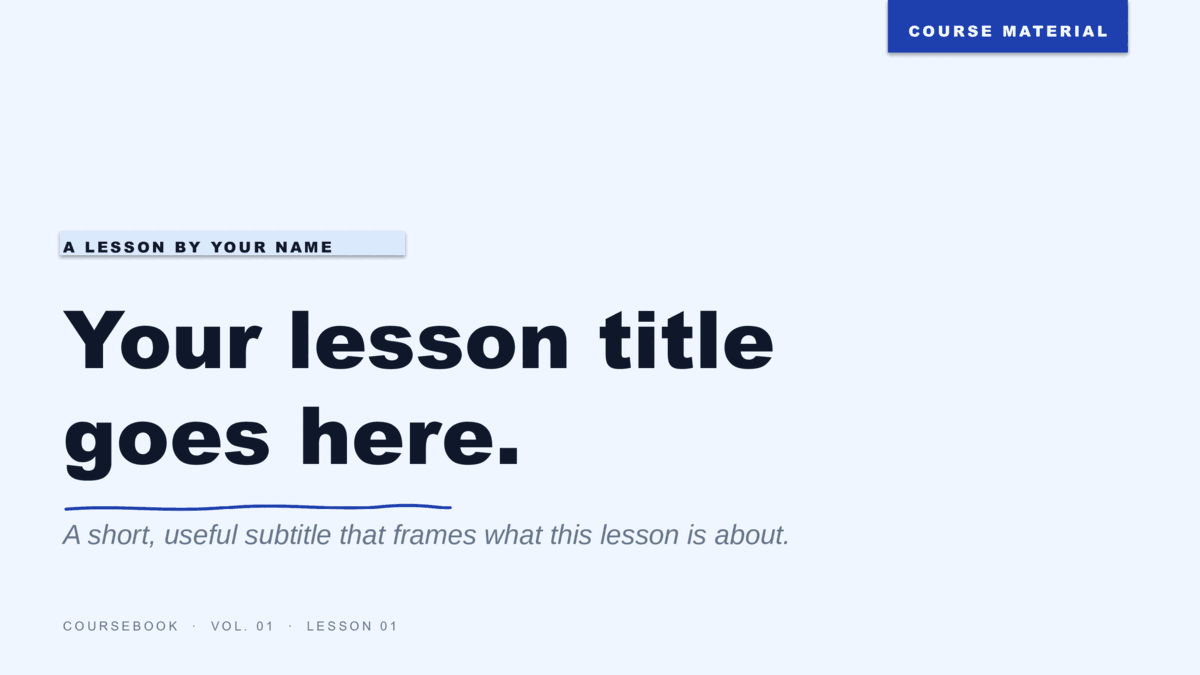
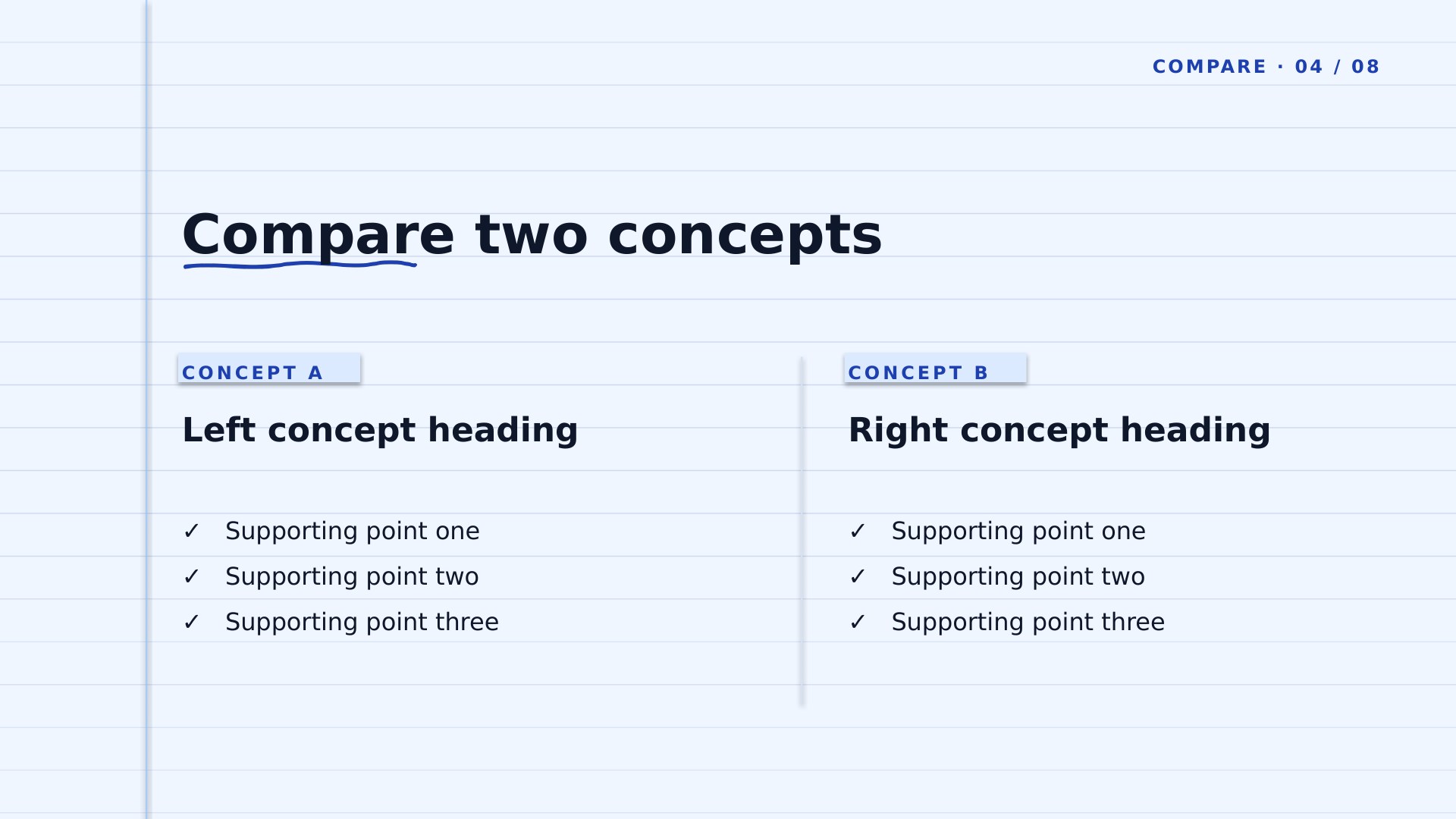
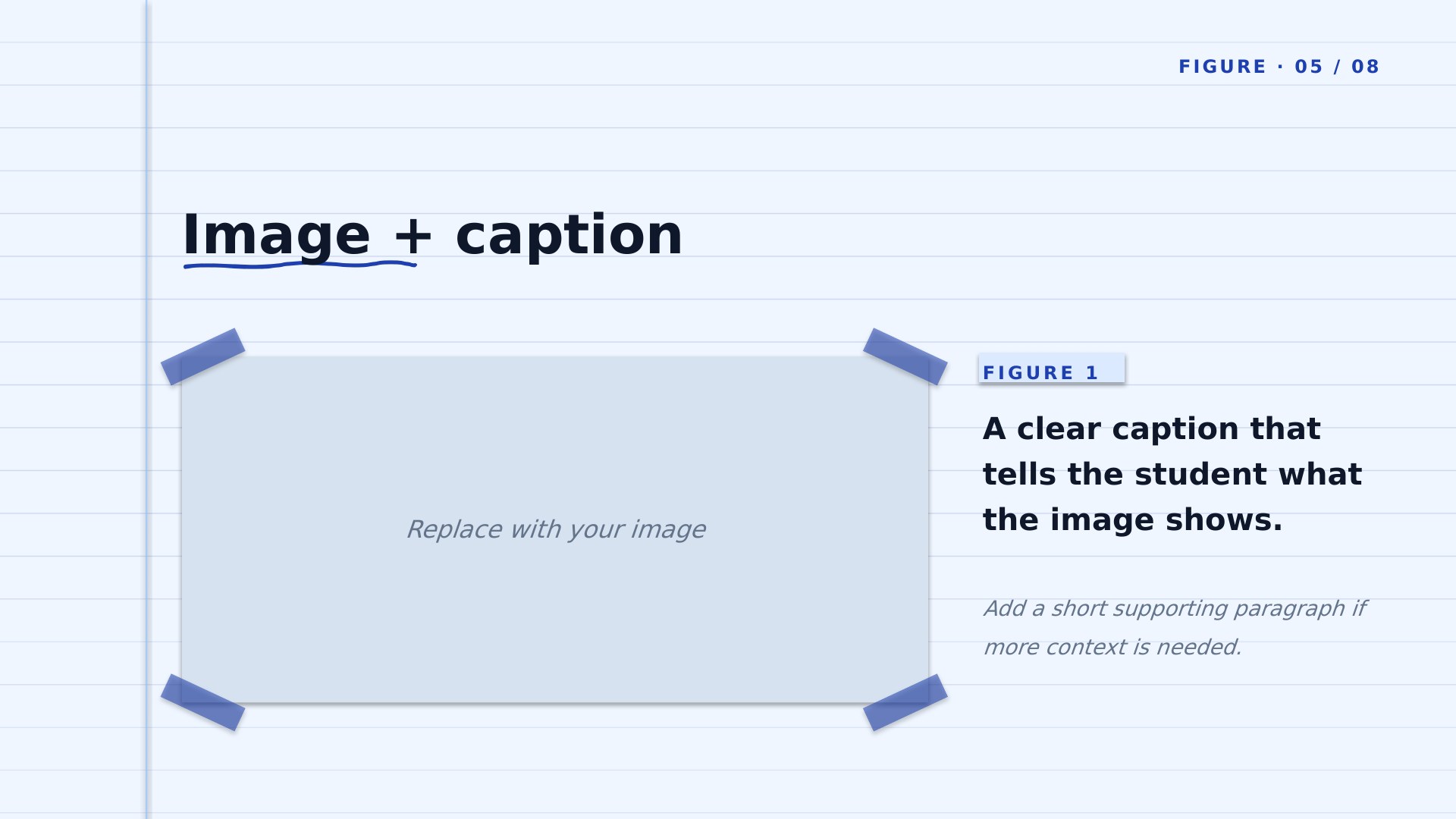
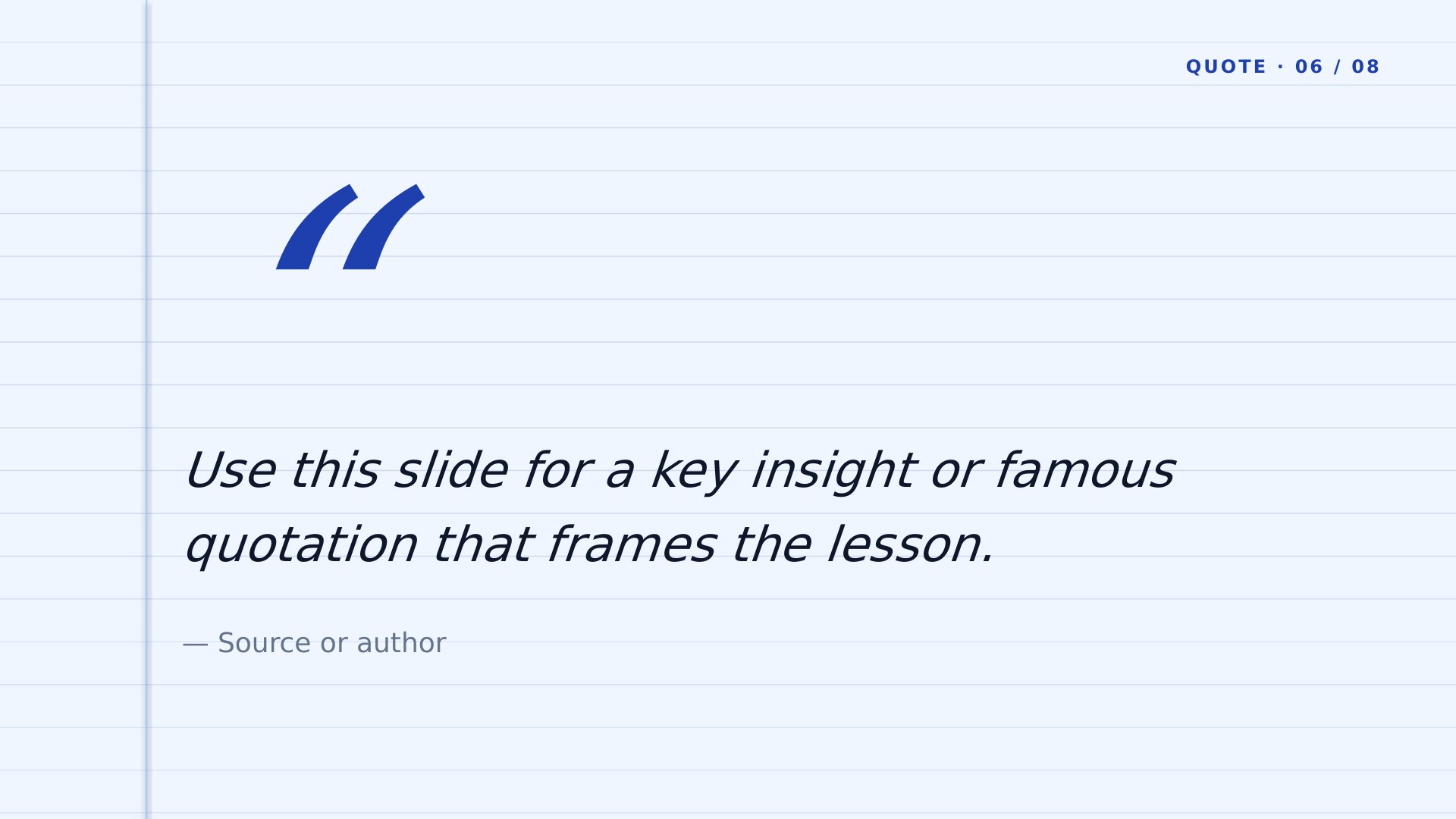
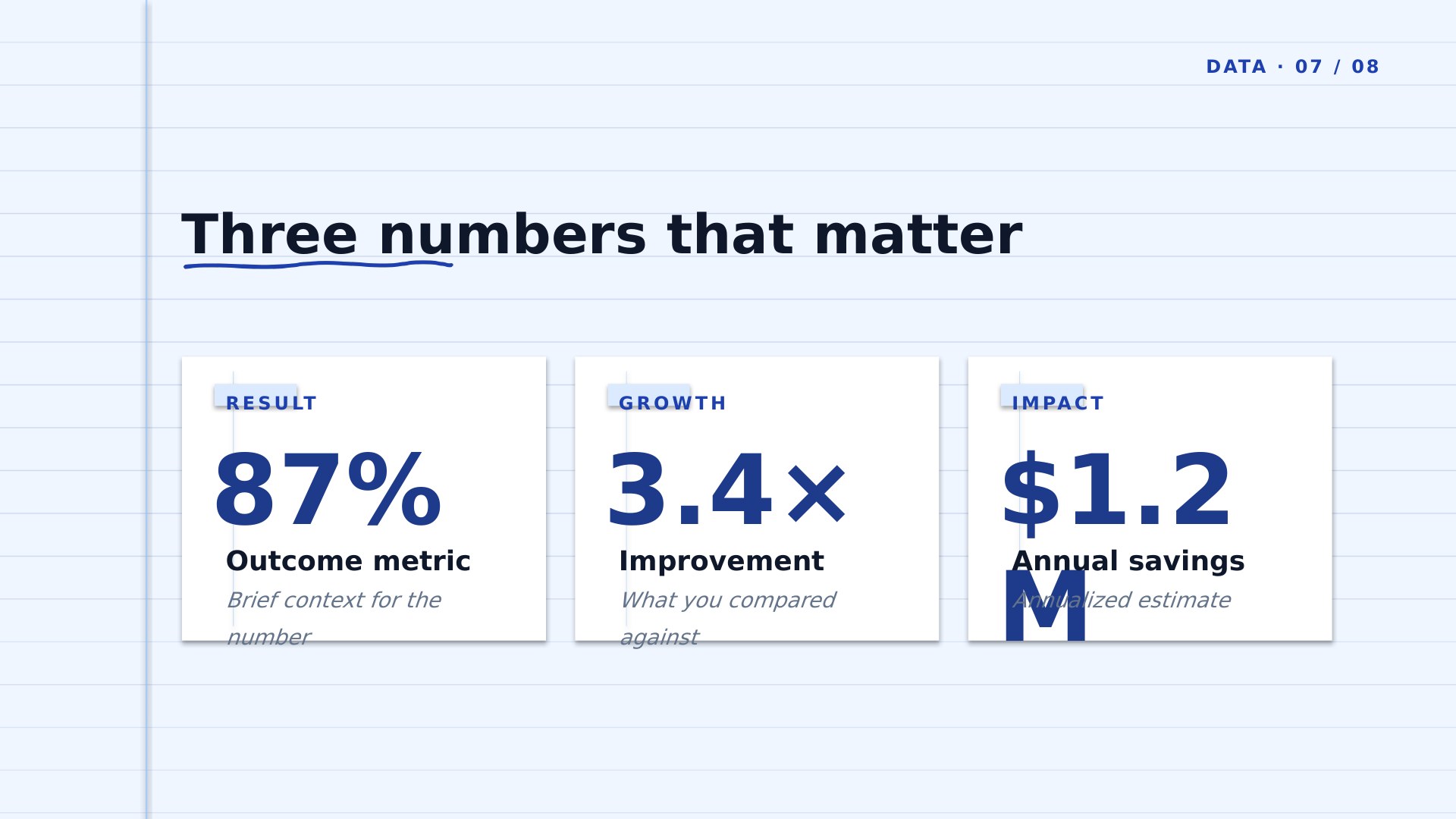
8 ready-made 16:9 slides — title cover, module divider, lesson content, two-concept compare, figure + caption, key quote, three-stat data, and closing q&a. Slate-blue Coursebook palette — academic and slightly more formal than Sky Blue. Download it as a PowerPoint .potx or copy it straight into Google Slides.
Two formats — choose yours
Download for PowerPointUse in Google SlidesPowerPoint: .potx opens in PowerPoint 2010+, Microsoft 365, and Keynote.
Google Slides: opens the template preview — click Use template to copy it into your Google Drive.
Google Slides: opens the template preview — click Use template to copy it into your Google Drive.
- Design
- Coursebook
- Colorway
- Slate Blue
- Formats
- PowerPoint .potx · Google Slides
- Aspect
- 16:9 widescreen
- Slides
- 8 pre-built layouts
- Style
- Simple, Clean & Minimalist
- License
- Free for personal & commercial use
- Updated
How Coursebook is built
The hand-drawn underline is anchored to the title box and stretches with it, so a long lesson title keeps its underline without you nudging anything.What's inside
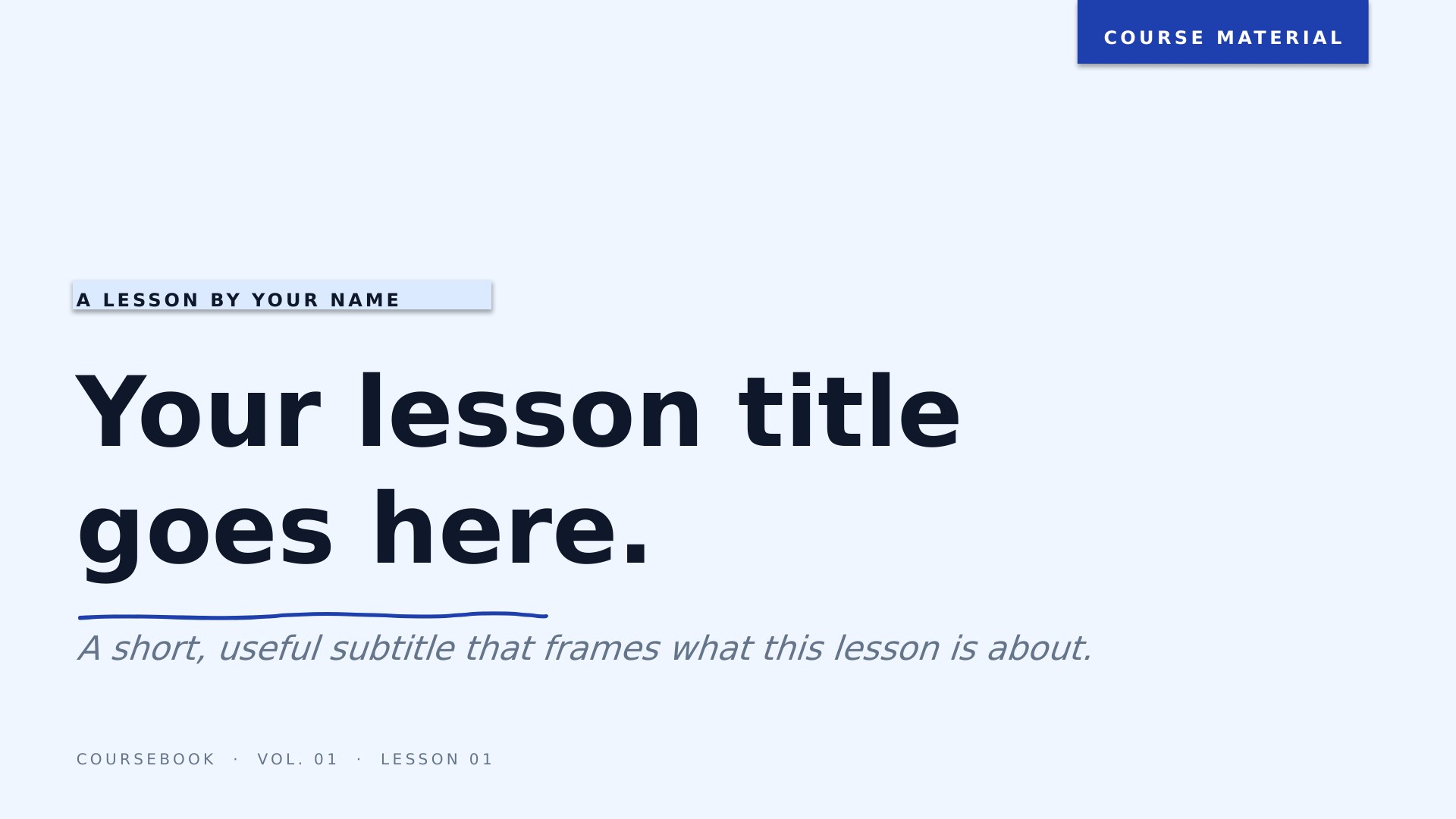
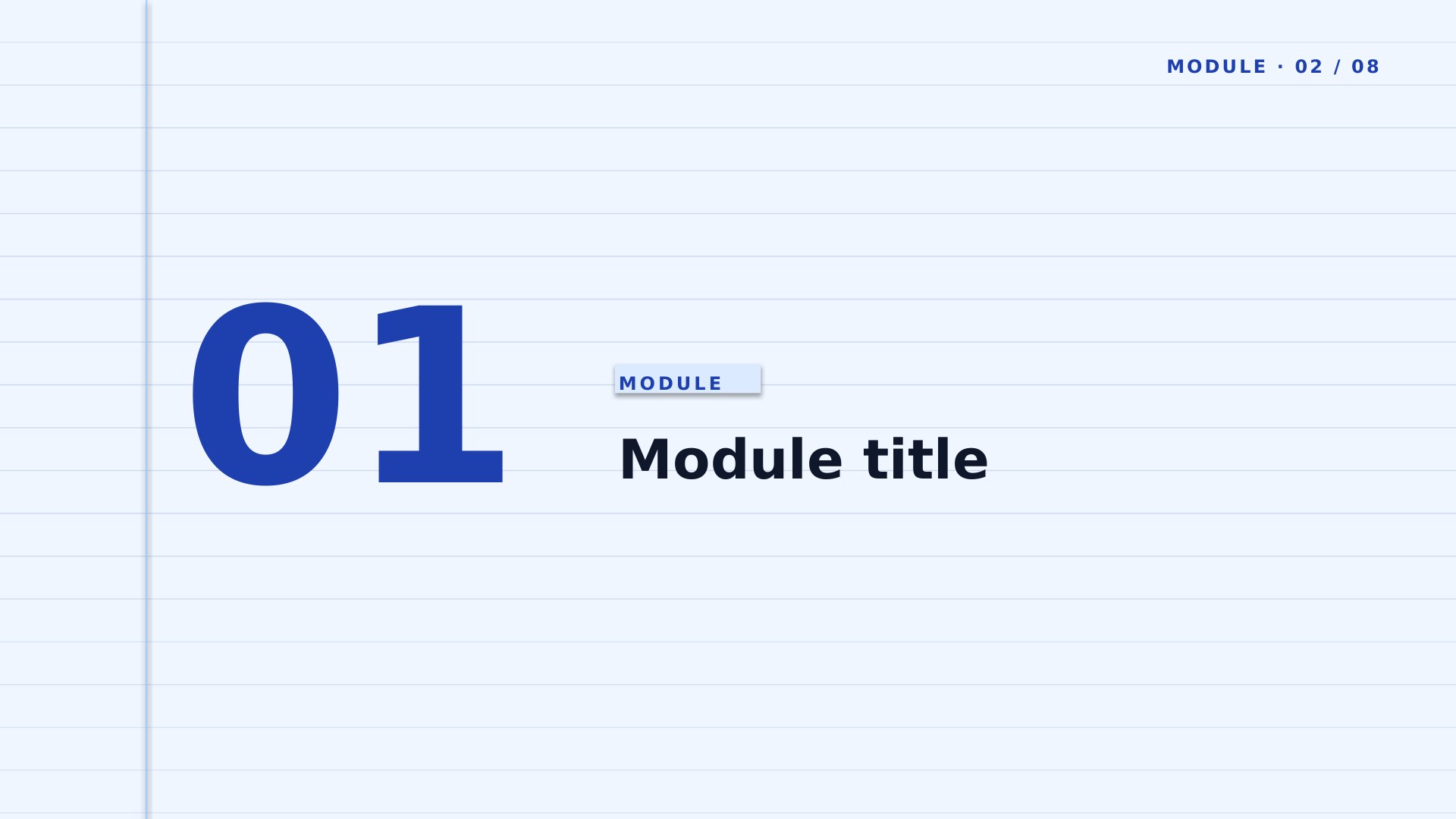
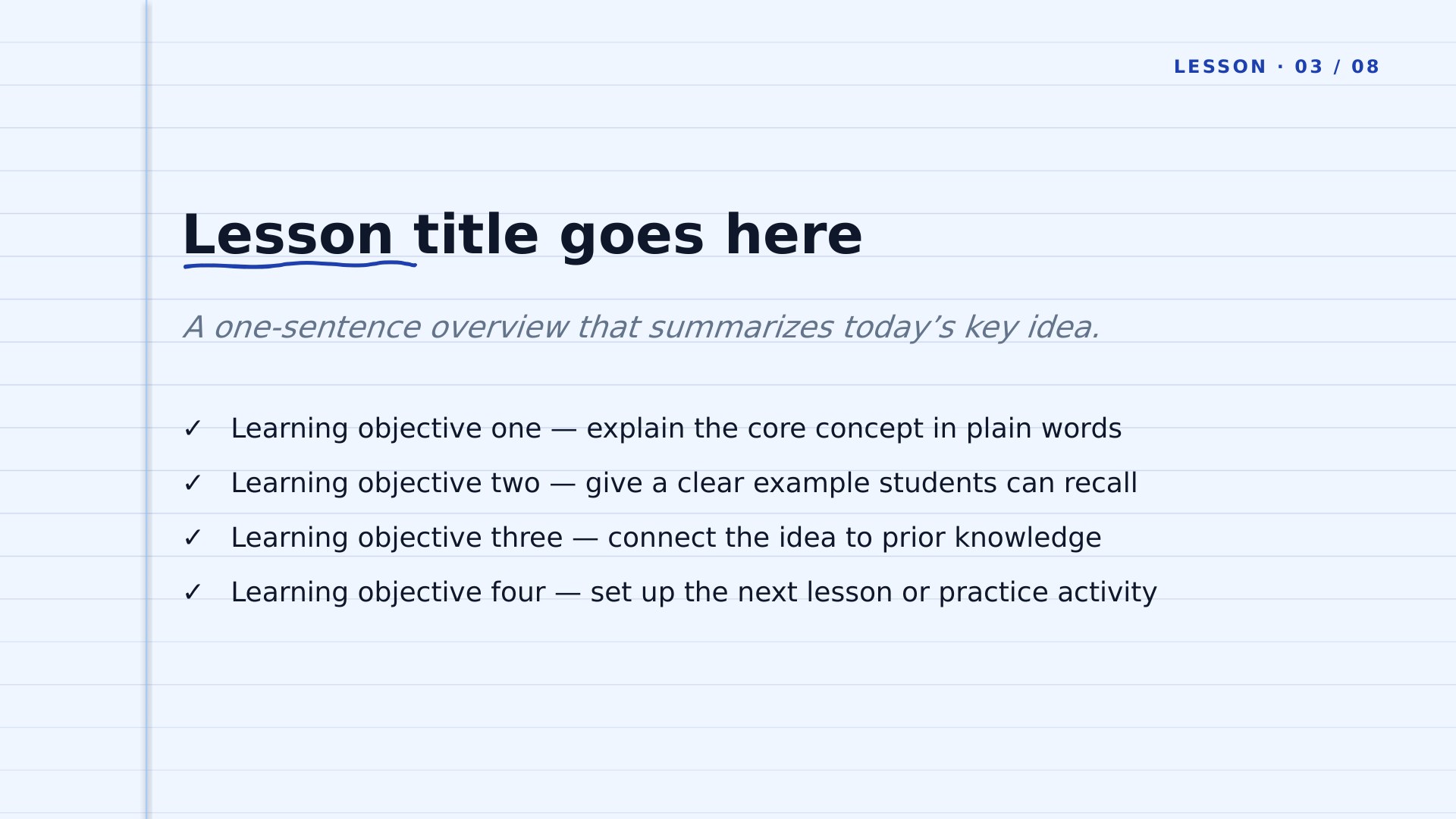
Eight pre-built slides.
Every slide is laid out and ready — duplicate the ones you need, replace the placeholder text, and remove the rest. The same eight-slide structure ships across every design so you can pick a look and start customizing immediately.

More in this category
Other educational designs.
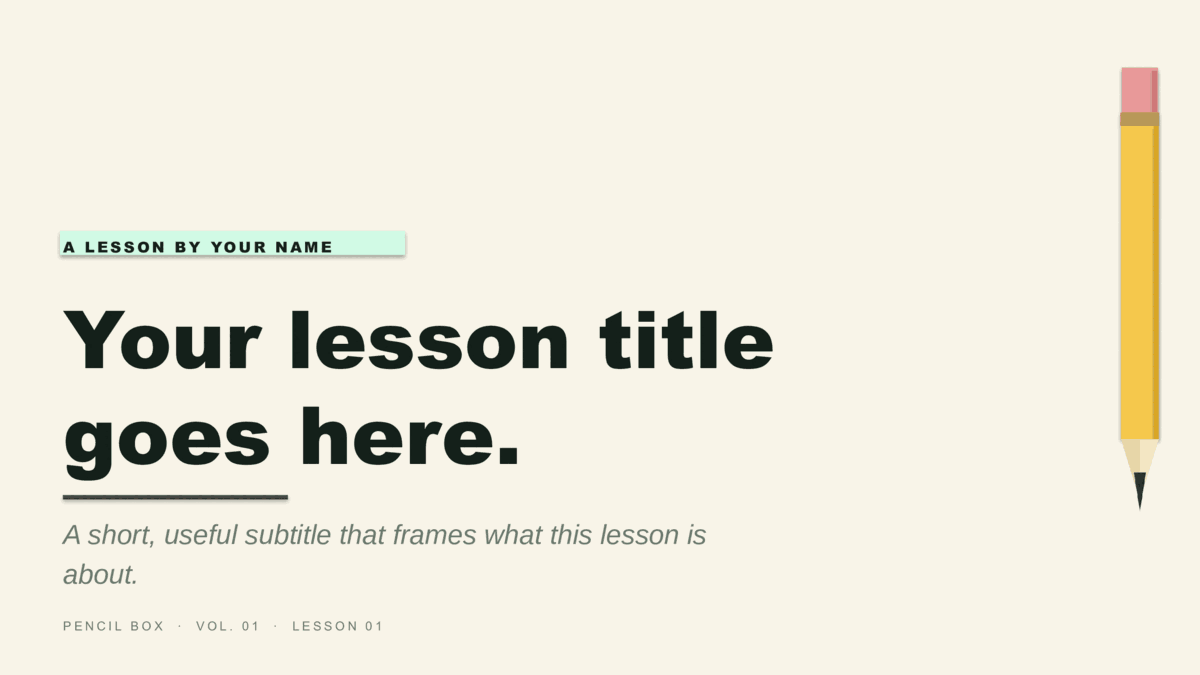
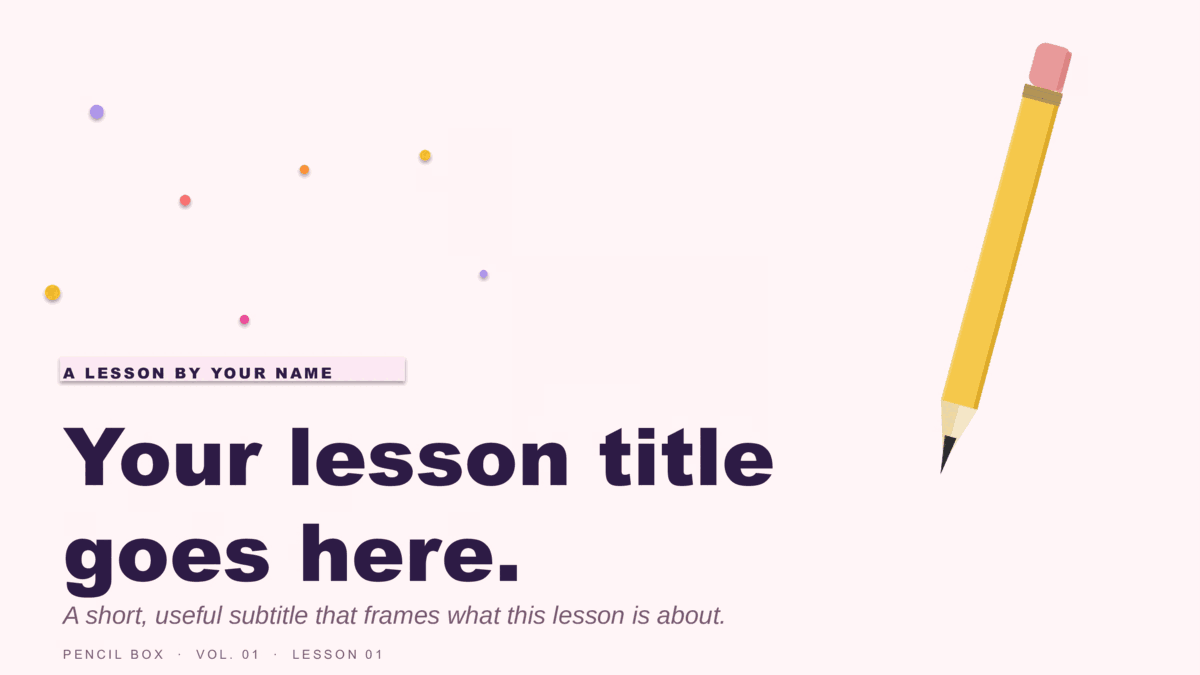
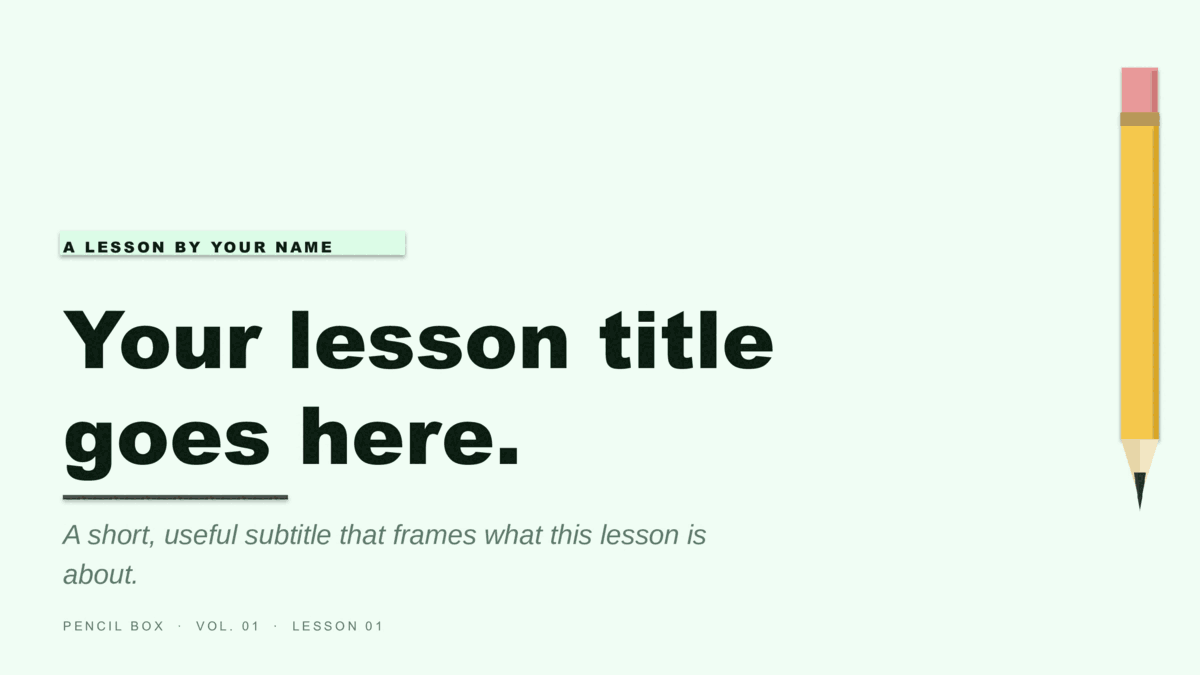
Same slide structure — pick a different design or colorway.
Good to know
Coursebook questions, answered.
Do I get both the PowerPoint and Google Slides versions of Coursebook?
Yes. This page has both: a .potx download for PowerPoint and a one-click copy for Google Slides. They're the same design and the same 8 slides — pick whichever app you work in, and switch later if you change your mind.
Can I assign this in Google Classroom?
Yes. Click Use in Google Slides, copy Coursebook to your Drive, and attach it to a Classroom assignment with "make a copy for each student." No download or extra account needed.
Does it work for any subject?
Yes — Coursebook is subject-neutral by design. The lesson-content, two-concept, and figure-plus-caption layouts fit science, history, math, or language arts equally; the colorway is the only thing to choose.
How do I change the accent color?
In PowerPoint, open View → Slide Master and change the accent once; every slide follows. In Google Slides, use Slide → Edit theme. Coursebook keeps its layout either way — you're only swapping the palette.
Keep browsing
More presentation templates.
Business presentations
Free business templates for PowerPoint and Google Slides
Waves, Squares, Lines, and The Basic — twelve colorways for reports, proposals, and meetings.
Open
Christmas presentations
Free christmas templates for PowerPoint and Google Slides
Starlit and Snowfall — six illustrated holiday decks, plus the four legacy 4:3 originals.
Open
Pitch Deck presentations
Free pitch deck templates for PowerPoint and Google Slides
Velocity, Forge, and Spectrum — three ten-slide decks in the order investors expect.
Open
Or browse by style
Guides
- How to build a startup pitch deck — The ten-slide order, what goes on each slide, and how pre-seed, seed, and Series A decks differ.
- How to edit a PowerPoint template — Opening a template, applying it to a deck you already have, changing colors on the Slide Master, and saving your own.
- How to use a Google Slides template — Copying a template to your Drive, editing the theme, bringing in a PowerPoint file, and sharing a template with a team.