






No signup · Snowfall Twilight
Snowfall — Twilight
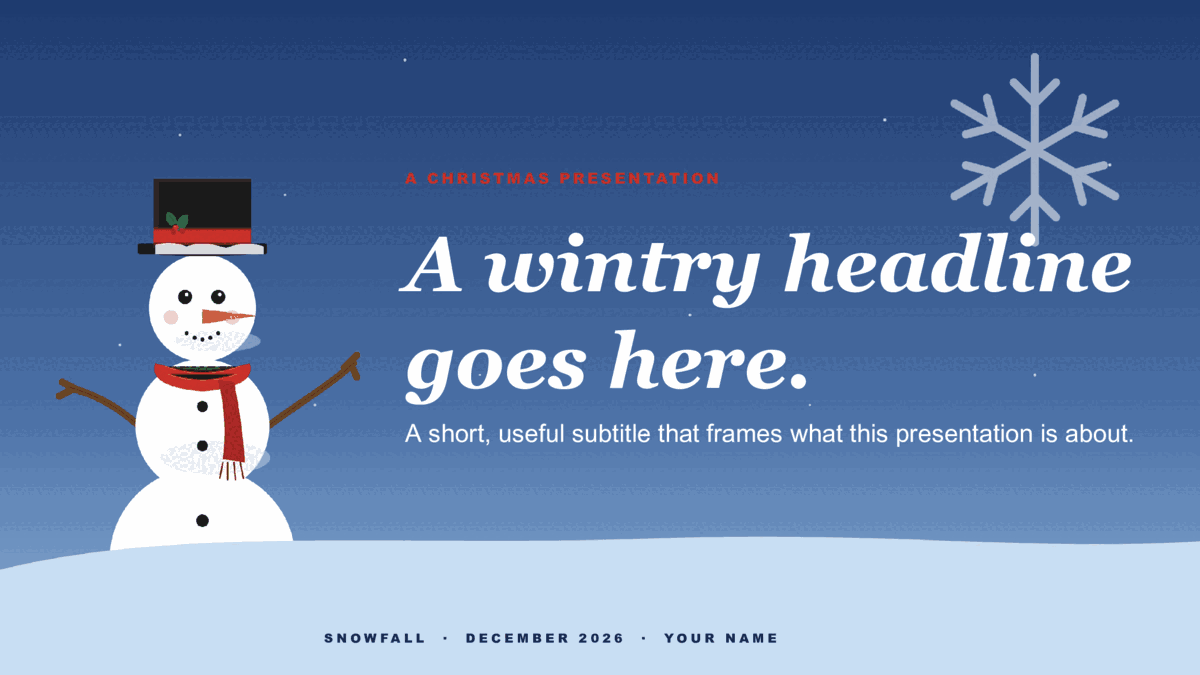
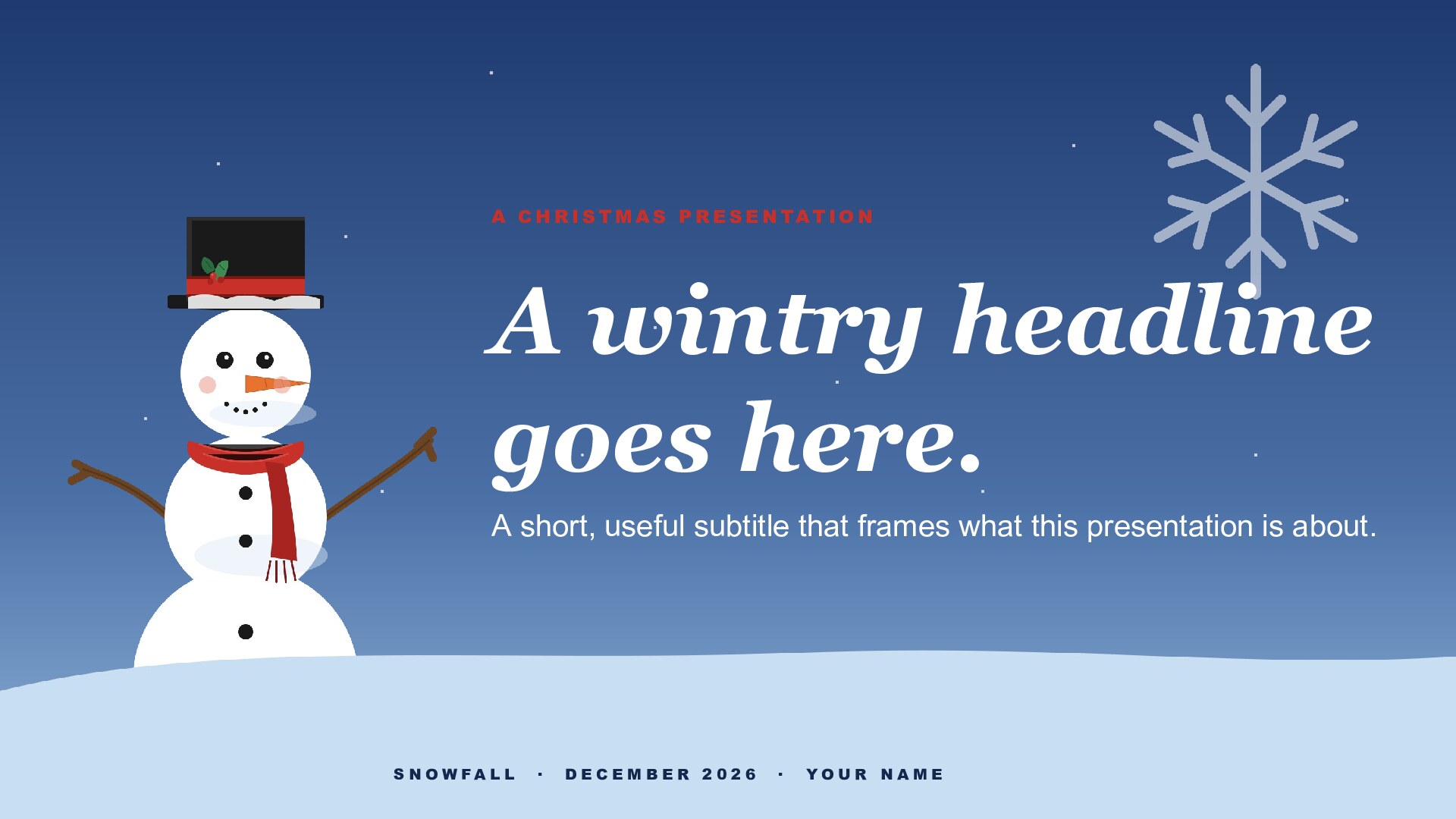
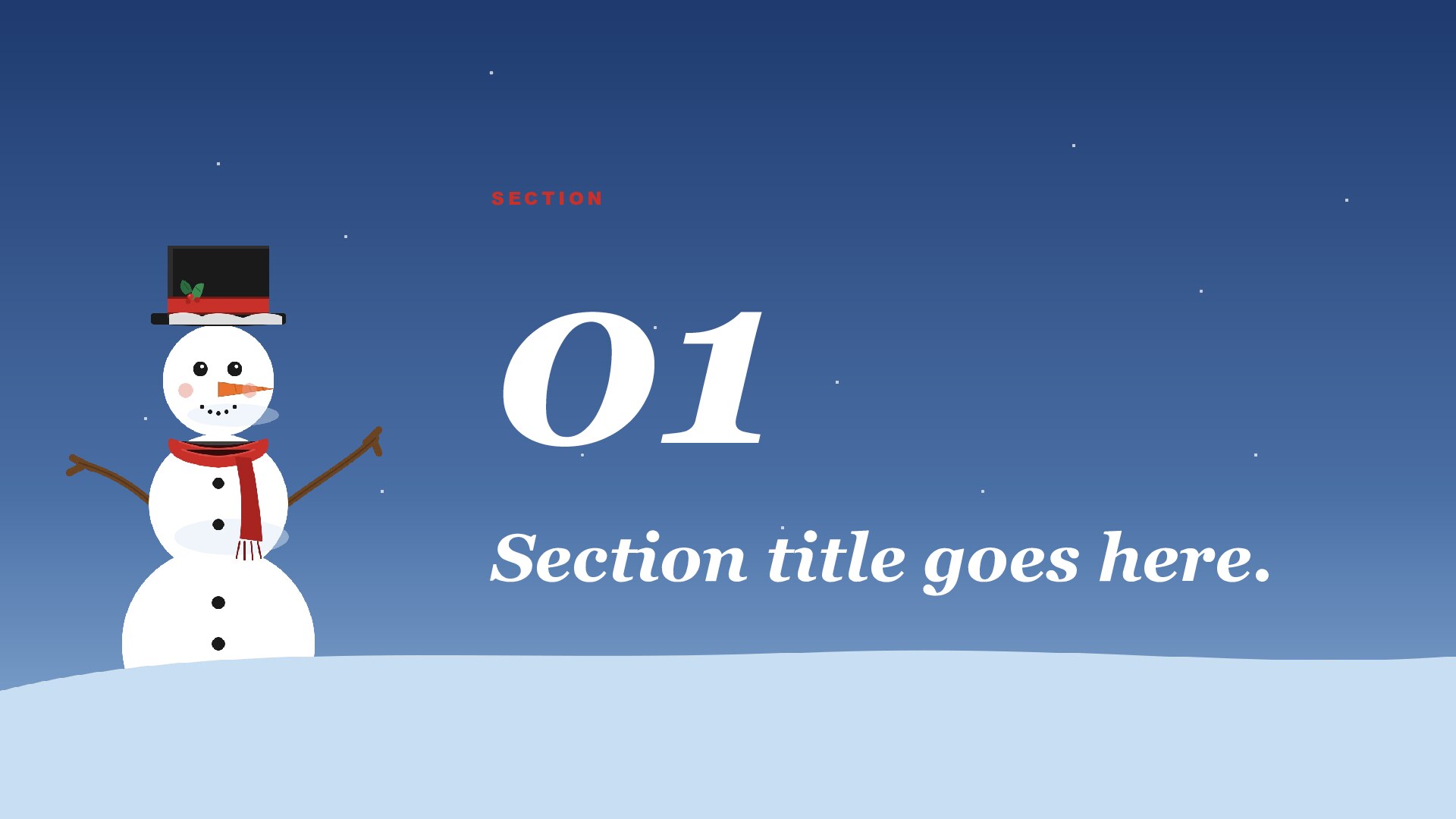
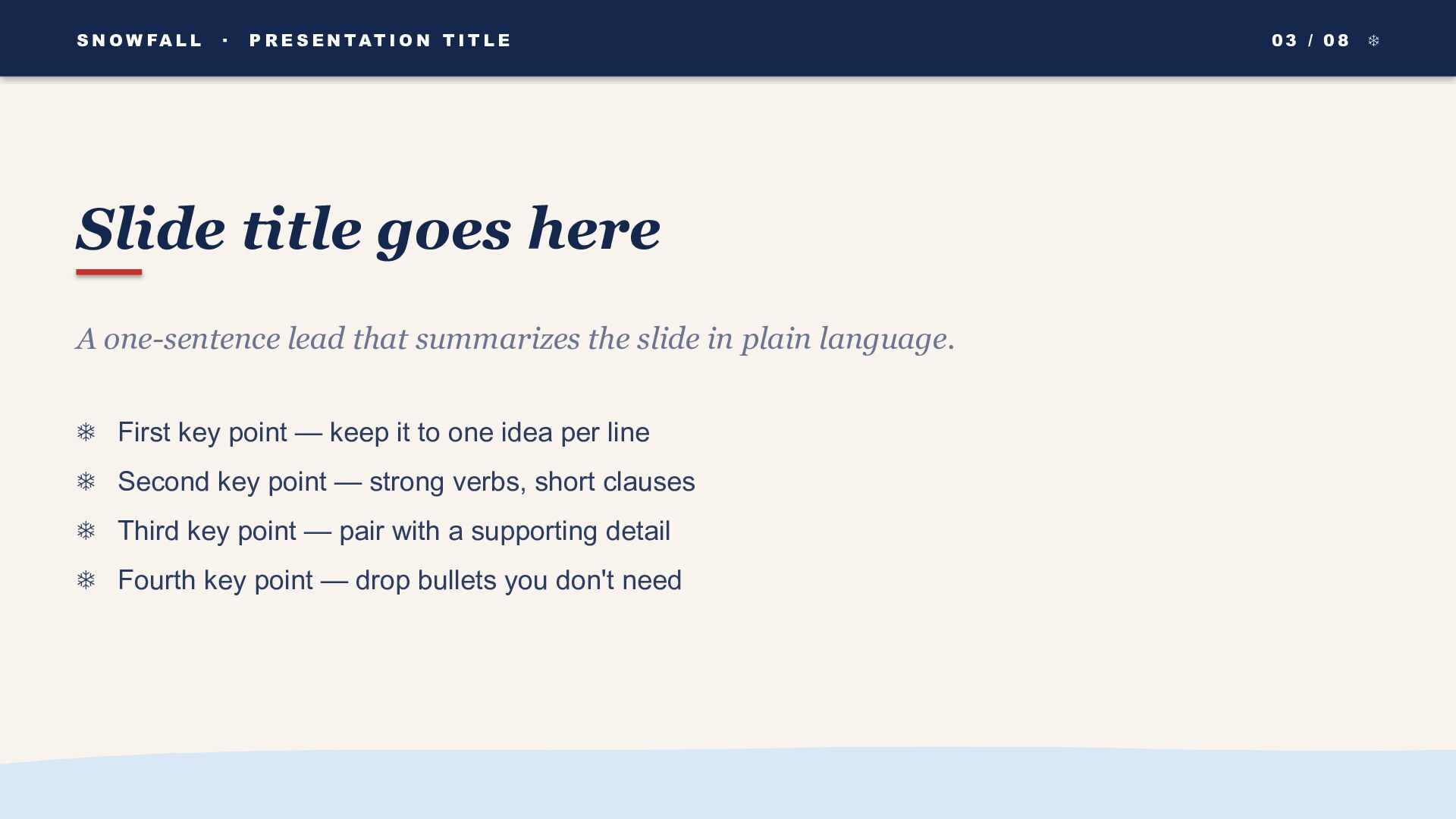
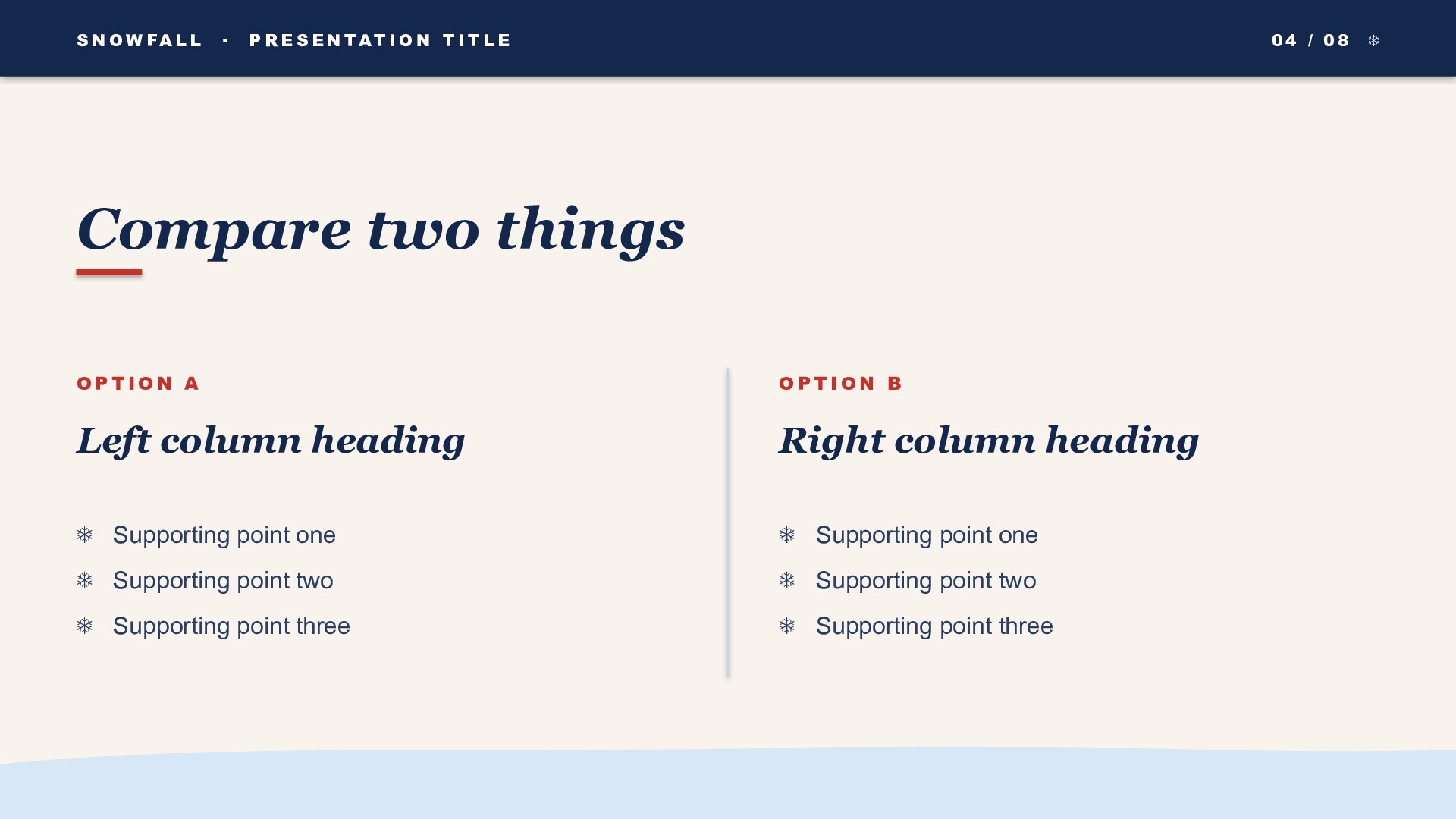
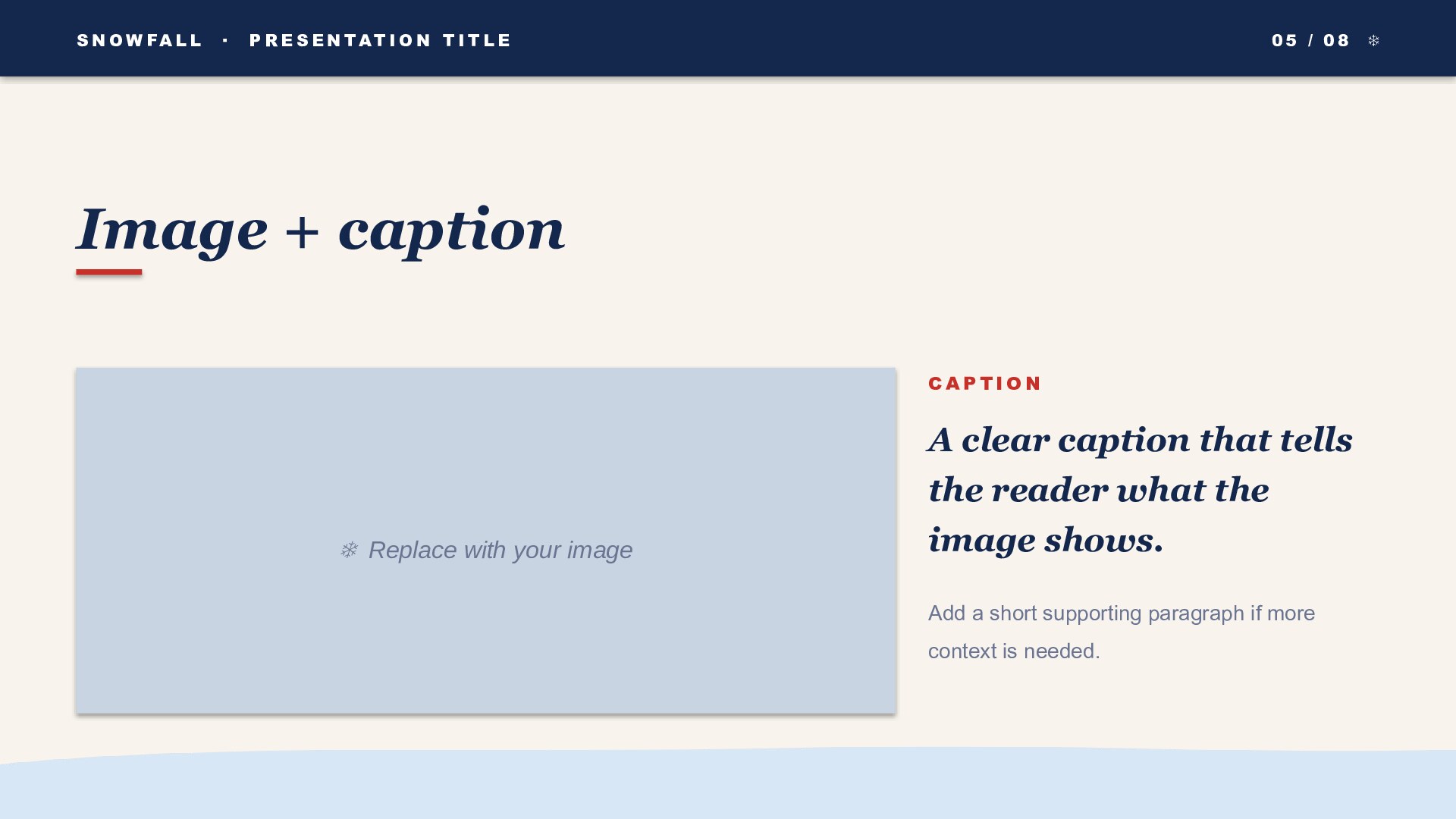
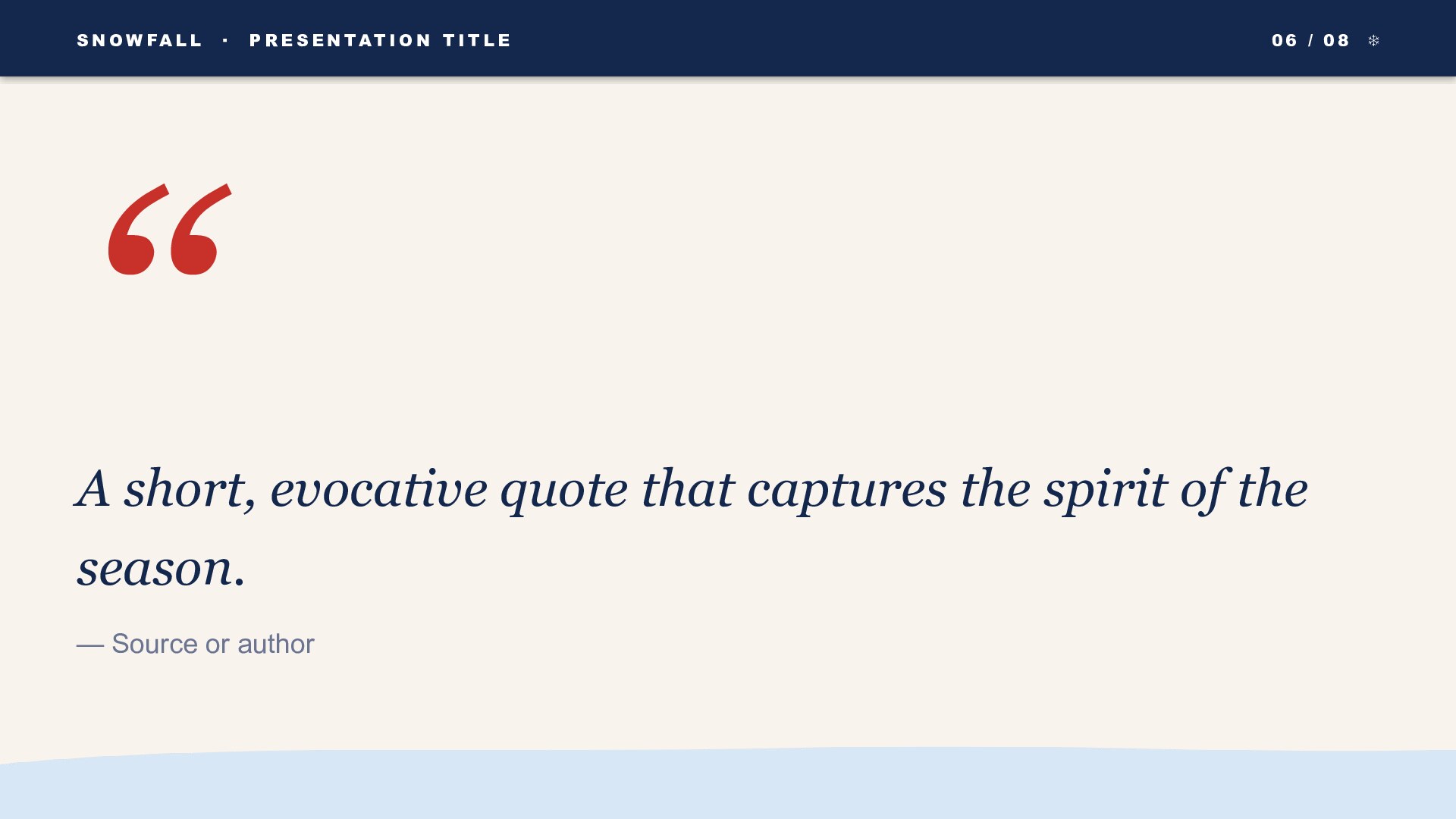
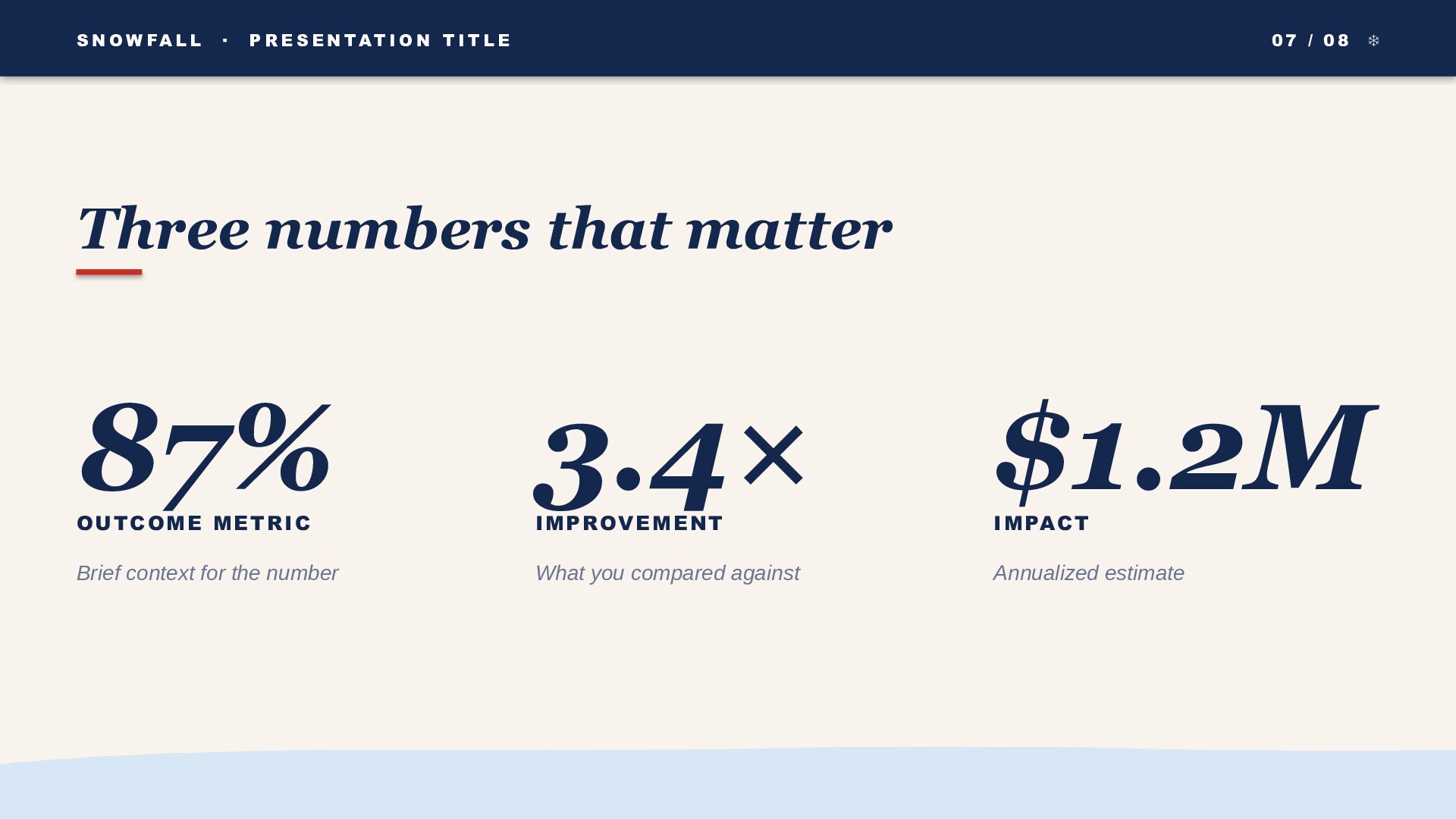
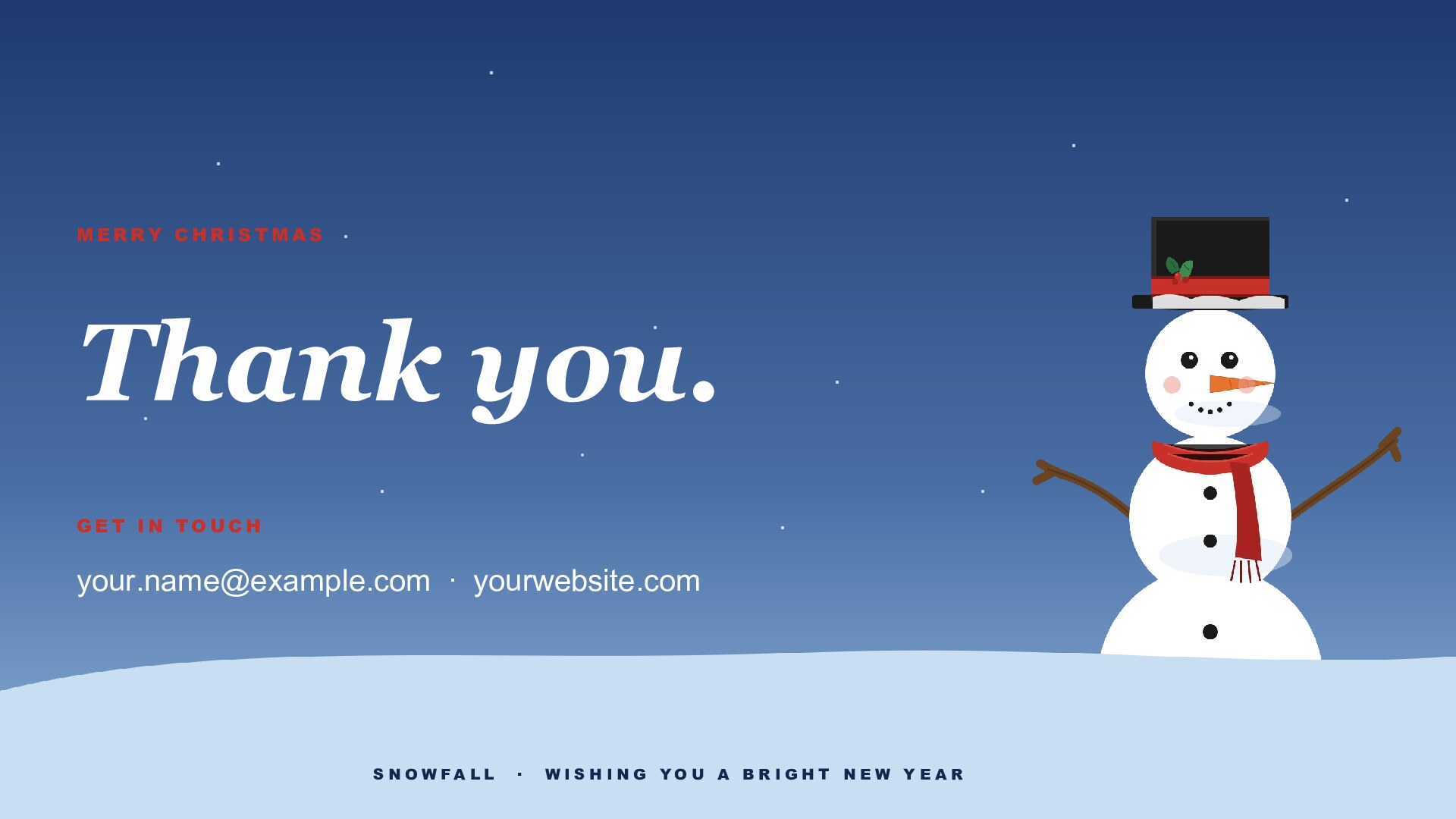
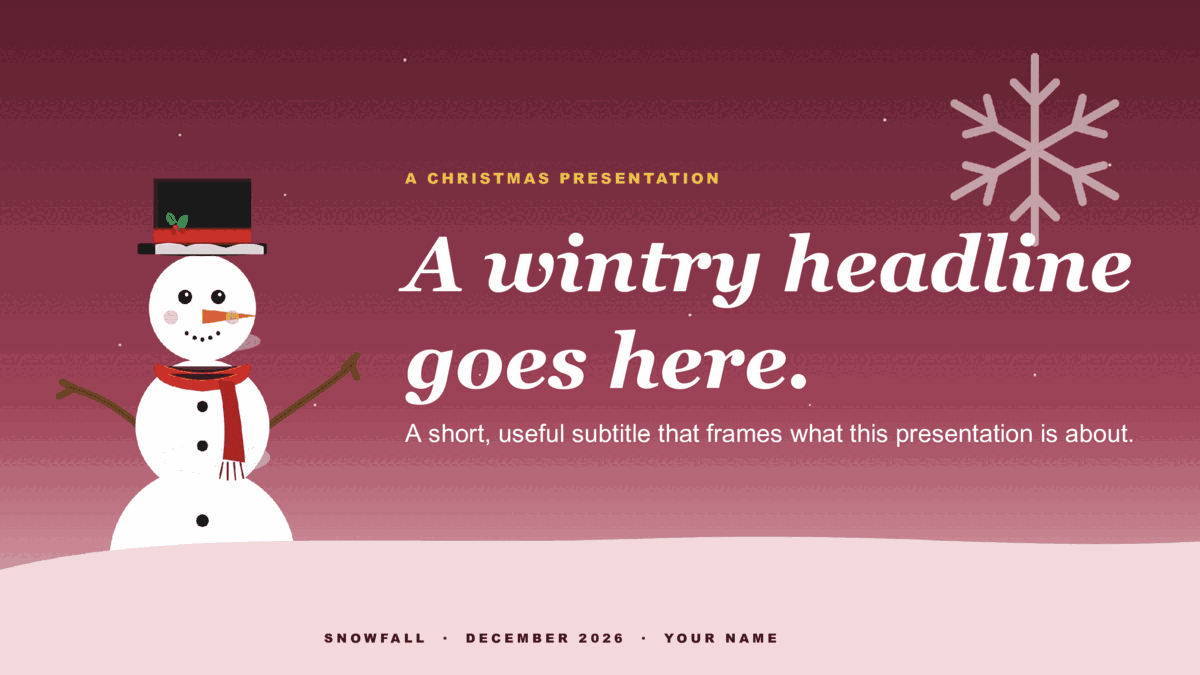
8 ready-made 16:9 slides — title cover, section divider, content / lesson, two-column compare, image + caption, pull quote, three-stat data, and closing. Winter-sky gradient, illustrated snowman with knit scarf and holly, snow drift band. Download it as a PowerPoint .potx or copy it straight into Google Slides.
Two formats — choose yours
Download for PowerPointUse in Google SlidesPowerPoint: .potx opens in PowerPoint 2010+, Microsoft 365, and Keynote.
Google Slides: opens the template preview — click Use template to copy it into your Google Drive.
Google Slides: opens the template preview — click Use template to copy it into your Google Drive.
- Design
- Snowfall
- Colorway
- Twilight
- Formats
- PowerPoint .potx · Google Slides
- Aspect
- 16:9 widescreen
- Slides
- 8 pre-built layouts
- Style
- Cute, Fun & PrettyAesthetic
- License
- Free for personal & commercial use
- Updated
How Snowfall is built
The snow-drift band along the bottom is a placeholder-safe zone — text boxes sit above it by default, so nothing you type ends up buried in the snow.What's inside
Eight pre-built slides.
Every slide is laid out and ready — duplicate the ones you need, replace the placeholder text, and remove the rest. The same eight-slide structure ships across every design so you can pick a look and start customizing immediately.
More in this category
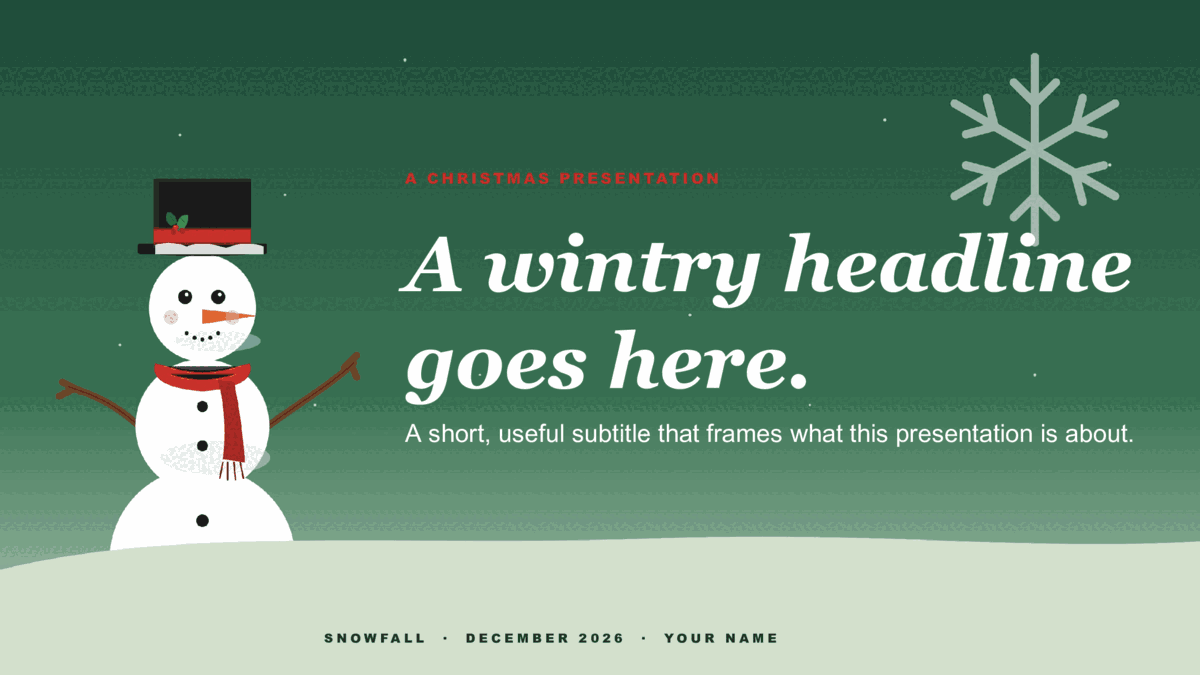
Other christmas designs.
Same slide structure — pick a different design or colorway.

Good to know
Snowfall questions, answered.
Do I get both the PowerPoint and Google Slides versions of Snowfall?
Yes. This page has both: a .potx download for PowerPoint and a one-click copy for Google Slides. They're the same design and the same 8 slides — pick whichever app you work in, and switch later if you change your mind.
Can I use it for a year-end review or a holiday party rundown?
Yes. Snowfall's eight slides — title, dividers, content, stats, closing — cover a year-end wrap-up or a party agenda as well as a seasonal greeting.
Is this design animated?
No — it's a static illustrated design, not a motion template. That's deliberate: it prints cleanly, never glitches mid-slide, and looks the same on any projector or shared screen.
How do I change the accent color?
In PowerPoint, open View → Slide Master and change the accent once; every slide follows. In Google Slides, use Slide → Edit theme. Snowfall keeps its layout either way — you're only swapping the palette.
Keep browsing
More presentation templates.
Business presentations
Free business templates for PowerPoint and Google Slides
Waves, Squares, Lines, and The Basic — twelve colorways for reports, proposals, and meetings.
Open
Education presentations
Free education templates for PowerPoint and Google Slides
Coursebook and Pencil Box — eight lesson decks that assign straight into Google Classroom.
Open
Pitch Deck presentations
Free pitch deck templates for PowerPoint and Google Slides
Velocity, Forge, and Spectrum — three ten-slide decks in the order investors expect.
Open
Or browse by style
Guides
- How to build a startup pitch deck — The ten-slide order, what goes on each slide, and how pre-seed, seed, and Series A decks differ.
- How to edit a PowerPoint template — Opening a template, applying it to a deck you already have, changing colors on the Slide Master, and saving your own.
- How to use a Google Slides template — Copying a template to your Drive, editing the theme, bringing in a PowerPoint file, and sharing a template with a team.