




Lesson Plan Templates for Google Docs
Every template in the section, with the Google Docs button first. Each link opens a Make-a-copy page; the copy lands in your Drive, the original stays here, and nothing asks you to sign in to anything but your own Google account.
50 lesson plan templates for Google Docs
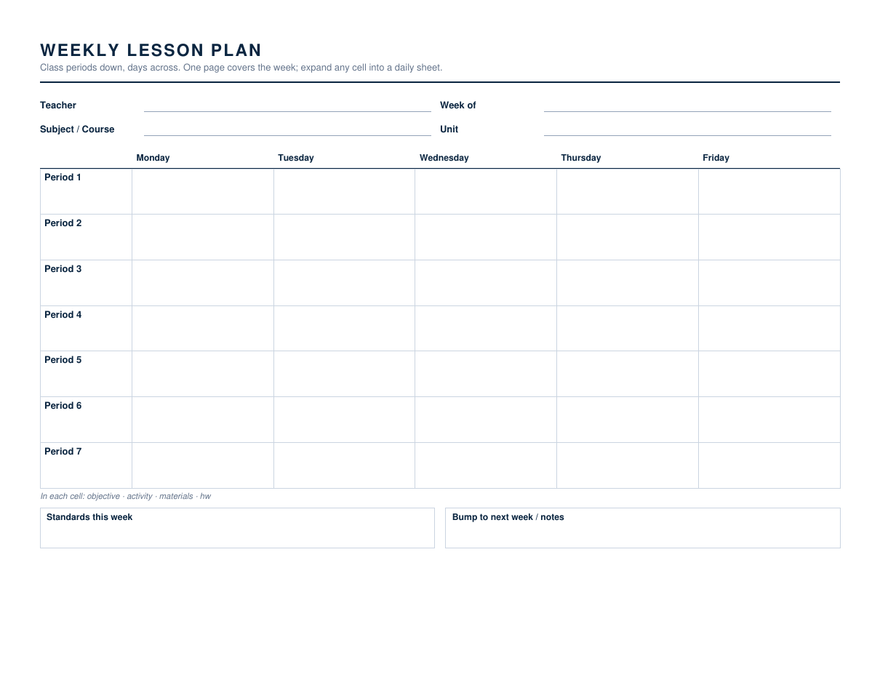
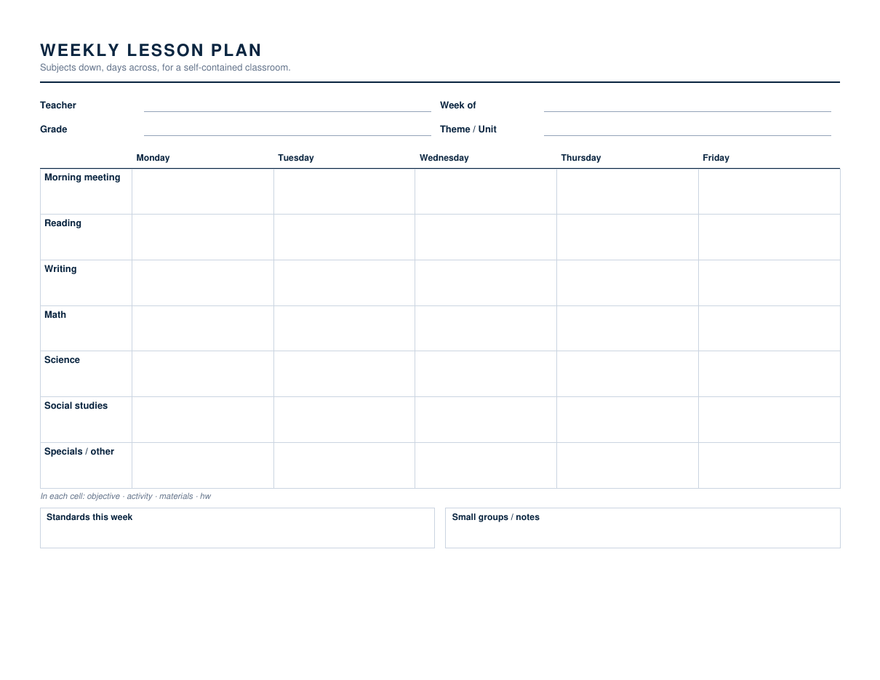
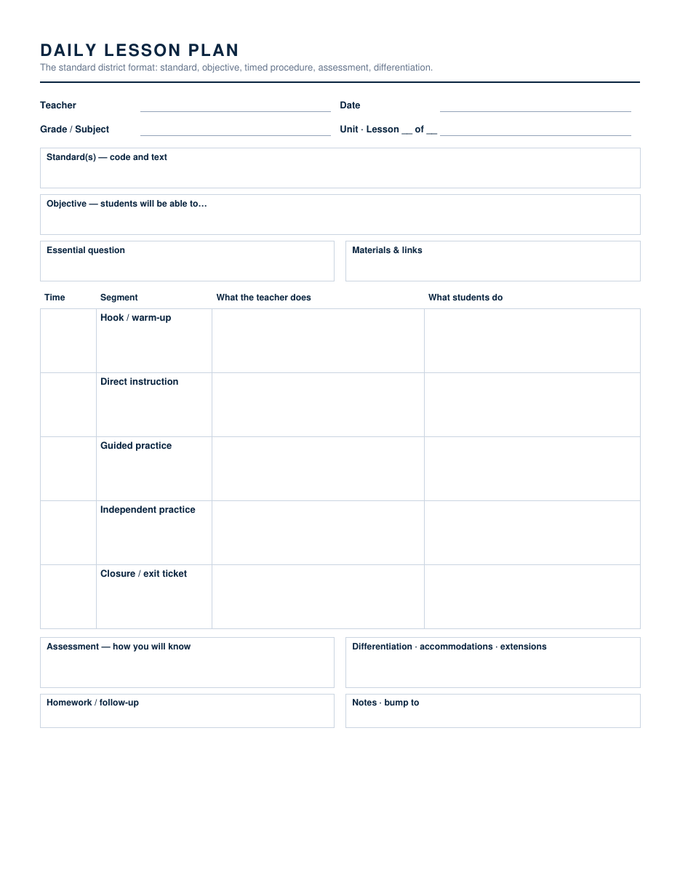
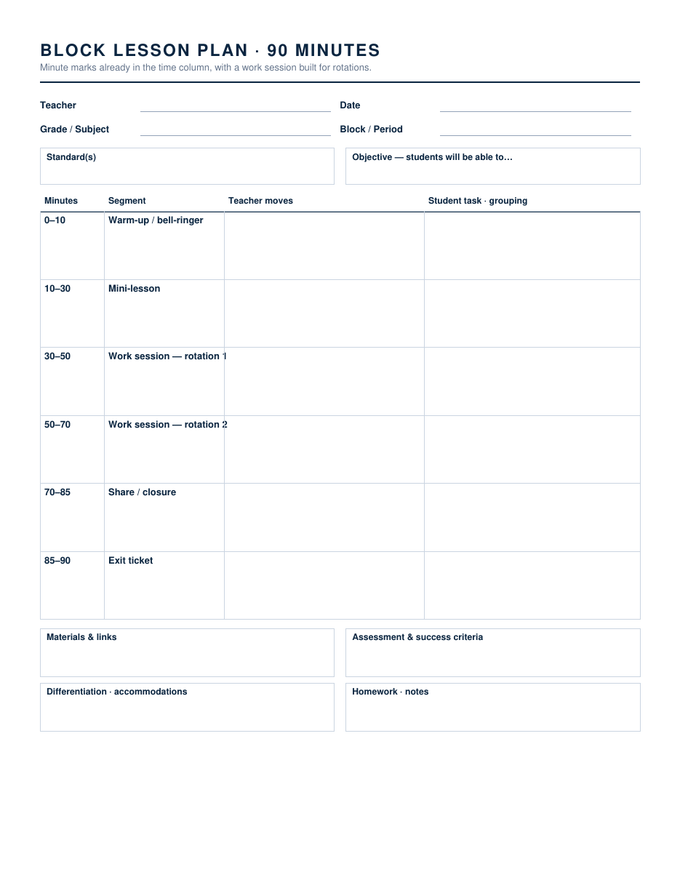
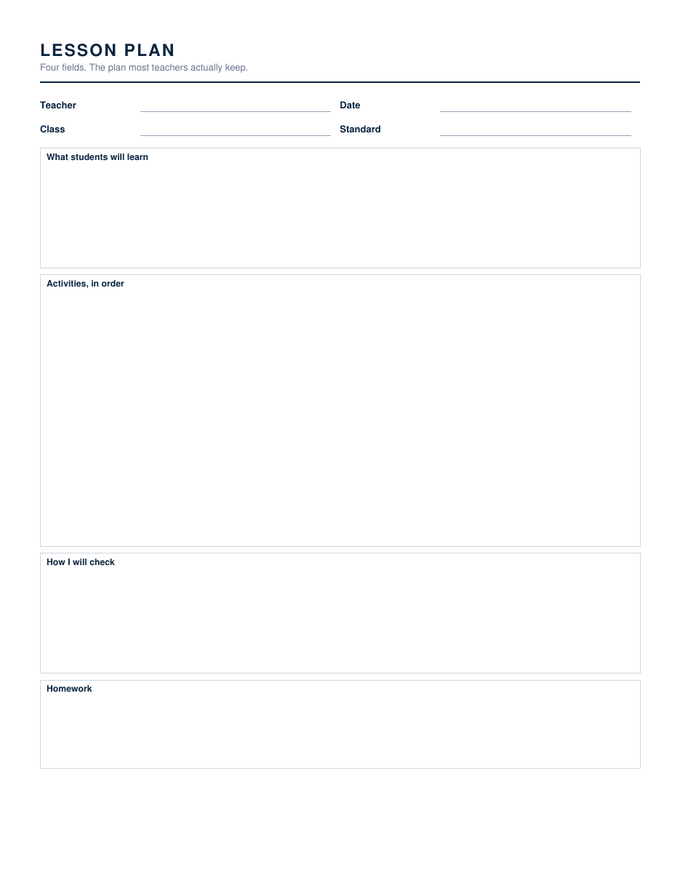
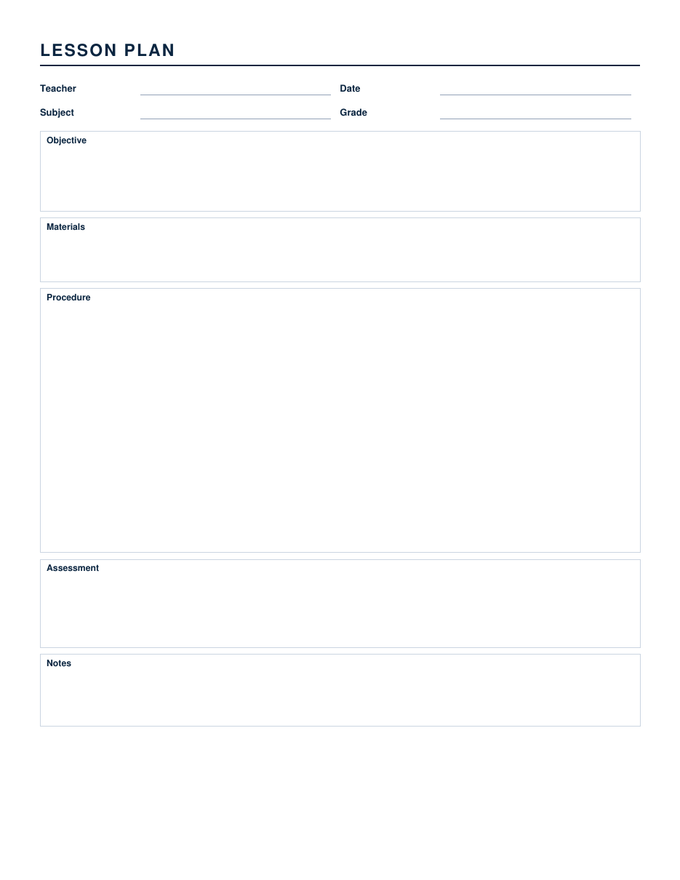
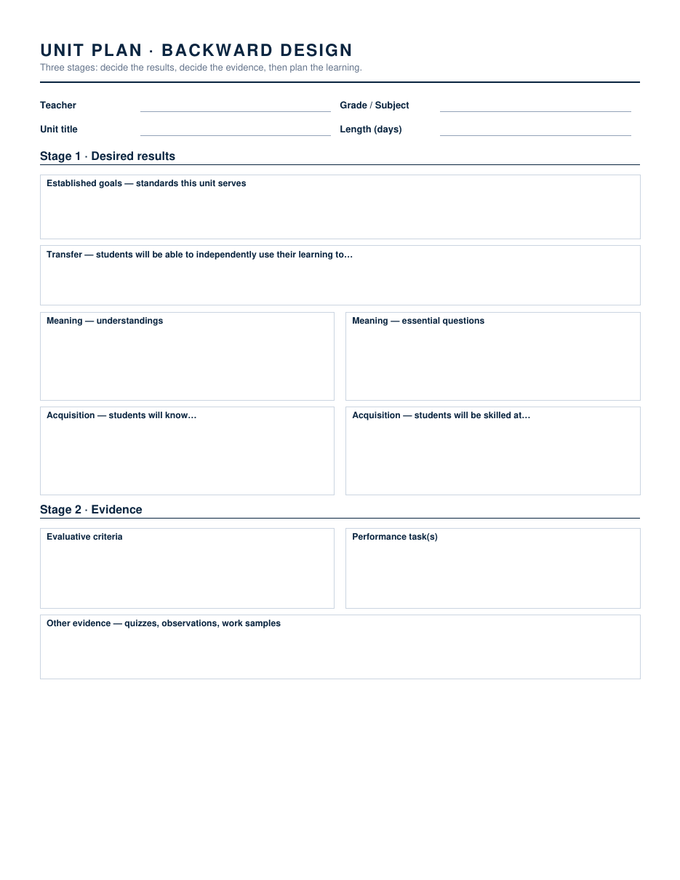
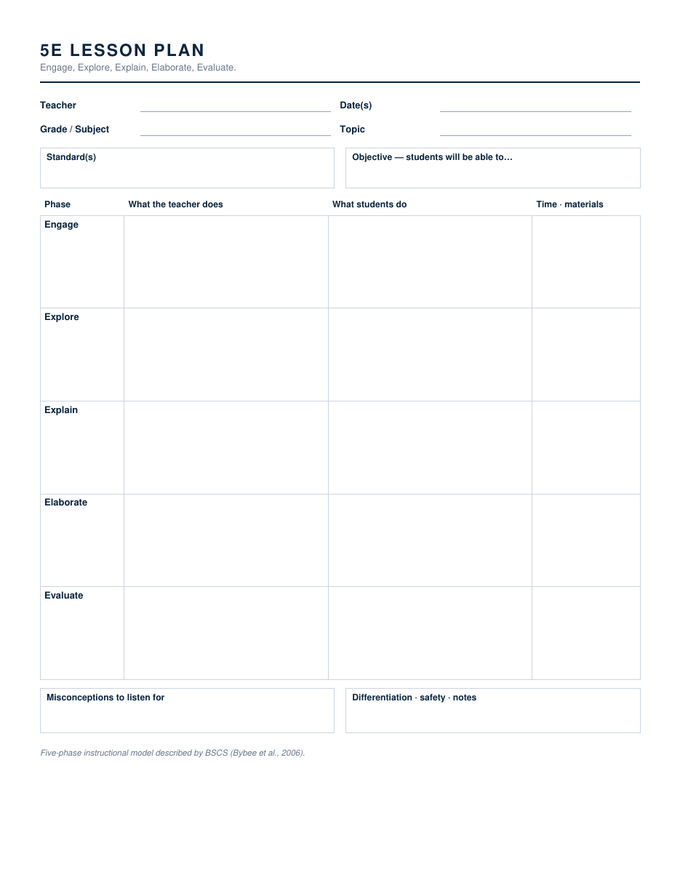
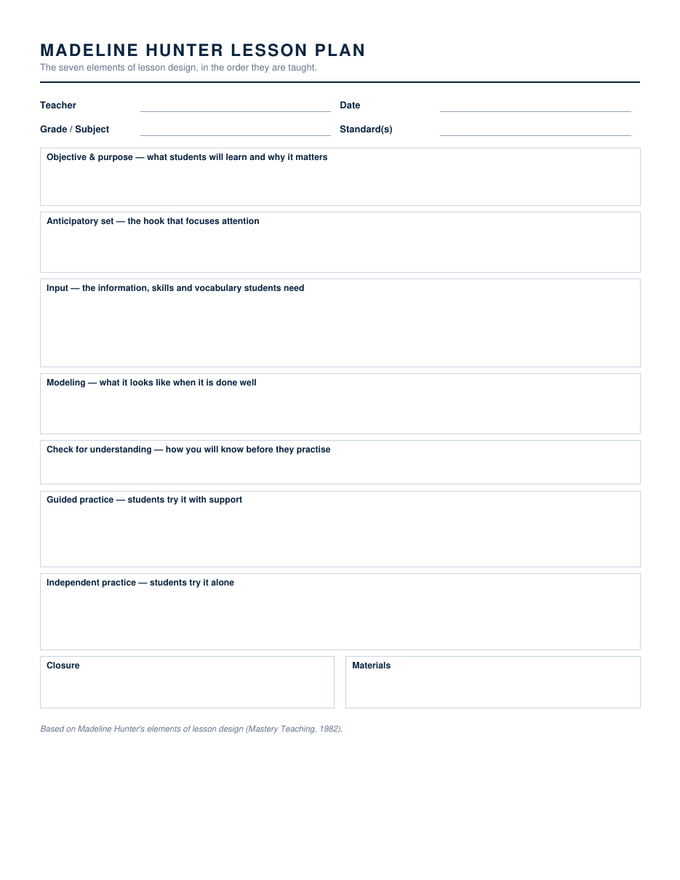
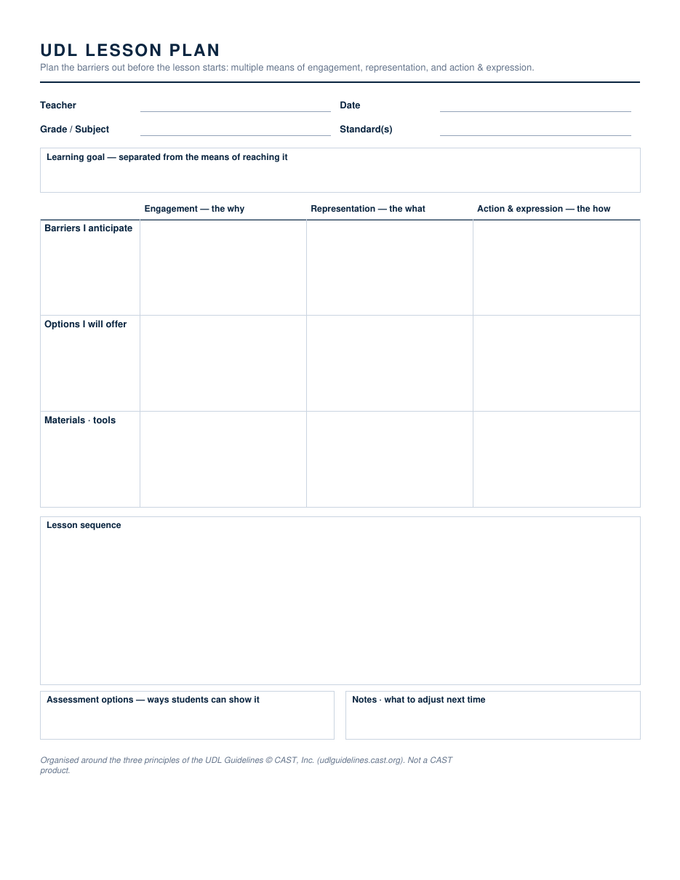
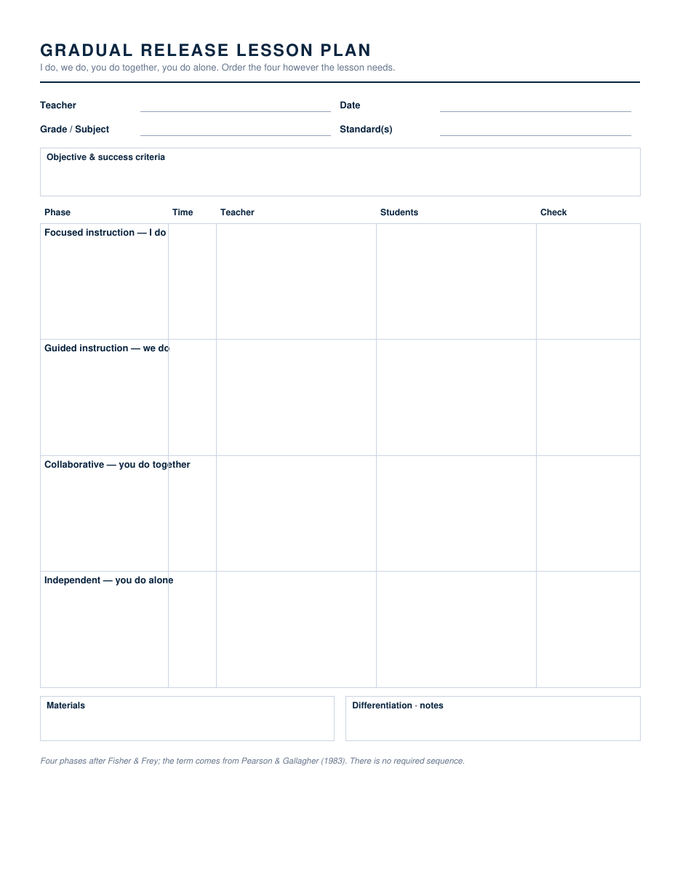
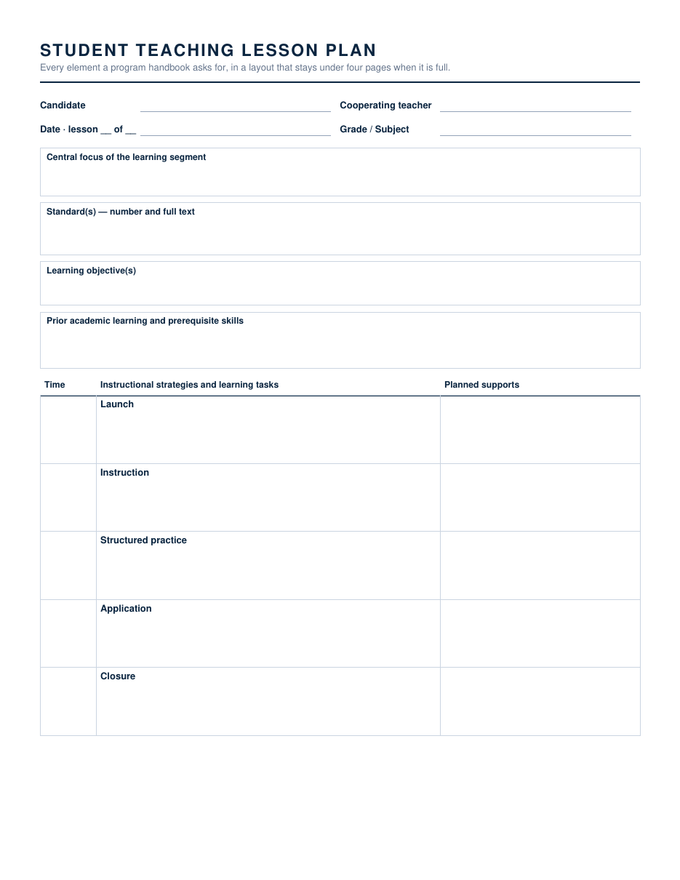
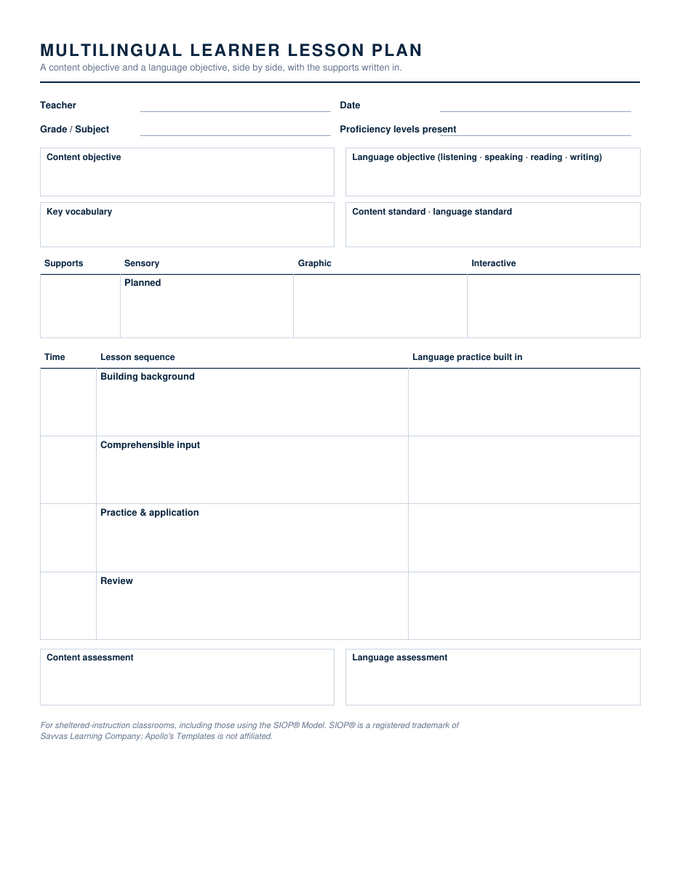
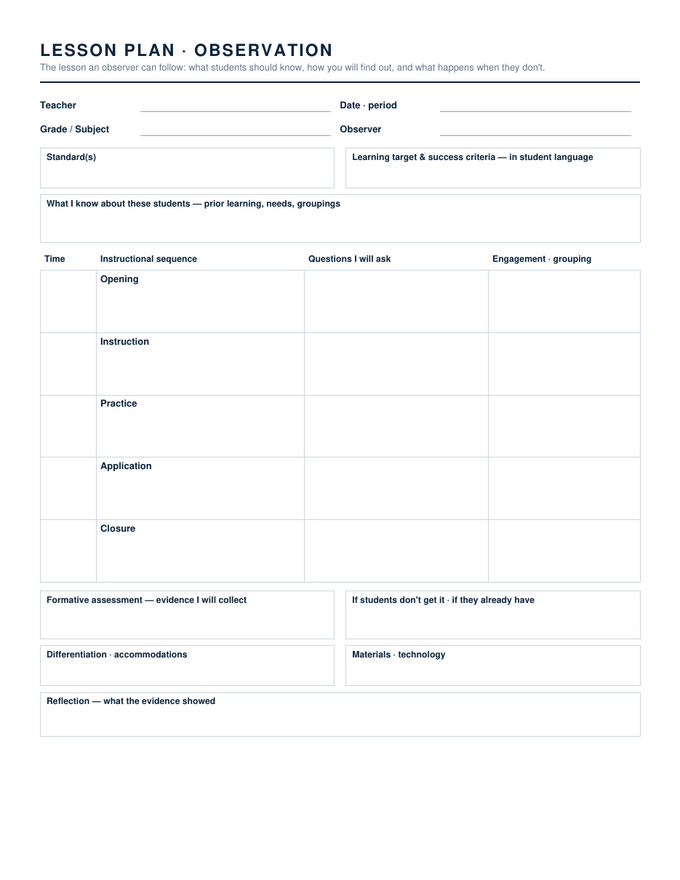
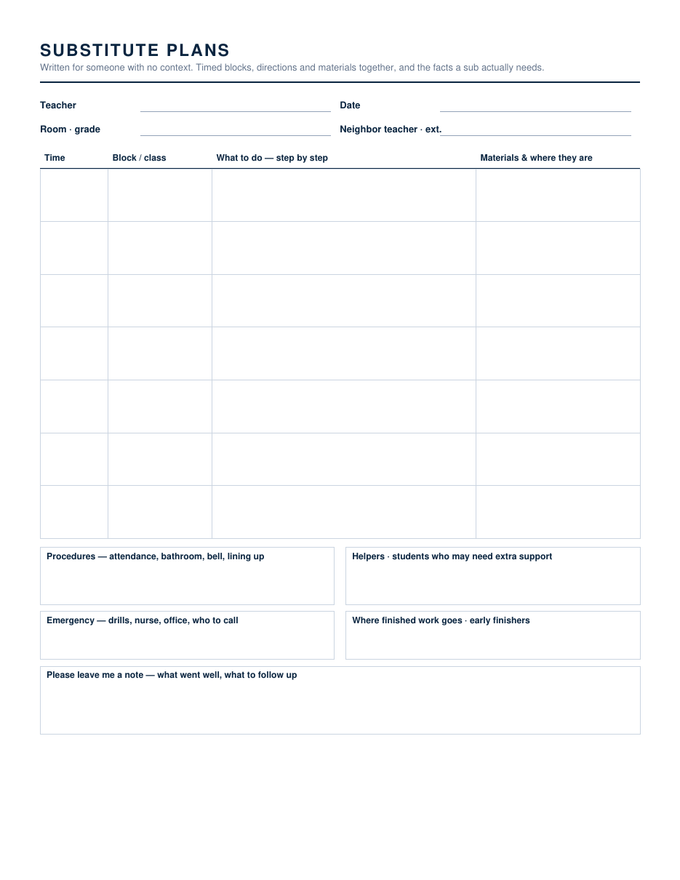
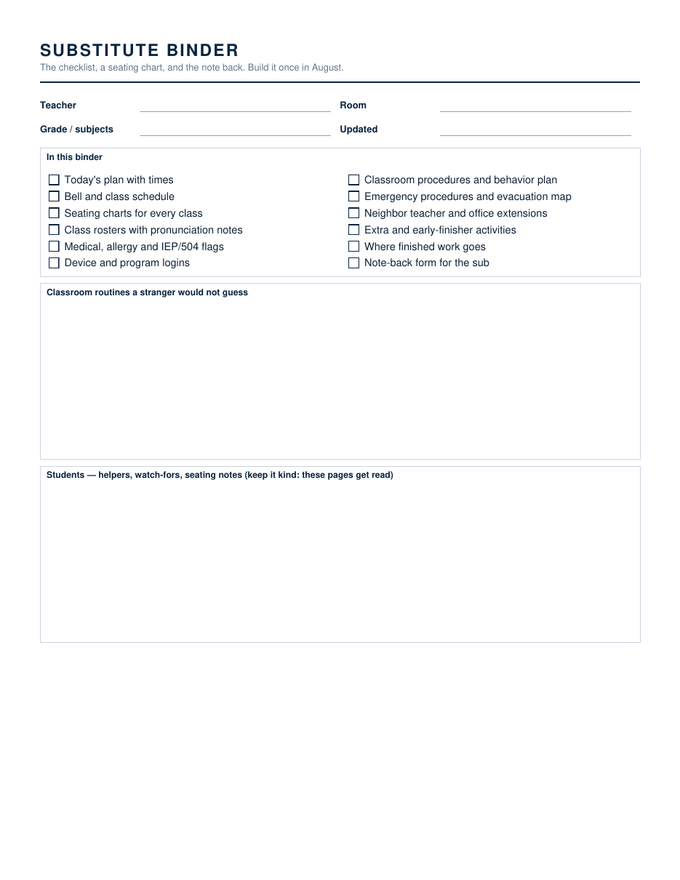
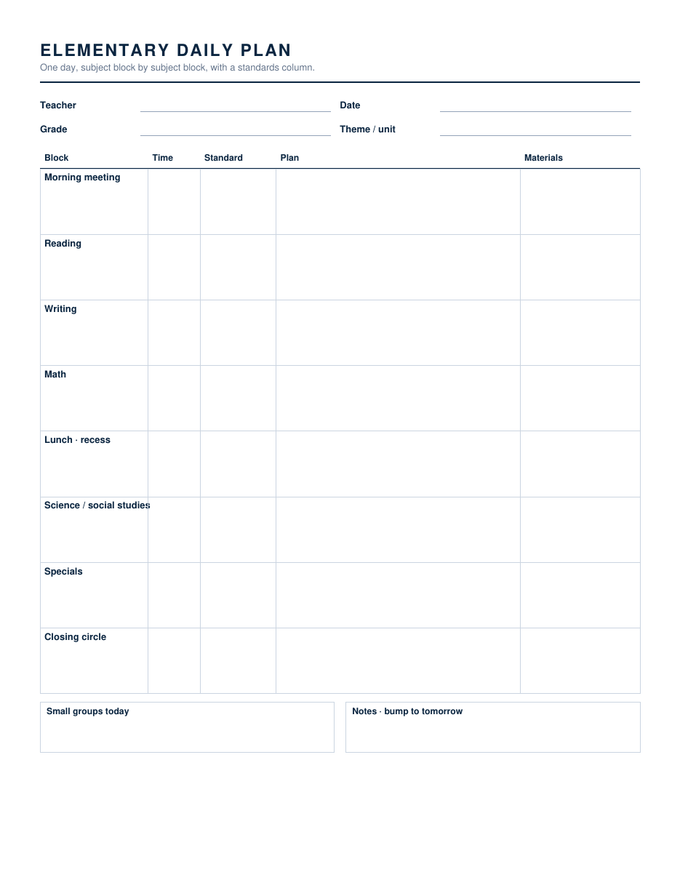
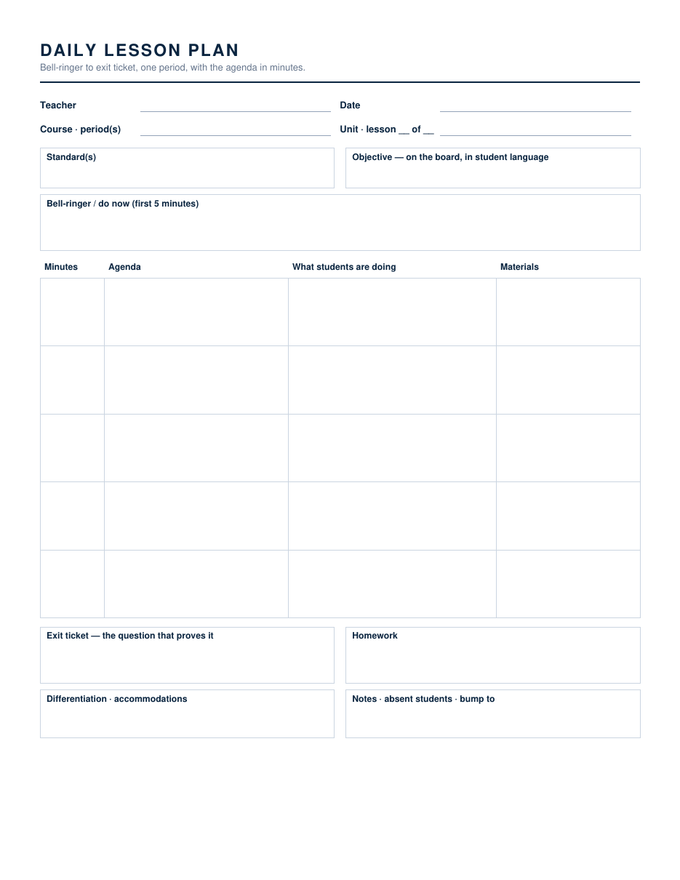
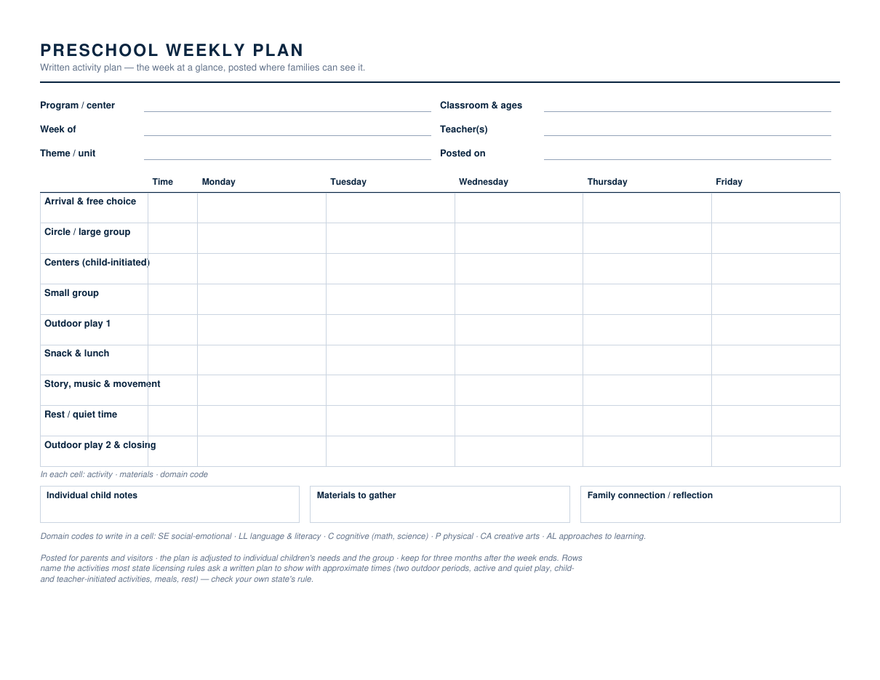
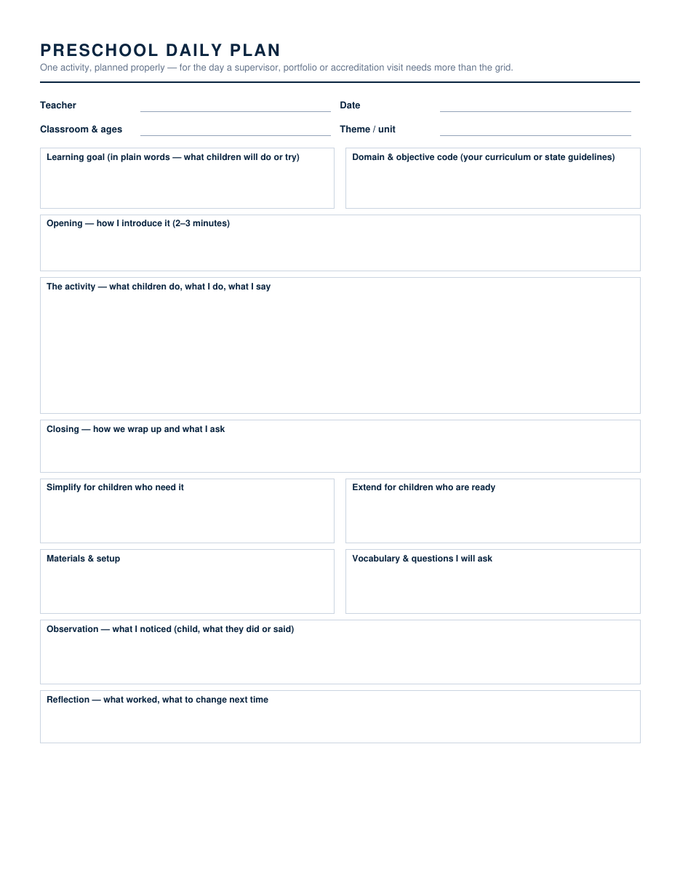
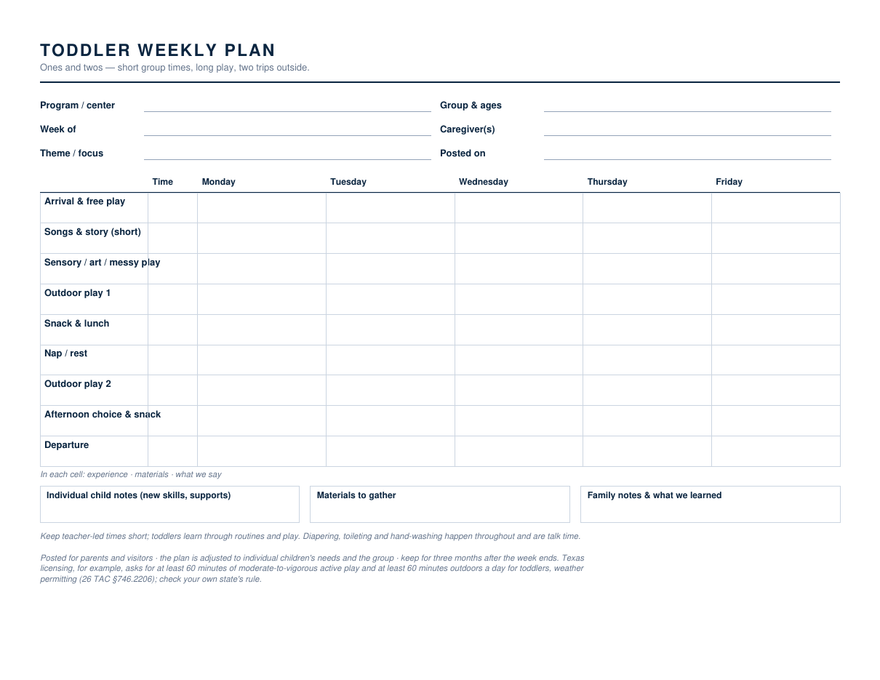
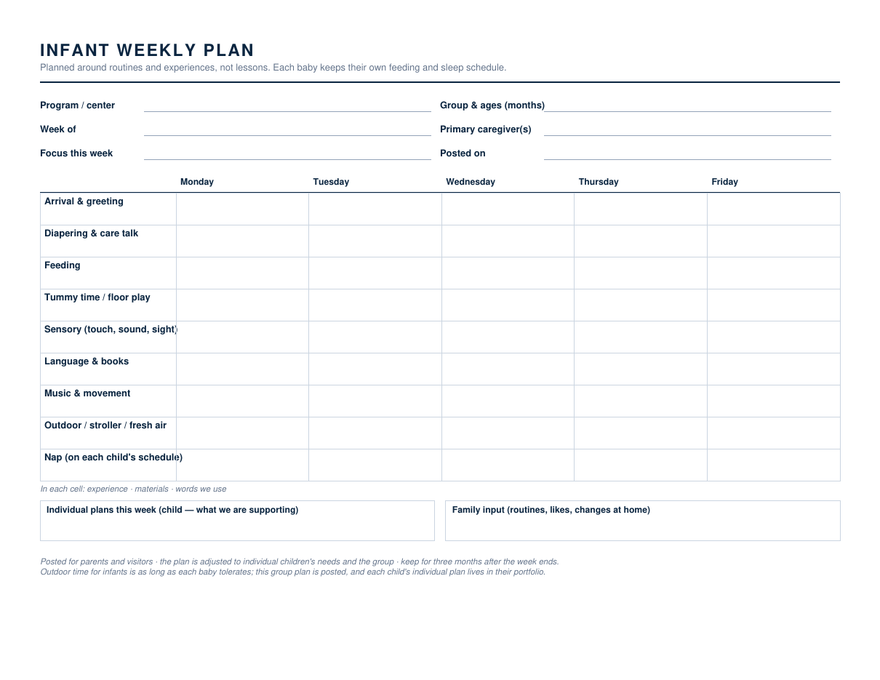
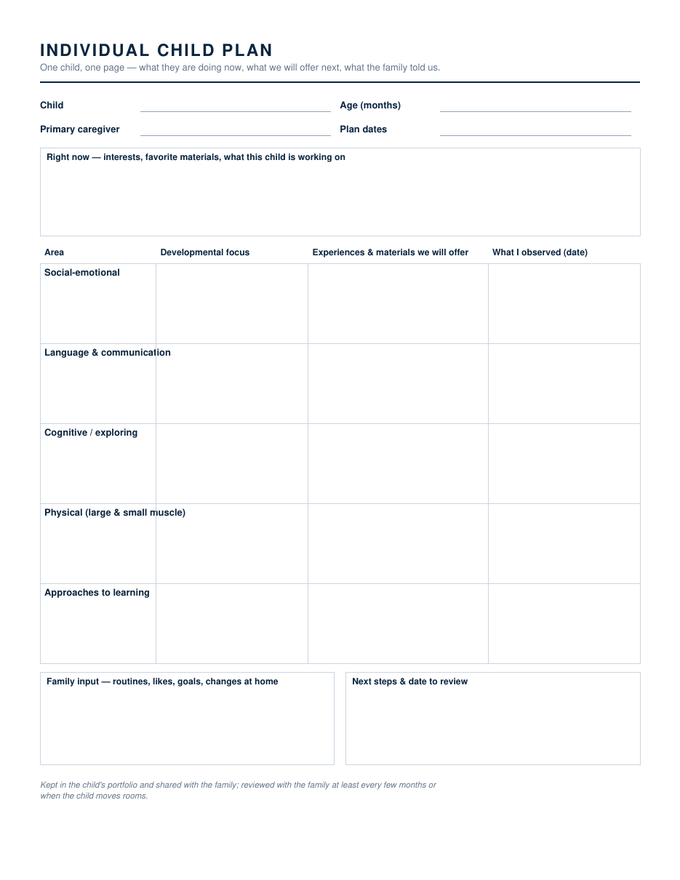
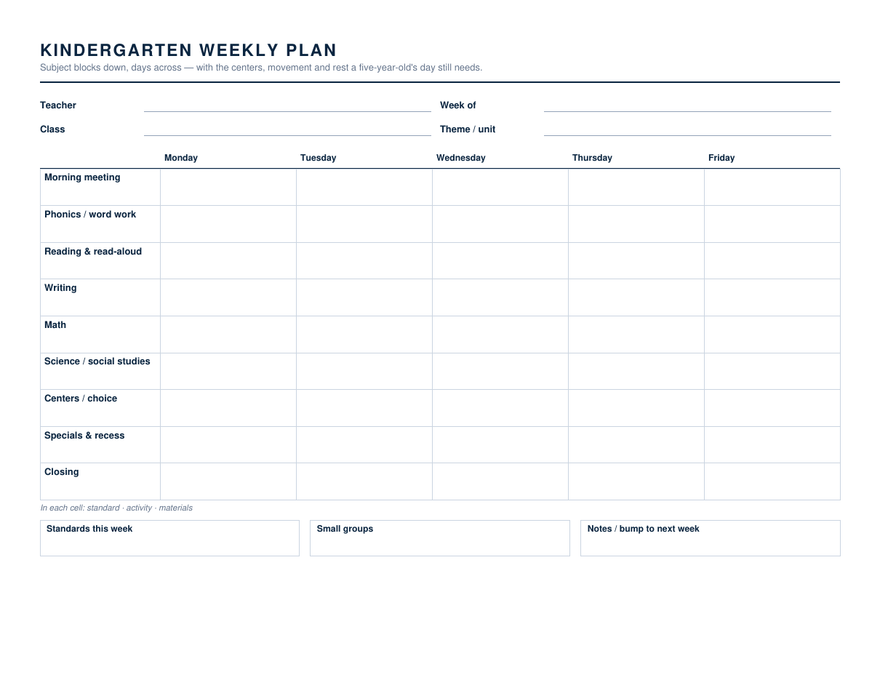
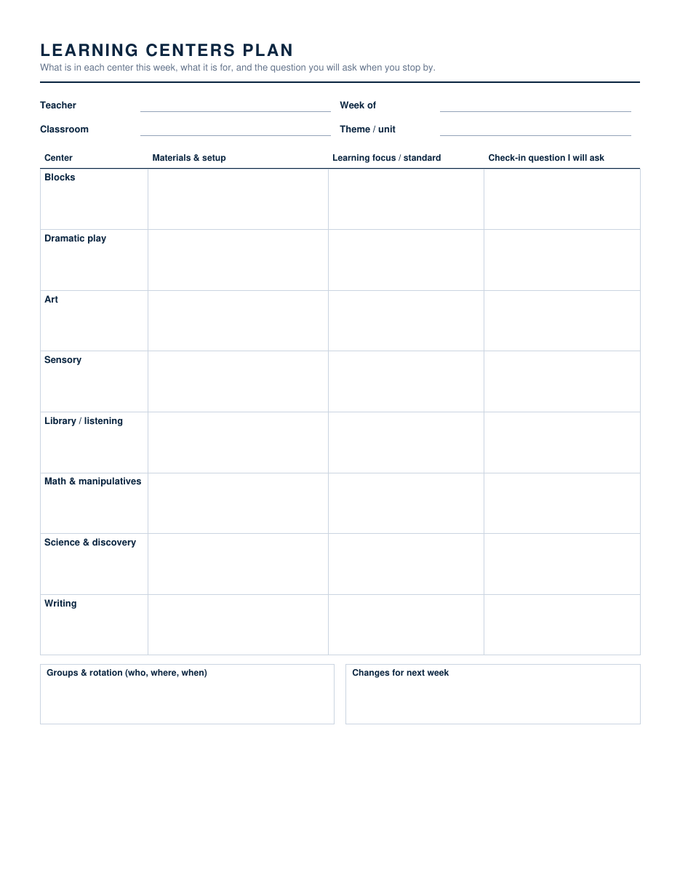
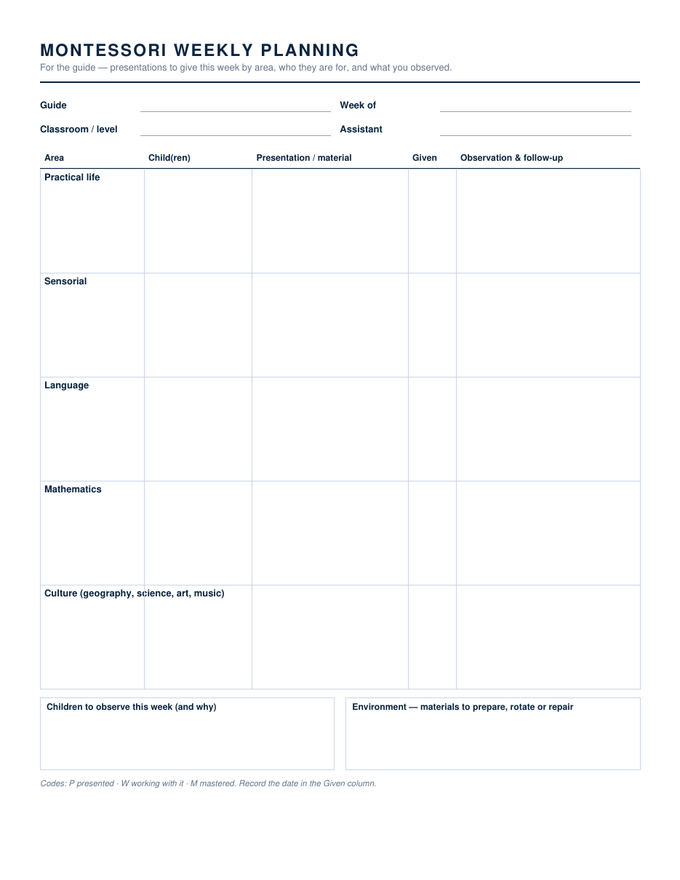
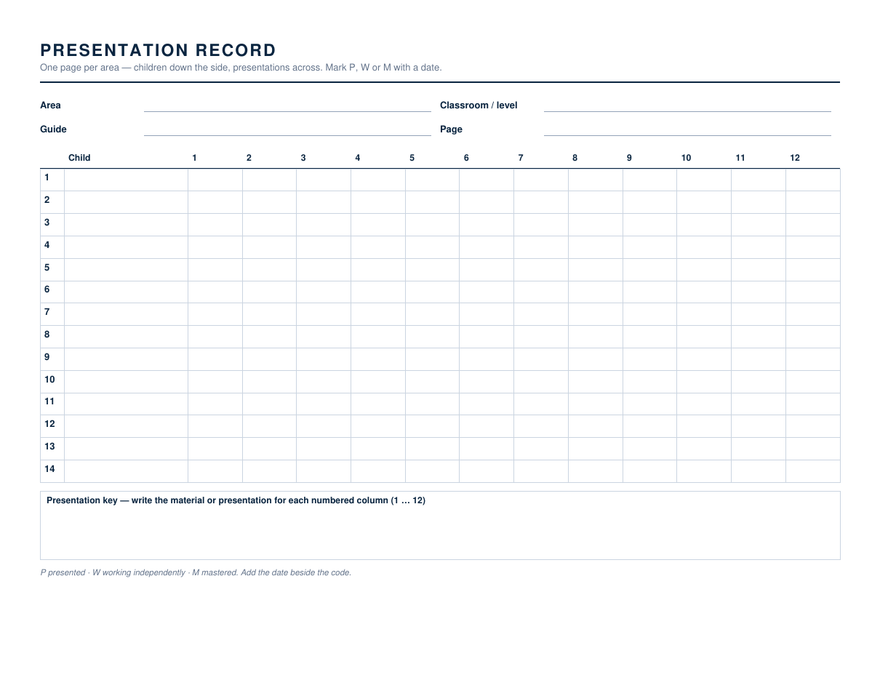
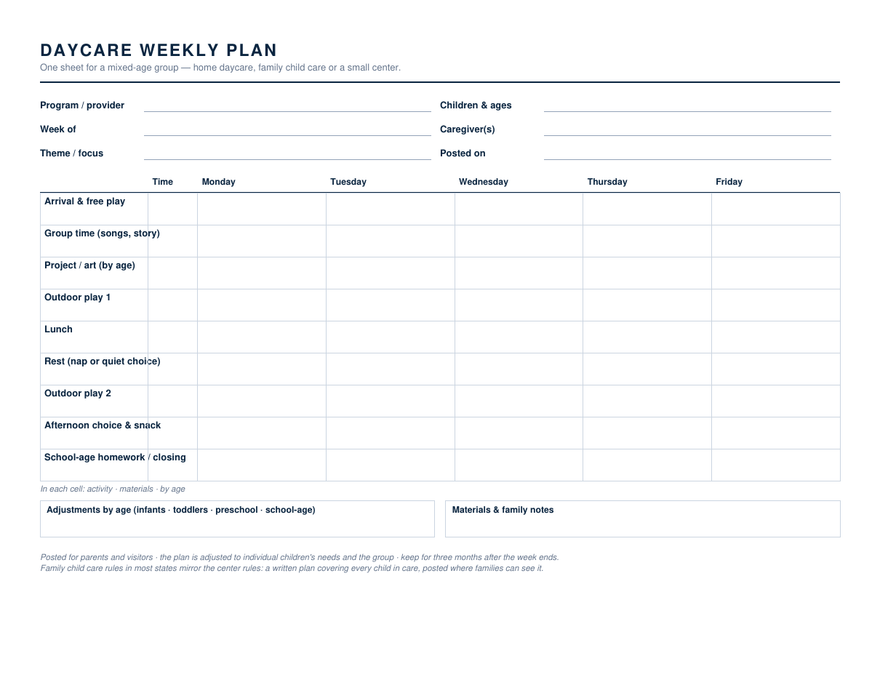
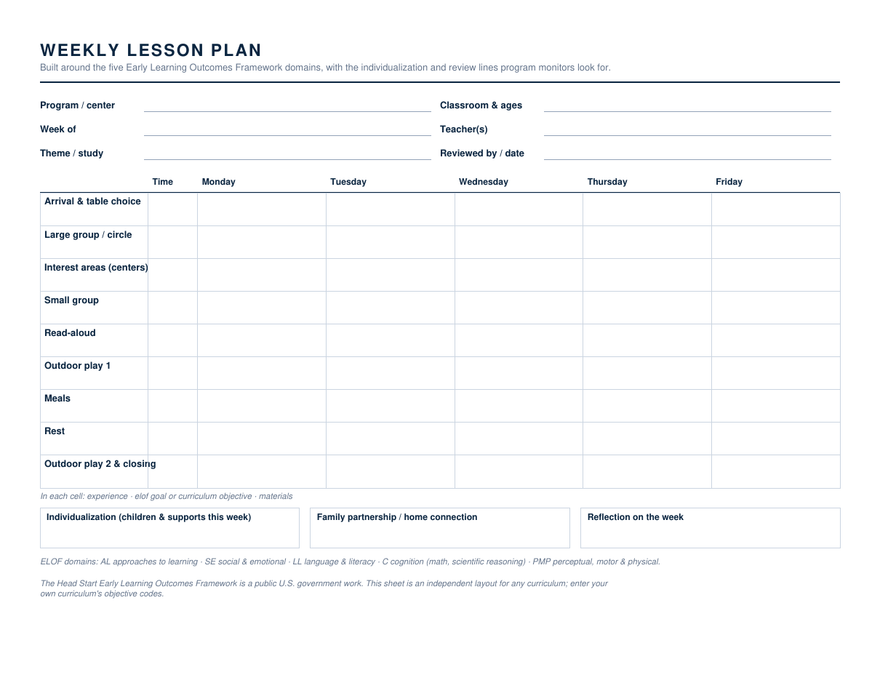
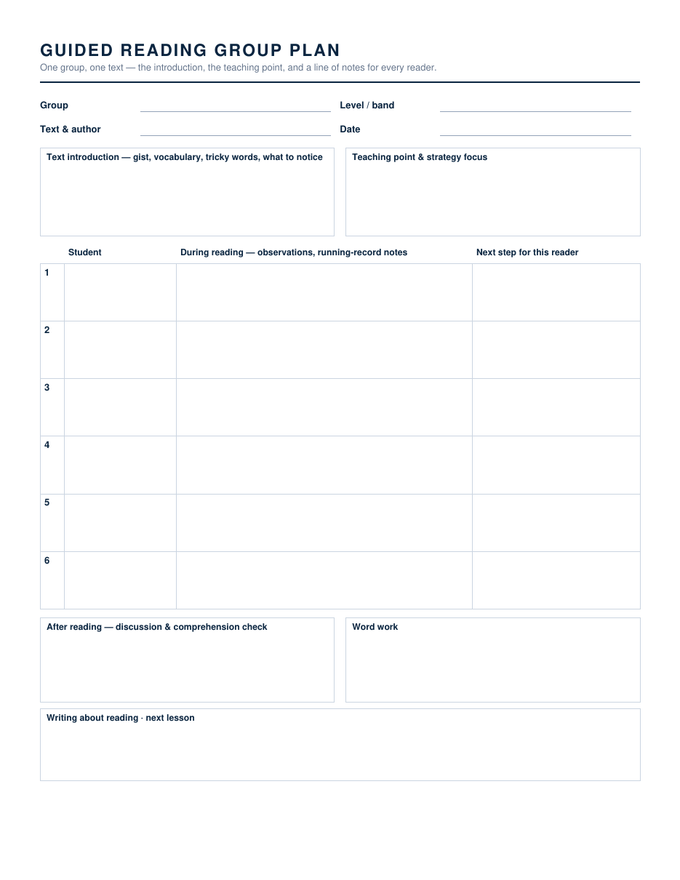
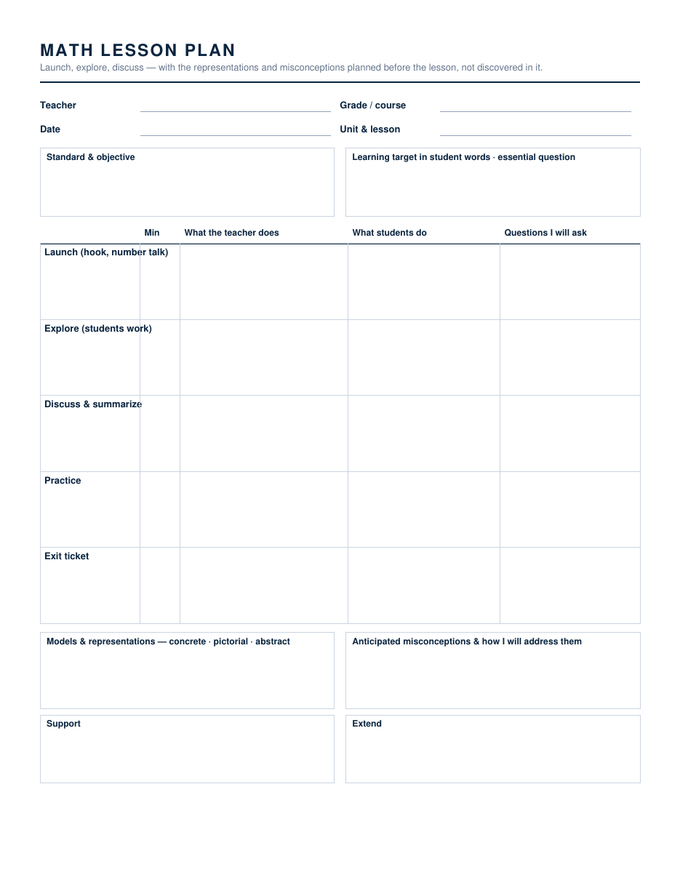
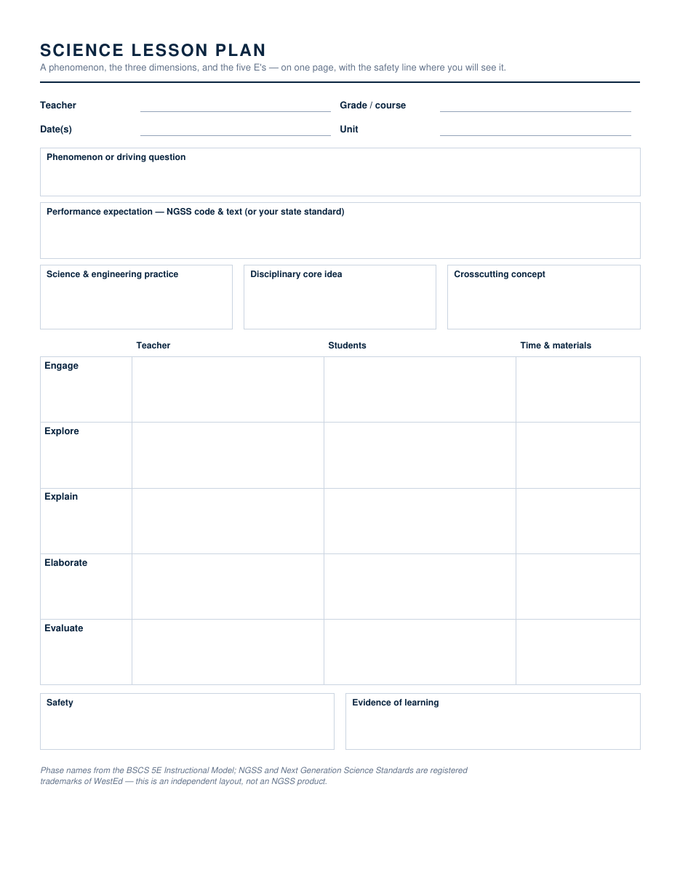
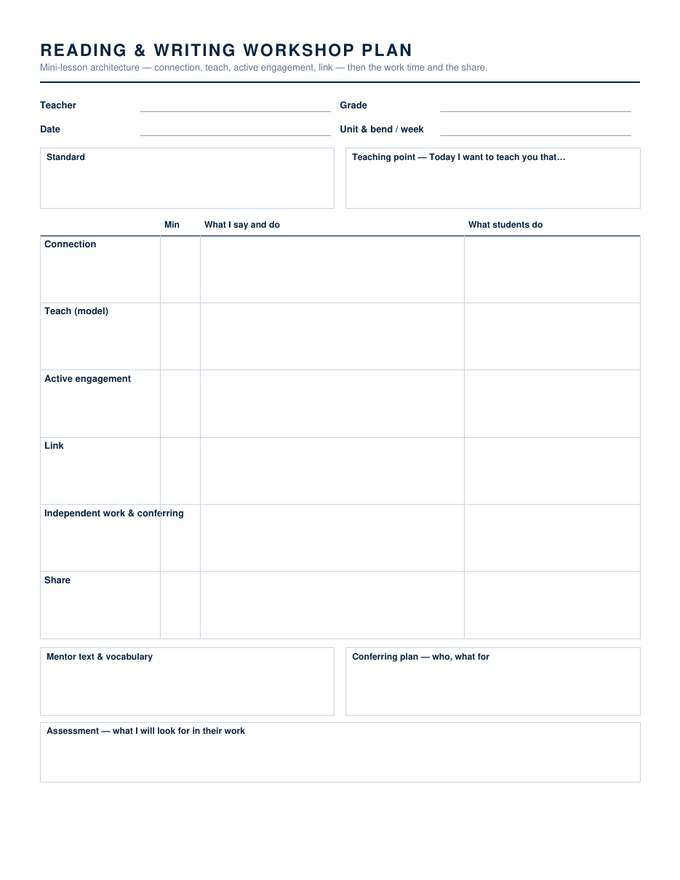
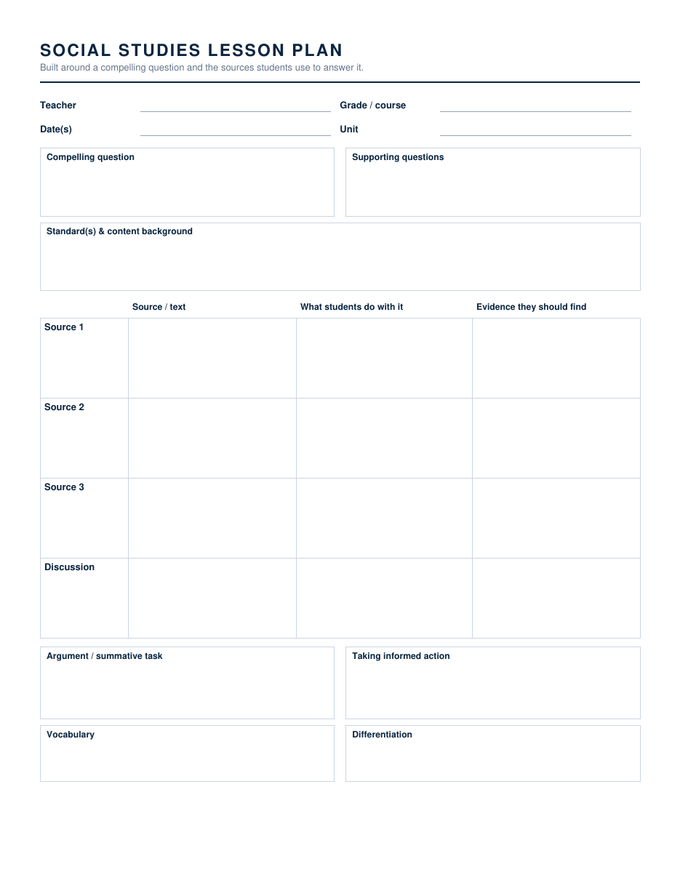
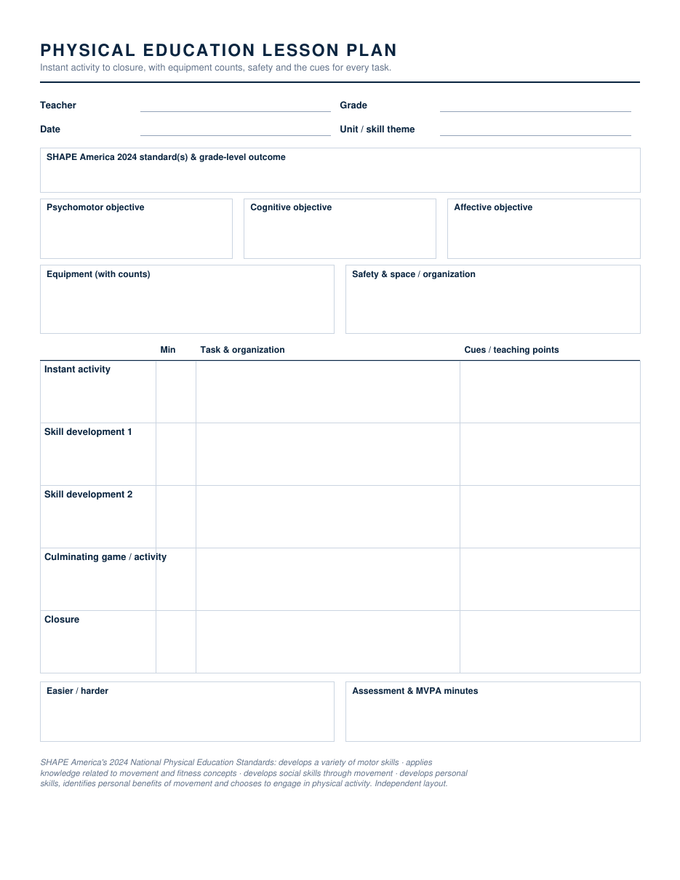
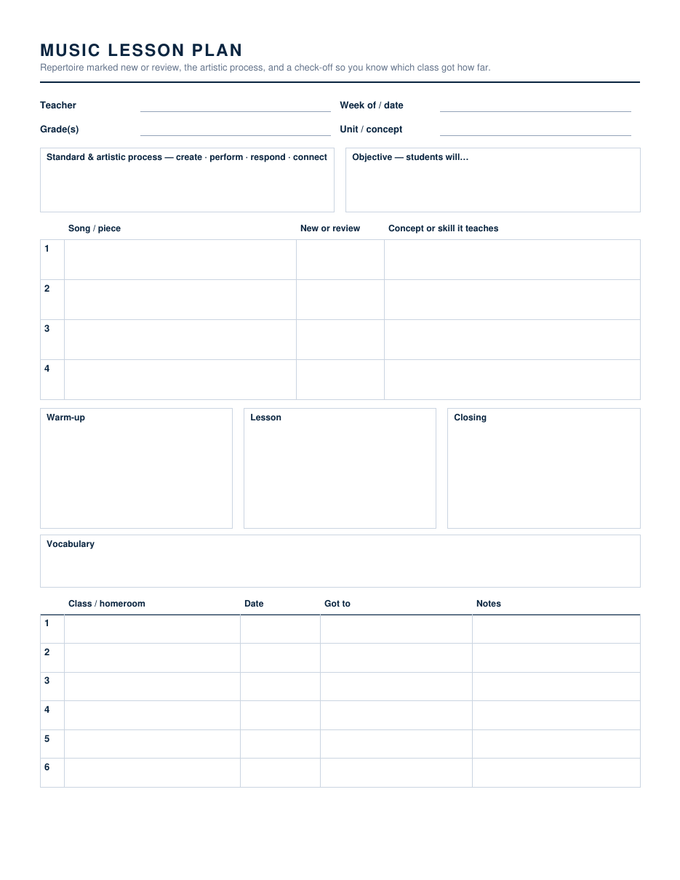
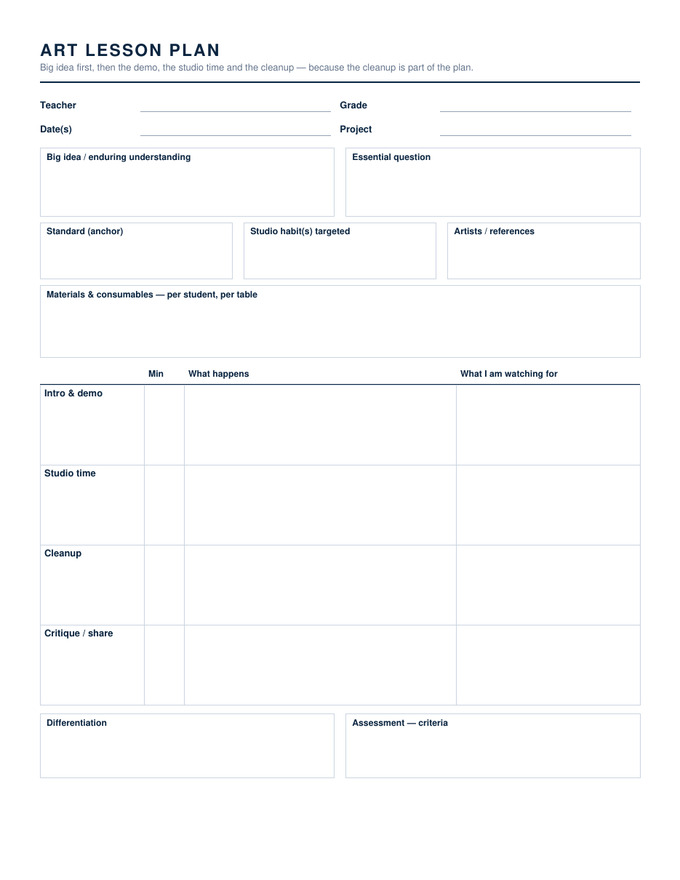
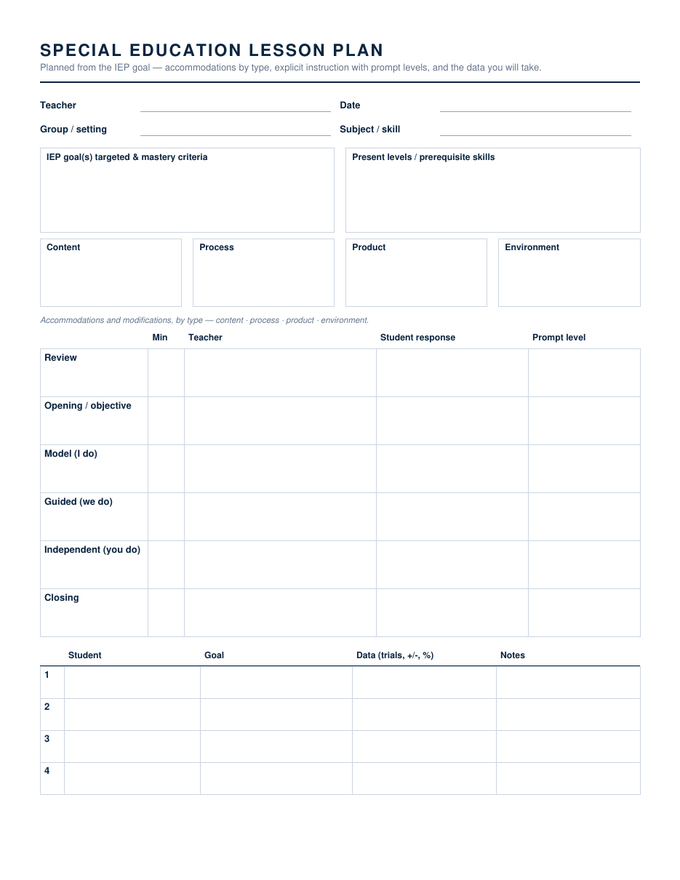
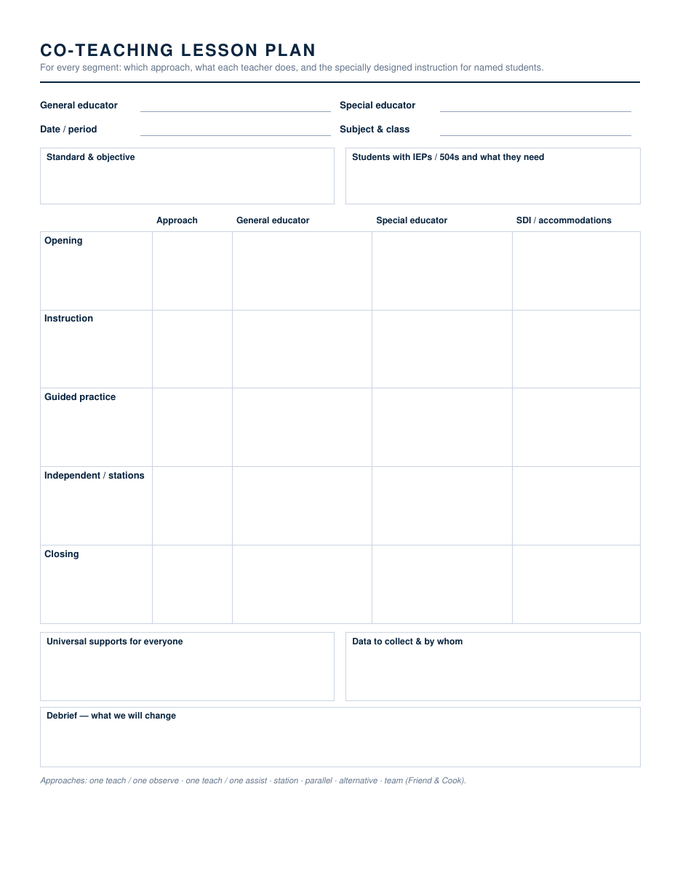
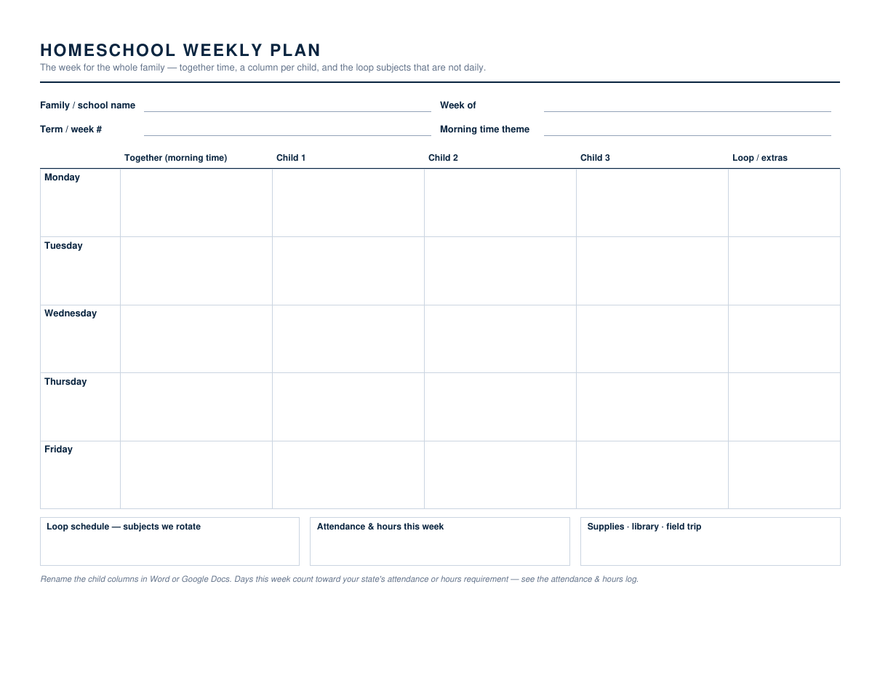
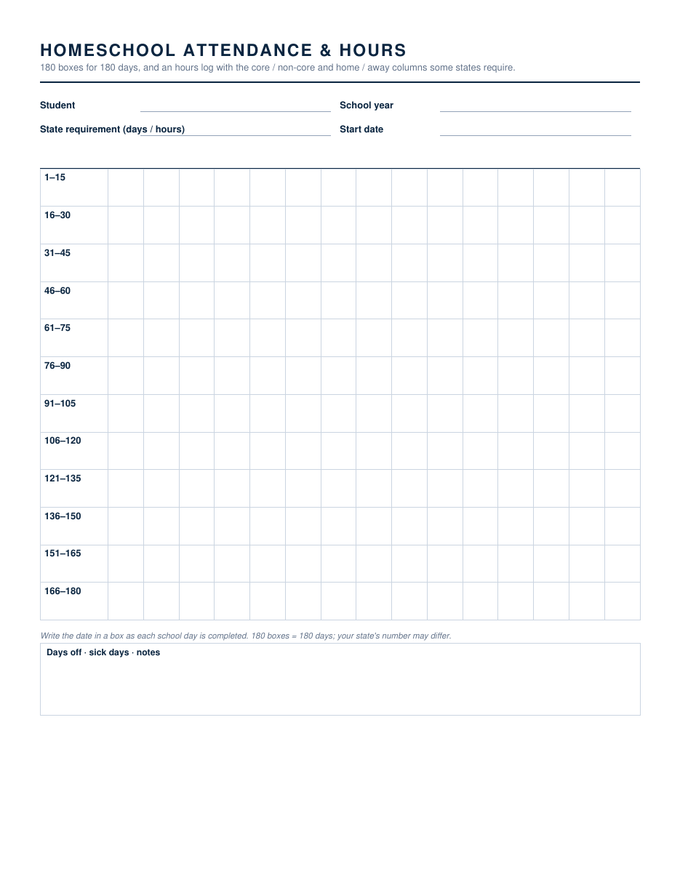
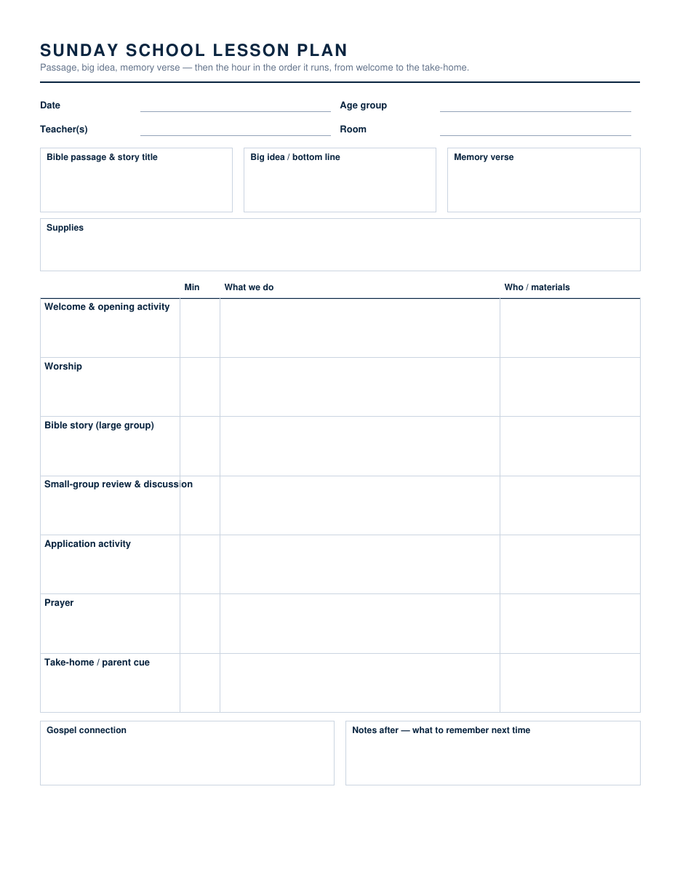
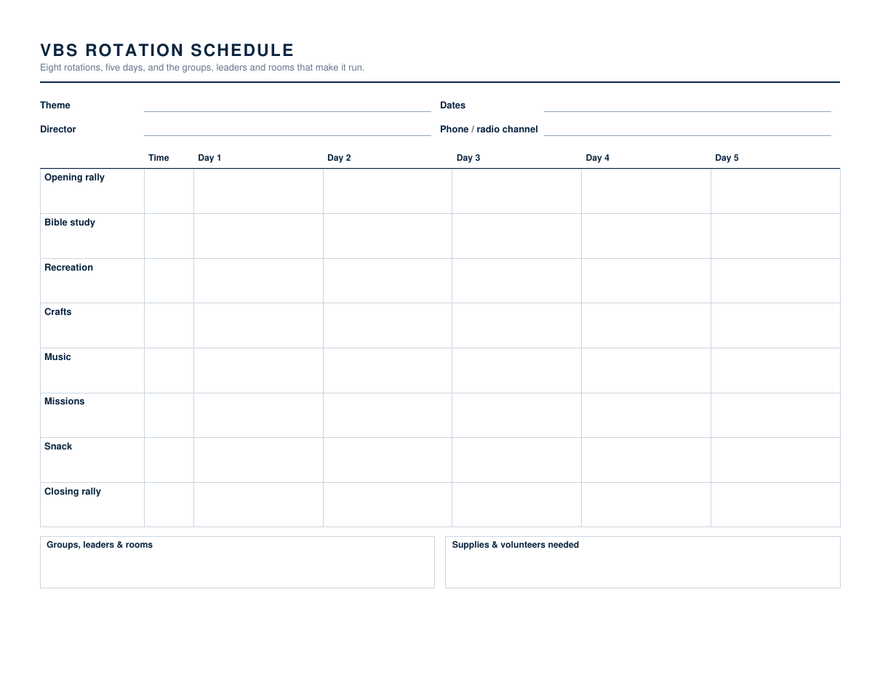
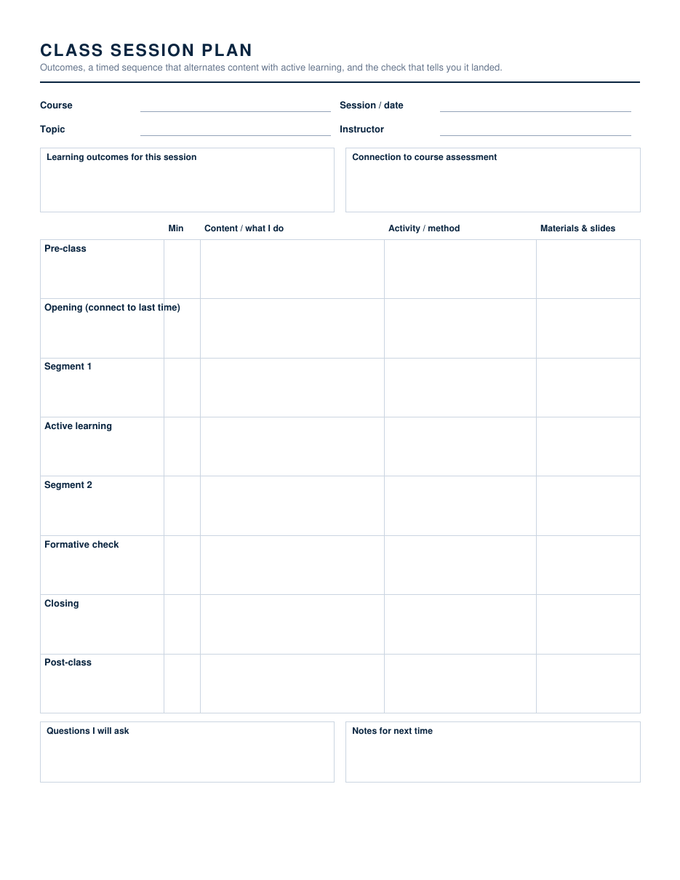
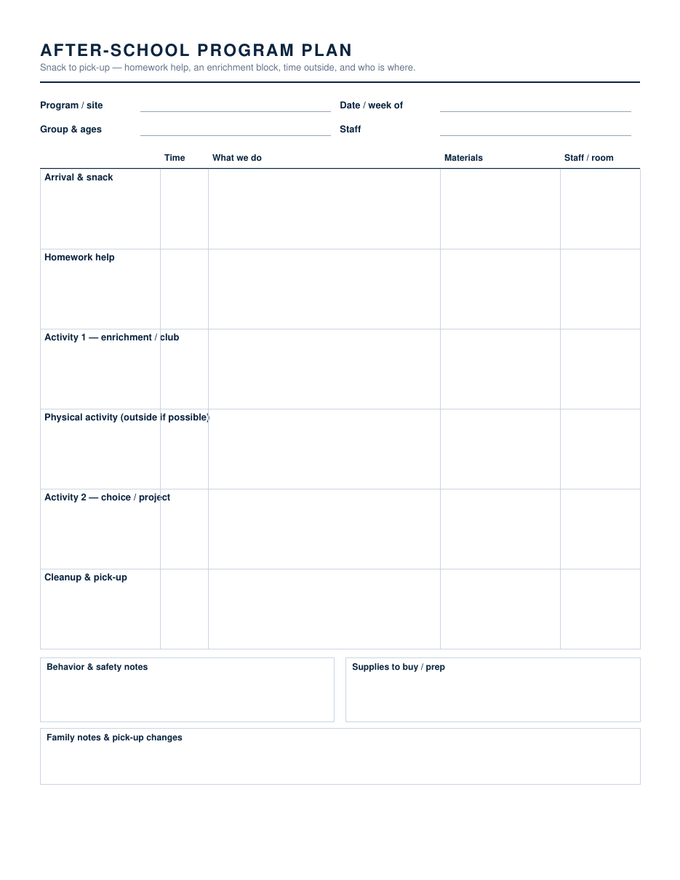
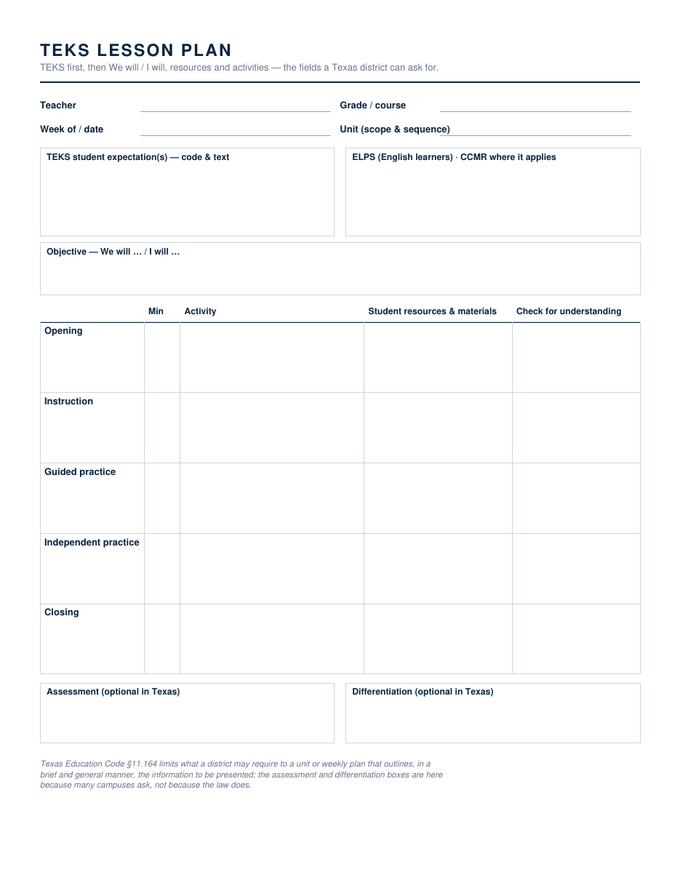
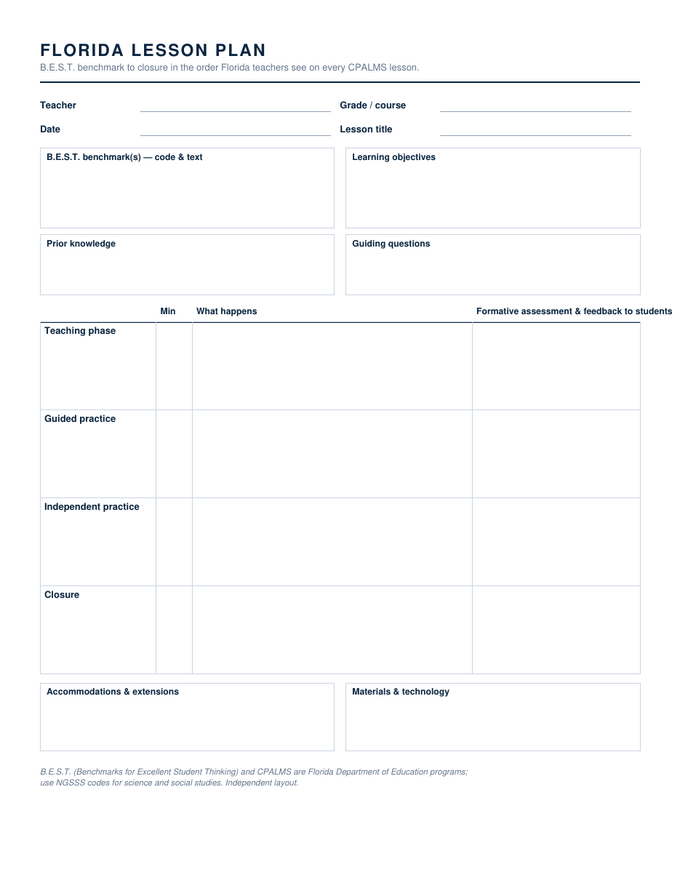
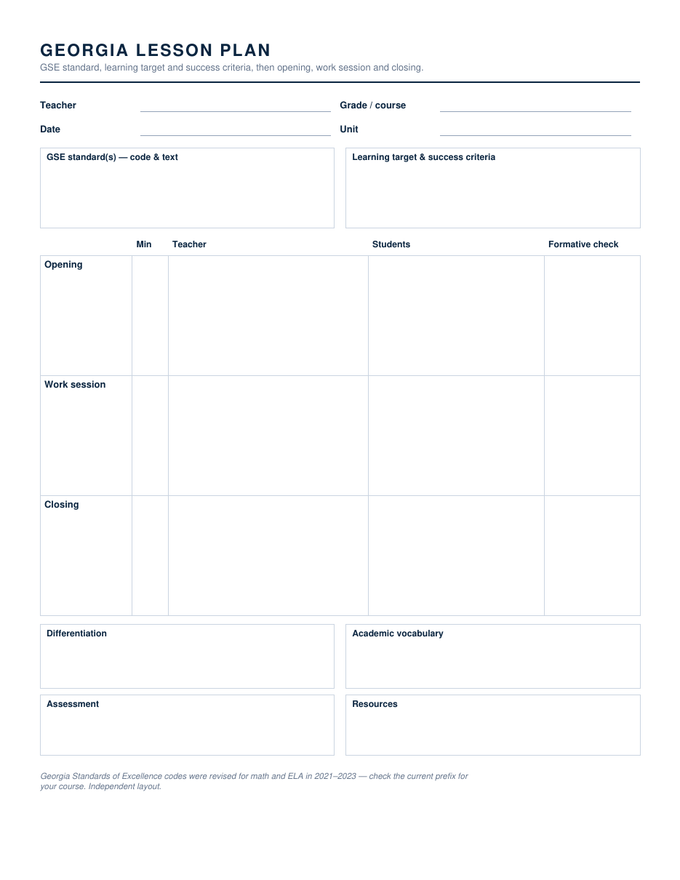
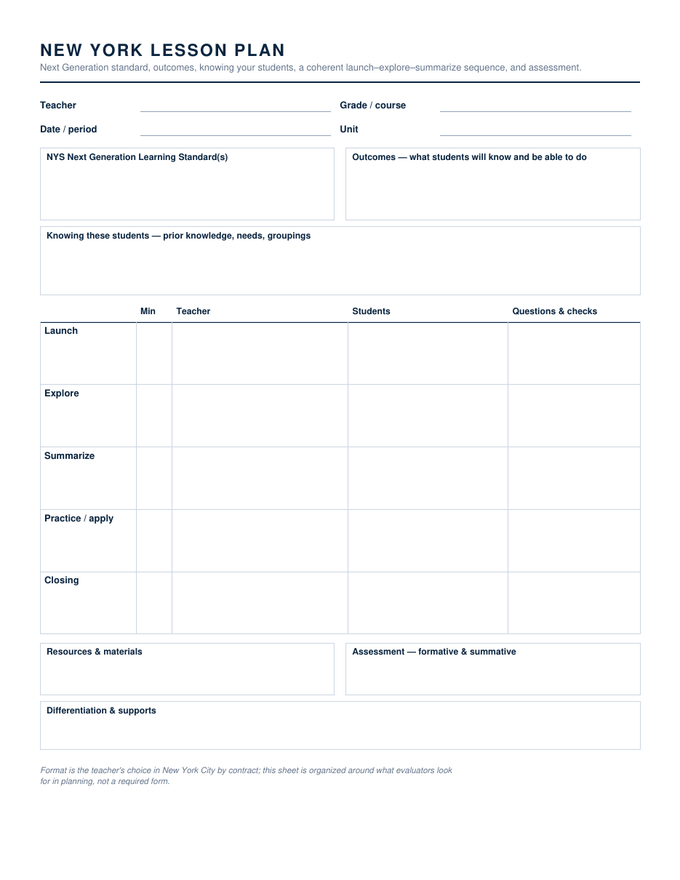
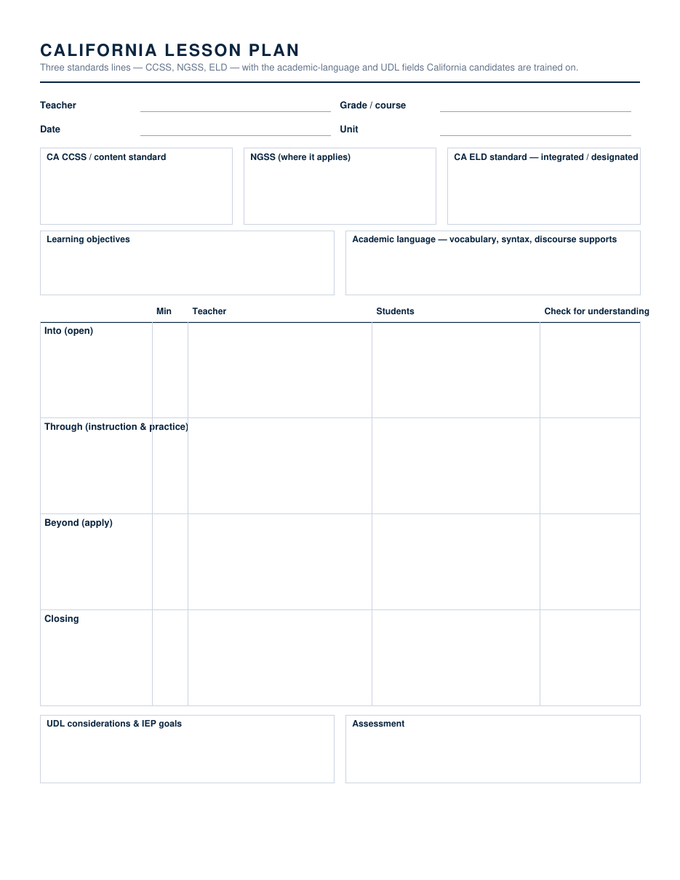
Specifications: US Letter, 8.5 × 11 inches. Word files are editable .docx that open in Word 2007 through Microsoft 365, including Word for Mac; the Google Docs link makes a copy in your own Drive; the PDF has real form fields and prints as plain hairline boxes when blank. Free to use in as many classes as you like, no account, no watermark.
About the google docs templates
Most US districts run on Google Workspace, and the most searched modifier for lesson plan templates is Google Docs. Yet almost every site that offers one gates the link behind its own login. These do not. The copy link is public; the file converts to a native Doc, with the tables intact and the widths set, because the Word original was built with the column grid Google reads.
Two things to know about Docs. Tables keep their shape when you type, but a row grows rather than scrolls, so a long entry pushes the page; that is fine for a plan you will print, less fine for a grid you want on one screen. And Docs only shows headers and footers in print layout, which these templates do not use, so there is nothing to lose.
Google Docs lesson plans, answered
Do I need a Google account?
Will the layout survive the conversion?
Can I share the copy with my team?
Drawn and measured in November 2026.