
Apollo's Templates
Editable .docx, nothing to unlock

Lesson Plan Templates for Microsoft Word

Every template in the section as a Word document. They open in Word 2007 through Microsoft 365 and Word for Mac, the tables are real tables, and the labels are ordinary text you can rename once and reuse all year.

All fifty, Word first

50 lesson plan templates for Word
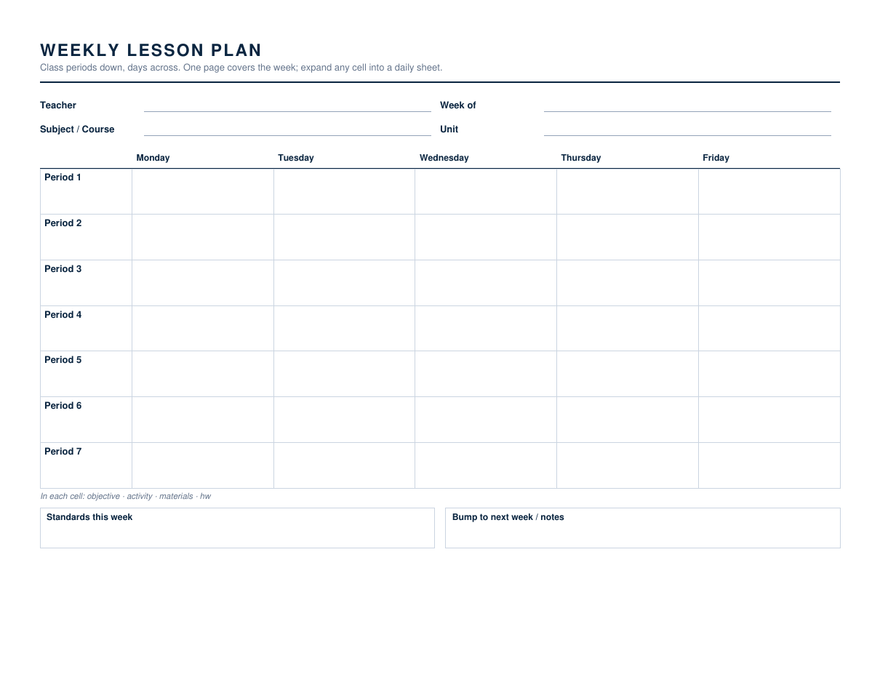
Weekly Lesson Plan — Class Periods — Word & Google Docs

Seven period rows across Monday to Friday on one landscape page, with a standards box and a bump-to-next-week box underneath.

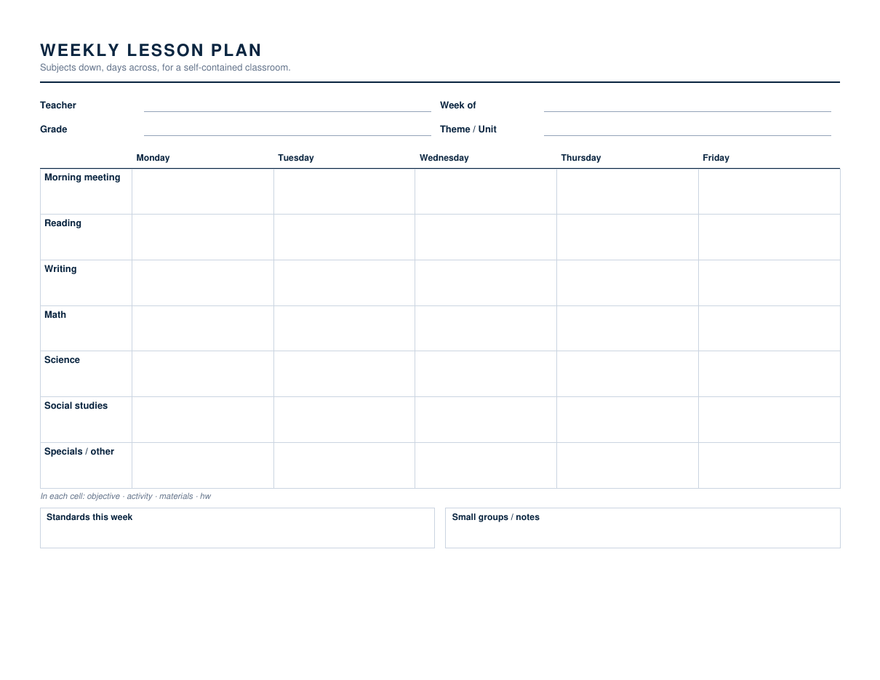
Weekly Lesson Plan — Subjects — Word & Google Docs

Morning meeting, reading, writing, math, science, social studies and specials down the side, the five days across. For one teacher, one class.

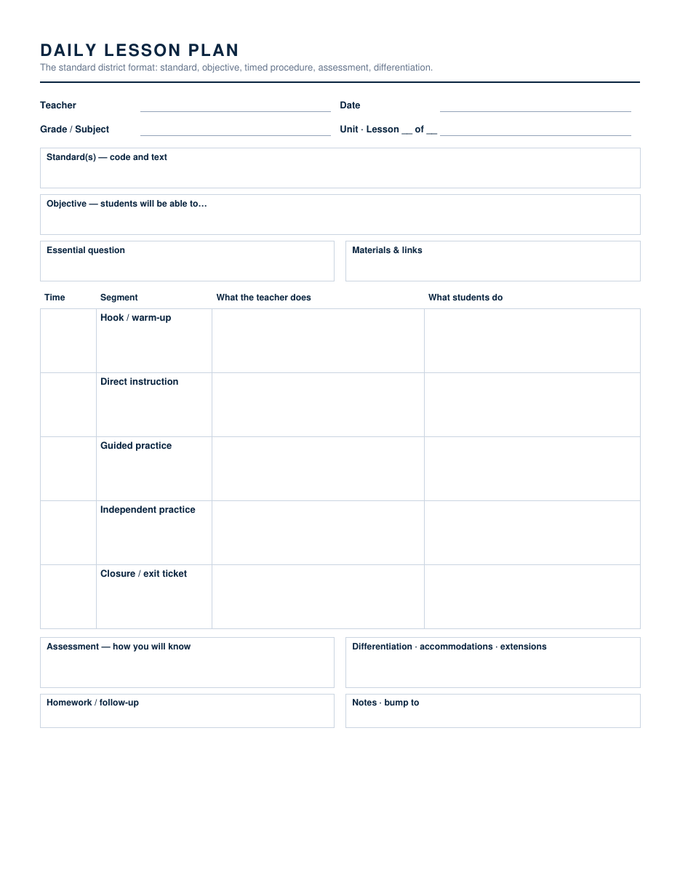
Daily Lesson Plan — Word & Google Docs

Standard, objective, essential question and materials up top; a timed five-row procedure from hook to exit ticket; assessment, differentiation and homework beneath.

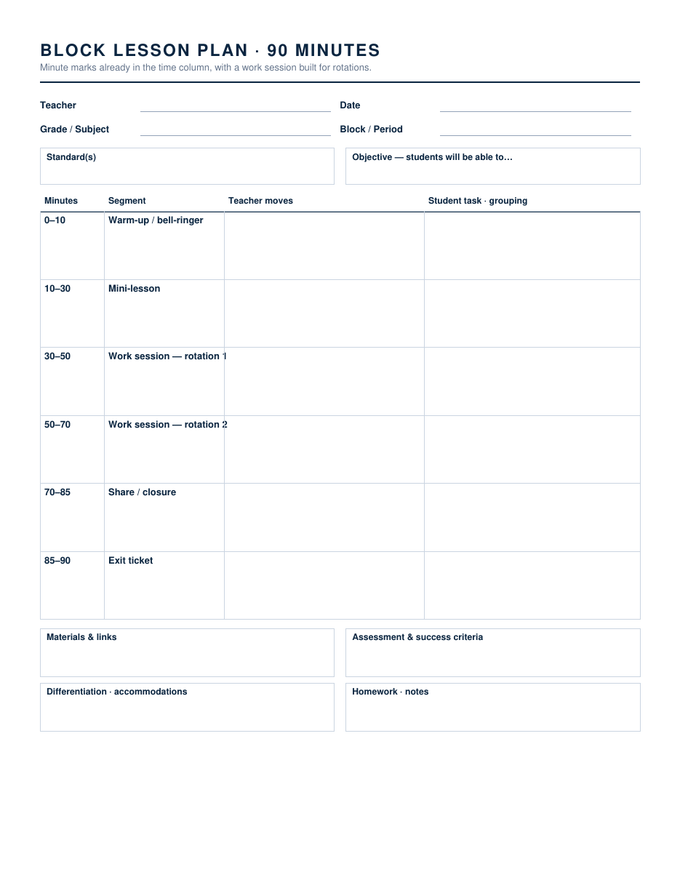
Block Schedule Lesson Plan (90 minutes) — Word & Google Docs

Minute marks already in the time column — 0–10, 10–30, and two work-session rotations — so a 90-minute block plans itself around the rotations.

Simple Lesson Plan — Word & Google Docs

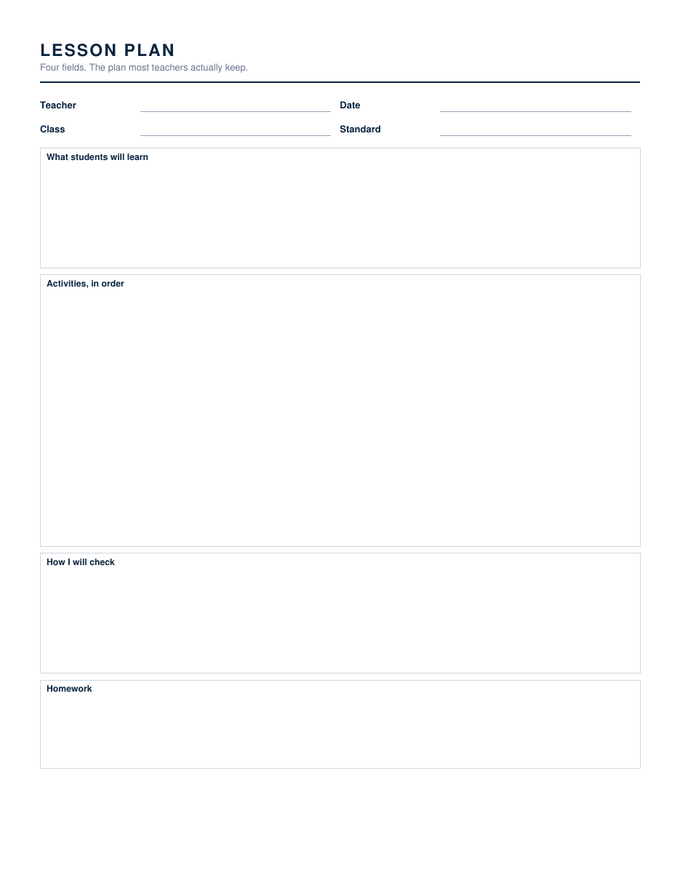
Four big boxes: what students will learn, activities in order, how I will check, homework. The plan most teachers keep for themselves.

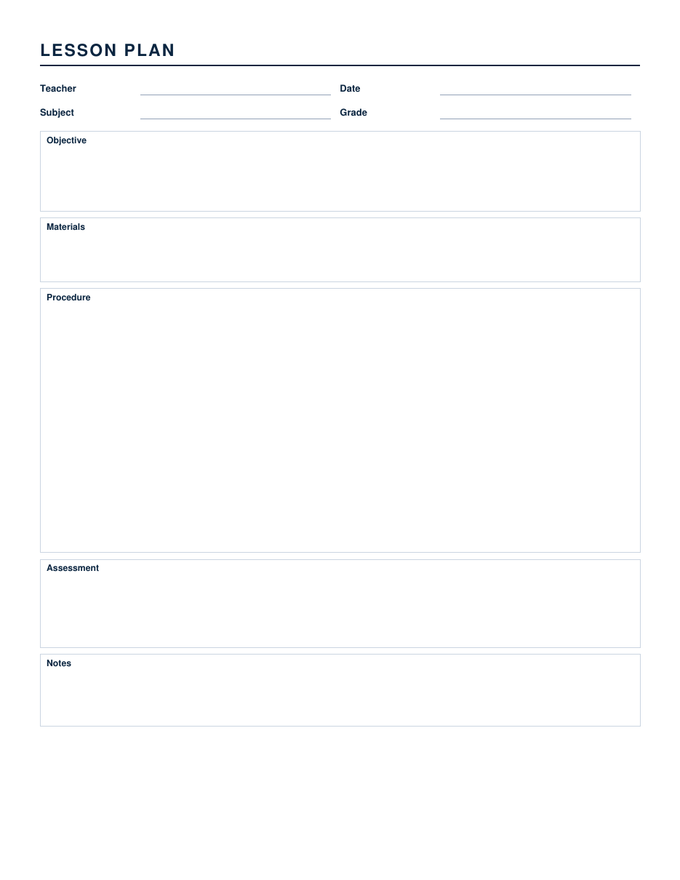
Blank Lesson Plan — Word & Google Docs

Five labelled boxes — objective, materials, procedure, assessment, notes — with the procedure box taking a third of the page.

Backward Design Unit Plan — Word & Google Docs

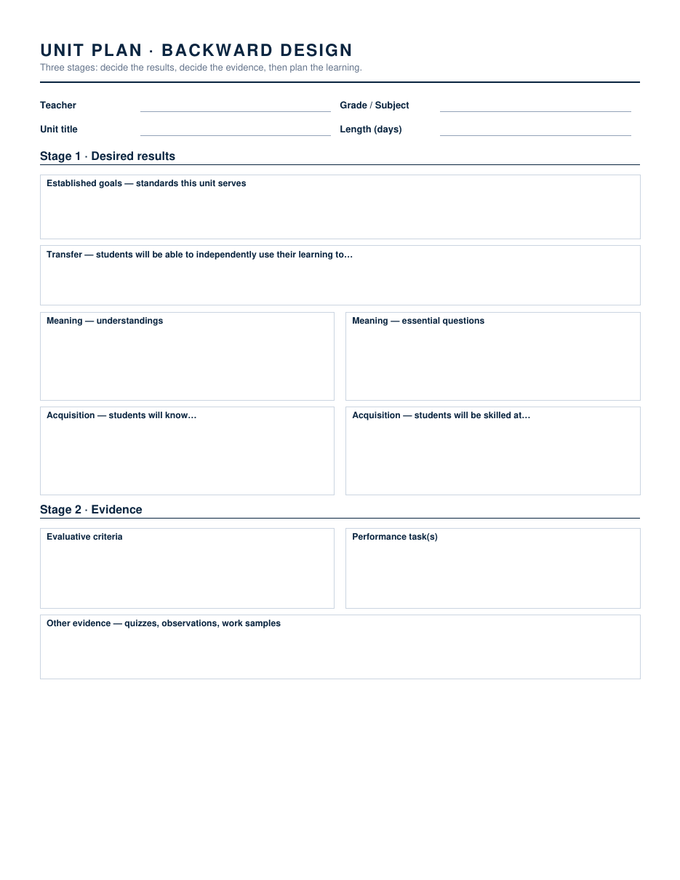
Stage 1 desired results, Stage 2 evidence, Stage 3 a ten-day learning plan with a formative check per day. Two pages.

5E Lesson Plan — Word & Google Docs

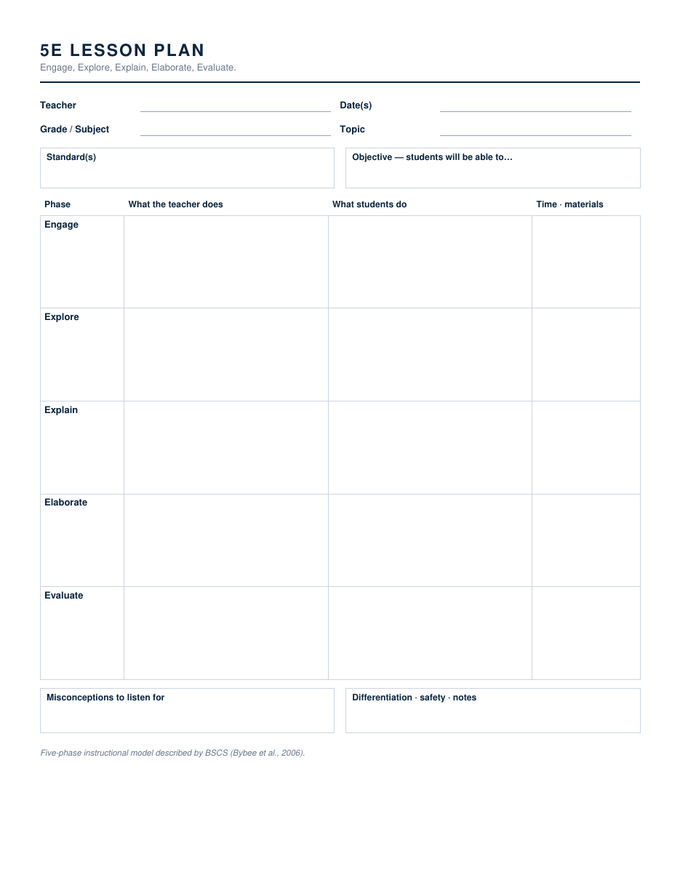
Engage, Explore, Explain, Elaborate and Evaluate as rows, with what the teacher does, what students do, and time and materials as columns.

Madeline Hunter Lesson Plan — Word & Google Docs

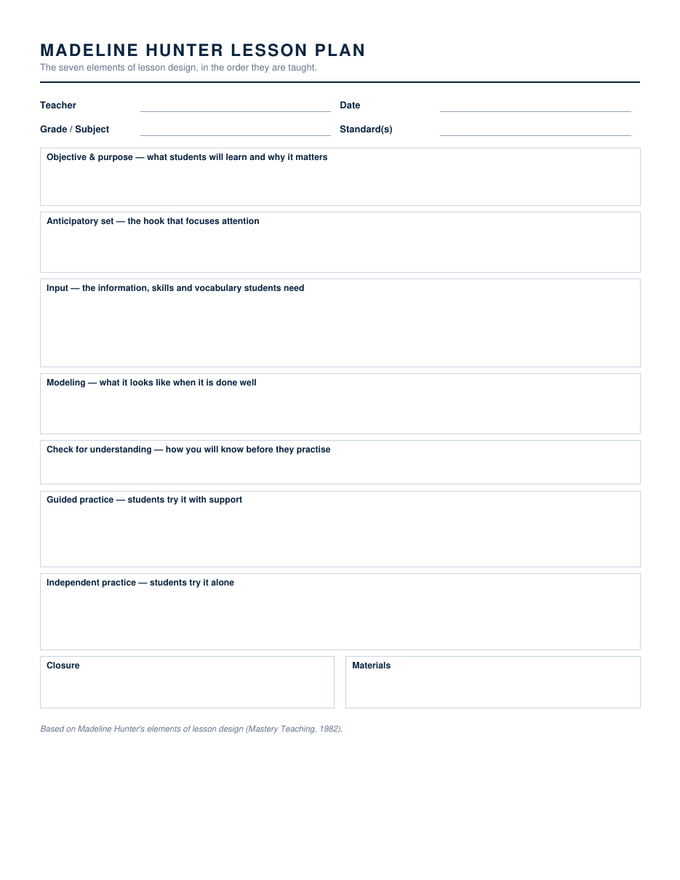
Objective and purpose, anticipatory set, input, modeling, check for understanding, guided practice, independent practice, closure — in that order.

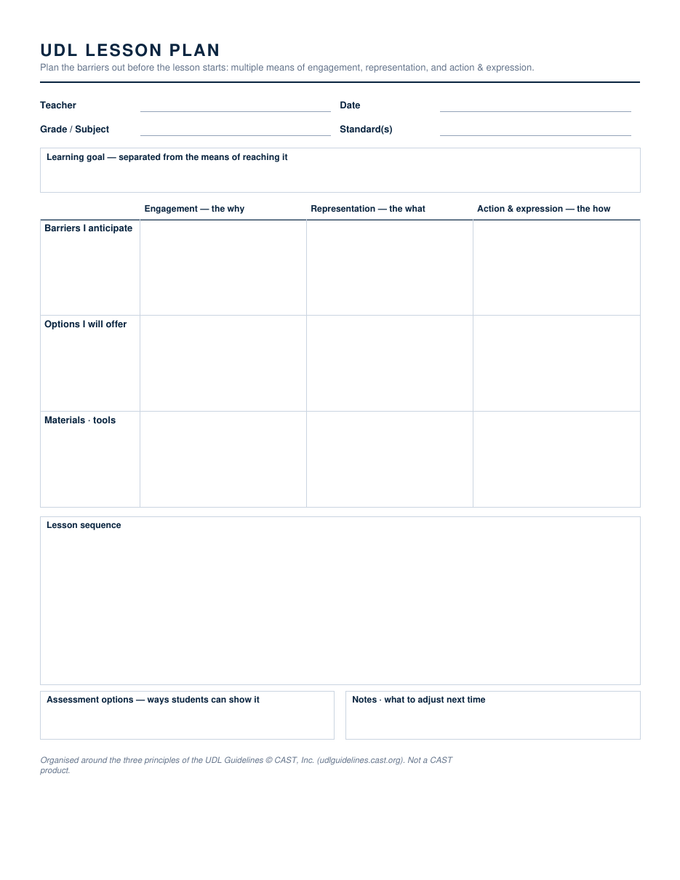
UDL Lesson Plan — Word & Google Docs

A three-by-three grid: engagement, representation and action & expression across; barriers, options and materials down. Then the sequence.

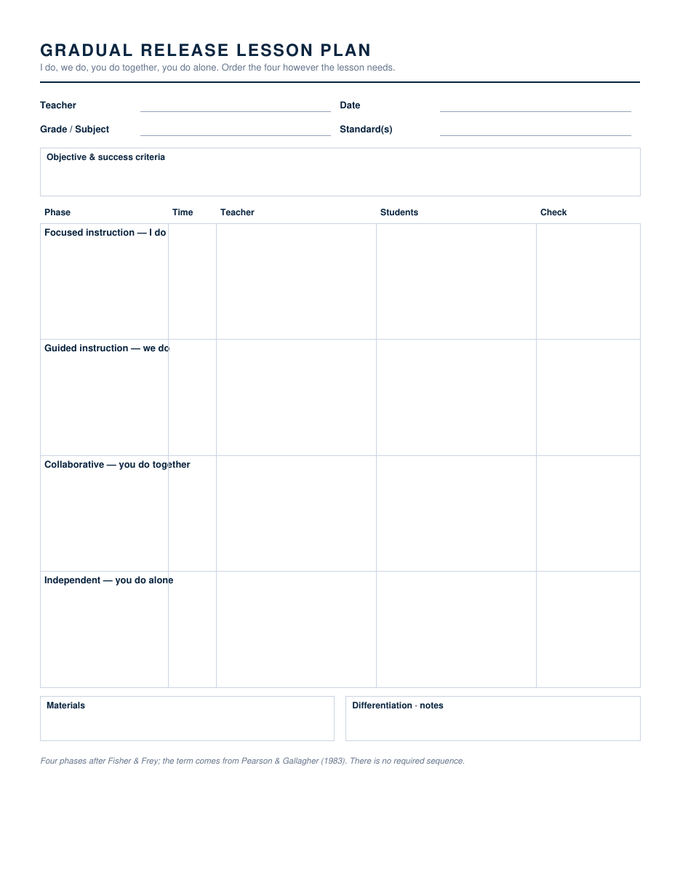
Gradual Release Lesson Plan — Word & Google Docs

Focused, guided, collaborative and independent as four tall rows, each with time, teacher, students and a check column.

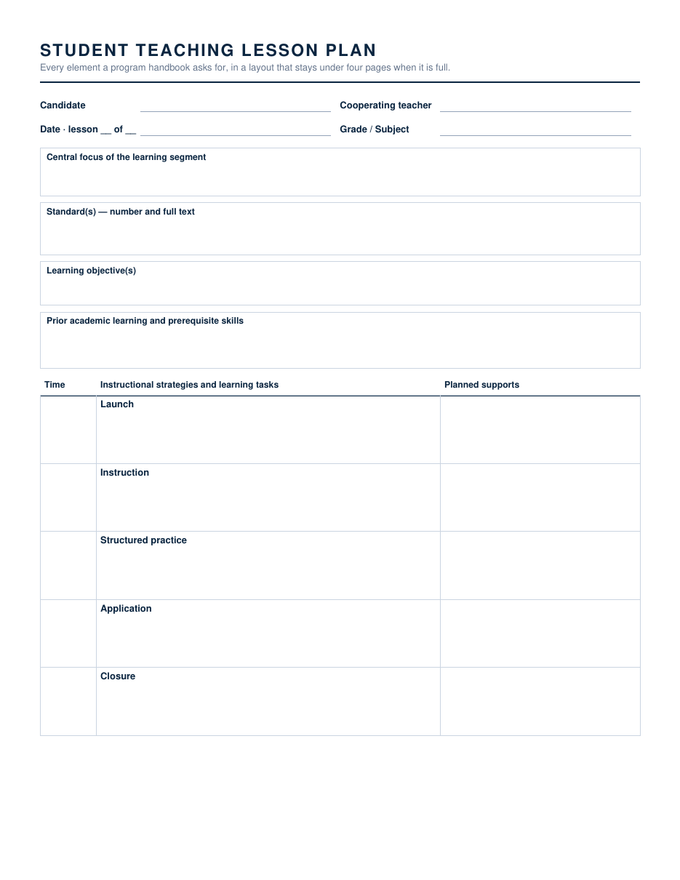
Student Teaching Lesson Plan — Word & Google Docs

Central focus, standards with full text, objectives, prior learning, a timed strategies table with planned supports, academic language, both assessments, reflection. Two pages.

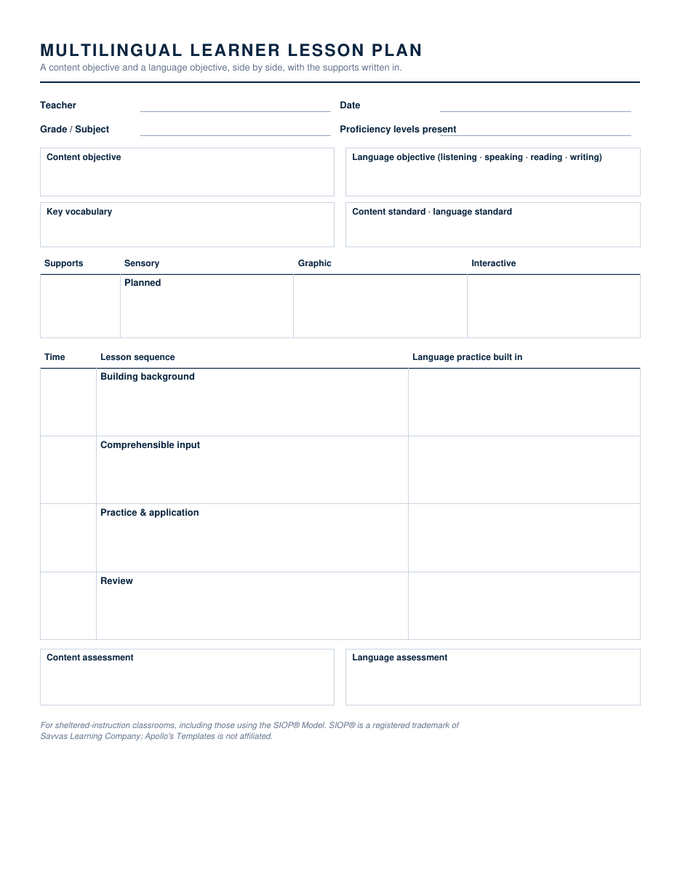
Multilingual Learner Lesson Plan — Word & Google Docs

Content objective beside language objective, a sensory-graphic-interactive supports row, a four-step sequence with language practice built in, and separate content and language assessment.

Evaluation-Ready Lesson Plan — Word & Google Docs

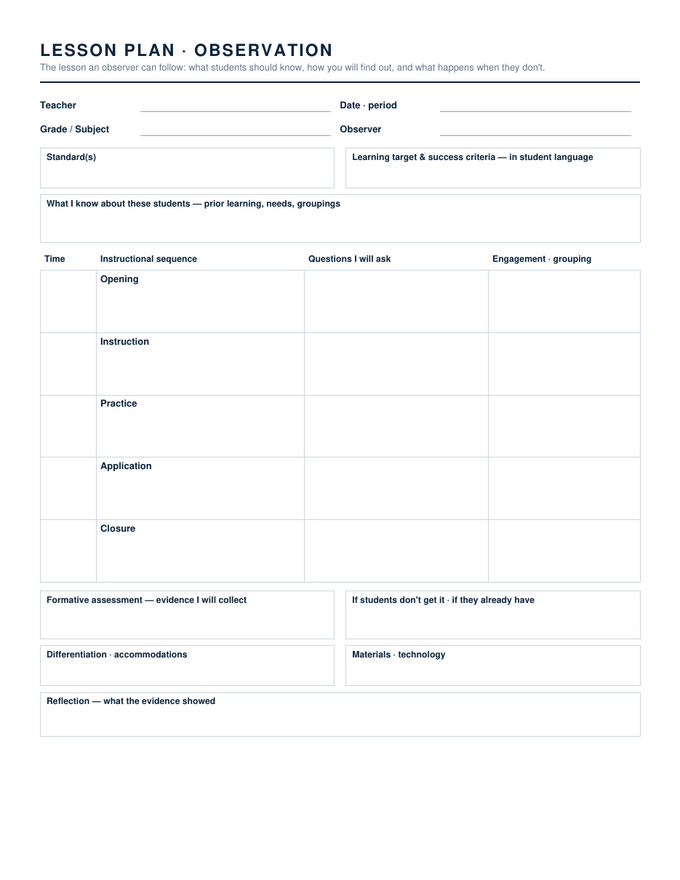
Learning target and success criteria in student language, what you know about these students, a questioning plan beside the sequence, and what happens if they don't get it.

Substitute Lesson Plan — Word & Google Docs

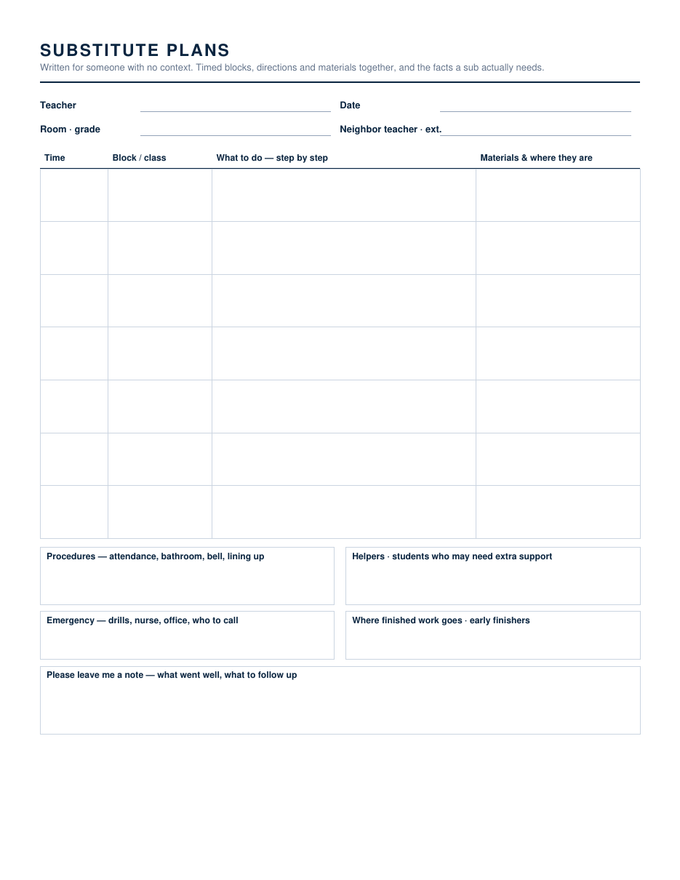
A timed schedule with what-to-do and where-things-are side by side, then procedures, helpers, emergency contacts, where finished work goes, and a please-leave-me-a-note box.

Substitute Binder Kit — Word & Google Docs

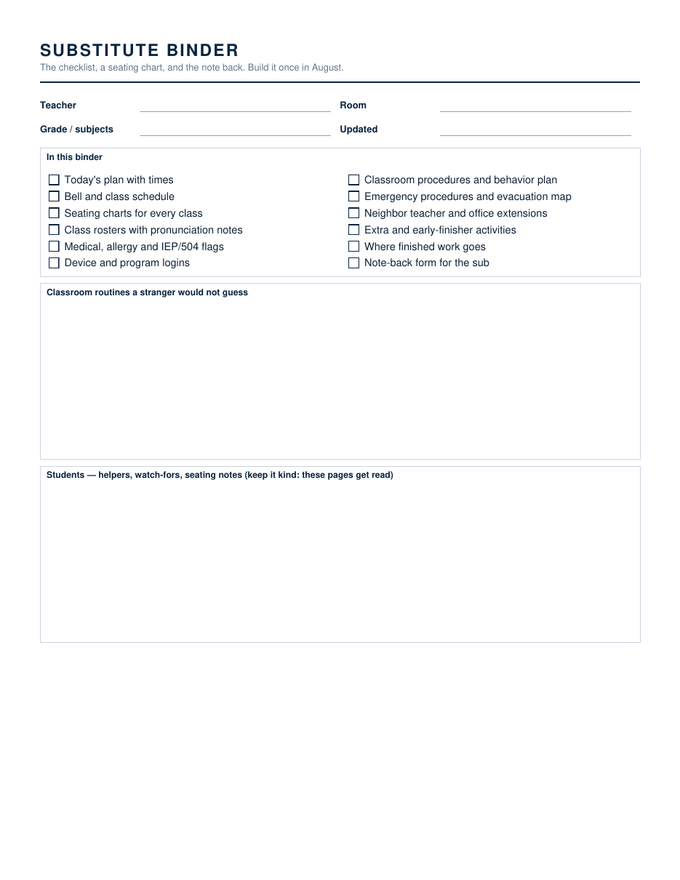
Three pages: a twelve-item binder checklist with routine and student notes, a six-by-five seating chart, and a note-back form for the sub to fill in.

Elementary Daily Lesson Plan — Word & Google Docs

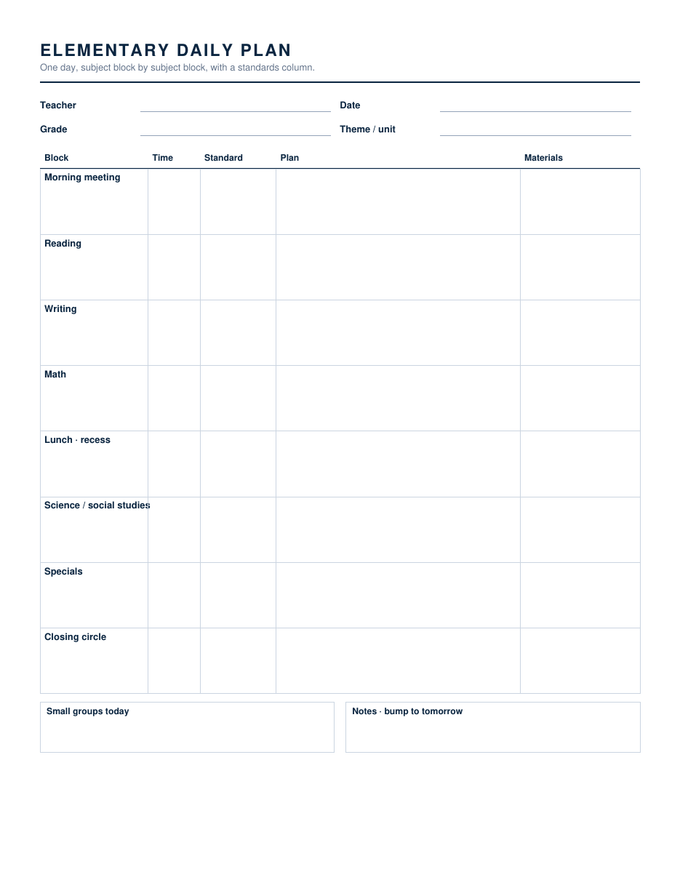
Eight subject blocks from morning meeting to closing circle, each with time, standard, plan and materials, and a small-groups box at the foot.

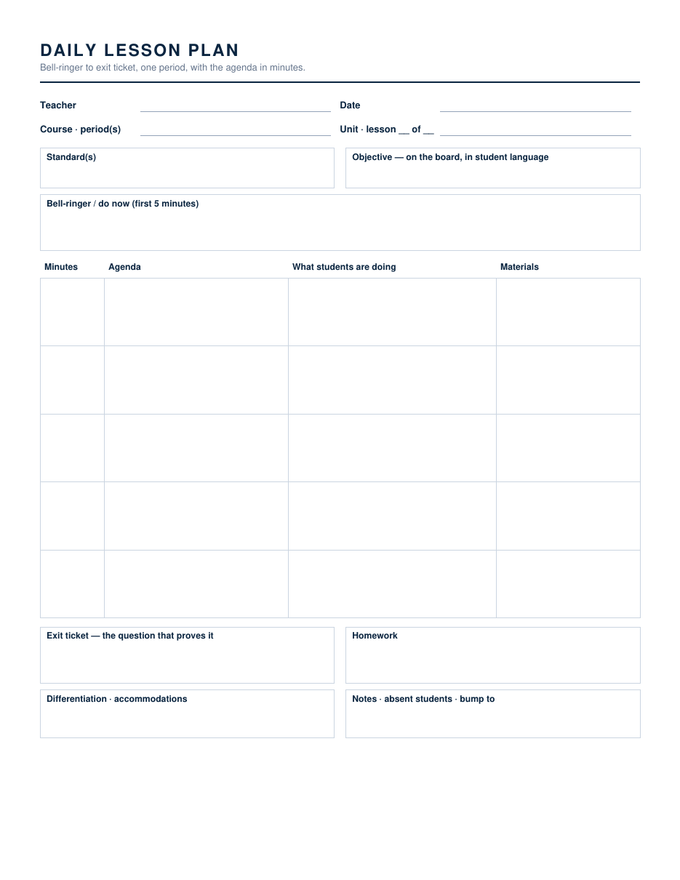
Secondary Daily Lesson Plan — Word & Google Docs

Bell-ringer box, an agenda in minutes with what students are doing, an exit-ticket box, homework, differentiation and an absent-students line.

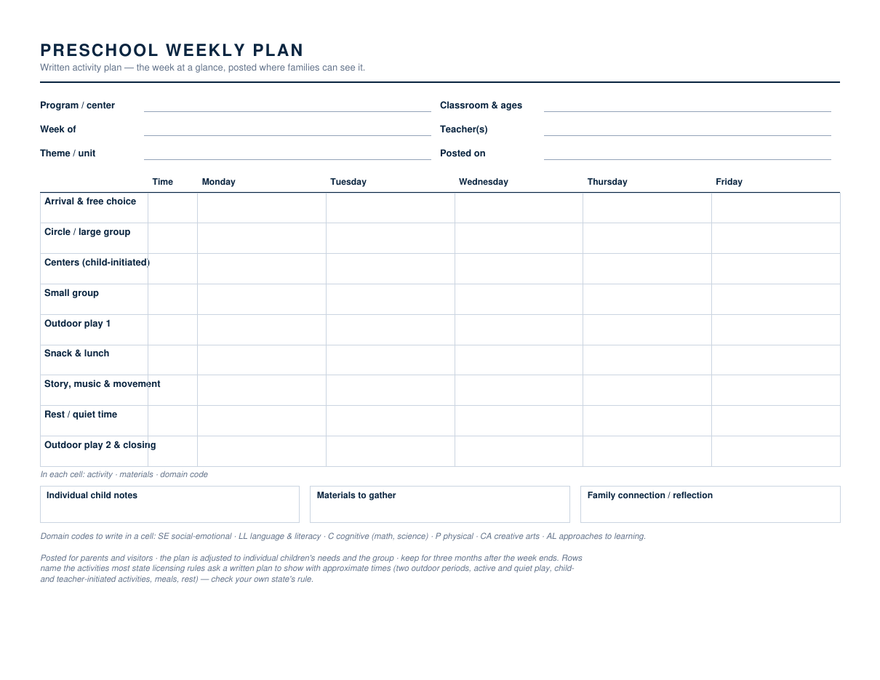
Preschool Weekly Lesson Plan — Word & Google Docs

The posted activity plan: nine activity rows from arrival to closing with a time column, five days across, and boxes for individual children, materials and families.

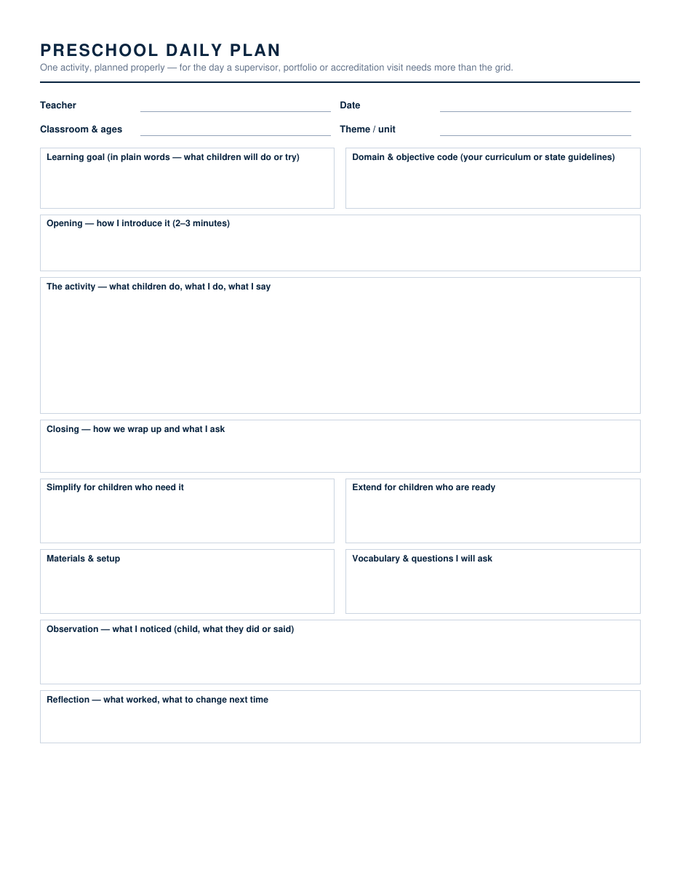
Preschool Daily Lesson Plan — Word & Google Docs

One activity planned properly: a plain-words learning goal beside the objective code, opening, activity and closing, simplify and extend, then observation and reflection.

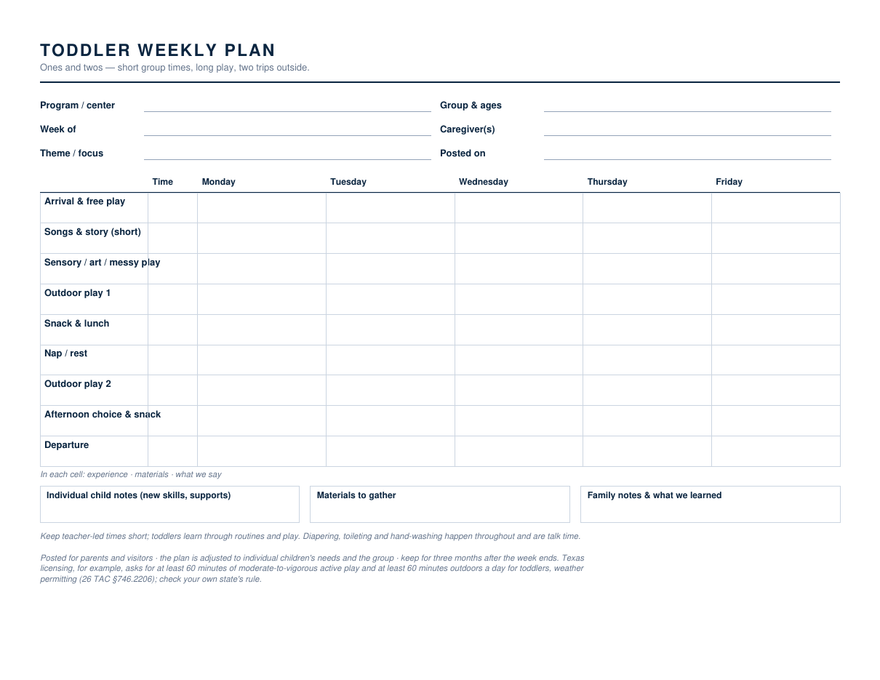
Toddler Weekly Lesson Plan — Word & Google Docs

Short group times, long play and two trips outside, with the active-play minimums printed at the foot so the plan passes an inspection as it stands.

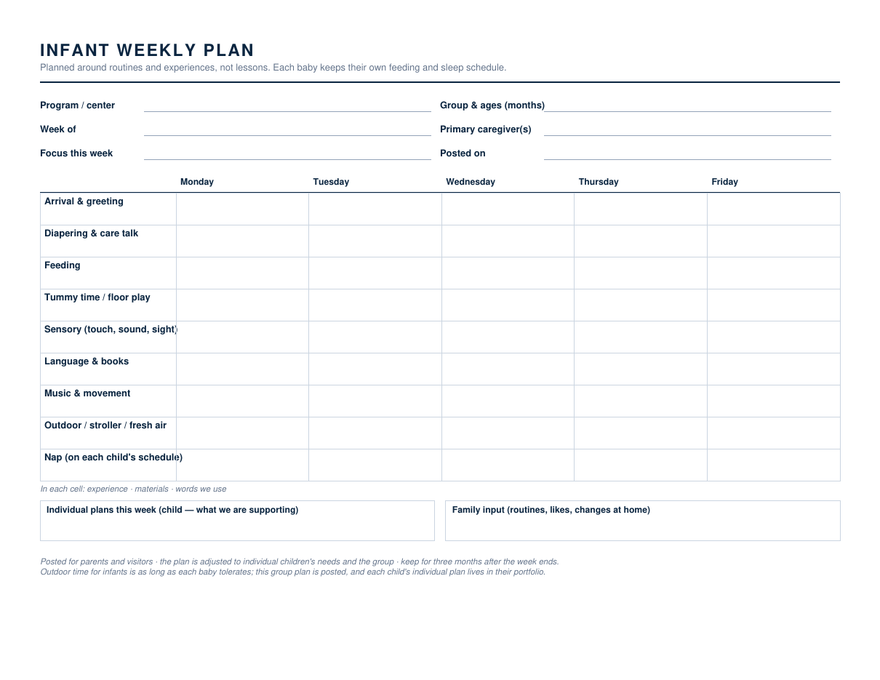
Infant Lesson Plan — Word & Google Docs

Planned around routines and experiences rather than lessons — diapering talk, feeding, tummy time, sensory, books, music, fresh air, nap — with no time column, because each baby keeps their own schedule.

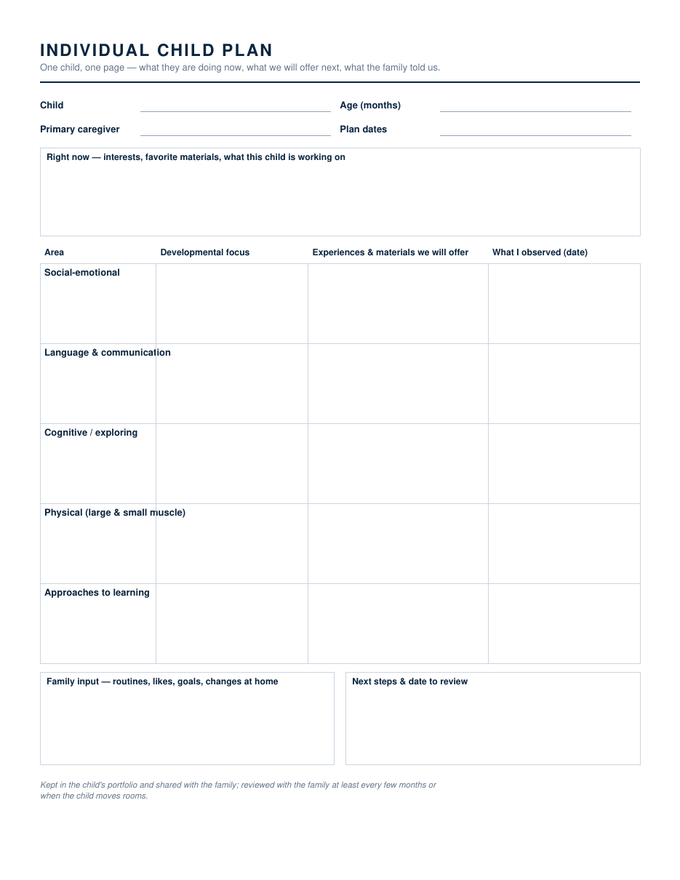
Individual Child Plan — Word & Google Docs

One infant or toddler, one page: what they are doing now, a five-area table of focus, experiences and observations, family input, and next steps with a review date.

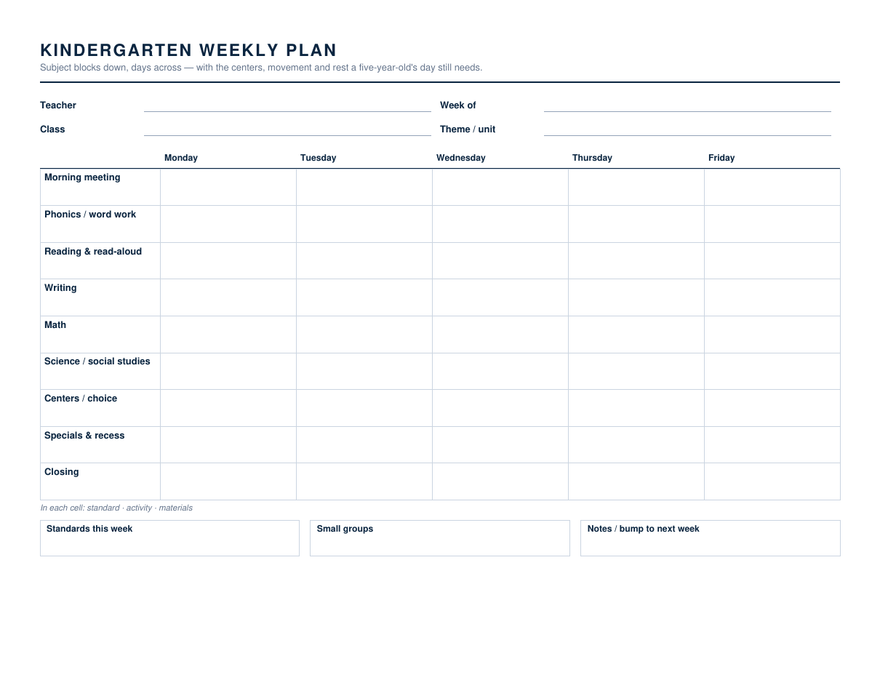
Kindergarten Weekly Lesson Plan — Word & Google Docs

Subject blocks down — phonics, reading, writing, math, science and social studies — with the centers, specials, recess and closing a five-year-old's day still needs.

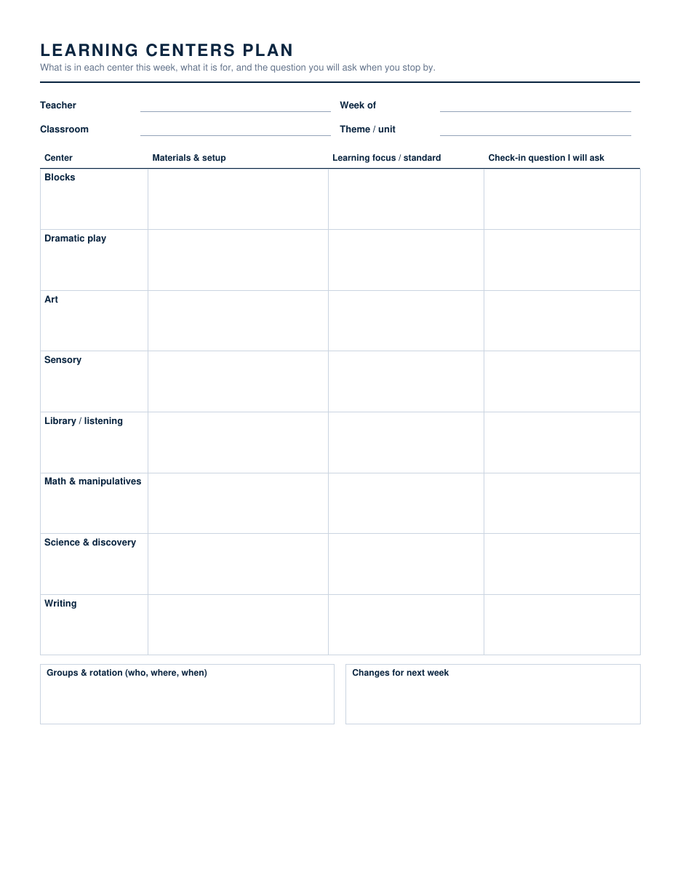
Learning Centers Plan — Word & Google Docs

Eight centers down the side — blocks to writing — with materials and setup, the learning focus, and the check-in question you will ask when you stop by.

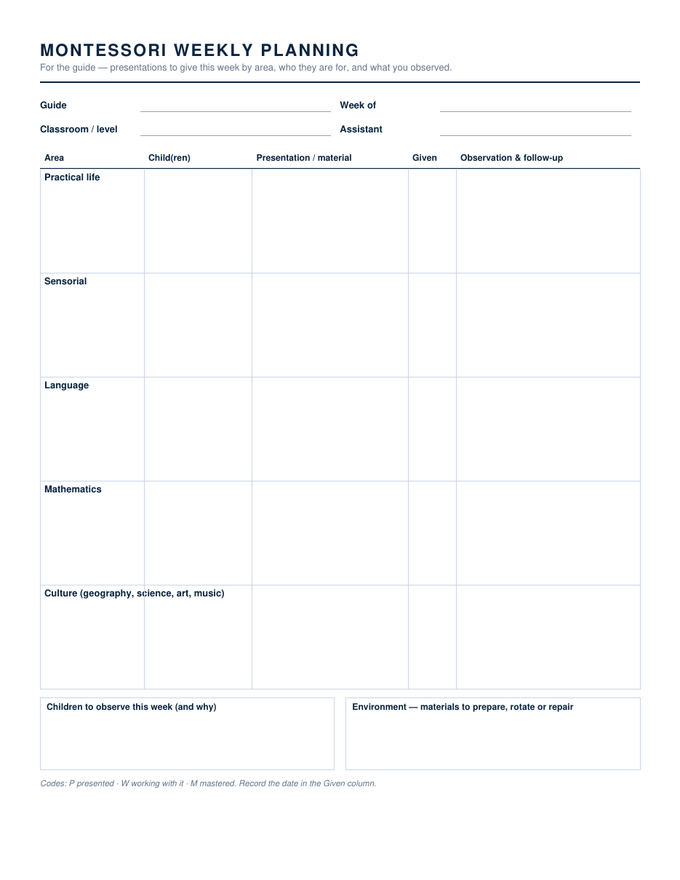
Montessori Weekly Planning Sheet — Word & Google Docs

For the guide: presentations to give this week by area, which children they are for, when they were given, and the observation that follows.

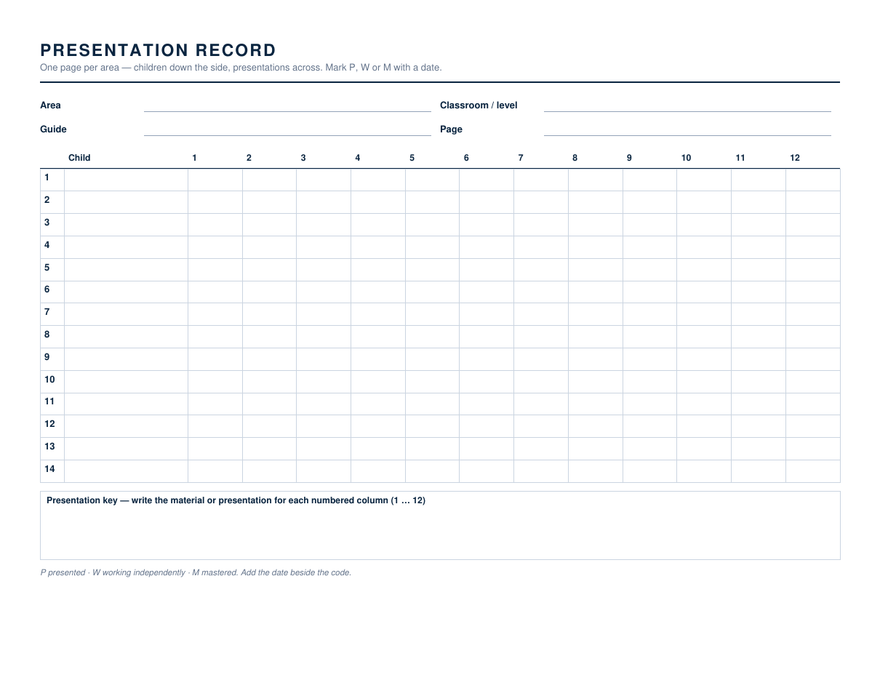
Montessori Presentation Record — Word & Google Docs

Children down the side, twelve presentations across, one page per area. Mark P, W or M with a date; the key box names the columns.

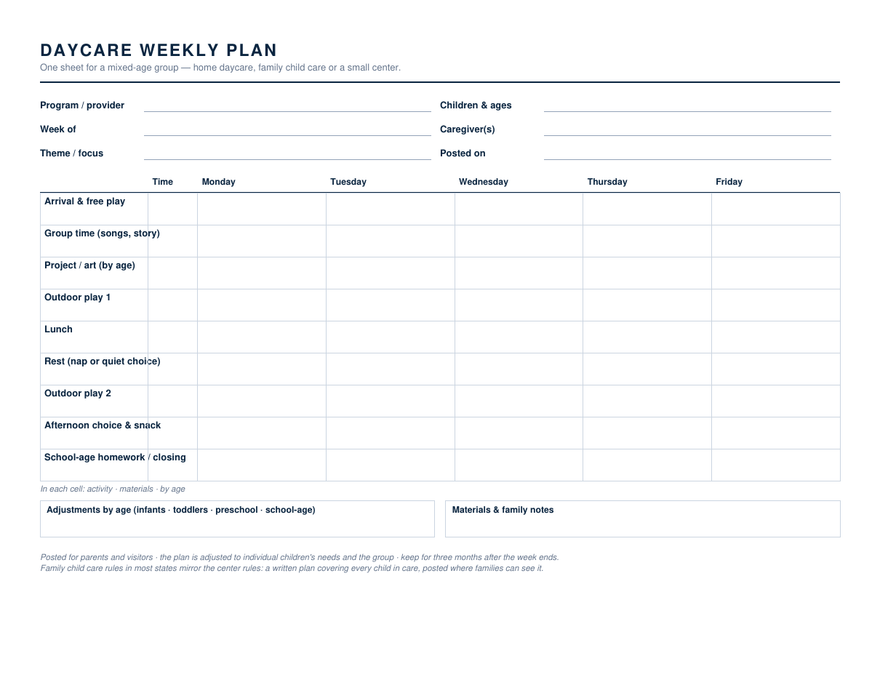
Daycare Weekly Lesson Plan — Word & Google Docs

One sheet for a mixed-age group — home daycare, family child care or a small center — with an adjustments-by-age box and a school-age row at the end of the day.

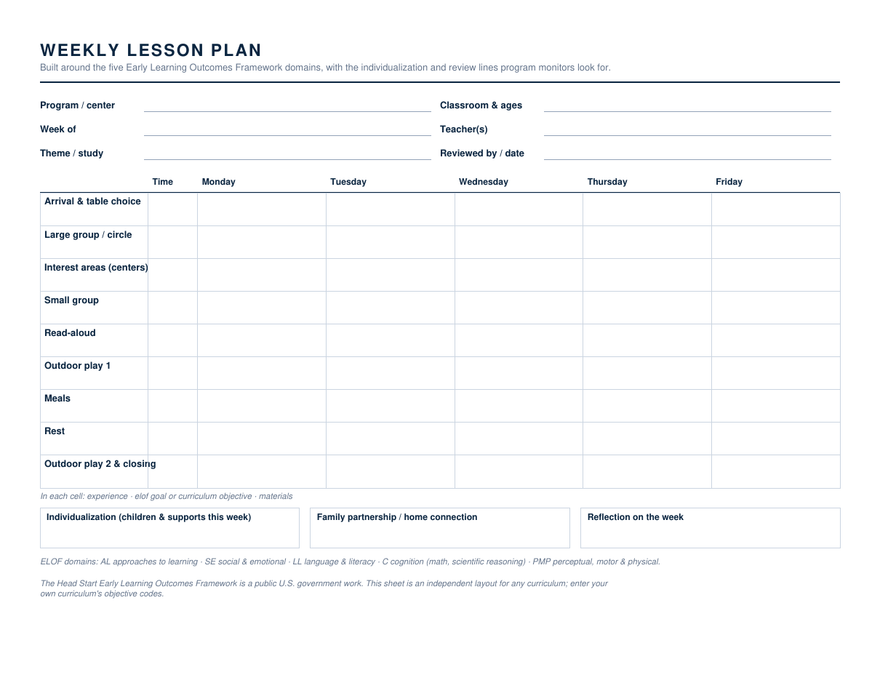
Head Start Weekly Lesson Plan — Word & Google Docs

The preschool grid with an ELOF domain legend, a reviewed-by line in the header, and individualization, family partnership and reflection boxes program monitors look for.

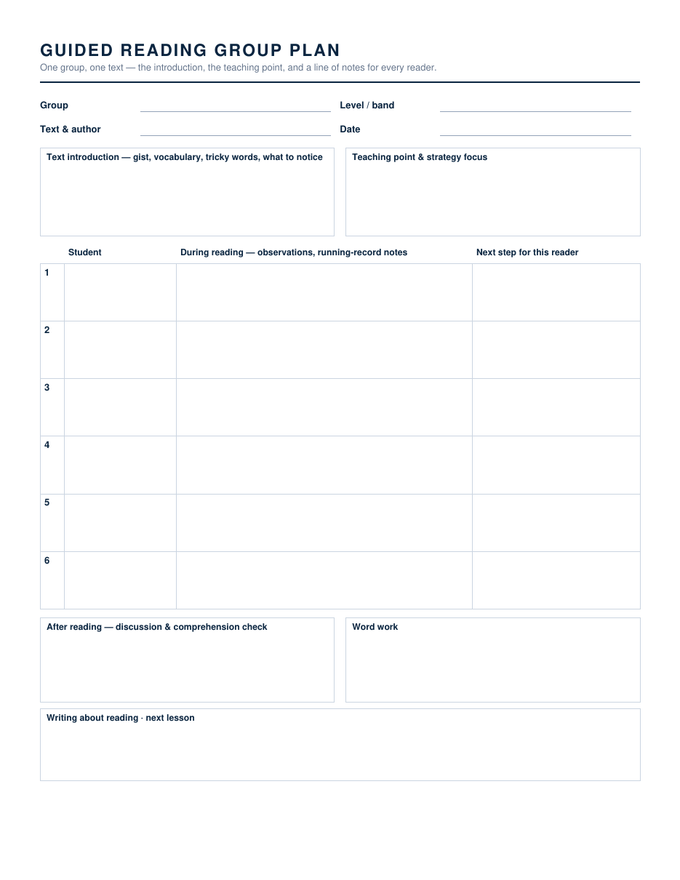
Guided Reading Lesson Plan — Word & Google Docs

Group, level and text up top; text introduction and teaching point; a line per reader for running-record notes and a next step; discussion, word work and writing about reading beneath.

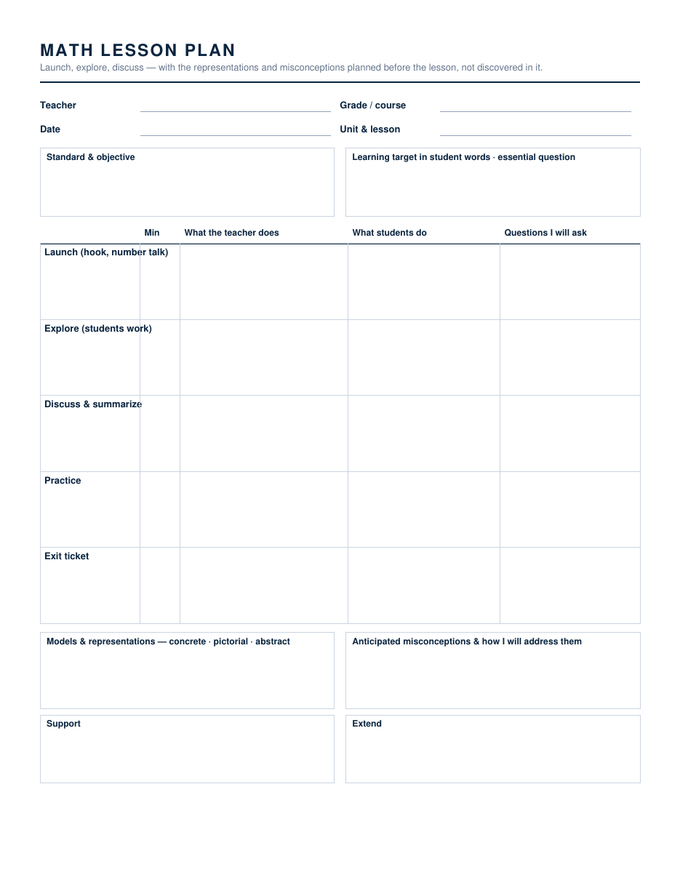
Math Lesson Plan — Word & Google Docs

Launch, explore, discuss, practice and exit ticket as timed rows with teacher, students and the questions you will ask; models and misconceptions planned underneath, with support and extend.

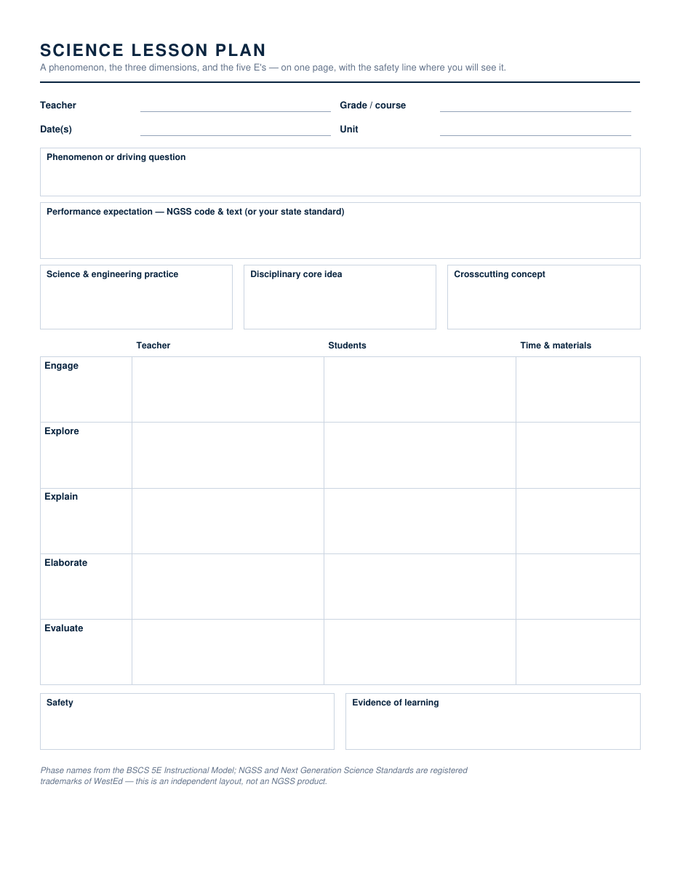
Science Lesson Plan (5E + NGSS) — Word & Google Docs

A phenomenon box, the performance expectation, the three dimensions side by side, the five E's as rows with time and materials, and safety where you will see it.

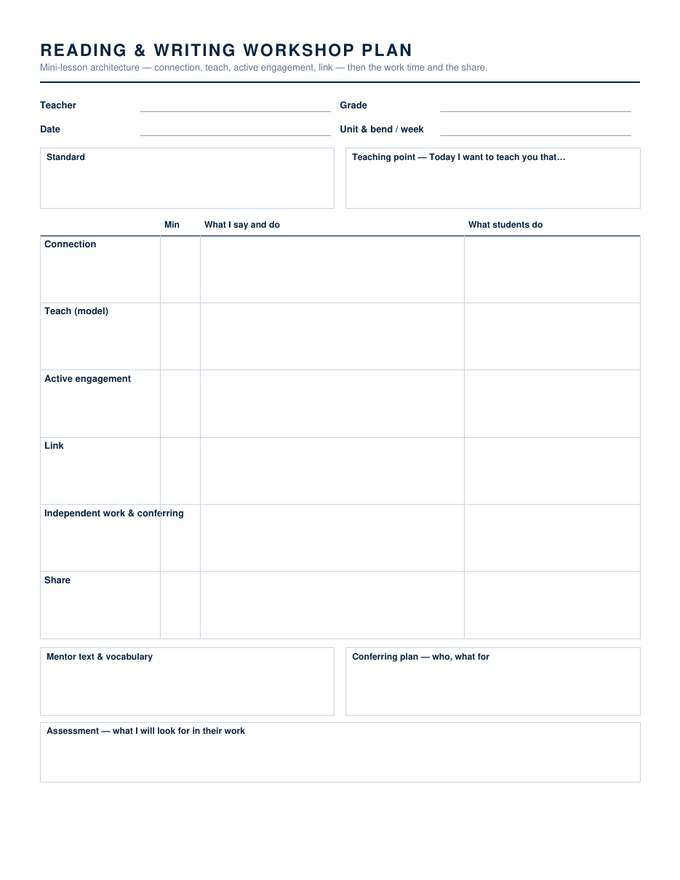
ELA Workshop Lesson Plan — Word & Google Docs

The mini-lesson architecture as rows — connection, teach, active engagement, link, independent work and share — with the teaching point sentence, mentor text, conferring plan and what you will look for.

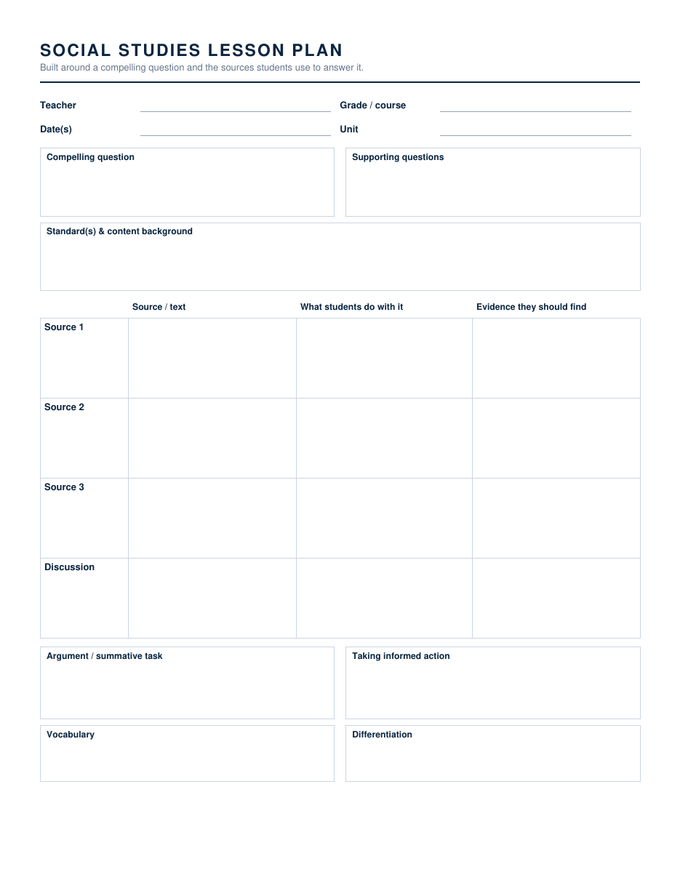
Social Studies Inquiry Lesson Plan — Word & Google Docs

Compelling and supporting questions, then a sources table — what students do with each source and the evidence they should find — leading to an argument task and taking informed action.

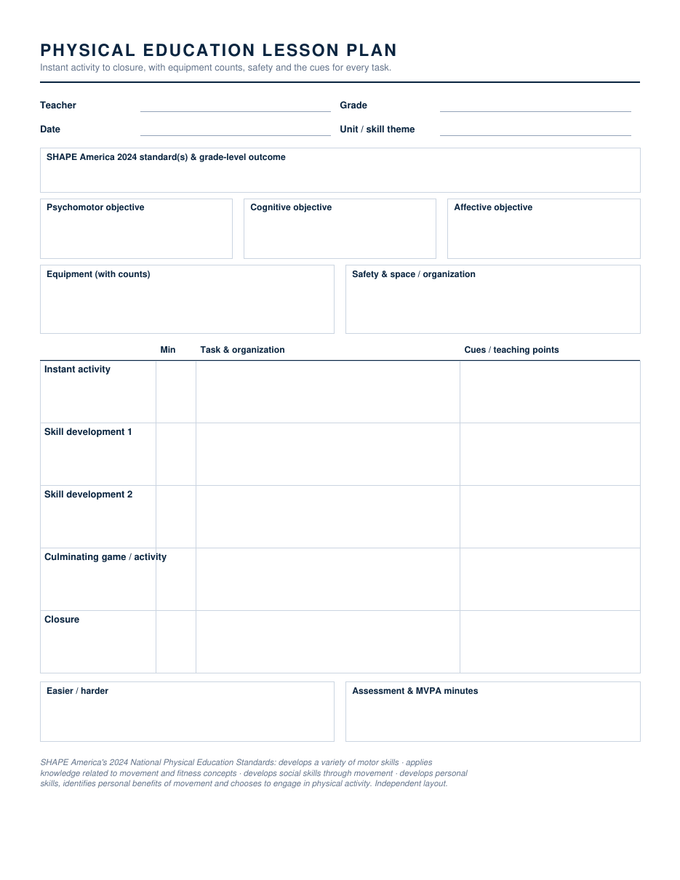
PE Lesson Plan — Word & Google Docs

SHAPE America 2024 standard, three domain objectives, equipment with counts and safety, then instant activity through closure with minutes and a cues column.

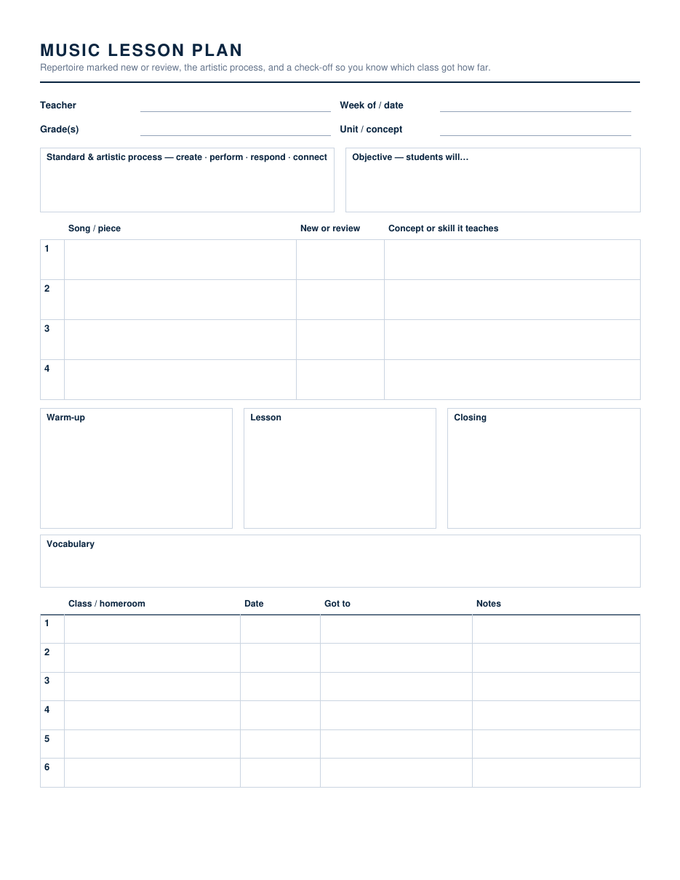
Music Lesson Plan — Word & Google Docs

Standard and artistic process, a repertoire table marked new or review, warm-up, lesson and closing, vocabulary, and a class check-off so every homeroom gets the same lesson.

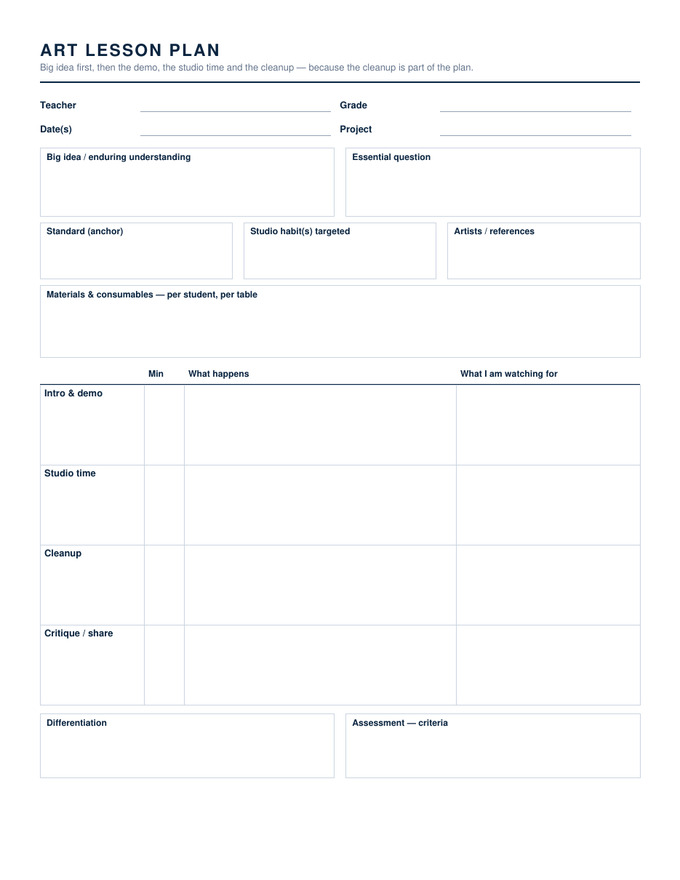
Art Lesson Plan — Word & Google Docs

Big idea and essential question, anchor standard, studio habit and artist references, a materials list, then intro and demo, studio time, cleanup and critique with minutes.

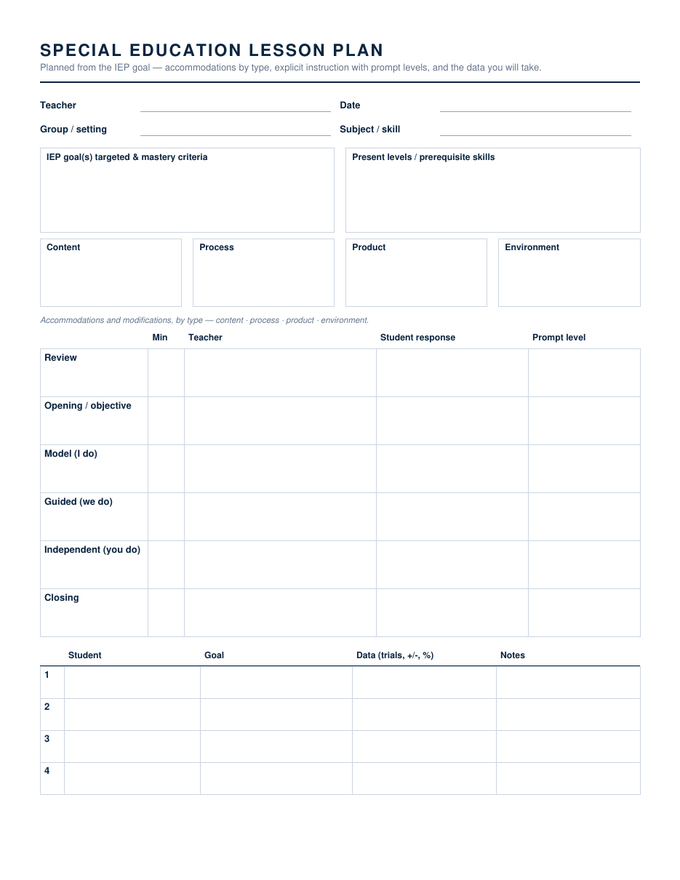
Special Education Lesson Plan — Word & Google Docs

IEP goal and mastery criteria, present levels, accommodations in four boxes by type, a six-step explicit-instruction table with prompt levels, and a data-collection table per student.

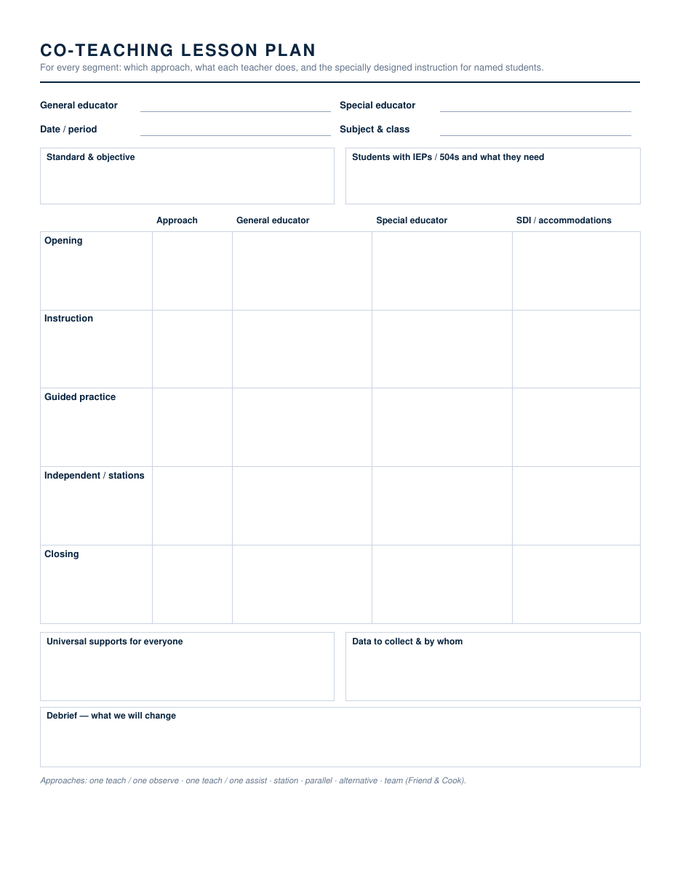
Co-Teaching Lesson Plan — Word & Google Docs

For each segment: the co-teaching approach, what the general educator does, what the special educator does, and the specially designed instruction for named students.

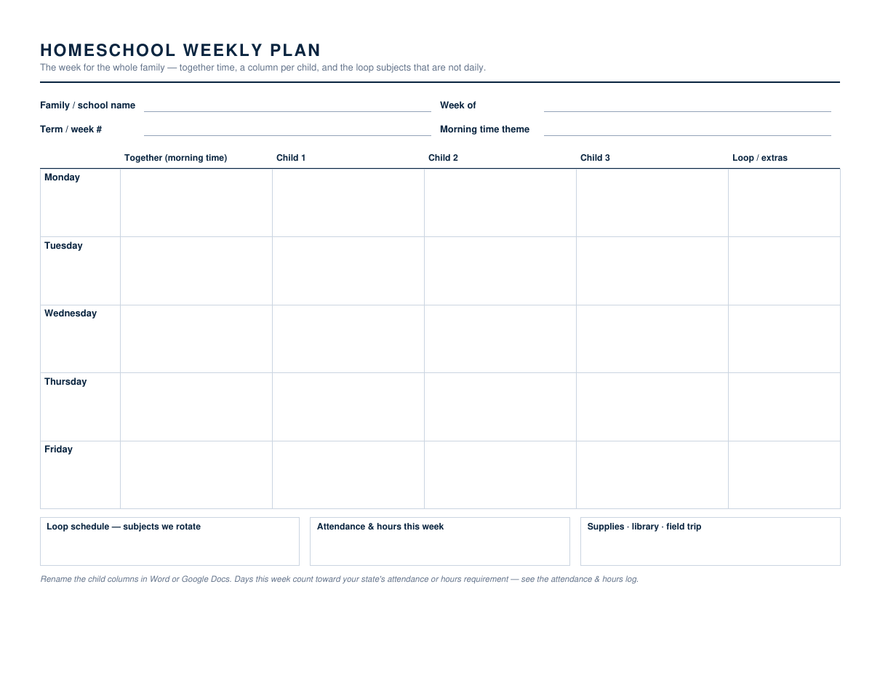
Homeschool Weekly Planner — Word & Google Docs

Days down the side; together time, a column per child and a loop column across; boxes for the loop list, the week's attendance and hours, and supplies.

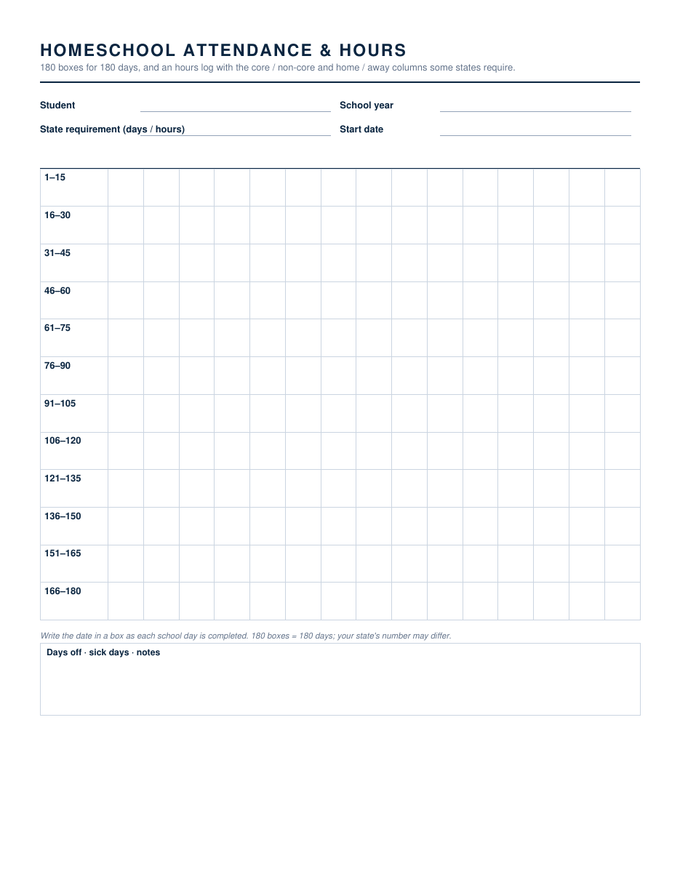
Homeschool Attendance & Hours Log — Word & Google Docs

Page one is 180 dated boxes; page two an hours log with subject, core or non-core, home or away, and totals — the columns the hours-counting states ask for.

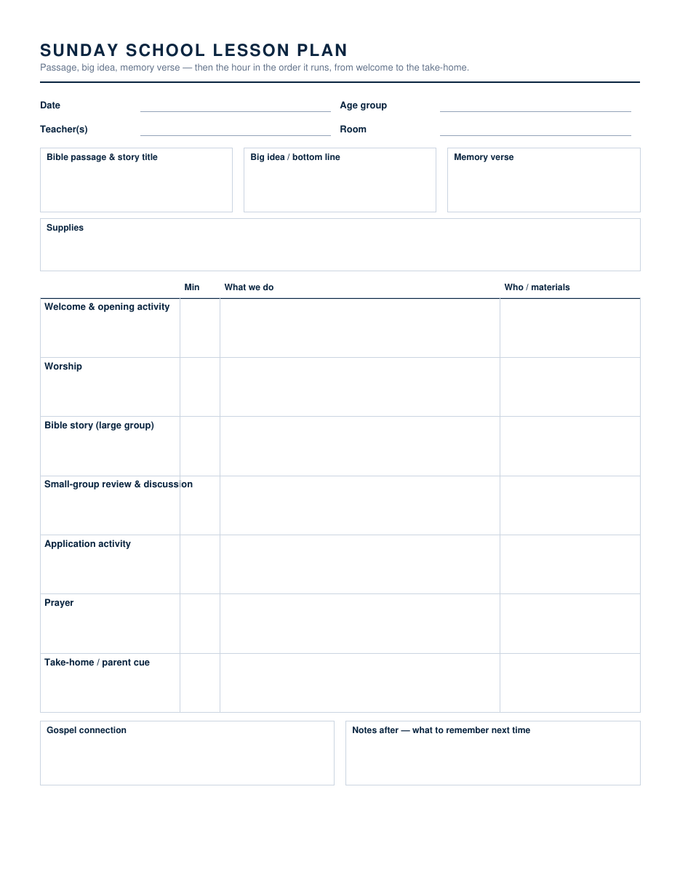
Sunday School Lesson Plan — Word & Google Docs

Passage, big idea and memory verse across the top, supplies, then the hour as seven timed rows from welcome to take-home, with a gospel-connection box and notes for next time.

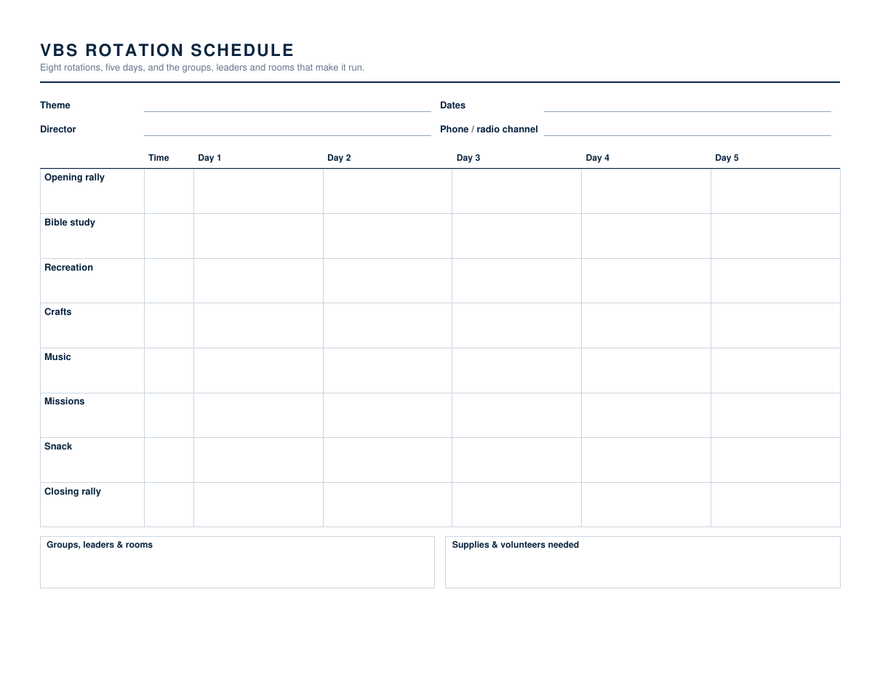
VBS Rotation Schedule — Word & Google Docs

Eight rotations down, five days across, a time column, and boxes for groups, leaders, rooms and the supplies and volunteers each day needs.

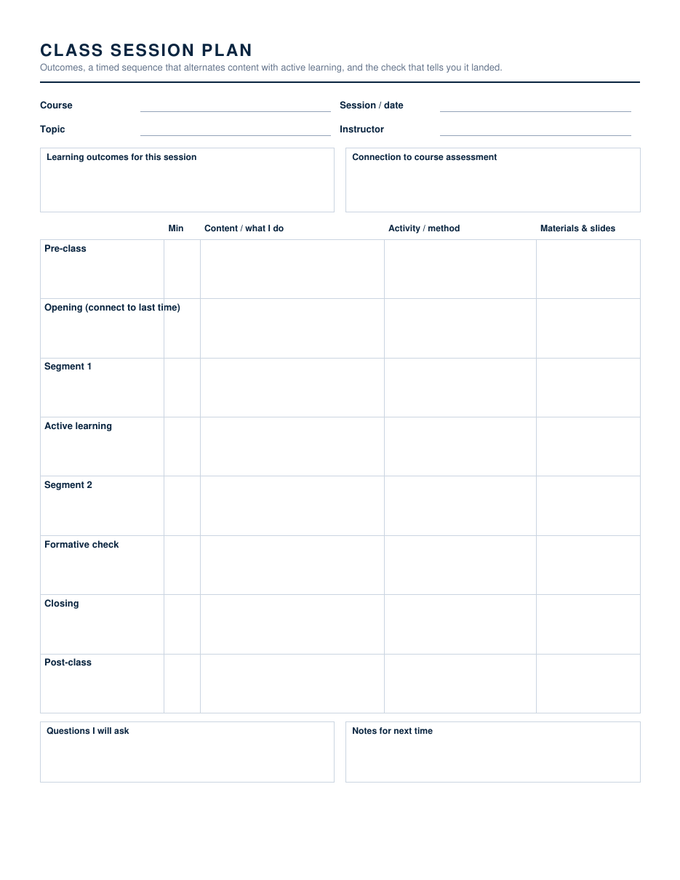
College Class Session Plan — Word & Google Docs

Session outcomes and their link to assessment, then an eight-row timed sequence from pre-class to post-class with content, activity and materials columns.

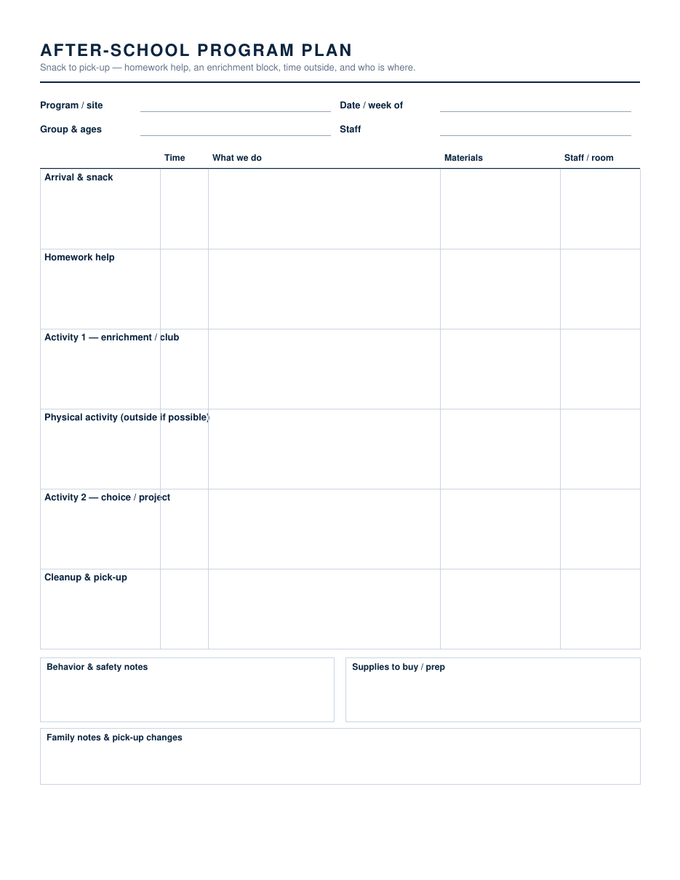
After-School Program Plan — Word & Google Docs

Arrival and snack through pick-up as six timed rows with materials and staff, then behavior and safety notes, supplies to prep, and family notes.

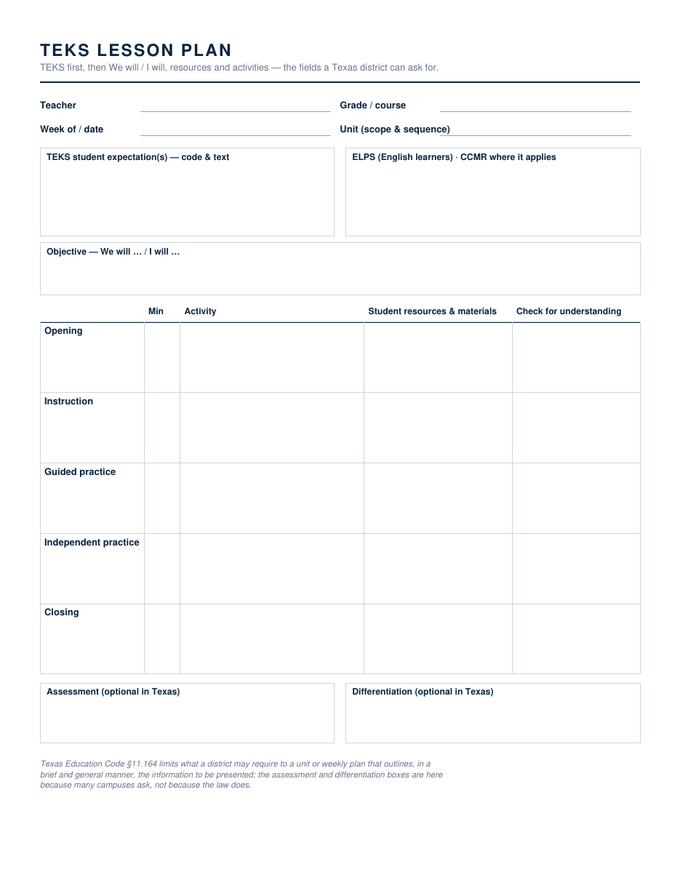
Texas TEKS Lesson Plan — Word & Google Docs

TEKS student expectations first with an ELPS line, a We will / I will objective, a five-step sequence with student resources and checks, and the assessment and differentiation boxes marked optional.

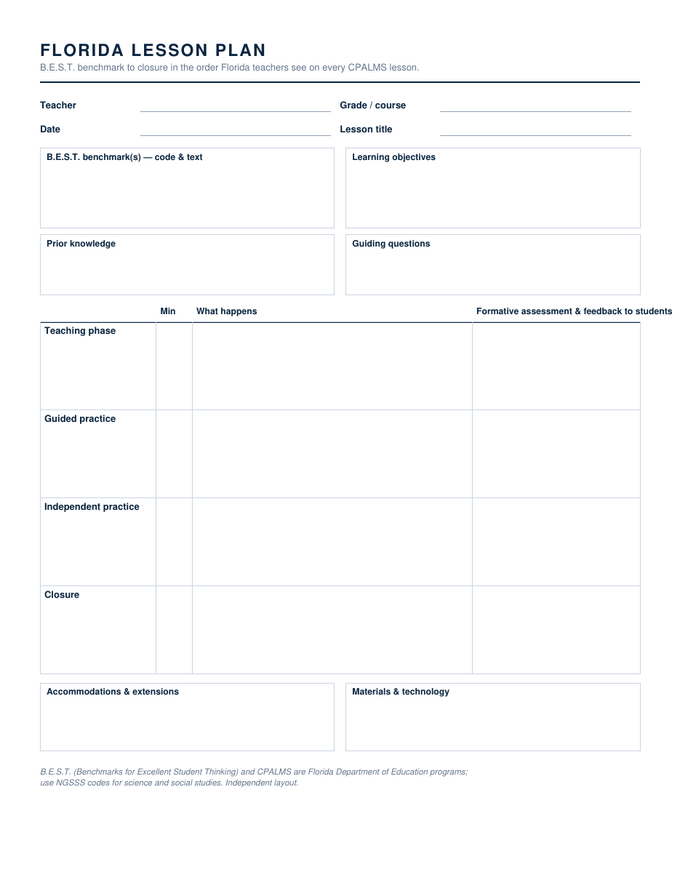
Florida Lesson Plan (B.E.S.T.) — Word & Google Docs

B.E.S.T. benchmark and learning objectives, prior knowledge and guiding questions, then teaching phase, guided practice, independent practice and closure with formative assessment and feedback beside each.

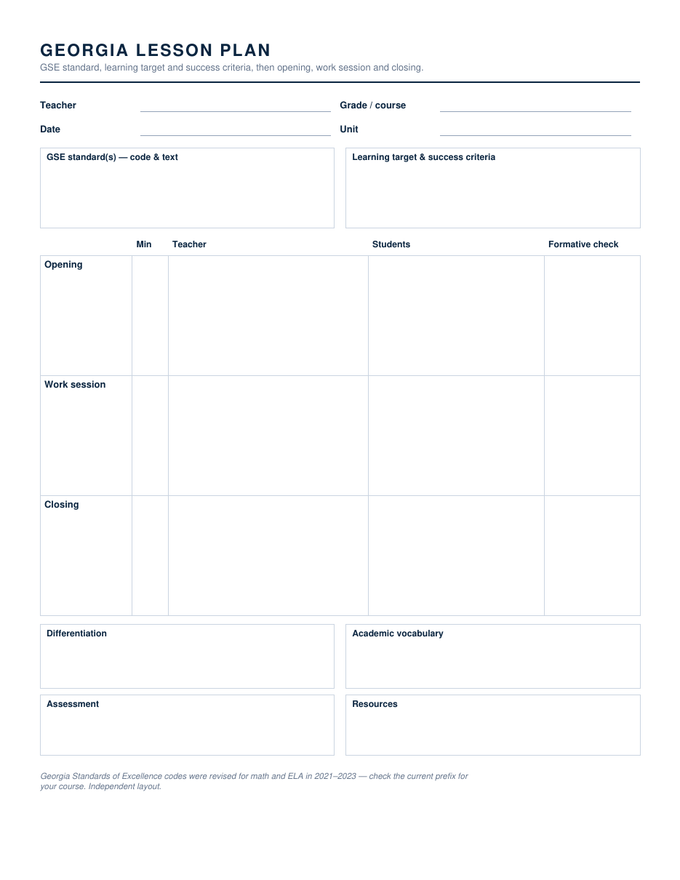
Georgia Lesson Plan (GSE) — Word & Google Docs

GSE standard, learning target and success criteria, then opening, work session and closing as three tall rows with teacher, students and a formative check.

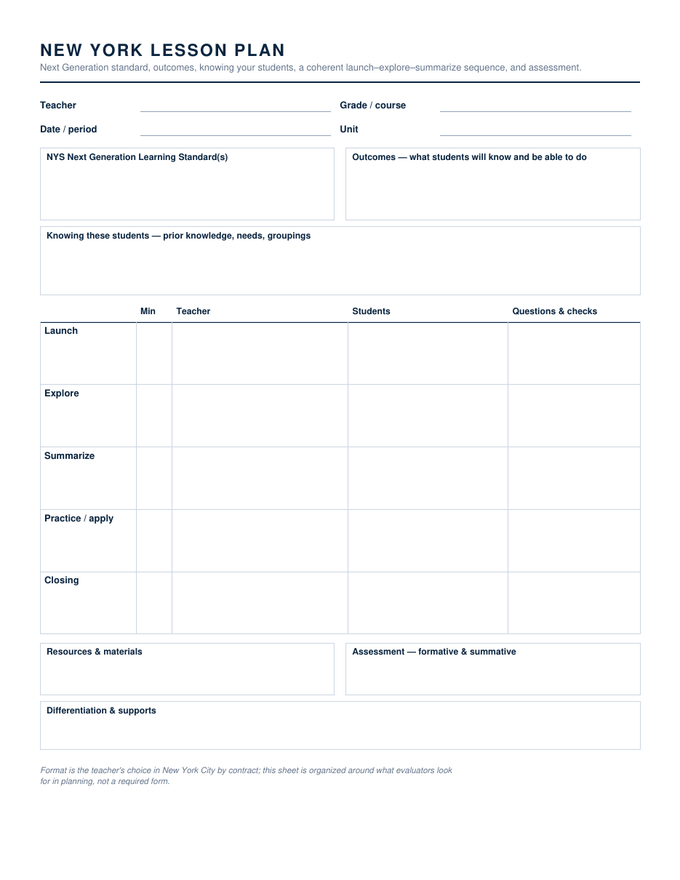
New York Lesson Plan — Word & Google Docs

Next Generation standard, outcomes, a knowing-these-students box, a launch–explore–summarize sequence with questions and checks, resources, assessment and supports.

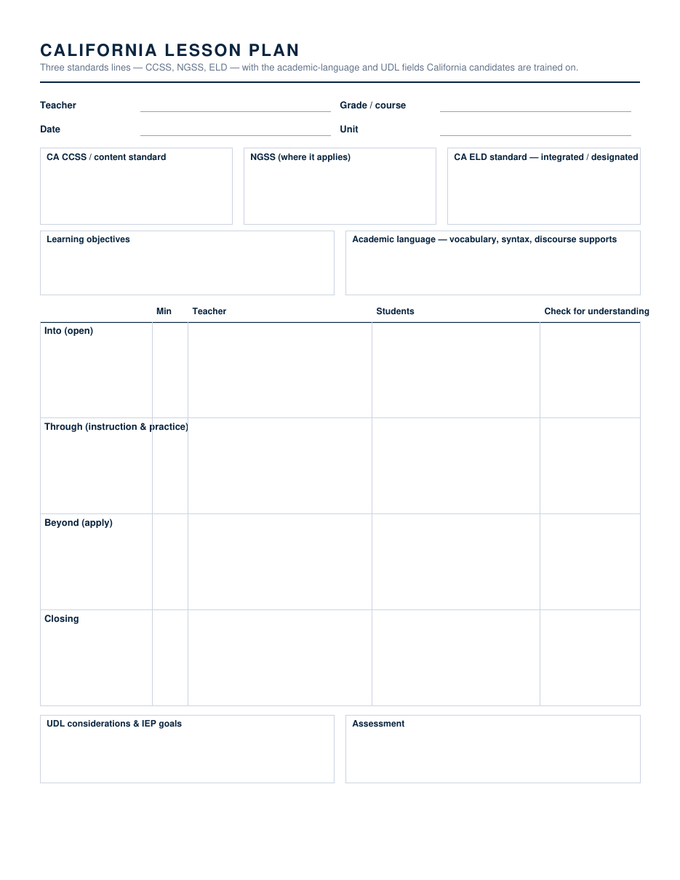
California Lesson Plan — Word & Google Docs

Three standards boxes — CCSS, NGSS, ELD integrated or designated — objectives and academic-language supports, an into-through-beyond sequence, UDL and IEP considerations, assessment.

Specifications: US Letter, 8.5 × 11 inches. Word files are editable .docx that open in Word 2007 through Microsoft 365, including Word for Mac; the Google Docs link makes a copy in your own Drive; the PDF has real form fields and prints as plain hairline boxes when blank. Free to use in as many classes as you like, no account, no watermark.

Why it is laid out this way

About the word templates

Word is still where a lot of lesson planning happens, especially where a district template has to be matched. The sources people used to rely on for a free Word lesson plan have thinned out: Microsoft's own template collection now points to PowerPoint, and the gallery sites put their Word files behind a membership. These are plain .docx downloads.
Each file is built with fixed column widths and zero default paragraph spacing, which is what keeps a one-page plan on one page when you type into it. Rows grow as you write; the boxes start tall enough to handwrite in if you print instead.

Questions teachers ask

Word lesson plans, answered
Which versions of Word open these?
Word 2007 and everything since, including Microsoft 365 and Word for Mac. They are standard .docx files with no macros, so nothing has to be enabled.
Can I save one as my own template?
Yes: open it, change the labels to your school's wording, then File → Save As and choose Word Template (.dotx). Opening that file afterwards starts a fresh plan every time and leaves your master alone.
Do the Word and Google Docs versions match?
They are the same file. The Google Docs copy is made from the Word document, so the fields, their order and their sizes are identical, and work can move between them.

Drawn and measured in November 2026.

Nearby

Other lesson plan templates

Opens as a copy in your Drive
Lesson Plan Templates for Google Docs
50 lesson plan templates for Google Docs
Open
Type into it, or print and write
Printable Lesson Plan Templates
50 printable lesson plan templates
Open
Standard to exit ticket
Daily Lesson Plan Templates
2 daily lesson plan templates
Open
All lesson plan templates