






Teacher Resume Templates for Google Docs
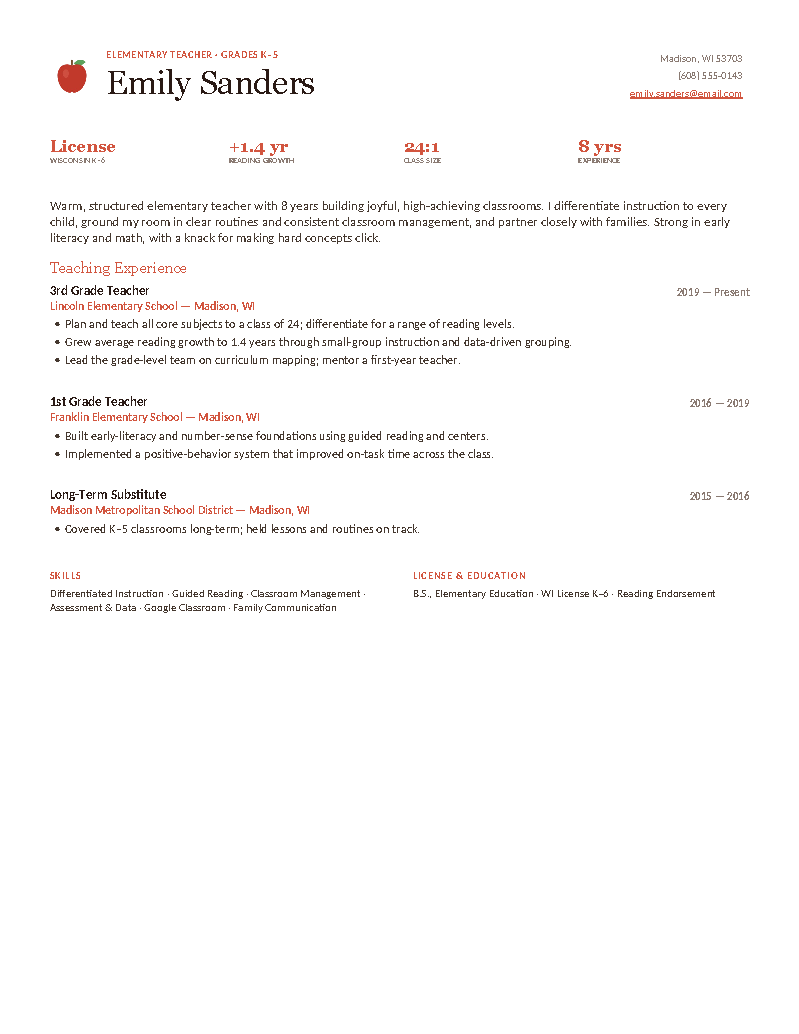
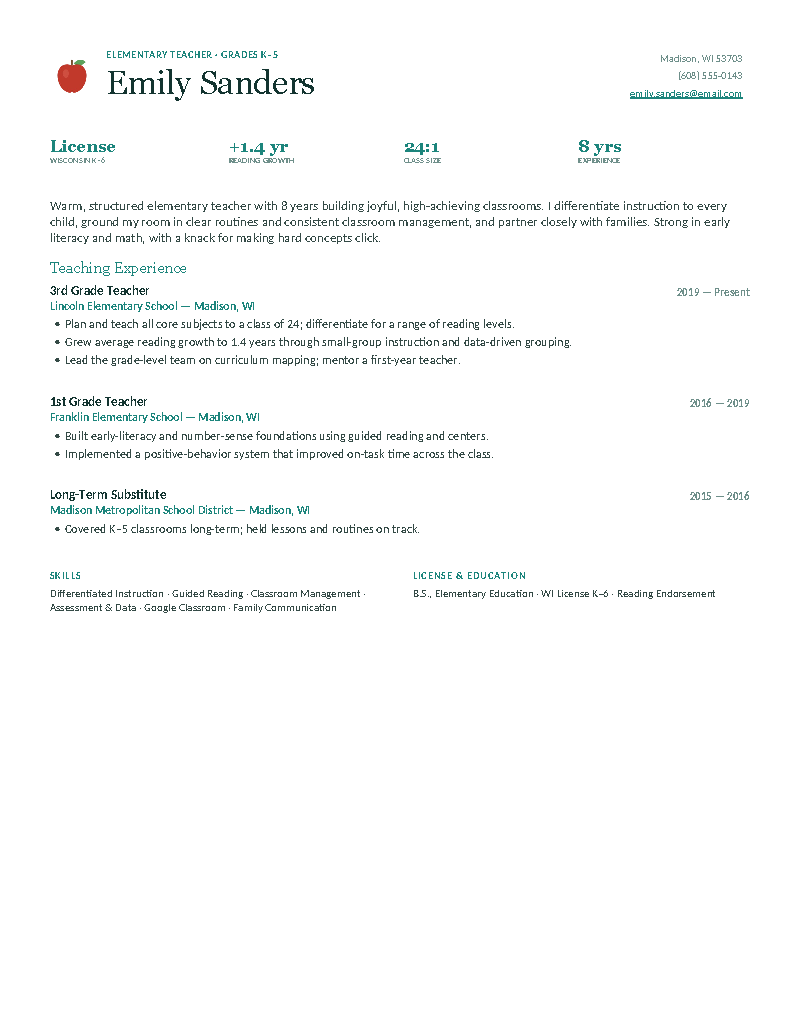
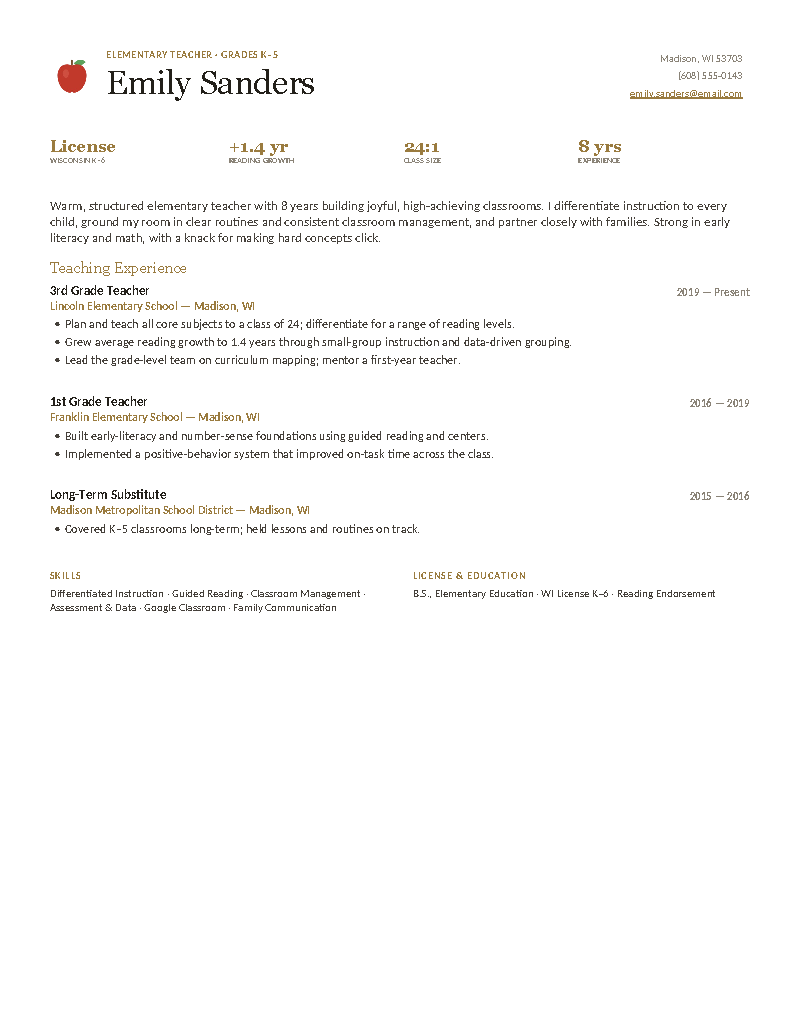
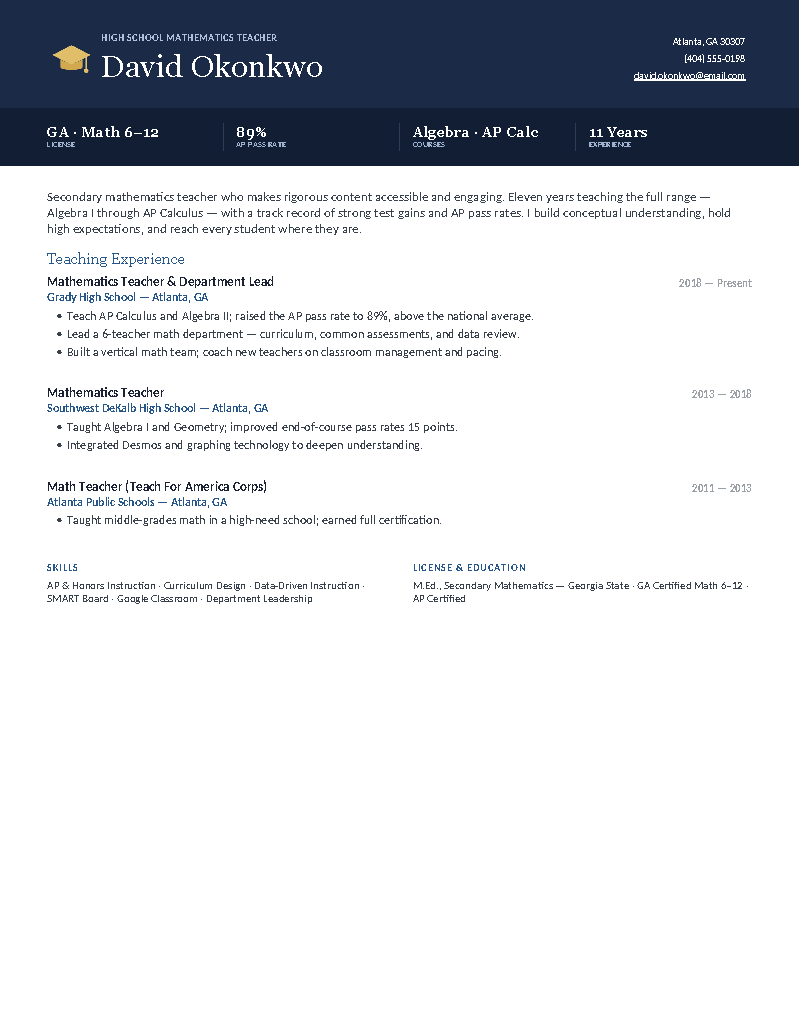
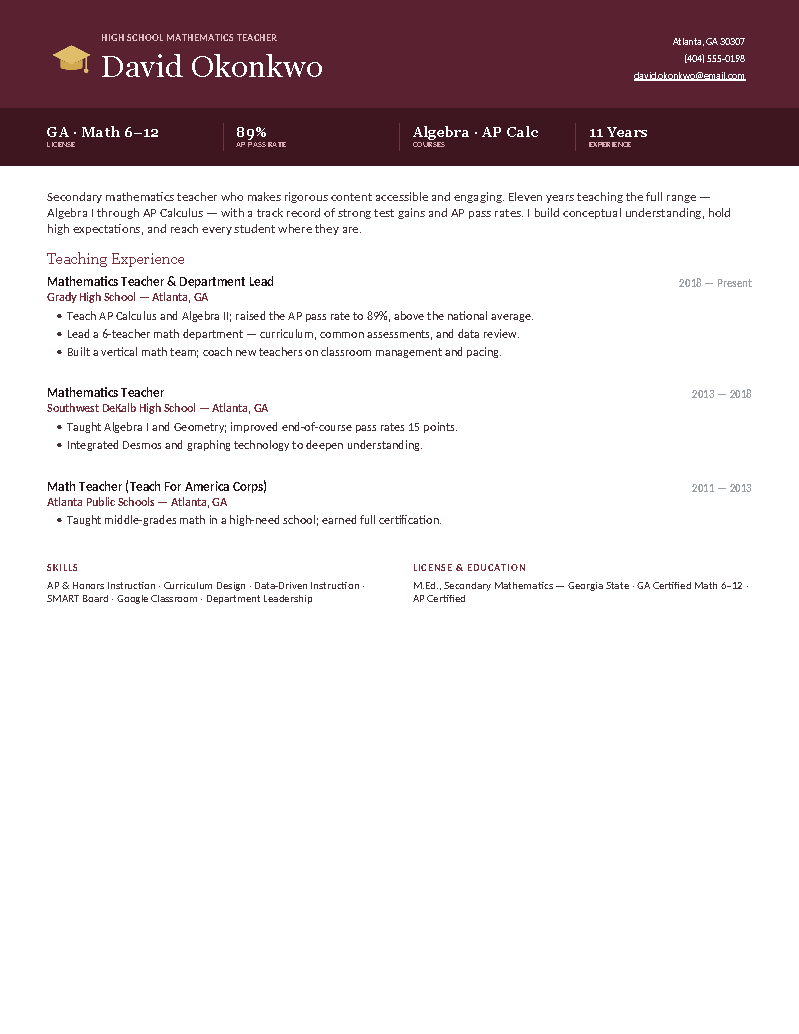
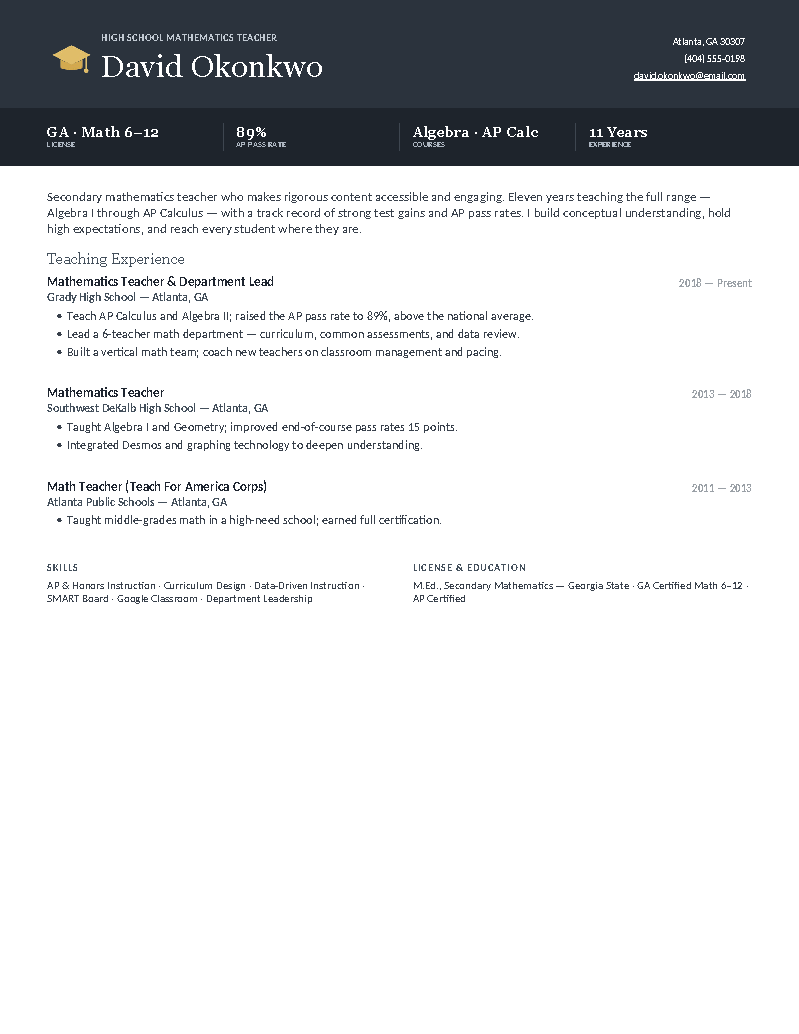
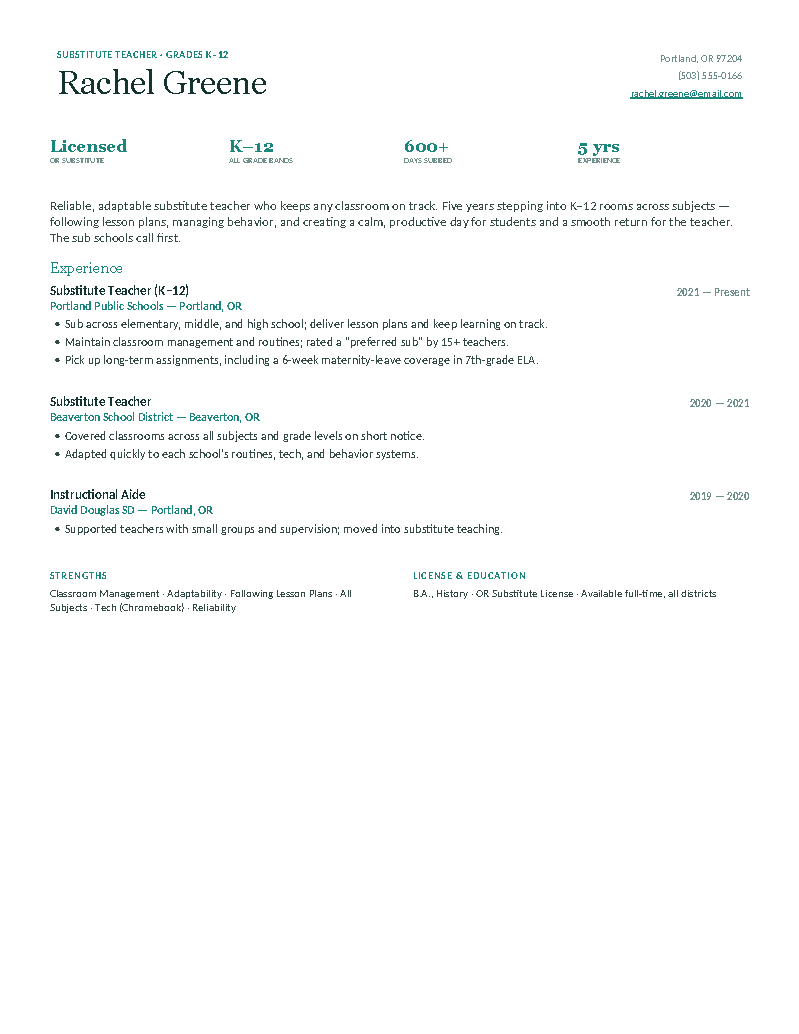
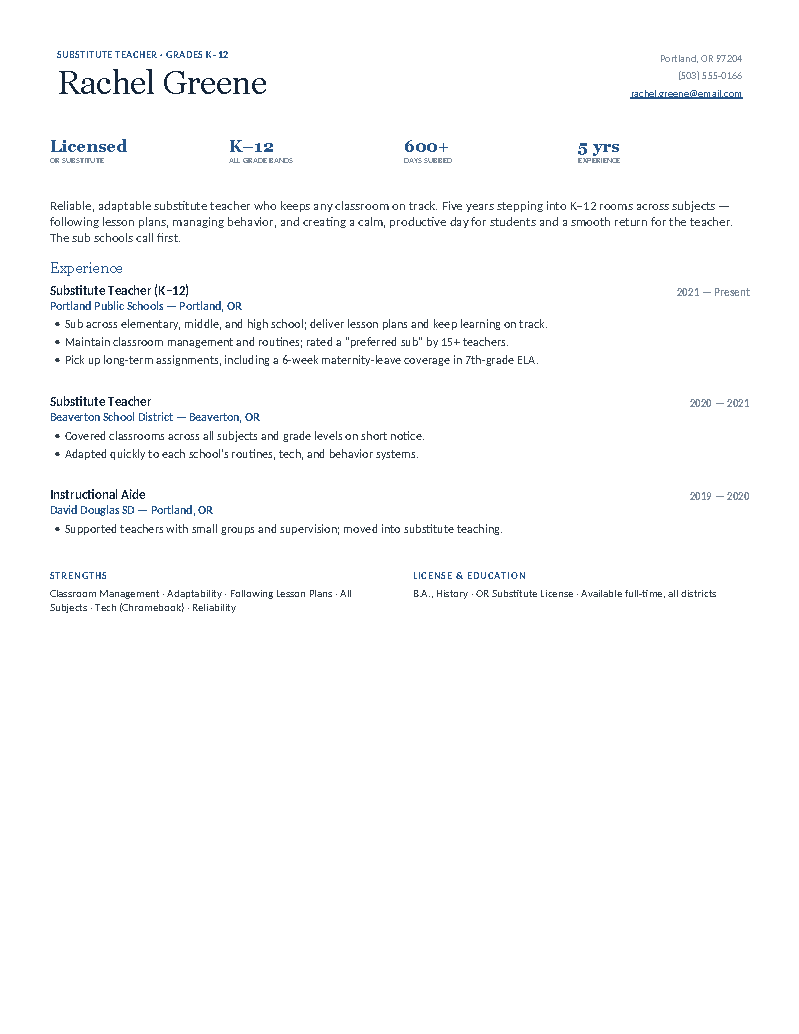
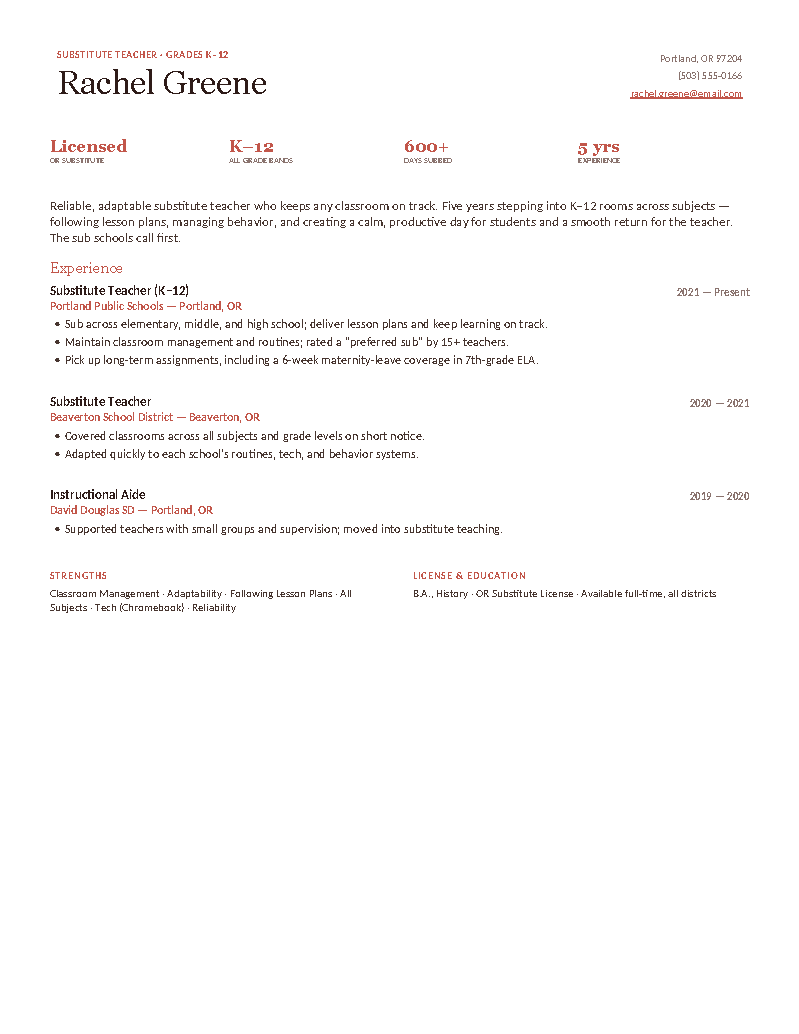
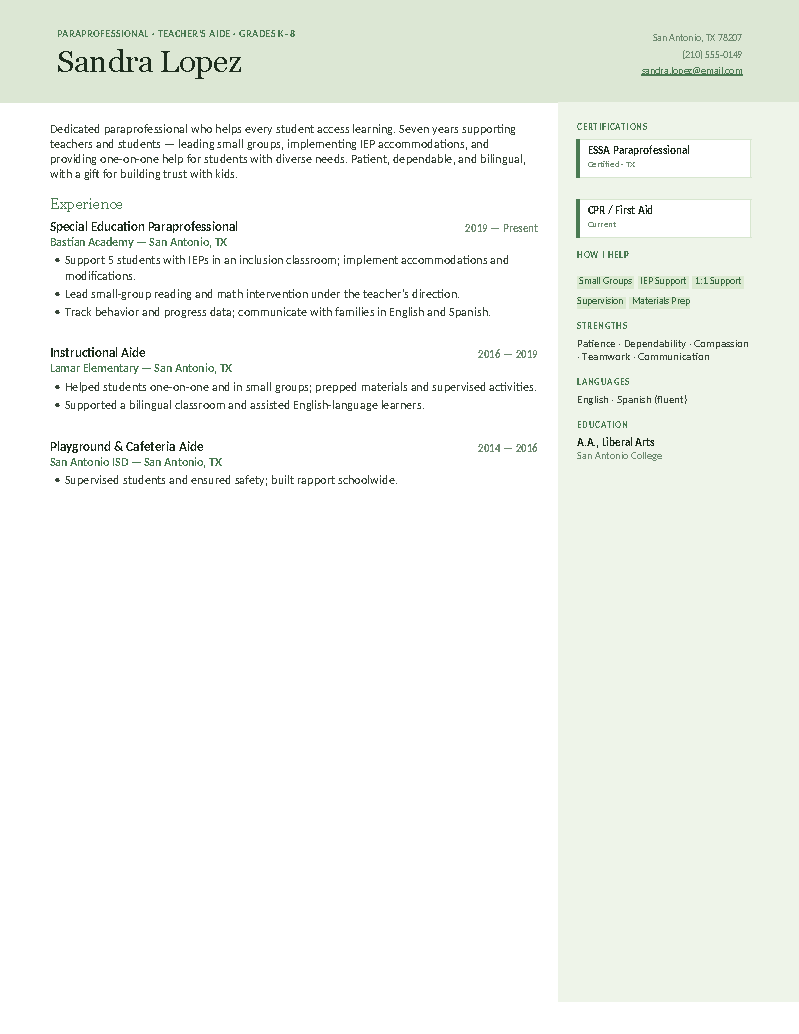
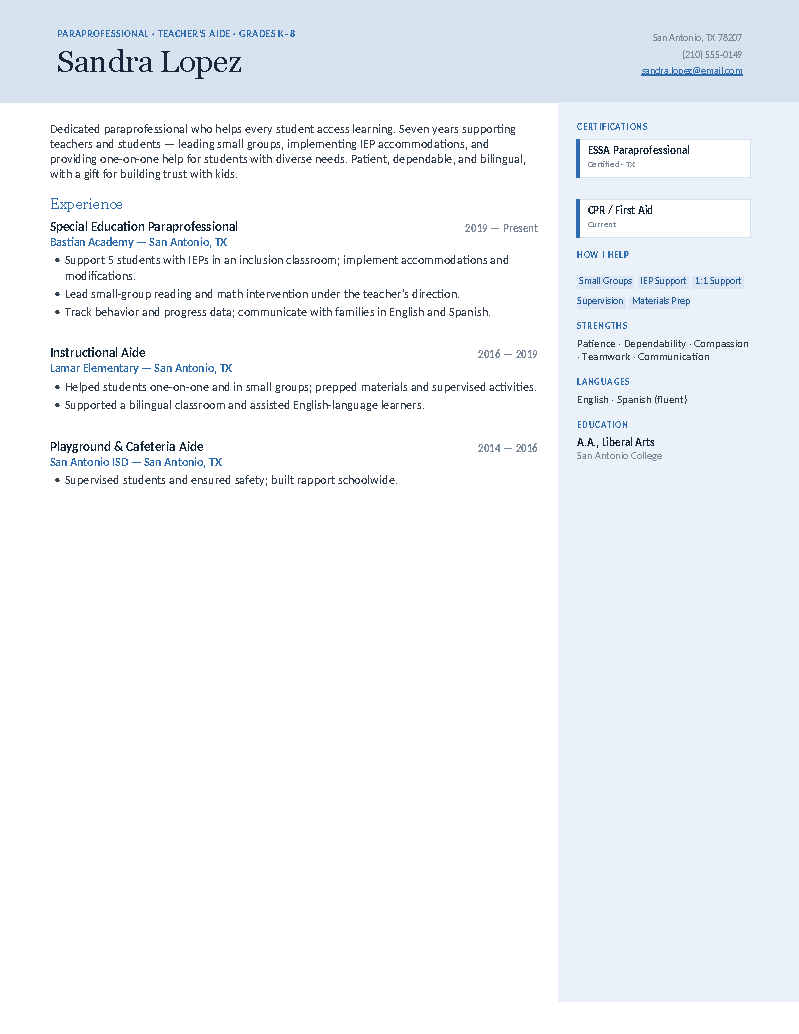
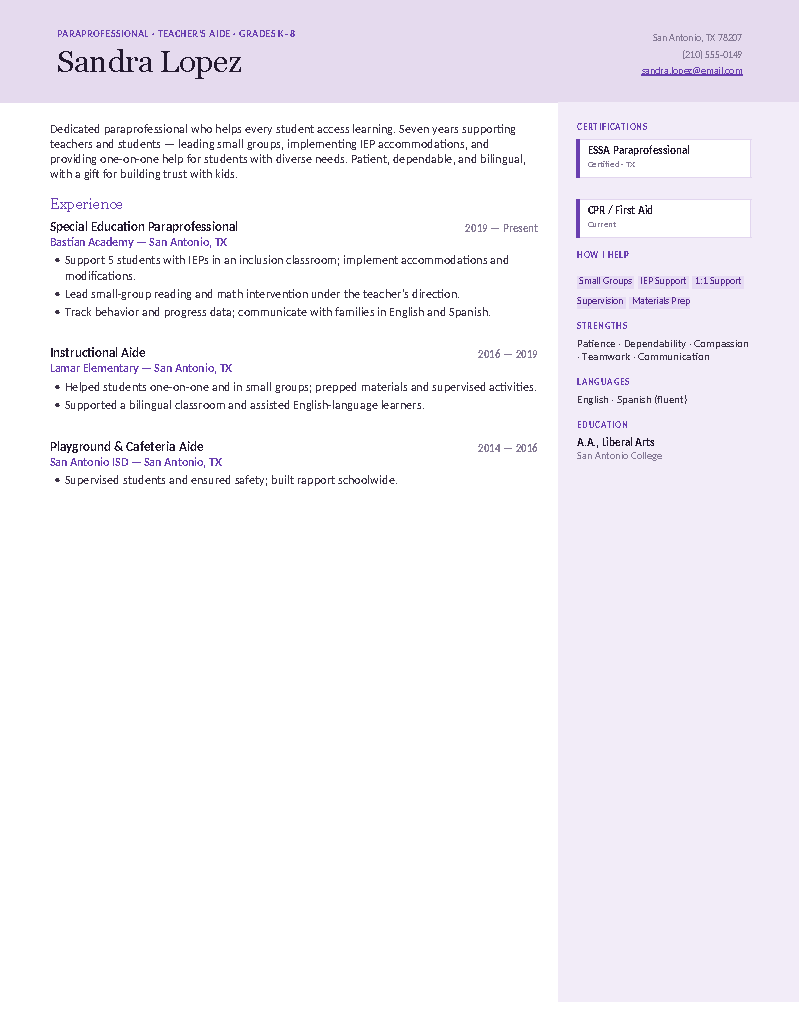
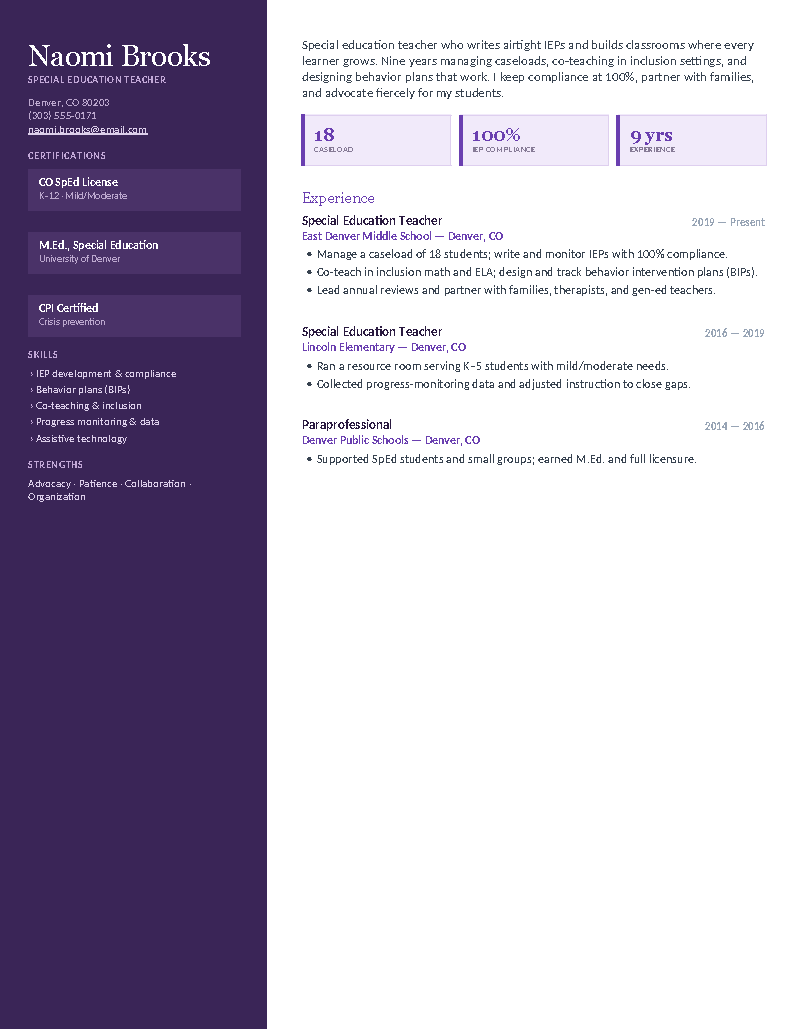
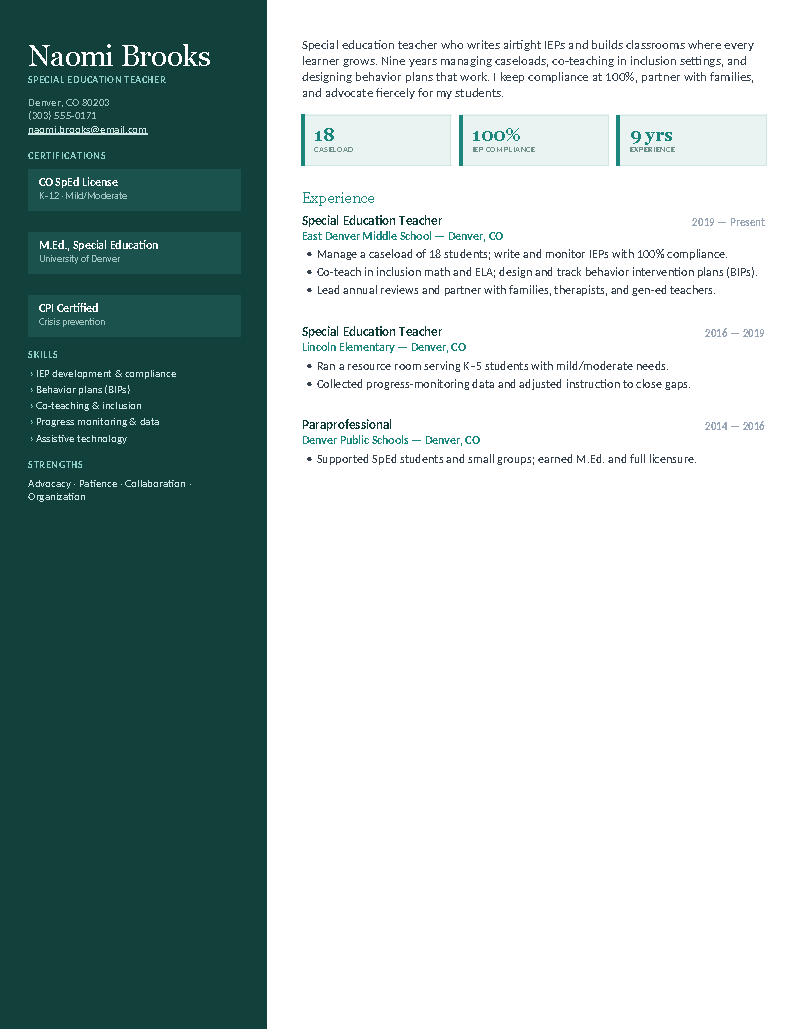
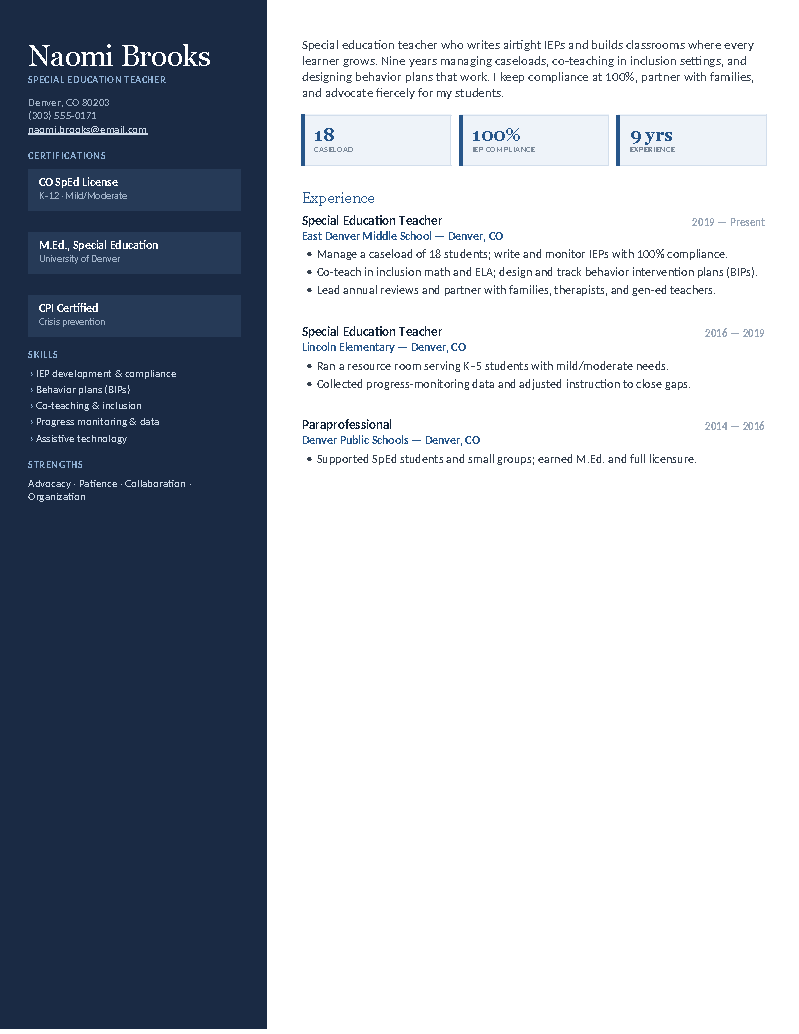
Every teacher resume on this site is a real Google Doc — click Open in Google Docs on any design and Google offers to copy it into your Drive, editable immediately and autosaving as you type. All fifteen teacher templates are below: five roles (elementary, high school, substitute, teacher’s aide, special education), three colors each. Districts that ask for a Word file get the same layout from the Download Word button.
Five teacher roles, three colors each — every one a Google Doc.
Elementary K–5, high school/secondary, substitute K–12, teacher’s aide/paraprofessional, and special education. Pick the role, then the color; the copy lands in your Drive in one click.
Why teachers use Google Docs for resumes.
Most districts run on Google Workspace, most teachers already live in Drive, and a resume that’s a Doc is a resume you can update from the classroom Chromebook between periods:
- One click, no import. The copy is a native Doc — tables, color bands, and the license block hold their shape, which imported Word files often don’t.
- Edit from any device. School laptop, phone, home computer — the same file, always current, autosaved.
- Export exactly what portals want. File → Download → PDF for most districts; File → Download → Word (.docx) for the ones that insist. Both from the same copy.
- Share for a second read. Send the Doc link view-only to a mentor teacher or your principal for feedback before you apply.
Each role has its own page with role-specific guidance and FAQs — elementary, high school, substitute, special education, and teacher’s aide. Need a matching letter? The teacher cover letter is a Google Doc too.
Three steps.
- Click Open in Google Docs on your role’s design, then Make a copy.
- Put your license and endorsements by your name; replace the stats and skills with your own.
- File → Download → PDF for the district portal — or .docx if they ask for Word.
Google Docs resume FAQ
How do I get a teacher resume template into Google Docs?
Which teacher resume template should I copy?
Are these Google Docs teacher resumes ATS-friendly?
Can I download the Google Docs version as a Word file?
Is a teacher resume one page?
Are these really free?
Teacher Resume Templates for Google Docs · Updated September 2026