






Logo Letterhead
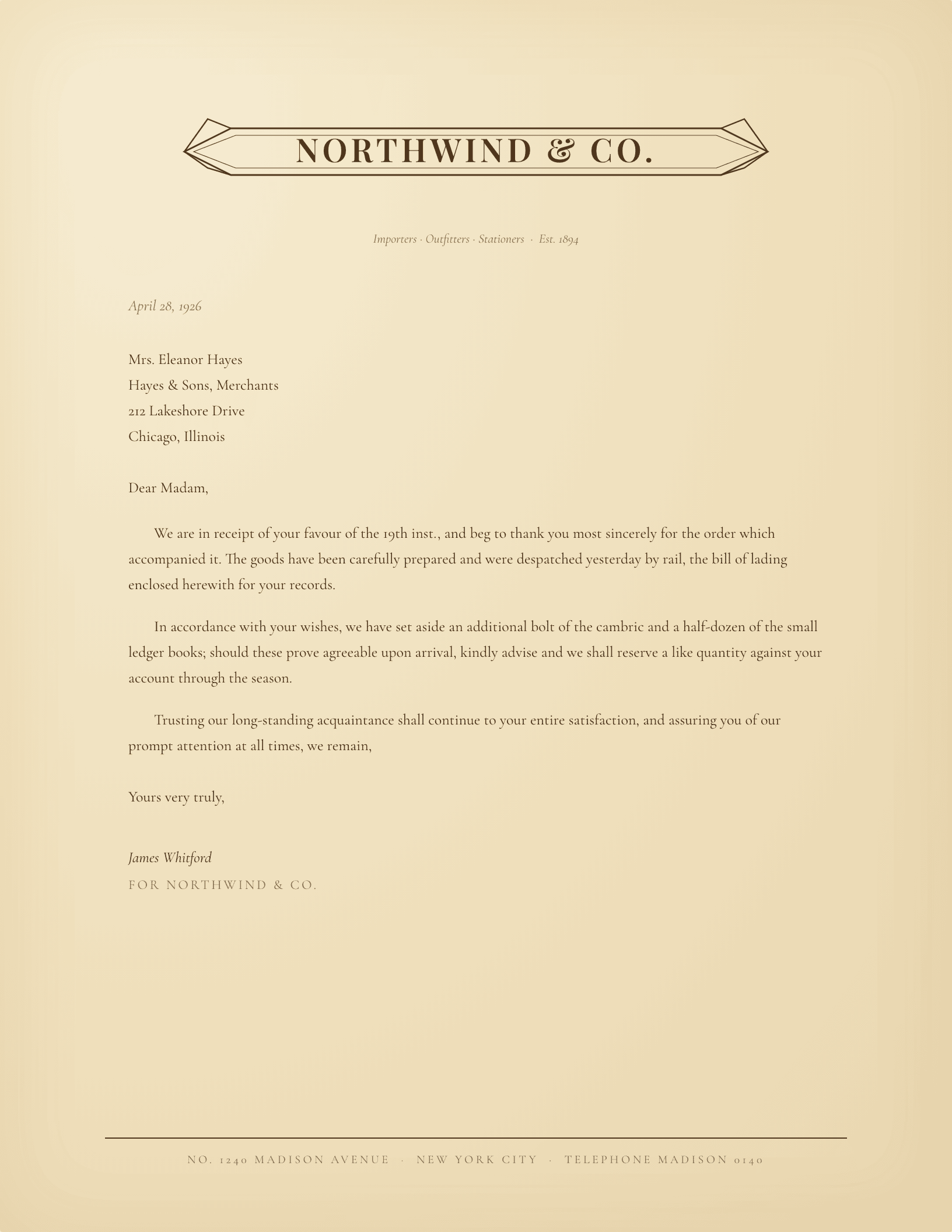
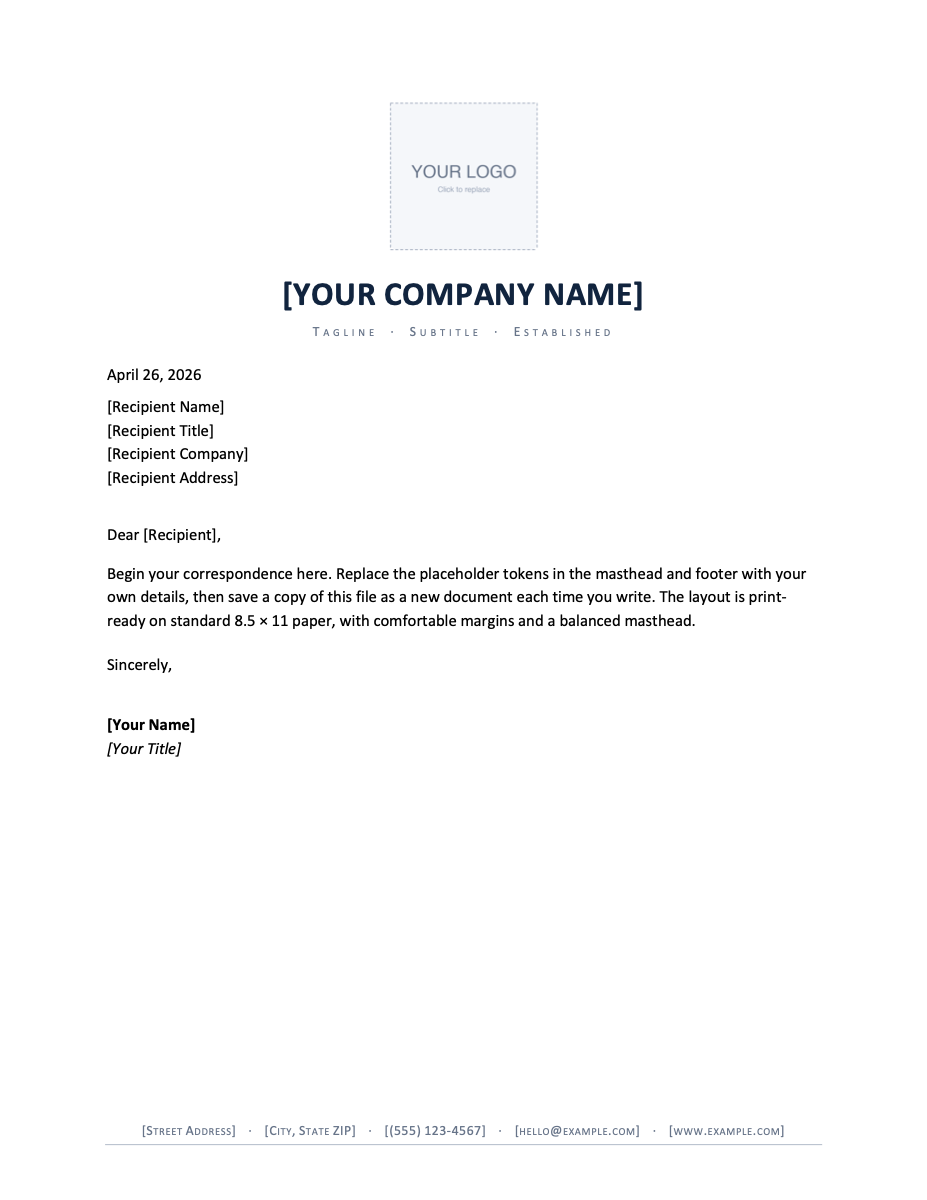
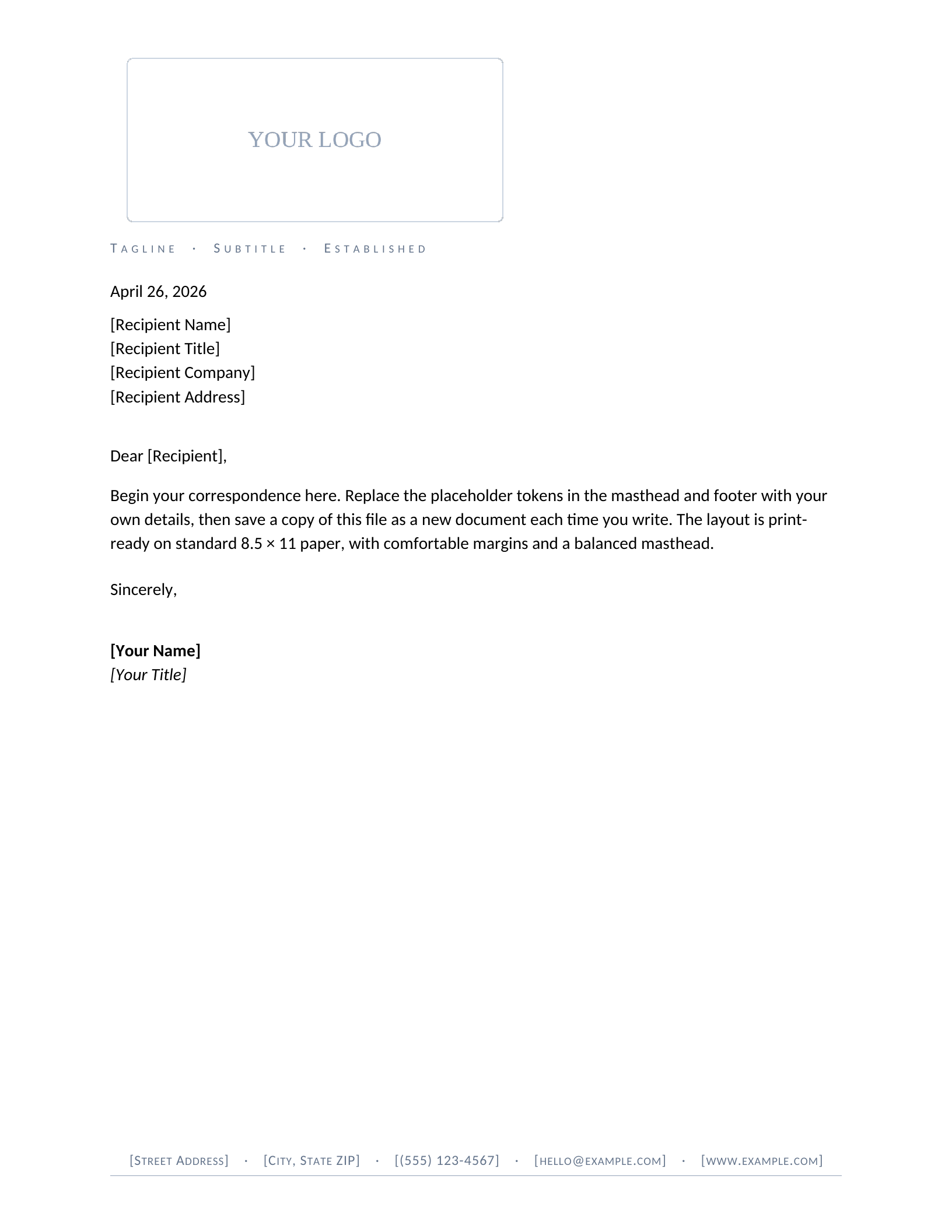
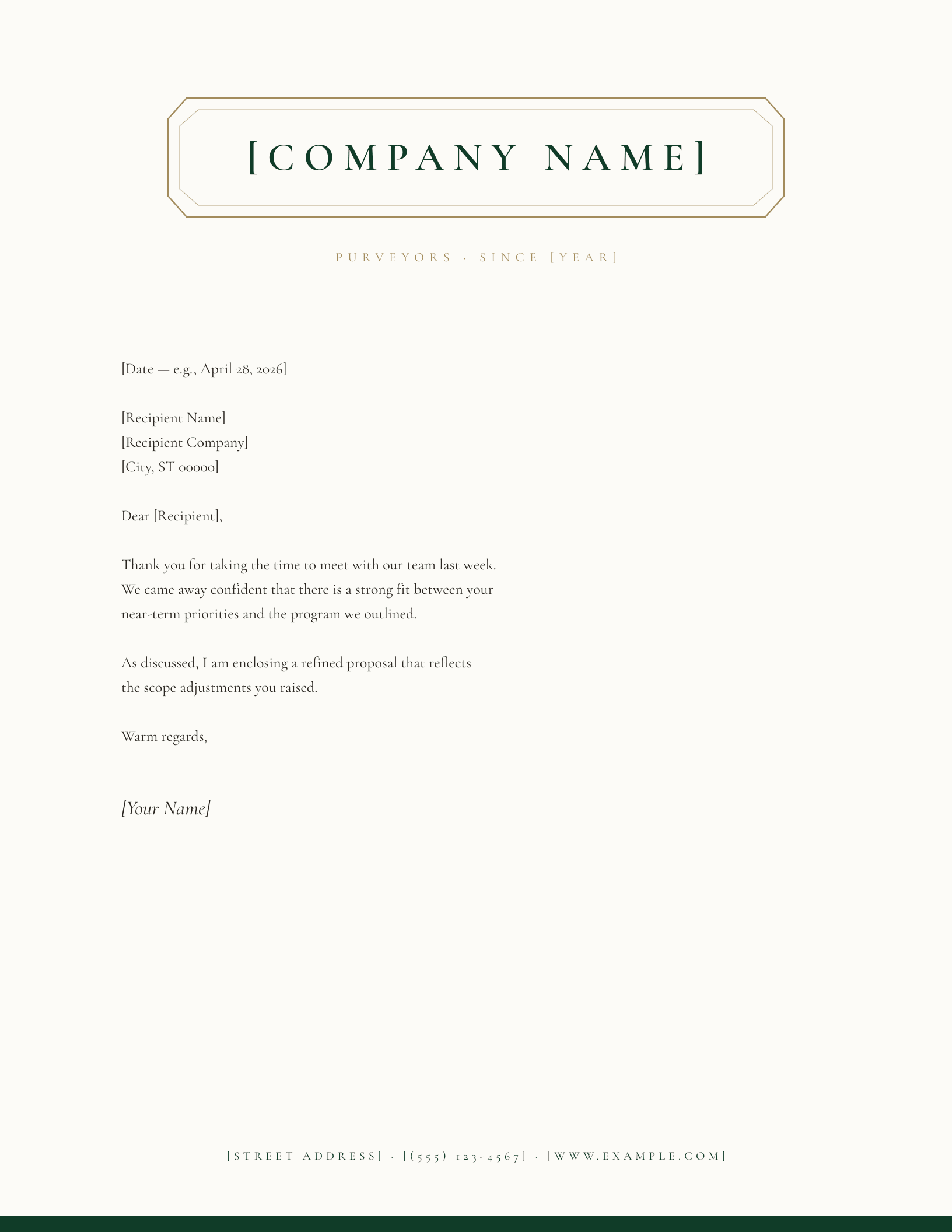
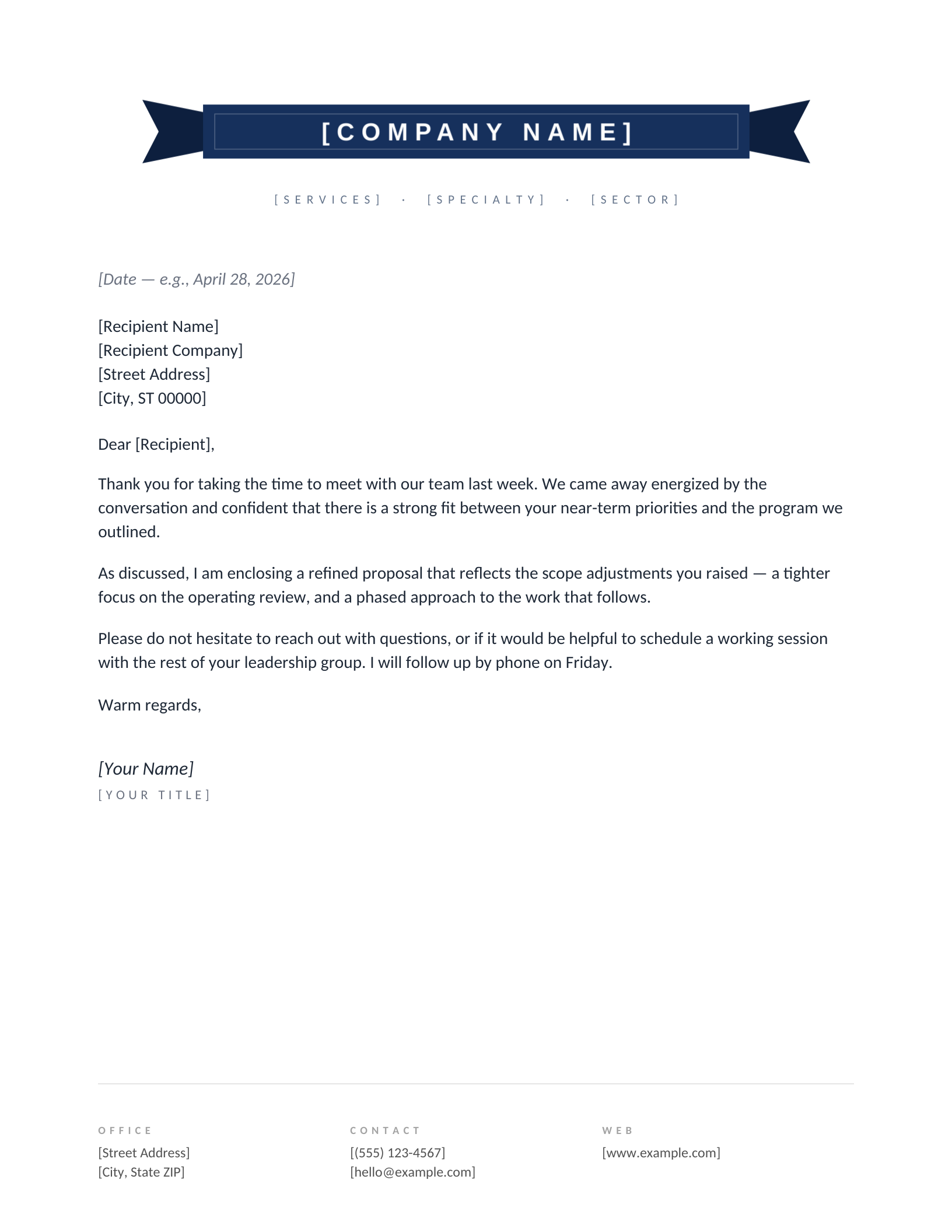
Putting a logo on a letterhead is fiddly in Word and worse in Google Docs — it lands too big, sits slightly off-centre, and shoves the address line down the page. These makers do the placement for you: drop in a JPG or PNG, position and zoom it against a live preview, then download custom letterhead for Word or Google Docs with the logo already set. No design software, no signup.
Common questions
What logo file works best?
A PNG with a transparent background sits cleanest on the page — JPGs work too and only get a white box if the file itself has one. Anything up to 8 MB uploads fine, and the page lets you zoom, reposition, and set the logo's transparency before you download.
Do I have to personalize it, or can I add the logo myself?
Either way. This letterhead maker places your logo for you and hands back a finished file; or download the plain template and drop your logo into the placeholder yourself — right-click → Change Picture in Word, or click the placeholder → Replace image in Google Docs.
Is my logo stored on your servers?
Word downloads are generated on the fly and nothing is kept. Google Docs copies are created as temporary documents so the copy link works, then cleaned up on a schedule — the copy in your own Google account is yours permanently.
Logo designs reviewed and updated through September 2026.