






Elegant Letterhead Templates
Free elegant letterhead templates for Microsoft Word and Google Docs — restrained two-colour palettes, classical Didone and transitional serifs, ornamental dividers, hairline borders and an ivory paper feel. Heritage signals without the slop.
9 elegant letterhead examples
Every template ships in both Microsoft Word (.dotx) and Google Docs. The .dotx download opens in Word as a fresh document; the Google Docs link opens a copy directly in your browser.
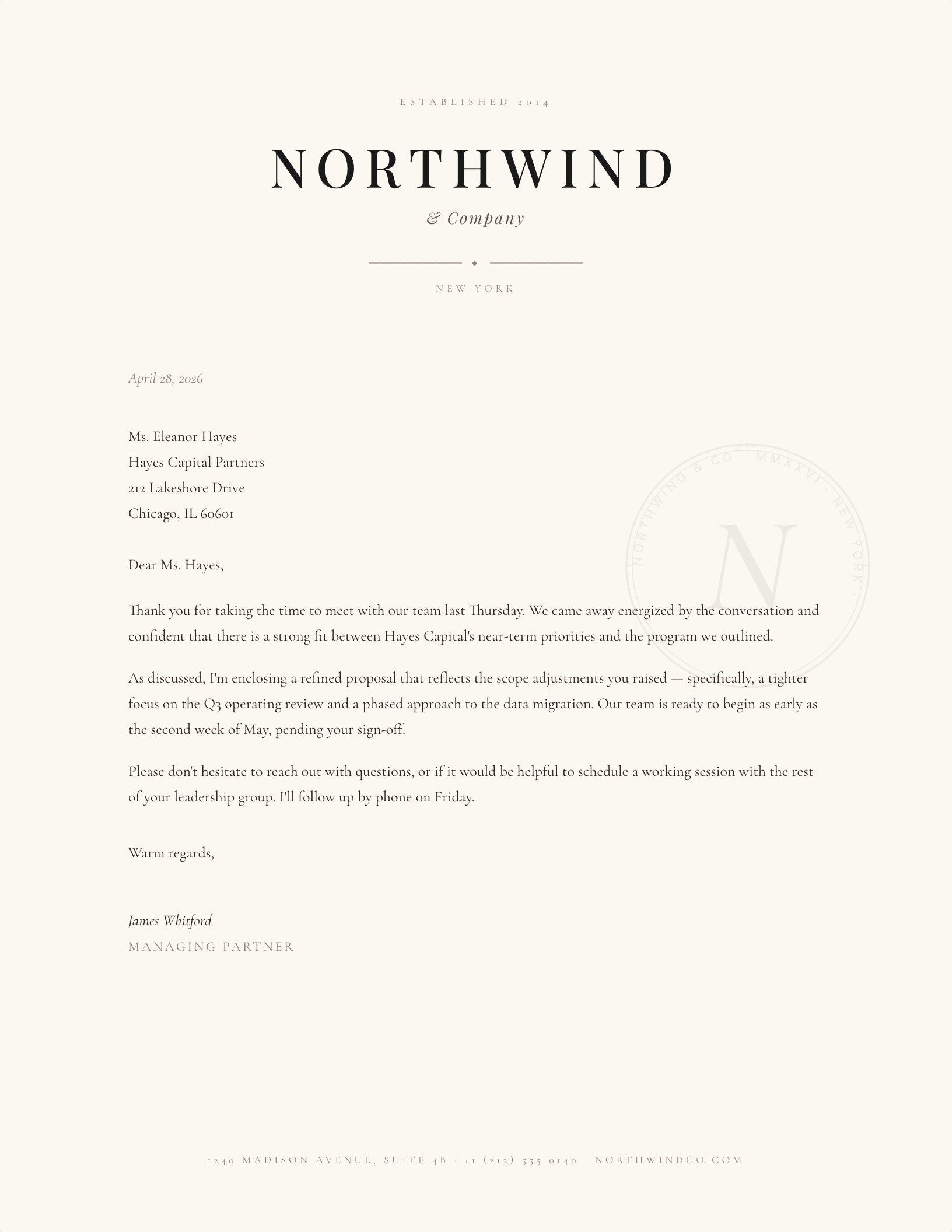
Didone Centered, Engraved
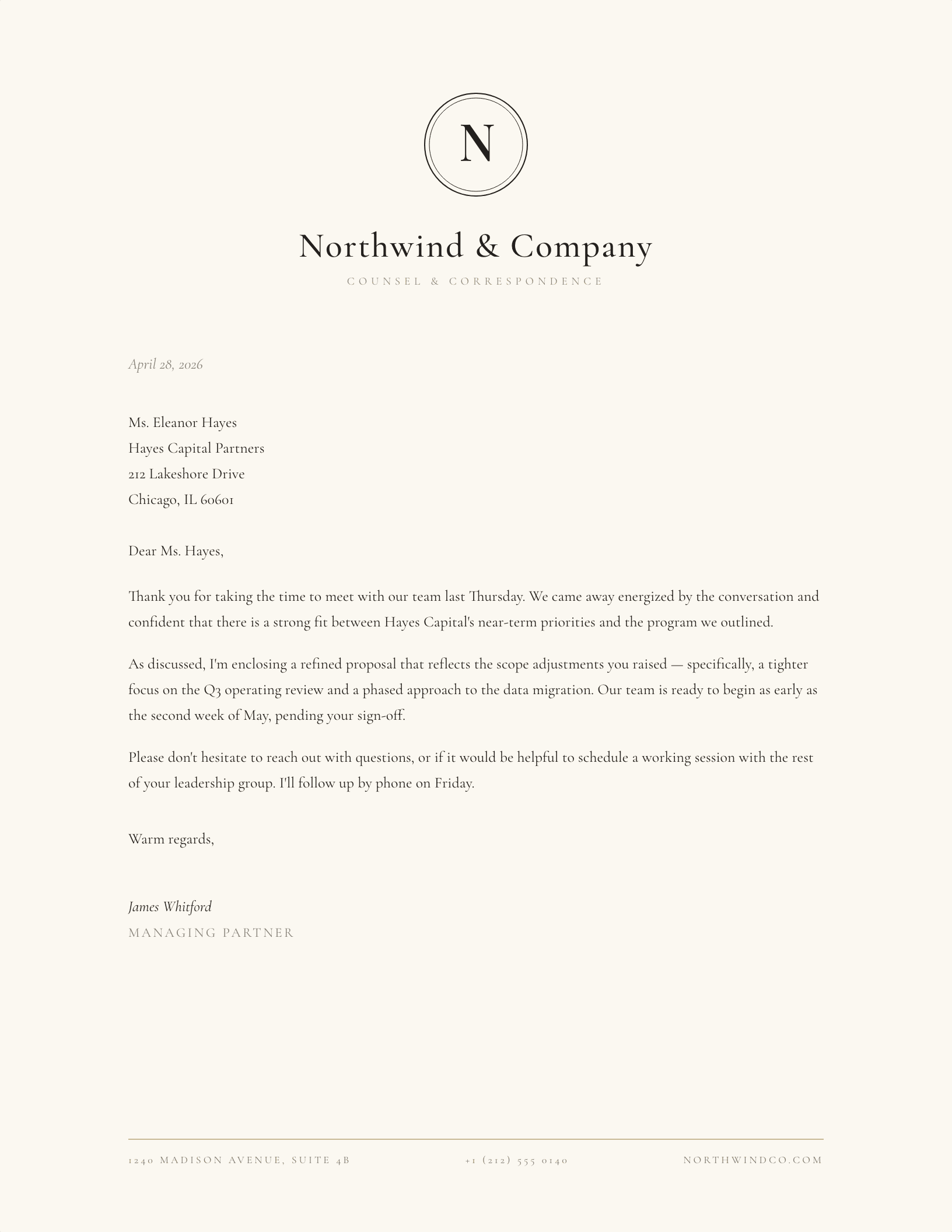
Engraved Crest Monogram
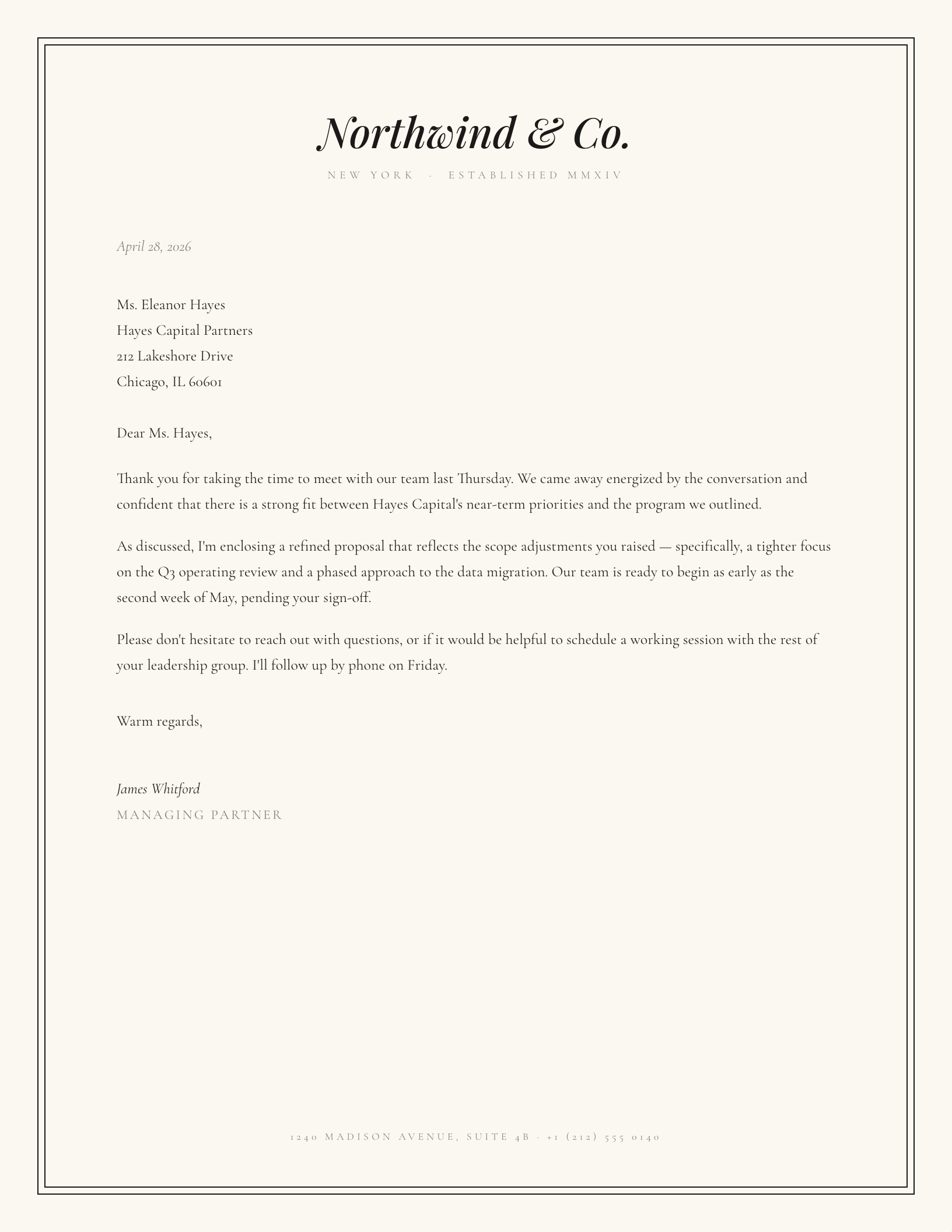
Hairline Border Frame
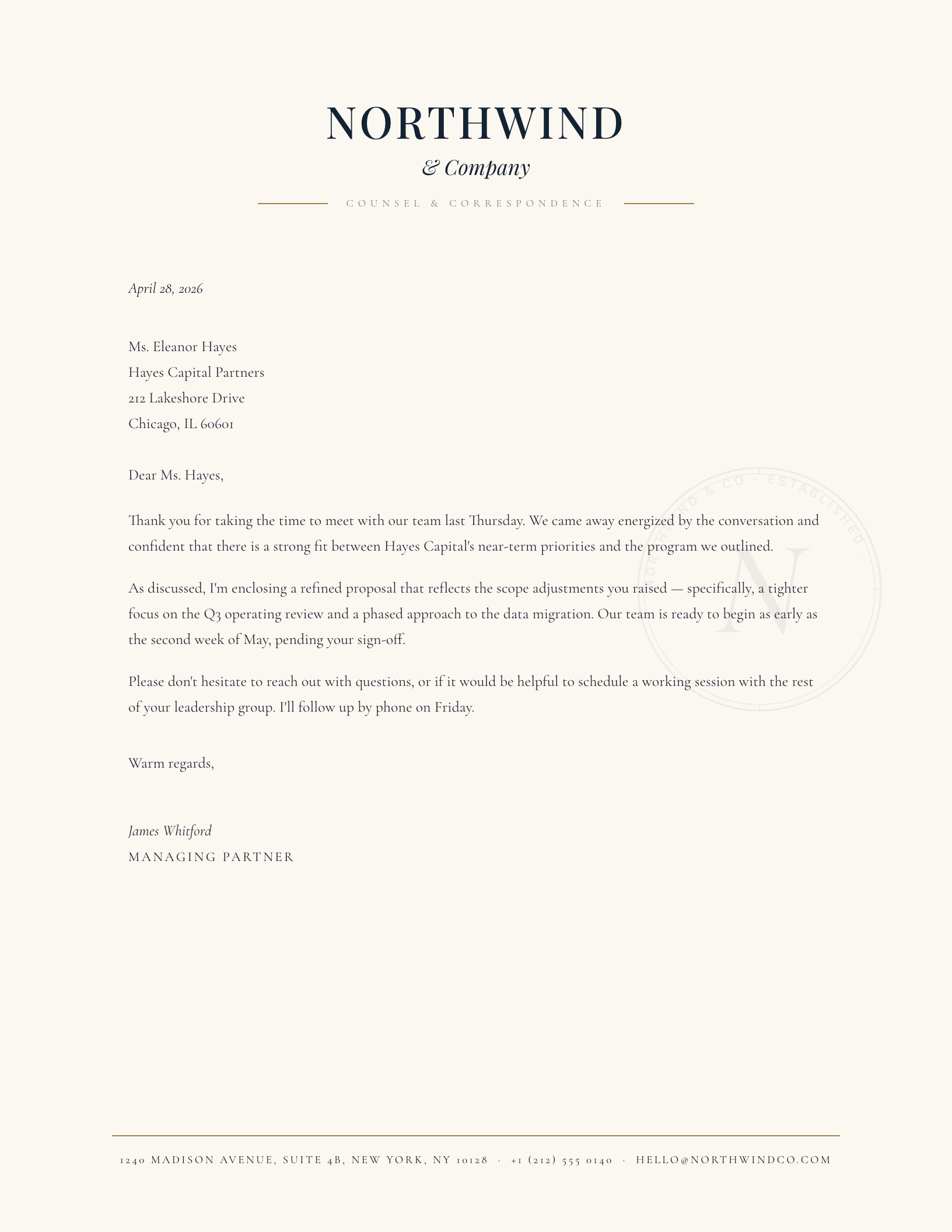
Navy & Gold (Law Firm)
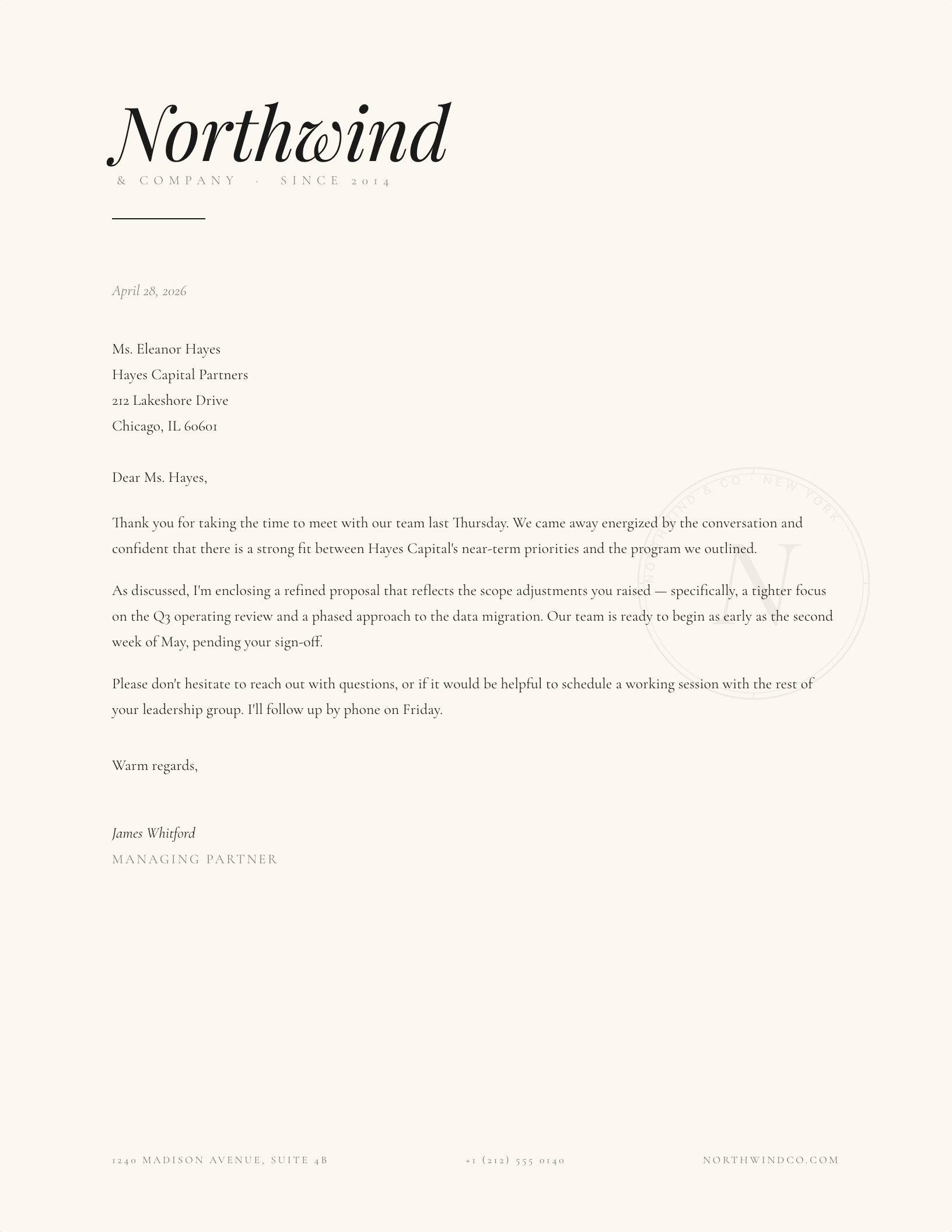
Italic Signature Wordmark
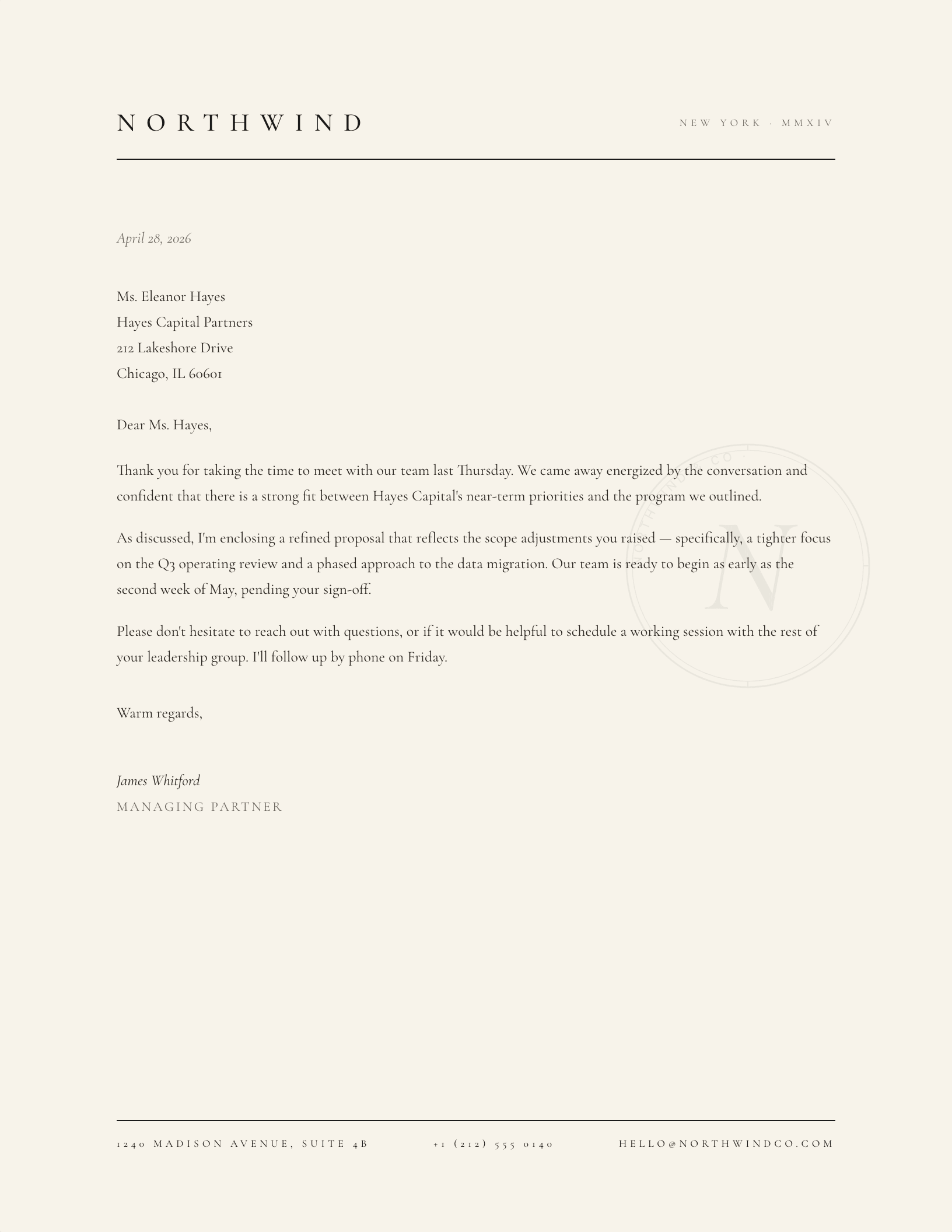
Letterspaced Caps, Cream
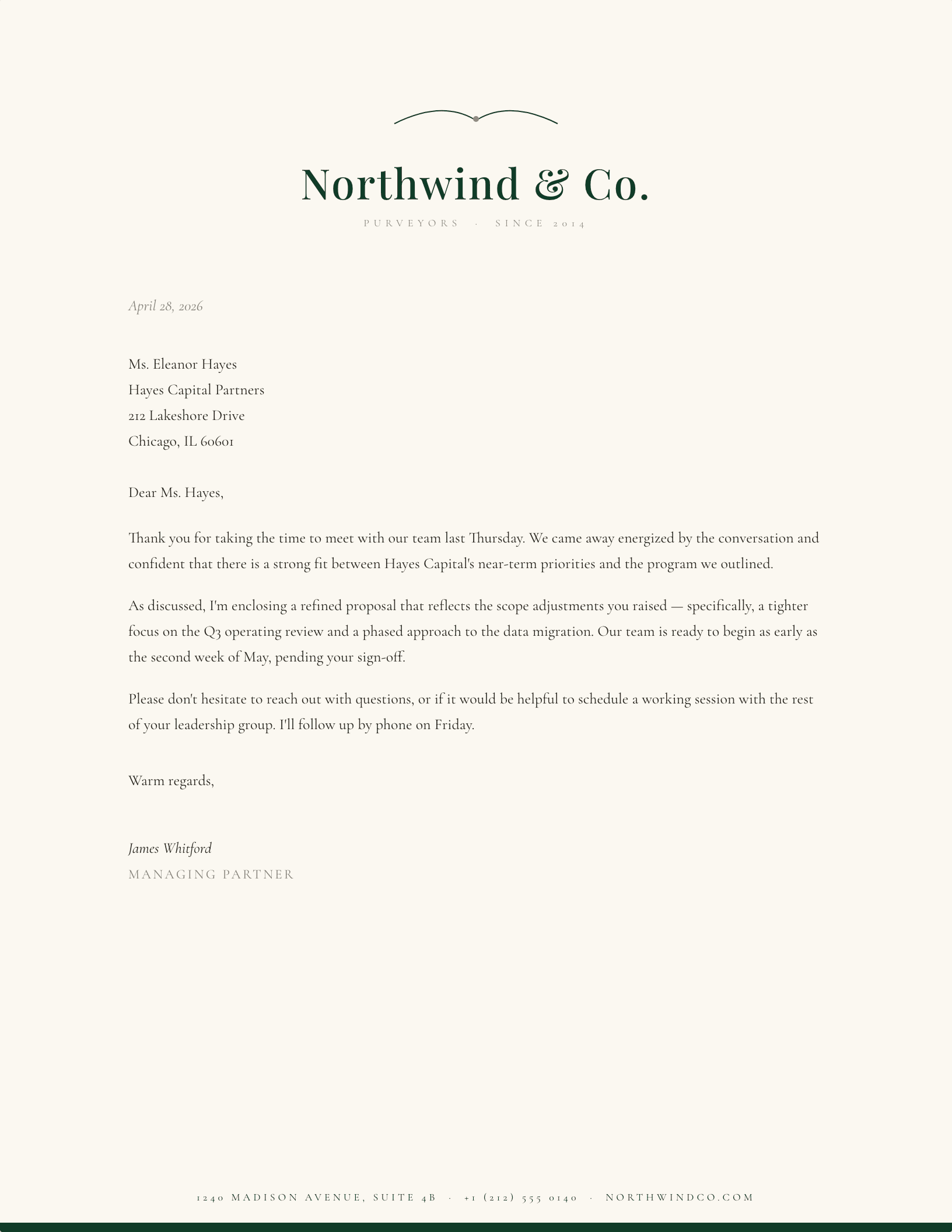
Emerald & Cream (Estate)
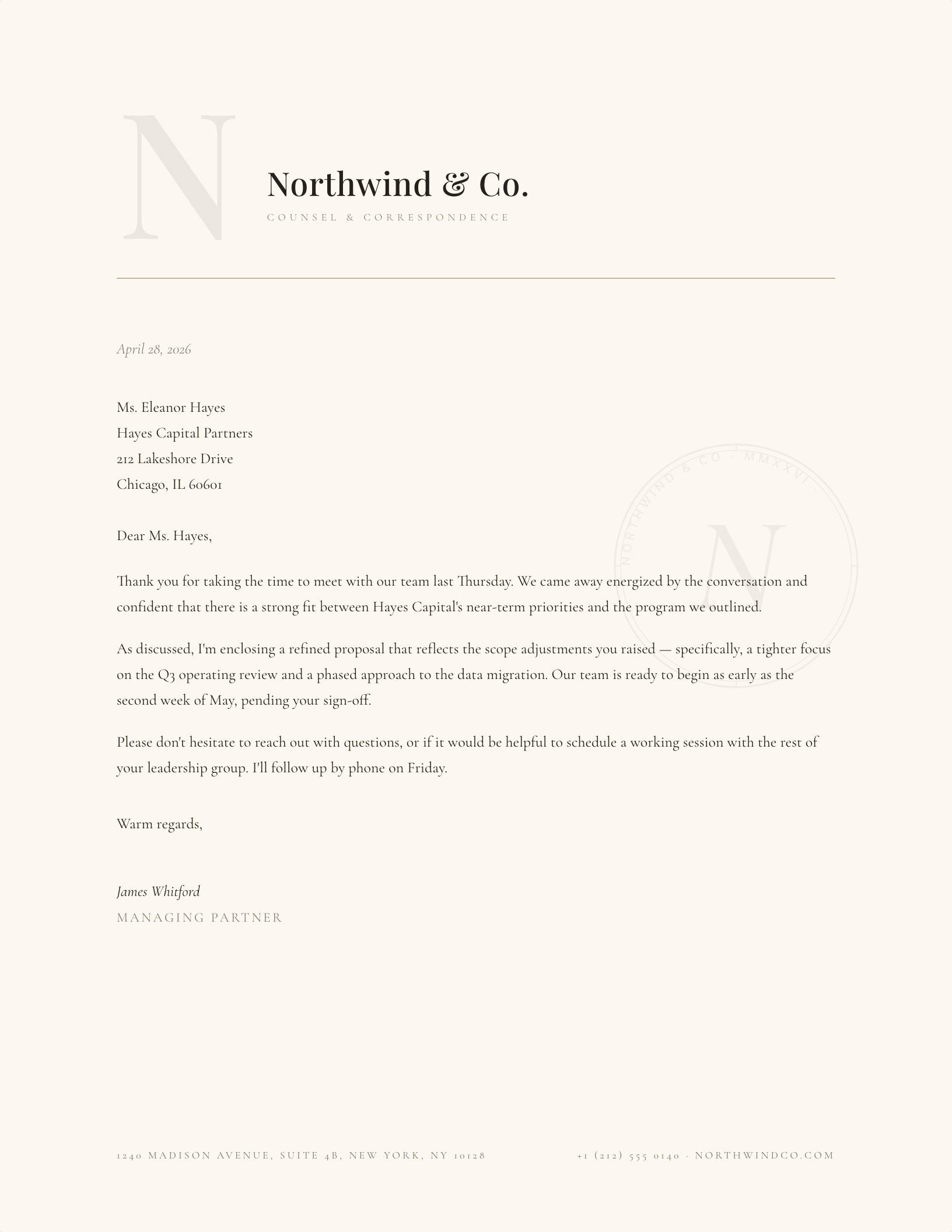
Embossed Initial
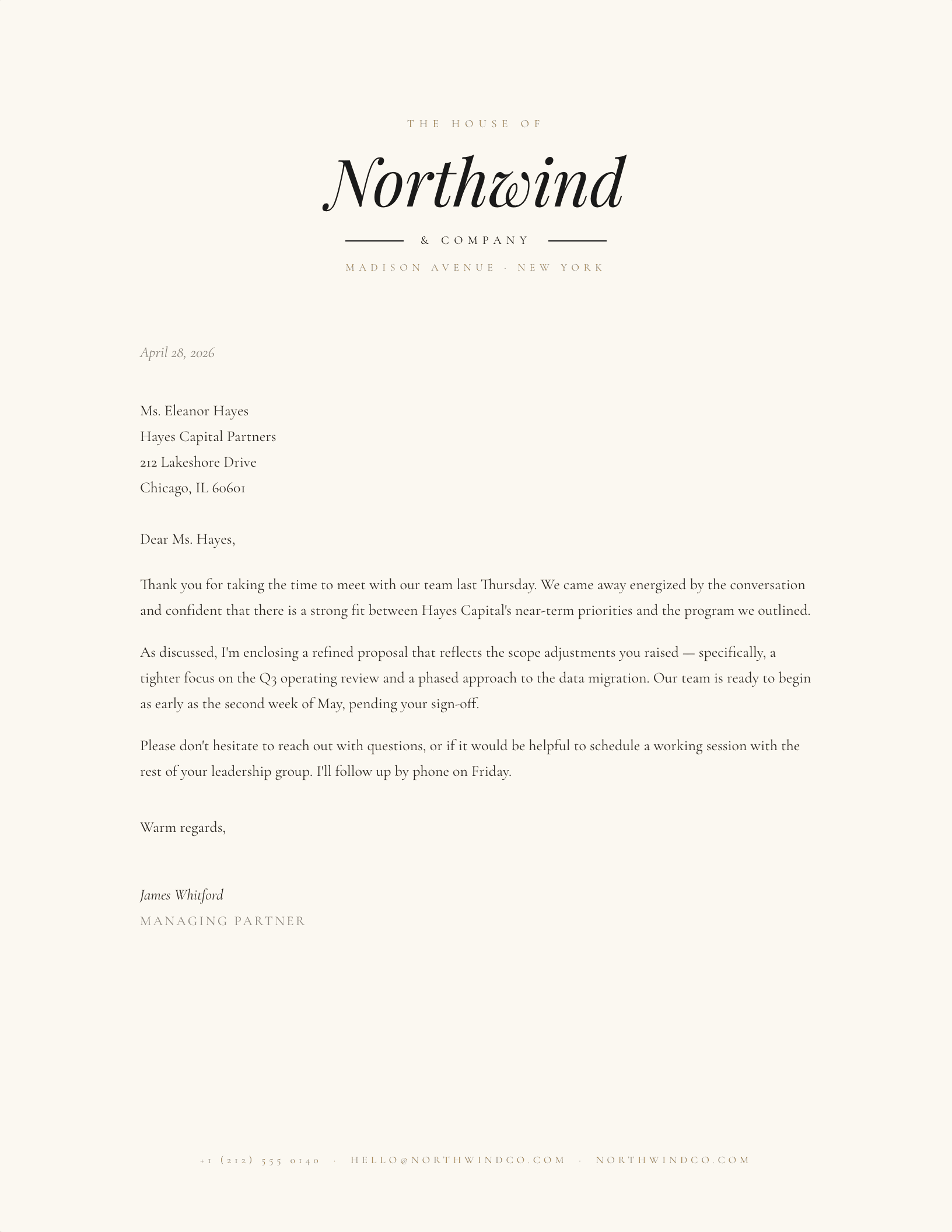
Concierge / House Of
Which elegant letterhead suits the occasion?
Elegance on a letterhead is almost entirely a matter of restraint. Two colours, one of them barely there. A serif with real contrast between thick and thin. A rule that is thinner than you think it should be. Everything on this page follows those three rules, which is why they read as considered rather than decorated.
An elegant business letterhead template has one practical trap: hairline rules and pale golds that look beautiful on screen can disappear on an office laser printer. Every rule here is set heavy enough to survive printing, and the gold is a warm ochre rather than a pale metallic — it reproduces as a colour rather than as a grey smudge.
Both formats carry the identical design. The Word download is a .dotx template, so opening it starts a new letter and leaves the original intact; the Google Docs link opens a copy in your Drive. If you want your own initials engraved into the mark rather than the placeholder, the monogram makers build it live before you download.
Updated through September 2026.
Set your name in it
- Pick a design and choose your editor — Microsoft Word downloads the template (a
.dotxfile; opening it creates a fresh document and leaves the original intact for next time), or Google Docs prompts you to make a copy in Drive. - Replace the placeholder tokens —
[Your Name],[Family Name],[Street Address],[Recipient], etc. Embedded graphics (monograms, crests, ornaments) can be replaced with your own — right-click → Change Picture (Word), or click → Replace image (Google Docs). - Type your letter where the sample paragraph is. Save and print on standard 8.5 × 11 paper, or send as a PDF.
Specifications: US Letter, 8.5 × 11 inches, portrait. Word downloads are .dotx templates and open in Word 2007 through Microsoft 365, including Word for Mac. Google Docs versions open as a copy in your own Drive. Every file is one page, fully editable, and free to use — no account and no watermark.