






Nonprofit Letterhead Templates
Ten free nonprofit letterhead templates for Microsoft Word and Google Docs — clean, low-ink layouts with room for your logo, your mission line and your registration details. Built for charities, foundations, schools and community organizations.
10 nonprofit letterhead examples
Every template ships in both Microsoft Word (.dotx) and Google Docs. The .dotx download opens in Word as a fresh document; the Google Docs link opens a copy directly in your browser.
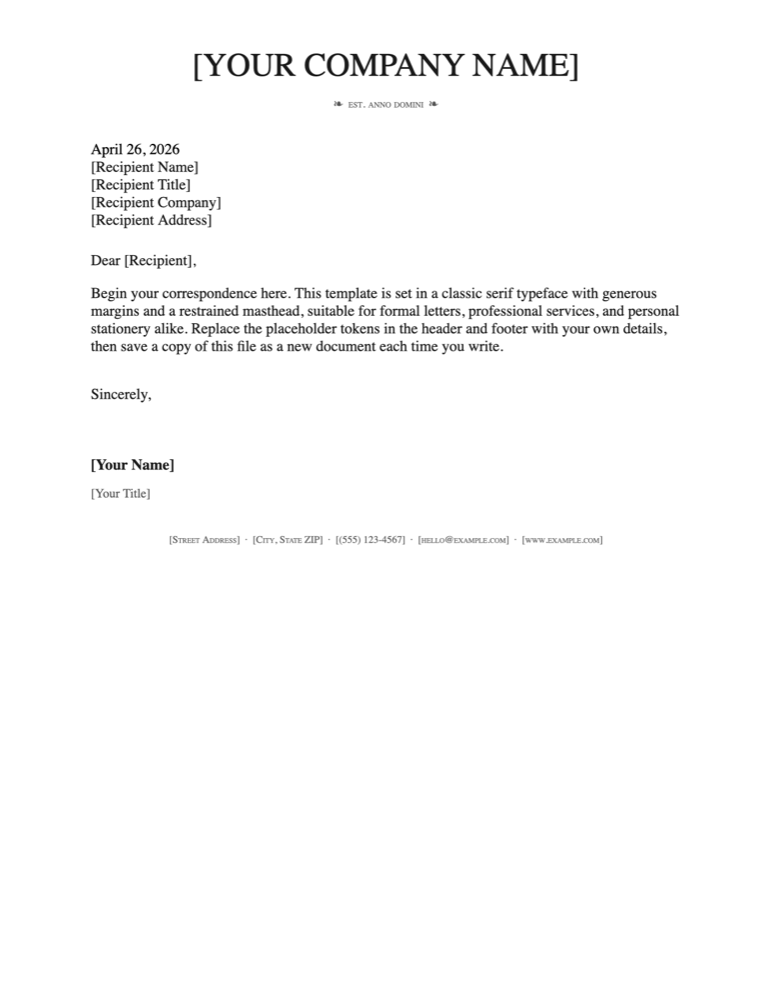
Classic Serif
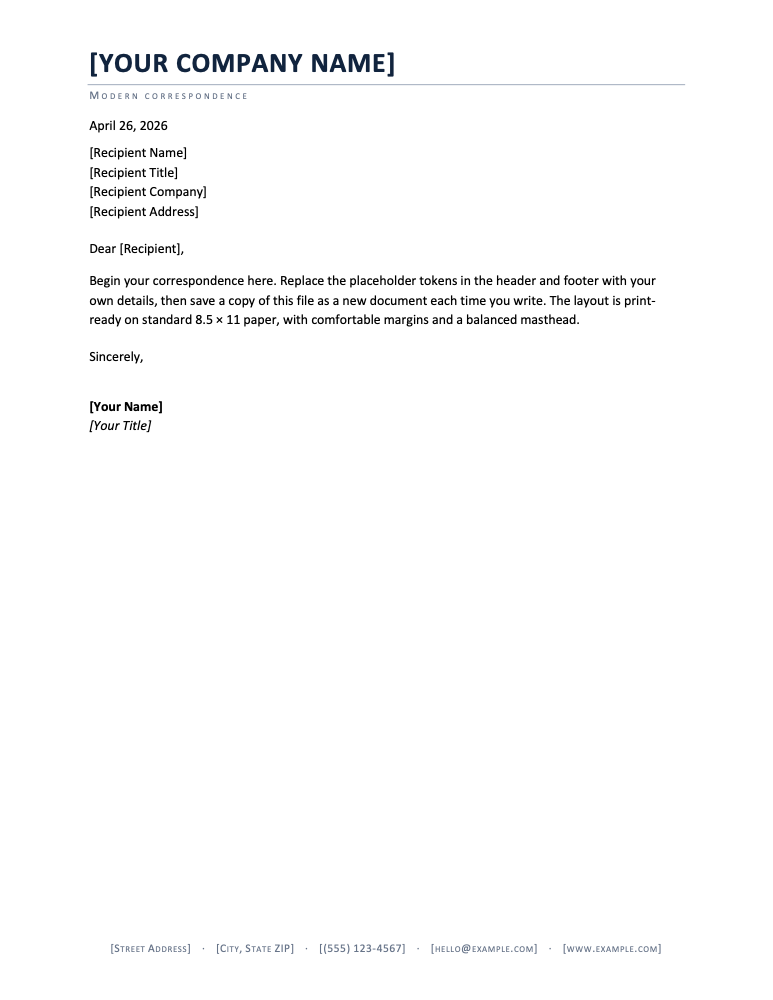
Modern Minimalist
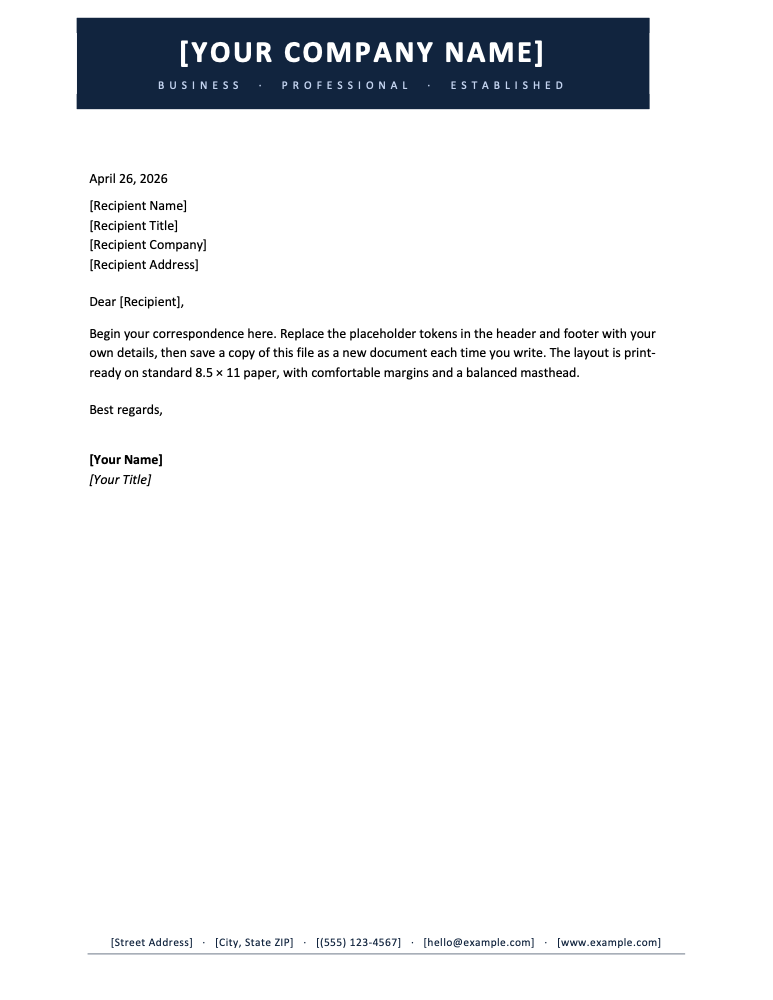
Bold Corporate
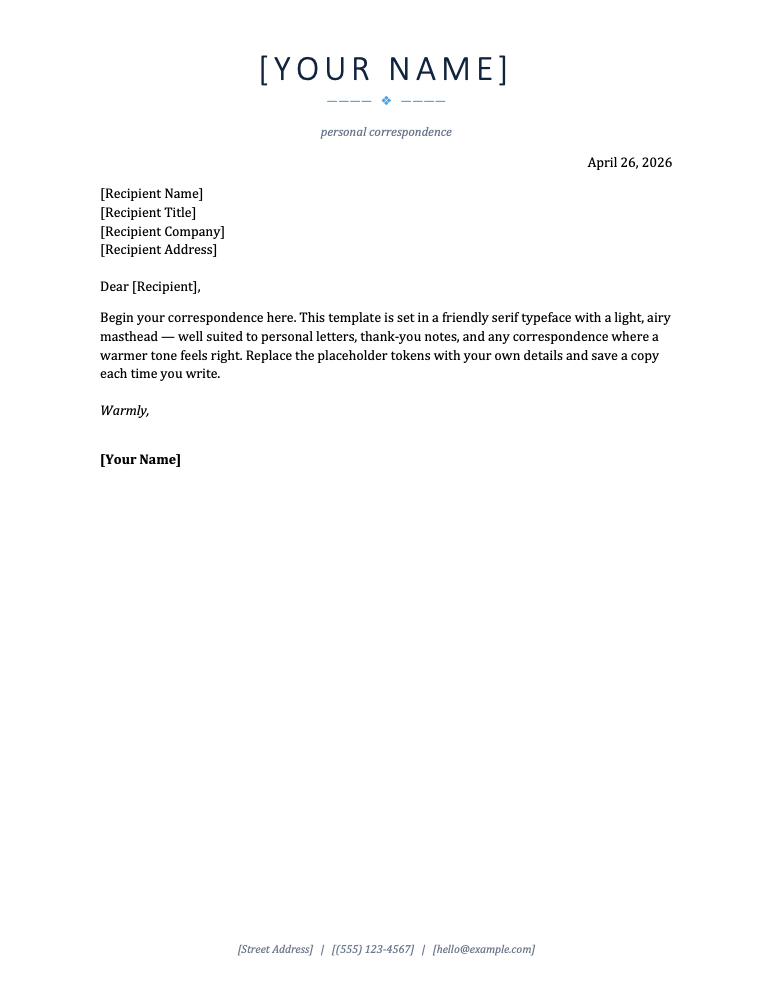
Modern Personal
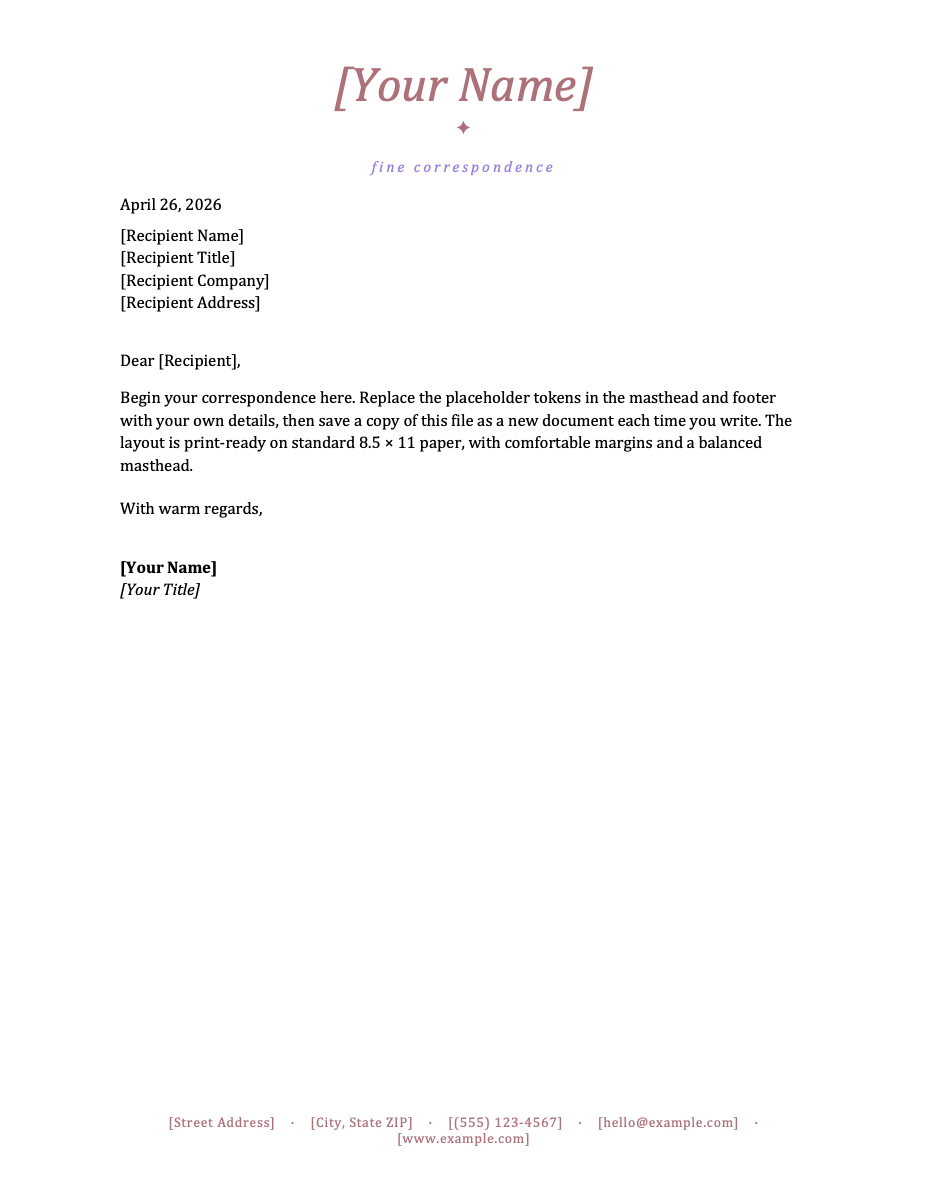
Elegant Script
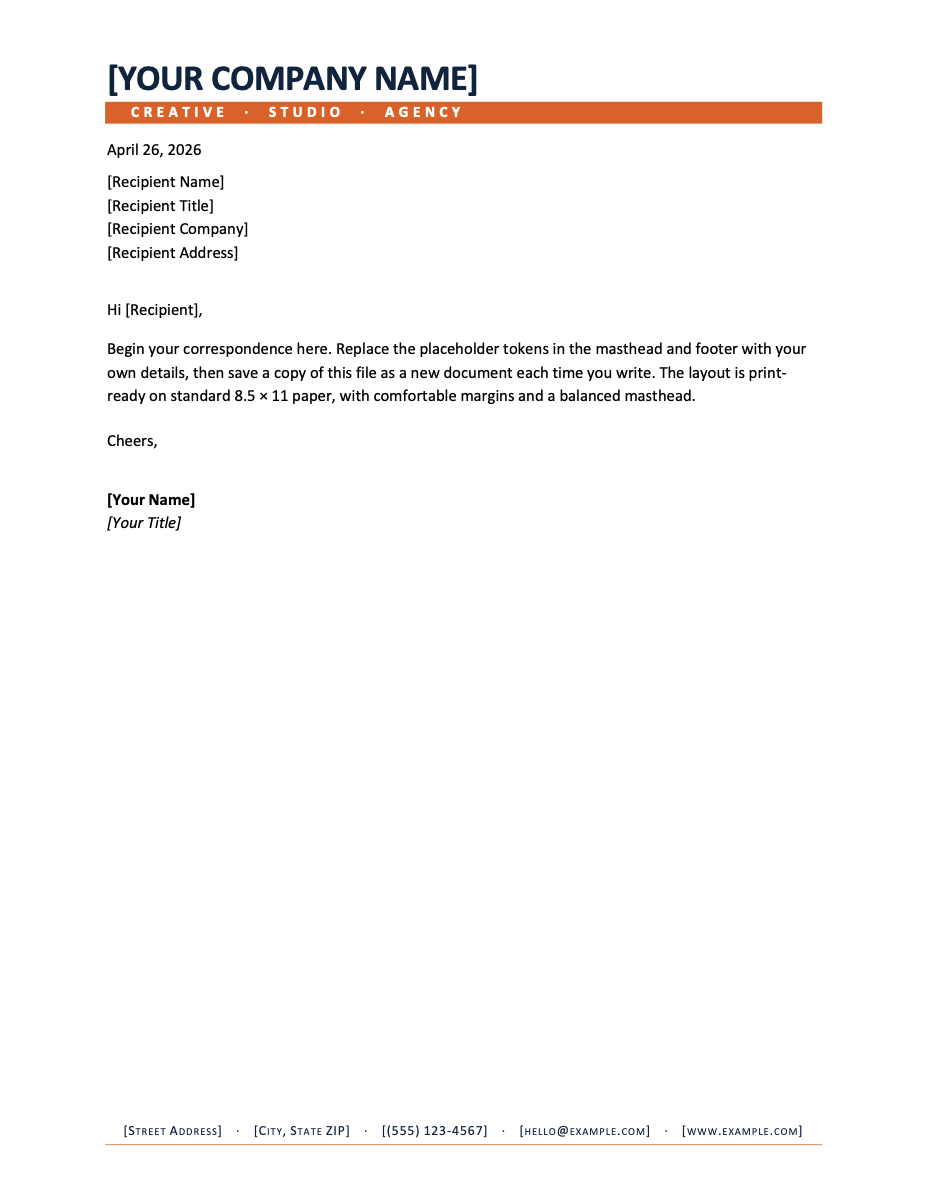
Creative Agency
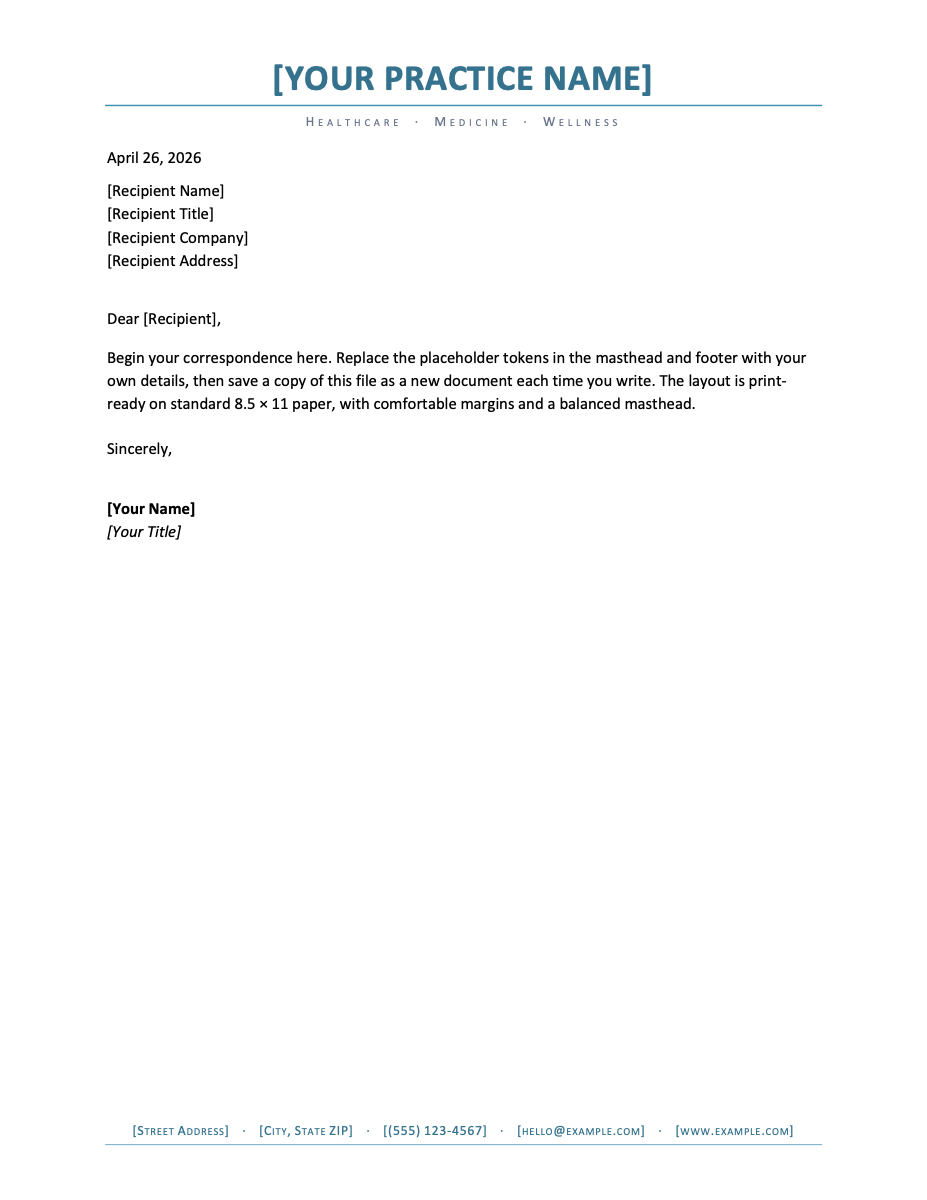
Medical Practice
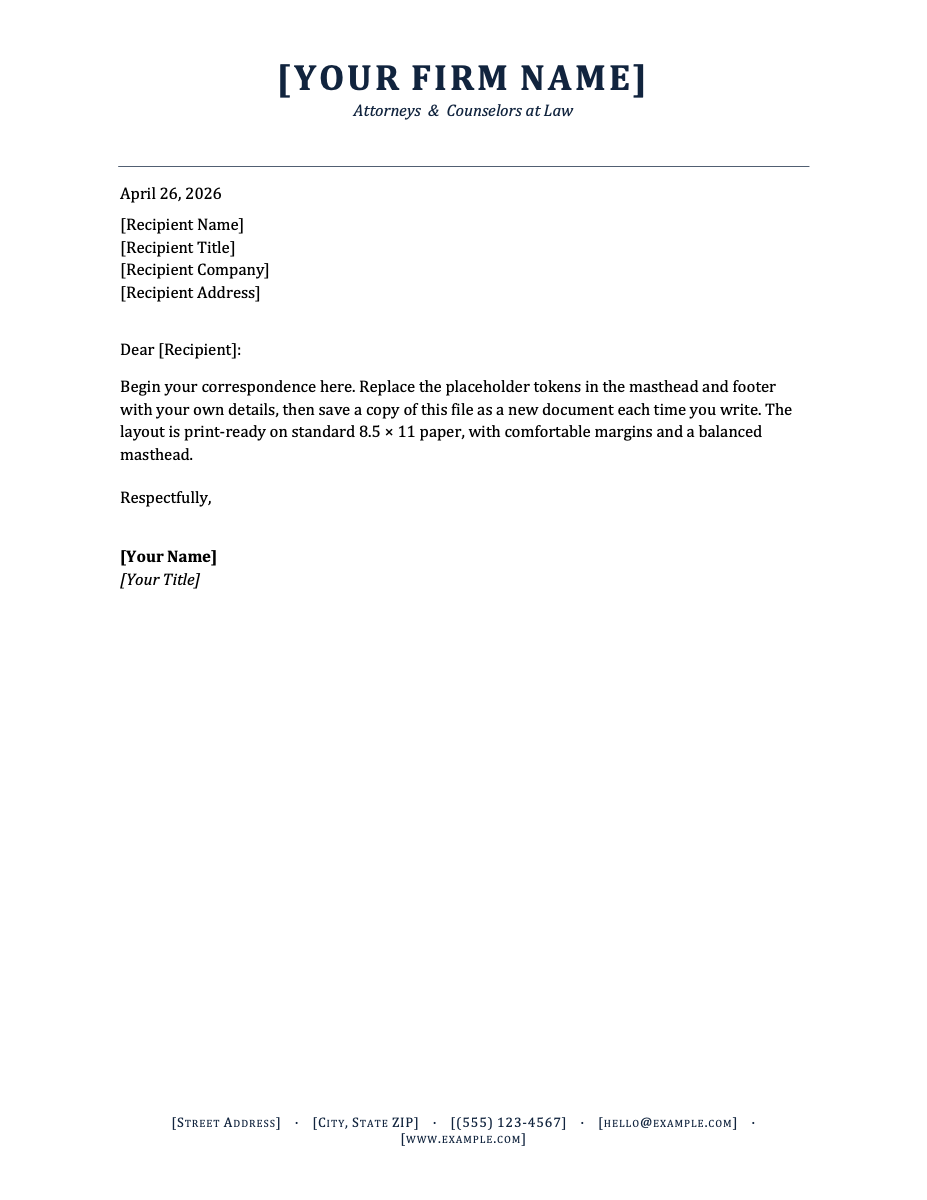
Law Firm
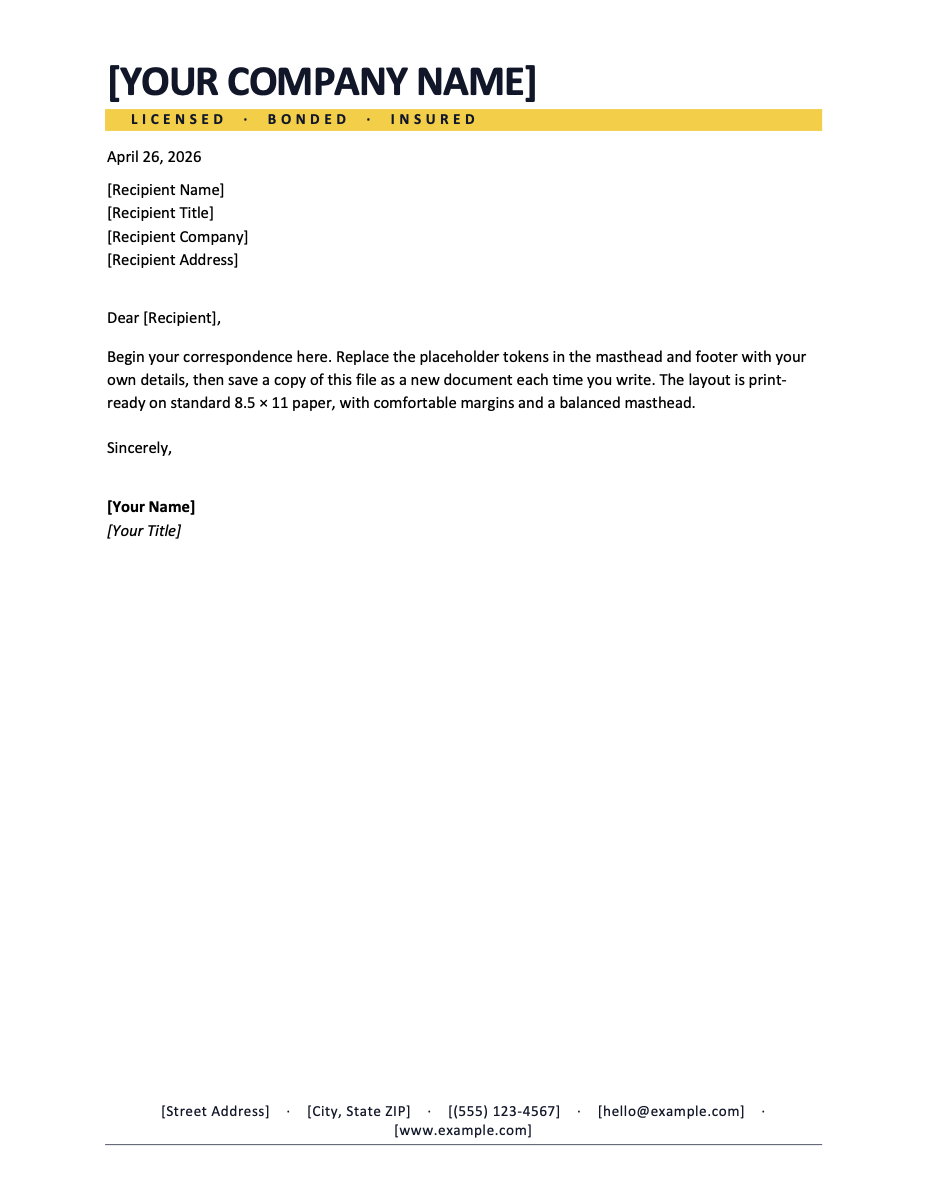
Construction Trades
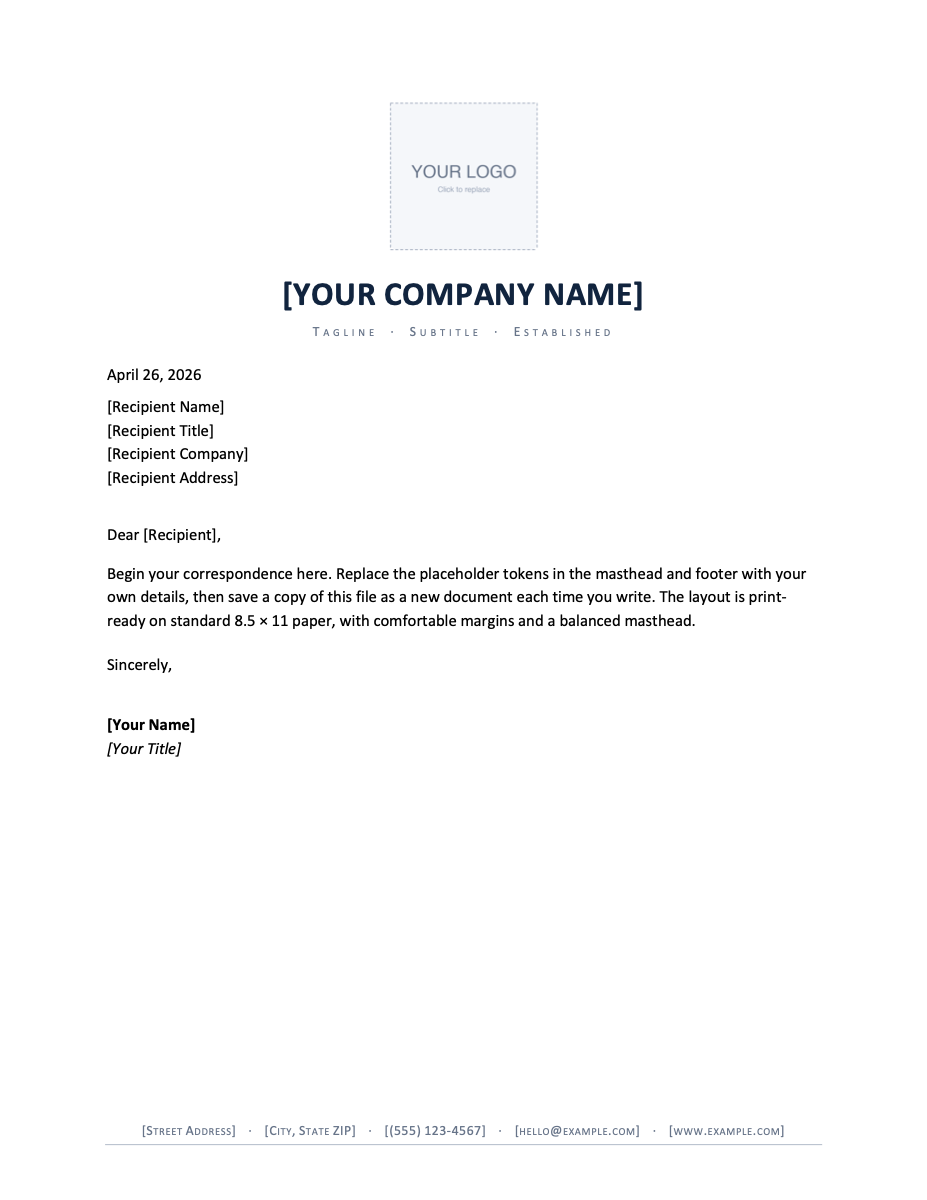
Logo Centered
Which letterhead fits your mission?
Nonprofit letterhead has requirements a commercial template does not. Donors, grant officers and regulators all look for the same handful of details, and if they are missing the letter creates work instead of trust. Before you send anything on organization stationery, check it carries:
- Your registered legal name, which is often not the name you use publicly.
- Charitable registration or tax-exempt status — in the United States the 501(c)(3) line and EIN; elsewhere the equivalent registered-charity number.
- A physical address. Donation acknowledgements in particular are expected to show one.
- A short mission line, if you have one. It does more work on a letterhead than anywhere else on your printed material.
The designs here are deliberately restrained, and that is a practical choice rather than an aesthetic one. Organizations printing acknowledgement letters in volume are usually printing them on an office machine, and a full-bleed colour header is expensive in ink and slow to print. Every layout on this page keeps colour to a rule, a band or a mark, so a hundred letters cost about what a hundred plain pages cost.
Adding your logo
The logo-placeholder design takes your own mark directly: right-click and choose Change Picture in Word, or click and choose Replace image in Google Docs. If you would rather position and scale it live before downloading, the logo letterhead makers do that in the browser and bake the result into the file.
Board transitions happen too — when a director steps down, our non-profit board resignation letters handle the governance side: bylaws-aware effective dates, records handed over, the successor briefed.
All ten are free for your organization to download, edit and use — for appeals, acknowledgements, grant correspondence and board letters alike. Please do not redistribute the template files themselves elsewhere on the web.
Updated through September 2026.
Add your organization details
- Pick a design and choose your editor — Microsoft Word downloads the template (a
.dotxfile; opening it creates a fresh document and leaves the original intact for next time), or Google Docs prompts you to make a copy in Drive. - Replace the placeholder tokens —
[Your Name],[Family Name],[Street Address],[Recipient], etc. Embedded graphics (monograms, crests, ornaments) can be replaced with your own — right-click → Change Picture (Word), or click → Replace image (Google Docs). - Type your letter where the sample paragraph is. Save and print on standard 8.5 × 11 paper, or send as a PDF.
Specifications: US Letter, 8.5 × 11 inches, portrait. Word downloads are .dotx templates and open in Word 2007 through Microsoft 365, including Word for Mac. Google Docs versions open as a copy in your own Drive. Every file is one page, fully editable, and free to use — no account and no watermark.