






Modern Letterhead Templates
Ten modern letterhead template designs, free in Microsoft Word and Google Docs — restrained palettes, clean typography, asymmetric editorial layouts, soft watermarks and colour-block headers. Minimalism with a single accent doing the work.
10 creative and modern letterhead examples
Every template ships in both Microsoft Word (.dotx) and Google Docs. The .dotx download opens in Word as a fresh document; the Google Docs link opens a copy directly in your browser.
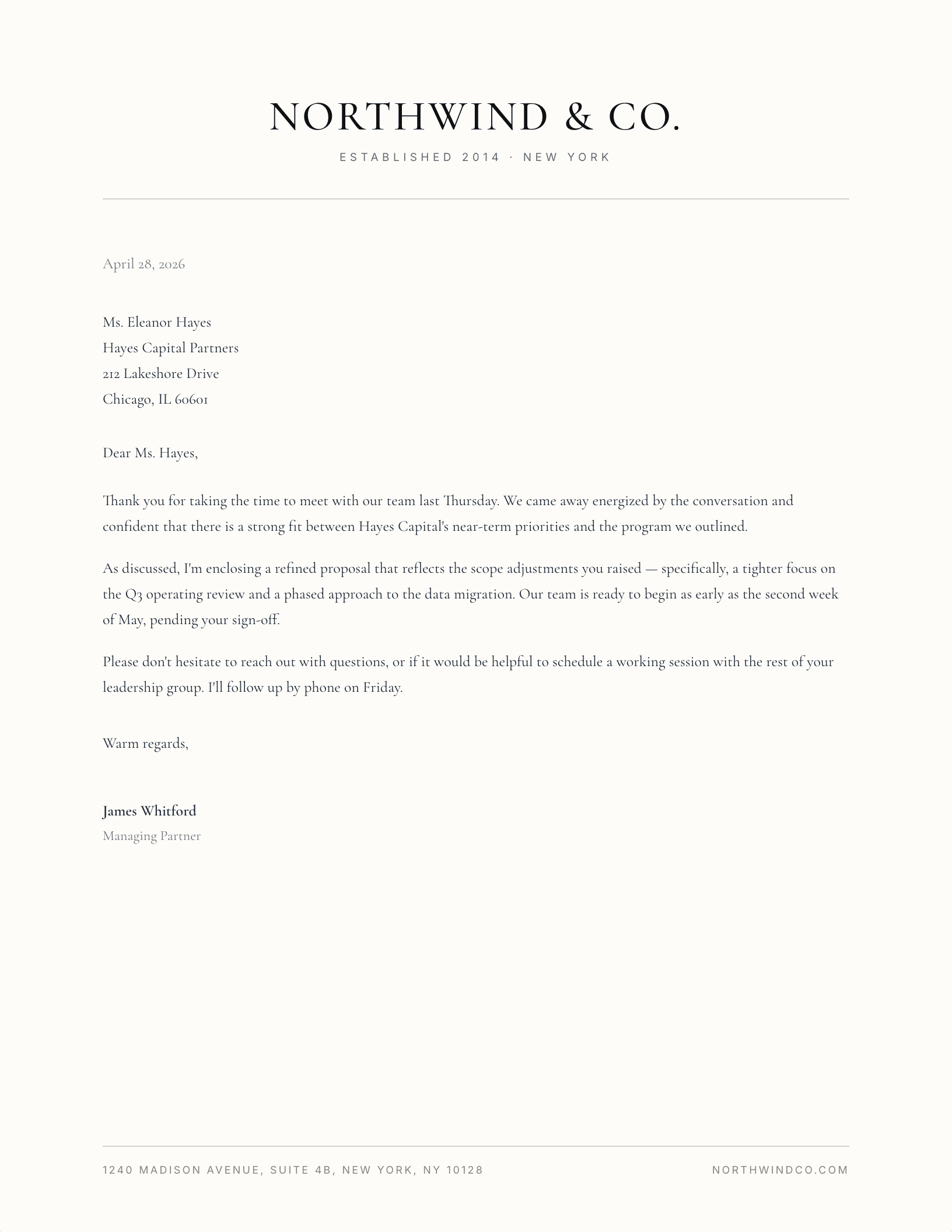
Classic Minimal Centered
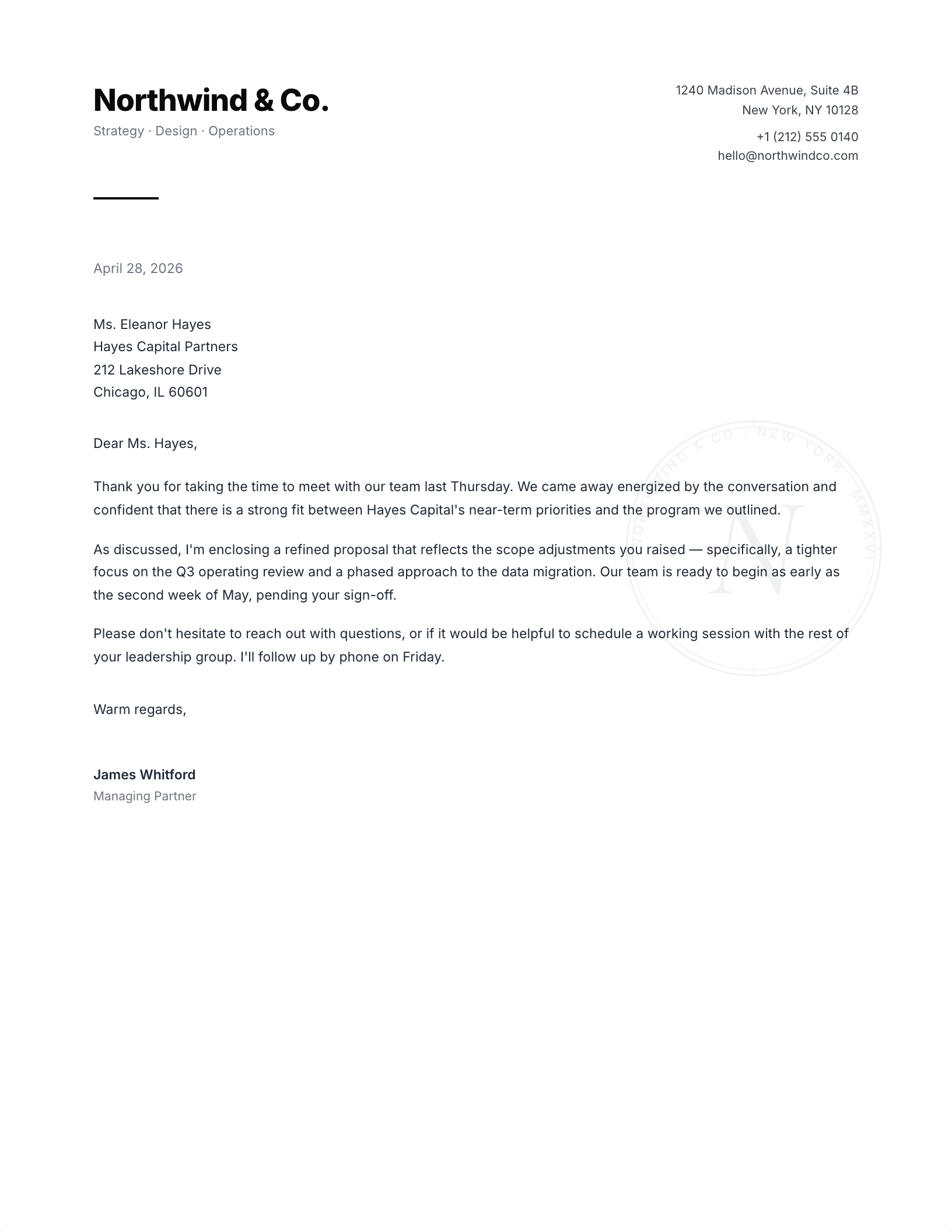
Modern Sans, Split Header
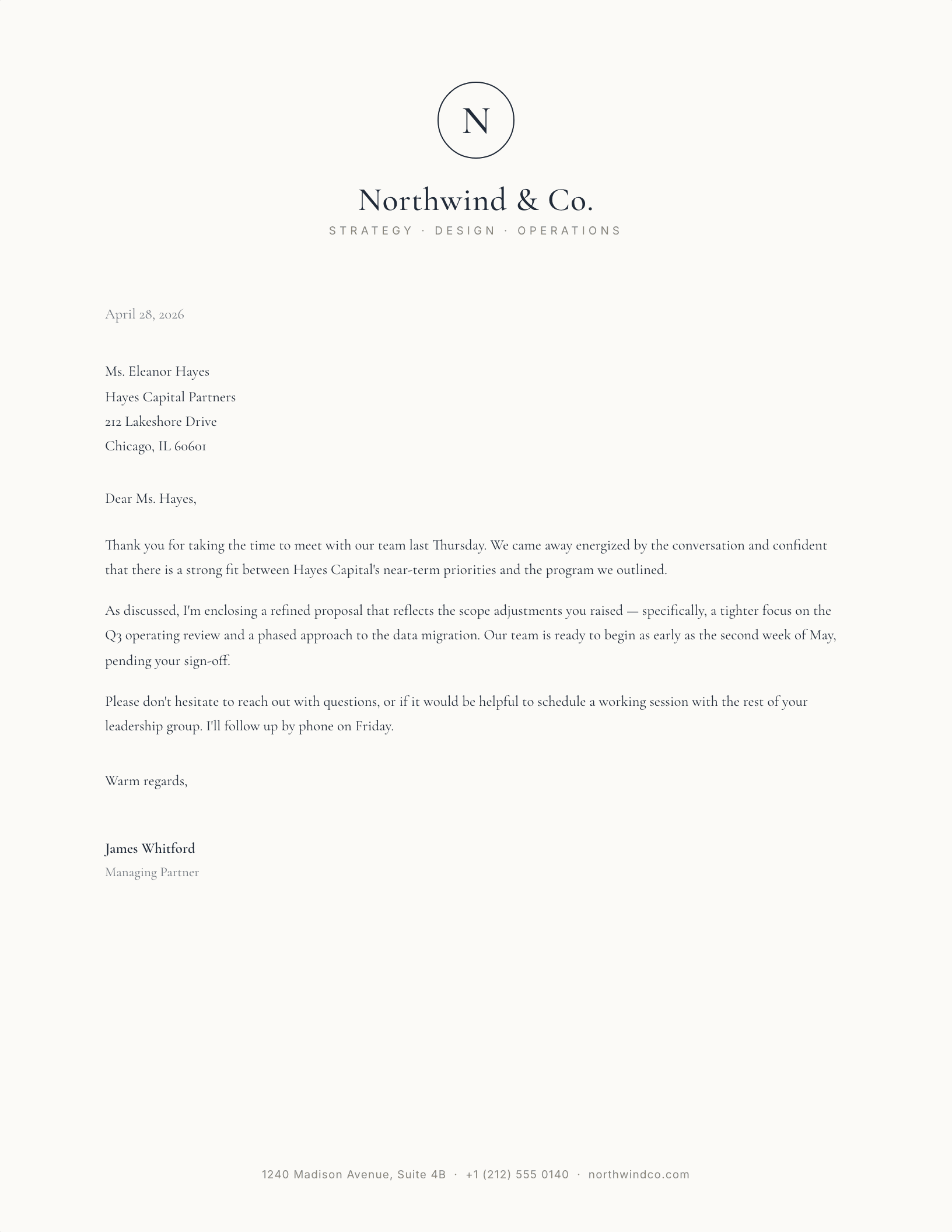
Monogram Mark, Centered Serif
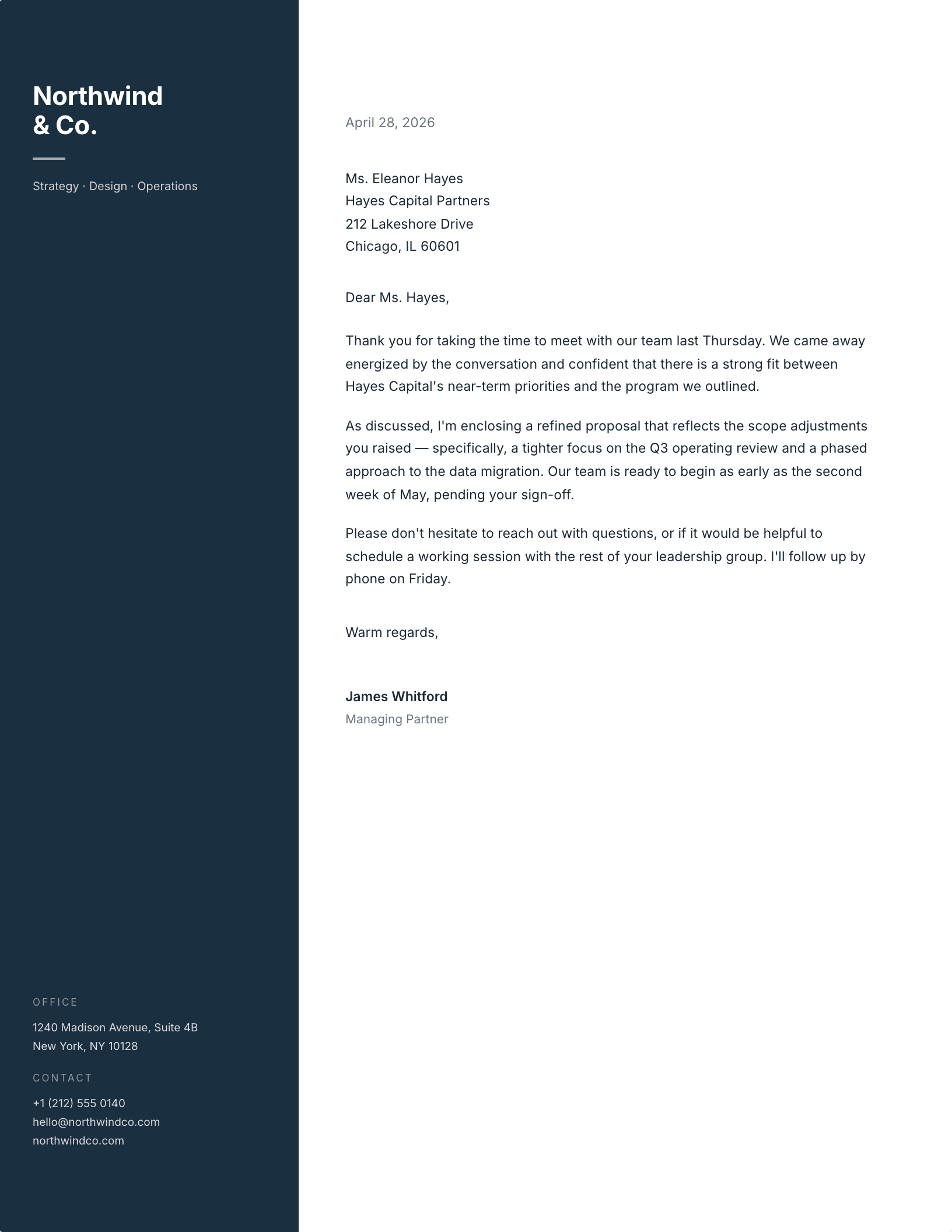
Ink-Blue Sidebar
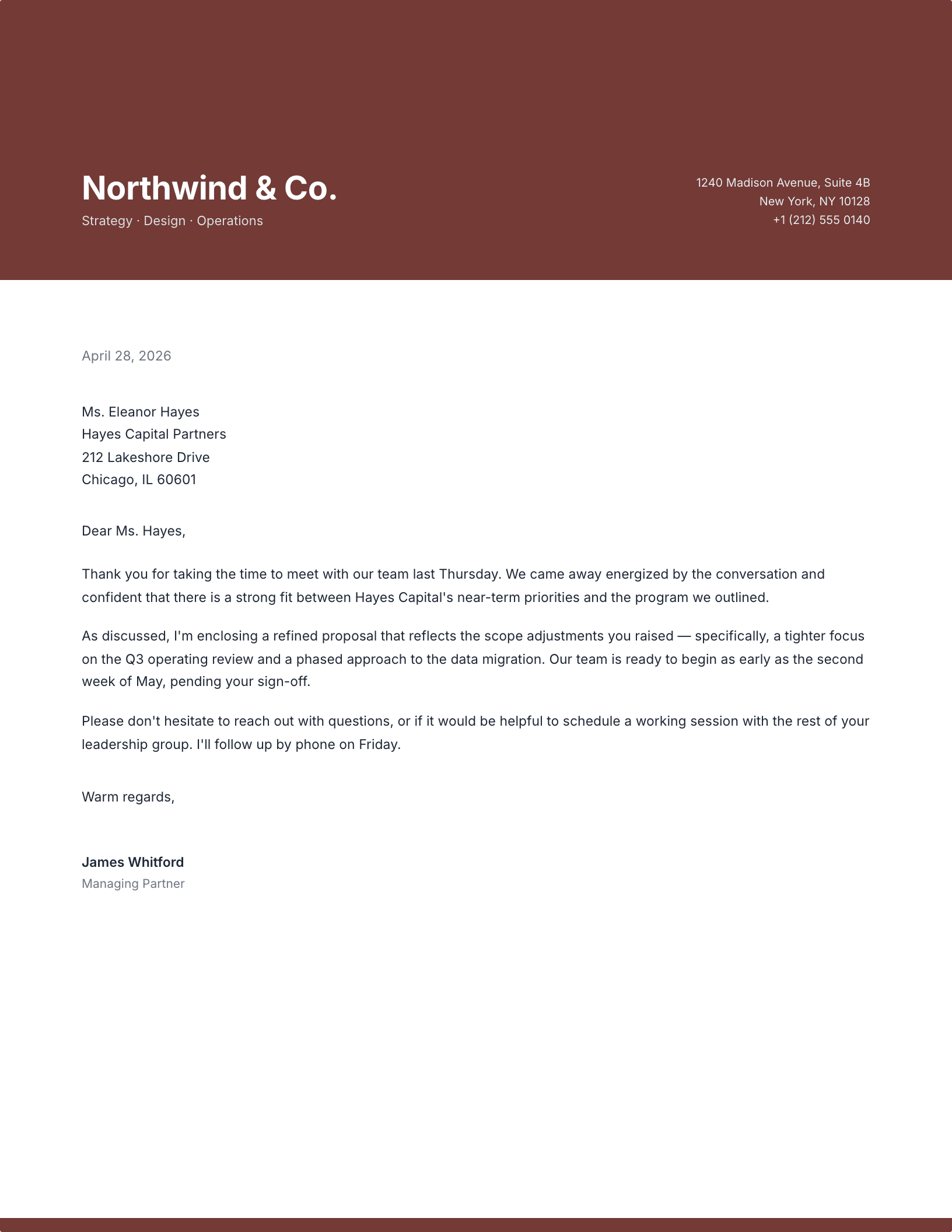
Two-Tone Color Block Header
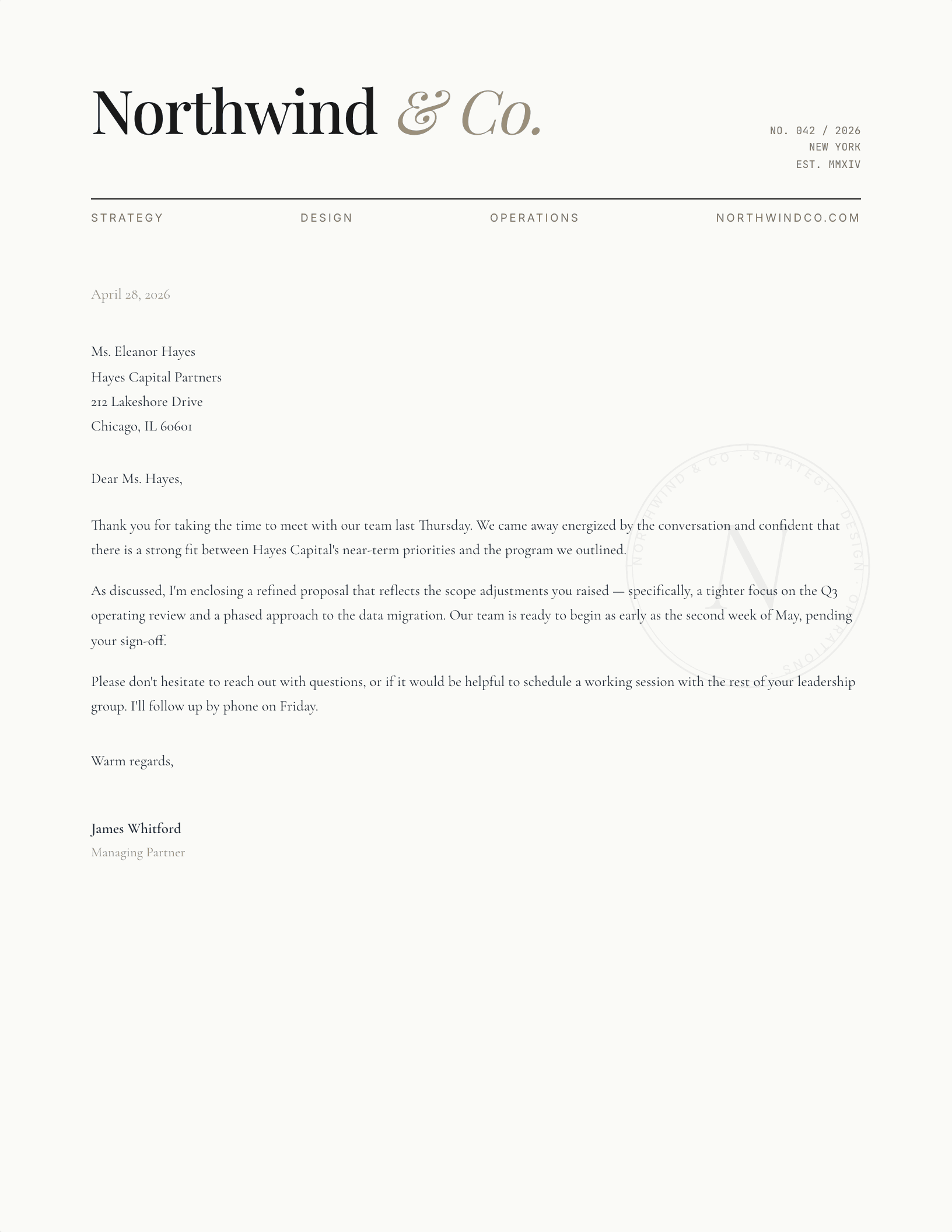
Editorial / Asymmetric
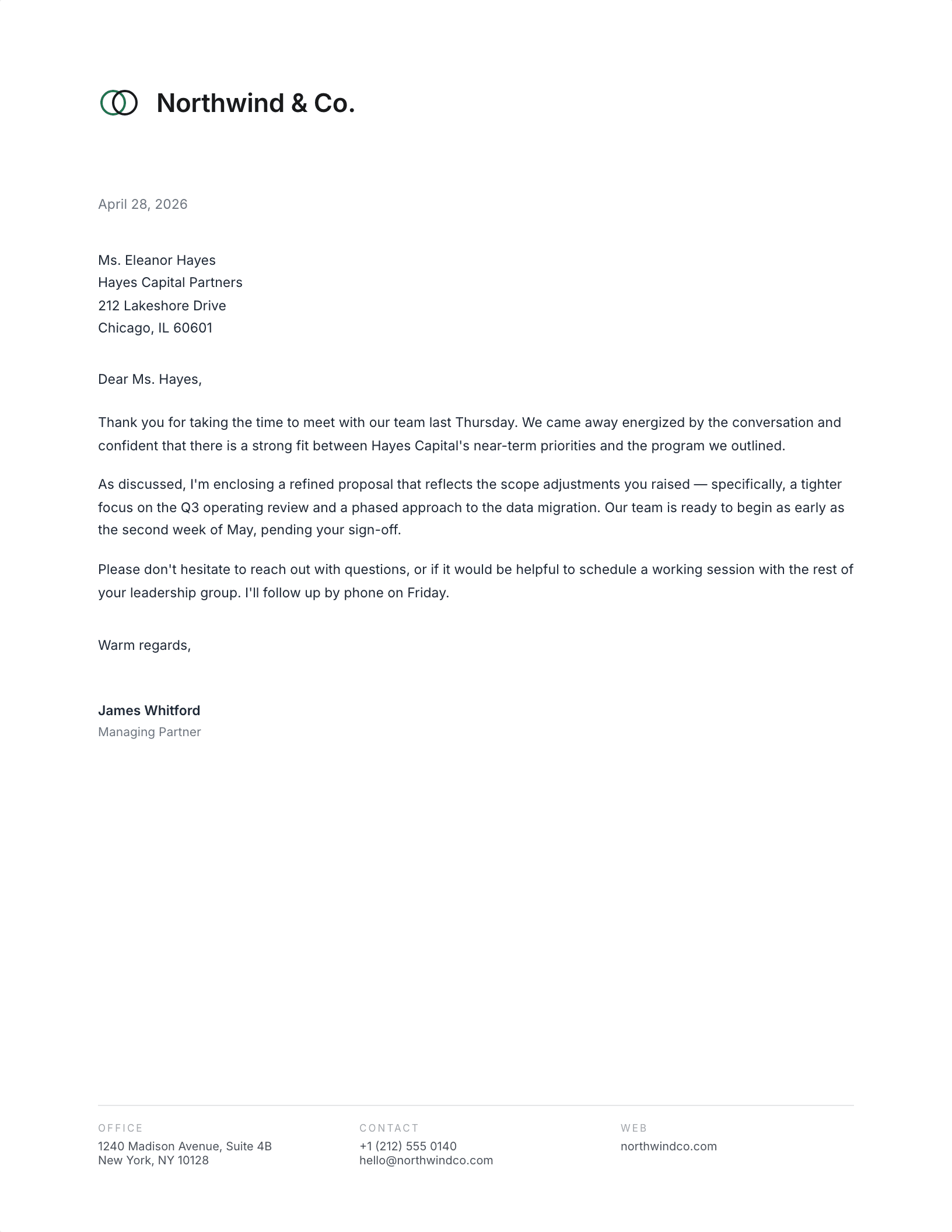
Geometric Mark
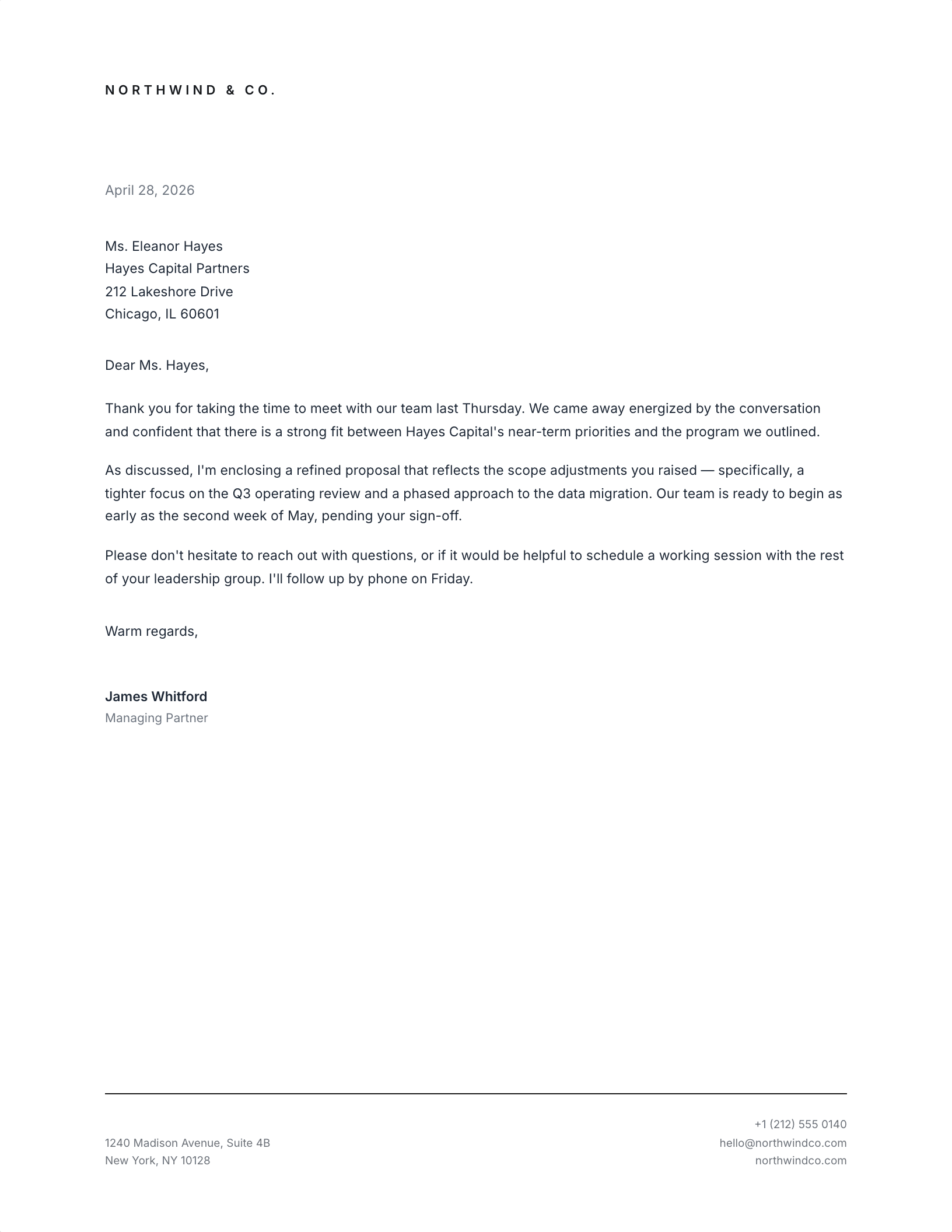
Footer-Anchored Minimal
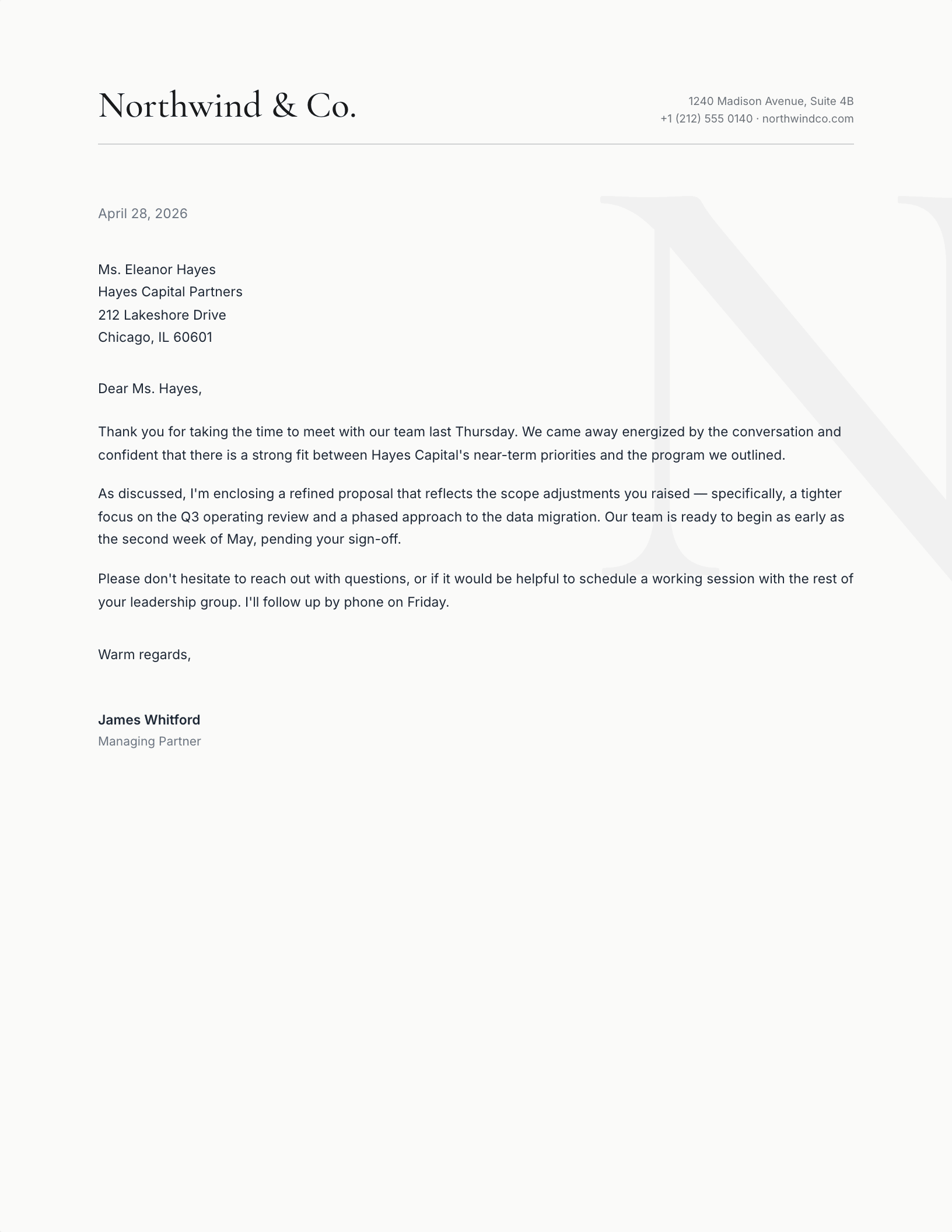
Right Justified Watermark
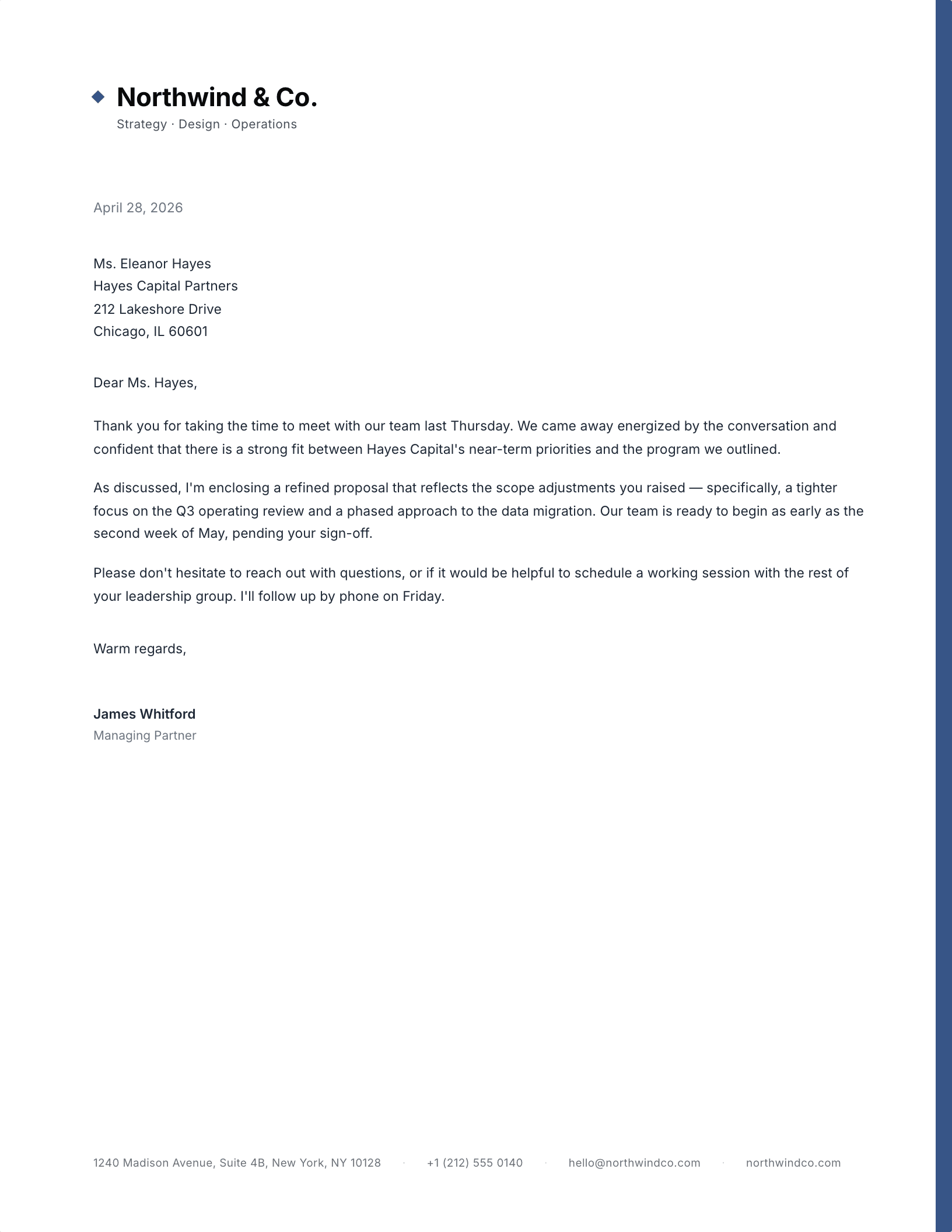
Color Spine, Right Edge
Which modern letterhead suits your work?
“Modern” in letterhead does not mean stripped bare. It means the structure carries the design instead of the ornament: one accent colour, a lot of white space, and type set with enough confidence that it does not need a border to look finished. Every layout here follows that rule, and every one of them still leaves you a full page to actually write on.
Four modern letterhead layouts, and when each one works
- Centred masthead — the safe one. Name over a rule, contact line beneath. Reads correctly in every context and never fights the letter.
- Asymmetric editorial — name large on the left, detail stacked right. The most contemporary of the four, and the best choice for a studio or agency where the letterhead is part of the pitch.
- Colour block — a band of solid colour carrying a reversed-out name. Strongest on screen and in PDF; check your printer before committing to it on paper.
- Watermark monogram — a large, pale initial behind the body copy. Quietest of the four, and the one that still looks deliberate after a hundred letters.
For a modern business letterhead template in Word, the download is a .dotx. Opening it starts a new document and leaves the template untouched, which is the behaviour you want from something you will use weekly. In Google Docs the same design opens as a copy in your Drive with nothing to install.
If you want your own initials in the mark rather than the placeholder, the monogram generator below builds it live and bakes it into the file before you download.
Updated through September 2026.
Swap the colours and go
- Pick a design and choose your editor — Microsoft Word downloads the template (a
.dotxfile; opening it creates a fresh document and leaves the original intact for next time), or Google Docs prompts you to make a copy in Drive. - Replace the placeholder tokens —
[Your Name],[Family Name],[Street Address],[Recipient], etc. Embedded graphics (monograms, crests, ornaments) can be replaced with your own — right-click → Change Picture (Word), or click → Replace image (Google Docs). - Type your letter where the sample paragraph is. Save and print on standard 8.5 × 11 paper, or send as a PDF.
Specifications: US Letter, 8.5 × 11 inches, portrait. Word downloads are .dotx templates and open in Word 2007 through Microsoft 365, including Word for Mac. Google Docs versions open as a copy in your own Drive. Every file is one page, fully editable, and free to use — no account and no watermark.